
Key Takeaways
-
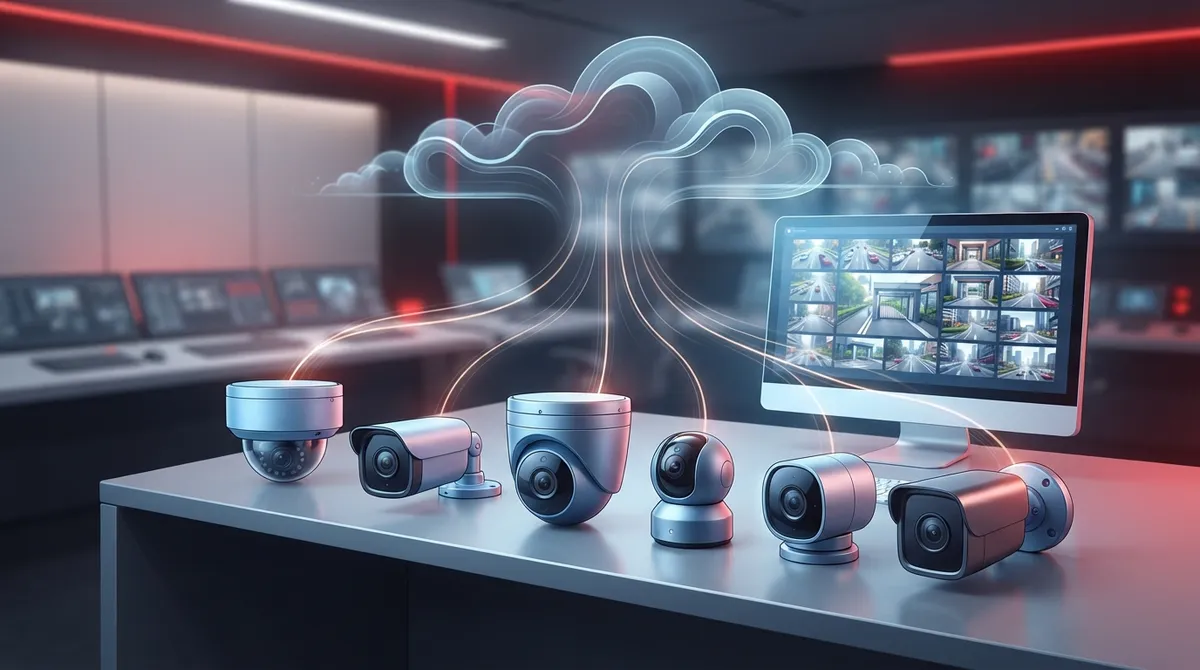
Cloud surveillance cameras send video to secure off-site storage, enabling remote access from any device and eliminating the need for on-site monitoring, making them ideal for multi-location businesses managing security from a single dashboard.
-
Different camera types serve specific purposes: dome cameras for discreet indoor monitoring, bullet cameras for visible outdoor deterrence, PTZ cameras for large active spaces, and 360-degree cameras for full-room coverage from a single unit.
-
Hybrid cloud systems record locally first then sync to the cloud, providing a safety net against internet outages, while fully cloud-native systems require consistent internet reliability but simplify hardware setup.
-
Modern cloud cameras offer AI features like motion search, license plate recognition, people counting, and heat mapping that automatically flag unusual activity, reducing the need for constant manual surveillance monitoring.
-
VSaaS subscriptions typically cost $20-$80 per camera monthly and include cloud storage, automatic software updates, and smart analytics, eliminating large upfront hardware costs compared to traditional NVR systems.
-
Network quality directly impacts camera performance; businesses should audit existing cabling and internet infrastructure before installation, as a weak connection can compromise even the best camera system's effectiveness.
Picking a security camera for your business used to be simple. You bought a camera, hooked it to a box in a closet, and hoped it worked when you needed it. Those days are gone. Today, business owners have a whole menu of types of cloud surveillance cameras to choose from, and honestly, that’s a good thing once you know what each type actually does.
Grab a coffee and let’s walk through this together. Whether you run a cozy Tampa storefront or manage security across a dozen franchise locations, this guide will help you understand your options without the tech-jargon headache. We’ll cover the main camera types, what they’re good at, and how modern cloud video systems work behind the scenes. By the end, you’ll feel confident talking to your telecom partner about exactly what your business needs.
What Makes a Camera a Cloud Surveillance Camera
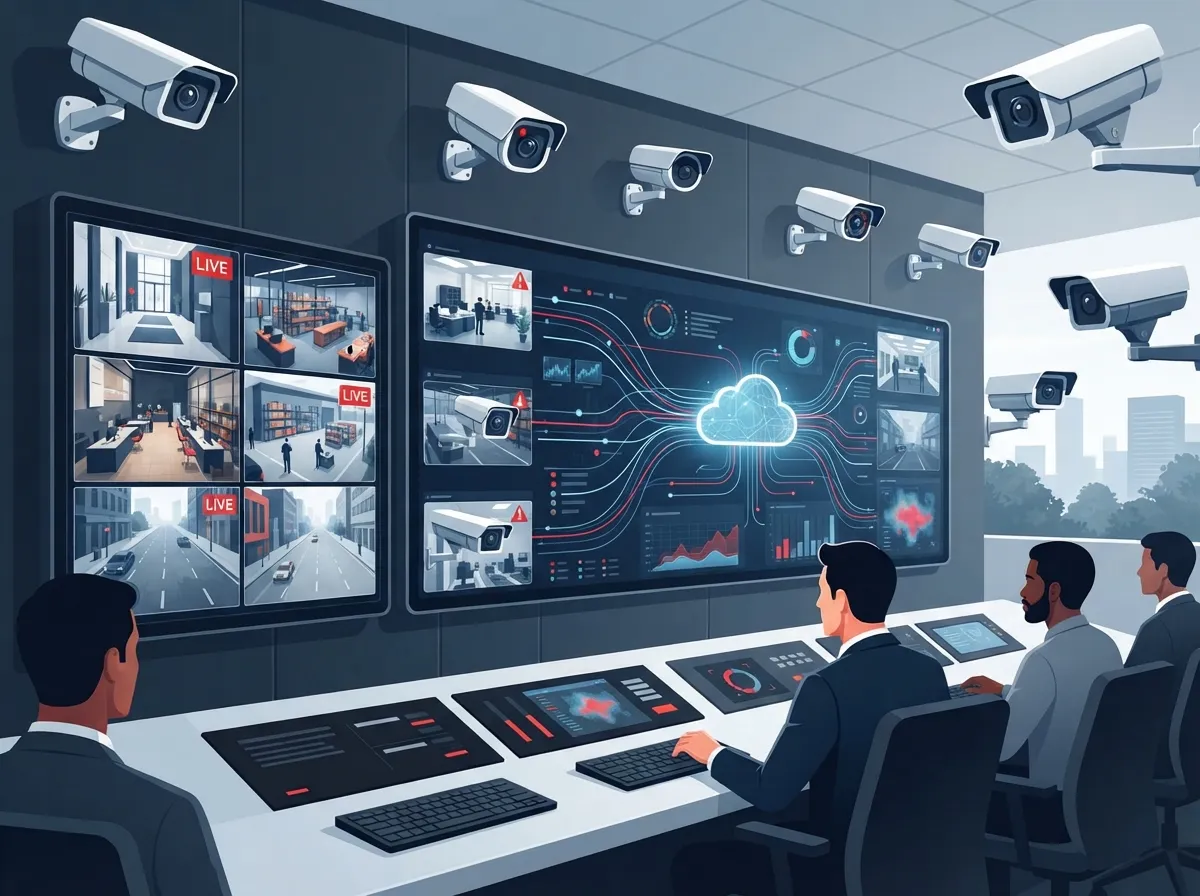
Cloud surveillance cameras are internet-connected devices that send video to secure, off-site storage instead of (or alongside) a local recorder. This means you can pull up live footage from your phone, laptop, or tablet, no matter where you are. It’s a game-changer for business owners who used to be chained to an on-site monitor.
These systems are often sold as VSaaSwhat security cameras really do for your business, you already know this technology goes way beyond just catching shoplifters.
1. Dome Cameras for Everyday Indoor Coverage
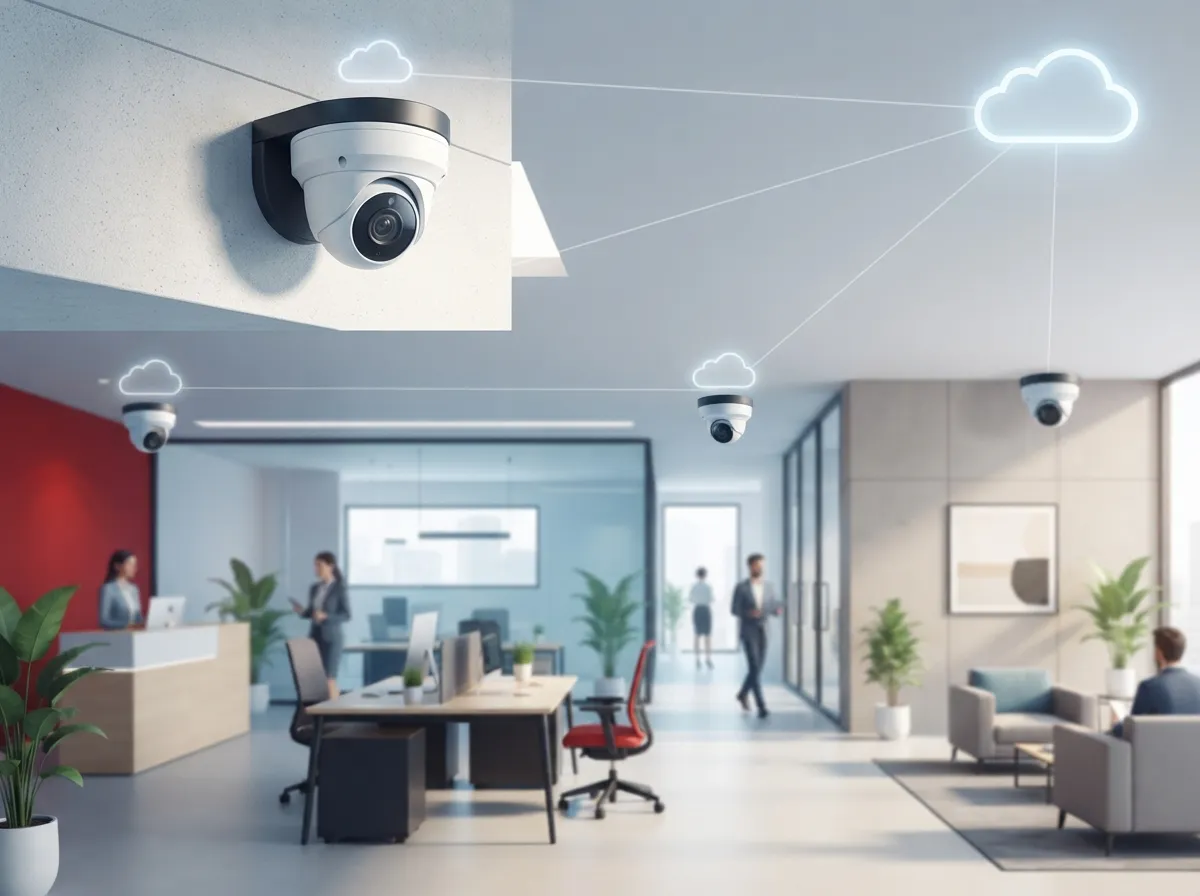
Dome cameras are the small, rounded cameras you see mounted on ceilings in stores, lobbies, and offices. They’re popular because they’re discreet and hard to tell which direction they’re pointing. That little bit of mystery can discourage bad behavior all on its own.
- Great for retail floors, waiting rooms, and hallways
- Low-profile design blends into most ceiling styles
- Vandal-resistant housings available for tougher environments
- Works well indoors where lighting is more controlled
If you’re an office manager trying to keep an eye on entryways without making the space feel like a fortress, dome cameras usually do the trick.
2. Bullet Cameras for Visible Outdoor Deterrence
Bullet cameras are the long, cylindrical ones you notice right away. That’s the point. They’re built to be seen, which sends a clear message to anyone thinking about causing trouble around your parking lot or loading dock.
These cameras often come with strong zoom capabilities. The Rhombus R Series, for example, offers a 4K HDR telephoto bullet camera with features like BLE asset-tag tracking and even vape or smoke detection. That’s a long way from the grainy black-and-white footage business owners dealt with a decade ago.
Best Uses for Bullet Cameras
- Parking lots and building perimeters
- Loading docks and delivery entrances
- Warehouse exteriors where long-range viewing matters
- Anywhere visible deterrence is the goal
3. PTZ Cameras for Large, Active Spaces
PTZ stands for pan-tilt-zoom, and these cameras do exactly that. Someone can remotely move the camera to follow activity, zoom in on a license plate, or scan a wide lot from side to side. It’s like having a security guard who never gets tired of turning their head.
Mid-sized enterprises and franchise operators managing large facilities often lean on PTZ cameras because one unit can cover ground that would otherwise need three or four fixed cameras. That said, they usually work best alongside fixed cameras rather than as a total replacement.
4. 360-Degree and Fisheye Cameras for Full-Room Views
Sometimes you need to see an entire room from one spot, and that’s where 360-degree or fisheye cameras shine. Mount one in the center of a retail floor or open office, and it captures nearly everything around it.
Avigilon Alta’s Ava Cameras offer a 360-degree, 12 MP panoramic view with real-time anomaly detection and even sound classification analytics. That means the system can flag unusual noises or movement patterns automatically, which is a huge help for business owners who can’t watch every screen all day.
Where 360-Degree Cameras Work Best
- Open-concept retail floors
- Building lobbies and reception areas
- Warehouses with wide, open sightlines
- Conference rooms and shared workspaces
5. Turret and Mini-Dome Cameras for Flexible Commercial Use
Turret and mini-dome cameras have become favorites in commercial settings because they strike a nice balance. They’re low-profile like dome cameras but often easier to adjust and install, and many models work fine both indoors and outdoors.
EEN’s cloud camera lineup, for instance, includes models ranging from 4 MP up to 20 MP, with turret and mini-dome options among the choices. That range gives businesses flexibility depending on how much detail they need in the footage.
6. Wireless and Wired IP Cameras: Picking the Right Connection
Here’s where things get practical. Wireless IP cameras are often the easiest to install, especially for smaller branch offices or retrofit projects where running new cable isn’t realistic. Wired IP or PoE (Power over Ethernet) cameras, on the other hand, are usually the better pick when reliability and bandwidth control really matter.
This is actually where your camera choice connects directly to your network setup. If your building doesn’t have solid structured cabling in place, even the best camera won’t perform well. Our team has seen firsthand how proper cabling makes or breaks a surveillance rollout, which is why we always recommend reviewing your structured cabling setup alongside cameras and phone systems before installation day.
| Camera Type | Best For | Key Strength |
|---|---|---|
| Dome | Indoor spaces, lobbies, offices | Discreet, hard to tell viewing angle |
| Bullet | Parking lots, exteriors | Visible deterrence, long-range zoom |
| PTZ | Large, active areas | Remote pan-tilt-zoom control |
| 360/Fisheye | Open floors, lobbies | Full-room coverage from one spot |
| Turret/Mini-Dome | Flexible commercial spaces | Easy install, indoor/outdoor use |
| Wireless/IP | Branch offices, retrofits | Fast setup, minimal cabling needed |
How to Choose the Right Cloud Camera Type for Your Business
Feeling a little overwhelmed by the options? That’s completely normal. Here’s a simple step-by-step way to think it through.
- Walk your space and note every entrance, high-traffic area, and blind spot.
- Decide which areas need deterrence (bullet cameras) versus discreet monitoring (dome cameras).
- Identify large open areas that might only need one 360-degree camera instead of several fixed units.
- Check your existing network and cabling to see what can support wired cameras versus wireless.
- List any AI features you actually need, like license plate recognition or people counting.
- Get quotes on monthly VSaaS pricing, which typically runs $20 to $80 per camera per month depending on resolution and storage retention.
AI Features Worth Knowing About
Modern cloud cameras aren’t just recording video anymore. Many come loaded with smart features that do a lot of the watching for you.
- Motion search to quickly find specific events in hours of footage
- People counting for retail traffic and staffing decisions
- Heat maps showing where customers spend the most time
- License plate recognition for parking lots and gated areas
- Face-match search for faster investigations
- Privacy masking to blur sensitive areas automatically
The Meraki MV63X is a good example of how far this technology has come, offering 4K Ultra HD video with up to 1 TB of onboard storage and Motion Search 2.0. It blends local intelligence with cloud-based review, which is exactly the kind of hybrid setup many mid-sized businesses prefer.
Cloud-Native vs. Hybrid Storage: What’s the Difference
Not every cloud camera system works the same way behind the scenes, and this matters more than people expect.
Fully Cloud-Native Systems
These systems skip the on-site recorder entirely. Footage streams straight to the cloud, which simplifies your hardware setup but leans heavily on your internet connection staying strong and steady.
Hybrid Systems
Hybrid setups record locally first, then sync footage to the cloud. This gives you a safety net if your internet ever drops, since you won’t lose recordings during an outage. Many IT managers prefer this approach for larger facilities where uptime is non-negotiable.
Either way, your camera system is only as reliable as the network behind it. That’s why pairing your surveillance plan with solid business high-speed internet services is so important. A shaky connection can turn even the best camera into a frustrating blind spot.
Cloud Cameras vs. Traditional NVR Systems
| Feature | Cloud Surveillance Cameras | Traditional NVR Systems |
|---|---|---|
| Remote Access | Yes, from any device | Limited, often requires VPN setup |
| Storage | Off-site cloud, scalable | On-site hard drives, fixed capacity |
| Software Updates | Automatic | Manual, often overlooked |
| Multi-Site Management | Centralized dashboard | Separate systems per location |
| Upfront Hardware Cost | Lower | Higher |
Why This Matters for Franchise Operators and Multi-Location Businesses
If you’re managing several locations across Tampa Bay or beyond, cloud cameras become even more valuable. Instead of driving to each site to check footage, you can pull up every location from one dashboard. That’s a huge time-saver, and it makes training and consistency easier across your whole brand.
Many multi-location businesses pair their cloud cameras with broader business network solutions to keep everything connected and secure. It’s the same logic behind why franchise operators often centralize their cloud-based phone systems too. One dashboard, one point of contact, way less hassle.
Getting Expert Guidance Without the Guesswork
Here’s the honest truth: most business owners don’t want to become camera experts. You want a system that works, protects your people and property, and doesn’t eat up your afternoon trying to figure it out. That’s exactly where a trusted telecom partner earns their keep.
At Ideal Solutions Provider, we’ve spent over 24 years helping Tampa businesses and companies nationwide sort through options like these. We work with 35+ vetted suppliers, so instead of guessing which camera type fits your building, we compare real options side by side and recommend what actually makes sense for your space and budget. You can see examples of our work on Facebook or check out setup walkthroughs on YouTube.
Final Thoughts on Choosing Your Cloud Camera Setup
Choosing among the many types of cloud surveillance cameras doesn’t have to feel like a chore. Once you understand what dome, bullet, PTZ, 360-degree, turret, and wireless IP cameras each do best, the decision becomes a lot clearer. Think about your space, your goals, and your network, and the right combination usually reveals itself pretty quickly.
Ready to figure out the best camera setup for your business? Our friendly team would love to walk you through your options and even audit your current setup for free. Contact us today or give us a ring at 813-388-4935 to get started. We’re genuinely excited to help you build a security setup you can trust.
FAQs
Q: What are the main types of cloud surveillance cameras for businesses?
A: The main types you’ll come across are dome, bullet, PTZ, 360-degree/fisheye, turret, and wireless or wired IP cameras. Each one shines in a different setting, so most businesses end up using a mix rather than just one type. It’s kind of like building a toolbox, you want the right tool for each job.
Q: Which cloud camera type is best for retail stores, offices, or warehouses?
A: Retail stores and offices usually do well with dome or turret cameras since they’re discreet and blend into the ceiling. Warehouses often benefit from bullet or PTZ cameras because they cover longer distances and wider areas. If you have a big open floor plan, a 360-degree camera might save you from buying several fixed units.
Q: What is the difference between cloud security cameras and traditional NVR systems?
A: Cloud cameras send footage to secure off-site storage, so you can check in from your phone anywhere, anytime. Traditional NVR systems store everything on a local box, which usually means you’re stuck viewing footage from one spot unless you set up extra remote access tools. Cloud systems also tend to update themselves automatically, which is a nice bonus.
Q: Are cloud surveillance cameras better than hybrid video surveillance systems?
A: It really depends on your priorities. Fully cloud-native systems are simpler and lean on your internet connection, while hybrid systems record locally first and sync to the cloud, giving you a backup if the internet drops. Many mid-sized businesses like the peace of mind that comes with hybrid setups.
Q: How do VSaaS cloud camera subscriptions work?
A: VSaaS, or Video Surveillance as a Service, works on a monthly subscription model, usually somewhere between $20 and $80 per camera. That fee typically covers cloud storage, software updates, and often some smart AI features like motion search or people counting. It’s a pretty straightforward way to budget for security without a huge upfront cost.





