

Key Takeaways
-
Cloud video storage protects footage from physical disasters and theft by storing it off-site in multiple data centers, eliminating the single point of failure that local DVR/NVR boxes create when fires, floods, or break-ins occur.
-
Verify your internet upload speed can handle multiple camera streams simultaneously before switching to cloud storage, as shaky bandwidth will cause footage uploads to lag or drop entirely.
-
Prioritize cloud providers offering encryption in transit and at rest, two-factor authentication, multi-data-center redundancy, and immutable storage to prevent unauthorized access and footage tampering.
-
Hybrid cloud setups combining local edge recording with cloud backup provide the best balance for businesses with limited bandwidth, allowing local recording to continue during internet outages while maintaining secure off-site protection.
-
Cloud systems with audit logging and compliance certifications (ISO 27001, SOC 2) make long-term evidence retention and regulatory compliance significantly easier than managing local hard drives, especially for healthcare and finance businesses.
-
Before switching to cloud video security, test remote access from mobile and laptop devices, confirm retention policies, and review pricing structure to avoid unexpected costs and ensure the setup actually meets your operational needs.
Picture this: your Tampa office floods, a fire breaks out, or someone walks off with your DVR box right off the shelf. If your security footage lived only on that box, it’s gone too. That’s the exact problem cloud video storage security was built to solve, and it’s why so many business owners are making the switch. Let’s talk about what actually keeps your footage safe once it leaves your building and heads to the cloud.
Whether you run a single Tampa storefront or manage cameras across a dozen franchise locations, understanding how your video data is protected matters. It’s not just about watching live feeds anymore. It’s about knowing your footage is backed up, encrypted, and ready when you need it most. Grab a coffee, and let’s break this down together in plain, friendly terms.

What Cloud Video Storage Security Actually Means
Cloud video storage security is the set of protections that keep your surveillance footage safe once it’s sent from your cameras to remote servers instead of a local DVR or NVR box. Instead of relying on hardware sitting in a closet, your video gets encrypted, transmitted over your business internet connection, and stored in secure off-site data centers.
This shift matters a lot for businesses that depend on reliable networking and Internet Service Provider connections to keep things running smoothly. If you’ve already invested in high-speed internet for your business, you’re halfway to a solid cloud video setup already.
Here’s what makes cloud storage different from the old-school way:
- Footage is stored off-site, away from your physical building
- Multiple data centers often hold copies of your video for backup
- Access happens through secure logins, not a local hard drive
- Updates and security patches happen automatically in the background
- You can pull up footage from your phone, laptop, or tablet anywhere
Why On-Site DVR and NVR Systems Fall Short
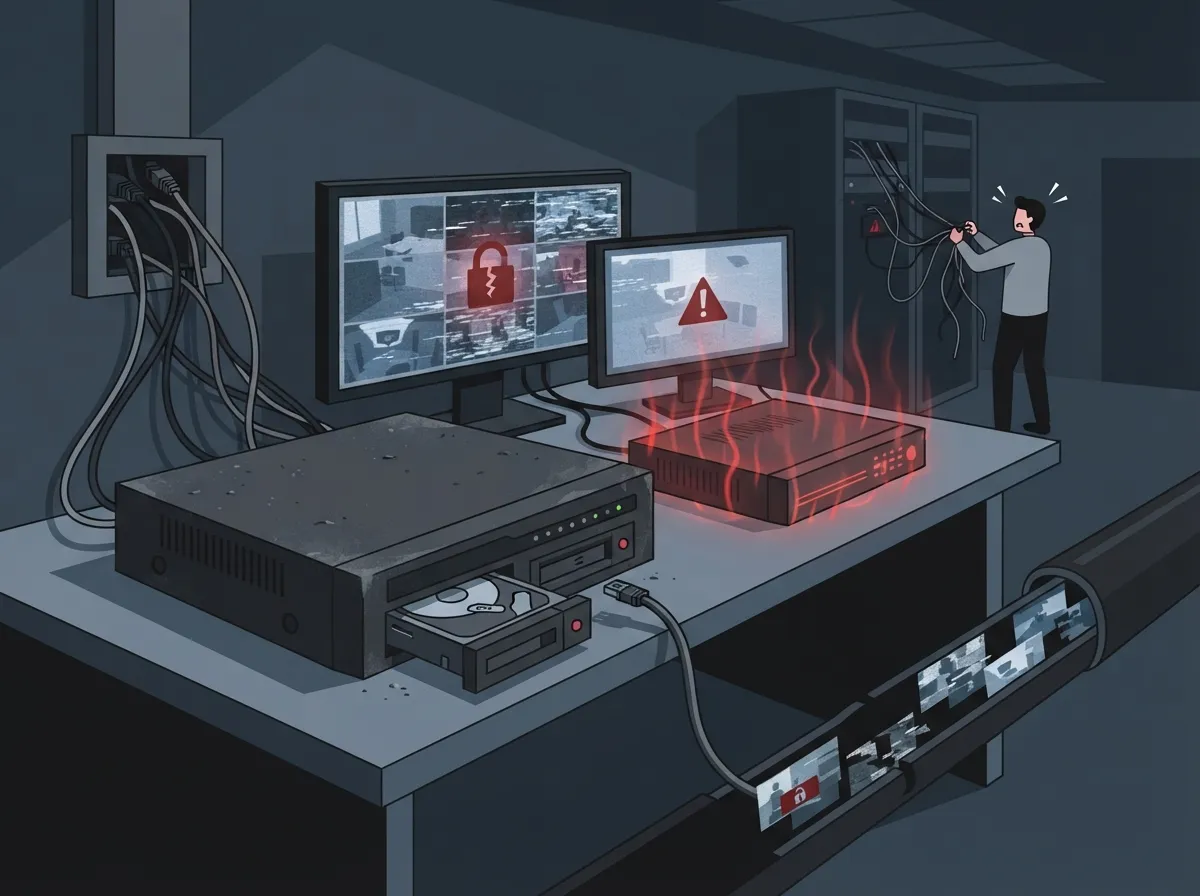
Old-fashioned DVR and NVR boxes work fine, until something goes wrong. And things go wrong more often than you’d think. A power surge, a break-in, or even a coffee spill can wipe out weeks of footage in seconds.
Cloud storage removes that single point of failure. Your footage lives somewhere else entirely, so a disaster at your Tampa location doesn’t mean your evidence disappears too. This is a huge relief for office managers who don’t want to explain to a boss why the footage from last week’s incident just vanished.
Common Weak Points of Local Storage
- Hardware can be stolen along with the rest of the equipment
- Fires, floods, and storms can destroy the physical device
- Hard drives fail without warning, sometimes without recent backups
- Local storage often has limited capacity, forcing older footage to be overwritten
- Remote access usually requires extra setup and ongoing maintenance
Key Security Features to Look for in a Cloud Provider
Not all cloud video storage is built the same. Some providers cut corners, and that’s exactly what you want to avoid. When you’re comparing options, here’s what should be on your checklist.
| Security Feature | Why It Matters |
|---|---|
| Encryption in transit and at rest | Protects footage while it travels and while it sits in storage |
| Two-factor authentication | Stops unauthorized users even if a password gets stolen |
| Access controls and permissions | Limits who can view or export footage |
| Audit and activity logging | Tracks who accessed footage and when |
| Multi-data-center redundancy | Keeps copies of your footage in more than one location |
| Immutable storage | Prevents footage from being altered or deleted improperly |
Providers like Axis Communications offer cloud storage add-ons that provide secure off-site backup and redundancy for critical footage. Similarly, companies like Backblaze use SOC 2-compliant data centers with encryption and two-factor authentication baked right in. These are the kinds of standards worth asking about before you sign anything.
How Redundancy and Immutability Protect Your Footage
Redundancy sounds like a fancy word, but it’s simple. It just means your footage exists in more than one place at the same time. If one data center has an issue, another one still has your video safe and sound.
Some cloud video providers even operate more than a dozen data centers worldwide. That kind of spread means your footage stays available no matter what happens at any single location. Immutable storage takes this a step further by making sure footage can’t be edited, deleted, or tampered with once it’s saved. Wasabi calls this “virtual air-gapping,” and it’s a smart layer of protection for businesses that may need footage as evidence later.
Why This Matters for Multi-Site Businesses
If you’re a franchise operator managing several Tampa Bay locations, redundancy isn’t just nice to have. It’s essential. You need to pull footage from any site, at any time, without worrying that one location’s hardware failure will cost you your records.
Hybrid Cloud vs. Full Cloud: Which Fits Your Business
Not every business needs to go all-in on cloud storage right away. Many companies use a hybrid approach instead, combining local edge recording with cloud backup. This gives you the best of both worlds: fast local access and secure off-site protection.
| Approach | Best For | Key Benefit |
|---|---|---|
| Full Cloud | Multi-site businesses, franchises | Centralized remote access, no on-site hardware to maintain |
| Hybrid Cloud | Businesses with limited bandwidth | Local recording continues even during internet outages |
| On-Premise Only | Very small, single-location setups | Lower upfront cost, but higher disaster risk |
Many businesses find that hybrid setups offer great flexibility while they transition fully to the cloud. If you’re curious how this pairs with your existing network, our cloud video security systems Tampa businesses love guide breaks it down further.
Bandwidth and Network Requirements You’ll Need
Cloud video storage relies heavily on your internet connection. If your bandwidth is shaky, your footage uploads could lag or drop entirely. This is one reason why pairing your cameras with dependable business internet matters so much.
Here are a few things to check before switching to cloud storage:
- Make sure your upload speed can handle multiple camera streams at once
- Ask your provider about compression settings that reduce bandwidth use
- Consider a dedicated connection if you run many cameras across one site
- Test your network during peak hours, not just quiet times
- Talk to your IT team about prioritizing video traffic on your network
If your current setup feels slow or unreliable, it might be worth reviewing our tips on why your business internet is slow and how to fix it. A strong connection is the backbone of any cloud video security plan.
Compliance and Long-Term Retention
Some businesses, especially in healthcare or finance, need footage saved for specific lengths of time. Cloud storage makes this much easier than digging through old hard drives. Many providers can retain footage safely off-site for up to 90 days or longer, depending on your plan.
This matters if you ever need to pull up evidence for an insurance claim, a legal issue, or an internal investigation. Cloud systems with proper logging and audit trails make that process much smoother than searching through a local box that might already be full.
Steps to Improve Your Compliance Readiness
- Ask your provider about their retention policy and how long footage stays available
- Confirm whether footage is stored using standards like ISO 27001 or SOC 2
- Set internal rules for who can request and export archived footage
- Document your camera locations and coverage for easy reference later
- Review your retention needs yearly as your business grows or changes
How Ideal Solutions Provider Helps Tampa Businesses Get This Right
This is exactly the kind of thing Ideal Solutions Provider helps with every day. As a Tampa-based telecom and IT partner with over 24 years of experience, they work with more than 35 vetted suppliers to match businesses with cloud video security setups that actually fit their needs. Instead of juggling multiple vendors, you get one trusted point of contact for cameras, networking, and internet all in one place.
Whether you’re a small business owner adding your first set of cameras, or an IT manager overseeing security across several buildings, having a partner who understands both the telecom side and the security side makes a real difference. It also pairs well with a solid structured cabling setup, since cameras need reliable wiring just as much as reliable software.
Quick Checklist Before You Switch
Before moving your video security to the cloud, run through this short list to make sure you’re set up for success.
- Confirm your internet speed can support your camera count
- Ask about encryption standards, both in transit and at rest
- Check if the provider offers multi-data-center redundancy
- Review retention periods and compliance certifications
- Test remote access from a phone and a laptop before going live
- Get clear pricing so there are no surprise fees later
Many businesses that go through this checklist realize their current setup, whether it’s phones, internet, or cameras, needs an upgrade too. That’s a great reason to look into what security cameras really do for your business before making any big changes.
Wrapping It Up: Peace of Mind, One Camera at a Time
Cloud video storage security isn’t just a tech buzzword. It’s a real, practical way to protect your business footage from theft, disasters, and hardware failures that no one can predict. With encryption, redundancy, and easy remote access, you get peace of mind whether you’re managing one Tampa storefront or ten locations across the country.
If you’re ready to see how cloud video security could work for your business, the team at Ideal Solutions Provider is happy to walk you through it. You can follow their latest updates and installs on Facebook or check out real setups on YouTube. And since good video security often starts with solid structured cabling, it’s worth having a conversation about your whole network, not just the cameras.
Ready to protect your footage and your peace of mind? Contact us today, or give us a call to talk through the best cloud video storage security setup for your business.
FAQs
Q: What is cloud video storage security?
A: It’s the combination of encryption, access controls, and off-site backup that keeps your business surveillance footage safe once it’s stored on remote servers instead of a local DVR or NVR box. Think of it as giving your footage its own secure vault far away from your building, so nothing local can wipe it out.
Q: Is cloud video surveillance more secure than NVR or DVR storage?
A: In most cases, yes! Cloud storage protects your footage from theft, fire, floods, and hardware failure since it lives off-site in multiple data centers. Local DVR and NVR systems put all your eggs in one basket, and that basket can be stolen or destroyed.
Q: How does cloud video storage protect footage from theft or disasters?
A: Since your footage is stored remotely, not on a device sitting in your building, a break-in or fire can’t touch it. Many providers also copy your footage across several data centers, so even a regional outage won’t cause you to lose your records.
Q: What bandwidth or internet requirements are needed for cloud video surveillance?
A: You’ll need enough upload speed to handle your camera count without lag, especially if you’re running several cameras at once. A dependable business internet connection makes a huge difference here, so it’s worth checking your speeds before switching over.
Q: How does cloud video storage support compliance and evidence retention?
A: Cloud systems often include audit logs, encrypted storage, and retention periods that make pulling up old footage much easier than searching through a local hard drive. This is especially helpful for businesses that need to keep records for insurance, legal, or regulatory reasons.





