
Key Takeaways
-
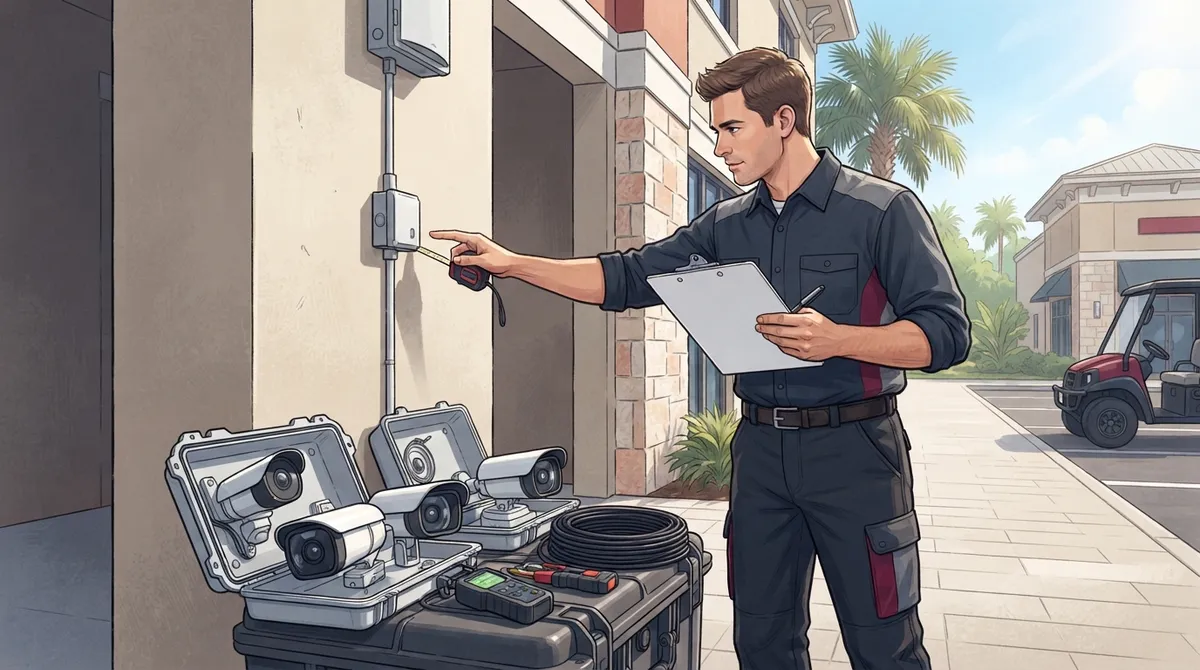
Hire an installer experienced with commercial systems who conducts a real site survey before quoting—avoid installers giving phone-only estimates or pushing contracts without property walkthroughs.
-
Choose an installer who handles both cabling and network setup, as cameras rely on solid structured cabling and bandwidth to function properly and avoid slowing your internet.
-
Expect to pay $1,000-$2,200 for a full commercial system in Tampa; cheaper bids often skip cabling upgrades or use lower-grade cameras that fail faster in Florida's humid, salty climate.
-
Select an installer familiar with Florida-specific weather concerns and capable of installing weather-resistant housings and connections to keep systems working through summer storms and coastal conditions.
-
Decide between cloud-based systems (better for remote viewing and scalability) versus traditional DVR/NVR systems (better for single-site setups with limited budgets) based on your business needs.
-
Ask about ongoing support, software updates, and future scalability options before signing; good installers provide warranties, training, and fast response times for repairs and troubleshooting.
So your Tampa business needs security cameras, and you’re staring at a list of installers with no idea where to start. You’re not alone! Every week, business owners across Tampa Bay ask the same question: who can I trust to get this right the first time? The good news is that hiring a security camera installer doesn’t have to feel overwhelming once you know what to look for.
Whether you run a small retail shop, manage a warehouse, or oversee IT for a growing company, picking the right installer affects more than just your cameras. It touches your network, your cabling, and even your phone system. Let’s walk through everything you need to know to hire a security camera installer in Tampa with confidence.
Why Hiring the Right Security Camera Installer Matters
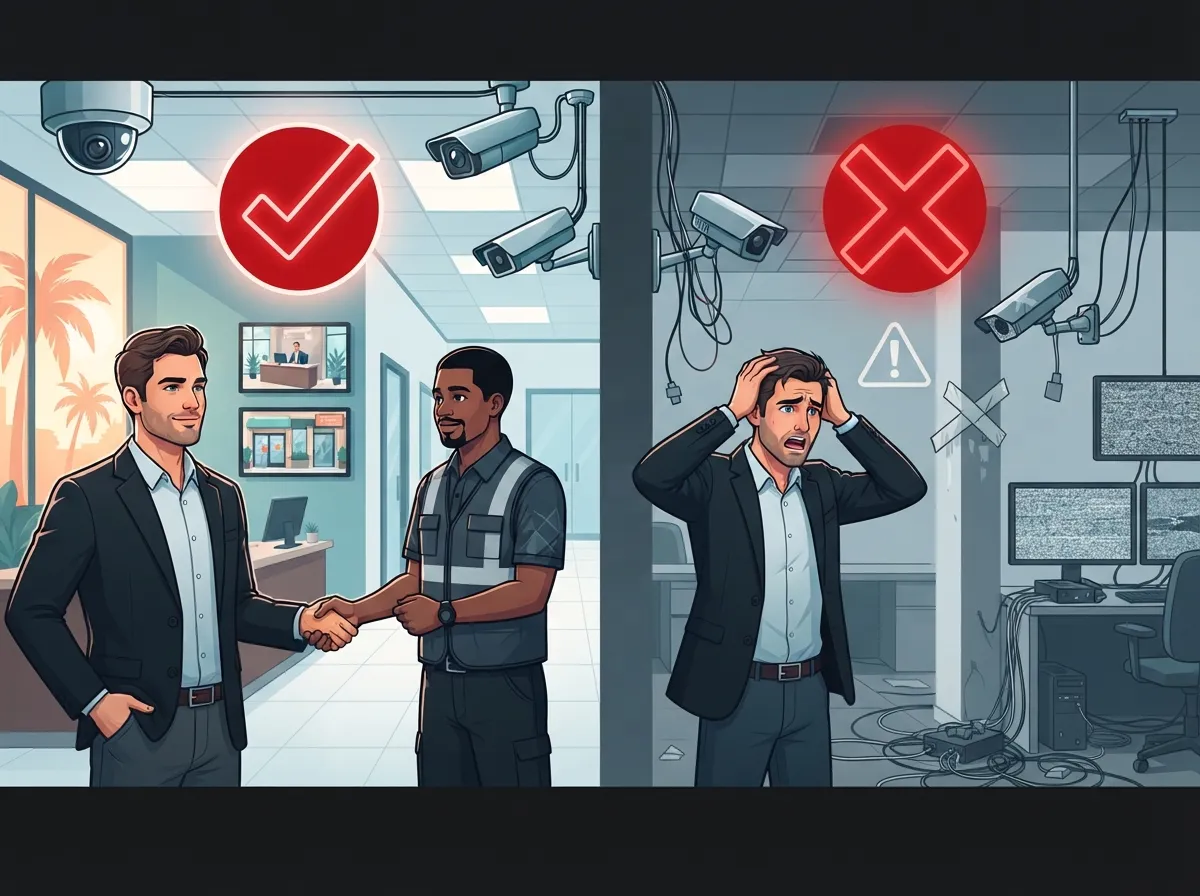
A security camera system is only as good as the person who installs it. A rushed or poorly planned setup can leave blind spots, weak connections, or footage that never actually saves. That’s a big problem when you need that footage most.
Tampa’s heat, humidity, and storms also make a difference. Cameras need housings and connections built for Florida weather, not just any generic setup. A skilled local installer knows how to plan around these conditions so your system keeps working through summer storms and salty coastal air.
What a Professional Installer Brings to the Table
- Proper camera placement based on a real site survey, not guesswork
- Weather-resistant hardware suited for Florida’s climate
- Clean cabling work that won’t create tripping hazards or eyesores
- Correct network setup so your cameras don’t slow down your internet
- Ongoing support if something goes wrong down the road
- Knowledge of local codes and business security best practices
Many Tampa businesses also want their cameras to work alongside other systems, like door access control or their existing network. That’s where hiring a telecom-savvy installer really pays off.
How to Hire a Security Camera Installer in Tampa: Step by Step
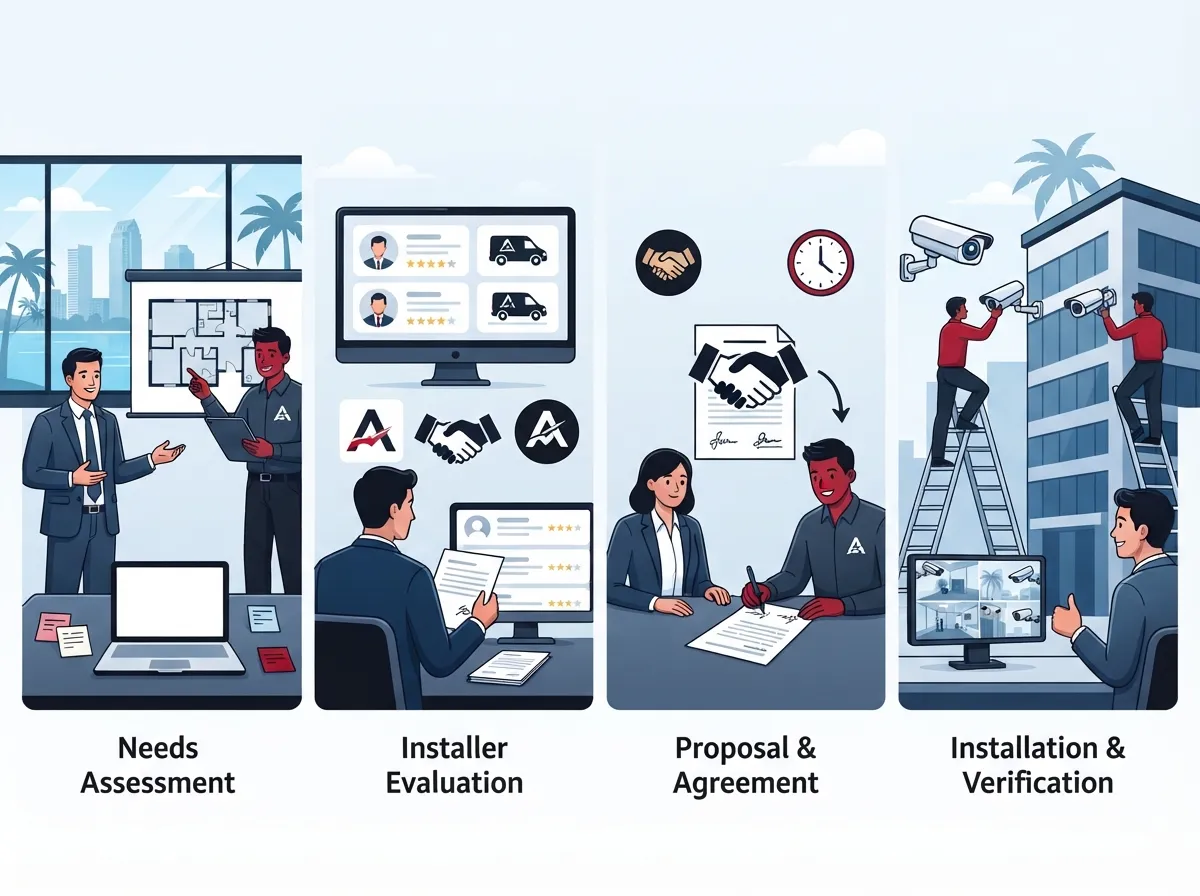
Ready to start your search? Here’s a simple process that takes the guesswork out of hiring the right team.
- Define your needs first. Count your entrances, parking areas, and blind spots. Think about how many cameras you’ll realistically need.
- Ask about site surveys. A trustworthy installer will walk your property before quoting a price.
- Check their experience with commercial systems. Home installers and business installers are not the same thing.
- Ask about cabling and networking. Cameras need solid structured cabling and network bandwidth to work well.
- Compare cloud vs. traditional storage options. Cloud systems offer remote viewing and easier backups.
- Request references from other Tampa businesses. A little social proof goes a long way.
- Get a clear, written quote. Make sure it includes equipment, labor, and any monthly fees.
This process protects your budget and your peace of mind. It also helps you avoid installers who cut corners just to win the job.
Questions to Ask Before You Sign a Contract
- What brands of cameras do you install, and why?
- Do you offer cloud storage, on-site storage, or both?
- Can this system integrate with access control or my phone system?
- What happens if a camera fails after installation?
- How long will the installation take for my business size?
- Do you handle structured cabling and network setup too?
If an installer can’t answer these clearly, that’s a red flag worth noting.
What’s Included in Commercial Security Camera Installation
Not all installations are created equal. A proper commercial setup in Tampa usually includes several key steps that protect your investment.
| Installation Step | What It Involves |
|---|---|
| Site Survey | Walkthrough to identify camera placement and blind spots |
| System Design | Choosing camera types, angles, and coverage areas |
| Cabling and Wiring | Running structured cabling to each camera location |
| Camera Mounting | Installing weather-resistant housings and hardware |
| Network Configuration | Connecting cameras to your network or cloud service |
| Testing and Training | Confirming footage quality and showing your team how to use it |
Skipping any of these steps can lead to headaches later. That’s why working with a provider who understands both security and telecom infrastructure makes such a difference.
Typical Costs to Expect
Pricing varies based on camera count, type, and complexity. According to Thumbtack, a single-camera installation in Tampa often costs around $100, while a full system typically runs between $1,000 and $2,200. Larger commercial properties with more cameras or advanced features will fall on the higher end.
| Project Size | Estimated Cost Range |
|---|---|
| Single Camera Add-On | Around $100 |
| Small Business System (4-8 cameras) | $1,000 – $1,500 |
| Larger Commercial System | $1,500 – $2,200+ |
Remember, cheaper isn’t always better. A low bid might skip cabling upgrades or use lower-grade cameras that fail faster in Florida’s climate.
Cloud Cameras vs. Traditional Systems for Tampa Businesses
One of the biggest decisions you’ll make is choosing between cloud-based cameras and traditional DVR/NVR systems. Both have their place, but they serve different needs.
| Feature | Cloud Cameras | Traditional DVR/NVR |
|---|---|---|
| Remote Viewing | Yes, from any device | Limited or requires setup |
| Storage | Off-site, automatic backups | On-site hard drive |
| Scalability | Easy to add cameras or locations | Can require new hardware |
| Maintenance | Handled remotely by provider | Often needs on-site service |
| Best For | Multi-location and growing businesses | Single-site setups with limited budget |
Cloud-based options have become increasingly popular for Tampa business owners who want to check on their property from anywhere. If you’re curious about this shift, our article on choosing cloud security cameras for Tampa commercial buildings breaks it down in more detail.
Integrating Cameras With Your Broader Telecom Setup
Here’s something many business owners don’t think about right away. Your security cameras don’t operate in a vacuum. They rely on your internet connection, your network, and sometimes your access control system too.
- Slow internet can cause choppy footage or delayed alerts
- Weak network cabling can create dropped connections
- Outdated Wi-Fi setups struggle with multiple camera feeds
- Poor integration means separate logins for cameras, doors, and phones
This is exactly why many Tampa businesses choose a provider that handles telecom and security together. Ideal Solutions Provider has spent over 24 years helping Tampa businesses build reliable networks, and that same infrastructure knowledge carries over into smart, dependable camera installations. When your internet, cabling, and security system all come from one trusted source, things simply work better.
Signs You’ve Found a Trustworthy Installer
It’s not always easy to tell a great installer from an average one, especially if you’ve never hired one before. Here are some signs that you’re in good hands.
- They ask detailed questions about your business before quoting a price.
- They explain technical terms in plain language, not confusing jargon.
- They offer options at different price points, not just one solution.
- They mention cabling, networking, and Florida-specific weather concerns.
- They provide a written warranty or support plan.
- They have positive reviews from other Tampa commercial clients.
A good installer treats your business like a long-term relationship, not a one-time sale. That mindset tends to show up in the quality of their work.
Red Flags to Watch Out For
- Vague pricing with no written breakdown
- No mention of a site survey before quoting
- Pressure to sign a contract on the spot
- No experience with commercial or multi-camera systems
- Poor communication or slow response times
Trust your gut here. If something feels rushed or unclear, it’s okay to keep looking.
Why Bundling Security With Telecom Services Makes Sense
Many Tampa business owners eventually realize that managing separate vendors for phones, internet, cabling, and cameras creates unnecessary headaches. Every vendor means another contract, another support number, and another bill to track.
A single-point provider approach simplifies everything. Instead of juggling five different companies, you work with one team that understands your entire technology setup. This is especially helpful for franchise operators and multi-location businesses that need consistency across every site.
- One point of contact for troubleshooting
- Consistent equipment and setup across locations
- Easier budgeting with bundled services
- Faster support since one team knows your whole system
- Better integration between cameras, phones, and internet
If you’re also thinking about upgrading your phone system or internet while you’re at it, it might be worth reading about bundling your business phone and internet service to see how much simpler things can get.
What to Expect From Ongoing Support
Installation is just the beginning. A good provider sticks around to keep things running smoothly. Ask potential installers about:
- Response times for repairs or troubleshooting
- Software updates for cloud-based systems
- Options to add cameras as your business grows
- Training for new employees on how to use the system
Ongoing support is often what separates a good experience from a frustrating one. It’s worth asking these questions upfront rather than finding out the hard way.
Making Your Final Decision
At the end of the day, hiring a security camera installer in Tampa comes down to trust, experience, and clear communication. Take your time, ask plenty of questions, and don’t be afraid to compare a few options before committing.
You can also follow Ideal Solutions Provider on Facebook or Instagram to see real examples of completed installations and helpful tips. Their YouTube channel also offers a behind-the-scenes look at how telecom and security projects come together for Tampa businesses.
Choosing wisely now saves you time, money, and stress later. Your business deserves a security system that actually works when you need it most, backed by a reliable Internet Service Provider connection to keep everything running smoothly.
Ready to Take the Next Step?
If you’d like a friendly expert to walk you through your options, our team is happy to help you compare cameras, cabling, and network needs all in one conversation. You can reach out to our team today to schedule a free consultation, or give us a call to talk through your Tampa business security needs right now. We’re here to make this process simple, friendly, and stress-free.
FAQs
Q: How do I choose the best security camera installer in Tampa for my business?
A: Start by looking for installers who offer a real site survey, not just a phone quote. Ask about their experience with commercial systems, cabling, and Florida-friendly equipment. A good installer will happily answer your questions and explain things in simple terms.
Q: What is included in commercial security camera installation in Tampa?
A: A proper installation includes a site survey, system design, cabling, camera mounting, network setup, and testing. Many providers also offer training so your team knows how to use the system right away. It’s more than just hanging a camera on a wall!
Q: How much does it cost to hire a security camera installer in Tampa?
A: Costs vary based on your system size, but expect around $1,000 to $2,200 for a full commercial setup. Single camera add-ons can cost closer to $100. Your final price depends on camera type, cabling needs, and whether you choose cloud storage.
Q: Do Tampa security camera installers also handle structured cabling and network setup?
A: Many do, and it’s actually a great sign when they offer this. Cameras rely on solid cabling and network bandwidth to work properly, so a provider who understands both saves you from hiring multiple vendors.
Q: Are cloud-based security cameras better for small businesses in Tampa?
A: For many small businesses, yes! Cloud cameras let you check footage from your phone, back up automatically, and scale easily as you grow. They’re a friendly option if you want less hassle with on-site equipment.





