
Key Takeaways
-
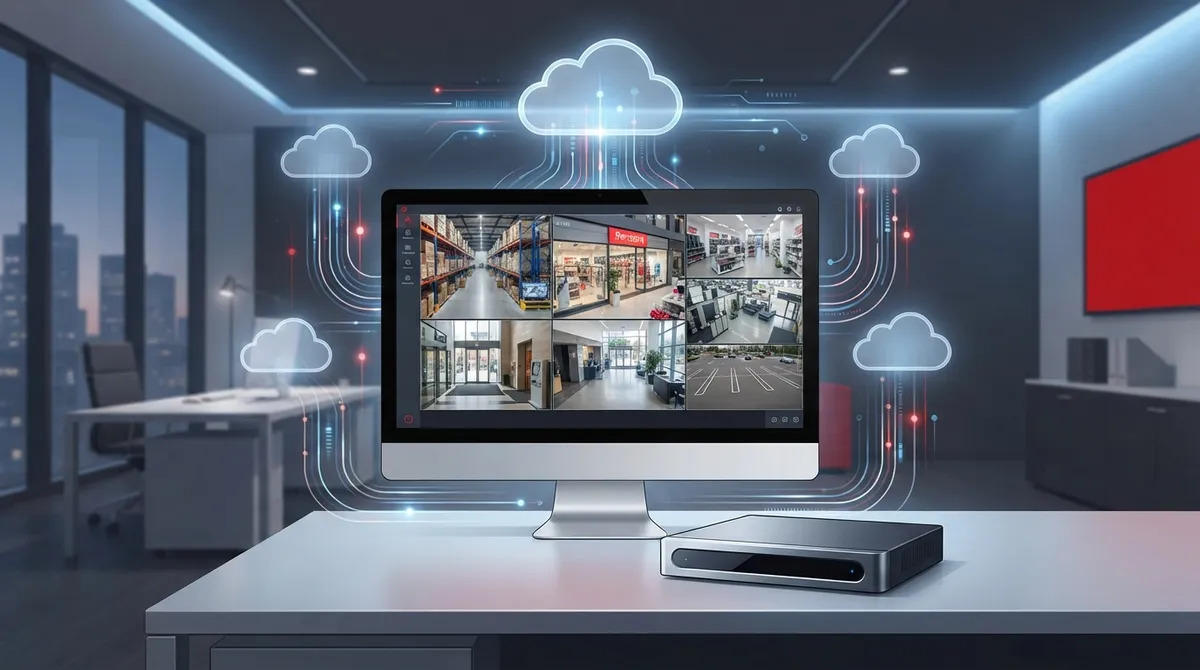
Premium cloud surveillance eliminates expensive on-site hardware like DVR/NVR boxes, reducing upfront costs significantly while providing centralized management across multiple locations from a single dashboard.
-
AI-powered analytics, encrypted storage, and automated compliance features make cloud surveillance essential for regulated industries like healthcare and finance, with secure offsite protection against physical theft or hardware failure.
-
Hybrid edge-to-cloud architecture stores full-resolution video locally for quick access while syncing alerts and searchable clips to the cloud, combining fast local performance with remote accessibility from any device.
-
Most camera-agnostic platforms support ONVIR or RTSP protocols, allowing integration with existing IP cameras and avoiding costly rip-and-replace projects while maintaining network performance.
-
Predictable monthly or annual subscription pricing based on camera count, resolution, storage duration, and AI features eliminates surprise repair costs and simplifies budgeting compared to traditional DVR systems.
-
Before implementation, verify internet bandwidth capacity, define storage retention requirements, test mobile app usability, and confirm 24/7 support availability to avoid common deployment failures.
Picture this: you’re on a beach vacation, and your phone buzzes with an alert from your Tampa office. You tap it, and suddenly you’re watching live video of your loading dock, clear as day, from a thousand miles away. That’s not science fiction anymore. That’s what premium cloud surveillance solutions do for business owners every single day, and honestly, once you experience it, you’ll wonder how you ever managed without it.
If you’re a small business owner, IT manager, or franchise operator juggling multiple locations, this guide is for you. We’re going to walk through exactly what makes a cloud surveillance system “premium,” what features actually matter, and how to pick a solution that grows with your business. No confusing tech talk, just friendly, practical advice from folks who’ve helped businesses across Tampa Bay and beyond get this right.
What Are Premium Cloud Surveillance Solutions, Really?
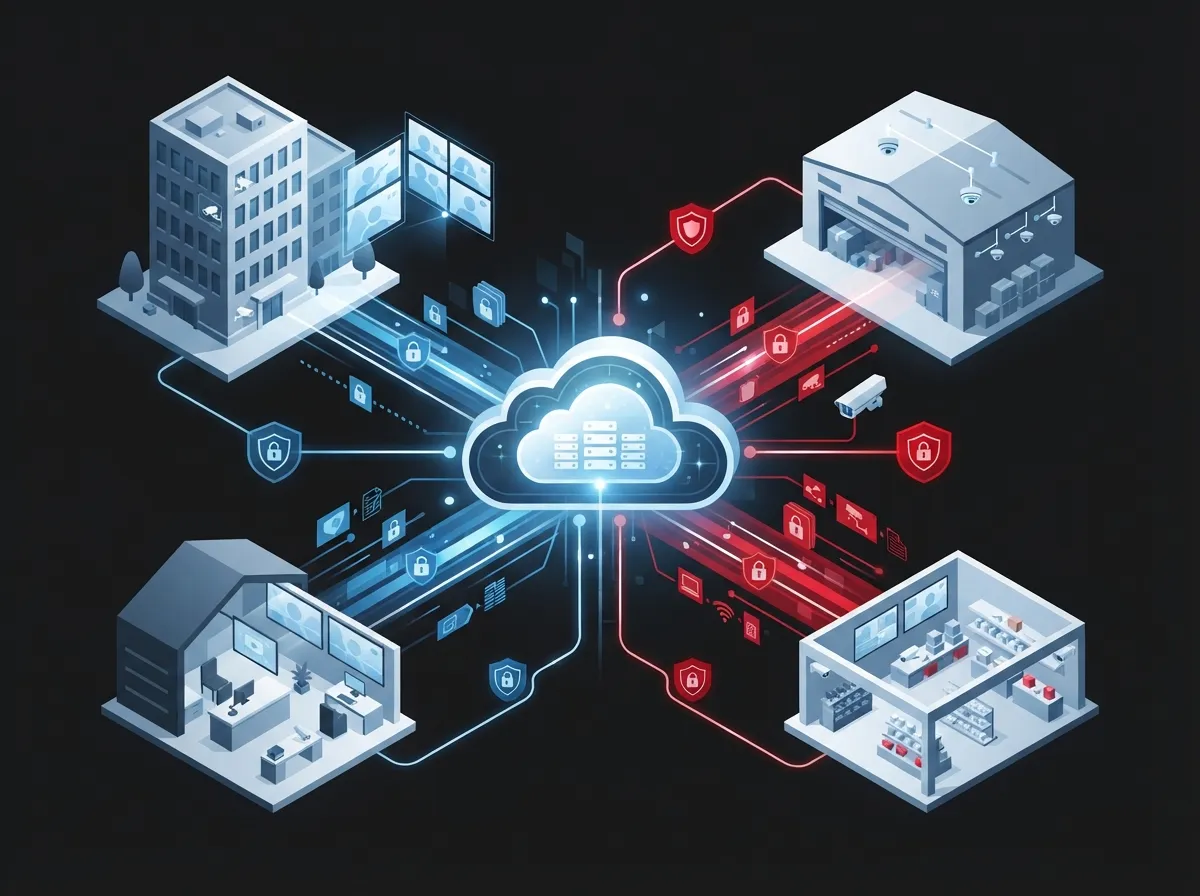
Let’s start simple. Cloud surveillance means your security cameras store and manage video footage on remote servers over the internet, instead of just a local DVR or NVR box sitting in a closet. Think of it like the difference between saving photos on your phone versus backing them up automatically to the cloud. One is limited by physical storage. The other is flexible, searchable, and accessible from anywhere.
In the telecom and IT world, this is often called Video Surveillance as a Service, or VSaaS. It lets providers like Ideal Solutions Provider bundle surveillance with your internet and phone systems, so everything works together instead of feeling like separate puzzle pieces.
Premium versions of these systems go a step further. They typically include:
- AI-powered analytics that can detect people, vehicles, or unusual activity
- Centralized dashboards for managing cameras across multiple sites
- Secure remote access from any phone, tablet, or computer
- Flexible storage plans based on how long you need footage retained
- Fast, searchable video clips instead of scrubbing through hours of footage
If you want to see how this plays out for local businesses, our article on what security cameras really do for your business breaks it down even further.

Why Businesses Are Making the Switch
Here’s the thing. Old-school DVR systems require a lot of on-site hardware, manual backups, and someone physically checking the equipment. That’s a headache nobody asked for. Cloud surveillance flips that model on its head.
According to industry data, direct-to-cloud surveillance can eliminate the need for extra on-site hardware like an NVR or bridge device, which lowers your upfront costs significantly. That’s a big win for small business owners watching every dollar.
Plus, many modern platforms now use what’s called a hybrid edge-to-cloud model. This means your cameras store full-resolution video locally for quick access, while important alerts, metadata, and searchable clips sync up to the cloud. You get the best of both worlds: fast local performance and the flexibility of cloud access.
Key Reasons Businesses Choose Cloud Surveillance
- Remote access lets owners and managers check in from anywhere, anytime
- Centralized management makes multi-location oversight simple
- Lower upfront hardware costs compared to traditional DVR setups
- Automatic software updates keep systems current without extra IT work
- Scalable storage grows with your business needs
- Better compliance support for industries with strict recordkeeping rules
Cloud Surveillance vs. Traditional DVR/NVR Systems
If you’re still deciding whether to upgrade, a side-by-side comparison always helps. Here’s a breakdown of how these two approaches stack up for busy Tampa businesses.
| Feature | Cloud Surveillance | Traditional DVR/NVR |
|---|---|---|
| Storage Location | Remote cloud servers (with optional local backup) | On-site hard drives only |
| Remote Access | Yes, from any device with internet | Limited or requires extra setup |
| Multi-Site Management | Centralized dashboard for all locations | Separate systems per site |
| Upfront Hardware Cost | Lower, often camera-only | Higher, requires NVR/DVR box |
| Scalability | Easy to add cameras or storage | May require new hardware |
| AI Analytics | Commonly included in premium plans | Rarely available |
For a deeper dive into this comparison, check out our guide on 6 key differences between cloud video security and DVR systems.
How to Choose the Right Premium Cloud Surveillance Solution
Choosing a system can feel overwhelming with so many options out there. Let’s simplify it into clear, actionable steps you can follow.
Step-by-Step Selection Process
- Assess your current setup. Look at your existing cameras and network. Many premium platforms are camera-agnostic, meaning they work with your current IP cameras through ONVIF or RTSP support, saving you a costly rip-and-replace project.
- Define your must-have features. Do you need AI motion detection? License plate recognition? Multi-site dashboards? Write down your priorities before shopping around.
- Check your internet bandwidth. Cloud surveillance relies on a stable connection, so it helps to review your internet speed requirements before installation day.
- Ask about storage retention. Some businesses need 30 days of footage, others need a year or more for compliance reasons. Confirm what’s included and what costs extra.
- Review pricing structure. Cloud video management pricing is usually based on camera count, resolution, features, and how long footage is stored.
- Test remote access. Make sure the mobile app or web portal is actually easy to use, not clunky or confusing.
- Confirm support and maintenance. Find out who handles troubleshooting if something goes wrong at 2 a.m.
Want to know how many cameras your business actually needs? Our article on 10 factors that decide how many security cameras you need is a great next read.
Must-Have Features for Enterprise-Grade Systems
Not all cloud surveillance is created equal. If you’re a mid-sized enterprise or franchise operator managing several locations, you’ll want to look for these enterprise features specifically.
- AI-driven analytics for people counting, loitering detection, and vehicle recognition
- Role-based access so different staff members see only what they need
- Health monitoring alerts that notify you if a camera goes offline
- Encrypted video transmission and storage for security compliance
- API integrations with your existing access control or POS systems
- Long-term archival storage for compliance and legal retrieval needs
Large, multi-site enterprises often need long-term cloud video storage specifically for compliance and retrieval purposes, especially in regulated industries like healthcare and finance. If that sounds like your business, make sure to ask your provider about retention policies up front.
Understanding Pricing for Cloud Surveillance Systems
Nobody likes surprise bills, so let’s talk numbers. Cloud surveillance pricing typically comes down to a handful of factors.
| Pricing Factor | How It Affects Cost |
|---|---|
| Number of Cameras | More cameras means higher monthly subscription fees |
| Video Resolution | Higher resolution (4K vs 1080p) increases storage and cost |
| Storage Duration | 30-day retention costs less than 90-day or 1-year plans |
| AI Features | Advanced analytics often come as premium add-ons |
| Number of Sites | Multi-site management may include enterprise pricing tiers |
Most businesses pay on a monthly or annual subscription basis, similar to how you’d pay for cloud-based phone systems. This predictable pricing makes budgeting much easier than dealing with surprise hardware repair costs down the road.
Real-World Use Cases Across Industries
Let’s get practical. How does this actually play out for different types of businesses?
Small Business Owners
A single-location retail shop might just need a few cameras with remote viewing and motion alerts. Simple, affordable, and effective for peace of mind.
Franchise Operators
If you’re managing five locations across Tampa Bay, centralized dashboards let you check all sites from one screen. No more logging into five different systems.
Mid-Sized Enterprises
Growing companies often pair surveillance with cloud-based access control systems for a complete security package that covers both who enters and what happens inside.
IT Managers
Corporate IT teams appreciate having one vetted vendor handle cabling, cameras, and network setup instead of coordinating five separate contractors.
Common Mistakes to Avoid
Before you sign a contract, here are a few pitfalls we see businesses run into often.
- Choosing a system that isn’t compatible with existing cameras, leading to unnecessary replacement costs
- Underestimating bandwidth needs, causing choppy or delayed video
- Skipping the fine print on storage retention limits
- Forgetting to plan for future growth or additional locations
- Not asking about ongoing support and maintenance responsibilities
If you’re curious about broader network readiness, our piece on 7 signs your business network needs an upgrade is worth a look before adding cameras to your system.
Compliance and Security Benefits Worth Knowing
For businesses in healthcare, finance, or other regulated industries, cloud surveillance isn’t just about catching shoplifters. It’s about proving you followed the rules.
Enterprise vendors position cloud surveillance as a tool for centralized governance, making it easier to retrieve archived footage across multiple sites when auditors come knocking. That’s a huge relief compared to digging through old hard drives that may have already failed.
Secure offsite cloud storage also adds a layer of protection against theft or physical damage. If someone breaks in and steals your DVR, your footage is still safe in the cloud, not sitting in a box that just walked out the door.
Getting Started with Ideal Solutions Provider
We know all this information can feel like a lot to digest, and that’s completely normal. The good news? You don’t have to figure it out alone. With over 24 years of experience and partnerships with 35+ vetted suppliers, Ideal Solutions Provider acts as your single point of contact for everything from consultation to installation and ongoing support.
We’ve found that 9 out of 10 businesses we audit are either overpaying, underperforming, or both when it comes to their telecom and security setups. A quick review of your current system could reveal savings or upgrades you didn’t even know were possible.
You can also follow our team on Facebook or Instagram for tips, updates, and behind-the-scenes looks at real installations. Prefer video walkthroughs? Check out our YouTube channel for helpful demos.
Pairing Surveillance with Other Telecom Solutions
Here’s something a lot of business owners don’t realize: cloud surveillance works best when it’s part of a bigger picture. Reliable high-speed internet is the backbone that keeps your cameras streaming smoothly. Solid structured cabling ensures your network can handle multiple camera feeds without lag. And a well-designed business network ties it all together seamlessly.
Think of it like building a house. You wouldn’t install fancy smart locks on a door that’s about to fall off its hinges. The same logic applies here: get your foundation right first, then layer on the premium features.
Final Thoughts: Making the Smart Choice for Your Business
Choosing a premium cloud surveillance solution doesn’t have to feel like rocket science. Focus on compatibility, scalability, storage needs, and a provider who genuinely understands your industry. Whether you’re a small shop owner or managing a growing franchise, the right system gives you peace of mind and real, measurable security benefits.
Ready to see what a smarter, cloud-based security setup could look like for your business? Reach out to our team today for a friendly, no-pressure consultation, or feel free to give us a call to talk through your options. We’re here to make this process simple, straightforward, and honestly, a little bit fun.
FAQs
Q: What is a premium cloud surveillance solution for businesses?
A: It’s a subscription-based video security system that stores and manages footage on remote servers instead of just a local DVR box. Premium versions add extras like AI analytics, multi-site dashboards, and flexible storage plans, giving you way more control and peace of mind than a basic setup.
Q: Can cloud surveillance work with my existing security cameras?
A: In many cases, yes! Camera-agnostic platforms support ONVIF or RTSP protocols, meaning your current IP cameras can often connect right into the new system. This saves you from an expensive full replacement, which is honestly a relief for most business owners.
Q: How much do cloud surveillance solutions typically cost?
A: Pricing usually depends on your camera count, video resolution, feature set, and how long you want footage stored. Most providers offer monthly or annual subscriptions, so you get predictable costs instead of surprise repair bills like with older DVR systems.
Q: Is cloud surveillance better than traditional DVR systems for multiple locations?
A: For businesses with more than one site, absolutely. Cloud surveillance lets you manage every camera across every location from one simple dashboard, instead of juggling separate systems. It’s a game-changer for franchise operators and growing enterprises.
Q: What is hybrid edge-to-cloud surveillance architecture?
A: This is a smart setup where full-resolution video stays stored locally on the camera or device, while alerts and searchable clips sync up to the cloud. You get fast local performance plus the convenience of remote access, which really is the best of both worlds.





