

Key Takeaways
-
Verify video retention length before signing up—some providers offer only 7 days while others provide 30-90 days, and businesses often need longer windows than initially expected for theft claims or HR disputes.
-
Ensure your cloud VMS includes end-to-end encryption, multi-factor authentication, and role-based permissions, as unsecured cameras become entry points for cyberattacks that widen your network's vulnerability.
-
Test your internet bandwidth and connection stability before installation, as cloud cameras need steady connectivity; spotty internet causes video lag or dropouts that defeat the system's purpose.
-
Prioritize multi-site management features if you operate multiple locations—a single dashboard with centralized alerts and custom permissions per site saves hours of weekly management compared to separate logins.
-
Work with a single telecom partner who manages video, internet, phones, and cabling together rather than juggling multiple vendors, which eliminates blame-shifting when outages occur and simplifies support.
-
Plan your cloud video system as part of your broader network upgrade strategy, since cameras share bandwidth with phones and depend on existing cabling; bundling upgrades together often costs less than separate implementations.
Picking the best cloud video security systems shouldn’t feel like reading a foreign language. Yet so many business owners get stuck comparing specs, storage plans, and pricing tiers that all sound the same. Grab a coffee, because we’re about to walk through this together, in plain terms, so you can avoid the mistakes that trip up so many companies before they even get their cameras online.
Whether you run a small shop in Tampa or manage security across ten franchise locations, choosing the right cloud video setup matters more than most people realize. It’s not just about catching a break-in on camera. It’s about giving your team, your customers, and your bottom line real peace of mind. Let’s dig into the five mistakes that cause the most headaches, and how to sidestep every one of them.
What Makes a Cloud Video Security System Different
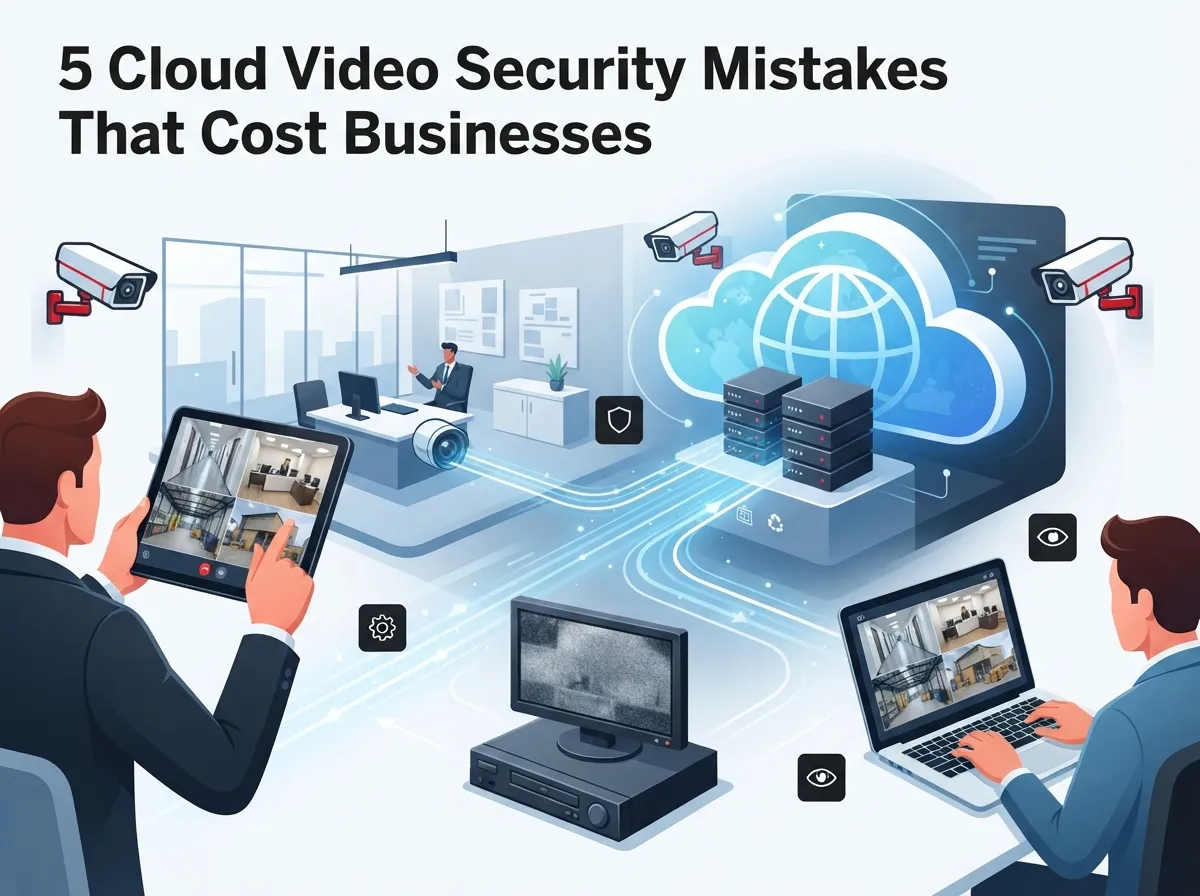
Before we get into mistakes, let’s make sure we’re on the same page. A cloud video security system, sometimes called VSaaS (video surveillance as a service), stores your footage on remote servers instead of a bulky box in your back office. You log in from your phone, laptop, or tablet and pull up any camera, anytime, anywhere.
This is a big shift from old-school setups. Traditional CCTV relies on a local DVR or NVR that sits in a closet somewhere. If that box dies, gets stolen, or floods, you lose your footage. Cloud systems keep your video safe offsite, which is a huge win for businesses with multiple locations.
- No bulky hardware taking up closet space
- Remote access from any device with internet
- Automatic software updates handled by the provider
- Easier scaling as your business grows
- Centralized management across multiple sites
If you want to see how this stacks up against older DVR setups, our guide on key differences between cloud video security and DVR systems breaks it down further.

Mistake 1: Choosing Storage Without Thinking About Retention Needs
Here’s a mistake we see all the time. A business owner picks a plan based on price alone, without asking how long footage actually gets saved. Then something happens three weeks later, and the video they need is already gone.
Cloud video retention varies a lot between providers. Some keep footage for just 7 days. Others offer 30, 60, or even 90 days depending on your plan. Retail stores dealing with theft claims, or offices handling HR disputes, often need longer windows than they first expect.
Questions to Ask Before You Sign Up
- How many days of footage are included in the base plan?
- What does it cost to extend retention?
- Is footage stored in the cloud only, or is there local backup too?
- Can retention differ by camera or location?
- How quickly can you download clips before they expire?
If you’re curious about the details, we cover this topic thoroughly in 6 key facts about cloud video security footage storage. Getting this right upfront saves a lot of frustration later.
Mistake 2: Ignoring Security and Encryption Standards
Video cameras connect to your network, which means they can become an entry point for cyberattacks if they’re not secured properly. This is a mistake that businesses in every industry overlook, and it’s a costly one.
A quality cloud VMS should include end-to-end encryption, strong user authentication, and role-based permissions so only the right people can view certain feeds. According to guidance from cybersecurity researchers, connected devices without proper safeguards widen the attack surface for hackers, which is exactly why encryption and access control matter so much here.
Here’s what a secure system should always include:
- Encrypted video transmission and storage
- Multi-factor authentication for account logins
- Granular user permissions by role or location
- Automatic firmware and software updates
- Audit logs tracking who accessed footage and when
Network security doesn’t stop at cameras either. A solid structured cabling foundation and a properly configured network reduce vulnerabilities across your whole system, not just your cameras.
Mistake 3: Overlooking Multi-Site Management Features
If your business has more than one location, this mistake can eat up hours of your week. Some cloud video platforms are built for single sites and just aren’t designed to handle centralized management across multiple properties.
Franchise operators and growing companies need one dashboard where they can view every location, pull reports, and set alerts, without logging in and out of separate accounts. This is where the real value of a good cloud VMS shows up.
Features That Matter for Multi-Location Businesses
| Feature | Why It Matters |
|---|---|
| Single sign-on dashboard | View all sites without switching accounts |
| Custom user permissions per site | Managers only see their own location |
| Bandwidth-friendly streaming | Works even where internet speeds vary |
| Centralized alerts | Get notified instantly across all sites |
| Scalable camera add-ons | Add new locations without a full system overhaul |
Franchise owners expanding across Tampa Bay and beyond should look closely at scalable access control systems for multi-location businesses, since video and access control often work best when they’re planned together.
Mistake 4: Skipping the Internet and Bandwidth Conversation
This one surprises a lot of people. Cloud cameras need solid, steady internet to work well. If your connection is spotty or your bandwidth is already stretched thin by phone systems and daily operations, your video feed can lag or drop entirely.
Before installing any cloud video system, it’s smart to check your current internet setup. Businesses running VoIP phones, cloud software, and now video cameras on the same connection sometimes need an upgrade to keep everything running smoothly.
- Estimate bandwidth needs based on camera count and resolution
- Ask your provider about local storage backup during outages
- Consider a dedicated connection for security devices
- Test upload speeds, not just download speeds
- Plan for growth if you’re adding more cameras later
If your current setup feels shaky, our article on keeping security cameras working during internet outages is worth a read. And if it’s time for a real internet upgrade, check out why Tampa businesses need dedicated fiber internet for a deeper look at what reliable connectivity actually requires.
Mistake 5: Working With Too Many Vendors
Here’s the mistake that causes the most frustration long-term. Many businesses end up with one company for internet, another for phones, a third for cameras, and a fourth for cabling. When something breaks, nobody wants to take responsibility, and you’re stuck playing phone tag for days.
A single point of contact who understands your whole telecom picture, phones, internet, cabling, networking, and video security, saves time and stress. This is exactly the model that Ideal Solutions Provider built its business around, working with over 35 vetted suppliers so businesses don’t have to manage everyone separately.
Signs You Need a Single Telecom Partner
- You’re not sure who to call when something breaks
- Different vendors blame each other for outages
- You’re paying separate bills for overlapping services
- Nobody has reviewed your setup in over a year
- Adding a new location means starting from scratch
Curious what this looks like in practice? Read more about reasons to use one telecom partner and how it simplifies everything from cameras to cabling.
Comparing Cloud VMS Priorities by Business Type
Not every business needs the same features. Here’s a quick look at what different types of companies should prioritize when comparing cloud video security systems.
| Business Type | Top Priority |
|---|---|
| Small Business Owner | Affordable plans with simple setup |
| Mid-Sized Enterprise | Scalability and integration with existing network |
| IT Manager | Strong encryption and centralized admin tools |
| Office Manager | Easy-to-use mobile app and reliable support |
| Franchise Operator | Multi-site dashboard and consistent camera standards |
How Cloud Video Security Fits Into Your Bigger Telecom Picture
It’s worth remembering that cameras don’t live in a bubble. They connect to your network, share bandwidth with your phones, and depend on cabling that’s often years old. Thinking about video security means thinking about your whole telecom setup at once.
This is also becoming a real opportunity in the telecom world. Providers are increasingly bundling video surveillance with connectivity services, since it’s easier for businesses to manage everything under one roof. It also means better support and faster fixes when something goes wrong.
If you’re already thinking about upgrades, it helps to look at your signs your business network needs an upgrade alongside your video security plans. Doing both at once often saves money compared to tackling them separately.
Quick Checklist Before You Choose a Provider
Let’s wrap up the practical side with a simple list you can use before signing any contract.
- Confirm video retention length matches your business needs
- Verify encryption and authentication standards
- Ask about multi-site dashboard capabilities
- Test your internet bandwidth before installation day
- Choose a provider who handles support, not just sales
- Ask if the same company can also manage phones, internet, and cabling
You can follow us on Facebook or Instagram for real examples of installations and tips from our team. We also share walkthroughs on YouTube if you’re a visual learner like a lot of our clients are.
Bringing It All Together
Choosing the best cloud video security systems doesn’t have to be stressful. Avoid rushing into a plan based on price alone, skipping the security conversation, ignoring multi-site needs, forgetting about bandwidth, or juggling too many vendors. Get these five things right, and you’ll have a system that actually protects your business instead of causing new headaches.
At the end of the day, video security works best when it’s part of a bigger plan that includes your internet, your network, and your phones. That’s the whole point of working with a single, trusted telecom partner instead of piecing things together yourself.
Ready to see how the best cloud video security systems could work for your business? Contact us for a free consultation, or call us today and let’s talk through your options together.
FAQs
Q: What is the best cloud video security system for businesses?
A: The best system depends on your business size and needs, but generally you want strong encryption, flexible retention plans, and multi-site management if you have more than one location. We’re always happy to walk through options based on what actually fits your setup, not just what sounds impressive on paper.
Q: How does a cloud VMS work compared with an on-premise VMS?
A: A cloud VMS stores your footage on remote servers you can access from anywhere, while an on-premise system relies on a local box that can fail, get damaged, or get stolen. Think of it like the difference between saving photos in the cloud versus only on one hard drive at home.
Q: Is cloud video surveillance secure for enterprise use?
A: Yes, as long as the provider uses strong encryption, multi-factor authentication, and role-based access controls. It’s a great question to ask, and honestly, any provider worth working with should be happy to explain their security setup in detail.
Q: Which cloud video security systems are best for multi-site businesses?
A: Look for platforms with a single dashboard that lets you view every location at once, set custom permissions per site, and manage alerts centrally. This saves so much time compared to juggling separate logins for every franchise or branch.
Q: How can telecom providers resell cloud video surveillance services?
A: Many telecom providers now bundle video surveillance with internet and phone services, creating a recurring revenue stream while giving clients one point of contact. It’s a win-win, since businesses get simpler support and providers get more value per customer relationship.





