
Key Takeaways
-
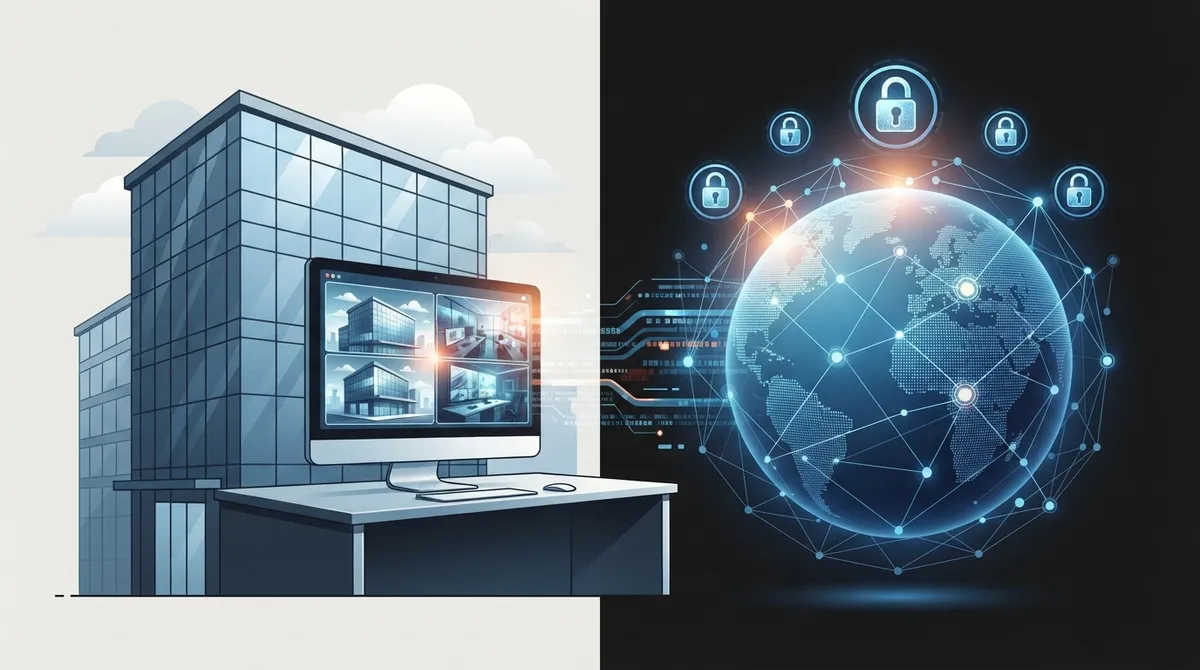
Cloud cameras store footage off-site, protecting it from local hardware theft or damage unlike traditional DVR systems that lose footage if equipment fails.
-
Multi-site businesses can manage all locations from one centralized dashboard, eliminating the need to travel between sites or maintain separate systems at each location.
-
Cloud systems require strong, reliable internet connections to function properly; bandwidth bottlenecks can degrade video quality and remote access reliability.
-
Many cloud platforms integrate with existing analog or IP cameras, allowing businesses to upgrade to remote viewing without replacing all equipment.
-
Reputable cloud camera providers use end-to-end encryption, two-factor authentication, role-based permissions, and audit logs to protect sensitive footage from unauthorized access.
-
Costs vary significantly based on camera count, storage duration, and features; getting personalized quotes from multiple vendors prevents overpaying for outdated systems.
Picture this: you’re grabbing coffee before sunrise, and your phone buzzes. It’s an alert from your warehouse camera. You tap it, and boom, you’re watching live footage from your couch. That’s the magic of a cloud security camera with remote viewing. No more driving across town at 2 a.m. because an alarm went off. No more waiting for someone to physically check a DVR. Just you, your phone, and a clear view of what’s happening at your business, right now.
For Tampa business owners, IT managers, and franchise operators juggling multiple locations, this technology isn’t just nice to have anymore. It’s become the backbone of modern business security. In this guide, we’ll walk through exactly how these systems work, what makes them different from old-school setups, and how to choose one that actually fits your business. Grab a coffee, and let’s dig in together.
What Is a Cloud Security Camera with Remote Viewing?
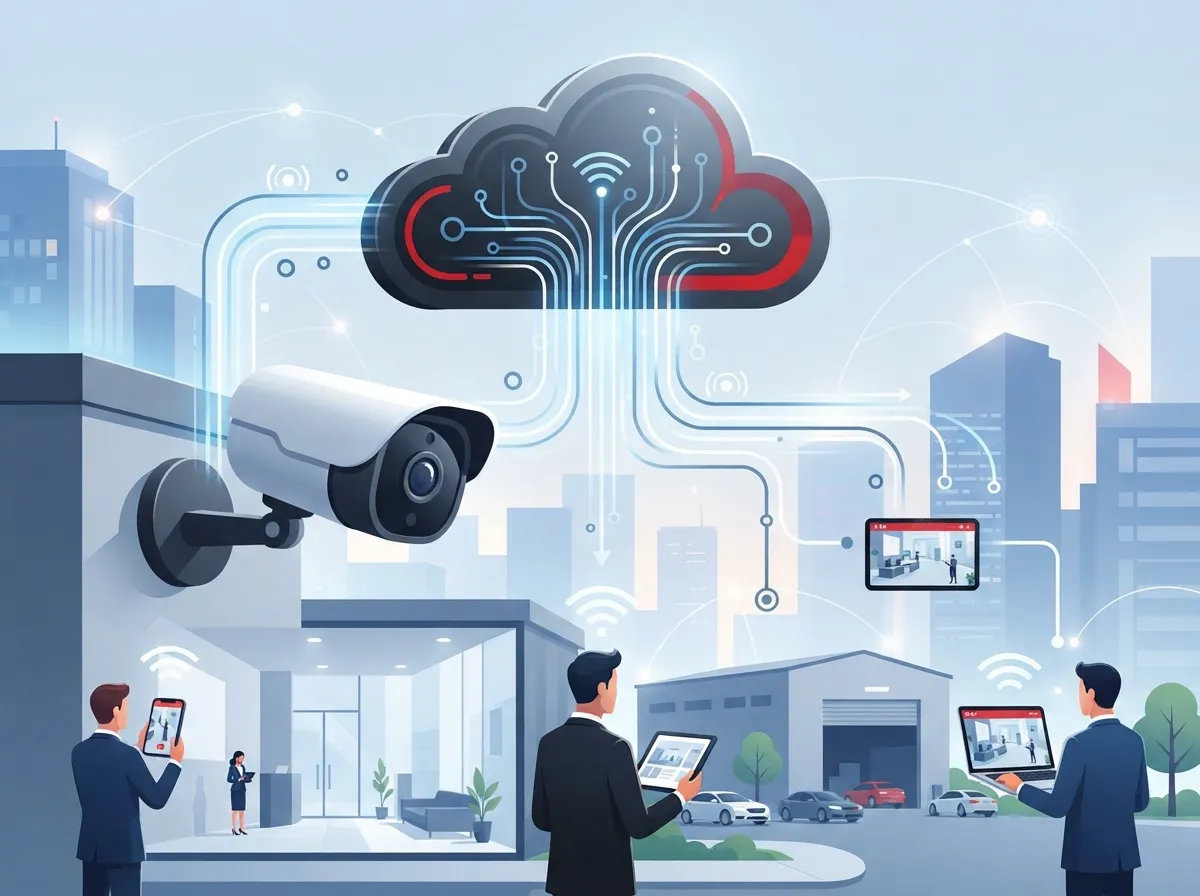
A cloud security camera with remote viewing sends video footage straight to secure cloud servers instead of a box sitting in your back office. This means you can pull up live or recorded footage from your phone, tablet, or laptop, from anywhere with an internet connection. It’s like carrying a security guard’s monitor room in your pocket.
These systems are especially handy for businesses managing more than one site. Instead of driving between locations to check on things, you log into one dashboard and see everything. Whether you’re running a single Tampa storefront or a franchise chain spread across the state, this kind of visibility saves time and headaches.
How Cloud-Based Remote Video Surveillance Works
Here’s the simple version. Your cameras capture video, then send it over your internet connection to a secure cloud platform. From there, you access it through an app or web portal. No trip to a back room required.
Many providers, like Bosch’s cloud security services, note that this setup allows 24/7 remote access and camera control from anywhere. Once the cameras are installed, management happens remotely, which cuts down on service calls and downtime.
- Cameras capture footage continuously or based on motion triggers.
- Video gets encrypted and uploaded to cloud storage.
- You log into a secure app or portal to view live or recorded footage.
- Alerts notify you instantly if something unusual happens.
- Footage stays backed up off-site, safe from local equipment damage.
Why Businesses Are Switching from Traditional DVR Systems
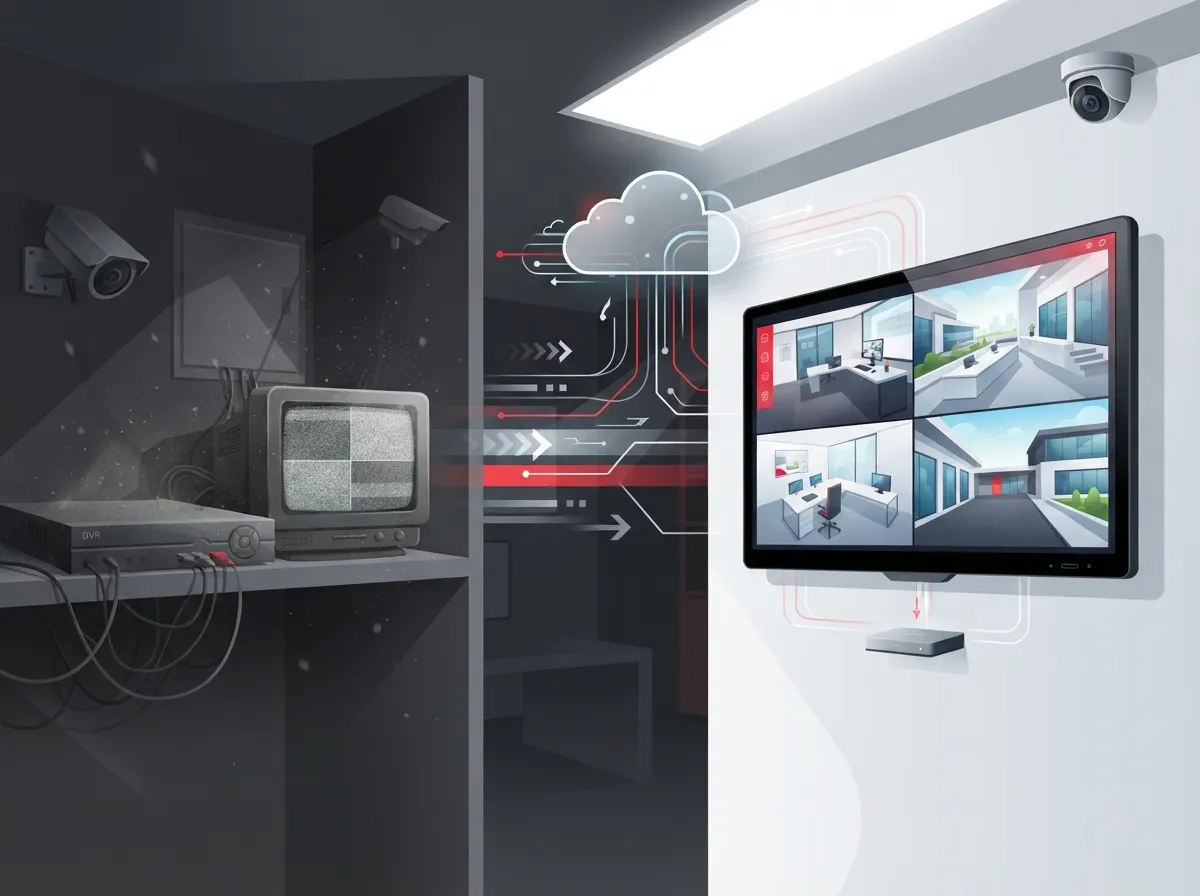
Old-school DVR and NVR systems store footage locally. If that box gets stolen, damaged, or simply fails, your footage is gone. Cloud systems fix that problem by keeping everything backed up off-site.
Cloud video surveillance for business platforms often replace those clunky recorders altogether. According to Avigilon, cloud-based video surveillance lets you access live and historic footage from anywhere through secure web portals and apps, without relying on a physical recorder sitting in a closet somewhere.
Traditional DVR vs Cloud Camera Systems
| Feature | Traditional DVR/NVR | Cloud Security Camera System |
|---|---|---|
| Storage Location | On-site hardware | Off-site cloud servers |
| Remote Access | Limited or none | Full access via app or browser |
| Multi-Site Management | Separate system per site | One dashboard for all locations |
| Risk if Hardware Fails | Footage may be lost | Footage remains safe in cloud |
| Scalability | Difficult to expand | Easy to add cameras or sites |
| Maintenance | Requires on-site visits | Often managed remotely |
Key Benefits for Multi-Site and Growing Businesses
If you’re running more than one location, you already know the struggle of keeping tabs on everything. Cloud cameras solve a lot of that pain, and here’s how.
- Check footage from any location without traveling on-site.
- Give managers role-based access so they only see what they need.
- Add new cameras or sites without overhauling your entire system.
- Reduce reliance on local recorders that can fail or get damaged.
- Speed up incident response with instant mobile alerts.
- Support unlimited or large numbers of viewers for bigger teams.
CloudCCTV, for example, states their platform is backed by Amazon AWS and used to unify multi-site surveillance with remote viewing for unlimited users. That kind of scalability matters a lot for franchise operators managing several Tampa Bay locations at once.
Can Cloud Cameras Work with Your Existing Equipment?
Good news here. Many cloud platforms are built to work with analog or IP cameras you already own. This means you don’t have to rip out everything and start fresh. ACCTelecom notes that its cloud video management system can provide remote viewing, cloud recording, and storage while integrating with existing cameras.
That’s a relief for small business owners who invested in a camera setup a few years back but want the flexibility of cloud access now. Sometimes an upgrade means adding smarter software, not buying all new hardware.
Security Features Every Business Should Look For
Since your footage is traveling over the internet, security matters a lot. You want a system that keeps your data locked down tight, not floating around unprotected.
- End-to-end encryption for video streams and stored footage.
- User permission controls so only approved staff can view certain feeds.
- Secure login portals with two-factor authentication.
- Regular software updates to patch vulnerabilities.
- Audit logs showing who accessed footage and when.
Business-focused platforms tend to lean heavily into cybersecurity, offering encrypted access and secure remote portals as standard features. This isn’t just about watching for shoplifters anymore. It’s about protecting sensitive footage from getting into the wrong hands too.
Comparing Common Cloud Camera Features
| Feature | Why It Matters |
|---|---|
| Remote Viewing | Check footage from any device, anywhere |
| Centralized Admin Panel | Manage cameras, users, and alerts in one place |
| Off-Site Storage | Protects footage if local equipment fails |
| Motion Alerts | Get notified instantly about unusual activity |
| Multi-Site Support | Ideal for franchises and growing companies |
| Encrypted Access | Keeps footage safe from unauthorized viewers |
How Much Does Cloud Video Surveillance Cost?
Pricing varies quite a bit depending on the number of cameras, storage length, and features you need. Small businesses with a few cameras often pay less than large operations with dozens of locations. Monthly cloud storage fees, camera hardware, and installation all factor into the final cost.
The best way to get a clear number is through a personalized quote based on your setup. Many businesses discover they’ve been overpaying for outdated systems that don’t even offer remote access. That’s part of why working with an experienced partner matters so much when comparing options across dozens of vendors.
Steps to Choose the Right Cloud Camera System for Your Business
Ready to upgrade? Here’s a simple path to follow so you don’t feel overwhelmed by all the options out there.
- Assess how many cameras and locations you need to cover.
- Decide if you want to reuse existing cameras or start fresh.
- Compare cloud storage lengths and pricing across providers.
- Check for mobile app quality and ease of remote access.
- Confirm the platform supports role-based user permissions.
- Ask about installation timelines and ongoing support options.
- Review how the system integrates with your existing network setup.
Since cameras rely on your internet connection, it helps to make sure your network can handle the load. If you’re unsure, our guide on high-speed internet tips for business is a great place to start.
Real-World Uses Across Tampa Bay Industries
Cloud cameras aren’t just for retail stores watching for theft. They’re popping up everywhere across Tampa Bay businesses, and for good reason.
- Healthcare offices monitoring waiting rooms and entry points.
- Manufacturing facilities keeping an eye on equipment and safety zones.
- Franchise restaurants checking multiple kitchens from one dashboard.
- Professional offices verifying after-hours access and deliveries.
- Warehouses tracking inventory movement and loading docks.
If your business is growing across multiple Tampa Bay locations, pairing your camera system with reliable structured cabling services ensures your network can support all that added traffic without slowing down.
Why Reliable Internet Matters for Cloud Cameras
Cloud cameras depend on a strong, steady internet connection. If your bandwidth is shaky, video quality suffers and remote access becomes unreliable. This is where working with a solid Internet Service Provider makes a real difference for your camera performance.
Businesses juggling VoIP phones, cloud cameras, and everyday internet use sometimes run into bandwidth bottlenecks. If that sounds familiar, it might be time to review your current setup. Our article on best business high-speed internet services in Tampa FL covers exactly what to look for.
How Ideal Solutions Provider Helps Tampa Businesses
At Ideal Solutions Provider, we’ve spent over 24 years helping Tampa businesses simplify their telecom and security setups. Instead of juggling calls with multiple vendors, you get one point of contact for everything, from cloud cameras to internet service to structured cabling.
We partner with 35+ vetted suppliers, which means we compare options for you instead of pushing one brand. Many of the businesses we audit are overpaying or working with outdated equipment they don’t even realize is holding them back. If that sounds like your business, it might be worth a second look.
Curious what a smarter setup could look like for your locations? Contact us for a free consultation, or feel free to give us a call to talk through your options today.
What to Ask Before Signing a Contract
Before you commit to any provider, ask a few key questions. This protects you from surprise fees or systems that don’t scale with your business.
- What happens to my footage if I cancel service?
- Can I add more cameras later without a full system overhaul?
- What’s the average response time for support requests?
- Is installation included, or billed separately?
- How long is footage stored before it’s deleted?
Getting clear answers upfront saves you from headaches down the road. It also helps you compare providers fairly, since pricing structures can vary a lot between companies.
Final Thoughts on Cloud Security Cameras with Remote Viewing
A cloud security camera with remote viewing gives your business something priceless: peace of mind. Whether you’re checking on a single Tampa office or ten locations spread across the state, you get eyes on your business anytime, anywhere. That kind of visibility helps you catch problems early, respond faster, and sleep a little easier at night.
If you’re ready to explore your options, our team is here to walk you through it step by step, no pressure, no confusing jargon. Reach out and connect with our team today to see what a modern camera system could do for your business.
FAQs
Q: What is a cloud security camera with remote viewing?
A: It’s a video surveillance system that stores footage in the cloud instead of on a local box. You can check live or recorded video from your phone, tablet, or computer, no matter where you are. It’s a huge upgrade from the old days of squinting at a tiny DVR screen in the back office.
Q: Can cloud cameras work with the cameras I already have?
A: In many cases, yes! Plenty of cloud platforms are designed to integrate with existing analog or IP cameras. So if you’ve already invested in equipment, you might just need smarter software, not a whole new setup.
Q: How secure is remote viewing for business security cameras?
A: Reputable cloud camera platforms use encryption, secure login portals, and permission controls to protect your footage. It’s smart to ask any provider about their specific security measures before signing up, just to be sure everything lines up with your business needs.
Q: What’s the difference between cloud surveillance and a traditional DVR system?
A: Traditional DVRs store footage locally, which means if the hardware fails or gets stolen, your footage could be gone for good. Cloud surveillance keeps everything backed up off-site, so it’s much more resilient, plus you get remote access from anywhere.
Q: How much does cloud video surveillance cost for a business?
A: Costs vary based on the number of cameras, storage length, and features you choose. The best way to know for sure is to get a personalized quote, since pricing can differ quite a bit between providers and setups.





