
Key Takeaways
-
Cloud video monitoring eliminates expensive on-site hardware and servers while ensuring footage stays safe even if local equipment is damaged, stolen, or loses power.
-
Bundling cloud video monitoring with your phone, internet, and networking through one telecom provider creates a single point of contact for support and simplifies billing and troubleshooting.
-
Verify your business internet connection can handle continuous video streaming before installation, as bandwidth issues can severely degrade system performance when you need it most.
-
Most providers use per-camera monthly subscription pricing with costs varying by resolution and storage retention, making it essential to compare feature differences across plans before signing.
-
AI-powered analytics in modern cloud systems significantly reduce false alarms by distinguishing between real threats and minor events like stray animals.
-
Professional installation and site assessment are critical to avoid blind spots and ensure accurate camera placement before committing to a long-term contract.
Picture this: it’s midnight, and you’re fast asleep. Meanwhile, your storefront, warehouse, or office is sitting empty. Wouldn’t it feel good to know someone (or something smart) is watching over it? That’s exactly what a 24/7 cloud video monitoring service gives you. It’s like having a trusted friend keeping an eye on your business, day and night, rain or shine, holidays included.
For Tampa business owners, IT managers, and office leaders juggling a dozen tasks at once, this technology is a game-changer. You don’t need a room full of screens or a security guard on payroll. You just need the right cloud-based system, and we’re here to walk you through exactly how to get one set up the smart way.
Whether you run a single coffee shop or manage security across ten franchise locations, this guide breaks down everything in plain, friendly language. No tech jargon overload here. Let’s get you protected.
What Is 24/7 Cloud Video Monitoring, Really?
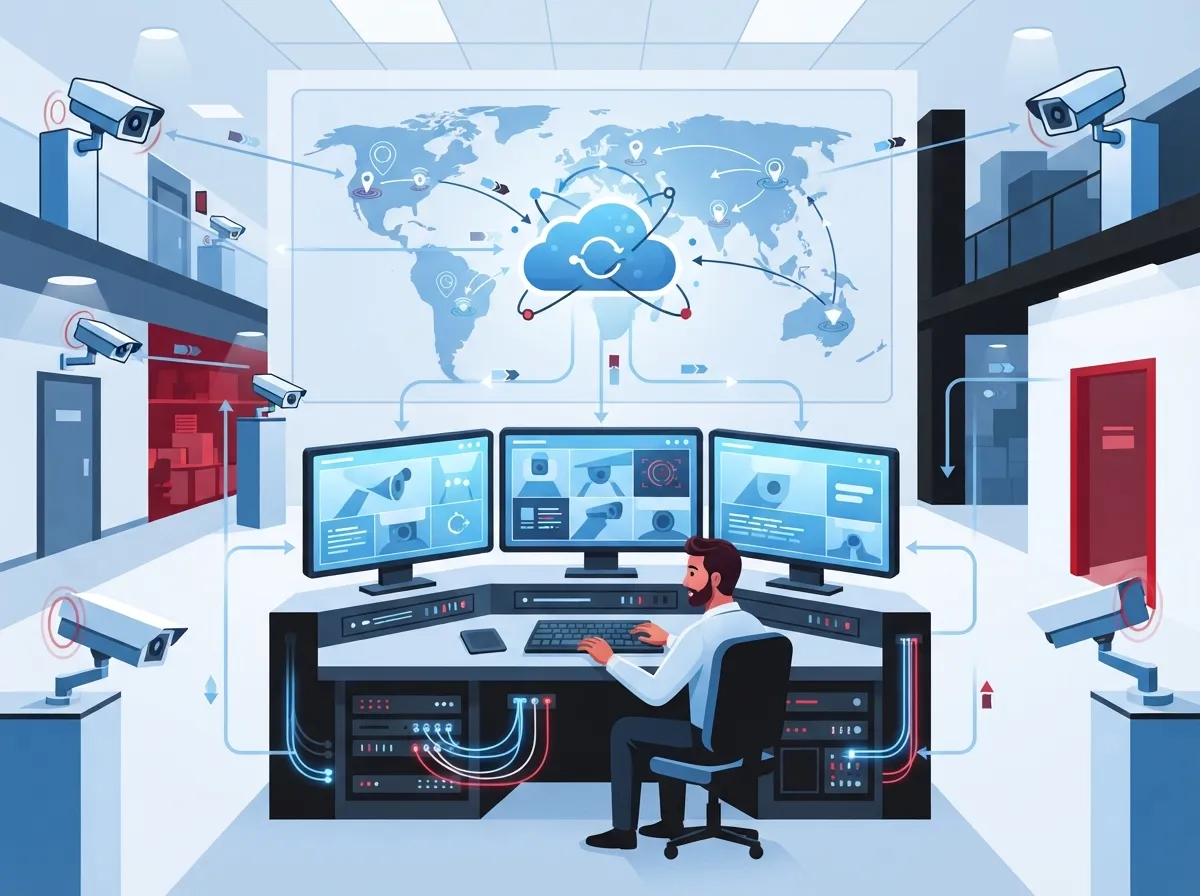
Cloud video monitoring takes your security footage off a clunky box in a back closet (the old DVR or NVR system) and moves it to the cloud. That means you can pull up your cameras from your phone, laptop, or tablet, anywhere you have internet access.
This is often called Video Surveillance as a Service, or VSaaS. Think of it like Netflix, but instead of movies, you’re streaming live footage of your business. It’s subscription-based, scalable, and doesn’t require a ton of hardware sitting on-site.
Comcast Business highlighted this shift years ago with its SmartOffice platform, which let small businesses record, store, and share video around the clock using secure cloud storage and mobile access. That same idea has only gotten better and more affordable since then.
How It Differs From Traditional Security Camera Setups
Old-school CCTV systems rely on physical recorders sitting in your building. If that box breaks, gets stolen, or your building loses power, you might lose your footage entirely. Cloud systems fix that problem by storing everything safely offsite.
- No large on-site servers to maintain or replace
- Footage stays safe even if local hardware is damaged
- Instant access from anywhere with internet
- Automatic software updates without a technician visit
- Easier to scale as your business grows
If you want a deeper breakdown of these differences, check out this comparison of cloud video security and DVR systems.
Why Businesses Are Making the Switch
It’s not just big corporations jumping on cloud video monitoring. Small shops, medical offices, franchise chains, and warehouses are all seeing the benefits. Here’s why.
Key Benefits for Growing Businesses
- Peace of mind around the clock: You’re covered 24/7, not just during business hours.
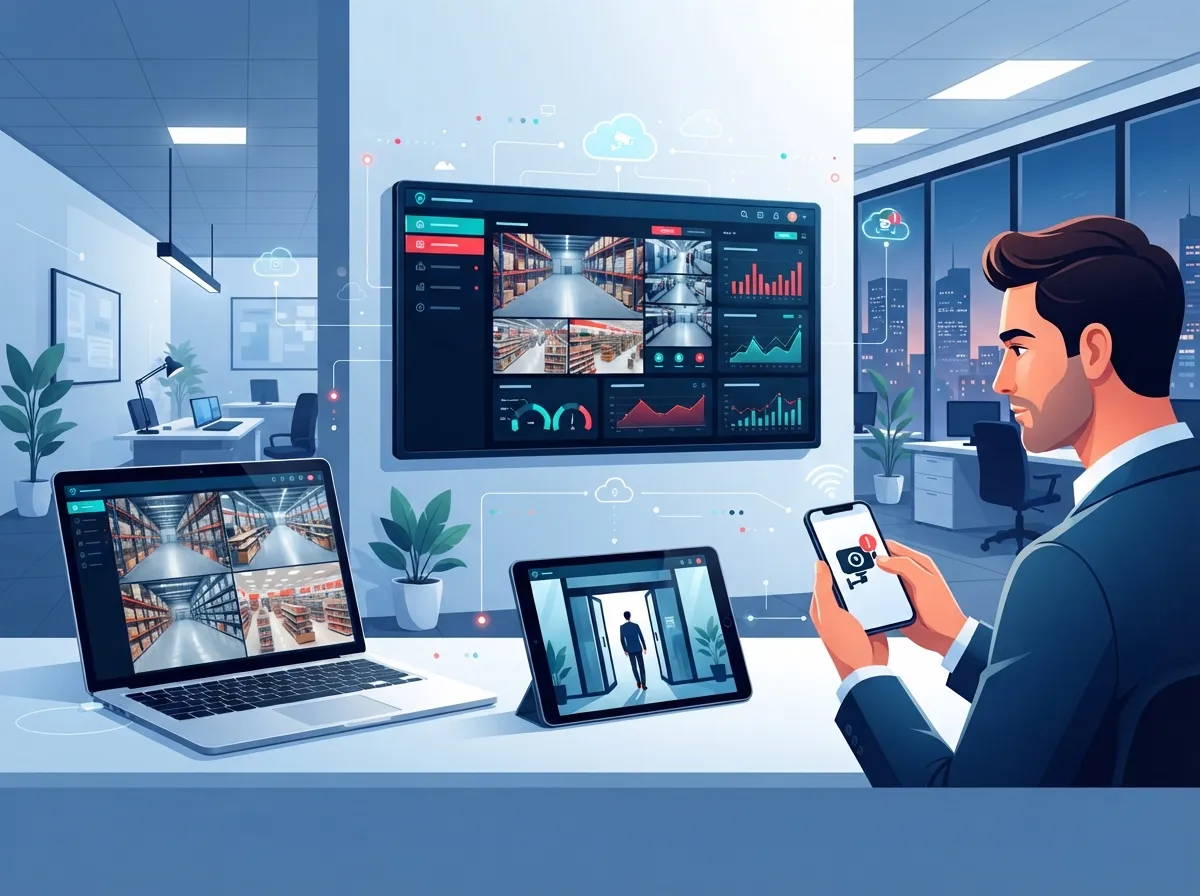
- Remote access from anywhere: Check in on your business from a beach chair or a business trip.
- Fewer false alarms: Smart alerts help filter out noise so you only get notified about real events.
- Lower upfront costs: No need to buy expensive servers or storage boxes.
- Easy multi-location oversight: Perfect for franchise operators managing several sites at once.
- Scalability: Add more cameras or locations without ripping out your whole system.
Johnson Controls notes that their Cloud Video solution lets businesses monitor footage from anywhere, on any device, anytime. That kind of flexibility used to be a luxury. Now it’s pretty much expected.
Who Benefits Most From This Setup
- Small business owners who can’t afford a dedicated security team
- Office managers who need to check on the building after hours
- IT managers overseeing multiple vendors and systems
- Franchise operators managing cameras across several locations
- Mid-sized companies needing centralized security dashboards
How Cloud Video Monitoring Actually Works
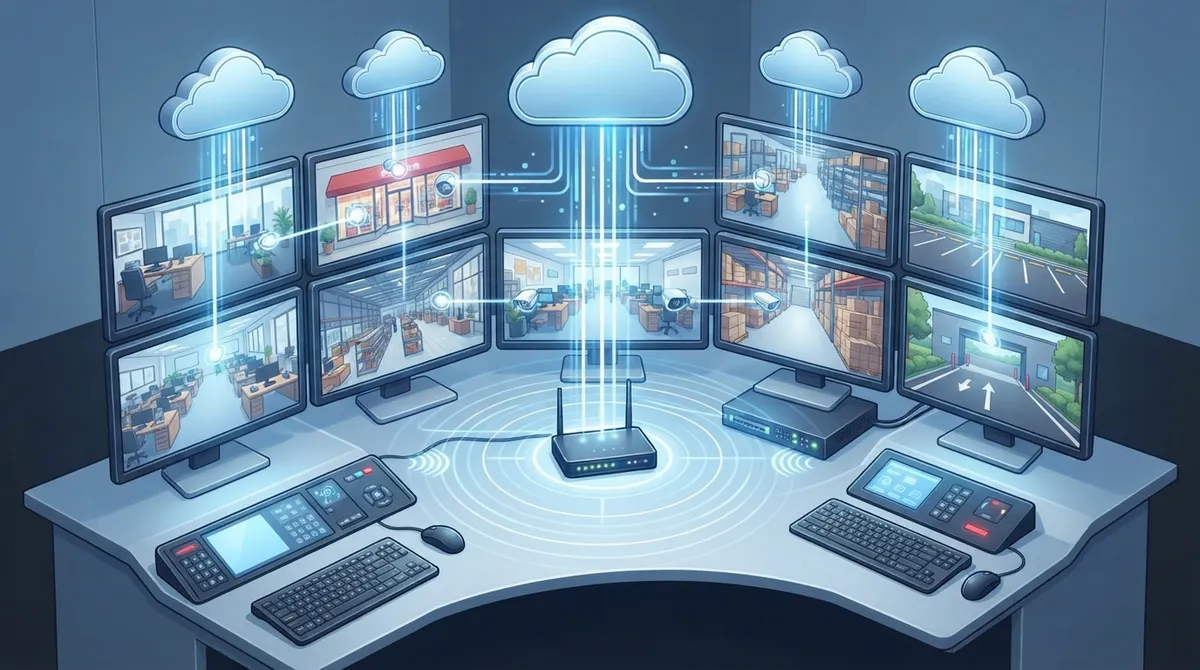
Let’s simplify the tech. Your cameras capture video, and instead of sending that footage to a local recorder, they send it straight to secure cloud servers. From there, you can log in through an app or web browser to watch live or review recordings.
Avigilon describes this process as streaming camera and sensor data to a cloud platform in real time, all day and night. Some systems also layer in AI analytics, so the system can tell the difference between a stray cat and an actual intruder. That means fewer wasted alerts and more useful information.
Steps to Set Up Your Cloud Video Monitoring System
- Assess your current setup and identify weak spots or blind areas
- Choose the right number and type of cameras for your space
- Select a provider that offers scalable cloud storage plans
- Confirm your internet connection can handle continuous streaming
- Schedule professional installation for accurate camera placement
- Set up mobile and desktop access for your team
- Configure alerts for motion, sound, or specific triggers
- Test the system regularly and review footage retention settings
Since bandwidth matters so much here, it helps to first make sure your business internet connection can support constant video streaming without hiccups. A shaky connection can turn your smart security system into a frustrating mess.
What to Look for in a Cloud Video Monitoring Provider
Not every provider offers the same features, so it pays to compare before signing a contract. Here’s a quick breakdown of what typically separates a solid service from a mediocre one.
| Feature | Why It Matters |
|---|---|
| Cloud storage retention period | Determines how far back you can review footage |
| Camera resolution options | Higher resolution means clearer identification of people and events |
| AI-powered analytics | Reduces false alerts and flags actionable events |
| Mobile app access | Lets you check footage instantly from your phone |
| Professional monitoring option | Adds human review for faster response to real threats |
| Integration with existing cameras | Saves money by using current hardware where possible |
| Data encryption standards | Keeps your footage secure from unauthorized access |
Eagle Eye Networks, a well-known name in cloud video, prices its plans per camera per month, with cost shifting based on resolution and how long footage is stored. This per-camera subscription model has become the norm across the industry, which actually makes budgeting a lot more predictable for business owners.
Common Add-On Features Worth Considering
- Integration with access control systems for a complete security picture
- Two-way audio for real-time communication with visitors
- Heat mapping to track customer traffic patterns in retail spaces
- Automated reports sent to managers or owners weekly
Many businesses pair their video monitoring with cloud-based access control systems for a more complete security setup. This combo lets you see who’s entering your building and control access with a tap on a smartphone.
Cloud Video Monitoring vs. Traditional CCTV: A Side-by-Side Look
| Factor | Cloud Video Monitoring (VSaaS) | Traditional CCTV/DVR |
|---|---|---|
| Storage location | Offsite, secure cloud servers | Onsite hardware (DVR/NVR box) |
| Remote access | Yes, via app or browser | Limited or requires extra setup |
| Scalability | Easy to add cameras/locations | Often requires new hardware |
| Maintenance | Minimal, provider-managed | Requires manual updates/repairs |
| Upfront cost | Lower, subscription-based | Higher, hardware-heavy |
| Risk of data loss | Low, cloud-backed | Higher if hardware fails or is stolen |
How Telecom Providers Package This as a Managed Service
Here’s something a lot of business owners don’t realize: cloud video monitoring doesn’t have to be a separate headache from your phone system, internet, and networking. Business telecom providers often bundle it all together, so you’re not stuck juggling five different vendors.
AIPIX describes VSaaS for telecom and internet providers as a cloud-based service built to be scalable and secure for businesses of every size. This is exactly the kind of bundled, managed approach that saves office managers and IT teams a ton of time and hassle.
Why Bundling Makes Sense
- One point of contact for support instead of multiple vendors
- Simplified billing across phone, internet, and security services
- Better coordination between your network and camera bandwidth needs
- Faster troubleshooting when everything runs through one partner
This is where working with an experienced telecom partner really pays off. At Ideal Solutions Provider, we’ve spent over 24 years helping Tampa businesses and companies nationwide simplify their telecom and security setups. We compare options across 35+ vetted suppliers, so you get the right cloud video monitoring solution without the runaround. In fact, we’ve found that 9 out of 10 businesses we audit are overpaying, underperforming, or both when it comes to their telecom and security services.
Common Mistakes to Avoid When Choosing a Provider
- Picking the cheapest plan without checking storage retention limits
- Ignoring internet bandwidth requirements before installation
- Ignoring integration options with existing access control or alarm systems
- Skipping a professional site assessment before buying cameras
- Overlooking data encryption and cybersecurity standards
- Signing a long contract without testing customer support responsiveness
If you’re not sure your current network can handle the load, it’s worth reviewing your business network performance before adding more cameras to the mix. Video streaming eats bandwidth fast, and nobody wants choppy footage right when it matters most.
Is Cloud Video Monitoring Secure for Business Use?
This is a fair question, and a smart one to ask. Reputable providers use encrypted connections, multi-factor authentication, and regular security updates to protect your footage. Since data lives in the cloud instead of a box that could be stolen, it’s actually often safer than traditional setups.
Still, it’s smart to ask any provider about their specific encryption standards and how often they patch vulnerabilities. A good provider should be transparent about this from day one. You can also learn more general security practices from resources like the Internet Service Provider industry standards that govern data transmission security.
Questions to Ask Before You Sign Up
- How is footage encrypted during transmission and storage?
- What happens to my data if I cancel the service?
- Can I control who has access to specific camera feeds?
- Is there a backup plan if the internet goes down?
Speaking of internet outages, it’s worth checking out how cloud cameras perform during internet outages so you’re not caught off guard.
Getting Started the Right Way
Ready to make the switch? Here’s a simple checklist to keep things organized as you move forward.
- Walk through your property and note high-priority areas needing coverage
- Get quotes from providers that offer true 24/7 cloud access, not just business-hours support
- Confirm your network cabling and internet speed can support the cameras
- Ask about professional installation versus DIY setup
- Set a realistic budget based on camera count and storage needs
- Schedule a walkthrough with your provider before installation day
Solid structured cabling often plays a bigger role than people expect here. If your cabling is outdated or poorly planned, even the best cameras and cloud software won’t perform their best.
Wrapping It Up: Protecting What Matters Most
Running a business is already a full-time juggling act. You shouldn’t have to lose sleep wondering if your building is safe overnight. A reliable 24/7 cloud video monitoring service gives you that peace of mind, whether you’re managing one location in Tampa or ten locations across the country.
We know firsthand how confusing it can be to sort through 35+ suppliers and figure out what actually fits your business. That’s the whole reason Ideal Solutions Provider exists: to be your single point of contact for telecom, networking, and security solutions that actually make sense for your budget and goals. Follow us on Facebook, Instagram, or YouTube to see real examples of our work in action.
Ready to protect your business around the clock without the stress of comparing dozens of providers yourself? Contact us for a free consultation, or feel free to call us today. We’ll help you find the right cloud video monitoring setup, tailored to your business, your budget, and your peace of mind.
FAQs
Q: What is 24/7 cloud video monitoring in business security?
A: It’s a service that keeps your security cameras streaming and recording around the clock, storing everything safely in the cloud instead of a local box. That means you can pull up footage anytime, from anywhere, using your phone or computer. It’s like having a watchful friend on duty even when you’re fast asleep.
Q: How does cloud video surveillance work for small and medium-sized businesses?
A: Your cameras send footage directly to secure cloud servers instead of an on-site recorder. From there, you log in through an app to view live feeds or past recordings. It’s a great fit for small and mid-sized businesses because there’s less hardware to maintain and it’s easy to scale as you grow.
Q: What is the difference between VSaaS and traditional CCTV systems?
A: Traditional CCTV stores footage on a local device, which can be damaged, stolen, or lost during a power outage. VSaaS, or cloud video monitoring, stores everything offsite in secure servers, so your footage stays safe no matter what happens at your physical location. It’s a more resilient, flexible option overall.
Q: How much does a cloud video monitoring service cost per camera?
A: Pricing usually depends on camera resolution, storage retention, and whether you add professional monitoring. Many providers charge a monthly fee per camera, similar to a subscription service. It’s worth comparing a few quotes since costs can vary quite a bit between providers.
Q: Can cloud video monitoring integrate with existing security cameras?
A: In many cases, yes! Some cloud platforms are built to work with your current camera hardware, which can save you money on a full system replacement. It’s always best to check compatibility with your provider first, just to make sure everything plays nicely together.





