
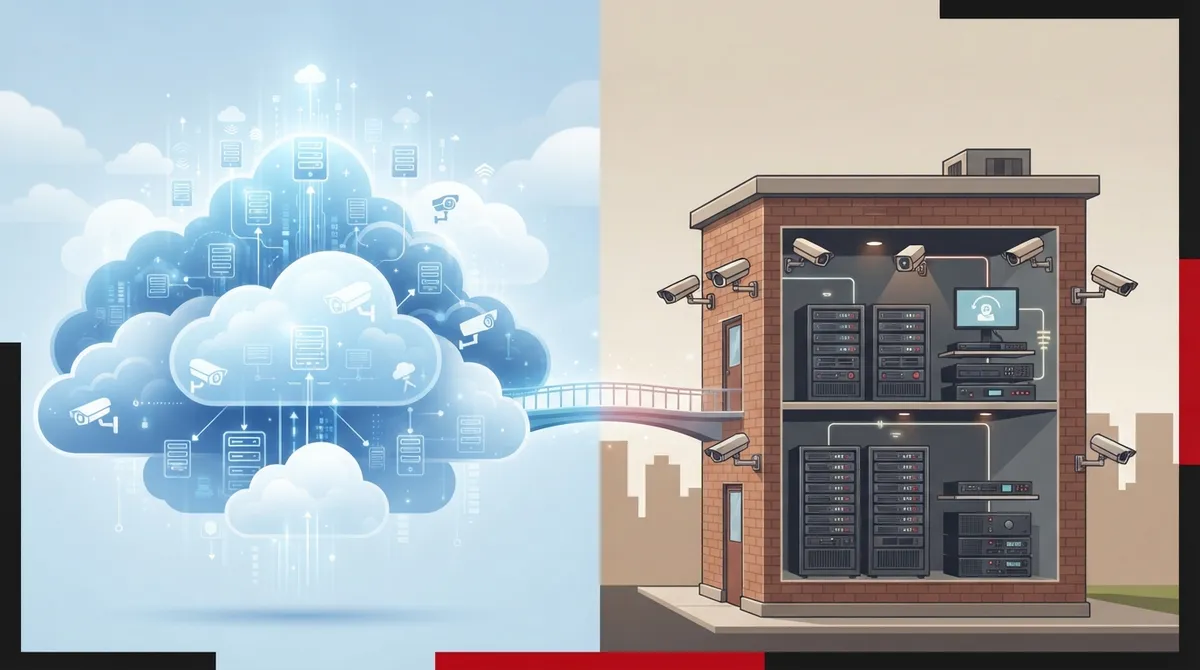
Key Takeaways
-
Cloud systems scale effortlessly for multi-location businesses without requiring on-site IT visits or hardware changes, while on-premise systems need new hardware and manual configuration at each location.
-
Cloud surveillance costs $20-$100 per camera monthly with low upfront costs, while on-premise systems require $5,000-$50,000 initial investment but minimal ongoing costs—neither is automatically cheaper long-term.
-
On-premise systems continue recording during internet outages using local storage, while cloud systems depend on steady connectivity and may miss footage if service drops despite local buffering features.
-
Hybrid systems combining local recording with cloud backup offer a middle-ground solution, providing continuous recording during outages plus remote access and backup protection for growing businesses.
Picking security cameras for your business feels a lot like picking a phone system. There are too many choices, and everyone claims theirs is the best. If you have been stuck comparing cloud surveillance vs on premise systems, take a breath. You are in good company, and by the end of this guide, you will know exactly which direction fits your business.
At Ideal Solutions Provider, we have spent over 24 years helping Tampa businesses (and companies nationwide) sort through telecom and security decisions just like this one. We have seen small offices thrive with simple setups and multi-location franchises scale smoothly with cloud tools. So grab a coffee, and let’s walk through the 13 facts you need to make a confident choice.
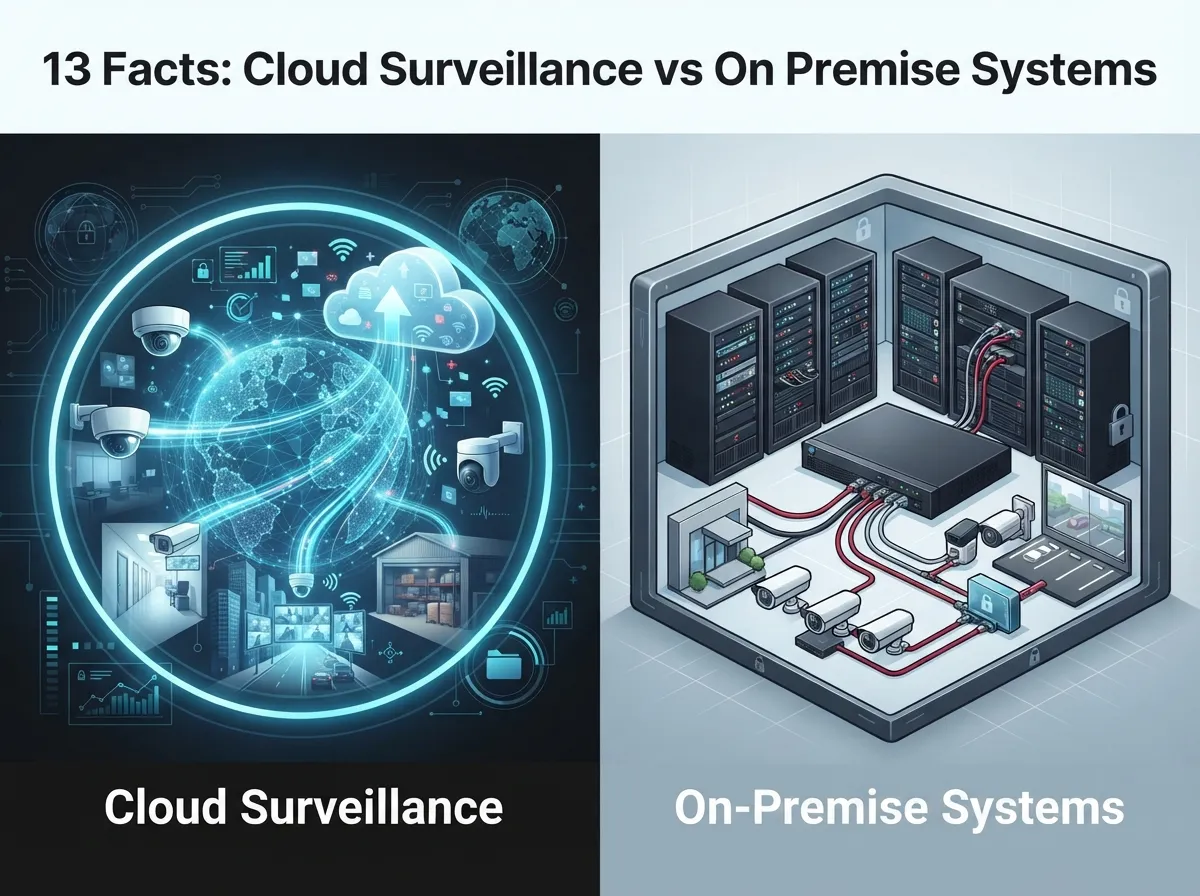
1. What Cloud Surveillance and On Premise Systems Actually Mean
Cloud surveillance, sometimes called VSaaS (Video Surveillance as a Service), stores your camera footage on remote servers managed by a provider. You access your video through an app or web browser, from anywhere with an internet connection.
On premise systems keep everything in-house. Your cameras connect to a local DVR or NVR (a recording box sitting in your building), and your footage stays on your own hardware. Think of it like the difference between keeping files in a filing cabinet down the hall versus storing them in a locked box across town that you can peek into anytime.
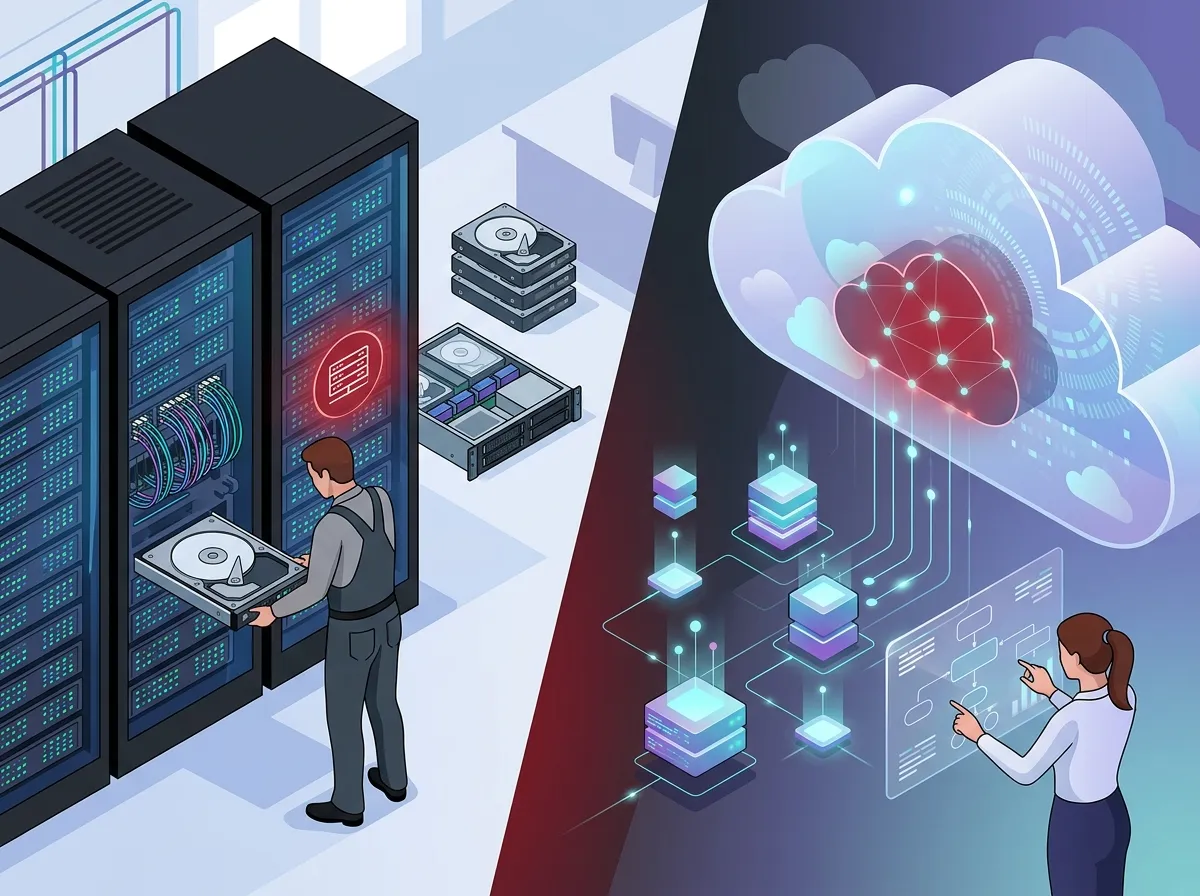
2. How Each System Handles Storage
This is where the two options really part ways. On premise storage relies on physical hard drives sitting in a closet or server room. Cloud storage lives in a provider’s secure data center, often with built-in redundancy.
- Cloud storage scales easily as you add cameras or locations
- On premise storage requires buying more hardware as you grow
- Cloud systems often include automatic backups
- On premise systems put backup responsibility on your team
If you are already relying on business high-speed internet services, cloud storage becomes a much smoother fit for daily operations.
3. Upfront Costs: What You’ll Actually Pay
Nobody likes surprise bills, so let’s talk numbers. On premise systems typically require a bigger upfront investment, usually somewhere between $5,000 and $50,000 depending on how many cameras and how much storage you need.
Cloud surveillance flips that model. You pay less upfront but commit to ongoing subscription fees, usually between $20 and $100 per camera each month. Neither option is automatically cheaper long-term. It depends on how long you plan to use the system and how much you value flexibility.
Quick Cost Comparison Table
| Cost Factor | Cloud Surveillance | On Premise Systems |
|---|---|---|
| Upfront Investment | Low (mainly cameras) | High ($5,000–$50,000) |
| Monthly Cost | $20–$100 per camera | Minimal after setup |
| Hardware Maintenance | Handled by provider | Handled by your team |
| Scalability | Very easy | Requires new hardware |
4. What Happens When the Internet Goes Down
This question comes up constantly, and for good reason. On premise systems keep recording locally, so a Wi-Fi hiccup or an internet outage will not stop your cameras from capturing footage. You just will not be able to view it remotely until service returns.
Cloud systems depend on a steady internet connection to upload footage. If your connection drops, some cloud cameras use local buffering to store a short window of footage until the connection returns. Others may miss recording entirely during the outage. This is exactly why reliable connectivity matters so much, and why many businesses pair cloud cameras with dedicated fiber internet for peace of mind.
5. Scalability for Growing Businesses
If you run a single location and have no plans to expand, on premise might feel just fine. But if you are a franchise operator or a mid-sized company planning to add locations, cloud surveillance wins here almost every time.
- Add a new camera to the cloud platform without touching a local server
- Manage all locations from one single dashboard
- Apply the same security settings across every site instantly
- Skip the need for on-site IT visits at every new location
This scalability mirrors what we see with scalable access control systems for multi-location businesses, where cloud tools make expansion far less painful.
6. Maintenance and IT Workload
Here’s something IT managers appreciate: cloud surveillance shifts most maintenance work to the provider. Firmware updates, storage upgrades, and system patches happen automatically in the background.
On premise systems put that responsibility on your internal team or your outside IT partner. That means someone has to monitor hard drive health, replace failing equipment, and manage software updates manually. For businesses without dedicated IT staff, this can become a real burden over time.
7. Security and Data Protection
Is cloud surveillance secure enough for business use? Generally, yes. Reputable providers use encryption, multi-factor authentication, and regular security audits to protect your footage.
On premise systems keep data physically closer to home, which some businesses find reassuring. However, local systems are only as secure as the network protecting them. Weak passwords or outdated firmware can leave on premise systems just as vulnerable as poorly managed cloud accounts.
- Cloud systems benefit from provider-managed security updates
- On premise systems require your team to stay current on patches
- Both options need strong network security fundamentals
- Both benefit from properly installed structured cabling to reduce vulnerabilities
8. Remote Access and Monitoring
Cloud surveillance shines when it comes to checking in from your phone during a beach vacation or while driving between office locations. Most platforms offer live viewing, instant alerts, and searchable footage through simple mobile apps.
On premise systems can offer remote access too, but it usually requires extra network configuration like port forwarding or a VPN. That adds complexity, and it is not always something office managers want to deal with on their own.
9. Hybrid Systems: Getting the Best of Both Worlds
What is a hybrid video surveillance system? It is exactly what it sounds like: local recording paired with cloud oversight. Your cameras record to an on-site device, but footage also syncs to the cloud for remote viewing and backup.
This setup gives you:
- Continuous recording during internet outages
- Remote access when you need it
- An extra layer of backup protection
- More flexibility as your business needs change
Many growing companies choose hybrid setups as a stepping stone before fully committing to cloud-based operations.
10. Which Businesses Benefit Most From Cloud Surveillance
Cloud surveillance tends to be the better fit for:
- Franchise operators managing multiple locations across Tampa Bay or nationwide
- Mid-sized enterprises that need centralized oversight without extra hardware
- Businesses without dedicated IT staff on-site
- Companies prioritizing remote access and mobile monitoring
- Teams wanting predictable monthly costs instead of big upfront bills
11. Which Businesses Benefit Most From On Premise Systems
On premise setups still make sense for certain situations, including:
- Businesses in areas with unreliable internet service
- Companies with strict data residency requirements
- Organizations that already have IT staff managing local servers
- Businesses wanting to avoid recurring subscription fees long-term
Every business is different, which is why a personalized consultation matters more than a one-size-fits-all recommendation.
12. How to Choose Between VSaaS and On-Site NVR for Multiple Locations
If you are weighing options for several sites, ask yourself these questions first:
- How reliable is internet service at each location?
- Do you have IT staff available at every site, or just one central team?
- How important is centralized, real-time monitoring across all locations?
- What is your budget: lower upfront cost or lower long-term cost?
- Will you be adding more locations in the next one to three years?
Answering these honestly will point you toward the right system faster than any sales pitch. And if you are unsure, working with a trusted telecom expert who gets results can save you months of guesswork.
13. Why Getting Expert Guidance Makes This Decision Easier
Choosing between cloud surveillance vs on premise systems is not just a technical decision. It affects your budget, your team’s workload, and how confident you feel about your building’s safety.
At Ideal Solutions Provider, we compare options across 35+ vetted suppliers so you are not stuck guessing. We have found that 9 out of 10 businesses we audit are overpaying, underperforming, or both when it comes to their telecom and security setups. That is a lot of wasted money that could go toward growing your business instead.
Our team also handles the technical side, from professional structured cabling services to full network setup, so your cameras, phones, and internet all work together smoothly. You can learn more about our approach by exploring our cloud video security solutions built specifically for growing businesses.
Final Thoughts on Cloud Surveillance vs On Premise Systems
There is no universal winner in the cloud surveillance vs on premise systems debate. Cloud wins on flexibility, scalability, and remote access. On premise wins on independence from the internet and long-term cost predictability. Many businesses find their sweet spot somewhere in the middle with a hybrid approach.
Whatever direction feels right for your business, you do not have to figure it out alone. We would love to walk through your options together and find a setup that actually fits how you work. Reach out to our team for a free consultation, or give us a call to talk through your specific needs today. You can also follow our latest tips and project updates on Facebook, Instagram, and YouTube. We are here whenever you are ready.
FAQs
Q: What is the difference between cloud surveillance and on-premise surveillance?
A: Cloud surveillance stores footage on a provider’s remote servers and lets you view it through an app from anywhere. On-premise surveillance keeps everything on local hardware inside your building, which means you manage storage and maintenance yourself.
Q: Which is better for businesses: cloud or on-premise video surveillance?
A: It really depends on your situation. Cloud works great for multi-location businesses that want remote access and easy scaling, while on-premise suits businesses that want full control and don’t mind handling their own maintenance.
Q: How much does cloud video surveillance cost per camera?
A: Cloud surveillance typically runs between $20 and $100 per camera each month, depending on your storage needs and the features you choose. It’s a predictable monthly expense rather than a big upfront cost.
Q: Can cloud surveillance work during an internet outage?
A: Many cloud cameras include local buffering, so they can briefly store footage during short outages and upload it once your connection returns. That said, on-premise systems generally handle extended outages more reliably since they record locally the whole time.
Q: What is a hybrid video surveillance system?
A: A hybrid system combines local recording with cloud backup and remote access. It’s a nice middle ground if you want the reliability of on-premise storage plus the convenience of checking in from your phone.





