
Key Takeaways
-
Implement zero trust architecture by verifying every user, device, and app continuously rather than trusting users once they're inside the network, as recommended by NIST SP 800-207A.
-
Use microsegmentation to isolate network zones and prevent lateral movement; if attackers breach one zone, they cannot automatically access others, reducing overall risk exposure.
-
Apply least privilege principle by giving employees only the access they actually need for their role, significantly reducing risk if credentials are compromised or misused.
-
Implement dynamic, context-aware access decisions that evaluate user identity, device health, location, time of day, and behavioral patterns continuously rather than relying on static password checks.
-
Require multi-factor authentication, rotate credentials regularly, log all privileged account actions, and review access permissions quarterly to protect high-risk admin accounts.
-
Blend RBAC, ABAC, and ReBAC approaches: use RBAC for basic employee access, layer ABAC for sensitive systems like billing, and apply ReBAC for contractor and partner access to specific projects.
Picture this: your office manager gets a call at 9 PM. Someone used an old employee badge to walk into your building. Sound scary? It happens more than you’d think. That’s exactly why cloud access control architecture matters so much for businesses today, and honestly, it’s simpler to understand than it sounds.
Think of cloud access control architecture as the smart brain behind your building’s doors, your network, and your business apps. It decides who gets in, who stays out, and it does this every single second. Whether you run a small Tampa shop or manage IT for a company with locations across the country, this technology keeps your people, data, and property safe. Let’s break down exactly how it works, why it matters, and how to get it right for your business.
What Is Cloud Access Control Architecture, Really?
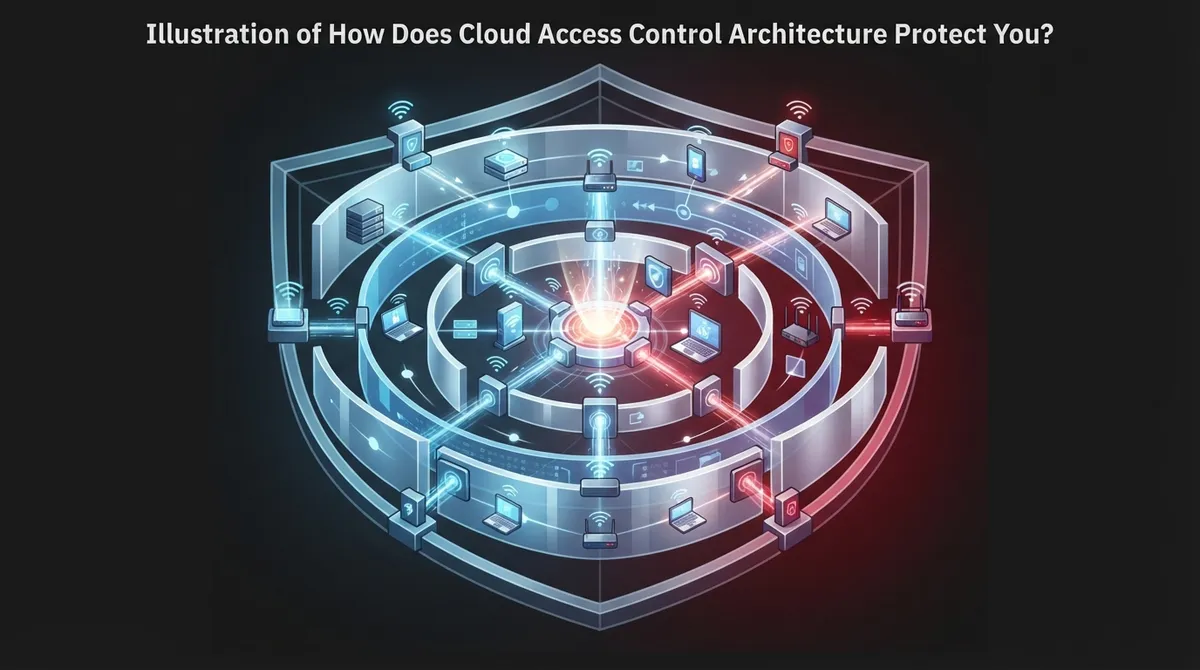
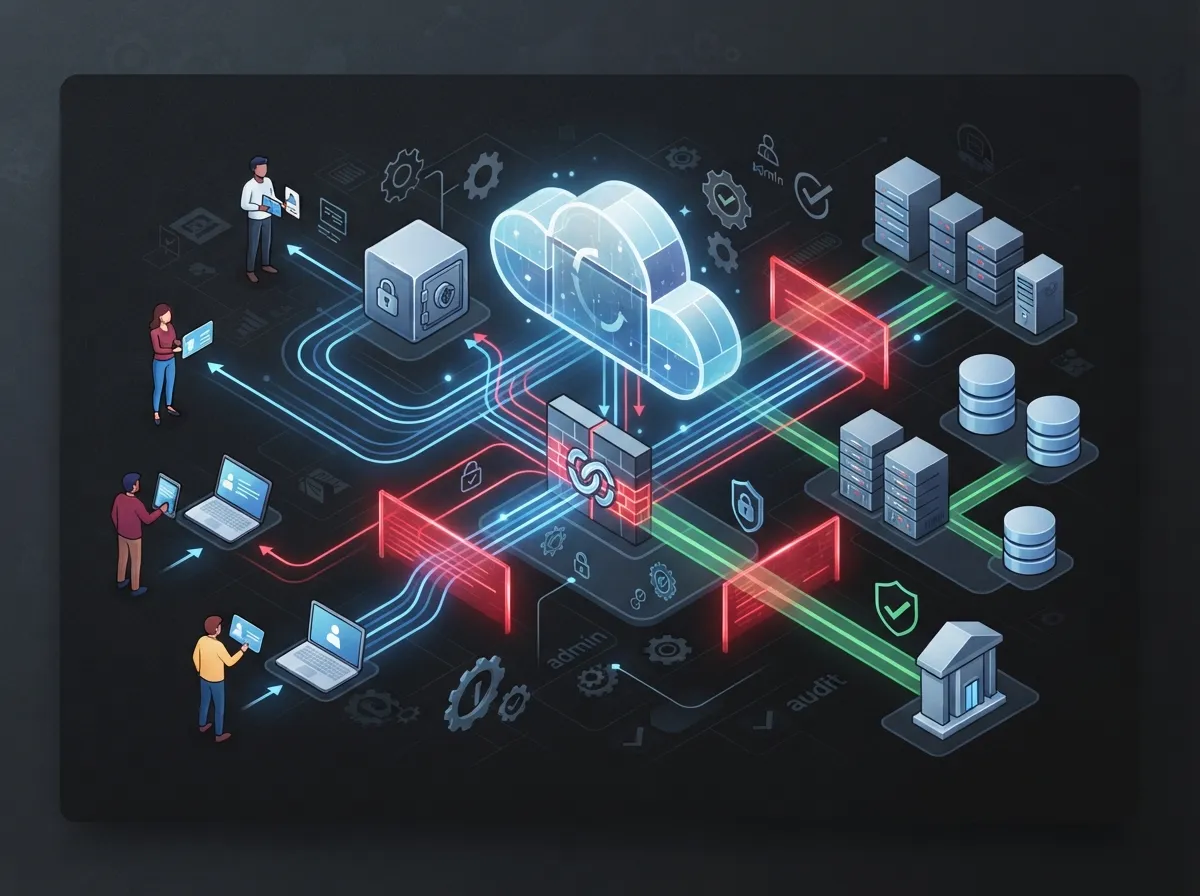
Cloud access control architecture is the system of rules and tools that decide who can access what. This includes your building doors, your Wi-Fi network, your phone system, and your cloud apps. Instead of trusting someone just because they’re inside your office, this system checks every request, every time.
This matters because old-school security assumed that once you were inside the building or network, you were safe. That thinking doesn’t work anymore. Employees work remotely. Contractors need temporary access. Partners connect to your systems from other states. A modern approach called zero trust flips the old model on its head, and it’s quickly becoming the gold standard.
According to NIST SP 800-207A, published in 2026, zero trust architecture gives clear guidance on how to secure access in cloud environments. The idea is simple: never assume trust, always verify. Every user, every device, and every app gets checked before getting access, no exceptions.
The Three Main Building Blocks
Most cloud access control systems use three core pieces working together:
- Policy Engine: This is the decision-maker. It looks at who’s asking for access and decides yes or no.
- Policy Administrator: This piece carries out the decision, setting up the actual access session.
- Policy Enforcement Point: This is the gatekeeper that physically blocks or allows the access, whether that’s a door lock or a network firewall.
Think of it like an airport. The policy engine is the security team checking your ID and boarding pass. The policy administrator prints your boarding pass. The enforcement point is the actual gate agent who lets you through. All three need to work together smoothly, or the whole system breaks down.

Why Business Telecom Companies Care About This
Telecom providers manage a lot of moving pieces. Think about it: cloud phone systems, internet circuits, security cameras, access control panels, and network equipment, all spread across different locations. Every single piece needs protection.
Here’s what makes this tricky for telecom environments specifically:
- Employees need access to internal systems, but so do subscribers, contractors, and partner companies.
- Machines and software talk to each other constantly, and they need permissions too.
- Data lives across multiple cloud platforms, not just one central server.
- Remote and edge locations need the same level of protection as headquarters.
- APIs connecting different systems can become weak points if not locked down properly.
This is why companies like Ideal Solutions Provider focus heavily on building access control systems that fit these complex environments. With over 24 years in the business telecom space, understanding how to secure distributed systems isn’t optional, it’s the job.
Who Needs Access, and How Do You Manage It All?
Telecom identity and access management has to cover a lot of ground. Here’s a breakdown of the different groups needing access and what they typically need:
| User Type | Typical Access Needs | Risk Level |
|---|---|---|
| Employees | Internal systems, email, phone platforms | Medium |
| IT Administrators | Network configs, servers, security tools | High |
| Contractors | Temporary, project-specific systems | Medium-High |
| Partners/Vendors | Shared APIs, specific data sets | Medium |
| Subscribers/Customers | Account portals, billing, self-service tools | Low-Medium |
| Machines/Applications | Automated data exchanges, API calls | High |
Notice how risk levels change based on what someone (or something) can touch. This is exactly why one-size-fits-all access doesn’t work. Every group needs different rules.
RBAC vs. ABAC vs. ReBAC: What’s the Difference?
You’ve probably heard these acronyms tossed around, but let’s make them simple. These are three different ways to decide who gets access to what.
- RBAC (Role-Based Access Control): Access depends on your job title. If you’re a manager, you get manager-level access. Simple, but not very flexible.
- ABAC (Attribute-Based Access Control): Access depends on multiple factors like location, device, time of day, and job role combined. More flexible, but requires more setup.
- ReBAC (Relationship-Based Access Control): Access depends on relationships between users and resources, like “this contractor is working on this specific project.”
Most modern telecom systems blend these approaches. You might use RBAC for basic employee access, then layer in ABAC for sensitive systems like billing platforms or network management tools.
Least Privilege: The Golden Rule
Here’s a simple rule that saves businesses from major headaches: give people only the access they actually need, nothing more. This is called least privilege, and it’s especially important for anyone touching OSS/BSS systems, APIs, or infrastructure tools.
Think about it this way. Does your receptionist need access to your network firewall settings? Probably not. Does your IT manager need access to every single customer’s phone records? Also, probably not. Keeping access tight reduces your risk if someone’s credentials ever get stolen or misused.
Microsegmentation: Building Walls Inside Your Network
Imagine your office building had one giant open room instead of separate offices with doors. If someone broke in, they’d have access to everything instantly. That’s basically what happens in a network without microsegmentation.
Microsegmentation breaks your network into smaller, isolated zones. If someone gets into one zone, they can’t automatically wander into others. This limits what security experts call “lateral movement,” which is just a fancy way of saying “hackers hopping from system to system.”
AWS Telco Lens guidance, updated in 2026, recommends several tools for building this kind of protection in telecom cloud environments, including:
- IAM Identity Center for managing user identities
- IAM roles to control what actions are allowed
- Secrets Manager to protect sensitive credentials
- VPC isolation to separate network zones
- Network Firewall and security groups for traffic filtering
- NACLs (Network Access Control Lists) for additional layers of defense
These tools work together like layers of an onion. Even if someone gets past one layer, several more stand in their way.
Dynamic, Context-Aware Access Decisions
Old security systems asked one question: “Do you have the right password?” Modern cloud access control asks a lot more questions, and it asks them constantly, not just once at login.
Here’s what a smart system considers before granting access:
- Who is this person or device claiming to be?
- Is their device healthy and updated, or does it show signs of malware?
- Where are they connecting from, and does that location make sense?
- What time is it, and does this match their normal work pattern?
- Has this user’s behavior looked unusual recently?
An ITU workshop paper on telecom zero trust highlights this exact approach. Access decisions should pull in user identity, device health, and network environment data all at once, dynamically, rather than relying on a single static password check.
Real-World Example: Access Control in Action
Let’s say an employee normally logs in from a Tampa office between 8 AM and 6 PM. One night, someone tries logging into their account from another country at 3 AM. A smart cloud access control system flags this instantly. It might require extra verification, block the attempt, or alert your IT team right away.
This kind of behavior-based protection catches threats that traditional password-only systems would completely miss. It’s like having a security guard who actually knows your employees’ routines, not just someone checking ID badges.
Comparing Traditional vs. Zero Trust Access Control
| Feature | Traditional Access Control | Zero Trust Cloud Architecture |
|---|---|---|
| Trust Model | Trust inside the network | Never trust, always verify |
| Access Checks | One-time at login | Continuous, ongoing verification |
| Location Dependency | High (VPN, network perimeter) | Low (identity and context-based) |
| Remote Work Support | Limited, often clunky | Built for distributed teams |
| Threat Detection | Reactive | Proactive, real-time |
This comparison shows why so many businesses are moving away from old perimeter-based security. The world has changed, and access control needs to change with it.
Best Practices for Privileged Access Management
Privileged accounts, the ones with admin-level access, are prime targets for attackers. Here’s how smart businesses protect them:
- Require multi-factor authentication for anyone with elevated access
- Rotate passwords and credentials regularly, not just once a year
- Log every action taken by privileged accounts for audit purposes
- Limit the number of people who hold admin-level credentials
- Use temporary, time-limited access for one-off tasks instead of permanent admin rights
- Review access permissions quarterly to remove anyone who no longer needs them
If your business handles sensitive customer data, network configurations, or billing systems, these steps aren’t optional extras. They’re basic protection your customers and partners expect.
How This Connects to Your Broader Telecom Setup
Cloud access control doesn’t exist in a vacuum. It connects directly to your cloud-based phone system, your business internet, and your network cabling. Weak links anywhere in this chain can create security gaps elsewhere.
For example, if your structured cabling setup is outdated or poorly planned, it can create network segments that are harder to monitor and secure. Similarly, if your Internet Service Provider connection lacks proper firewall protection, your access control system has to work even harder to compensate.
This is why businesses benefit from working with a single telecom partner who understands how all these pieces fit together, rather than juggling five different vendors who don’t talk to each other.
Steps to Build a Solid Cloud Access Control Strategy
Ready to strengthen your access control setup? Here’s a simple roadmap:
- Audit your current systems to see who has access to what right now
- Identify and remove any unnecessary or outdated permissions
- Set up multi-factor authentication across all critical systems
- Implement microsegmentation to isolate sensitive network zones
- Choose a policy engine that supports dynamic, context-aware decisions
- Train your team on why these changes matter and how to use new tools
- Schedule regular reviews to keep permissions updated as your team changes
This process doesn’t happen overnight, but taking it step by step makes it manageable, even for smaller teams without a dedicated security department.
Common Mistakes Businesses Make
We’ve seen plenty of businesses stumble when setting up access control. Here are the mistakes that come up again and again:
- Giving everyone admin access “just to be safe,” which actually increases risk
- Forgetting to remove access for former employees or expired contracts
- Using the same login credentials across multiple systems
- Skipping multi-factor authentication because it feels inconvenient
- Not reviewing access permissions until something goes wrong
Avoiding these pitfalls isn’t complicated, it just requires consistency and a system that makes good habits easy to follow.
Why Working With Experts Makes This Easier
Setting up cloud access control architecture involves a lot of moving parts: policy engines, network segmentation, identity management, and ongoing monitoring. For many businesses, especially those without a dedicated IT security team, this can feel overwhelming.
That’s where working with an experienced telecom partner really pays off. With 24 years of experience and partnerships with 35+ vetted suppliers, Ideal Solutions Provider helps businesses across Tampa and nationwide design access control systems that actually fit their needs, not a generic template. From scalable access control for multi-location businesses to cloud access control systems built specifically for growing companies, having the right partner makes a real difference.
You can also follow along and see real examples of how these systems work through our YouTube channel or connect with us on Facebook and Instagram for more tips and updates.
Bringing It All Together
Cloud access control architecture might sound technical, but at its heart, it’s about one simple goal: making sure the right people (and only the right people) get access to your systems, at the right time, for the right reasons. Whether you’re protecting your front door, your phone system, or your customer data, this technology keeps your business running smoothly and safely.
As your business grows, so does the complexity of managing who can access what. Zero trust principles, smart policy engines, and microsegmentation aren’t just buzzwords, they’re practical tools that protect what you’ve worked hard to build.
Not sure where your current setup stands? Our team would love to walk through it with you and show you exactly where the gaps are, and how to close them. Contact us today for a free consultation, or give us a call to talk through your specific needs. We’re here to make your telecom and security setup simple, strong, and stress-free.
FAQs
Q: What is cloud access control architecture in telecom?
A: It’s the system of rules and tools that decide who can access your telecom cloud resources, network functions, and business platforms. Think of it as the digital brain checking IDs before letting anyone or anything through the door, whether that door is physical or digital.
Q: How does zero trust apply to telecom cloud security?
A: Zero trust means never assuming someone is safe just because they’re already inside your network. Every user, device, and app gets checked continuously, which is a huge upgrade from old systems that only checked once at login.
Q: What is the difference between RBAC, ABAC, and ReBAC?
A: RBAC gives access based on job role, ABAC looks at multiple factors like device and location, and ReBAC considers relationships between users and resources. Most telecom businesses actually blend these approaches for the best protection.
Q: How does microsegmentation improve telecom cloud security?
A: It breaks your network into smaller isolated zones, kind of like separate rooms instead of one big open space. If someone breaks into one zone, they can’t automatically wander into the rest of your systems.
Q: What are the best practices for privileged access management in telecom?
A: Start with multi-factor authentication, limit who has admin access, and review permissions regularly. It also helps to use temporary access for one-off tasks instead of handing out permanent admin rights to everyone who asks.





