
Key Takeaways
-
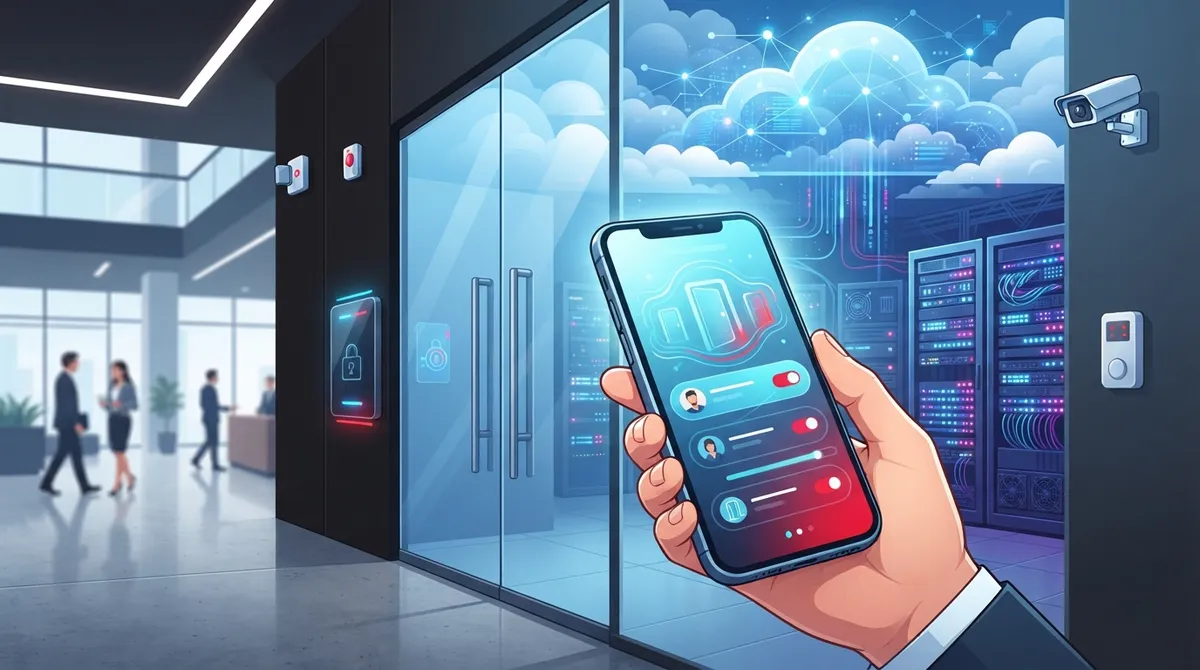
Cloud access control systems enable remote management of building security from anywhere via web dashboard, allowing instant door unlocking, user permission changes, and real-time audit logs without on-site server maintenance.
-
The market is growing rapidly from USD 1.2 billion in 2024 to projected USD 3.8 billion by 2033, driven by businesses abandoning outdated local server systems for scalable, subscription-based cloud solutions.
-
Essential features include role-based permissions, encrypted reader communication, multifactor authentication, mobile credentials, audit trails, and integration with cameras/alarms to create a unified security ecosystem.
-
Cloud systems cost less upfront than traditional wired access control since they use subscription models instead of expensive hardware investments, with pricing based on number of doors, users, and features.
-
Reliable internet and proper network infrastructure are critical; outdated cabling or spotty connections undermine cloud access control performance, making it essential to upgrade these alongside implementing new systems.
-
Multi-location businesses benefit most from centralized administration across all sites, consistent security policies applied everywhere, and the ability to scale new locations without duplicating hardware at each site.
Picture this: your office manager gets locked out on a Monday morning, an old employee still has building access after leaving three months ago, and you have no idea who walked through the back door last night. Sound familiar? If you’re a business owner or IT manager juggling multiple locations, you know that managing physical security shouldn’t feel this messy. That’s where the best cloud access control system comes in, and we’re here to make picking one a whole lot easier.
Cloud access control has quietly become one of the smartest upgrades a growing business can make. Instead of running access permissions off an old server sitting in a closet, you manage everything from your phone or laptop. You can lock a door, add a new employee, or check who came in at 2 a.m., all from wherever you happen to be. In this guide, we’ll walk through what makes a cloud access control system great, what features actually matter, and how to choose the right fit for your business.
What Is a Cloud Access Control System, Really?
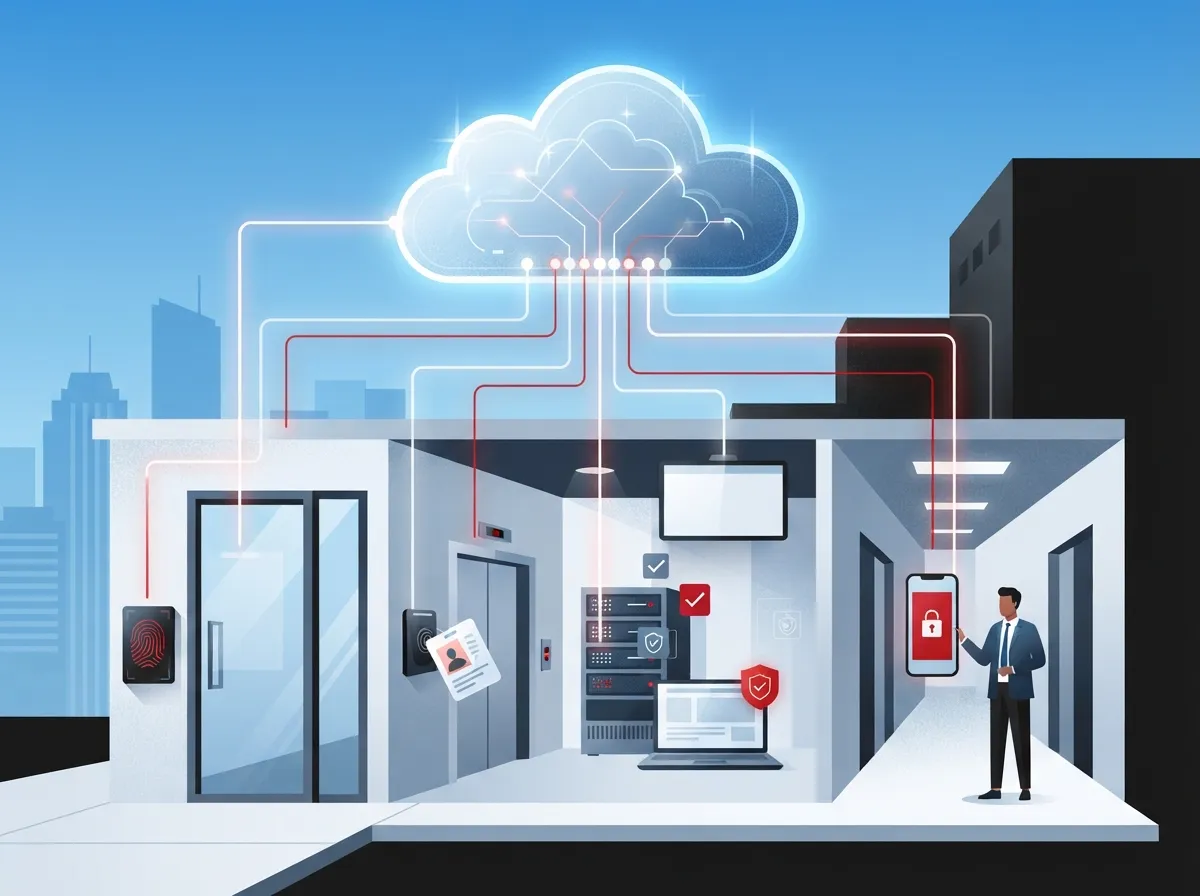
A cloud access control system replaces the old-school keypad or badge reader tied to a local server. Instead, everything runs through a secure, web-based dashboard. Think of it like moving from a filing cabinet to Google Drive: same basic job, just easier to manage and available from anywhere.
With this setup, administrators can add or remove users, set schedules, and review entry logs without ever touching a physical server. It’s a shift that mirrors what happened with phone systems moving to cloud-based phone systems, less hardware, more flexibility, and better remote control.
How Cloud Access Control Works
Here’s the simple version of how it all comes together:
- Door readers and controllers connect to the cloud through your business internet connection.
- Administrators log into a web dashboard to manage users, doors, and schedules.
- Employees use mobile credentials, key fobs, or cards to unlock doors.
- Every entry and exit gets logged automatically for audit trails.
- Alerts get sent instantly if something unusual happens, like a door propped open too long.
This setup means your system keeps working even if one location goes down, since local operation is usually built in as a backup. That’s a big deal for multi-location businesses that can’t afford a single point of failure.
Why Businesses Are Switching to Cloud-Based Access Control
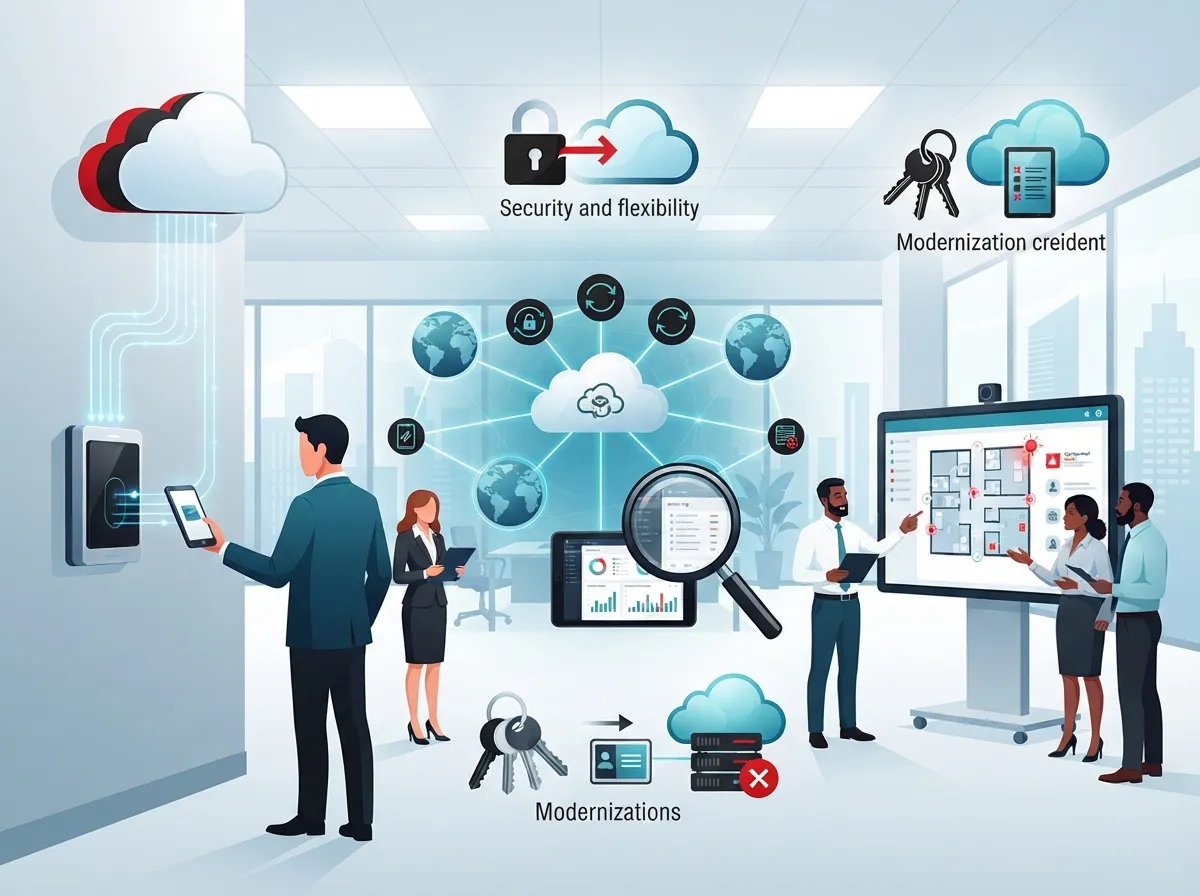
The numbers tell a clear story here. The cloud-based access control market was valued at roughly USD 1.2 billion in 2024 and is expected to reach USD 3.8 billion by 2033, growing at a CAGR of 14.5%. Other estimates put the market even higher, projecting growth from USD 12.4 billion in 2025 to USD 47.8 billion by 2034. However you slice the numbers, one thing is obvious: businesses are moving away from old, clunky access systems fast.
Here’s why so many companies are making the switch:
- No need for an on-site server room just to manage door access.
- Remote management means you can unlock a door for a delivery from your phone.
- Easier to scale across multiple locations without duplicating hardware.
- Better visibility with real-time alerts and detailed audit logs.
- Lower upfront costs compared to traditional wired systems.
- Simple integration with security cameras and alarm systems.
A Good Fit for Multi-Site and Franchise Businesses
If you run a franchise or manage several offices, you already know how tricky it is to keep security policies consistent. Cloud access control solves this by letting you set one policy and apply it everywhere. A franchise operator in Tampa can manage door access for a location in Orlando just as easily as their home base, all from the same dashboard.
Key Features to Look For in the Best Cloud Access Control System
Not all systems are created equal. Here’s what separates a solid cloud access control platform from a mediocre one.
| Feature | Why It Matters |
|---|---|
| Role-based permissions | Lets you control exactly who can access which doors and areas |
| Audit trails | Gives you a full history of who entered and when, useful for compliance |
| Multifactor authentication | Adds an extra layer of security beyond just a badge or fob |
| Encrypted reader communication | Keeps data safe between the door reader and the cloud platform |
| Mobile credentials | Employees use their phones instead of carrying physical cards |
| Integrations with cameras and alarms | Creates a connected security ecosystem, not isolated tools |
| Remote lock/unlock | Lets managers open doors for visitors or vendors without being on-site |
These features aren’t just nice extras, they’re the difference between a system that actually protects your business and one that just checks a box. If you’re also evaluating cloud security cameras, look for a provider who can integrate both systems into one dashboard.
Security Considerations Every Business Should Ask About
Cloud-based doesn’t mean less secure, in fact, it often means more secure, as long as you pick the right provider. Ask these questions before signing anything:
- Is data encrypted both in transit and at rest?
- Does the system support multifactor authentication for admins?
- What happens to access control if the internet goes down?
- How often are software updates and security patches released?
- Can the system integrate with your existing identity management tools?
Many businesses now evaluate cloud access control alongside broader network security practices, including zero-trust principles and centralized identity management. This is especially true for companies already investing in strong business network solutions.
Cloud vs. Traditional Access Control: A Quick Comparison
| Factor | Cloud Access Control | Traditional Access Control |
|---|---|---|
| Management | Remote, web-based dashboard | On-site server required |
| Scalability | Easy to add new sites or doors | Requires new hardware and setup at each site |
| Updates | Automatic software updates | Manual updates, often delayed |
| Cost structure | Lower upfront, subscription-based | Higher upfront hardware costs |
| Multi-site management | Centralized across all locations | Managed separately per site |
For most growing businesses, the flexibility of cloud access control simply outweighs the old way of doing things. It’s a similar shift to what happened when companies moved away from traditional phone lines in favor of VoIP over traditional phone systems.
How to Choose the Right Cloud Access Control System for Your Business
Picking a system isn’t about grabbing the flashiest option. It’s about matching the right tool to your actual needs. Here’s a step-by-step approach that works well for most businesses:
- Start by mapping out how many doors, entrances, and locations need coverage.
- List out who needs access to what, and how often permissions might change.
- Check whether the system supports mobile credentials for easier employee access.
- Confirm it integrates with your current cameras, alarms, and network setup.
- Ask about support for local operation if internet service is temporarily down.
- Compare pricing models, some charge per door, others per user or per site.
- Request a demo to see the admin dashboard in action before committing.
If this list feels overwhelming, you’re not alone. That’s exactly why working with a trusted telecom and security partner makes such a big difference. Ideal Solutions Provider has spent over 24 years helping Tampa businesses and companies nationwide compare access control, networking, and security options across 35+ vetted suppliers, so you get the right fit instead of a sales pitch.
Common Buying Criteria That Matter Most
When businesses come to us for help choosing access control, these are the priorities that come up again and again:
- Centralized administration across all business locations
- Secure, easy-to-manage credentials for employees
- Integration with existing security and network infrastructure
- Ability to scale up as the business grows
- Reliable customer support when something needs troubleshooting
What Does a Cloud Access Control System Cost?
Costs vary depending on the number of doors, users, and features you need. Most providers use a subscription model, which spreads out costs instead of a huge upfront hardware bill. Factors that affect pricing include the number of access points, whether you need mobile credential support, and how much historical data storage you want for audit logs.
A good rule of thumb: get a few quotes and ask for a breakdown of hardware costs versus ongoing subscription fees. This helps you avoid surprises down the road. It’s the same due diligence you’d apply when comparing VoIP phone system costs for your business.
Questions to Ask Any Provider Before Signing
- What’s included in the base subscription versus add-on features?
- Are hardware costs one-time or part of a lease agreement?
- How does pricing scale if we add more locations later?
- What support is included if a reader or controller fails?
- Can we start small and expand the system over time?
Integrating Access Control With Your Broader Telecom Setup
Here’s something a lot of businesses overlook: access control doesn’t operate in a vacuum. It works best when it’s part of a larger, well-planned network. Your Internet Service Provider connection, your structured cabling, and your network infrastructure all play a role in how reliably your access control system performs.
If your building’s cabling is outdated or your internet connection is spotty, even the best cloud access control system will feel unreliable. That’s why many businesses bundle access control with professional structured cabling services and a solid internet upgrade at the same time.
- Reliable internet ensures your cloud dashboard stays connected at all times.
- Proper cabling supports door readers, cameras, and network devices together.
- A unified network setup makes troubleshooting faster when issues pop up.
- Combining systems with one provider means fewer vendors to coordinate with.
This is exactly the kind of full-picture thinking that makes working with a single telecom partner so valuable. Instead of juggling calls with five different vendors, you get one team handling your business internet, cabling, and access control together.
Real-World Use Cases Across Industries
Cloud access control isn’t just for office buildings. It works across a wide range of business types, and the flexibility is part of what makes it so appealing.
- Healthcare offices restricting access to sensitive records or medication storage
- Franchise locations needing consistent security policies across every site
- Professional service firms managing after-hours access for staff
- Manufacturing facilities controlling access to equipment and inventory areas
- Nonprofits managing volunteer access without issuing physical keys
No matter your industry, the goal is the same: know who’s coming and going, without the headache of managing it manually.
Final Thoughts on Choosing Cloud Access Control
Finding the best cloud access control system really comes down to matching features to your business needs, not chasing the flashiest tech. Focus on centralized management, strong security features, and a provider who understands how access control fits into your broader telecom setup. Whether you’re running a single Tampa office or managing franchise locations across the country, the right system gives you peace of mind and real control over your building’s security.
If you’re ready to stop guessing and start comparing real options, our team can walk you through a free audit of your current setup. Reach out to our team today or give us a call to see how a cloud access control system can fit into your business, alongside your phones, internet, and network, all managed through one trusted partner. You can also follow updates and tips on our Facebook, Instagram, and YouTube pages.
FAQs
Q: What is the best cloud access control system for businesses?
A: The best system really depends on how many locations you have and what features matter most to you. Generally, look for one with strong mobile credential support, solid integrations with cameras and alarms, and reliable customer support. We’re happy to walk you through options that fit your specific setup.
Q: How does cloud access control work?
A: Door readers connect to the internet and communicate with a cloud-hosted dashboard. From there, administrators manage users, schedules, and permissions remotely, and every entry gets logged automatically. It’s a much simpler process than managing an old on-site server!
Q: Is cloud-based access control secure?
A: Yes, when set up correctly, cloud access control is often more secure than traditional systems thanks to encryption, multifactor authentication, and automatic software updates. The key is choosing a reputable provider who takes security seriously from day one.
Q: What is the difference between cloud access control and traditional access control?
A: Traditional systems rely on an on-site server and usually require manual updates and separate management for each location. Cloud access control centralizes everything in one dashboard, making it easier to manage multiple sites and scale as your business grows.
Q: How much does a cloud access control system cost?
A: Costs vary based on the number of doors, users, and features you choose, and most providers use a subscription model rather than a big upfront hardware bill. We always recommend getting a clear cost breakdown before signing, and our team is glad to help you compare quotes.





