
Key Takeaways
-
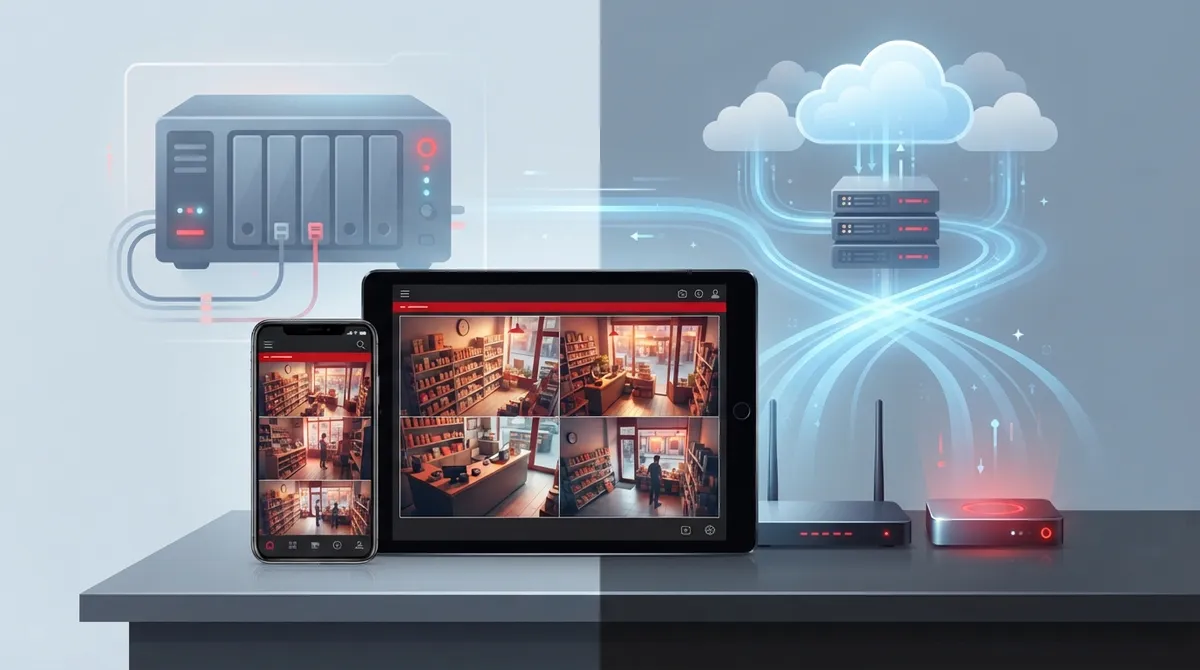
Cloud video security eliminates expensive on-site recorders and lets you monitor your business remotely from any device, with upfront costs as low as $20-60/month for basic setups.
-
Internet reliability is critical—budget extra bandwidth beyond daily needs and consider hybrid systems that store footage locally and back up to cloud to prevent data loss during connection drops.
-
Hybrid setups combining local recording with cloud backup provide a safety net for businesses in areas with unreliable connectivity, ensuring you don't lose footage during internet outages.
-
Existing IP cameras can often integrate with cloud platforms without full replacement, saving money during setup, though older analog cameras may need adapters or upgrades.
-
Avoid common mistakes like choosing the cheapest plan without checking storage limits, skipping professional installation that leaves coverage gaps, and failing to plan for future camera or location additions.
-
Reputable providers use encryption for footage in transit and storage, but verify the provider's security track record and ask about access permissions and data center physical security protections.
Picture this: you’re at home on a Sunday night when your phone buzzes. It’s an alert from your shop’s front door camera, and you can check it right from your couch. That’s the magic of cloud video security for small business, and honestly, it’s changed the game for owners who used to worry about break-ins they’d only find out about Monday morning. If you’ve been putting off upgrading your old security cameras because the idea feels overwhelming, take a breath. We’re going to walk through everything in plain, friendly terms, so you can make a smart choice without the headache.
Small business owners in Tampa and beyond are ditching clunky recorders for systems that live in the cloud. Why? Because life gets busy, and you deserve tools that work as hard as you do. Whether you run a single storefront or manage a few locations, this guide will help you understand your options, compare costs, and figure out what actually fits your business. Let’s dig in together.
What Is Cloud Video Security for Small Business?
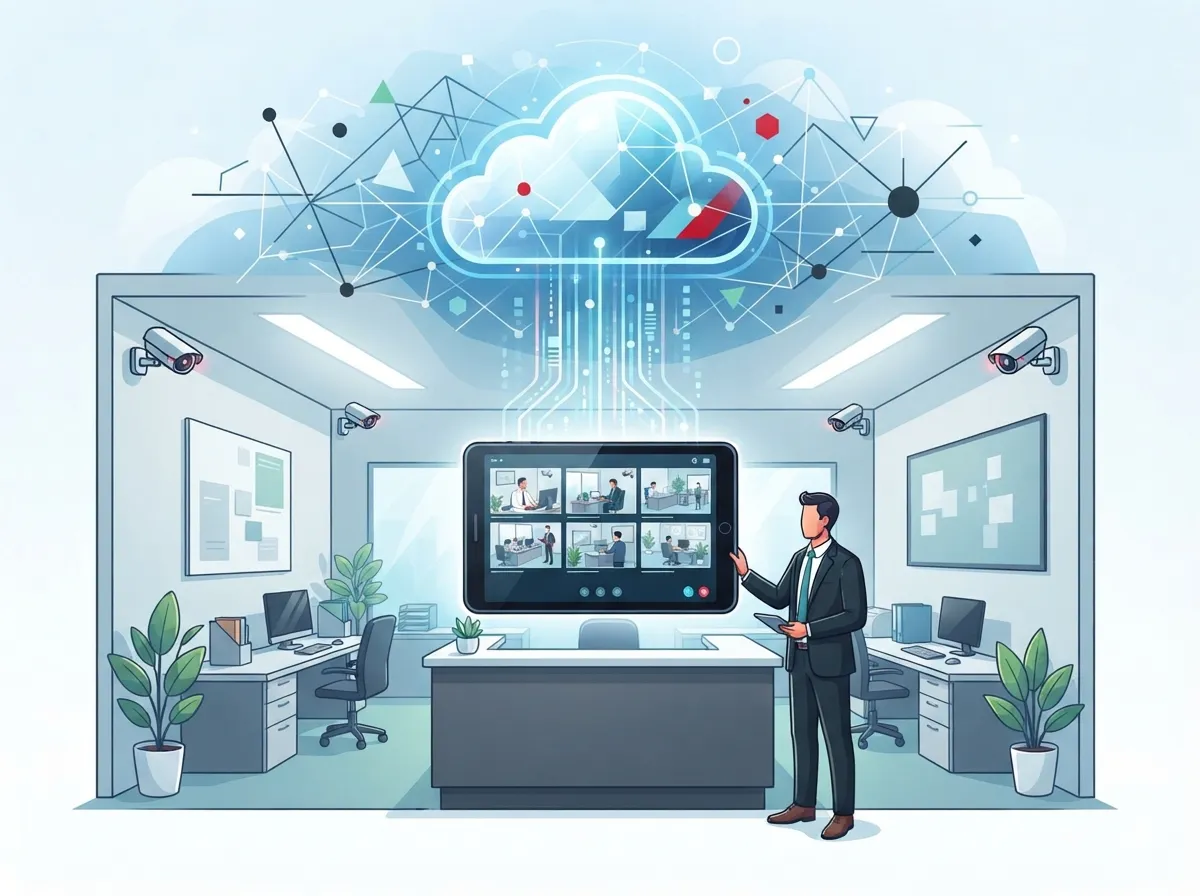
Cloud video security means your cameras send footage over the internet to secure, off-site servers instead of a box sitting in your back office. This setup is often called Video Surveillance as a Service, or VSaaS for short. You pay a monthly fee, and in return, you get storage, remote access, and ongoing management without buying a ton of extra hardware.
Think of it like streaming a show instead of renting a DVD. You’re not stuck maintaining a physical device, and you can watch from anywhere. For small business owners juggling a dozen tasks a day, that flexibility is a genuine relief. If you want to see how this compares with older setups, check out this breakdown of key differences between cloud video security and DVR systems.
How Cloud Surveillance Actually Works
Cameras connect to your internet, then upload footage to a cloud server. From there, you or your team can log in through an app or web browser to view live feeds or pull up recorded clips. No more digging through tapes or rebooting a recorder that froze overnight.
Many systems also send instant alerts when they detect motion or unusual activity. That means you find out about a problem the moment it happens, not hours later. This kind of remote access is now considered standard for small and mid-sized businesses in 2026.
Cloud Video Security vs. Traditional DVR: A Side-by-Side Look
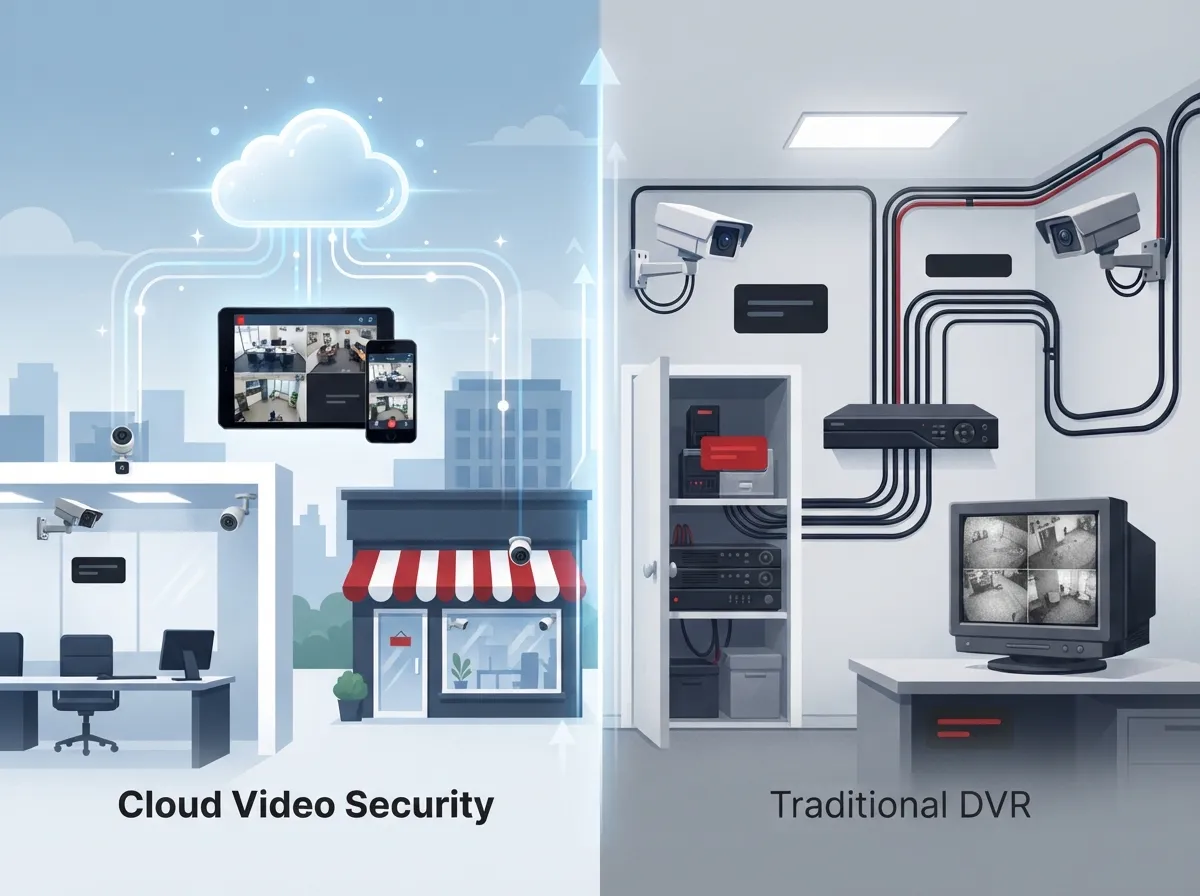
Let’s compare the two options so you can see exactly where each one shines. This isn’t about picking a winner for everyone. It’s about finding what works for your specific situation.
| Feature | Cloud Video Security | Traditional DVR/NVR |
|---|---|---|
| Upfront Cost | Low, subscription-based | Higher, requires recorder purchase |
| Remote Access | Standard on phone, tablet, desktop | Limited or requires extra setup |
| Storage | Off-site, scalable | On-site, limited by hardware |
| Scalability | Easy to add cameras or users | Often needs new hardware |
| Internet Dependency | High, unless hybrid setup | Low, works without internet |
| Maintenance | Managed by provider | Handled in-house or by IT |
As you can see, cloud systems win big on flexibility and lower upfront costs. But that internet dependency row matters. If your connection isn’t rock solid, you’ll want a plan for that, which we’ll cover shortly.
Why Small Businesses Are Making the Switch
Small business owners have a lot on their plates, and security shouldn’t be one more thing to stress over. Here’s why so many are moving to cloud-based systems.
- Lower upfront costs since there’s no expensive on-site recorder to buy
- Remote viewing from anywhere, perfect for owners who split time between locations
- Easy scaling as your business grows and adds new sites or cameras
- Automatic software updates so you’re never stuck with outdated technology
- Better data protection since footage isn’t sitting on a single vulnerable device
- Simplified IT management, since the provider handles much of the heavy lifting
For franchise operators managing several locations, this scalability is a huge win. You can monitor every site from one dashboard instead of juggling separate systems. That kind of centralized control also pairs nicely with scalable access control systems for multi-location businesses.
How Much Does Cloud Video Security Cost?
Pricing varies based on how many cameras you need and what features matter most to you. Most providers price plans per camera or by storage tier.
| Plan Type | Typical Monthly Range | Best For |
|---|---|---|
| Basic (1-4 cameras) | $20 – $60 | Single storefronts, small offices |
| Mid-tier (5-15 cameras) | $75 – $150 | Multi-room offices, retail chains |
| Enterprise (15+ cameras) | $150 – $250+ | Warehouses, franchises, multi-site businesses |
For comparison, Comcast Business’s SmartOffice video surveillance plan offers up to 30 days of stored footage and access for up to four employees, showing just how packaged and manageable these systems have become for small businesses in 2026. If budgeting feels tricky, this guide on how to budget for commercial video surveillance breaks it down further.
5 Steps to Choosing the Right Cloud Video Security System
Feeling ready to explore your options? Here’s a simple roadmap to follow.
- Assess your current setup, including camera count, coverage gaps, and internet speed.
- Decide how many users need remote access and what permission levels they need.
- Compare storage options, including how long footage stays available and where it’s stored.
- Ask about hybrid options that combine local recording with cloud backup for extra peace of mind.
- Choose a provider who offers professional installation and ongoing support, not just hardware.
That last step matters more than people expect. A system is only as good as the support behind it. This is where working with a trusted telecom partner like Ideal Solutions Provider’s cloud video security services makes a real difference, since they handle consultation, installation, and support all in one place.
Internet Reliability: The Piece Everyone Forgets
Cloud cameras need a steady internet connection to work well. If your business internet drops often, your footage and alerts will too. This is one of the most overlooked parts of setting up cloud video security.
What Bandwidth Do You Actually Need?
The exact number depends on camera resolution and how many devices you run at once. A good rule of thumb is to budget extra bandwidth beyond your daily business needs. If you’re unsure where your connection stands, this article on how to choose the right internet speed for your business can help you figure it out.
Hybrid Systems as a Safety Net
Many providers now offer hybrid setups that store some footage locally and back it up to the cloud. This way, even if your internet blips for a few minutes, you won’t lose critical footage. It’s a smart middle ground for businesses in areas with less reliable connectivity.
If outages are a recurring worry, it’s worth reading about how to keep security cameras working during internet outages. Pairing a strong Internet Service Provider connection with backup options gives you the best of both worlds.
Can You Use Your Existing Cameras?
Good news if you already have cameras installed. Many cloud platforms support integration with existing IP cameras, so you don’t always need to start from scratch. This can save money and reduce disruption during setup.
That said, older analog cameras may need adapters or upgrades to work with cloud platforms. A quick audit from a telecom specialist can tell you exactly what you’re working with. It’s also a great time to review your structured cabling to make sure your network can handle added camera traffic.
Top Features to Look For
Not every cloud video system is built the same. Here’s what to prioritize when comparing providers.
- Mobile app access with live view and playback
- Motion detection alerts sent straight to your phone
- Adjustable storage retention, ideally 30 days or more
- Multi-user permissions so managers get different access levels
- Integration with access control systems for a full security picture
- Encrypted data storage to protect footage from unauthorized access
Pairing video security with access control creates a much stronger safety net. Many businesses now combine the two, and you can learn more about why Tampa businesses love cloud access control in 2026.
Is Cloud Video Security Actually Safe?
This is one of the top questions we hear, and it’s a fair one. Reputable providers use encryption both when footage travels to the cloud and while it’s stored there. Data centers also typically have their own physical security and backup systems, often stronger than what a small office can provide on its own.
Of course, no system is perfectly risk-free. That’s why choosing a provider with a solid security track record matters so much. It’s also smart to ask about who has access to your footage and how permissions are managed.
Common Mistakes Small Businesses Make
Even with the best intentions, small businesses sometimes trip up when setting up cloud video security. Here are the mistakes we see most often.
- Choosing the cheapest plan without checking storage limits or camera limits.
- Ignoring internet bandwidth needs, leading to laggy or missing footage.
- Skipping professional installation, which can leave blind spots in coverage.
- Not training staff on how to use the mobile app or alerts.
- Forgetting to plan for future growth, like adding more cameras or locations.
Avoiding these pitfalls early saves you time, money, and a lot of frustration down the road. For a deeper look at what to avoid, check out this list of cloud video security mistakes to avoid in 2026.
Bringing It All Together with One Trusted Partner
Juggling separate vendors for internet, phones, and security cameras is exhausting. That’s exactly why so many Tampa businesses turn to a single point of contact instead. Ideal Solutions Provider has spent over 24 years helping business owners simplify their telecom and security setups, working with more than 35 vetted suppliers to find the right fit for each client.
Whether you need cloud video security, structured cabling, or a full network overhaul, having one partner manage it all means fewer headaches for you. You can also follow along with helpful tips and behind-the-scenes updates on Facebook, Instagram, or YouTube to see real installs and customer stories.
Final Thoughts: Making the Right Choice for Your Business
Cloud video security for small business isn’t just a trend. It’s a smarter, more flexible way to protect your people, property, and peace of mind. From lower upfront costs to remote access that fits your busy schedule, the benefits speak for themselves.
If you’re ready to stop worrying about outdated recorders and start seeing your business from anywhere, now’s a great time to explore your options. Reach out to get in touch with our team for a free consultation, or give us a call to talk through what fits your business best. We’re here to make this easy, friendly, and stress-free, just like it should be.
FAQs
Q: What is cloud video security for small business?
A: It’s a surveillance system where your camera footage is stored online instead of on a local recorder. You get to watch live or recorded video from your phone or computer, wherever you happen to be. It’s like trading in a bulky old filing cabinet for a smart, searchable app!
Q: How much does cloud video surveillance cost for a small business?
A: Most small businesses spend somewhere between $20 and $150 a month, depending on how many cameras they need and how long footage is stored. Larger setups with more cameras or longer retention can run higher. The good news is there’s usually a plan that fits almost any budget.
Q: Is cloud video security safe and secure for business use?
A: Yes, reputable providers encrypt your footage both in transit and while it’s stored. Data centers also tend to have stronger security than a small office could manage alone. Just make sure you choose a provider with a solid reputation and clear access controls.
Q: Can existing security cameras work with a cloud video platform?
A: Often, yes! Many IP cameras can connect to cloud platforms without needing full replacement. Older analog cameras might need an adapter or upgrade, so it’s worth having a quick chat with a telecom specialist to check compatibility.
Q: What bandwidth do small businesses need for cloud cameras?
A: It really depends on your camera count and resolution, but it’s smart to budget extra bandwidth beyond your daily business needs. If your internet has been a little unreliable, a hybrid system with local backup storage can give you extra peace of mind.





