
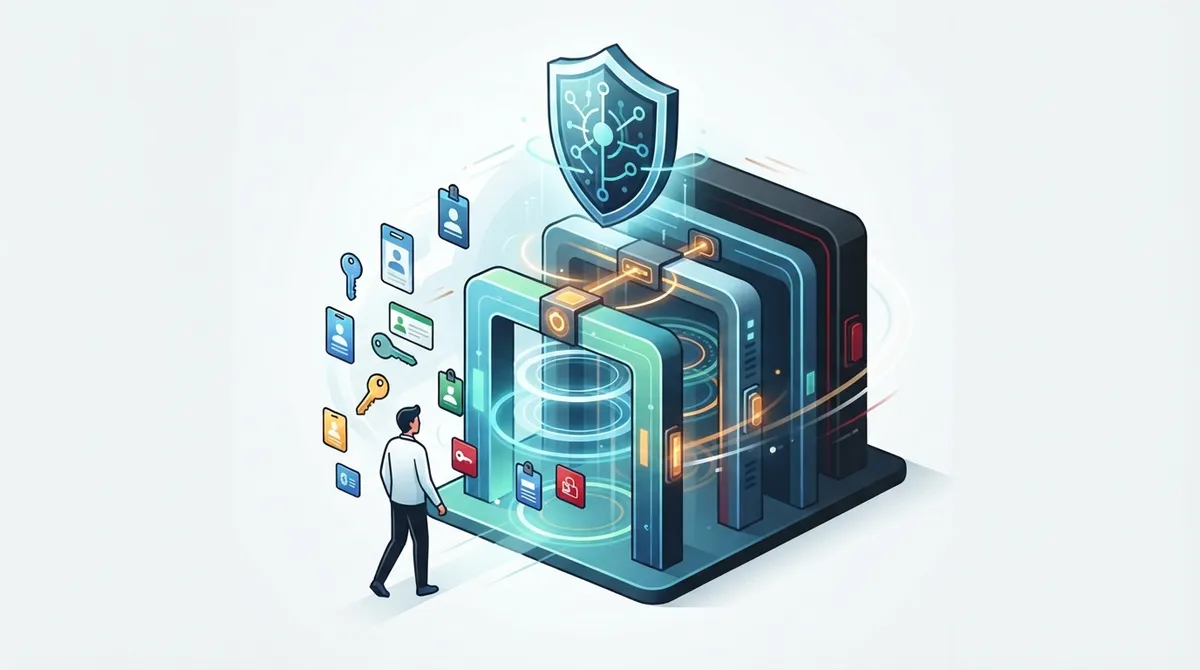
Key Takeaways
-
Implement zero-trust access control where every login request is verified regardless of location or device, as credential abuse caused 22% of all breaches according to Verizon's 2025 report.
-
Separate user access by role type (administrators, IT staff, office managers, employees, vendors, customers) to prevent accidental system changes and limit damage from compromised accounts.
-
Enable multifactor authentication (MFA) for all admin and privileged accounts, as this single step blocks a majority of common attacks even when passwords are stolen.
-
Manage non-human identities like API keys and service accounts with the same rigor as employee accounts, rotating credentials regularly and scanning for leaked secrets that took a median of 94 days to fix.
-
Conduct regular access reviews and audits rather than treating implementation as a one-time project, as employee roles change and permissions need continuous updates to remain effective.
-
Use a layered enforcement approach with network-level and identity-level policies combined, including API gateways, device checks, and policy engines working together to catch breaches at multiple points.
Picture this: your office manager just found out a former employee’s login still works on your phone system’s admin portal. Or maybe your IT manager discovered three different vendors have full access to your network settings, and nobody remembers why. If any of this sounds familiar, you are not alone. Cloud access control implementation is one of those topics that sounds technical but actually solves very real, very stressful problems for growing businesses.
In simple terms, cloud access control implementation means setting up smart rules for who can get into your cloud-based phone systems, networks, cameras, and admin portals. It is about making sure the right people (and only the right people) can touch the right tools at the right time. Whether you run a small Tampa shop or manage telecom for a multi-location franchise, this guide will walk you through what it takes to do this well, without the confusing tech-speak.

What Cloud Access Control Implementation Really Means for Telecom
When we talk about cloud access control implementation in business telecom, we mean controlling who can log into and manage cloud-hosted communication tools. This includes your VoIP phone system, contact center software, network management dashboards, customer portals, and admin platforms.
Think of it like giving out keys to a building, except the building is digital. Some people need a master key. Others only need access to one room. The goal is giving each person exactly what they need, nothing more.
This approach protects your business from a growing list of threats. According to Verizon’s 2025 Data Breach Investigations Report, which studied over 22,000 security incidents, credential abuse was the top way attackers broke into systems, causing 22% of all breaches. That means stolen or weak passwords are still one of the biggest doors hackers walk through.
Why This Matters More Than Ever
Telecom systems are no longer just phones on desks. They live in the cloud, connect to your network, and often link with billing systems, CRM tools, and customer data. That makes access control a bigger deal than it used to be.
Verizon also found that exploiting vulnerabilities in things like VPNs and edge devices jumped 34% year over year. Third-party vendor involvement in breaches doubled to 30%. If you work with multiple telecom vendors or IT contractors, this stat should catch your attention.
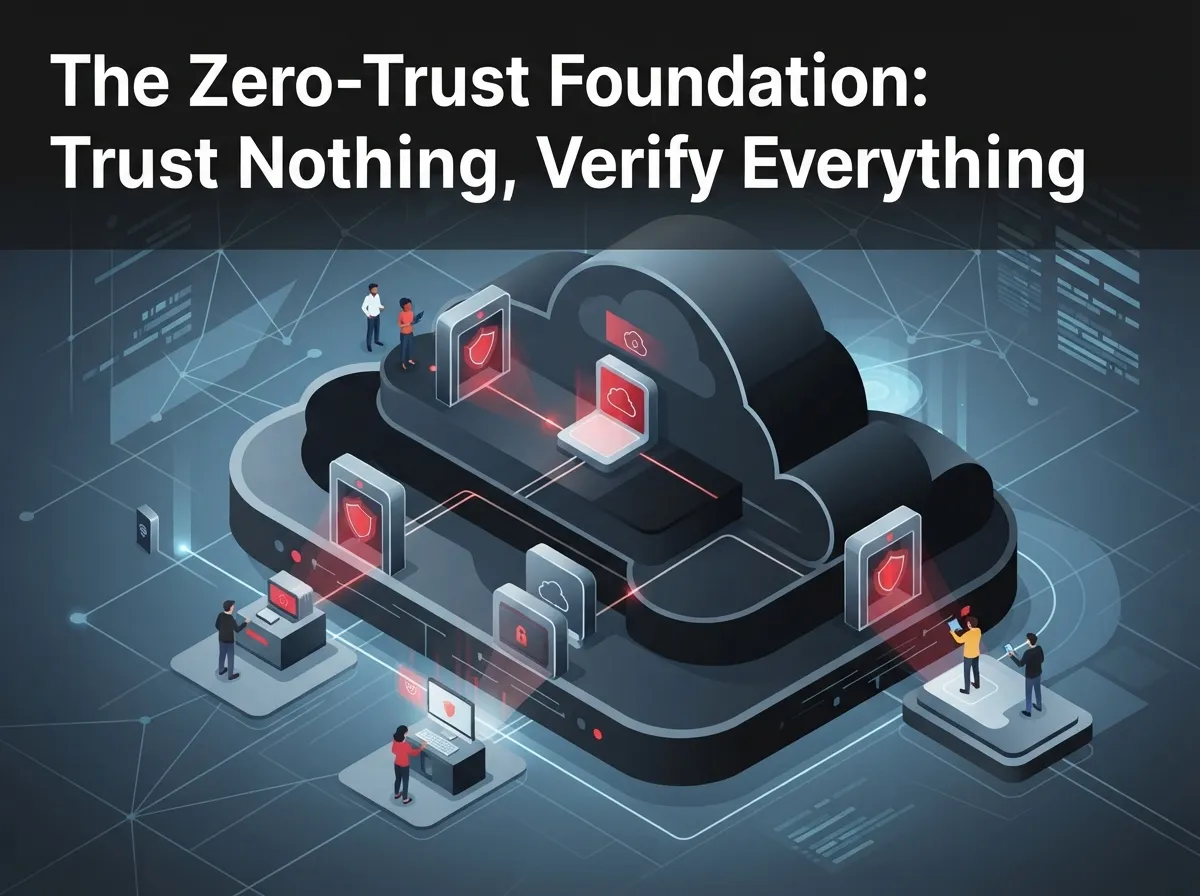
The Zero-Trust Foundation: Trust Nothing, Verify Everything
The gold standard for cloud access control today is called zero trust. The National Institute of Standards and Technology (NIST) recommends this model for good reason. Zero trust means you never assume someone is safe just because they are on your office Wi-Fi or connected through a VPN.
Instead, every single request to access a system gets checked. Every time. No exceptions based on location or device ownership.
Here is what zero trust looks like in a real telecom setting:
- An employee logging into the VoIP admin portal must verify their identity, even if they are in the office
- A remote worker accessing call recordings needs the same verification as someone at headquarters
- A vendor updating your network settings gets only the specific permissions needed, nothing extra
- Every login attempt gets logged and reviewed, not just trusted blindly
- Devices get checked for security health before they are allowed to connect
This might sound like extra work, but it is worth it. Businesses that skip this step often discover the hard way that “trusted” access was the weak link all along.
Core Building Blocks of a Strong Implementation
You do not need to be a security expert to understand the main pieces of cloud access control. Here is what a solid setup typically includes:
- Cloud identity provider: A central system that manages who exists in your organization and confirms their identity
- Single sign-on (SSO): One secure login that works across multiple cloud tools, reducing password fatigue
- Multifactor authentication (MFA): A second verification step, like a text code, beyond just a password
- Role-based access control (RBAC): Permissions tied to job roles, like “receptionist” or “network admin”
- Privileged access management: Extra protection for accounts with high-level system control
- Device checks: Confirming a device meets security standards before granting access
- Audit logging: A record of who accessed what and when, for accountability and troubleshooting
Each of these pieces works together like gears in a machine. Miss one, and the whole system becomes less reliable.
RBAC vs. ABAC: What’s the Difference?
You may hear two terms thrown around: RBAC and ABAC. Here is a simple breakdown.
| Feature | RBAC (Role-Based) | ABAC (Attribute-Based) |
|---|---|---|
| How it works | Access tied to job title or role | Access tied to multiple factors like location, time, device |
| Best for | Simpler organizations with clear roles | Complex environments needing flexible rules |
| Example | “Office managers can view billing” | “Managers can view billing only during business hours from company devices” |
| Setup complexity | Lower | Higher, but more precise |
Most small and mid-sized businesses start with RBAC because it is easier to manage. As your business grows, you may add ABAC rules for extra precision.
Separating Access by User Type
Not everyone touching your telecom system needs the same level of access. A smart cloud access control implementation separates users into clear categories.
- Administrators: Full control over system settings, routing, and provisioning
- IT support staff: Access to troubleshoot issues without full administrative rights
- Office managers: Ability to manage voicemail, extensions, and basic settings
- Employees: Access to their own phone lines, voicemail, and call history only
- Vendors and partners: Limited, time-bound access for specific tasks
- Customers: Restricted portal access for billing or account viewing only
This separation prevents a simple mistake, like a new hire accidentally changing call routing for the entire company. If you are curious how this plays out in real setups, our article on cloud-based access control systems for Tampa businesses breaks it down further.
Don’t Forget Non-Human Identities
Here is something many businesses overlook: it is not just people who need access rules. Your telecom systems likely use service accounts, API keys, and automated integrations too.
These “non-human” identities need the same care as employee accounts. Consider these facts:
- API keys and service accounts should have scoped, limited permissions, not full access
- Credentials should rotate regularly instead of staying the same for years
- Automation workflows connecting your phone system to CRM tools need monitoring too
- SIP integrations and communication APIs require encryption and oversight
Verizon’s research found that leaked secrets, like API keys accidentally posted online, took a median of 94 days to fix once discovered. That is more than three months of exposure. Regular audits and automated secret scanning can shrink that window significantly.
A Practical Step-by-Step Implementation Lifecycle
Ready to get started? Here is a simple, proven sequence for rolling out cloud access control in your telecom environment.
- Inventory everything: List all users, applications, telecom assets, and integrations currently in use
- Define access needs: Decide who needs what level of access, and rank systems by risk level
- Choose your identity architecture: Select an identity provider and policy framework that fits your size
- Integrate your directories: Connect your employee directory with cloud telecom services
- Turn on MFA and least privilege: Require multifactor login and limit permissions to only what’s needed
- Pilot with low-risk systems: Test the new rules on a small, less critical part of your network first
- Monitor and adjust: Watch how the system performs and fix any friction points
- Expand and review continuously: Roll out to the rest of your systems and review access regularly
This is not a “set it and forget it” project. Access needs change as employees join, leave, or switch roles. Regular reviews keep your system tight and current.
NIST Guidance for Cloud and Multi-Cloud Environments
If your business uses multiple cloud services, like a VoIP provider plus a separate cloud security camera platform, NIST’s SP 800-207A guidance offers helpful direction. It recommends combining network-level and identity-level policies together.
This means enforcement should happen at several points, including:
- API gateways that manage data flowing between systems
- Ingress and egress gateways controlling traffic in and out
- Service meshes connecting different cloud applications
- Policy engines that apply rules consistently
- Identity systems verifying both human and application-level access
This layered approach means even if one barrier fails, others are still standing guard. It is a bit like having both a locked door and a security camera watching that door.
Common Mistakes That Undermine Access Control
Even well-meaning businesses make errors when setting up access control. Watch out for these common pitfalls:
- Giving every employee admin-level access “just in case” they need it later
- Forgetting to remove access for former employees or ended vendor contracts
- Skipping MFA because it feels inconvenient
- Never reviewing who has access after the initial setup
- Treating service accounts and API keys as an afterthought
- Allowing shared logins instead of individual accounts for accountability
Verizon’s research on SSO logs found credential stuffing attacks made up a median of 19% of daily login attempts, climbing to 25% for larger enterprises. Weak or reused passwords make these attacks far more likely to succeed.
A Quick Implementation Checklist
Before you consider your cloud access control implementation complete, run through this checklist:
| Checklist Item | Status |
|---|---|
| All users have individual accounts (no shared logins) | Confirm |
| MFA is enabled for all admin and privileged accounts | Confirm |
| Roles are clearly defined and match job responsibilities | Confirm |
| Former employees and vendors are removed promptly | Confirm |
| API keys and service accounts are scoped and rotated | Confirm |
| Audit logs are reviewed on a regular schedule | Confirm |
| Device posture checks are in place for remote access | Confirm |
If you cannot confidently check off every box, it may be time for a professional review of your setup.
Why Working With a Single Telecom Partner Simplifies This
Here’s the honest truth: managing access control across multiple telecom vendors, internet providers, and cloud platforms is a lot to juggle. Many businesses end up with security gaps simply because nobody has the full picture.
This is where having one trusted point of contact makes a real difference. Ideal Solutions Provider has spent over 24 years helping Tampa businesses and companies nationwide simplify their telecom stack, including cloud phone systems, networking, and cloud-based access control setups. Instead of juggling calls with five different vendors, you get one team that understands your whole environment.
Their team partners with over 35 vetted suppliers, which means recommendations are based on what actually fits your business, not a sales quota. If you want to learn more about how access control pairs with your broader telecom strategy, check out our guide on how to choose access control systems for Tampa businesses.
Real-World Scenarios Across Business Types
Let’s make this practical with a few examples based on common business types.
Small Business Owners
A local Tampa retail shop with five employees does not need enterprise-level complexity. A simple setup with MFA, basic role separation, and a single cloud identity provider covers most needs affordably.
Mid-Sized Enterprises and IT Managers
A growing company with 100+ employees across departments benefits from RBAC combined with privileged access management. IT managers should prioritize centralized logging and quarterly access reviews.
Franchise Operators
Multi-location franchises need scalable systems where corporate can set baseline policies, but each location manager gets appropriate local control. Cloud-based systems make this far easier than older, on-premise setups.
Our related resource on scalable access control systems for multi-location businesses dives deeper into this scenario.
Bringing It All Together
Cloud access control implementation is not a one-time project you check off a list. It is an ongoing practice that protects your phone systems, your network, and ultimately your customers’ trust. Starting with zero-trust principles, adding MFA and least-privilege access, and reviewing permissions regularly will put you far ahead of businesses that treat security as an afterthought.
The good news? You do not have to figure this out alone. Whether you are comparing your first cloud-based phone system or auditing access across a growing network, having an experienced partner by your side saves time, money, and headaches. You can also follow updates and tips on Facebook, Instagram, or YouTube for more practical telecom advice.
Ready to see where your current setup stands? Reach out to our team for a free consultation, or give us a call to talk through your access control and telecom needs today.
FAQs
Q: What is cloud access control in Business Telecom Solutions?
A: It’s the practice of controlling who can log into your cloud-based phone systems, networks, and admin portals using identity checks and permission rules. Think of it as digital keys that only open the doors each person actually needs. This keeps your business safer without slowing down your team.
Q: How do I implement zero-trust access for cloud VoIP and unified communications?
A: Start by requiring identity verification for every login, even from trusted office networks. Add multifactor authentication, limit each user’s permissions to what they truly need, and monitor access logs regularly. It sounds like a lot, but most businesses can phase this in over a few months.
Q: Which roles and permissions should a telecom cloud administrator have?
A: Administrators typically need full access to call routing, number provisioning, and system settings, but that access should be tightly monitored. Everyone else, like office managers or support staff, should only get the specific permissions their job requires. This separation prevents accidental changes and reduces risk.
Q: How can MFA protect cloud phone systems and contact-center platforms?
A: Multifactor authentication adds a second check, like a text code, beyond just a password. Even if someone steals a password, they still can’t get in without that second step. It’s a simple change that blocks a huge chunk of common attacks.
Q: What should be included in a cloud access control implementation checklist?
A: Your checklist should cover individual user accounts, MFA on all privileged logins, clearly defined roles, prompt removal of former employees, secured API keys, and regular audit log reviews. If you’re missing even one of these, it’s worth having a professional take a look at your setup.





