
Key Takeaways
-
Cloud access control enables remote management from any device, allowing office managers to instantly grant or revoke access for new hires or departing employees without being on-site.
-
Reliable network infrastructure is critical—your access control system depends on stable internet, PoE switches, VLAN segmentation, and cellular failover to function properly during outages.
-
Cloud systems scale across multiple locations with one centralized dashboard, making them ideal for franchise operators and growing businesses managing access across several buildings.
-
Modern cloud access control integrates with HR platforms, video surveillance, visitor management, and identity providers like Microsoft Entra ID, eliminating siloed security systems.
-
Most controllers maintain local enforcement of door rules during internet outages, but behavior varies by vendor and must be tested beforehand to avoid being locked out during emergencies.
-
Implement multi-factor authentication, device inventory tracking, VLAN segmentation, and detailed audit logging to protect cloud-based access control systems from cybersecurity threats.
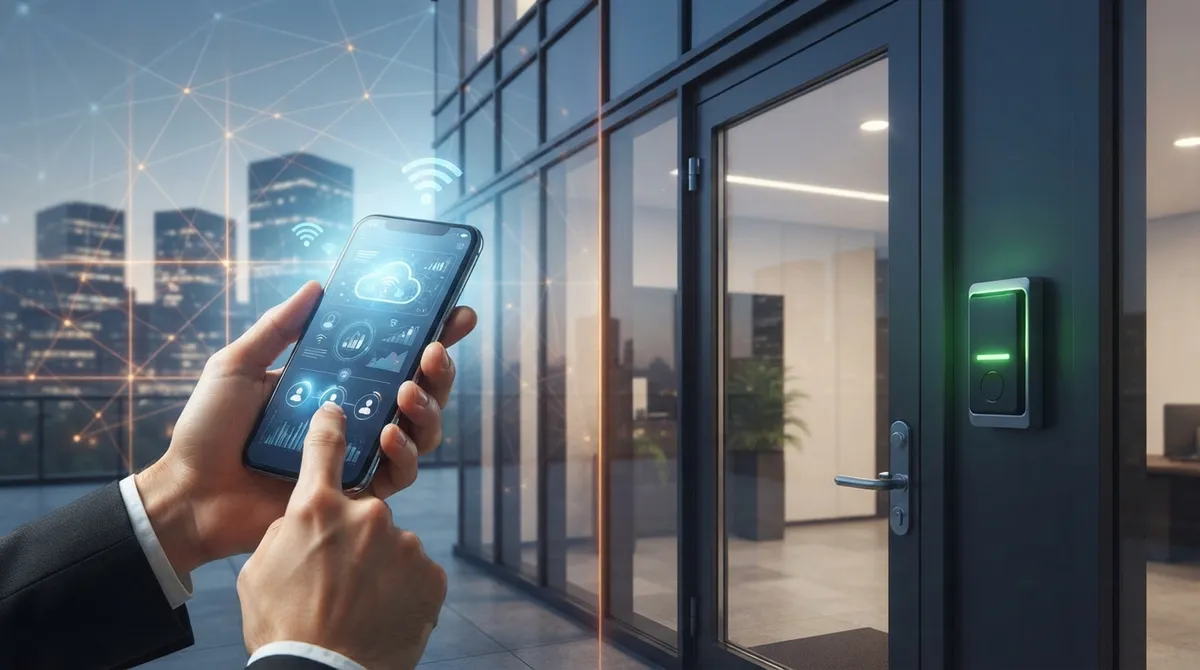
Picture this: your office manager is stuck in traffic, but a new contractor needs a door unlocked right now. With old-school key systems, that’s a problem. With cloud access control office buildings rely on today, it’s a two-minute fix from a phone. If you’re weighing your options for securing doors, floors, and entire buildings, you’re in the right place. Let’s walk through this together, friend to friend, no confusing tech talk required.
Cloud access control has quickly become one of the smartest upgrades a growing business can make. But is it really better than the traditional, server-based systems many offices still use? We’re going to compare both, break down the real-world tradeoffs, and help you figure out what fits your building, your team, and your budget. Grab a coffee, and let’s get into it.
What Is Cloud Access Control, Really?
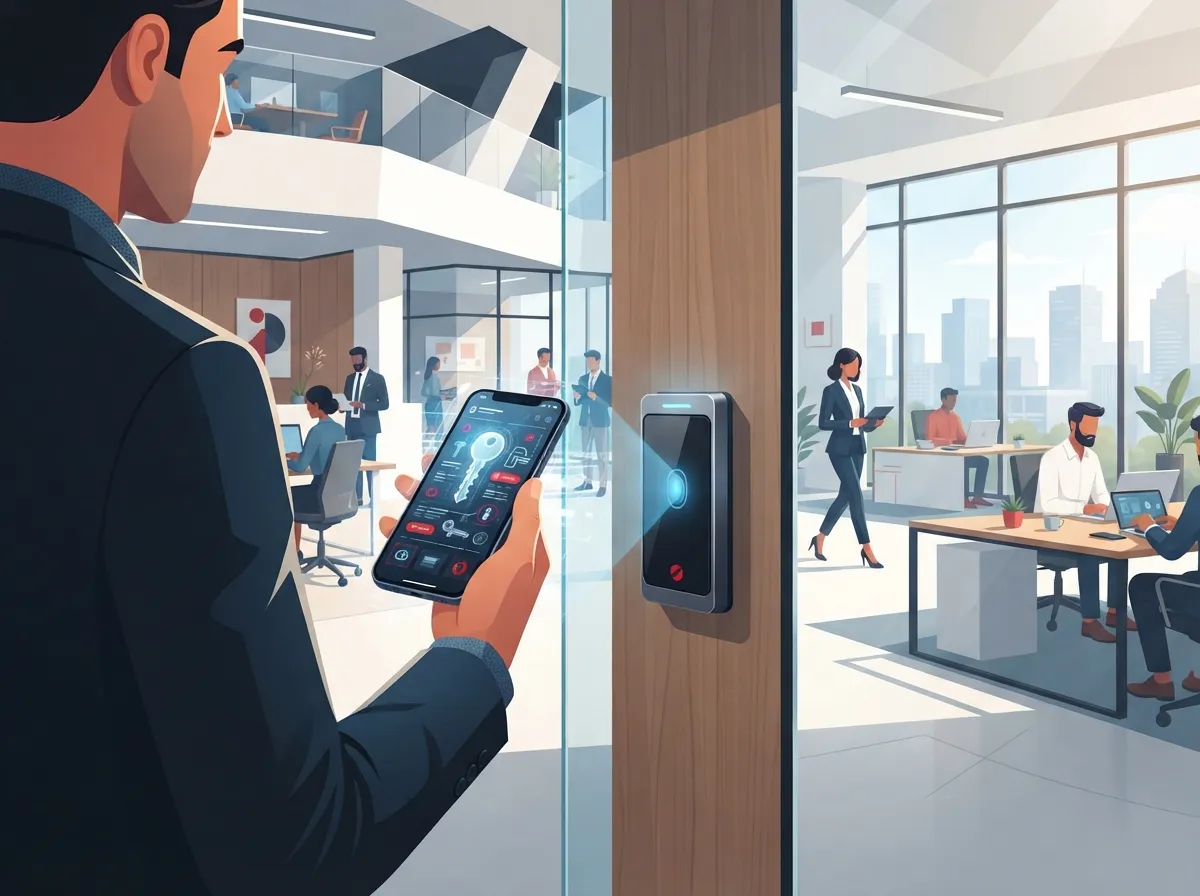
Cloud access control is a security system where your door permissions, employee credentials, and activity logs live in the cloud instead of on a clunky server in your closet. Think of it like the difference between storing photos on your phone versus backing them up online. One is stuck in one place. The other follows you everywhere.
A typical setup includes cloud software, internet-connected door controllers, card or mobile readers, locks, and sometimes cameras or intercoms tied in too. Behind the scenes, your structured cabling, network switches, and internet connection all work together to keep everything talking smoothly. This is exactly where a telecom partner becomes valuable, because the network is the backbone that makes the whole system reliable.
How This Differs From Traditional On-Site Systems
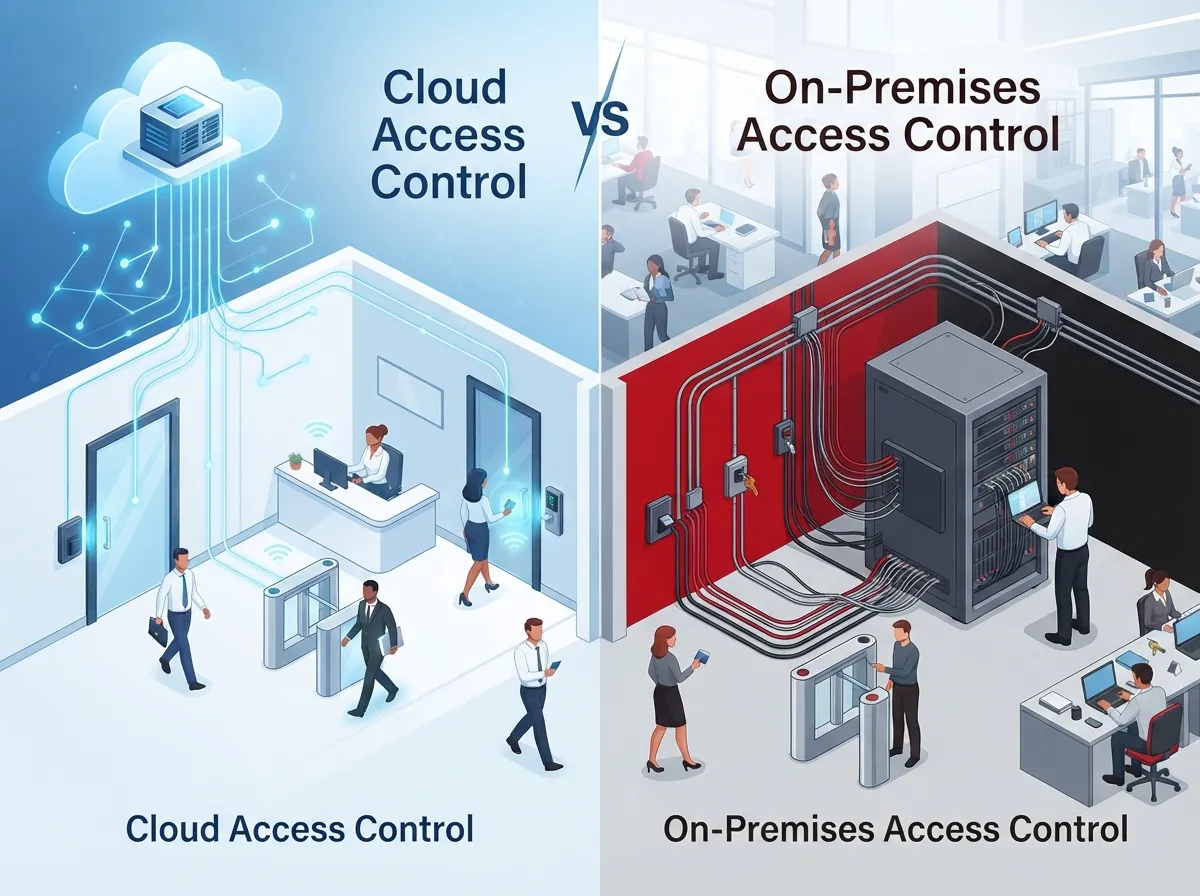
Old-school access control keeps everything local. There’s a server in your building, and if you want to change permissions, someone usually has to be on-site or log into that specific machine. It works, but it’s slow and clunky when you’re managing multiple locations or a growing team.
Cloud systems flip that. You can manage access from anywhere, add new employees in seconds, and pull reports without driving to the office. For franchise operators or companies with multiple sites, this is a game-changer.
Cloud vs. On-Premises Access Control: The Head-to-Head Comparison
Let’s put both side by side so you can see exactly where each one shines and where it struggles.
| Feature | Cloud Access Control | On-Premises Access Control |
|---|---|---|
| Remote Management | Yes, from any device | Limited to on-site server access |
| Multi-Location Control | Centralized, one dashboard | Separate systems per location |
| Software Updates | Automatic, handled by provider | Manual, often delayed |
| Upfront Cost | Lower hardware cost | Higher upfront server investment |
| Ongoing Costs | Monthly or annual subscription | Occasional maintenance fees |
| Internet Dependency | Requires stable connection | Works locally without internet |
| Integrations | Connects easily with HR, video, ID systems | Limited or costly integrations |
As you can see, the two systems solve different problems. Cloud wins on flexibility and growth. On-premises can win on simplicity for a single small office that never plans to expand. Most growing businesses, though, lean toward cloud because it scales with them.
Why Office Buildings Are Making the Switch
More Tampa businesses, and companies nationwide, are moving to cloud-based systems for a few simple reasons. Let’s break down the biggest wins.
- Centralized control across every location. Admins can add employees, adjust permissions, and review activity logs without visiting each building.
- Instant access changes. When someone joins or leaves the company, access can be granted or revoked immediately, right from a laptop or phone.
- Smart integrations. Cloud access control can connect with Microsoft Entra ID, HR platforms, visitor management tools, video surveillance, and even elevator controls.
- Less on-site maintenance. No more babysitting a server closet or scheduling technician visits for routine updates.
- Better visitor management. Temporary credentials can be issued for contractors, vendors, or guests, then automatically expire.
This isn’t just a security upgrade. It’s a productivity upgrade too. Office managers get their time back, and IT teams get fewer late-night phone calls about a jammed door.
The Role of Reliable Connectivity
Here’s something people often overlook: your access control system is only as strong as your network. If your internet goes down and your cellular backup isn’t set up right, doors could behave unpredictably. That’s why bandwidth, Power over Ethernet (PoE) capacity, VLAN segmentation, and firewall rules matter so much.
A solid telecom foundation, including reliable high-speed internet, keeps your access control system running smoothly day and night. This is one reason many businesses choose to work with a single telecom partner instead of piecing together vendors on their own.
What Happens When the Internet Goes Down?
This is one of the most common questions we hear, and it’s a fair one. Nobody wants employees locked out during a storm or an ISP outage.
The good news is most modern controllers are built with this in mind. Many can still enforce previously configured door rules locally, even if the cloud connection drops temporarily. But here’s the catch: this behavior varies by vendor, so it absolutely must be tested and confirmed before you rely on it.
Steps to Prepare for Connectivity Issues
- Ask your vendor exactly how doors behave during an outage.
- Set up cellular failover so your system has a backup connection.
- Test your failover setup regularly, not just once at install.
- Document emergency procedures for staff and building management.
- Review fire, life-safety, and accessibility requirements with a qualified professional.
Skipping these steps is one of the biggest mistakes businesses make. A few hours of planning now can save you a stressful, chaotic day later.
Building the Right Network Foundation
Cloud access control isn’t just about badges and locks. It’s really an IT project wearing a security hat. Here’s what your network needs to support it well.
- Stable, high-speed internet with enough bandwidth for multiple connected devices
- Segmented VLANs to separate access control traffic from everyday office traffic
- PoE switches to power door controllers and readers without extra wiring
- Firewall rules that allow secure communication with the cloud platform
- Cellular backup for continued operation during an internet outage
- Ongoing network monitoring to catch problems before they become emergencies
If your office is still running on outdated cabling or an aging network, it’s worth addressing that before adding access control hardware on top. Building on a shaky foundation rarely ends well.
Security Considerations You Shouldn’t Skip
Since your access control system is now connected to the internet, it needs to be treated like any other sensitive part of your network. According to NIST Special Publication 800-210, published in 2020, cloud-based access control should account for broad network access, resource pooling, rapid elasticity, measured service, and data sharing. NIST SP 800-82 Revision 3, released in 2023, goes even further by treating physical access control as part of your operational technology environment, right alongside industrial systems.
Here’s what that means in plain English for your office building.
- Keep an updated inventory of every device connected to your access control system
- Segment access control devices away from general office Wi-Fi and computers
- Require multi-factor authentication for anyone who administers the system
- Set up detailed audit logs so you always know who accessed what and when
- Review permissions regularly and remove access the moment someone leaves
This might sound like a lot, but a good telecom and IT partner can build these protections into your network from day one, so you’re not scrambling to fix gaps later.
Weighing the Tradeoffs Honestly
No system is perfect, and it wouldn’t be fair to only talk about the good stuff. Cloud access control does shift some risk. You’re now depending on your cloud provider’s uptime, your internet connection, and your identity provider staying online. If any of those hiccup, it can affect your building’s access control.
There are also ongoing subscription costs to budget for, along with important questions about data ownership, retention, and what happens if you ever switch providers. Before signing any contract, ask about uptime guarantees, support response times, and how your data can be exported if you leave.
Questions to Ask Before You Commit
- What is your guaranteed uptime, and how is downtime handled?
- How long is event and access data retained?
- What happens to our data if we cancel the service?
- How quickly can permissions be revoked for a terminated employee?
- What cybersecurity certifications or practices does your platform follow?
Getting clear answers upfront protects you from surprises down the road. This is exactly the kind of due diligence a telecom expert can help you sort through, since they’ve likely seen these contracts before.
Who Benefits Most From Cloud Access Control?
Not every business has the exact same needs, so let’s look at how different teams typically benefit.
| Business Type | Key Benefit |
|---|---|
| Small Business Owners | Simple setup without managing a server or extra hardware |
| Mid-Sized Enterprises | Scalable security across growing office space |
| IT Managers | One dashboard, fewer vendors, better integrations |
| Office Managers | Fast credential changes without technical headaches |
| Franchise Operators | Consistent access policies across every location |
Whichever category you fall into, the underlying benefit is the same: less hassle, more control, and a system that grows alongside your business instead of holding it back.
How Ideal Solutions Provider Fits Into the Picture
This is exactly the kind of project where having one trusted partner makes life easier. Ideal Solutions Provider has spent over 24 years helping Tampa businesses, and companies nationwide, design telecom networks that actually support modern security systems. With partnerships across 35+ vetted suppliers, they help you avoid overpaying or ending up with a mismatched system that doesn’t talk to your network properly.
From assessing your structured cabling to setting up reliable network connectivity, they handle the pieces that make cloud access control actually work in the real world. You can also follow their project updates and tips on Facebook, Instagram, or their YouTube channel for a behind-the-scenes look at how these systems come together.
Getting Started the Smart Way
If you’re ready to explore cloud access control for your office building, here’s a simple game plan to follow.
- Audit your current network and internet connection for readiness.
- List every door, floor, and access point you need covered.
- Decide which integrations matter most, like HR systems or video security.
- Ask potential vendors the tough questions about uptime and data ownership.
- Plan for cellular failover and offline door behavior before installation day.
- Bring in a telecom partner to make sure your network can actually support it.
Taking it step by step keeps the whole process manageable, even if this is your first time upgrading your building’s security.
Final Thoughts: Which One Really Wins?
So, cloud versus on-premises access control, who takes the trophy? For most modern office buildings, especially those planning to grow, add locations, or simplify IT management, cloud access control comes out ahead. It offers flexibility, easier integrations, and centralized control that traditional systems just can’t match.
That said, the real win only happens when your network is ready to support it. Reliable internet, proper segmentation, and a tested backup plan are what separate a smooth rollout from a frustrating one. That’s where having an experienced partner in your corner truly pays off.
If you’re ready to explore whether cloud access control is the right fit for your office building, our team would love to help you map it out. Feel free to reach out to our team for a free consultation, or give us a call to talk through your building’s specific needs. We’re always happy to chat, no pressure, just honest guidance.
FAQs
Q: What is cloud access control for office buildings?
A: It’s a security system where door permissions, credentials, and activity logs are managed through the cloud instead of a local server. This means you can add employees, change access, and review reports from anywhere, which is a huge relief for busy office managers.
Q: How does cloud-based access control work when the internet goes down?
A: Many controllers can keep enforcing previously set door rules locally during a short outage, but this really depends on your specific vendor. We always recommend testing this and setting up cellular failover so you’re never caught off guard.
Q: Can cloud access control integrate with Microsoft Entra ID, HR systems, cameras, and visitor management?
A: Yes, that’s actually one of the best parts of going cloud-based. These systems are built to connect with identity providers, HR platforms, video security, and visitor management tools, so everything works together instead of living in separate silos.
Q: What network infrastructure does a cloud access control system need?
A: You’ll want stable high-speed internet, PoE switches, VLAN segmentation, proper firewall rules, and ideally a cellular backup. Think of it as building a solid foundation before adding the security layer on top.
Q: How can access permissions be automatically revoked when an employee leaves?
A: undefined





