
Key Takeaways
-
Implement Zero Trust architecture that continuously verifies identity, device health, and context for every access attempt, rather than assuming safety based on network location or initial login.
-
Use phishing-resistant multi-factor authentication methods like FIDO2/WebAuthn security keys for administrators and remote workers, as SMS codes are vulnerable to social engineering attacks.
-
Establish continuous per-session monitoring and re-evaluation of access permissions throughout user sessions, not just at login, to catch compromised devices or suspicious behavior in real time.
-
Apply the same identity and access controls to APIs, service accounts, and automated integrations as you do to human users, using short-lived credentials and narrowly scoped permissions.
-
Pair cloud access control with network-level protections like SASE, microsegmentation, and encrypted signaling to create layered defenses across VoIP, cameras, doors, and data systems.
-
Maintain centralized audit logs of all login attempts, configuration changes, and API activity integrated with SIEM tools to enable early detection of security threats before they escalate.
Picture this: your office door unlocks with a phone tap, your security cameras stream to the cloud, and your VoIP system routes calls without a single wire running to a phone closet. Pretty amazing, right? But here’s the thing your friendly neighborhood telecom nerd wants you to know: all that convenience means nothing if the wrong person can waltz right in. That’s where cloud access control security features come in, and trust us, they’re way more interesting than they sound.
Whether you run a cozy Tampa coffee shop or manage IT for a company with locations across three states, understanding how cloud access control protects your business is worth a few minutes of your time. We promise to keep this friendly, practical, and jargon-light. Grab your coffee, and let’s walk through what actually keeps your cloud-based communications, doors, and data safe from people who shouldn’t have access.
What Cloud Access Control Actually Means for Your Telecom Setup
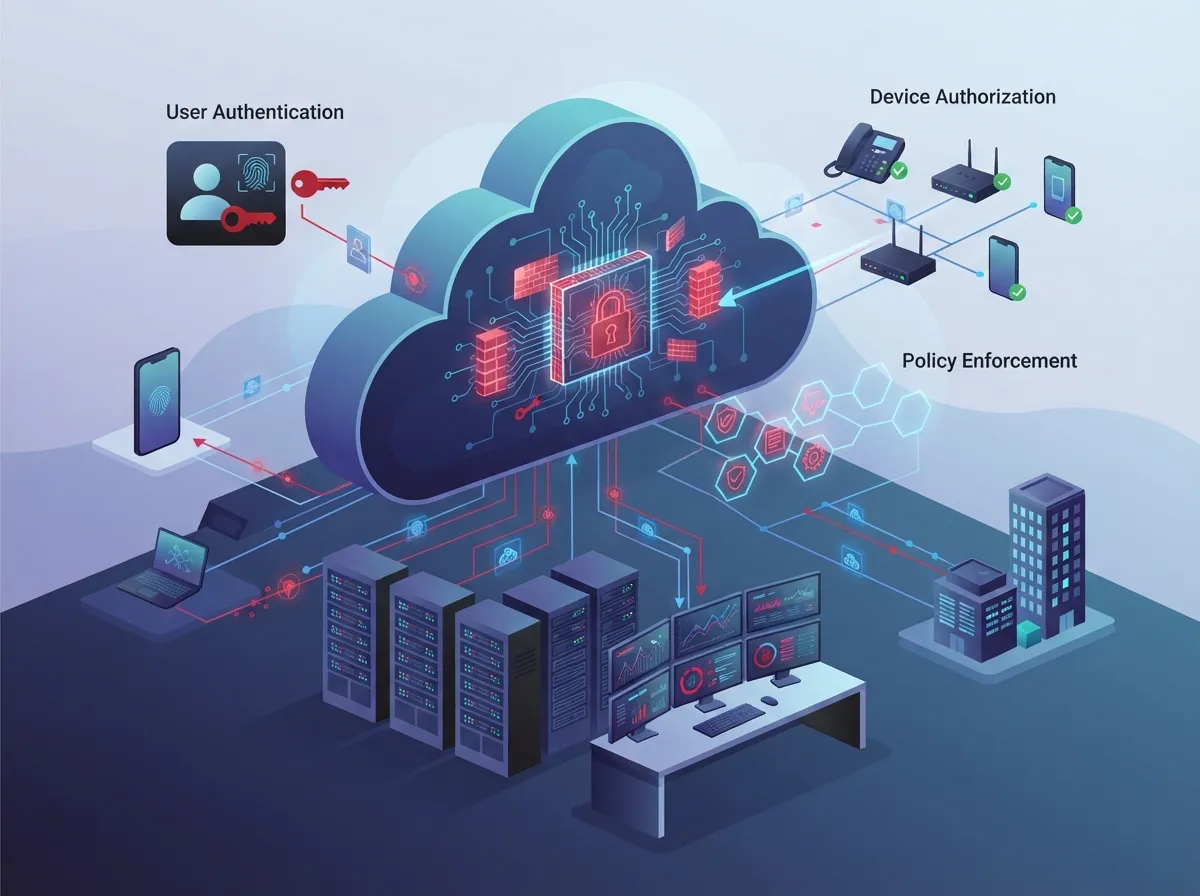
Cloud access control is simply the set of rules and tools that decide who (or what) gets to use your cloud-based business systems. This covers your unified communications platform, VoIP phones, contact-center software, SD-WAN management dashboards, security cameras, building doors, and even the APIs connecting everything together.
Think of it as a very smart, very tireless bouncer standing at every digital door in your business. It checks IDs, verifies devices, watches behavior, and decides in real time whether someone gets in. If you’ve read about cloud-based access control systems before, you already know the physical-door side of this story. Now let’s talk about how it protects everything else too.
Why This Matters More Than Ever
Remote work, multi-location franchises, and cloud phone systems have blown a hole in the old idea of a “secure office network.” There’s no single wall to defend anymore. Instead, security has to follow the user, the device, and the data wherever they go.
- Employees log in from home, coffee shops, and client sites
- Contractors and vendors need temporary, limited access
- Devices range from company laptops to personal phones
- Cloud phone systems and cameras connect through the internet, not a locked server room
- Franchise locations need consistent rules across every site
The Core Cloud Access Control Security Features You Should Know
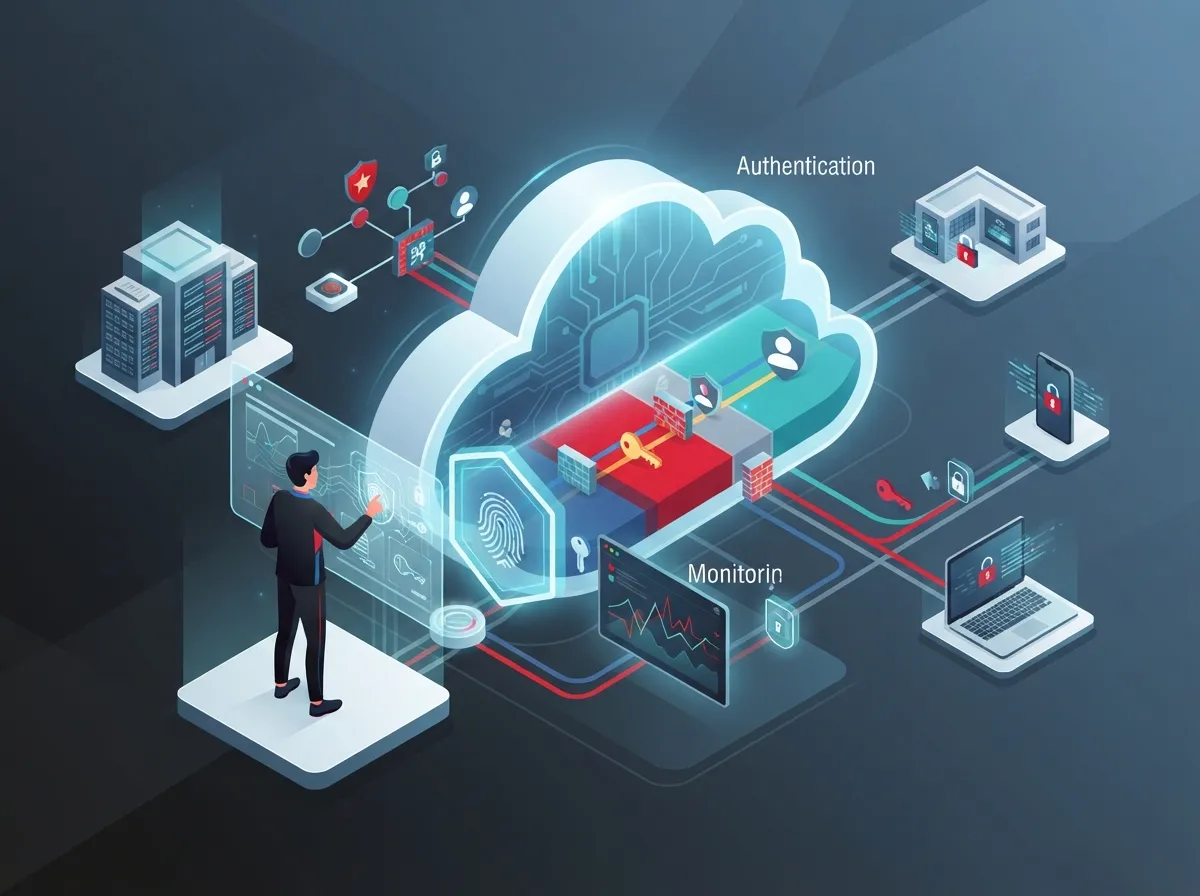
Not all access control setups are created equal. Here are the features that separate a genuinely secure cloud telecom environment from one that just looks secure on paper.
1. Zero Trust: Trust Nothing, Verify Everything
Zero Trust is the gold standard right now, and for good reason. The National Institute of Standards and Technology (NIST) defines Zero Trust as removing “implicit trust” and instead continuously checking identity, device health, and context before granting access to anything. No more assuming someone is safe just because they’re on the office Wi-Fi.
NIST’s Special Publication 800-207A, published in September 2023, lays out a model built specifically for cloud-native environments spread across multiple locations. It recommends combining identity checks with network-level policies, so both “who you are” and “where you’re connecting from” matter.
2. Strong Identity and Access Management
Good identity management is like having one master key system instead of fifty different locks with fifty different keys. It typically includes:
- Centralized identity management across all cloud tools
- Single sign-on so employees aren’t juggling ten passwords
- Role-based or attribute-based permissions matched to job duties
- Automatic access removal the moment someone leaves the company
- Least-privilege access, meaning people only get what they actually need
3. Phishing-Resistant Multi-Factor Authentication
You’ve probably used MFA before, that little code texted to your phone. But NIST specifically recommends phishing-resistant methods for anyone with high-level access, like administrators or remote workers. These include security keys and FIDO2/WebAuthn standards, which are much harder to trick than a simple text code.
| Authentication Method | Phishing Resistance | Best Used For |
|---|---|---|
| Password only | Low | Not recommended alone |
| SMS or email code | Moderate | Low-risk, everyday logins |
| Authenticator app | Good | General employee access |
| Security key (FIDO2/WebAuthn) | Excellent | Admins, remote staff, high-risk accounts |
How Context-Aware Access Decisions Work
Here’s where things get genuinely clever. Modern systems don’t just check a password and call it a day. They look at the whole picture before deciding whether to let someone in.
- Is the device healthy and up to date, or is it missing security patches?
- Is the login coming from an expected location, or somewhere unusual?
- Is the request happening at a normal time, or 3 a.m. from another country?
- Does the user’s recent behavior look normal, or oddly aggressive?
- How sensitive is the resource being requested, like billing data versus a shared calendar?
If any of these raise a red flag, the system can ask for extra verification or block access entirely. This is a big improvement over old-school setups that only checked a username and password once at login.
Network-Level Protections Matter Too
Identity checks are only half the story. Your cloud telecom environment also needs strong network-tier defenses. This includes tools like secure access service edge (SASE) or zero-trust network access (ZTNA), microsegmentation, encrypted signaling, and restricted admin interfaces.
NIST SP 800-207A specifically calls out gateways, service identities, and telemetry as key building blocks for enforcing these policies across hybrid and multi-cloud setups. If your business uses SD-WAN solutions, this layered approach becomes even more important since traffic is moving across multiple paths.
Protecting Voice, Video, and Data Together
One thing we love about modern cloud access control is that it doesn’t treat your phone system, your cameras, and your data as separate silos. It protects them as one connected ecosystem.
Securing Cloud VoIP and Unified Communications
Your VoIP phones and contact-center platform handle sensitive conversations every single day. Encryption protocols like TLS protect signaling traffic, while SRTP can protect the actual voice media where supported. Combine that with role-based access so only authorized staff can access call recordings or admin settings.
If you’re still deciding on a provider, our guide on choosing the best cloud-based phone system covers security considerations alongside features and pricing.
Securing Cloud Cameras and Access Control Together
Many Tampa businesses now pair cloud security cameras with door access systems for a complete picture of who’s coming and going. When these systems share the same identity platform, you get one login, one audit trail, and far less chance of a gap slipping through.
- Mobile credentials that can be revoked instantly
- Real-time alerts for unusual door activity
- Video tied directly to access logs for easy investigation
- Tenant isolation for franchise or multi-location businesses
Securing the Machines, Not Just the Humans
Here’s something people often forget: it’s not just employees who need access. Your APIs, bots, service accounts, and automated integrations need identities too, and they need to be locked down just as carefully.
Best Practices for Non-Human Identities
- Give every API and service account its own unique identity
- Use short-lived credentials or tokens instead of permanent passwords
- Apply certificate-based authentication where it makes sense
- Scope permissions narrowly, so a compromised key can’t do much damage
- Rotate keys and credentials on a regular schedule
NIST guidance treats these machine identities with the same seriousness as human ones, recommending cryptographically verifiable runtime identities for cloud-native systems.
Monitoring, Logging, and Continuous Reevaluation
Access control isn’t a “set it and forget it” situation. NIST SP 800-207 emphasizes per-session access, meaning a person who was authorized at login might need to be re-checked if something changes mid-session.
What Good Monitoring Looks Like
- Centralized logs of every login attempt, successful or failed
- Tracking of configuration changes and admin actions
- API activity logs for integrations and automated tools
- Device posture checks throughout the session, not just at login
- Integration with SIEM or managed security monitoring services
This ongoing vigilance is what catches trouble early, before a small issue becomes a major breach. If a device suddenly looks compromised or behavior turns suspicious, the system can require reauthentication or cut off access completely.
Comparing Access Control Models: RBAC vs. ABAC
You’ll often hear two terms tossed around: role-based access control (RBAC) and attribute-based access control (ABAC). Here’s a simple breakdown to help you understand the difference.
| Feature | Role-Based (RBAC) | Attribute-Based (ABAC) |
|---|---|---|
| How access is granted | Based on job role or title | Based on multiple attributes (device, location, time, risk) |
| Flexibility | Simpler, less flexible | Highly flexible and granular |
| Best for | Small teams with clear roles | Larger, complex, or multi-location businesses |
| Setup effort | Lower | Higher, but more precise |
Questions to Ask Your Telecom Provider
Not sure what to ask when evaluating a provider’s cloud access control setup? Here’s a handy list to bring to your next conversation.
- How do you separate customer tenants and prevent cross-account access?
- What multi-factor authentication options are supported for admins?
- How quickly can access be revoked when an employee leaves?
- What logging and audit trail features are included?
- Do you offer just-in-time administrative access for sensitive systems?
- How is voice and video traffic encrypted in transit?
A trustworthy partner should answer these questions clearly, without hedging. This is exactly the kind of due diligence Ideal Solutions Provider walks clients through during a free consultation, comparing setups across their network of 35+ vetted suppliers to find what actually fits your business.
A Shared Responsibility, Not a One-Sided Job
Here’s a friendly reminder that security is a two-way street. Your telecom or cloud provider typically secures the underlying platform, but you’re still responsible for things like:
- Managing employee identities and permissions
- Keeping devices updated and enrolled in management tools
- Setting sensible data governance policies
- Configuring integrations correctly
Working with an experienced partner takes a lot of the guesswork out of this. If you want a deeper look at how structured networking supports all of this, check out our piece on structured cabling as the physical backbone behind secure, reliable connections.
Bringing It All Together
Cloud access control security features aren’t just an IT checkbox. They’re the difference between a business that sleeps soundly and one that’s one bad login away from a very bad day. From Zero Trust principles to phishing-resistant MFA, from monitoring dashboards to properly scoped API keys, every layer adds real protection to your VoIP system, your cameras, your doors, and your data.
The good news? You don’t have to figure this out alone. Ideal Solutions Provider has spent over 24 years helping Tampa businesses and companies nationwide build telecom and security setups that actually work, without the headache of juggling a dozen vendors. We’ve found that 9 out of 10 companies we audit are overpaying, underprotected, or both, so there’s a good chance we can help tighten things up for you too.
Curious how secure your current setup really is? Reach out to our team for a free consultation, or give us a call to talk through your options today. You can also follow our latest tips and client stories on Facebook, Instagram, and YouTube.
FAQs
Q: What is cloud access control in business telecom solutions?
A: It’s the set of rules and tools that decide who or what can use your cloud-based phones, cameras, doors, and networks. Think of it as a smart bouncer checking every digital and physical entry point before letting anyone through.
Q: Is multi-factor authentication enough to secure cloud telecom systems?
A: MFA is a great start, but it’s not the whole story. Pairing it with device checks, monitoring, and Zero Trust principles gives you a much stronger, more complete defense.
Q: How does Zero Trust improve cloud-based VoIP and unified communications security?
A: Zero Trust means nothing gets automatic trust, even inside your own network. Every request is checked based on identity, device health, and context, which makes it much harder for bad actors to sneak in.
Q: What’s the difference between role-based and attribute-based access control?
A: Role-based access grants permissions by job title, which is simple and works well for smaller teams. Attribute-based access looks at multiple factors like device, location, and time, giving larger or multi-location businesses more precise control.
Q: What should I ask a provider about tenant isolation and privileged access?
A: Ask how they separate customer accounts, how quickly they can revoke access, and whether they offer just-in-time admin permissions. A confident, clear answer is a great sign you’ve found a trustworthy partner.





