
Key Takeaways
-
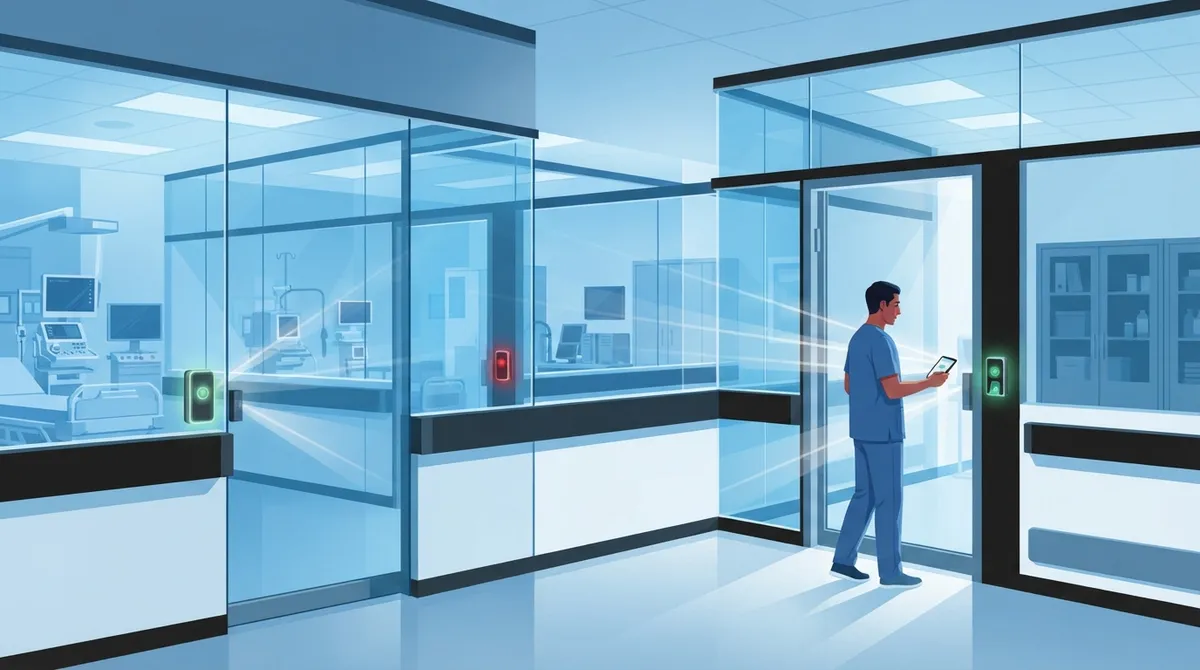
Implement instant offboarding through cloud access control to revoke employee credentials immediately upon departure, preventing unauthorized access to building entry and patient records in real-time.
-
Establish strict vendor and contractor access management with time-limited credentials that automatically expire, separate permission tiers, and detailed audit logs to reduce third-party breach risks.
-
Adopt zero-trust access models with phishing-resistant multifactor authentication for remote and mobile access to ePHI, allowing secure telehealth and off-site record access without compromising security.
-
Use cloud access control to achieve HIPAA compliance automatically by logging every door entry and system login with searchable audit trails, eliminating manual compliance documentation during audits.
-
Segment clinical networks (medical devices, EHR systems) from administrative systems (billing, scheduling) to limit security incident spread and prevent ransomware lateral movement across your entire infrastructure.
-
Start access control implementation with a clear audit of current permissions, set up role-based access matching job duties, and establish quarterly access reviews paired with reliable backup internet connectivity.
Running a clinic, hospital, or medical office comes with enough stress already. You’re juggling patient care, staff schedules, and a mountain of paperwork. The last thing you need is worrying about who can walk through your doors or peek at sensitive patient records. That’s where cloud access control for healthcare steps in, and honestly, it’s one of the friendliest solutions we’ve seen for busy healthcare teams.
Think of it like this: instead of chasing down lost keys or manually updating spreadsheets every time someone joins or leaves your practice, cloud access control lets you manage everything from your phone or laptop. It keeps ePHI (electronic protected health information) safe, supports HIPAA compliance, and gives your front desk staff one less thing to stress about. We’re going to walk through five practical wins that healthcare organizations are seeing right now, plus the real numbers behind why this matters more than ever in 2026.

Why Healthcare Organizations Can’t Ignore Access Control Anymore
Ransomware attacks on healthcare are not slowing down. Comparitech recorded 293 ransomware attacks against hospitals, clinics, and direct-care providers during just the first nine months of 2025. That’s over 7.4 million patient records exposed in confirmed breaches alone. Add another 130 attacks against healthcare-related businesses like billing companies and pharma firms, and you start to see the bigger picture.
The good news? Some numbers are actually improving. Sophos found that only 34% of healthcare ransomware attacks led to data encryption in 2025, down from 74% in 2024. Ransom payments dropped too, from 61% of providers paying in 2022 to just 36% in 2025. Stronger access controls are part of why these numbers are moving in the right direction.
What Exactly Is Cloud Access Control for Healthcare?
Simply put, it’s a system that decides who gets in, what they can touch, and when. It covers your building doors, your EHR systems, your telehealth platforms, and even connected medical devices. Instead of one key that opens everything, you get smart, role-based permissions that adjust automatically.
- Restricts entry to exam rooms, records storage, and pharmacy areas
- Controls login access to cloud-hosted patient records and billing systems
- Tracks every entry and login with a time-stamped audit trail
- Removes access instantly when staff or vendors leave
- Works across multiple locations from one dashboard
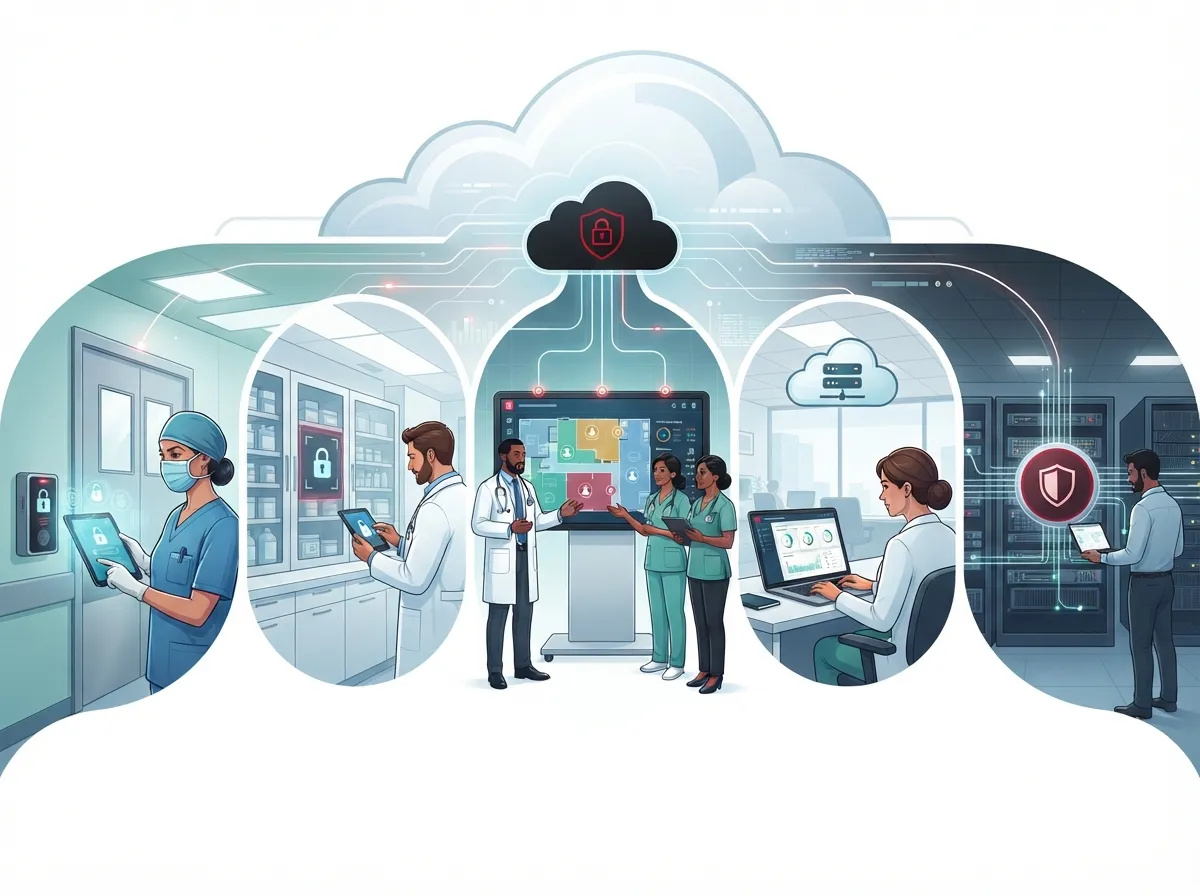
5 Cloud Access Control Wins Healthcare Teams Are Loving
1. Faster, Safer Compliance With HIPAA Requirements
HIPAA’s Security Rule asks for specific safeguards: access control, audit controls, authentication, integrity checks, and transmission security. Cloud access control checks nearly every one of these boxes automatically. According to HHS guidance on HIPAA and cloud computing, healthcare organizations can use cloud providers to store ePHI, but only when a signed business associate agreement (BAA) is in place and proper safeguards exist.
A good cloud access system logs every door entry and login attempt. That means when compliance audit time rolls around, you’re not scrambling for paper logs. You just pull a report. It’s a much less painful process than the old way of doing things.
2. Instant Offboarding That Actually Works
Here’s a scenario every office manager dreads: an employee leaves on bad terms, and nobody remembers to collect their badge or revoke their system access for weeks. With cloud-based access control, you can shut off someone’s credentials the moment they walk out the door, from any device.
- HR notifies IT or the office manager of the departure
- Access is revoked instantly through the cloud dashboard
- Building entry and system logins are cut off in real time
- An automatic log records the exact time of removal
- No physical keys or badges need to be collected first
This single feature alone prevents so many headaches. No more wondering if a former employee still has a key floating around.
3. Smarter Vendor and Contractor Management
Healthcare facilities deal with a lot of outside people: IT contractors, cleaning crews, medical equipment technicians, and specialist providers. Each one needs some level of access, but definitely not the same level as your full-time nursing staff.
- Time-limited credentials that expire automatically after a job is done
- Separate access tiers for staff, contractors, and visiting providers
- Detailed logs showing exactly where and when a vendor entered
- Contractual requirements baked into vendor agreements for data handling
- Quick removal of access the moment a contract ends
Black Kite’s 2025 Healthcare Ransomware Report found that healthcare’s share of global ransomware attacks rose from 5% in 2023 to 8% in 2024. A lot of these incidents trace back to third-party access that wasn’t properly managed. Tight vendor controls genuinely make a difference.
4. Remote and Mobile Access Without the Risk
Telehealth isn’t going away, and neither is the need for doctors and staff to check records remotely. HHS guidance confirms mobile access to cloud-hosted ePHI is allowed, as long as the right safeguards and BAAs are in place. Cloud access control makes this possible without opening the door to unnecessary risk.
This usually works through zero-trust access models, where every login gets checked against the user, their device, and their location before anything is approved. Combine this with phishing-resistant multifactor authentication, and you’ve got a setup that keeps both convenience and security intact.
5. Better Network Segmentation for Clinical and Administrative Systems
Not every part of your network needs to talk to every other part. Segmenting your clinical systems (like connected medical devices) from your administrative systems (like billing and scheduling) limits how far a security incident can spread. This is where a solid SD-WAN setup and managed networking really shine.
| Access Control Layer | What It Protects | Common Tool |
|---|---|---|
| Physical entry | Buildings, exam rooms, record storage | Cloud-based door access, mobile credentials |
| Identity and login | EHR, billing, telehealth platforms | Single sign-on, multifactor authentication |
| Network | Clinical vs administrative traffic | Network segmentation, SD-WAN, VPN |
| Devices | Medical IoT, staff laptops, tablets | Endpoint security, device management |
| Monitoring | All of the above | Audit logs, SIEM platforms, 24/7 alerts |
Building a Practical Access Control Strategy
You don’t have to overhaul everything overnight. A step-by-step approach works better and causes less disruption to daily operations.
- Start with an audit of who currently has access to what
- Set up role-based permissions matching job duties, not convenience
- Add multifactor authentication to all cloud logins
- Segment clinical networks away from guest Wi-Fi and admin systems
- Automate onboarding and offboarding for staff and vendors
- Schedule regular access reviews, at least quarterly
- Test your downtime and backup connectivity procedures
This last point matters more than people realize. Cloud access control depends on solid connectivity. If your internet drops, you need reliable high-speed internet and backup circuits to keep systems running. A secure telecom foundation isn’t optional here, it’s the backbone everything else relies on.
Comparing Traditional vs Cloud Access Control
| Feature | Traditional Access Control | Cloud Access Control |
|---|---|---|
| Managing multiple locations | Separate systems per site | One dashboard for all sites |
| Revoking access | Manual, often delayed | Instant, from any device |
| Audit trails | Paper logs or local files | Automatic, searchable records |
| Remote management | Limited or unavailable | Full remote control |
| Vendor access | Hard to track or limit | Time-limited, logged automatically |
Questions Healthcare Teams Should Ask Their Telecom Partner
Before signing any contract, it helps to know exactly what you’re getting. Here are the essentials worth asking about.
- Who is responsible for encryption and data logging?
- What happens to our data if we end the contract?
- Is there a signed BAA covering ePHI handling?
- How quickly can access be revoked for departing staff?
- What backup connectivity exists if our main internet goes down?
- How are subcontractors and their access managed?
These aren’t just nice-to-know details. They directly affect your compliance posture and how well you’d recover from an incident. If you’re evaluating providers for business telecom solutions for healthcare in Tampa, these questions belong at the top of your checklist.
Why the Right Telecom Partner Makes All the Difference
Cloud access control doesn’t work in isolation. It needs strong cloud phone systems, secure networking, and dependable internet all working together. This is exactly why so many healthcare practices choose to work with one trusted partner instead of juggling five different vendors.
Ideal Solutions Provider has spent over 24 years helping Tampa businesses, including healthcare organizations, build secure, reliable telecom setups. With partnerships across 35+ vetted suppliers, they compare your options honestly instead of pushing a single brand. Whether you need structured cabling for a new clinic wing or a full cloud access control system, having one point of contact simplifies everything.
You can also follow their work and see real client stories on Facebook, Instagram, and YouTube. It’s a good way to see how other businesses tackled similar security upgrades.
Keeping Medical Devices and IoT Endpoints Secure
Connected medical devices, from infusion pumps to monitoring equipment, add another layer that needs attention. These devices often can’t run traditional security software, so network-level protection matters even more.
- Place medical IoT devices on their own segmented network
- Limit device communication to only what’s necessary
- Monitor device traffic for unusual activity
- Apply firmware updates on a regular schedule
- Document every connected device for easier audits
Proper structured cabling and a well-planned network design lay the groundwork for all of this. Without a stable physical and network infrastructure, even the best access control software struggles to perform well.
Bringing It All Together
Cloud access control for healthcare isn’t just a security upgrade. It’s peace of mind for your staff, your patients, and honestly, for you too. From instant offboarding to smarter vendor management and HIPAA-aligned safeguards, these five wins show just how much easier healthcare security can be when it’s built on the cloud.
The path forward doesn’t have to feel overwhelming. Start with a clear audit, choose the right partner, and build from there one smart step at a time. Your reliable Internet Service Provider connection paired with the right access control platform can transform how your practice handles security day to day.
Ready to see how secure, HIPAA-aligned cloud access control could work for your healthcare organization? Contact us today for a free consultation, or simply call us to talk through your current setup and where it could improve.
FAQs
Q: What is cloud access control for healthcare?
A: It’s a system that manages who can enter your facility and who can access cloud-hosted patient records, all from one dashboard. It combines physical door security with digital login controls to keep ePHI safe and HIPAA compliant. Think of it as one friendly control center for both your building and your data.
Q: Does a healthcare cloud provider need to sign a HIPAA business associate agreement?
A: Yes, absolutely. HHS guidance requires a signed BAA with any cloud provider that creates, stores, or transmits ePHI on your behalf. It’s a simple step that protects both your practice and your patients, so always confirm this is in place before signing on with any provider.
Q: How can Business Telecom Solutions providers secure remote access to EHR and telehealth systems?
A: They typically use zero-trust access, multifactor authentication, and secure VPN or SD-WAN connections to keep remote logins safe. This lets your staff check records from home or between locations without opening the door to unwanted risk. It’s a nice balance between convenience and strong security.
Q: How should healthcare organizations manage cloud access for vendors and contractors?
A: Give vendors time-limited access that automatically expires once their job is finished. Keep their permissions separate from full-time staff and log every entry or login they make. This small habit prevents a lot of headaches down the road.
Q: What authentication methods should hospitals and clinics use for cloud applications?
A: undefined





