
Key Takeaways
-
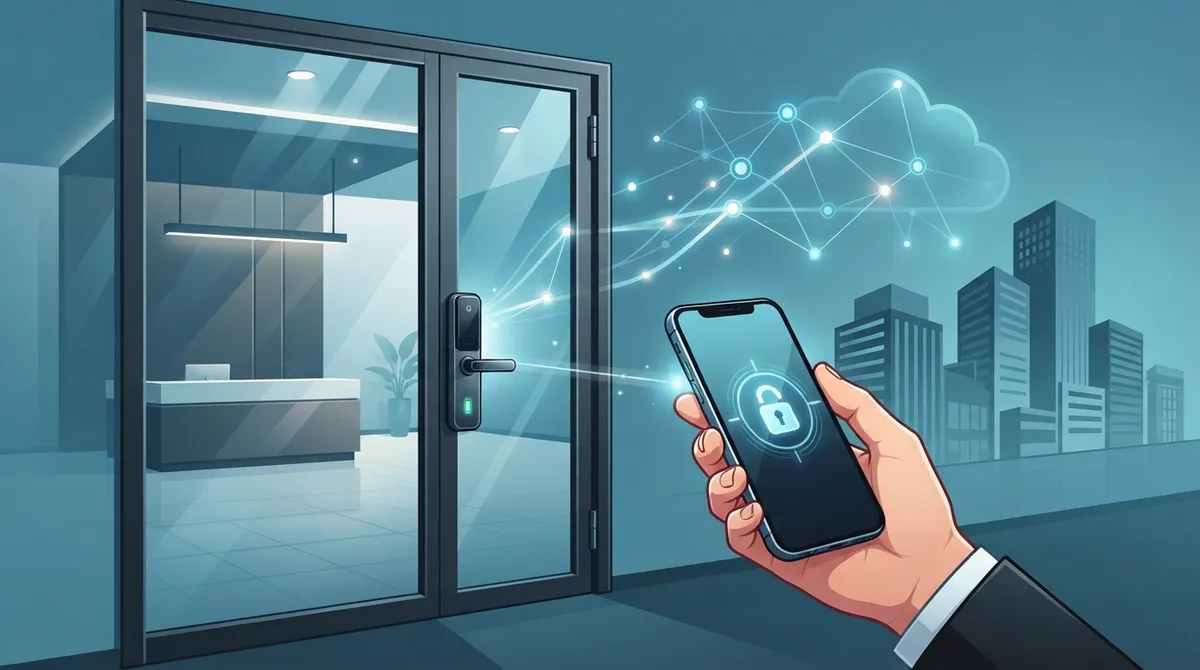
Cloud access control eliminates network outages as a barrier—controllers make local access decisions offline and battery/cellular backup keeps doors functioning during internet failures, so employees never get locked out.
-
Mobile credentials via smartphone apps are the fastest-growing access method at 34.7% market share with 19.8% CAGR through 2034, replacing traditional key cards and fobs while enabling instant remote provisioning.
-
Network readiness is critical before installation; weak Wi-Fi and inadequate cabling cause 90% of lock reliability problems, making a structured cabling review and Power over Ethernet (PoE) assessment essential first steps.
-
Automatic employee offboarding through directory integration (Microsoft Entra ID, Google Workspace) eliminates manual key card retrieval and eliminates risk of former staff unauthorized access.
-
Multi-site cloud management gives franchise and multi-location operators one centralized dashboard across unlimited locations, replacing ten disconnected systems with real-time monitoring and unified security policies.
-
Integrations with video surveillance, visitor management, and alarm systems create deeper security visibility; ask vendors about API support and open standards like OSDP to reduce future vendor lock-in.
Picture this: your office manager is stuck at home with a sick kid, but a new hire still needs to get through the front door at 8 a.m. sharp. With old-school locks, that’s a problem. With cloud access control door lock integration, it’s a two-minute fix from a phone. That’s the kind of everyday magic we love talking about here, and honestly, it’s one of the most exciting shifts happening in business telecom solutions right now.
If you’re a small business owner, an IT manager juggling five vendors, or a franchise operator trying to keep ten locations on the same page, this guide is for you. We’ll walk through what cloud access control door lock integration actually means, how it connects to your network, what it costs, and how to avoid the headaches. Grab a coffee, and let’s get into it together.
What Is Cloud Access Control Door Lock Integration?
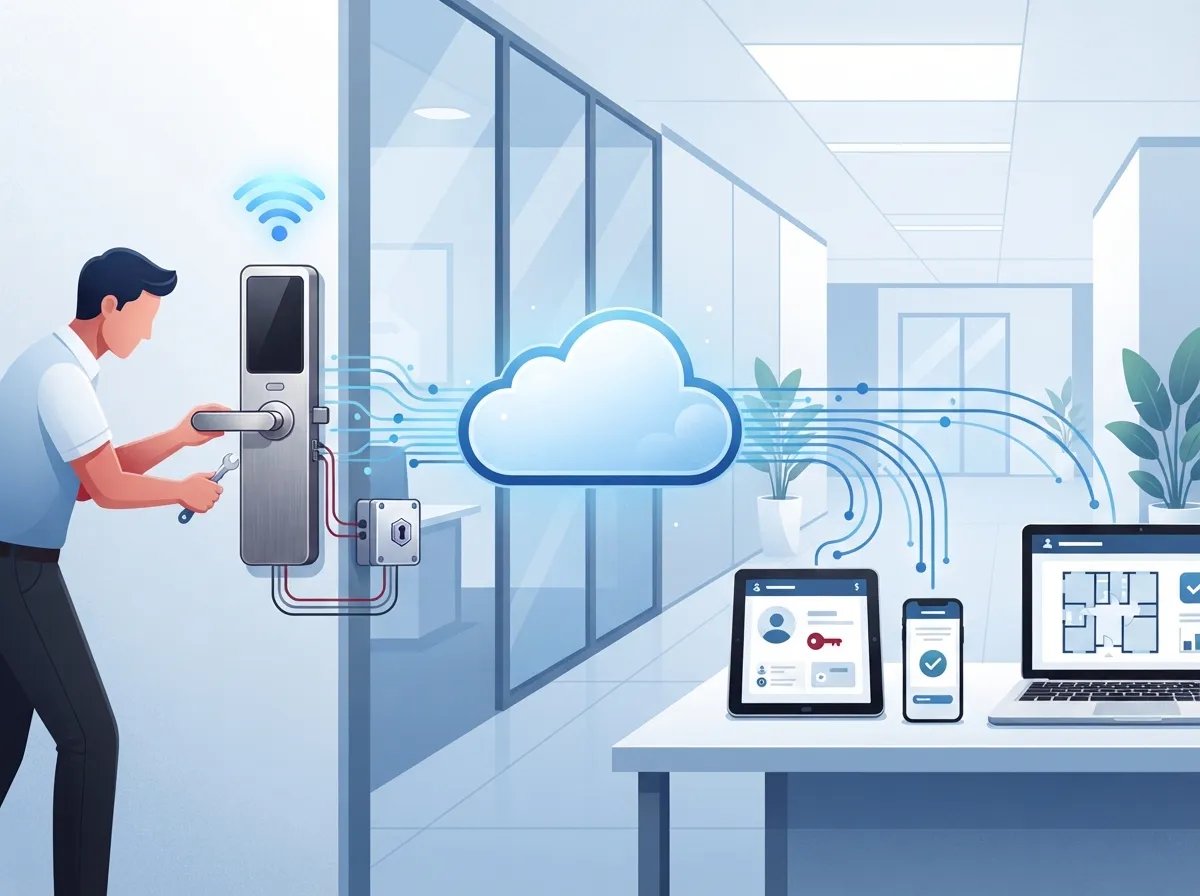
Cloud access control door lock integration means connecting your electronic door locks to a cloud-based platform instead of an old on-site server. Permissions, schedules, and event logs all live safely online. You manage everything from a browser or an app, from anywhere.
For a telecom-focused provider like ours, this goes beyond just hanging a lock on a door. It’s about the whole package: reliable network connectivity, secure Wi-Fi or Ethernet, cloud software, hardware, and ongoing support. Think of it as one more piece of your business communications puzzle, right alongside your cloud-based phone system and internet service.
According to market research, the cloud-based access control market was valued around $12.8 billion in 2025 and is projected to grow to $49.2 billion by 2034 (MarketIntelo, 2025). That’s a compound annual growth rate of over 17%. Businesses everywhere are catching on, and Tampa companies are no exception.
How Cloud Door Locks Connect to Your Business Network
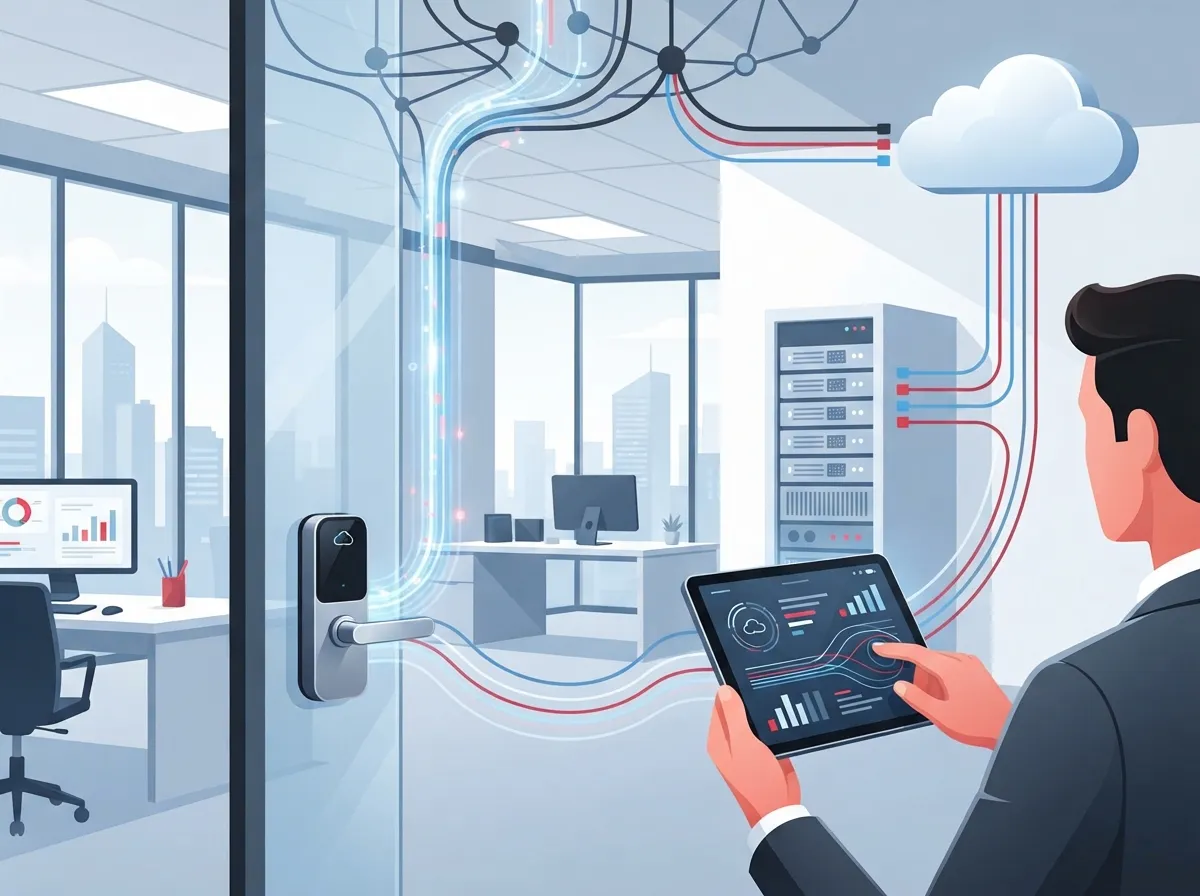
Here’s the part that makes telecom providers like us so useful in this equation. A cloud access control system doesn’t run on magic. It runs on your network. That means your Ethernet cabling, Wi-Fi, firewall, and internet connection all play a starring role.
A typical setup includes these pieces working together:
- An electronic or wireless door lock
- A card, fob, PIN, or mobile credential reader
- A request-to-exit sensor and door-position sensor
- A local controller or gateway device
- A wired or wireless network connection back to the cloud
- The cloud management platform itself
- An admin dashboard and mobile app for your team
The controller talks to the cloud to get policy updates, but many controllers can also make basic access decisions locally if the internet drops. That’s a huge relief for business owners who worry about losing control during an outage.
Why Solid Cabling and Wi-Fi Matter Here
Weak Wi-Fi or messy cabling is the number one reason connected door locks act flaky. If your building still runs on old wiring, it’s worth checking whether your structured cabling can support Power over Ethernet (PoE) for lock controllers and readers. This is exactly why we always recommend a network readiness review before installing any access control hardware. Our structured cabling services team often gets called in first, before a single lock goes on a door.
Steps to Set Up Cloud Access Control Door Lock Integration
Ready to move from curious to confident? Here’s the general process we walk clients through, step by step.
- Site assessment. We look at your doors, your network, and your current setup to spot gaps.
- Network readiness review. This checks your bandwidth, cabling, PoE capacity, and firewall rules.
- Hardware selection. Choose locks, readers, and controllers that fit your doors and your budget.
- Cabling or wireless design. Plan how each door connects, including backup options.
- Installation. Locks, readers, and controllers go in, tested door by door.
- Cloud configuration. Set up schedules, user roles, and credential types.
- Identity integration. Connect the system to your directory or HR tools.
- Testing. Every door gets checked for normal use and emergency scenarios.
- Training. Your team learns how to add users, pull reports, and handle lockouts.
- Ongoing monitoring and support. Someone keeps an eye on things long after installation day.
This lifecycle approach is exactly how we handle projects at Ideal Solutions Provider, and it’s why clients rarely have to make a second call to a different vendor.
What Happens During an Internet or Power Outage?
This is one of the most common questions we hear, and a fair one. Nobody wants employees locked out during a storm.
Good cloud access control systems are built with this in mind. Here’s what typically helps keep doors working:
- Local decision-making at the controller, even without internet
- Battery backup built into the lock or controller
- Cellular backup connectivity as a secondary link
- Fail-safe or fail-secure lock choices based on fire codes
- Documented emergency unlock procedures for staff
- Identity providers like Microsoft Entra ID or Google Workspace
- Unified communications and VoIP platforms
- Video surveillance systems for linked event footage
- Visitor management software for guest check-ins
- Intrusion alarms and building management systems
- Help desk tools for IT support tickets
- Encrypted communications between devices and the cloud
- Strong administrator login requirements, like multi-factor authentication
- Least-privilege user roles so people only access what they need
- Detailed audit logs of every door event
- Network segmentation to keep access control traffic separate
- Regular firmware updates from the manufacturer
- Hardware per door, including locks, readers, and controllers
- Cabling or wireless upgrades if your network needs it
- Cloud software subscription, usually billed monthly or annually
- Installation and configuration labor
- Ongoing support and monitoring fees
- Franchise operators managing multiple storefronts
- Mid-sized enterprises with regional offices
- Companies expanding into new markets nationwide
- Do they support the lock brands and readers you want?
- Can they document their API and integration options?
- Do they offer cellular backup or battery backup solutions?
- Will they handle the network cabling and PoE requirements too?
- What does ongoing support and monitoring actually include?
- Skipping the network assessment and assuming Wi-Fi will “just work”
- Choosing locks before checking cloud platform compatibility
- Forgetting about fire code and egress requirements
- Ignoring firmware updates after installation
- Not planning for offline access during outages
Fire egress rules and accessibility codes still apply no matter how fancy the technology gets. A responsible integrator will always coordinate access control design with your local fire and building codes, not just the tech specs.
Which Locks and Readers Actually Work With Cloud Platforms?
Compatibility is manufacturer-specific, so this is not a one-size-fits-all answer. Some platforms support a huge range of hardware, while others are more limited.
| Credential Type | How It Works | Best For |
|---|---|---|
| Key card or fob | Tap or swipe at a reader | Offices wanting simple, familiar access |
| PIN code | Enter a numeric code at a keypad | Shared spaces, temporary access |
| Mobile credential | Bluetooth or NFC via smartphone app | Modern offices, remote management |
| Biometric | Fingerprint or facial recognition | High-security areas, server rooms |
One market estimate found mobile access is the fastest-growing credential type, holding 34.7% share in 2025 with growth above 19.8% CAGR through 2034 (MarketIntelo, 2025). People love using their phones instead of carrying yet another card.
Integrations That Actually Matter for Telecom-Driven Businesses
The real value of cloud access control shows up when it talks to your other systems. This is where a telecom-savvy partner earns their keep.
Some of the most useful integrations include:
For example, Avigilon has reported that its cloud access-control offering supports more than 100 integration applications through an open API. That’s a vendor-specific number, but it shows how deep these integrations can go. If your business already relies on our cloud video security systems, pairing it with access control creates a much fuller security picture.
Single Sign-On and Employee Offboarding
One of the biggest wins here is automatic offboarding. When HR deactivates an employee in your directory, their door access can disappear automatically too. No more chasing down old key cards or worrying about a former employee walking back in.
Is Cloud Access Control Actually Secure?
This question comes up a lot, and it’s a smart one to ask. The honest answer is that security depends on more than just “the cloud” label.
A well-designed system should include:
It’s also worth asking about the Security Industry Association’s OSDP standard, which supports encrypted communication between readers and controllers. Choosing hardware built around open standards can reduce vendor lock-in down the road.
Cloud Access Control vs. Traditional On-Premises Systems
| Feature | Cloud Access Control | Traditional On-Premises |
|---|---|---|
| Management location | Any browser or app, anywhere | Onsite server only |
| Multi-site control | Centralized across locations | Separate system per site |
| Software updates | Automatic from provider | Manual, often delayed |
| Remote monitoring | Real-time alerts anywhere | Limited to onsite viewing |
| Upfront cost | Lower hardware investment | Higher server and licensing cost |
For franchise operators managing several Tampa Bay locations, or growing companies expanding nationwide, centralized cloud management is often the deciding factor. You get one dashboard instead of ten disconnected systems.
What Does It Cost to Integrate Cloud Access Control?
Pricing varies a lot depending on the number of doors, hardware quality, and whether you’re retrofitting an old building or starting fresh. Generally, businesses should budget for these cost categories:
One 2025 market breakdown found software made up 45.3% of cloud access control revenue, while hardware accounted for 32.1% (MarketIntelo, 2025). A separate study found similar software share but split hardware and services differently, which shows how much these numbers can vary by research method. The takeaway? Get a real quote based on your specific building, not a generic online estimate.
Multi-Site Management for Growing Businesses
If you run more than one office, cloud access control becomes even more valuable. You can set the same security policies across every location, see which doors are locked in real time, and grant temporary visitor access without driving across town.
This is especially handy for:
Pairing this with reliable high-speed internet for business ensures every site stays connected without lag or dropped commands.
What to Check Before Choosing a Provider
Not every vendor handles the full picture. Before signing anything, ask these questions:
A good telecom expert who gets results should be comfortable answering all of these without dodging. That’s really the whole point of having a single point of contact instead of juggling separate vendors for network, cabling, and security hardware.
Why Pair Access Control With Your Broader Telecom Setup
Here’s something people often overlook: your door locks, phones, internet, and cameras all rely on the same underlying network. If one piece is weak, it drags down the rest.
That’s why we always look at the whole picture. A business already running strong cloud-based phone systems and solid Internet Service Provider connections is usually in great shape to add cloud access control without a hitch. Businesses starting from scratch benefit from planning everything together from day one.
At Ideal Solutions Provider, we’ve spent over 24 years helping Tampa businesses and companies nationwide bring their communications and security systems together under one roof. With partnerships across 35+ vetted suppliers, we compare your options honestly instead of pushing one brand. You can see examples of our work on our YouTube channel or follow updates on Facebook and Instagram.
Common Mistakes to Avoid
We’ve seen a few patterns trip up even well-intentioned teams. Watch out for these:
Avoiding these missteps early saves a lot of frustration later, and it’s exactly the kind of guidance a full-service telecom partner should provide from the start.
Bringing It All Together
Cloud access control door lock integration isn’t just a security upgrade. It’s a smarter way to run your building, connect your team, and keep everything working together through one trusted network. Whether you’re managing one Tampa office or ten locations across the country, the right setup gives you control, peace of mind, and room to grow.
If you’re ready to see how this fits into your business, our team would love to walk through it with you. Contact us for a free consultation, or simply give us a call to talk through your building’s needs today.
FAQs
Q: What is cloud access control door lock integration?
A: It’s when your electronic door locks connect to a cloud platform instead of an on-site server, so you can manage access, schedules, and logs from anywhere. Think of it like moving your door security to the same kind of easy, remote setup you already enjoy with cloud phone systems.
Q: What happens to cloud door locks if the internet goes down?
A: Most quality controllers can still make basic access decisions locally, even without internet. Add battery backup and cellular backup, and your doors keep working smoothly through most outages, which is honestly a huge relief for business owners.
Q: Can a telecom provider install and manage cloud access control systems?
A: Absolutely, and it actually makes a lot of sense since access control relies on the same network, cabling, and connectivity telecom providers already manage. We handle everything from cabling to configuration, so you’re not juggling separate vendors.
Q: How much does cloud access control door lock integration cost?
A: Costs depend on the number of doors, hardware quality, and whether your building needs new cabling or wireless upgrades. The best move is getting a real site assessment rather than guessing from a generic online price.
Q: Can one cloud platform manage doors across multiple business locations?
A: Yes, that’s one of the biggest perks for franchise operators and growing companies. You get one dashboard to set policies, monitor doors, and manage visitors across every site, no matter how many locations you have.





