
Key Takeaways
-
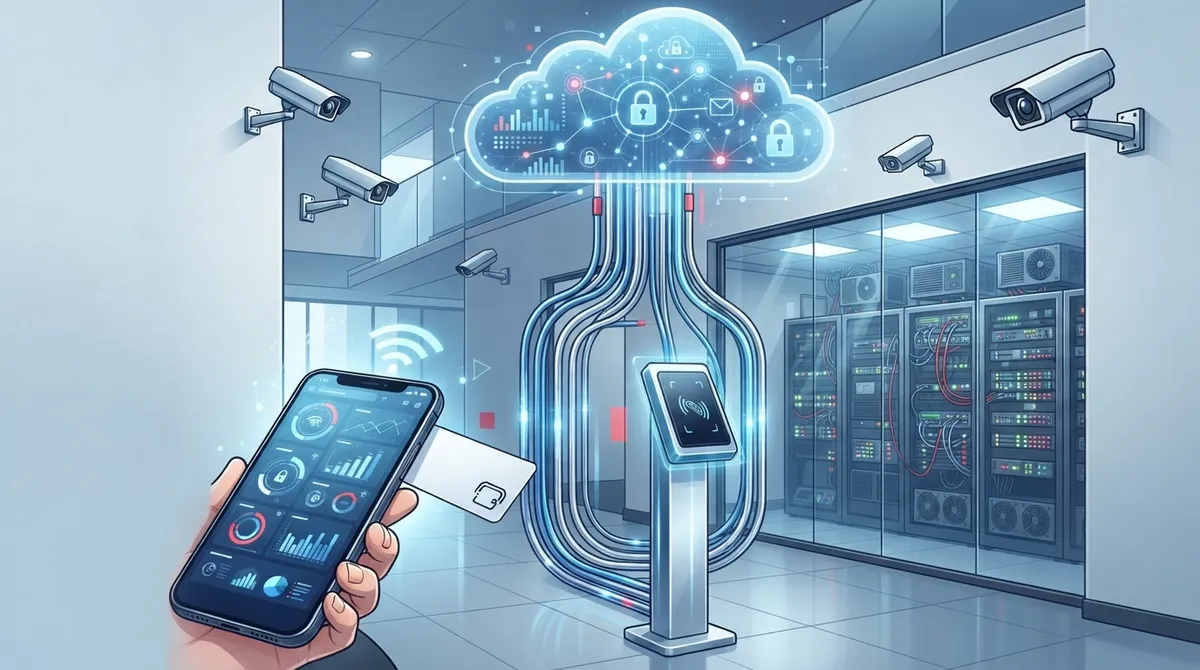
Cloud RFID access control enables remote management of building access from any device via centralized dashboards, allowing instant credential changes and multi-location control without needing physical on-site presence or clunky local servers.
-
Implement encrypted, cryptographic RFID credentials for sensitive areas like server rooms and data centers instead of basic low-frequency cards, which are vulnerable to cloning and could compromise your entire telecom and network infrastructure.
-
Establish reliable network infrastructure before installation including fiber/business-grade broadband, structured cabling, Power over Ethernet, and cellular backup to ensure consistent cloud syncing and system reliability.
-
Integrate cloud access control with other business systems like video surveillance, HR platforms, and alarm systems to create automatic timestamped event logs and streamlined employee onboarding/offboarding workflows.
-
Select a single telecom partner to coordinate internet connectivity, cabling, and hardware installation rather than juggling multiple vendors separately, reducing setup complexity and ensuring the network backbone supports access control operations.
-
Configure multi-factor authentication for admin accounts, implement role-based permissions, enable tamper alerts on all hardware, and maintain detailed audit logs to meet security compliance standards and protect credential data.
Ever wonder how bigger companies keep their server rooms locked up tight while still letting the right people in fast? The answer is usually cloud access control RFID. It’s a friendly little combo of smart cards, badges, and cloud software that makes building security simple instead of stressful. Grab a coffee, because we’re about to break down exactly how it works, what it costs, and why it matters so much for your network room, warehouse, or office door.
If you’re a small business owner, IT manager, or franchise operator here in Tampa Bay, you already know that locks and keys just don’t cut it anymore. Lost keys mean expensive rekeying. Old badge systems mean clunky software nobody wants to touch. Cloud RFID access control fixes both problems at once, and it plays really nicely with the rest of your telecom setup, like your business network solutions and internet connections. Let’s walk through it together.
1. Understand What Cloud Access Control RFID Actually Means
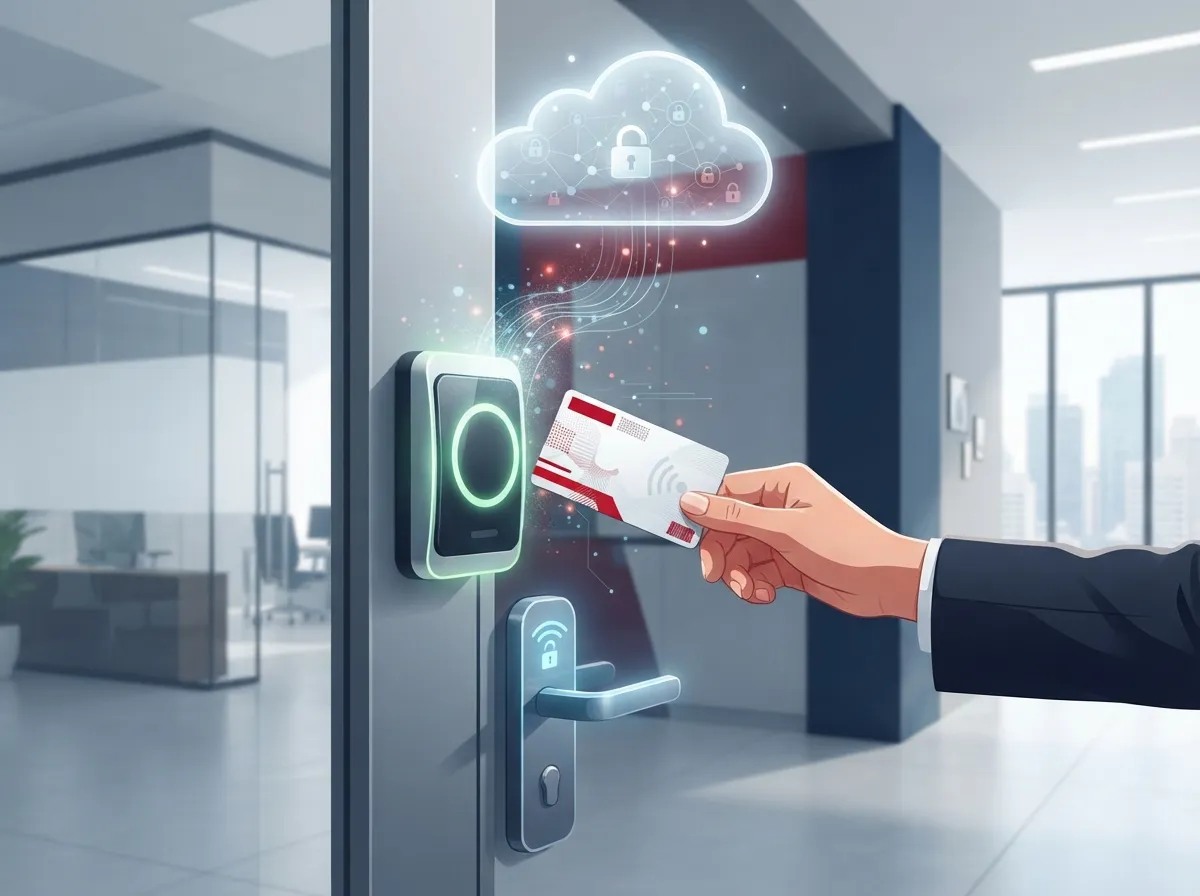
Cloud RFID access control blends two things: RFID credentials and cloud-based software. RFID stands for radio frequency identification. It’s the tech inside your key fob, badge, or access card that talks to a reader without you swiping anything.
Here’s the simple version of how it works. Someone taps their card or fob near a reader mounted by the door. The reader captures the signal and sends it to a local controller. That controller checks with cloud software to confirm the person is allowed in, then unlocks the door. The whole thing usually happens in under a second.
The magic is in the cloud part. Instead of managing access rules on a clunky computer sitting in a closet, you manage everything from an app or web dashboard. You can add a new employee, remove someone who quit, or lock down a building from your phone. This is a big reason cloud-based access control has become so popular with growing businesses, according to GAO RFID’s overview of cloud-based systems.
Why This Matters for Telecom and IT Setups
Business telecom providers care about this technology because it depends heavily on strong, steady connectivity. Every reader, controller, and cloud login needs a reliable network path. That means your high-speed internet setup and structured cabling aren’t just nice extras. They’re the backbone that makes the whole access control system actually work.
2. See How Cloud RFID Compares to Old-School Access Control
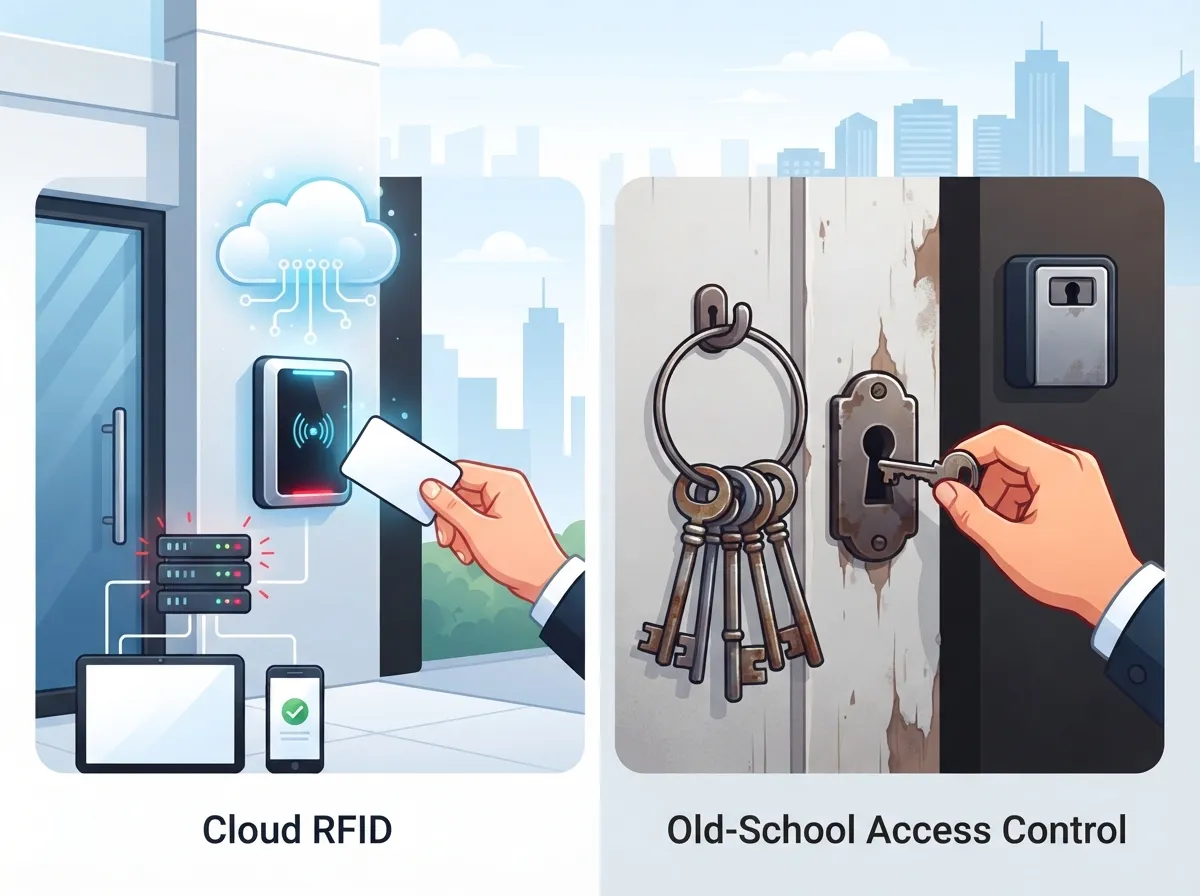
Traditional access control systems store everything on a local server. If you want to add a user, you usually need to be physically in the building or connect through clunky remote software. Cloud RFID access control flips that around completely.
| Feature | Traditional On-Site System | Cloud RFID Access Control |
|---|---|---|
| Management Location | On-site server only | Any device, anywhere |
| Software Updates | Manual, often skipped | Automatic, handled remotely |
| Multi-Site Control | Difficult, separate systems | Centralized dashboard |
| Remote Credential Changes | Slow or impossible | Instant, from anywhere |
| Integration with Cameras/HR | Limited | Built-in or easy add-on |
Growing companies especially love the centralized dashboard piece. If you run a franchise with locations across Tampa Bay and beyond, you can manage every door from one screen instead of juggling five different logins. Curious readers can check out our related post on scalable access control systems for multi-location businesses for more on this.
3. Know What Network Setup Your Cloud RFID System Needs
Cloud access control doesn’t run on hopes and dreams. It runs on real network infrastructure. Here’s what you’ll typically need in place before installation day.
- Reliable internet connection – Fiber or business-grade broadband works best for consistent cloud syncing.
- Power over Ethernet (PoE) – This lets you power door readers through the same cable that carries data, cutting down on extra wiring.
- Structured cabling – Clean, organized cabling makes installing and troubleshooting readers much easier.
- Cellular backup – A backup connection keeps things running if your main internet drops.
- Network segmentation – Keeping access control traffic separate from regular office traffic reduces security risks.
This is exactly the kind of project where having one telecom partner handling everything really pays off. Instead of juggling an internet provider, a cabling contractor, and a security vendor separately, a single point of contact can coordinate it all. That’s the model Ideal Solutions Provider uses, working with 35+ vetted suppliers to design connectivity that actually supports access control hardware from day one.
Does RFID Access Still Work If the Internet Goes Down?
Great question, and one we hear all the time. Many cloud RFID systems include local decision-making at the door controller. That means basic entry decisions can still happen even if the cloud connection temporarily drops. However, features like remote credential changes and live alerts pause until the connection returns. Always ask your provider exactly how their offline mode behaves before you commit.
4. Choose the Right RFID Credential Type for Your Security Needs
Not all RFID cards are created equal, and this is one spot where businesses sometimes get burned. Older low-frequency cards are cheap but easy to clone. That’s fine for a supply closet, but not okay for a server room or telecom equipment cage.
- Low-frequency cards: budget-friendly, but weaker cloning resistance.
- High-frequency and NFC credentials: better security, common in modern office badges.
- Encrypted, cryptographic credentials: strongest option, ideal for data centers and network rooms.
- Mobile credentials: phone-based access that skips physical cards altogether.
- Biometric layering: fingerprint or facial recognition added on top of RFID for extra-sensitive areas.
A 2025 case study from Suprema highlighted a real-world deployment combining cloud-connected management, RFID, mobile credentials, and biometrics across offices, elevators, and data-center spaces. It’s a great example of layered security instead of relying on one method alone, as noted in Suprema’s published case study.
Where Security Really Matters Most
If you’re protecting a network closet, colocation cage, or telecom switching room, don’t cut corners with basic legacy cards. These spaces often hold equipment tied to your entire phone system, internet connection, and security camera network. A cloned card in the wrong hands could cause a lot of damage.
5. Connect Cloud Access Control to Your Other Business Systems
One of the best parts about going cloud-based is how well everything talks to each other. You’re not stuck with a lonely access control box sitting in the corner. Instead, it becomes part of your bigger telecom and security picture.
| Integration | What It Does For You |
|---|---|
| Video Surveillance | Links door events with camera footage automatically |
| HR Platforms | Auto-removes access when an employee leaves |
| Visitor Management | Issues temporary credentials for guests |
| Alarm Systems | Triggers alerts on forced entry or tailgating |
| Identity Providers | Uses single sign-on for admin logins |
Pairing access control with cloud security cameras is especially popular. When a door opens, you get a timestamped video clip tied to that exact badge swipe. That’s incredibly useful if you ever need to investigate a missing item or confirm who accessed a room.
Steps to Get Your Systems Talking to Each Other
- List every system you want connected, like cameras, HR software, and alarms.
- Confirm your access control provider supports open APIs or common integrations.
- Work with your telecom partner to make sure network bandwidth can handle it all.
- Test integrations in a small pilot area before rolling out company-wide.
- Set up alert rules so the right people get notified at the right time.
Our team often gets asked how to pull all these pieces together without hiring five separate vendors. Learning how to work with a telecom expert who gets results can save you a ton of headaches during setup.
6. Budget Smart for Cloud RFID Access Control Costs
Cost is usually the big question on everyone’s mind, and fair enough. Pricing depends on the number of doors, credential type, and whether you need biometric add-ons or just standard RFID readers.
The market itself is growing fast, which tells you businesses everywhere see the value. One 2025 market estimate placed the global RFID access-control market at about $12.4 billion in 2025, projected to reach $23.8 billion by 2034. That’s roughly an 8.3% growth rate each year, according to a report from MarketIntelo’s RFID access control market research. Cloud-based platforms specifically are expected to grow even faster, at around 11.7% annually, since more businesses want remote management flexibility.
- Hardware made up about 52.4% of the RFID access-control market in 2025.
- Commercial applications represented roughly 38.2% of total revenue.
- A separate estimate values the RFID card-reader market at about $1.2 billion in 2024, expected to hit $2.5 billion by 2033.
Costs typically break down into hardware, installation, and an ongoing cloud subscription fee. Multi-site franchise operators should ask providers about volume discounts, since pricing per door often drops as you scale up. If you want a deeper dive into pricing structures, check out our guide on how much cloud access control should really cost.
Questions to Ask Before You Sign a Contract
- What happens to my data if I cancel the subscription?
- Does pricing scale per door, per user, or per site?
- Is multi-factor authentication included for admin accounts?
- How often are software updates pushed, and are they automatic?
- What’s the average install timeline for my number of doors?
Security and Compliance Checklist for Cloud RFID Systems
Before you roll out cloud RFID access control company-wide, run through this checklist with your provider. It covers the basics that keep your system tight and compliant.
- Confirm encrypted communication between readers, controllers, and the cloud.
- Require multi-factor authentication for all administrator accounts.
- Set role-based permissions so staff only access what they need.
- Ask about credential lifecycle management for onboarding and offboarding.
- Verify tamper alerts are active on all door hardware.
- Confirm regular data backups and clear audit logging.
- Document an emergency access plan for power or internet outages.
STMicroelectronics’ AN5493 guidance, revised in May 2025, stresses that reader and credential devices must use compatible, secure communication standards to avoid vulnerabilities. That’s a solid reminder that not every RFID product on the market meets the same security bar, so vetting your supplier really matters.
Wrapping Up: Is Cloud RFID Access Control Right for Your Business?
Cloud access control RFID isn’t just a trendy upgrade. It’s a practical way to protect your building, your network rooms, and your people, while giving you control from anywhere. Whether you’re a small Tampa business locking down one office or a franchise managing doors across multiple states, this technology scales with you.
Just remember, the system is only as strong as the network behind it. Solid internet, proper cabling, and smart planning make the difference between a smooth rollout and a frustrating one. That’s why so many businesses lean on a single telecom partner instead of piecing things together themselves.
Ready to talk through your building’s access needs? Contact us for a free consultation, or feel free to call us directly to chat with our team about the right cloud access control setup for your business. You can also follow our latest projects and tips on Facebook, Instagram, and YouTube. We’d love to help you build a safer, smarter workplace together.
FAQs
Q: What is cloud RFID access control and how does it work?
A: It’s a security system where RFID cards or fobs talk to door readers, and cloud software manages who gets in and when. You get to control everything from a phone or computer, which is way easier than old-school key systems.
Q: Can RFID door access keep working if the internet goes down?
A: Many systems have local decision-making built into the door controller, so basic entry can continue during an outage. Remote features like live alerts and instant credential changes usually pause until your connection comes back.
Q: Which RFID credentials are best for data centers and telecom rooms?
A: Encrypted, cryptographic credentials offer the strongest protection for sensitive spaces like server rooms. Basic low-frequency cards are fine for low-risk areas but shouldn’t guard your network equipment.
Q: How much does cloud RFID access control cost for a small business?
A: Costs vary based on door count, credential type, and subscription features, but expect hardware, installation, and an ongoing cloud fee. Multi-site businesses often get better per-door pricing as they scale up.
Q: What network setup do I need for cloud access control?
A: You’ll want reliable business internet, proper structured cabling, and ideally a cellular backup for outages. Power over Ethernet also helps simplify wiring for your door readers.





