
Key Takeaways
-
Remote access to live and recorded footage from any device eliminates midnight emergency trips to the office and enables multi-property management from a centralized dashboard.
-
Automatic software updates and hosted storage reduce hardware failure risk and eliminate the need for on-site technicians, improving system reliability and reducing maintenance costs.
-
Plan camera placement strategically around shared spaces (entrances, parking lots, elevators, amenity areas) while avoiding private areas to protect resident privacy and avoid legal liability.
-
Pair cloud cameras with reliable connectivity infrastructure (fiber, broadband, or cellular failover) and calculate bandwidth needs before implementation to prevent footage loss during outages.
-
Roll out cloud video security in phases starting with high-risk areas, then add analytics and integrations after staff training, spreading costs and reducing implementation errors.
-
Work with a single telecom partner instead of multiple vendors to eliminate finger-pointing during outages, ensure network and cameras are designed together, and simplify scaling across multiple properties.
Managing an apartment complex means juggling a hundred things at once. Rent checks, maintenance calls, resident complaints, and yes, keeping everyone safe. If you have ever tried piecing together security cameras from three different vendors, you know the headache. Wires everywhere, clunky software, and a DVR box that only your maintenance guy knows how to reset. There is a better way, and it starts with cloud video security for apartment complexes.
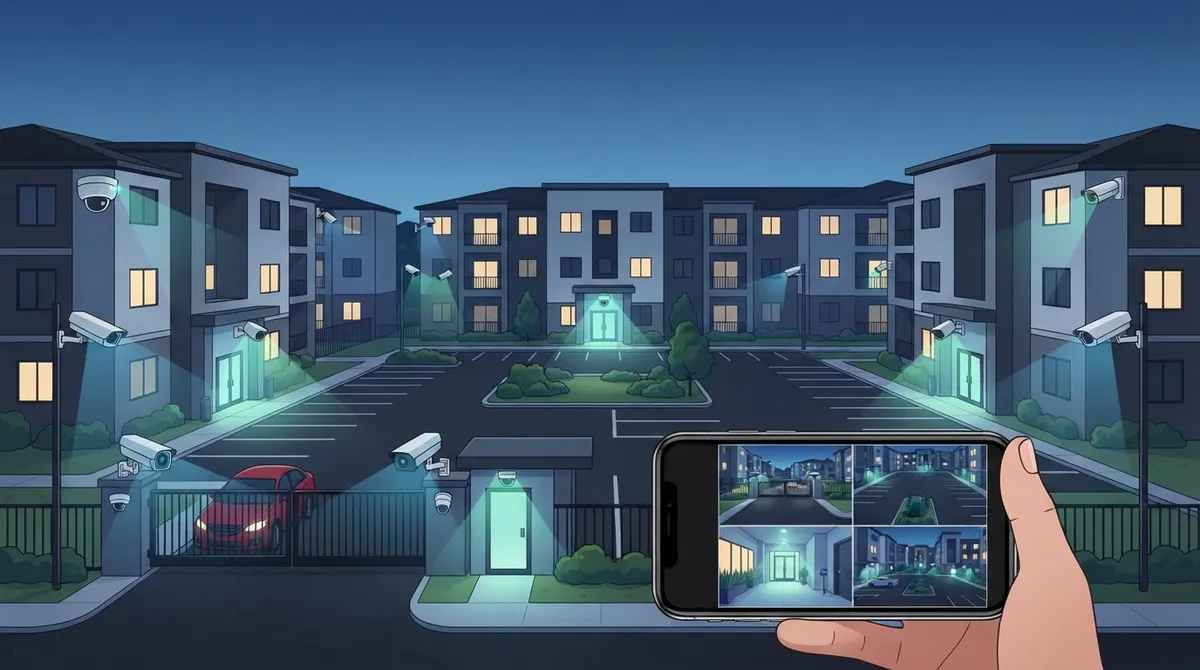
Cloud video security connects your cameras to a hosted platform instead of a dusty box in a closet. That means property managers, owners, and security staff can pull up live footage from a phone or laptop, anywhere, anytime. No more driving to the office at midnight because someone forgot the DVR password. This guide walks you through exactly how to plan, choose, and roll out a system that fits your community and your budget. Grab a coffee, and let’s make your properties safer together.
What Cloud Video Security Actually Means for Multifamily Properties
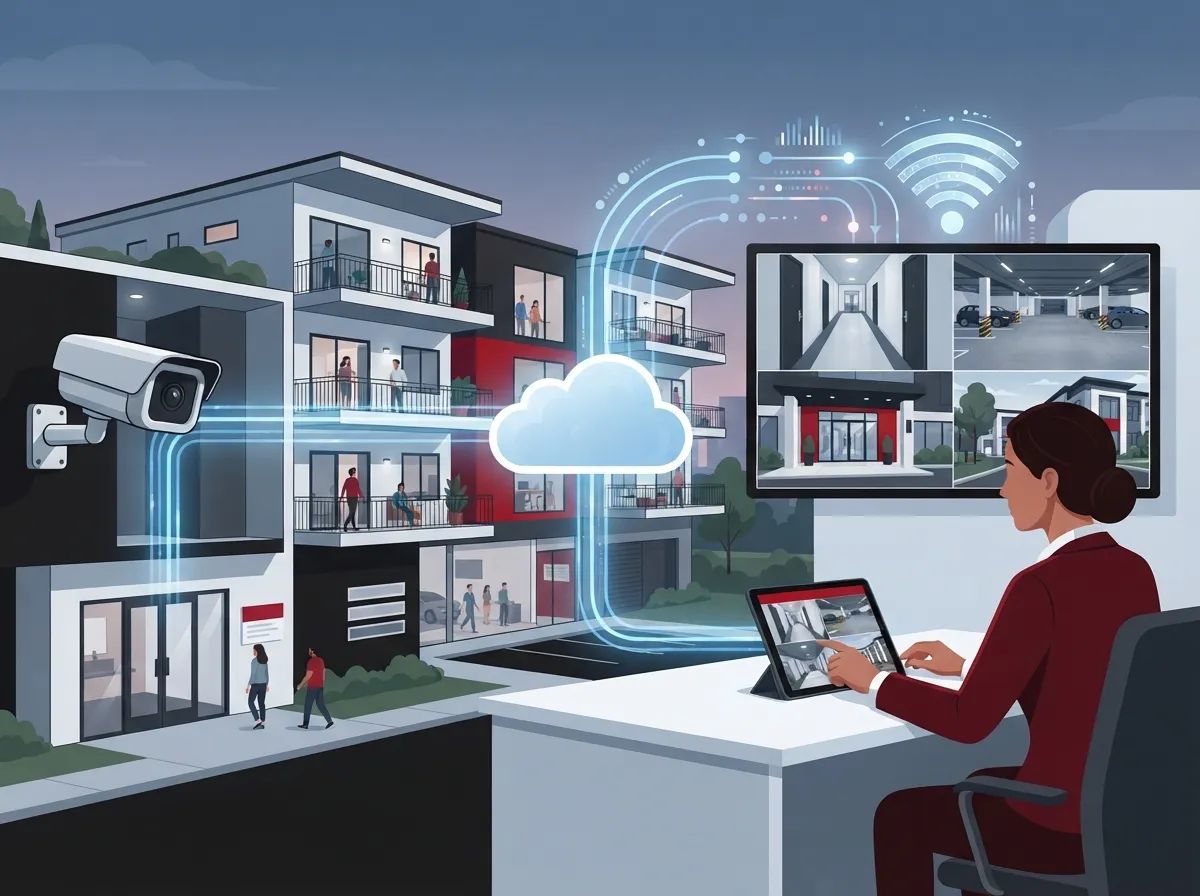
At its core, cloud video security takes the footage from your IP cameras and stores it on a secure, hosted platform rather than a local hard drive. Authorized staff log in through an app or web browser to view live feeds or pull up recorded clips. This is a big shift from the old on-site DVR or NVR setup that many older apartment communities still rely on.
The real magic happens when you pair the cameras with strong, reliable connectivity. A business telecom provider like Ideal Solutions Provider can bundle the network, the cameras, and the cloud platform into one manageable service. That means one point of contact instead of five different vendors pointing fingers at each other when something goes wrong.
Why Apartment Complexes Are Making the Switch
- Remote access lets owners check on multiple properties without driving between sites
- Cloud storage reduces the risk of losing footage if hardware fails or gets stolen
- Software updates happen automatically instead of requiring an on-site technician
- Centralized dashboards make it easy to add or remove cameras as buildings change
- Role-based permissions keep sensitive footage away from staff who do not need it
Step 1: Map Out Where Cameras Actually Belong
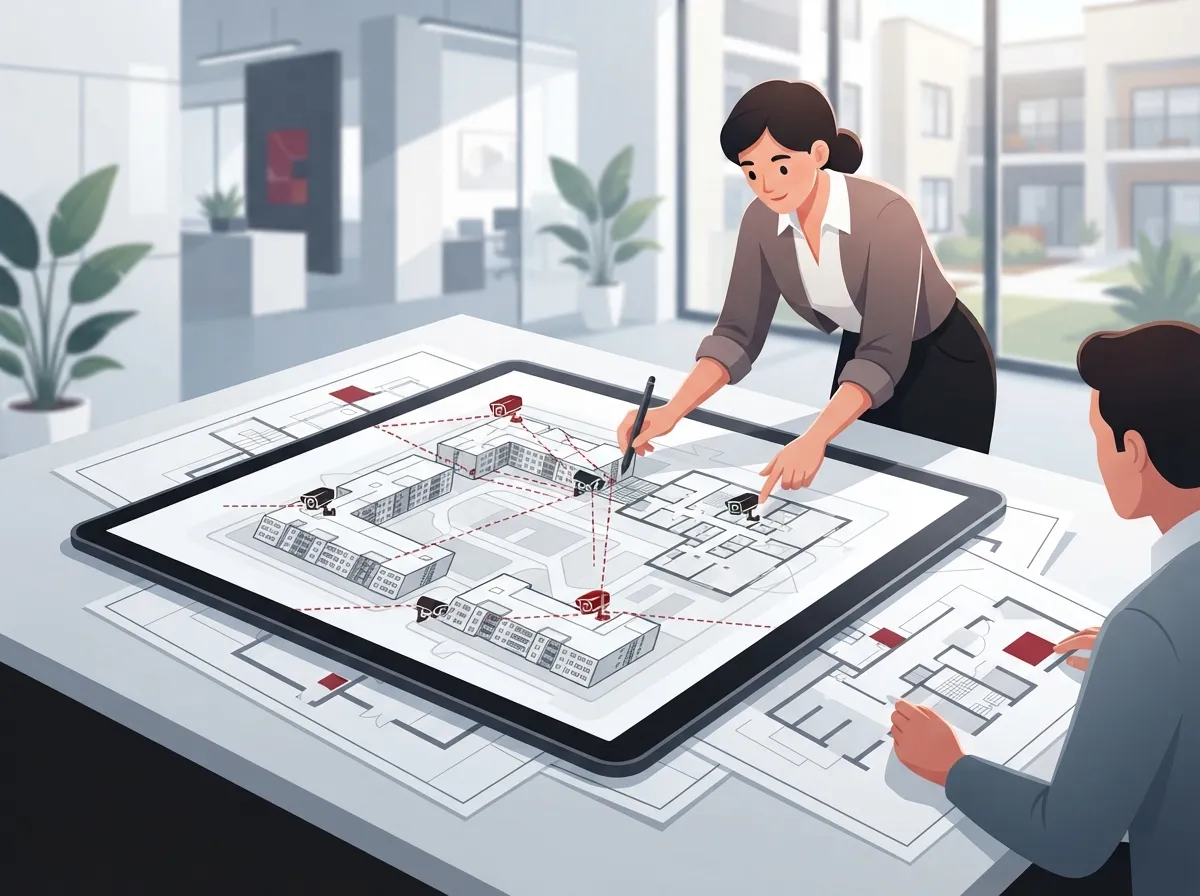
Before you buy a single camera, walk your property with a notepad. Good coverage protects residents without making anyone feel spied on. Focus on shared spaces, not private ones.
Areas That Typically Need Coverage
- Building entrances and exits, including side and back doors
- Parking lots, garages, and carport areas
- Package rooms and mail centers, where theft is common
- Elevators and stairwells connecting floors
- Hallways and shared corridors
- Amenity spaces like pools, gyms, and clubhouses
- Leasing offices and perimeter fence lines
Areas you should generally avoid include apartment interiors, bathrooms, and changing rooms. Residents have a reasonable expectation of privacy in those spaces, and putting cameras there can create legal trouble fast.
Step 2: Choose the Right Connectivity Backbone
Cloud cameras are only as good as the network behind them. If your internet drops every time it rains, your cameras will stop uploading footage right when you need them most. This is where working with an experienced telecom partner really pays off.
Connectivity Options to Consider
| Connection Type | Best For | Key Consideration |
|---|---|---|
| Fiber Internet | Large complexes with many cameras | High bandwidth, low latency |
| Business Broadband | Smaller properties or single buildings | Affordable, moderate bandwidth |
| Managed Wi-Fi | Outdoor areas without easy cabling | Needs strong signal planning |
| Cellular Failover | Backup during outages | Keeps cameras online if wired service drops |
Ideal Solutions Provider works with 35+ vetted suppliers, which means they can compare fiber, broadband, and cellular backup options side by side. If you want to see how proper connectivity supports a growing property, check out this guide on why businesses need dedicated fiber internet.
Step 3: Plan for Bandwidth and Storage Needs
Camera footage eats up bandwidth fast, especially with higher resolutions and multiple cameras running at once. A telecom partner can help you calculate exactly what you need before you sign any contracts.
Factors That Affect Bandwidth Requirements
- Number of cameras across all buildings and parking areas
- Camera resolution, since 4K footage uses far more data than standard HD
- Frame rate settings, with higher frame rates needing more bandwidth
- Compression technology used by the camera manufacturer
- How long footage needs to stay stored before it gets deleted or archived
Many properties also use local or edge storage as a backup. This keeps cameras recording even if the internet goes down, and syncs footage to the cloud once the connection returns. If you are curious about keeping cameras running during outages, this resource on how to keep security cameras working during internet outages breaks it down clearly.
Step 4: Evaluate Security Platforms Before You Commit
Not every cloud video platform is built the same. Some are flashy but weak on security. Others are rock solid but clunky to use. Here is what actually matters.
Key Evaluation Criteria
- Camera compatibility, so you are not forced to replace working hardware
- Low-light and wide-dynamic-range performance for nighttime parking lots
- Footage retention length, matching your property’s policy needs
- Encryption standards protecting footage from unauthorized access
- Multifactor authentication for anyone logging into the system
- Role-based permissions so staff only see what they need to see
- Audit logs tracking who viewed or exported footage
- Uptime commitments backed by a real service agreement
- Bandwidth requirements that match your existing network
- Integration with access control and property-management software
Property teams managing multiple communities benefit from platforms that organize cameras by portfolio, property, building, and location. This kind of structure makes it much easier for regional managers to jump between sites without confusion.
Step 5: Consider AI Features, But Verify Them First
AI-powered analytics have come a long way, and they can genuinely help apartment security teams work smarter. But don’t get dazzled by marketing buzzwords without checking the fine print.
Helpful AI Capabilities for Apartment Communities
- Motion classification that tells the difference between a person and a stray cat
- People and vehicle detection for parking lot monitoring
- Line-crossing alerts around fenced perimeters
- Package-area monitoring to catch theft near mailrooms
- License-plate recognition for gated or controlled parking areas
Before rolling out any of these features, check accuracy claims and review local privacy laws. Some jurisdictions have specific rules about facial recognition or license-plate data retention, so it pays to ask your provider these questions upfront.
Step 6: Roll Out in Phases, Not All at Once
Trying to overhaul security across an entire portfolio in one weekend is a recipe for stress and mistakes. A phased approach keeps things manageable and lets you learn as you go.
A Practical Rollout Sequence
- Assess your existing network, cameras, and cabling infrastructure
- Prioritize high-risk areas like entrances, parking, and package rooms
- Upgrade connectivity and power where needed before adding new cameras
- Deploy the cloud video management platform and train staff on it
- Integrate access control systems for a unified security approach
- Add analytics or professional monitoring once the basics are solid
This step-by-step approach also spreads out costs, which matters a lot for owners managing tight operating budgets across several properties. For teams juggling several sites, this article on scalable access control systems for multi-location businesses offers useful parallel thinking.
Cloud Video Security vs. Traditional DVR Systems
| Feature | Cloud Video Security | Traditional DVR/NVR |
|---|---|---|
| Remote Access | Yes, from any device | Limited, often on-site only |
| Software Updates | Automatic | Manual, often skipped |
| Storage Location | Hosted, off-site | Local hard drive |
| Multi-Property Management | Centralized dashboard | Separate systems per site |
| Outage Resilience | Needs edge backup or failover | Records regardless of internet |
Neither system is perfect on its own. That’s why many modern setups blend cloud management with local edge recording, giving you the best of both worlds. This trend mirrors what we discussed in our piece on key differences between cloud video security and DVR systems.
Privacy and Legal Considerations Every Property Manager Should Know
Security cameras protect residents, but they can also create legal exposure if placed or used incorrectly. A little caution goes a long way here.
Best Practices to Stay on the Right Side of the Law
- Post visible signage letting residents and visitors know cameras are in use
- Never place cameras inside units, bathrooms, or changing areas
- Limit access to footage based on job role and need
- Document your retention policy and stick to it consistently
- Check state and local laws regarding recording audio, since many places require consent
Industry guidance, including multifamily-residential resources published by major security vendors, consistently points to cloud access control, remote unlock, and centralized video management as core tools for modern apartment communities. Pairing these with clear privacy policies builds trust with residents rather than eroding it.
Why Work With a Telecom Partner Instead of Going It Alone
You could try to piece together cameras, internet, and cloud storage from three separate companies. Some property managers do. Most regret it within the first outage or billing dispute.
Benefits of a Single-Vendor Approach
- One point of contact for installation, troubleshooting, and billing
- Network and cameras designed to work together from day one
- Easier scaling when you add buildings or acquire new properties
- Consistent support across every site in your portfolio
With over 24 years in the business telecom space and partnerships across 35+ vetted suppliers, Ideal Solutions Provider handles everything from the initial network audit to camera installation and ongoing support. That means you are not stuck troubleshooting a finger-pointing match between your internet provider and your camera vendor. You can learn more about how structured connectivity supports security systems in this piece on how structured cabling supports VoIP and cameras.
Curious what other Tampa-based communities are doing? Follow the team’s work on Facebook or catch installation walkthroughs on YouTube for a behind-the-scenes look at real deployments.
Budgeting for Your Cloud Video Security Rollout
Costs vary a lot depending on camera count, resolution, and whether you need new cabling or connectivity upgrades. Here’s a simplified breakdown to help you plan conversations with vendors.
Typical Cost Factors
| Cost Category | What It Covers |
|---|---|
| Hardware | Cameras, mounts, and any networking equipment |
| Cabling & Installation | Running cable, mounting cameras, configuring network |
| Cloud Subscription | Monthly or annual hosting and storage fees |
| Connectivity Upgrades | Fiber, broadband, or cellular failover additions |
| Ongoing Support | Monitoring, maintenance, and troubleshooting |
Reliable Internet Service Provider connections form the backbone of any cloud security rollout, so it is worth revisiting your current plan before adding cameras. Solid structured cabling also plays a bigger role than most people expect, since poorly planned wiring leads to weak signal and dropped footage.
Bringing It All Together
Cloud video security for apartment complexes is not just about slapping cameras on a wall. It’s about building a resilient, well-connected system that protects residents, supports your staff, and grows with your portfolio. Start with a clear map of where cameras belong, choose connectivity that won’t let you down, pick a platform with real security features, and roll it out in manageable phases.
You don’t have to figure this out alone. If you are ready to see how a properly designed network and camera system can transform your apartment communities, reach out to our team today or give us a call to schedule a free consultation. We’ll walk your properties with you, review your current setup, and show you exactly where you can improve safety without blowing your budget. Your residents deserve peace of mind, and so do you.
FAQs
Q: What is cloud video security for an apartment complex?
A: It’s a system where your cameras connect to a hosted platform instead of an on-site DVR box. That means you and your staff can check live or recorded footage from a phone or laptop, wherever you happen to be. It’s a friendly upgrade from squinting at a tiny screen in a back office closet!
Q: How much internet bandwidth do apartment security cameras require?
A: It really depends on how many cameras you have and what resolution they record in. More cameras and higher resolution mean more bandwidth needed. A good telecom partner can run the numbers with you so you’re not guessing or overpaying.
Q: Can cloud security cameras work with existing apartment-complex cameras?
A: Many cloud platforms support a range of camera brands, so you might not need to replace everything at once. It’s worth checking compatibility before you commit, since this can save you a nice chunk of your budget. We’re always happy to help you figure out what can stay and what needs an upgrade.
Q: How long should apartment security-camera footage be stored?
A: There’s no single right answer, since it depends on your property’s policies and local laws. Many communities keep footage for a set number of days or weeks before it’s automatically deleted. The important thing is picking a retention period and sticking to it consistently.
Q: Is cloud video surveillance more secure than an on-site DVR or NVR?
A: Cloud systems often come with stronger protections like encryption and multifactor login, plus automatic updates you don’t have to remember to install. That said, no system is magic, so it still matters who has access and how well the network is set up. Pairing cloud storage with local edge backup gives you extra peace of mind.





