
Key Takeaways
-
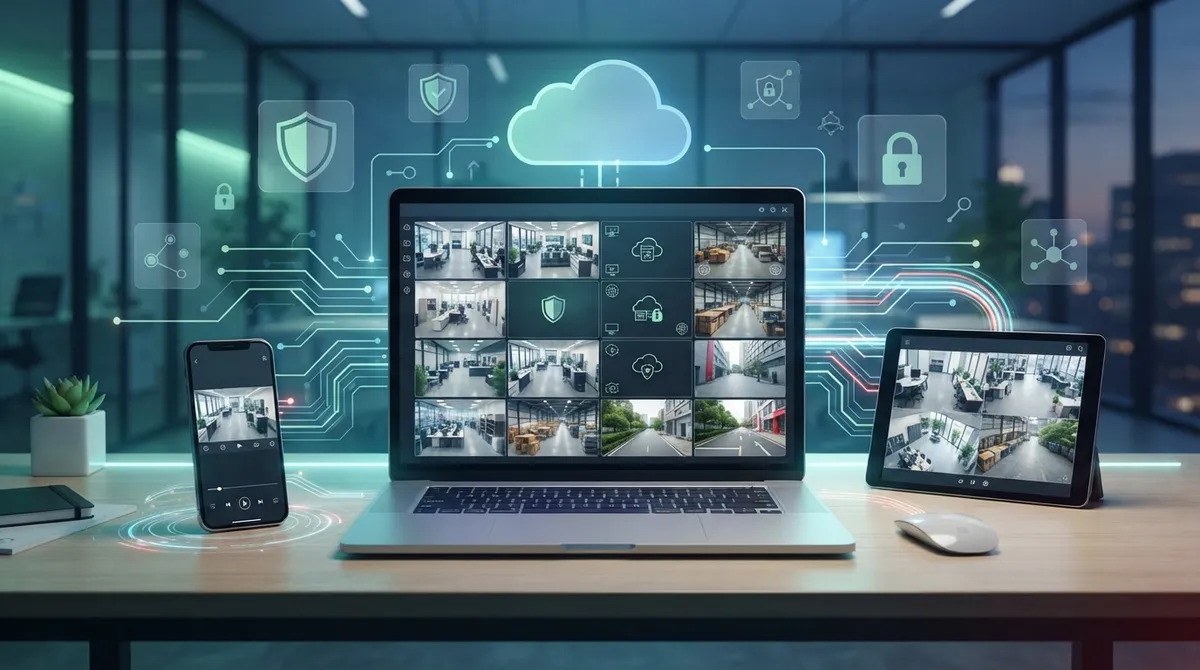
Cloud video security enables real-time remote viewing from phones, tablets, or laptops through secure web portals and mobile apps, allowing business owners to monitor multiple locations simultaneously without on-site presence.
-
Motion and analytics alerts notify you automatically when unusual activity occurs, eliminating the need to watch cameras continuously while enabling quick response to security incidents.
-
Multi-site monitoring from a single centralized dashboard lets franchise operators and managers oversee multiple locations at once, replacing separate systems and reducing operational costs.
-
Reliable remote access requires robust business internet with sufficient upload bandwidth, proper network infrastructure, and failover options like cellular backup to maintain functionality during outages.
-
Security requires individual user logins, multifactor authentication, encrypted connections, and role-based permissions to protect footage privacy and prevent unauthorized access to business video data.
-
Cloud platforms allow easy export of video clips directly from your phone or computer for insurance claims and law enforcement investigations, eliminating need to visit sites to retrieve footage.
So you’re wondering, “Can I access cloud video security remotely?” Great news: the answer is a big, happy yes! Whether you’re checking on your Tampa storefront from a beach vacation or keeping an eye on your warehouse from your office across town, cloud video security puts your business right in your pocket. Grab a coffee, get comfortable, and let’s walk through exactly how this works and how to do it right.
Business owners everywhere are ditching clunky old DVR boxes for something smarter. Cloud video security lets you log in from a phone, tablet, or laptop and see what’s happening in real time. It’s like having a window into your business, no matter where you are. Let’s dig into the 12 ways you can access your cameras remotely, plus the best practices to keep everything safe and speedy.
1. Log In Through a Secure Web Browser Portal
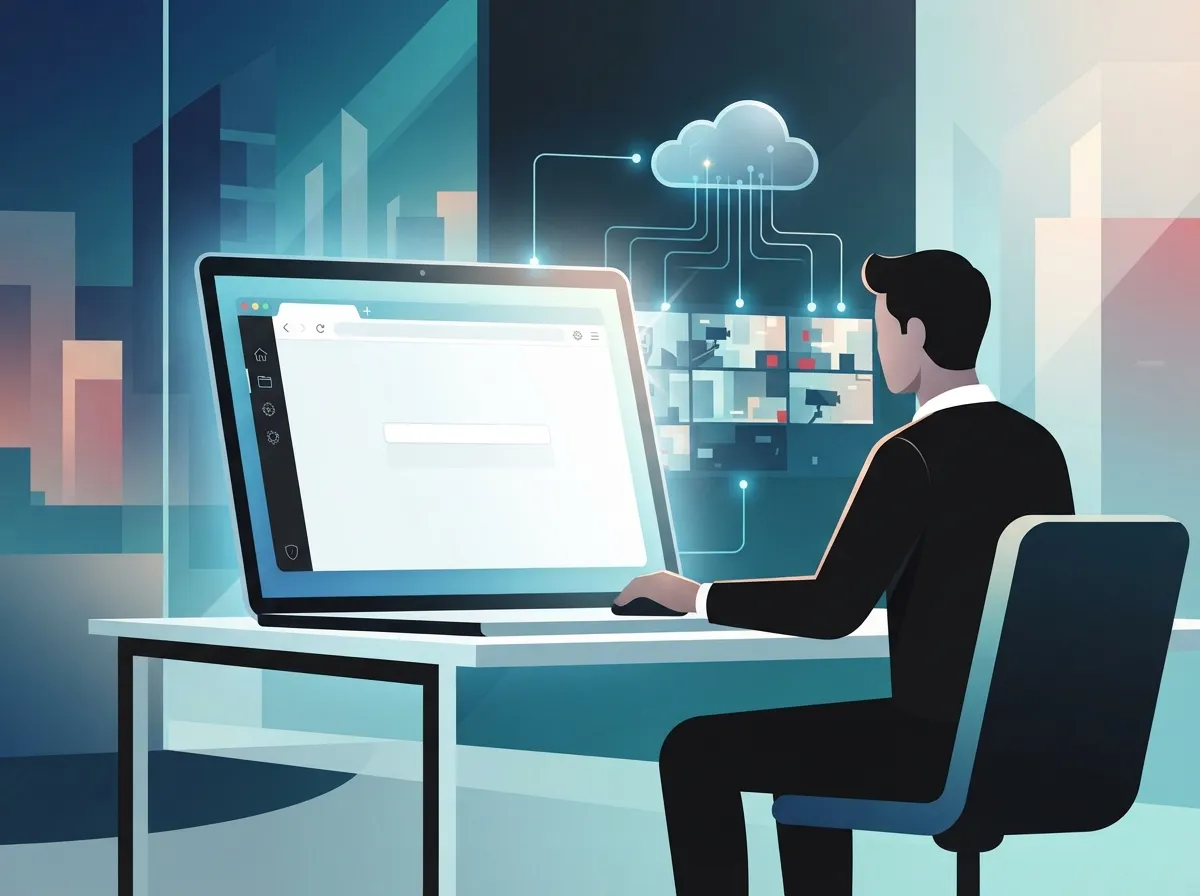
Most cloud video security platforms give you a browser-based dashboard. You simply type in a web address, enter your credentials, and boom—you’re watching live footage. This is perfect for office managers who want a quick peek during a coffee break without downloading anything extra.

2. Use a Mobile App for On-the-Go Viewing
Almost every modern cloud camera system comes with a mobile app. This means you can check in on your business while you’re grabbing lunch, driving between meetings, or even on a family vacation. It’s one of the most popular reasons small business owners fall in love with cloud video security in the first place.
3. Watch Live Streams From Multiple Locations at Once
If you run a franchise or manage several offices, this feature is a total game-changer. You can pull up cameras from your Tampa location and your Orlando location side by side. No more driving all over Florida just to check if everything looks okay.
Why Multi-Site Viewing Matters
Franchise operators especially appreciate this. Instead of relying on separate systems for each site, one cloud account can manage them all. It saves time, reduces stress, and helps you catch problems before they become expensive headaches.
4. Review Recorded Footage Anytime
Remote access isn’t just about live viewing. You can also scroll back through recorded footage to see what happened yesterday or last week. This comes in handy for resolving customer disputes, checking on deliveries, or reviewing an incident after the fact.
5. Download Clips for Reports or Investigations
Need to send a clip to your insurance company or share it with local law enforcement? Cloud platforms typically let you export footage directly from your phone or computer. It’s a simple process that saves you from having to physically visit the site to pull footage off a hard drive.
6. Set Up Motion and Analytics Alerts
You don’t have to sit there watching your cameras all day (nobody has time for that). Instead, you can set up alerts that ping your phone when motion is detected, a door opens after hours, or unusual activity occurs. This is a favorite feature among busy office managers who wear ten hats a day.
7. Monitor Camera Health From Anywhere
Cloud dashboards often show you the status of each camera, so you know instantly if one goes offline. This kind of visibility helps IT managers stay ahead of problems instead of finding out about a broken camera only after something goes wrong.
Steps to Check Camera Health Remotely
- Log into your cloud video security dashboard.
- Navigate to the system status or device health section.
- Check for any offline or low-connectivity cameras.
- Review bandwidth usage for each site.
- Contact your telecom provider if outages persist.
8. Manage User Permissions Remotely
Cloud video security isn’t just about watching footage. Admins can add or remove user access from anywhere. This is huge for businesses with rotating staff or seasonal employees who need temporary viewing rights.
9. Control Pan, Tilt, and Zoom Cameras Remotely
Some camera models support remote pan-tilt-zoom, or PTZ, controls. This means you can literally move the camera around to get a better view, all from your phone. It’s especially useful for large parking lots or expansive warehouse floors.
10. Access Footage During Internet or Power Outages
This one is important. Reliable remote access depends heavily on your business internet connection. If your connection drops, some systems can still record locally and sync once service is restored, while others may lose live access temporarily. Ask your provider about failover options like how cameras handle internet outages before you commit to a system.
Backup Options Worth Asking About
- Cellular failover for critical locations
- Dual internet connections for redundancy
- Local storage that syncs once connectivity returns
- Battery backup for cameras and network equipment
11. Integrate Remote Access With Your Existing Network
Your cloud cameras don’t operate in a vacuum. They rely on solid structured cabling and network infrastructure to send video smoothly to the cloud. If your network setup is outdated or your Internet Service Provider can’t keep up with your bandwidth needs, you may notice choppy streams or delayed alerts.
12. Secure Remote Access With Strong Login Protections
Last but definitely not least, safety matters. Remote access should always include individual logins, multifactor authentication, and encrypted connections. This keeps your footage private and your business protected from unwanted eyes.
How Cloud Video Security Actually Works
Cloud video security, sometimes called Video Surveillance as a Service, sends camera footage over your business network to a secure cloud platform. From there, authorized users can view, store, and manage that footage from almost anywhere with an internet connection. It’s a bit like how cloud-based phone systems work, streaming data instead of storing everything locally.
This setup is different from older DVR-based systems, which require you to be physically near the recorder to pull footage. With cloud systems, your team gets flexibility and peace of mind, whether they’re managing one office or fifty.
Cloud vs. Traditional Systems at a Glance
| Feature | Cloud Video Security | Traditional DVR System |
|---|---|---|
| Remote Viewing | Yes, from anywhere | Limited or local network only |
| Storage | Cloud-based, scalable | Local hard drive, limited space |
| Multi-Site Monitoring | Centralized dashboard | Separate systems per site |
| Maintenance | Managed by provider | On-site hardware repairs |
| Software Updates | Automatic | Manual, often skipped |
What Businesses Need for Reliable Remote Access
Getting smooth, reliable remote access isn’t just about picking cameras. It’s about the entire telecom foundation behind them. Here’s what tends to make the biggest difference.
- Dependable, high-speed internet with enough upload bandwidth
- Properly configured firewalls and network equipment
- Quality structured cabling throughout the building
- Cellular or dual-internet failover for critical sites
- Regular firmware and software updates on cameras
If your current setup feels shaky, it might be time for improving your business network performance before adding more cameras to the mix.
Keeping Remote Access Safe and Secure
Remote access is wonderful, but it does come with responsibility. Weak passwords, outdated firmware, or too many people with admin access can open the door to trouble. The Cybersecurity and Infrastructure Security Agency recommends a shared-responsibility approach, meaning both you and your cloud provider play a role in keeping data safe.
Security Checklist for Remote Video Access
- Create individual accounts for every user, never shared logins.
- Turn on multifactor authentication for all accounts.
- Use role-based permissions so people only see what they need.
- Encrypt video streams and stored footage.
- Review audit logs regularly for unusual activity.
- Update camera firmware as soon as patches are released.
These steps might sound technical, but a good telecom partner can handle most of this for you. That’s exactly the kind of support a trusted cloud video security provider should offer.
Questions to Ask Before Choosing a Cloud Video Provider
Not all cloud video security services are created equal. Before signing up, ask about these important details.
- How long is footage stored, and can it be extended?
- Where is data physically stored, and is it encrypted?
- What happens to footage if I cancel service?
- Can I export video easily for legal or insurance needs?
- Does the platform integrate with access control or VoIP systems?
Getting clear answers upfront saves you from surprises later. It also helps you compare providers apples-to-apples instead of guessing based on marketing claims.
Why This Matters More Than Ever in 2026
The demand for remote video access keeps climbing. One 2025 market report estimated the global cloud video surveillance market at $7.56 billion in 2025, with projections reaching $15.83 billion by 2034. Another report placed the 2025 figure closer to $12.8 billion, forecasting growth to $57.3 billion by 2034. These numbers vary because different firms measure the market differently, but the trend is crystal clear: more businesses are moving to the cloud every single year.
Commercial applications made up roughly 35.8% of cloud video surveillance revenue in one 2025 estimate, showing just how central this technology has become for offices, retail stores, and warehouses. North America alone represented more than 40% of global revenue in 2024 according to one analysis, proving this isn’t a niche trend anymore.
Real-World Scenarios Where Remote Access Shines
Let’s paint a picture. Imagine you’re a franchise operator with locations in Tampa, Brandon, and Clearwater. Instead of driving between sites, you pull up your phone during your morning coffee and check all three locations in under a minute. That’s the power of centralized, cloud-based monitoring.
Or picture an IT manager overseeing a mid-sized company with a growing number of offices. Instead of coordinating separate vendors for cameras, network cabling, and phone systems, they work with one single point of contact for business telecom services. That’s a whole lot less stress and a lot fewer late-night phone calls.
How Ideal Solutions Provider Can Help
At Ideal Solutions Provider, we’ve spent over 24 years helping Tampa businesses and companies nationwide build reliable telecom systems, including cloud video security setups that just work. With partnerships across 35 vetted suppliers, we help you avoid the common pitfalls of choosing the wrong provider or the wrong internet plan to support it. We handle everything from consultation to installation to ongoing support, so you can focus on running your business instead of troubleshooting cameras.
You can also follow our latest tips and behind-the-scenes updates on Facebook, check out installation photos on Instagram, or watch helpful how-to videos on our YouTube channel.
Final Thoughts on Remote Cloud Video Access
So, can you access cloud video security remotely? Absolutely, and it’s easier than ever in 2026. From live viewing to multi-site monitoring, motion alerts, and secure user management, cloud video security gives business owners the flexibility and peace of mind they deserve. The key is pairing the right cameras with strong internet, solid network infrastructure, and smart security practices.
If you’re ready to see how remote cloud video security could work for your business, our friendly team would love to help you figure out the best setup. Feel free to get in touch with our team for a free consultation, or simply call us to chat about your options today. We’re here, we’re ready, and we genuinely can’t wait to help your business shine.
FAQs
Q: Can I view my business security cameras remotely from a phone?
A: Yes, you sure can! Most cloud video security systems come with a friendly mobile app that lets you check in on your business anytime, anywhere. Just log in with your credentials and you’ll be watching live footage in seconds.
Q: Do cloud security cameras work without a local recorder?
A: In many cases, yes! Cloud cameras send footage straight to the provider’s cloud platform, which means you often don’t need a bulky local recorder taking up space. Some setups still use a small local device for backup, so it’s worth asking your provider what fits your needs best.
Q: How much internet bandwidth does remote cloud video surveillance require?
A: It really depends on how many cameras you have and their video quality, but higher resolution cameras need more upload bandwidth. A good telecom partner can help you calculate exactly what you need so your streams stay smooth and clear.
Q: Is remote access to cloud video security safe for a business?
A: It can be very safe when set up correctly! Strong passwords, multifactor authentication, and encrypted connections go a long way in protecting your footage. Working with an experienced provider makes this process much easier and worry-free.
Q: What happens to cloud video surveillance if the business internet connection goes down?
A: Great question, and one worth asking any provider upfront. Some systems keep recording locally and sync once your connection returns, while others may lose live access temporarily. Adding cellular failover or a backup internet connection can help keep things running smoothly.





