
Key Takeaways
-
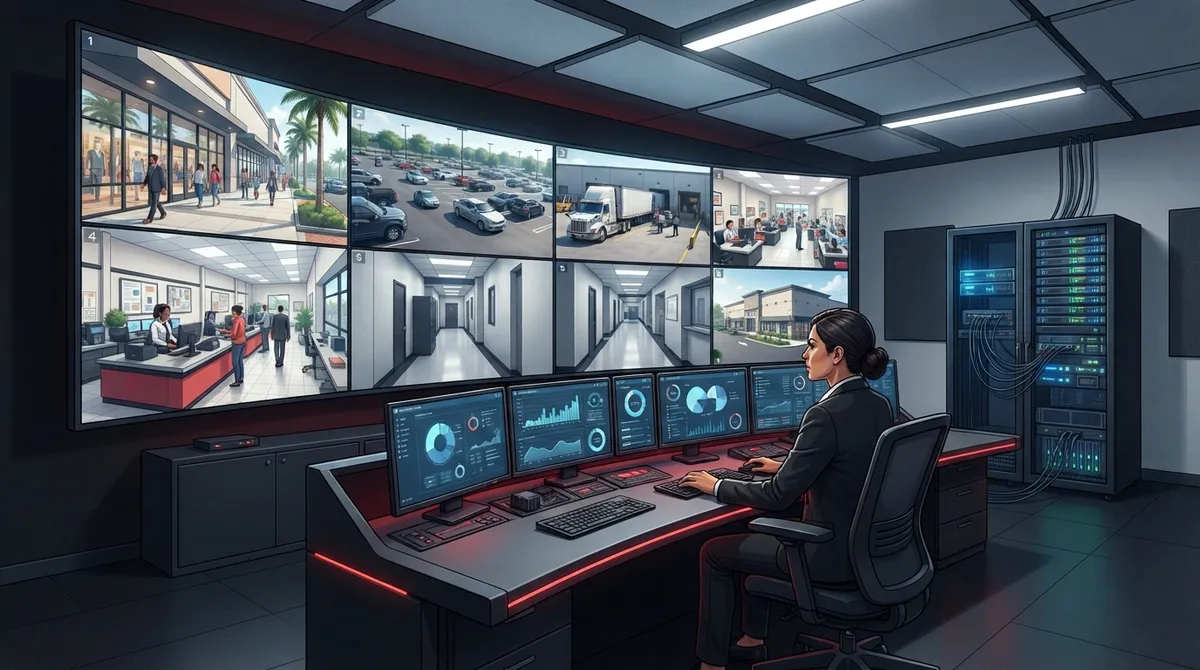
Conduct a site walkthrough before purchasing cameras to identify critical areas like entrances, cash handling zones, loading docks, and parking lots, which determines your actual camera count and type needed.
-
Choose between cloud storage for multi-location flexibility or on-site NVR for single-location control; cloud has lower upfront costs but recurring fees, while NVR has higher initial investment but minimal ongoing expenses.
-
Ensure your network infrastructure supports camera systems through proper structured cabling, high-speed internet, and VLANs to separate camera traffic, preventing slowdowns and performance issues.
-
Integrate cameras with access control, intercoms, alarms, and phone systems to receive instant alerts with automatic video pull-up, enabling centralized management across multiple locations from one dashboard.
-
Small Tampa business systems typically cost $2,500-$10,000 for 4-8 cameras with installation; enterprise projects start at $30,000+, with final pricing dependent on resolution, storage architecture, and integrations.
-
Include proper installation, network configuration, staff training, testing, and documentation in your project plan to avoid blind spots, ensure footage retention compliance, and guarantee the system actually gets used.
Picking the right security cameras for your Tampa business can feel like a big job. There are so many choices out there. Should you go with cloud storage or a physical recorder? How many cameras do you actually need? And who is going to hook it all up so it actually works with your internet and phone system? Take a breath, friend. We are going to walk through this together, step by step, in plain and friendly language.
If you run a small shop, manage an office, or oversee IT for a growing company, this guide is for you. We will cover what Tampa security camera systems really involve, what they tend to cost, and how they connect to your bigger network. By the end, you will feel a lot more confident making this decision for your business.
Why Tampa Businesses Are Investing in Security Cameras Right Now
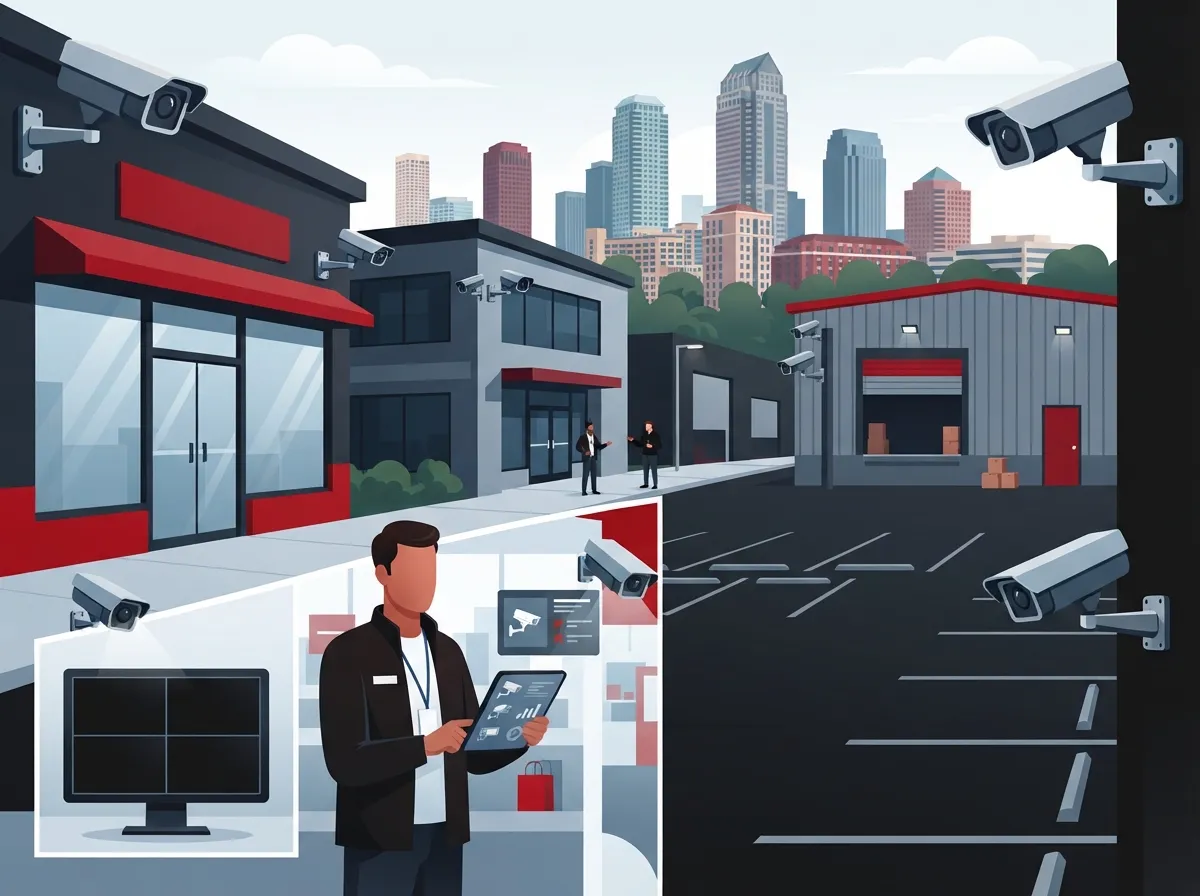
More and more Tampa business owners are realizing that a security camera system is not just about catching bad guys. It is about peace of mind. You can check on your store from your phone during lunch. You can watch your loading dock at 2 a.m. from your couch. You can settle a dispute between employees with actual footage instead of guessing.
Modern systems have come a long way from grainy black-and-white tapes. Today’s cameras use IP technology, often connected through Power over Ethernet, or PoE for short. That means one cable can carry both power and data to each camera. It is simpler, cleaner, and way more reliable than old-school wiring.
This is also why security cameras are not really a standalone purchase anymore. They live inside your network. That means your internet connection, your structured cabling, and your overall network setup all play a part in how well your cameras perform. Want to learn more about what these systems can do for your daily operations? Check out what security cameras really do for your business.

Step 1: Start With a Site Walkthrough, Not a Shopping List
Here is a mistake we see all the time. Business owners jump straight to picking camera models before they even think about where cameras need to go. Flip that order around. Start with a walkthrough of your property first.
A good site survey should look at:
- Entrances and exits, including back doors and emergency exits
- Cash-handling areas like registers or safes
- Loading zones, docks, and delivery areas
- Parking lots and gated areas
- Inventory rooms and storage areas
- Employee-only spaces that still need coverage
- Lighting conditions, since low light changes camera needs
Once you know your trouble spots, you can figure out how many cameras you actually need and what type works best in each spot. This is one of the biggest factors that decide how many security cameras your Tampa business needs, so do not skip this step.
Step 2: Choose Between Cloud Storage and On-Site NVR
This is one of the biggest decisions you will make, so let’s break it down simply.
| Feature | Cloud-Based System | On-Site NVR System |
|---|---|---|
| Storage location | Off-site cloud servers | Physical box on your property |
| Remote viewing | Easy, built into most apps | Possible, but often clunkier |
| Upfront cost | Usually lower | Usually higher |
| Ongoing cost | Monthly subscription fee | Minimal, mostly maintenance |
| Best for | Multi-site or growing businesses | Single-site businesses wanting local control |
| Internet dependency | Higher | Lower for local viewing |
Neither option is wrong. It really depends on your business. A franchise operator with five Tampa Bay locations will probably love the flexibility of cloud storage. A single retail shop that already has solid internet might prefer an NVR sitting quietly in the back office. If you want a deeper dive, this article on key differences between cloud video security and DVR systems lays it all out nicely.
Step 3: Pick the Right Camera Types for Your Space
Tampa providers commonly offer cameras ranging from 4MP all the way up to 4K resolution. Higher resolution means sharper images, which matters a lot if you ever need to zoom in on a face or license plate.
Here are common camera features worth considering:
- Night-color or infrared imaging for nighttime clarity
- Wide-angle lenses to cover more ground with fewer cameras
- Optical zoom for parking lots or long hallways
- Motion detection to reduce unnecessary footage
- Analytics like people counting or vehicle detection
You do not need every bell and whistle on every camera. A front entrance camera might need facial clarity, while a parking lot camera might just need wide coverage and decent night vision. Matching the camera to the job saves money and headaches down the road.
Step 4: Do Not Forget the Network Behind the Cameras
Here is something a lot of business owners overlook. Your camera system is only as good as the network supporting it. Cameras stream a lot of data, especially in higher resolutions. That means your high-speed internet and internal network need to handle the load without slowing everything else down.
This is where structured cabling and networking come into play. A well-designed setup includes properly run cabling, switches, VLANs to separate camera traffic from regular office traffic, and solid Internet Service Provider connections. If your building has detached structures like a warehouse or gate that is hard to wire, wireless bridges can extend coverage without trenching cable across the parking lot.
IT managers especially appreciate this part, since it means one plan instead of piecing things together after the fact. If your current network feels outdated, it might be worth reading 7 signs your Tampa business network needs an upgrade before adding cameras on top of it.
Step 5: Think About Integration With Access Control and Communications
Cameras work even better when they talk to your other systems. Imagine getting an alert on your phone the moment someone badges into a restricted area, with video pulling up automatically. That is the power of integration.
Common integrations include:
- Access control systems for doors and gates
- Intercoms for verifying visitors before buzzing them in
- Alarm systems for break-ins or fire events
- Business phone systems for centralized alerts
This kind of setup helps office managers and franchise operators manage multiple locations from one dashboard instead of juggling separate apps and logins. It is a huge time-saver when something needs immediate attention.
How Much Do Tampa Security Camera Systems Cost?
Pricing varies a lot based on scope, so treat these numbers as starting points rather than exact quotes. According to Tampa-area installer TSS USA, professionally installed small-business systems commonly run between $2,500 and $15,000, depending on camera count, resolution, and storage needs. A typical four-to-eight-camera setup often falls between $2,500 and $10,000 including equipment and installation.
On the larger end, Tampa commercial provider Tec-Tel reports enterprise projects starting around $30,000 for a single site and climbing past $300,000 for multi-site deployments with heavy integrations and monitoring. These are vendor estimates, not fixed prices, so a written proposal after a site visit is always the way to go.
| Business Size | Typical Camera Count | Estimated Cost Range |
|---|---|---|
| Small business | 4 to 8 cameras | $2,500 – $10,000 |
| Growing business | 8 to 20 cameras | $10,000 – $15,000 |
| Enterprise, single site | 20+ cameras | $30,000+ |
| Multi-site enterprise | Varies by location | Up to $300,000+ |
Storage architecture, camera resolution, number of locations, cabling needs, analytics, and access control all factor into the final number. This is why a real assessment beats guessing every time.
Step 6: Plan for Installation, Testing, and Training
A camera system is not done once the hardware is mounted. A complete project should also include:
- Careful camera placement based on your walkthrough
- Full network configuration and cybersecurity hardening
- Setting up recording schedules and retention periods
- Testing every camera angle and connection
- Training your staff on how to use the system
- Documentation so future changes are easy
- Ongoing maintenance and support
Skipping any of these steps often leads to blind spots, forgotten passwords, or footage that never gets reviewed when it matters most. Florida businesses should also think about how long they retain footage, since retention needs can vary by industry and any active investigations.
Serving All of Tampa Bay
Whether your business sits in Downtown Tampa, South Tampa, Ybor City, New Tampa, Brandon, Clearwater, or St. Petersburg, a good provider should be able to design a system that fits your exact location and layout. Multi-location businesses across Tampa Bay benefit especially from having one company handle everything instead of juggling separate vendors for cameras, internet, and cabling.
This is exactly the kind of project Ideal Solutions Provider handles every day. With more than 24 years of experience and partnerships with 35+ vetted suppliers, the team acts as a single point of contact from the very first consultation through installation and ongoing support. That means no more chasing down three different companies when something needs fixing.
Common Mistakes to Avoid
Before you move forward, keep these pitfalls in mind:
- Buying cameras before assessing your actual coverage needs
- Ignoring how much bandwidth cameras will use on your network
- Skipping structured cabling and relying only on weak Wi-Fi
- Forgetting to plan for footage retention and storage costs
- Not training staff on how to access and review footage
Avoiding these common missteps saves you money and frustration later. It also means your system actually gets used, instead of sitting there unwatched and unmaintained.
Bringing It All Together
Choosing the right Tampa security camera systems does not have to be stressful. Start with a proper walkthrough, choose between cloud and on-site storage based on your needs, pick cameras that match each area, and make sure your network can support it all. Add in smart integrations with access control and communications, and you have got a setup that truly protects your business.
You can follow along with helpful tips and behind-the-scenes looks at telecom projects on Facebook, Instagram, and YouTube. It is a great way to see real examples before committing to your own project.
Ready to stop guessing and start protecting your Tampa business the right way? Get in touch with our team for a free consultation, or give us a call to talk through your options today. We would love to help you build a system that actually works for your business, your budget, and your peace of mind.
FAQs
Q: How much do commercial security camera systems cost in Tampa?
A: It really depends on your setup, but small-business systems often run between $2,500 and $15,000 for cameras, installation, and configuration. Bigger enterprise projects with multiple sites can climb well past $30,000 or even $300,000. The best way to know your number is a free site walkthrough and a written proposal.
Q: Should a Tampa business choose cloud-based cameras or an on-site NVR?
A: It comes down to how you like to manage things. Cloud storage is great if you want easy remote access and have multiple locations, while an on-site NVR can work well for a single location with strong internet. Either way, we are happy to walk you through the pros and cons for your specific space.
Q: How many cameras does my Tampa commercial property need?
A: There is no one-size-fits-all number here, friend. It depends on entrances, parking areas, cash handling zones, and blind spots unique to your building. A proper site survey will give you a much clearer answer than any generic rule of thumb.
Q: Can security cameras integrate with access control, alarms, and business phone systems?
A: Absolutely, and this is one of our favorite parts of these projects. When cameras talk to your access control, alarms, and phone systems, you get instant alerts and video all in one place. It makes managing security so much less stressful.
Q: Do Tampa businesses need professional security camera installation and structured cabling?
A: In most cases, yes, especially if you want reliable coverage without network slowdowns. Good structured cabling keeps your camera traffic running smoothly alongside your regular business internet. It is one of those behind-the-scenes details that makes a huge difference in day-to-day performance.





