
Key Takeaways
-
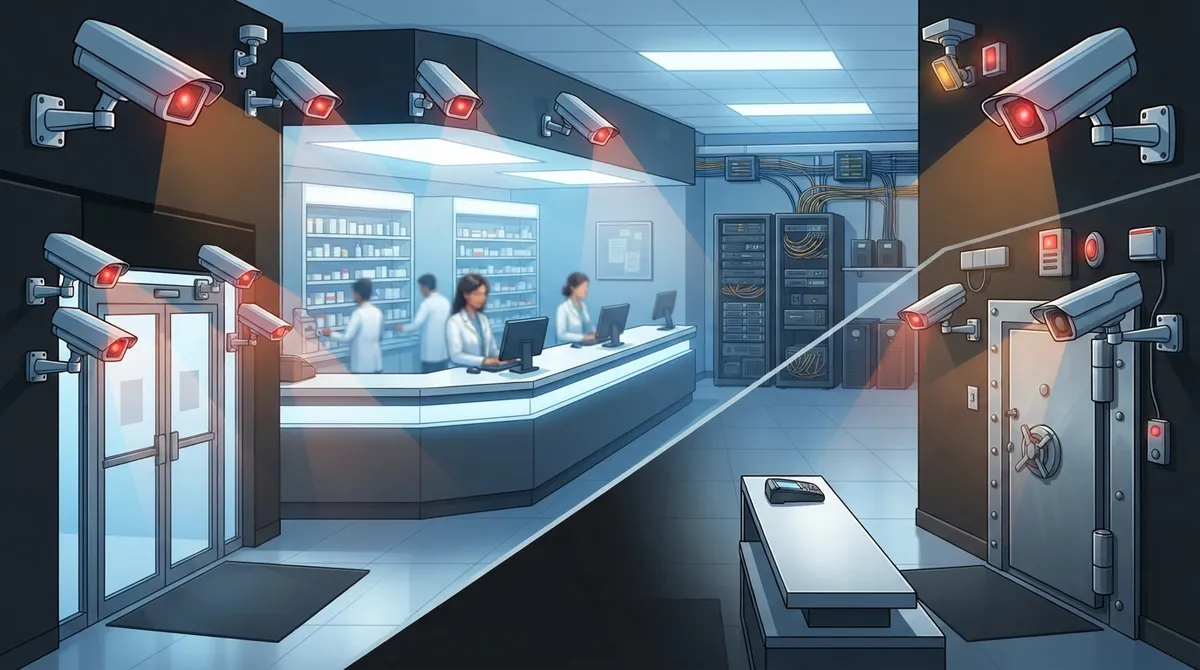
Pharmaceutical crime incidents jumped 11% in 2025 to a record 7,152 cases, with the DEA reporting nearly 900 pharmacy burglaries involving controlled substances in 2023 alone, making robust surveillance systems essential investments.
-
IP cameras with Power over Ethernet (PoE) should be prioritized for entrances, dispensing benches, controlled-substance storage, and drive-through areas, as skipping even one location creates investigation gaps that are difficult to fill later.
-
Pharmacy networks need managed switches, VLAN segmentation, and firewall protection to handle video bandwidth; separating camera traffic onto its own VLAN reduces risk if your point-of-sale or patient records system gets compromised.
-
Battery backup and cellular failover are standard for pharmacy operations that cannot afford downtime; this dual-path approach ensures cameras and monitoring stay connected during power outages or internet disruptions.
-
Set a documented 60-day retention policy for routine footage and preserve incident-specific footage separately until investigations are fully resolved to maintain compliance while managing storage capacity effectively.
-
Integrate access control with surveillance and 24/7 alarm monitoring to create an active safety net; this multi-layer approach turns passive recording into real-time threat prevention with immediate dispatch response.
Running a pharmacy means guarding a lot more than a cash register. You’re protecting controlled substances, patient privacy, and the trust your community places in you every single day. That’s why pharmacy surveillance systems have become such a big deal for pharmacy owners and managers across the country, and honestly, we get why. A camera on the wall isn’t enough anymore. You need a network, storage, and support system that actually works when it matters most.
At Ideal Solutions Provider, we’ve spent over 24 years helping businesses build telecom and security setups that hold up under pressure. We’re a Tampa-based team, but we serve pharmacies and healthcare businesses nationwide. In this friendly guide, we’ll walk through 14 practical tips for building a pharmacy surveillance system that protects your team, your inventory, and your reputation. Let’s dig in together.
1. Understand Why Pharmacy Surveillance Matters So Much
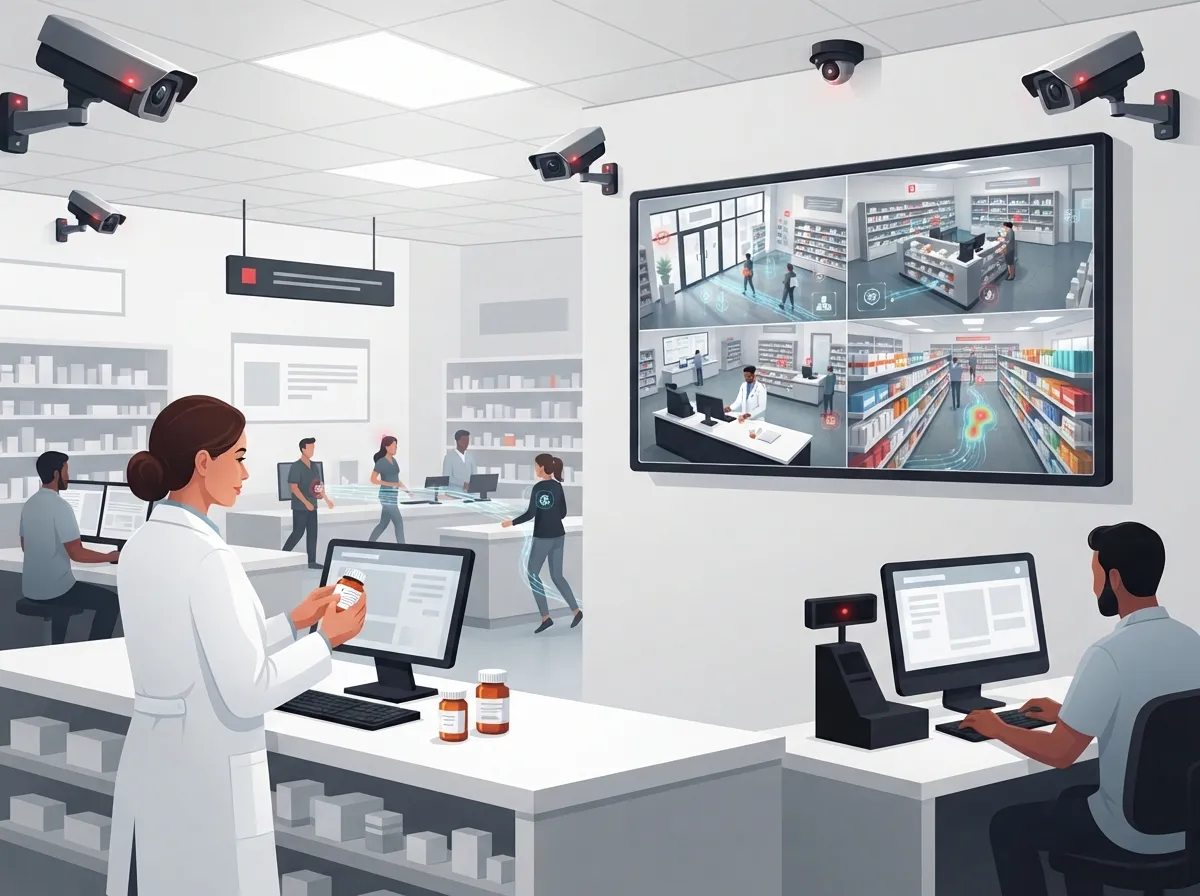
Pharmacies are unique targets. They hold controlled substances that criminals want, and that puts extra pressure on security teams. The DEA reported nearly 900 burglaries involving stolen controlled substances in 2023 alone. In 2024, the agency also tied a single operation to almost 200 pharmacy burglaries across 31 states.
On top of that, the Pharmaceutical Security Institute tracked 7,152 pharmaceutical crime incidents in 2025. That’s an 11% jump from the year before, and the highest number they’ve ever recorded. These numbers aren’t meant to scare you. They’re meant to show why a smart, well-built surveillance system is worth the investment.
2. Cover the Right Camera Locations First
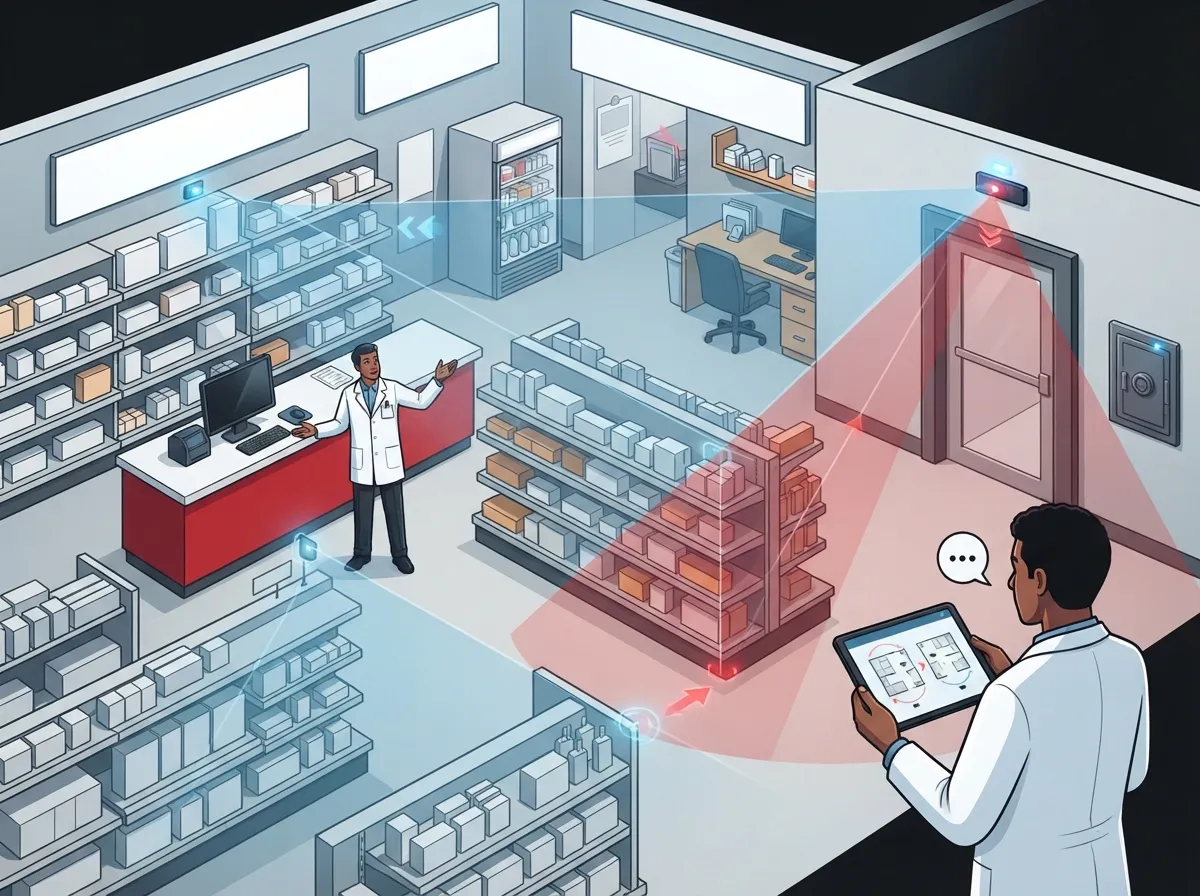
Camera placement makes or breaks your system. You don’t need cameras everywhere, but you do need them in the right spots. Here’s where most pharmacy security experts recommend focusing your coverage:
- Entrances and exits, including employee-only doors
- Checkout counters and consultation windows
- Dispensing and filling benches where prescriptions are prepared
- Controlled-substance safes, cabinets, and automated dispensing robots
- Receiving and delivery areas where inventory arrives
- Drive-through lanes and pickup windows
- Parking lots and rear entrances
These spots cover the areas where theft, diversion, and robbery are most likely to happen. Skipping even one of these zones can leave a gap that’s hard to fill later during an investigation.
3. Choose IP Cameras With PoE for Simplicity
Modern pharmacy surveillance runs on IP cameras that use Power over Ethernet, or PoE. This means one cable carries both power and data to each camera. It’s a much cleaner setup than old analog systems with separate power cords everywhere.
PoE cameras also make it easier to manage your whole system from one place. If you’re building out a new pharmacy location or upgrading an old one, pairing PoE cameras with quality structured cabling gives you a foundation that lasts for years. Our team can walk you through professional structured cabling services designed specifically for businesses that need reliable, future-proof wiring.
4. Build a Network That Can Handle the Load
Video takes up a lot of bandwidth, especially with multiple high-definition cameras running around the clock. A weak or outdated network will choke under that pressure. That’s why pharmacy surveillance systems need managed switches, VLAN segmentation, and firewall protection built in from day one.
Segmenting your camera traffic onto its own VLAN keeps it separate from your point-of-sale system and patient records. This isn’t just good practice, it’s a smart way to reduce your risk if one part of your network gets compromised. If your current setup feels shaky, it might be time to look into enterprise network infrastructure services built for healthcare-level demands.
5. Plan for Power and Internet Outages
A surveillance system that goes dark during a storm or power blip isn’t much use. Battery backup keeps your cameras and recorders running through short outages. For longer outages, cellular failover keeps your alarms and remote monitoring connected even if your main internet drops.
This dual-path approach, meaning wired internet plus a cellular backup, is becoming standard for pharmacies that can’t afford downtime. Our guide on how to keep security cameras working during internet outages breaks this down in simple terms.
6. Decide Between Cloud Storage and On-Premises Recording
This is one of the biggest decisions pharmacy owners face. Cloud video security stores footage offsite, so you don’t need to manage a bulky recorder onsite. On-premises systems keep everything local, which some pharmacies prefer for control reasons.
| Feature | Cloud Video Security | On-Premises (NVR/DVR) |
|---|---|---|
| Remote access | Easy, from any device | Often limited or complex |
| Storage management | Handled automatically | Requires local hardware upkeep |
| Scalability across locations | Simple to add sites | Harder to standardize |
| Upfront cost | Lower hardware cost | Higher upfront equipment cost |
| Disaster resilience | Footage safe offsite | Vulnerable if hardware is damaged |
Many multi-location pharmacies lean toward cloud video security because it’s easier to manage across sites. You can read more in our breakdown of key differences between cloud video security and DVR systems.
7. Get the Image Quality Right
Grainy, dark footage doesn’t help anyone during an investigation. Your pharmacy surveillance system should include a few core imaging features:
- High-definition resolution for clear facial and item detail
- Wide dynamic range to handle bright storefront windows and shadows together
- Low-light or infrared capability for overnight coverage
- Accurate, network-synchronized timestamps on every clip
- Motion-triggered recording to save storage and highlight key events
These features work together so your footage is actually useful when you need it, not just a wall of static video nobody can read clearly.
8. Protect Patient Privacy Along the Way
Here’s something a lot of pharmacies overlook. Cameras can accidentally capture prescription labels, computer screens, or patient conversations. That’s a privacy risk you want to avoid.
Good practice means angling cameras away from screens and prescription counters where possible, restricting who can view footage, and using individual login accounts with audit logs. Encrypting video both in transit and in storage adds another layer of protection. According to guidance reviewed for pharmacy security planning, these steps help pharmacies avoid unnecessary exposure of protected health information while still catching real security incidents.
9. Set a Smart Retention Policy
How long should you keep your footage? Most pharmacy security guidance points to somewhere between 30 and 90 days for routine footage. A pharmacy security specification reviewed for this article recommended 60 days as a solid target for storage capacity.
That said, if there’s an incident, like a theft, robbery, or diversion investigation, that specific footage should be preserved separately until the matter is fully resolved. Building a documented policy for both routine and incident-based retention keeps you compliant and protected. You can learn more about storage planning in our article on how long footage is stored in cloud video security systems.
10. Add Access Control to Limit Who Goes Where
Cameras show you what happened, but access control helps prevent problems before they start. Restricting entry to controlled-substance storage areas with keycards or mobile credentials adds a strong second layer of protection.
Cloud-based access control also gives you real-time alerts if someone tries to enter a restricted area outside business hours. Pairing this with your camera system creates a much stronger overall picture. Check out our guide on reasons Tampa businesses love cloud access control to see how this works in practice.
11. Connect Alarms to a Monitoring Service
A silent alarm is only helpful if someone responds to it fast. Integrating your intrusion and panic alarms with a monitoring center means help gets dispatched even if nobody’s watching the cameras live.
This kind of 24/7 coordination between video, alarms, and monitoring turns your surveillance system from a passive recorder into an active safety net. Given that the FBI estimated over 205,000 robberies nationwide in 2024, having that extra layer of response really does matter.
12. Keep an Eye on System Health
A camera that’s quietly stopped working is worse than no camera at all, because you might not find out until it’s too late. Camera-health monitoring and tamper alerts let your team know right away if something’s offline or has been blocked.
Regular health checks should be part of your routine, not an afterthought. This is exactly the kind of ongoing support that a dedicated telecom and security partner can manage for you, so your staff can stay focused on running the pharmacy.
13. Think About Multi-Location Consistency
If you run more than one pharmacy location, consistency is everything. Different camera brands, storage policies, or network setups at each site create confusion and gaps in coverage.
Standardizing your surveillance approach across every location makes training easier and keeps your compliance story simple. Franchise operators in particular benefit from reliable network solutions for multi-location businesses that scale smoothly as you grow.
14. Partner With a Telecom Expert Who Gets It
Building a pharmacy surveillance system touches a lot of moving parts: cabling, networking, internet connectivity, cameras, access control, and monitoring. Trying to coordinate all of that with separate vendors can turn into a full-time job nobody signed up for.
This is where working with a single, experienced partner really pays off. Ideal Solutions Provider has spent over 24 years helping businesses, including healthcare and pharmacy operations, design telecom and security systems that actually fit their needs. With partnerships across 35+ vetted suppliers, we compare your options honestly instead of pushing one brand. Many pharmacies we’ve worked with were surprised to learn how much they were overpaying or underprotected before we stepped in. You can also follow our latest tips and behind-the-scenes updates on Facebook, Instagram, and YouTube for real examples of how businesses upgrade their systems.
Bringing It All Together
Pharmacy surveillance systems aren’t just about buying cameras and calling it done. They’re about building a resilient network, protecting patient privacy, and making sure everything keeps working when you need it most. From camera placement to Internet Service Provider reliability, every piece plays a role in keeping your pharmacy safe.
If you’re ready to talk through your pharmacy’s security setup, our friendly team would love to help. Contact us today for a free consultation, or call us to start the conversation. We’re here to make this whole process feel a lot less overwhelming and a lot more manageable, together.
FAQs
Q: What cameras should a pharmacy install for security and loss prevention?
A: We recommend IP cameras with PoE support, high-definition imaging, and low-light capability for the best results. These cameras should cover entrances, dispensing areas, and controlled-substance storage so you have clear footage exactly where it matters most.
Q: Where should surveillance cameras be placed inside a pharmacy?
A: Focus on entrances, checkout counters, dispensing benches, controlled-substance cabinets, receiving areas, and drive-through lanes. These spots cover the highest-risk areas for theft, diversion, and robbery, giving you the coverage that actually matters.
Q: Does HIPAA apply to pharmacy security-camera footage?
A: Pharmacy cameras can capture patient information or prescription labels, so privacy safeguards matter a lot here. We recommend limiting camera angles near screens, restricting footage access, and using encryption to protect sensitive information properly.
Q: How long should a pharmacy retain security-camera recordings?
A: Most pharmacies keep routine footage for 30 to 90 days, with 60 days being a common target for storage planning. Any footage tied to an actual incident should be saved separately until the investigation or claim is fully resolved.
Q: Can pharmacy cameras and alarms continue working during an internet or power outage?
A: Yes, with the right setup. Battery backup keeps cameras running through short power blips, while cellular failover keeps alarms and monitoring connected if your main internet connection drops unexpectedly.





