
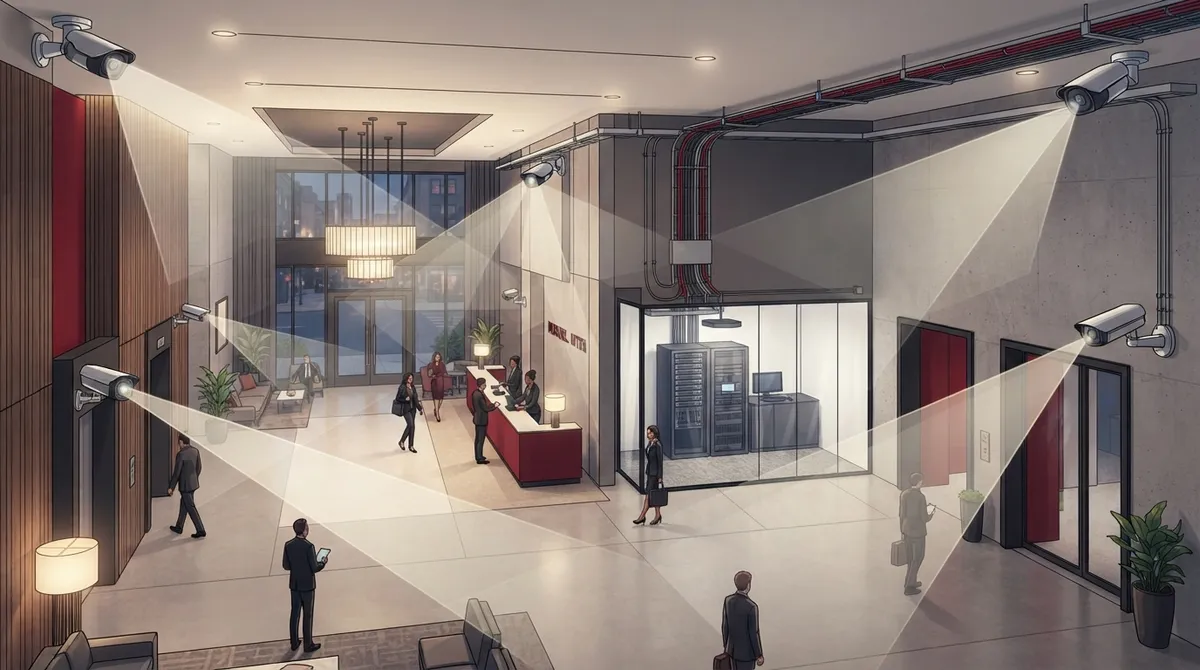
Key Takeaways
-
Conduct a thorough site survey assessing building layout, lighting, traffic flow, past incidents, and existing network capacity before purchasing cameras—skipping this step leads to poor placement and wasted spending.
-
Design your camera network with dedicated PoE/PoE+ switching, structured cabling (Cat 6/6A), and separate security VLANs to prevent overload and protect against cyber intrusions from guest Wi-Fi.
-
Place cameras only in areas without privacy expectations (lobbies, entrances, parking) with overlapping coverage for facial identification; never install in guest rooms, bathrooms, or changing areas to avoid legal liability.
-
Plan storage and retention using hybrid approaches (on-site NVR plus cloud backup) and calculate needs based on camera resolution, frame rate, motion activity, and required retention periods to avoid expensive oversizing.
-
Integrate cameras with access control, alarms, and intercoms so security events trigger automatic footage retrieval and create a complete incident timeline instead of isolated video clips.
-
Work with experienced telecom providers who understand both security requirements and structured cabling infrastructure rather than piecing together systems independently, ensuring professional installation and long-term scalability.
Picture this: a guest slips in your lobby, or a delivery goes missing at the loading dock. Your general manager pulls up the footage, and… nothing useful. Blurry faces. A blind spot right where it mattered. No backup because the internet went down that morning. If this sounds familiar, you’re not alone. Hotel security camera installation looks simple on the surface, but it’s really a network, cabling, and technology project wrapped inside a security plan.
At Ideal Solutions Provider, we’ve spent over 24 years helping businesses build telecom systems that actually work when it counts. We know hotels have unique challenges: guest privacy, heavy foot traffic, multiple buildings, and the need for footage that holds up if something goes wrong. Let’s walk through the five most common mistakes hotel owners and operators make with camera installation, and how to avoid every one of them.
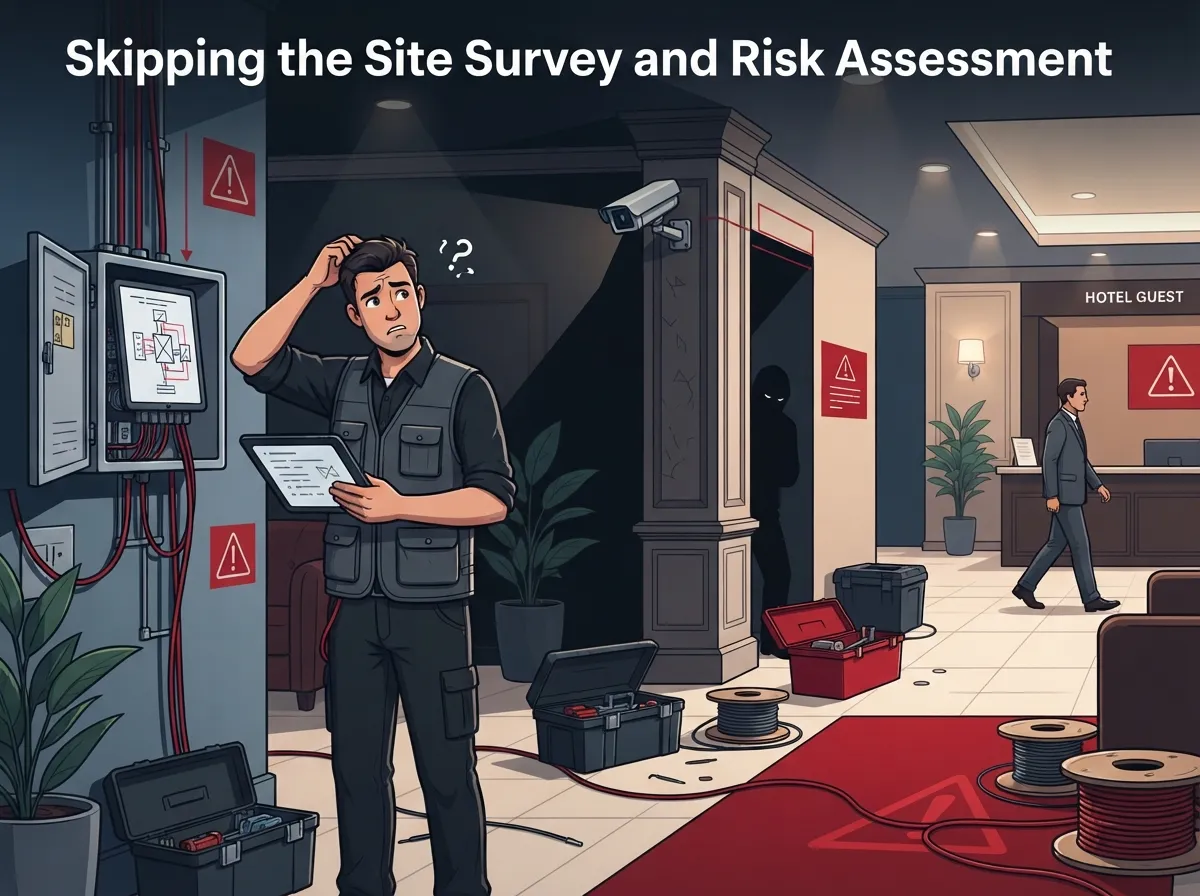
Mistake 1: Skipping the Site Survey and Risk Assessment
Many hotels jump straight to buying cameras before thinking through where they actually need coverage. That’s backwards. A proper hotel security camera installation starts with a walk-through of your entire property, not a shopping list.
A good site survey looks at your building layout, past incidents, lighting conditions, entrances and exits, guest and staff traffic flow, existing cabling, and how much power and network capacity you already have. This kind of risk-based design works far better than just sticking cameras in every hallway and hoping for the best.
What a Proper Survey Should Cover
- Every entrance, exit, and vehicle access point
- Lighting levels at night and during shift changes
- Existing network capacity and available cabling paths
- Areas with a history of theft, disputes, or safety incidents
- Power availability for cameras, switches, and recording equipment
Without this step, you end up spending money on cameras placed in the wrong spots while real risk areas go unmonitored. If you’re not sure where to start, our team can walk your property with you and build a plan before any equipment gets ordered.
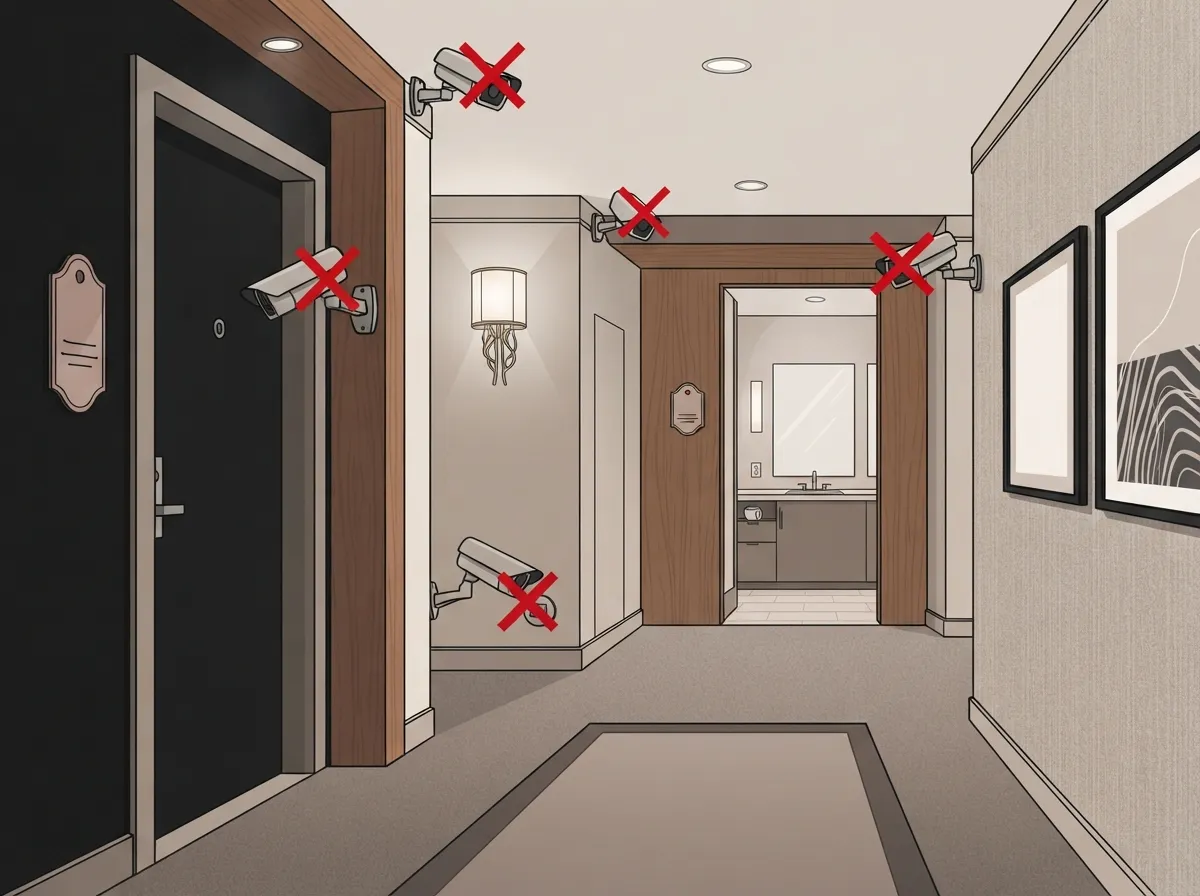
Mistake 2: Placing Cameras in the Wrong (or Illegal) Locations
Where should security cameras be installed in a hotel? The short answer: anywhere guests and staff have no reasonable expectation of privacy, and where clear identification actually matters.
Strong coverage locations typically include:
- Exterior entrances, exits, and building perimeters
- Lobbies, reception desks, and luggage storage areas
- Elevator lobbies and stairwells
- Parking lots, garages, and loading docks
- Service entrances and back-of-house corridors
- Cash-handling areas and storage rooms
- Pool decks, gyms, and other amenity entrances
Now here’s the part hotels sometimes get wrong: cameras should never be placed in guest rooms, bathrooms, changing rooms, locker rooms, or spa treatment areas. These are spaces where people expect privacy, and installing cameras there can create serious legal exposure. Hallway cameras should generally watch traffic flow and intersections, not point directly at individual guest-room doors.
Camera placement should also prioritize overlapping coverage. One camera watching a hallway from a distance won’t give you a usable face. Two cameras with slightly different angles will. This is where working with an experienced installer really pays off, since they know how to angle equipment for identification, not just general viewing.
Mistake 3: Ignoring the Network Behind the Cameras
This is probably the biggest blind spot for hotel operators. Modern IP cameras don’t just need mounting brackets. They need a network that can actually support them.
Here’s what a properly designed system requires:
| Component | Why It Matters |
|---|---|
| PoE or PoE+ Switching | Powers cameras through the same cable that carries data, reducing wiring costs |
| Structured Cabling (Cat 5e/6/6A) | Determines bandwidth capacity and future upgrade flexibility |
| Dedicated Security VLANs | Keeps camera traffic separate from guest Wi-Fi and business systems |
| Sufficient Uplink Bandwidth | Prevents lag, dropped frames, or recording gaps during peak hours |
| IP Address Documentation | Makes troubleshooting and future expansion far easier |
A typical 4K IP camera can draw roughly 15 to 30 watts through PoE, depending on infrared illumination and other features. If you install a dozen cameras without checking your switch capacity, you may find your system overloaded on day one. This is exactly the kind of detail our structured cabling services team accounts for before a single camera goes on the wall.
Segmenting your security network from guest Wi-Fi also protects against cyber intrusions. Guests connecting to hotel Wi-Fi should never have a path into your camera system. If your current setup mixes these networks together, it’s worth a conversation about upgrading your business network setup before adding more cameras to it.
Mistake 4: Underestimating Storage, Retention, and Bandwidth Needs
How long should hotels retain security camera footage? There’s no single universal answer. Retention requirements depend on your hotel’s policies, local regulations, and sometimes insurance requirements. What we can tell you is that guessing wrong is expensive.
Storage sizing depends on several factors:
- Number of cameras and their resolution
- Frame rate and compression settings
- How much motion activity occurs in each camera’s view
- Your required retention period
H.265 compression can significantly reduce storage and bandwidth demand compared to older codecs, but actual numbers vary by scene activity and camera count. Many hotels choose a hybrid approach: on-site NVR storage for fast access, paired with cloud backup for redundancy. This way, if a hard drive fails or a break-in disables local equipment, your footage isn’t gone.
According to MarketIntelo’s 2025 estimate, the global hotel security market was valued at roughly $4.8 billion, with video surveillance representing about 38.5% of that figure. The same research projects growth to around $8.9 billion by 2034, at an estimated 7.2% annual growth rate. That kind of investment trend tells you hotels everywhere are recognizing that surveillance is no longer optional. Our cloud video security solutions are built with this kind of scalability in mind, so your system can grow with your property instead of needing a full replacement in a few years.
Mistake 5: Treating Cameras as a Standalone System
The final mistake is thinking of security cameras as separate from everything else in your building. In reality, the biggest value comes from integration.
Can hotel security cameras integrate with access control and alarm systems? Absolutely, and they should. When a door alarm triggers, footage from the nearest camera should pull up automatically. When a guest badges into a side entrance at 3 a.m., that event should be logged alongside video. This kind of integration turns isolated clips into a complete picture of what happened and when.
Systems Worth Integrating with Your Cameras
- Cloud-based access control for doors, elevators, and staff-only areas
- Intrusion alarms and door contact sensors
- Intercoms at service entrances and loading docks
- Managed network monitoring to catch outages before guests notice
- Backup power to keep cameras recording during outages
This is also where audio recording deserves a careful conversation. Consent and privacy laws around audio vary by location, so many properties choose to disable camera microphones unless there’s a clear legal basis and policy in place. When in doubt, talk with legal counsel before enabling audio anywhere on your property.
Installation quality matters just as much as integration. Cameras are commonly mounted around 8 to 10 feet high, positioned to avoid glare and backlighting, and tested in daylight, darkness, and mixed lighting before the job is considered done. Labeling, cable documentation, firmware updates, and staff training round out a professional installation. These details are exactly why hotels benefit from working with an experienced telecommunications provider instead of piecing together a system on their own.
Building a Hotel Security Plan That Actually Works
Good hotel security camera installation isn’t about buying the most cameras. It’s about smart placement, a network that can handle the load, storage that fits your retention needs, and systems that talk to each other. Skip any one of these pieces, and you end up with gaps that show up at the worst possible moment.
A few final tips worth keeping in mind:
- Use visible signage to let guests and staff know cameras are present
- Restrict footage access to authorized personnel only
- Document your export and disclosure procedures
- Apply privacy masking in sensitive areas where needed
- Review your retention and deletion policy annually
If you’re planning a new installation or upgrading an aging system, it helps to work with a partner who understands both security and the structured cabling behind it. Ideal Solutions Provider works with more than 35 vetted suppliers, which means we can compare options and build a system tailored to your property instead of pushing a one-size-fits-all package. Reliable internet is also part of the equation, since cloud-based systems depend on a steady connection from your Internet Service Provider to keep footage flowing without interruption.
You can see examples of our completed projects and client feedback on our Facebook page, browse installation walkthroughs on our YouTube channel, or follow daily updates on Instagram.
Ready to Fix Your Hotel’s Security Gaps?
Every hotel property has different needs based on size, layout, and guest volume. There’s no shortcut to getting this right, but there is a faster path: working with a team that’s done it before. Whether you’re planning your first camera system or replacing outdated equipment, we’re happy to walk your property and build a plan that fits your budget and your risk profile.
Ready to talk through your property’s security needs? Contact us for a free consultation, or call us today to get started.
FAQs
Q: Where should security cameras be installed in a hotel?
A: The best spots are exterior entrances, lobbies, elevator lobbies, parking areas, loading docks, and back-of-house corridors. You want overlapping coverage in places where clear identification really matters, not cameras scattered everywhere without a plan.
Q: Where are hotel security cameras legally prohibited?
A: Guest rooms, bathrooms, changing rooms, locker rooms, and spa treatment areas are all off-limits. These are spaces where people expect privacy, so cameras should stay well away from them, and hallway cameras should focus on traffic flow rather than guest-room doors.
Q: How many security cameras does a hotel need?
A: It really depends on your property size, layout, and past incident history. A proper site survey is the best way to figure this out, since it looks at entrances, parking, lighting, and traffic patterns before recommending camera count.
Q: What type of network and cabling is required for hotel IP cameras?
A: You’ll want PoE or PoE+ switching, quality structured cabling like Cat 6 or Cat 6A, and a dedicated security VLAN separate from guest Wi-Fi. This keeps your cameras running smoothly and protects them from cyber threats.
Q: Should hotel cameras record audio?
A: In most cases, it’s safer to disable audio recording unless you’ve confirmed legal requirements with counsel. Consent and privacy rules around audio vary by location, so this is one area where caution really pays off.





