
Key Takeaways
-
Florida construction sites face significant theft risk with property crime rates around 1,420 offenses per 100,000 people in 2024, making professional security cameras essential rather than optional.
-
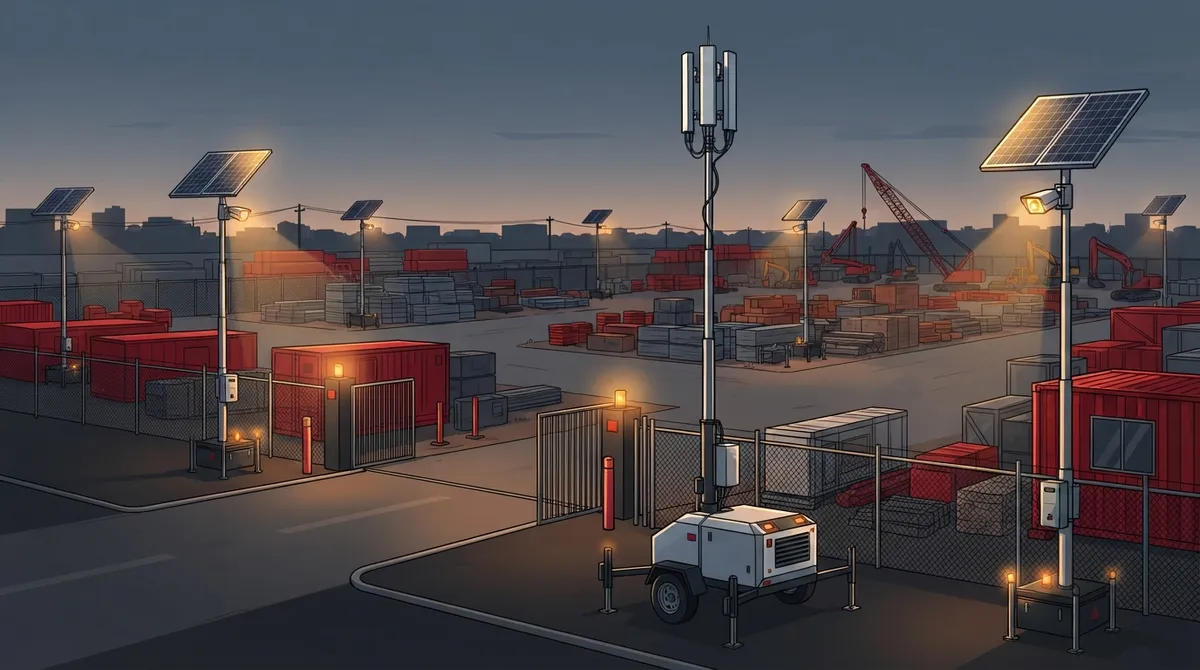
Solar-powered mobile camera towers with cellular connectivity are ideal for early-stage construction sites without established power or internet infrastructure.
-
Integrate cameras with a unified telecom partner for coordinated power, internet, monitoring, and networking rather than managing separate vendors for each service.
-
Deploy cameras at vehicle gates, material storage, equipment yards, fuel locations, and perimeter fencing, then reassess placement every few weeks as construction phases shift.
-
Secure camera systems with dedicated VLANs, multifactor authentication, encrypted feeds, and regular firmware updates to prevent hackers from accessing your network through unsecured devices.
-
Short-term projects typically benefit from renting temporary camera systems, while long-term or multi-site operations usually justify purchasing permanent wired PoE installations over time.
If you run a construction project in Tampa, you already know the drill. Equipment goes missing. Copper wire disappears overnight. Someone wanders onto the site after hours, and now you’re filing a police report instead of pouring concrete. Construction site security cameras in Tampa aren’t just a nice extra anymore. They’re becoming a basic part of how smart contractors protect their investment, their crew, and their timeline.
Here’s the good news. You don’t need to piece together some clunky, standalone camera system and hope it works. Construction site security cameras Tampa contractors trust today are part of a bigger telecom and connectivity package. Think cameras, internet, power, and remote monitoring all working together. That’s exactly where a business telecom partner like Ideal Solutions Provider comes in, connecting the dots so your site stays watched, your data stays safe, and your budget stays intact.
In this guide, we’ll walk through what makes a construction site security setup actually work in Tampa’s heat, storms, and ever-changing job sites. We’ll cover camera types, connectivity options, costs, legal basics, and how to keep your footage safe from hackers too.
Why Construction Sites Are Tempting Targets
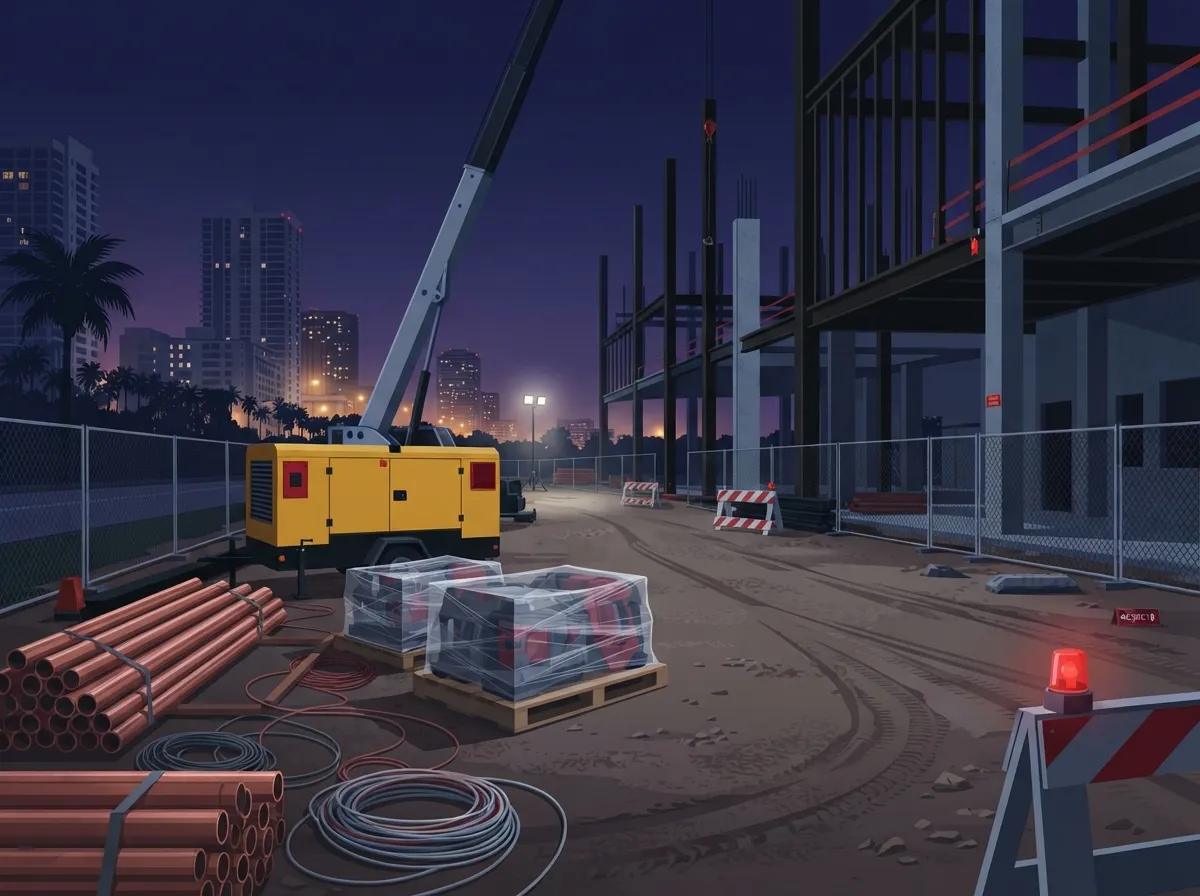
Construction sites are basically open invitations for theft if left unprotected. Expensive tools, generators, copper wiring, and heavy machinery sit out in the open, often with minimal fencing. Add long overnight hours with no one around, and you’ve got a recipe for trouble.
Florida’s numbers back this up. The state recorded an estimated 1,420 property-crime offenses per 100,000 people in 2024, and an overall crime rate of about 1,688 offenses per 100,000 people, according to Florida crime-data figures cited by WCCTV. Motor-vehicle theft alone sat around 123 offenses per 100,000 people that year. On a national level, CargoNet tracked 3,625 cargo-theft incidents across the U.S. and Canada in 2024, and construction materials and equipment are frequently caught up in similar theft patterns.
These numbers are statewide, not specific to Tampa job sites. Still, they paint a clear picture. Construction sites need real protection, not just a padlock and a prayer.
What a Smart Camera Setup Actually Looks Like
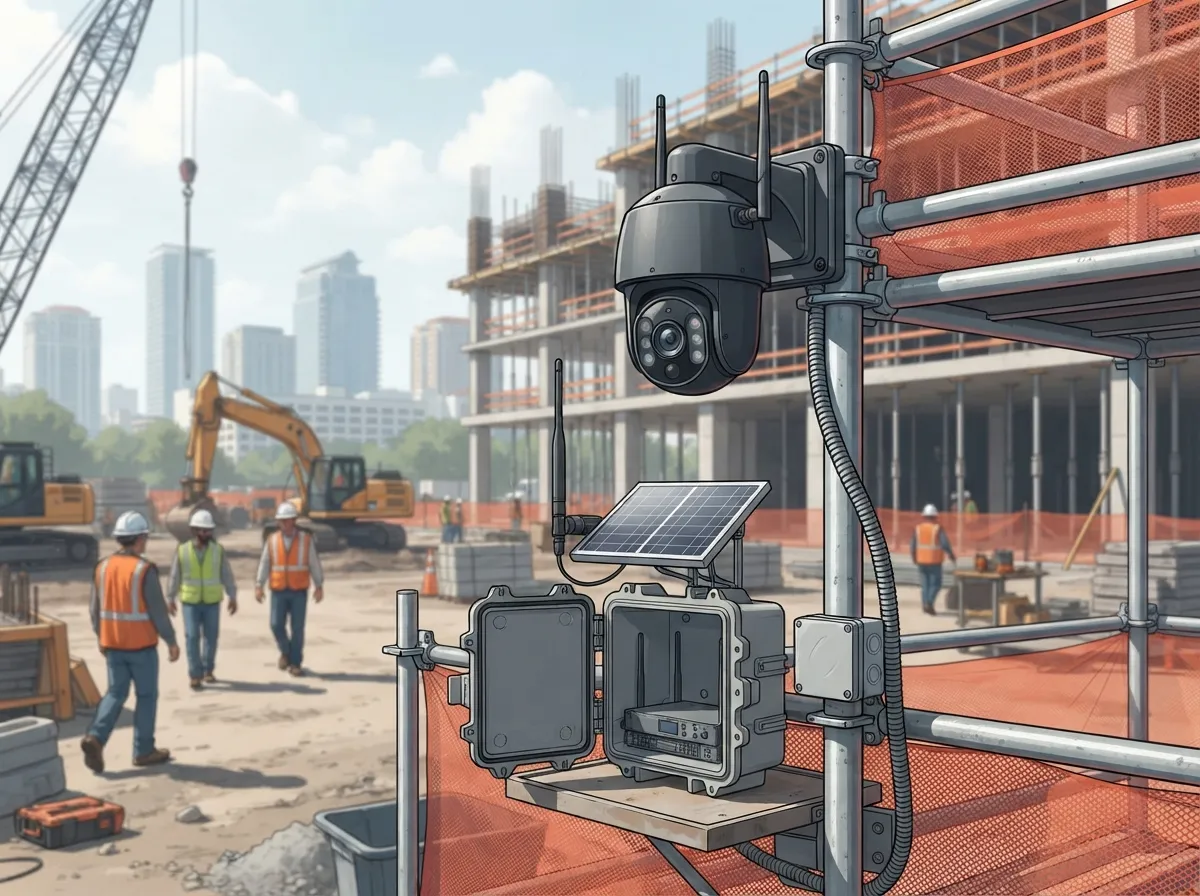
A good construction site security system in Tampa isn’t just a camera stuck on a pole. It’s a combination of hardware, connectivity, and monitoring working as one unit. Here’s what that typically includes:
- Weather-resistant cameras built for Florida heat, humidity, and sudden storms
- Reliable connectivity, whether that’s cellular, Wi-Fi, or wired internet
- Power options like solar panels for sites without electrical service yet
- Secure cloud or local video storage
- Remote access so you can check the site from your phone
- Optional 24/7 human monitoring for faster response to real threats
Because construction sites change constantly, your camera setup has to be flexible too. The gate that mattered in month one might be buried under a new building by month four. Camera placement should get reviewed regularly as the project moves forward.
Camera Features Worth Paying For
Not all cameras are created equal. When you’re picking equipment for a Tampa job site, look for these capabilities:
- High-resolution video for clear identification of people and vehicles
- Night vision or low-light imaging for after-dark coverage
- Wide-angle lenses to cover more ground with fewer cameras
- Optical zoom for spotting details from a distance
- Motion detection to cut down on wasted storage and false alerts
- Two-way audio so you can warn off trespassers in real time
- Strobe lights or audible alarms for active deterrence
- Mobile app access for checking in from anywhere
AI-powered video analytics have also become a game changer. These systems can tell the difference between a person, a vehicle, and a stray animal. That means fewer pointless alerts at 3 a.m. and faster response when something actually matters, like someone walking into a restricted equipment yard.
Solar, Cellular, or Wired: Choosing the Right Connection
Early-stage construction sites often don’t have power or internet yet. That’s where solar-powered mobile camera towers really shine. They work well on undeveloped land because they don’t need permanent electrical service or wired internet to function. Many providers also offer cellular connectivity for these units, plus rental or short-term deployment options, which is perfect if you only need coverage for a few months.
As the project develops and permanent power and network cabling go in, PoE (Power over Ethernet) cameras become a smart choice. These use the same cable for power and data, which simplifies installation once structured cabling is in place. If you’re already thinking about permanent infrastructure, it helps to review professional structured cabling services for Tampa businesses early in the planning process.
| Connection Type | Best For | Pros | Considerations |
|---|---|---|---|
| Solar + Cellular | Early-stage or remote sites | No trenching, quick setup, mobile | Depends on cellular signal strength |
| Wired PoE | Established sites with cabling | Stable power and data, high reliability | Requires cabling installation |
| Wireless/Wi-Fi | Mid-stage sites, hard-to-wire spots | Flexible placement, easier install | Signal can be affected by materials/weather |
Where to Place Cameras on a Tampa Job Site
Coverage matters more than camera count. A well-planned system usually covers these areas:
- Vehicle gates and entry points
- Material storage areas
- Fuel storage locations
- Equipment yards
- Trailers and site offices
- Perimeter fencing
- High-value assets like generators or tool containers
- Poorly lit approaches and blind spots
As construction phases shift, so should your camera coverage. What worked during site prep might leave gaps once framing starts. A quick reassessment every few weeks keeps your blind spots to a minimum.
Renting vs. Buying: Which Makes Sense?
This is one of the most common questions Tampa contractors ask. The answer really depends on your timeline.
- Short-term projects (a few months): Renting solar or cellular camera units usually makes more financial sense. You get coverage without a big upfront investment.
- Long-term or multi-phase projects: Buying and gradually transitioning to permanent cameras, access control, and structured cabling often pays off over time.
- Multi-site or franchise builds: A hybrid approach works well here. Temporary units cover new sites while permanent systems stay active at established locations.
Many Tampa-area contractors start with rentals during the early dirt-and-foundation phase, then upgrade to permanent systems once the building is enclosed and operational.
Cybersecurity: The Part People Forget
A camera system is only as safe as its network. Hackers love unsecured cameras because they’re often an easy way into a bigger network. Here’s how to keep your footage and data locked down:
- Change all default passwords immediately
- Turn on multifactor authentication for remote access
- Encrypt video feeds and storage
- Isolate cameras on their own dedicated network segment (VLAN)
- Limit who has administrator-level permissions
- Keep firmware updated on a regular schedule
- Set clear rules for who can export or share recordings
This is exactly why pairing your camera system with a real telecom and networking partner matters. It’s not just about mounting a lens on a pole. It’s about protecting the entire connection behind it. If your current network setup feels outdated, it might be worth reading up on signs your Tampa business network needs an upgrade before adding more devices to it.
Staying on the Right Side of Florida Law
Security cameras are legal on construction sites in Florida, but there are limits. Cameras should never be positioned to secretly record people in places where they’d expect privacy, like portable restrooms or changing areas. Florida Statute 810.145 covers digital voyeurism and includes exceptions for conspicuous security notices and visibly obvious devices. It’s always smart to review your camera placement and signage with legal counsel to stay compliant.
Beyond Theft: Other Ways Cameras Help Your Project
Security cameras do a lot more than catch thieves. Contractors are increasingly using footage for:
- Documenting daily progress for clients and investors
- Resolving disputes over damage or delays
- Investigating on-site incidents or injuries
- Reviewing worker safety practices
- Coordinating subcontractor schedules
- Creating time-lapse videos for marketing and social proof
That last one is a nice bonus. A time-lapse of your project going up looks great on Facebook or Instagram, and it doubles as proof of your team’s work ethic for future clients.
Remote Monitoring vs. Camera Alerts: What’s the Difference?
This trips up a lot of first-time buyers. Camera-only systems send you an alert when they detect motion, but nobody is actually watching in real time. You get a notification, and it’s on you to react.
Remote monitoring services add a human layer. A monitoring team reviews alerts, can issue live audio warnings through the camera speaker, contacts your designated site manager, and escalates to law enforcement if the situation calls for it, all based on your documented response plan. For high-value equipment or long overnight gaps, that extra layer of human eyes can make a real difference.
How Many Cameras Does Your Site Actually Need
There’s no one-size-fits-all number. It depends on the size of your site, how many entry points you have, and where your high-value assets sit. A small commercial buildout might need four to six cameras. A large multi-acre development could need dozens, especially once you factor in perimeter fencing and multiple equipment yards.
A proper site survey is the best way to figure this out. A good telecom and security partner will assess bandwidth needs, power availability, and blind spots before recommending a camera count, rather than just selling you a package deal.
Bringing It All Together With One Partner
Here’s where a lot of contractors get stuck. They end up juggling one company for cameras, another for internet, another for cabling, and another for monitoring. That’s a headache nobody needs during an already stressful build.
Ideal Solutions Provider has spent over 24 years helping Tampa businesses simplify exactly this kind of tangle. With partnerships across 35+ vetted suppliers, they can pull together cameras, business internet, structured cabling, networking, and cloud video security into one coordinated plan instead of five separate headaches. That means one point of contact for consultation, installation, and ongoing support, whether you’re managing a single Tampa job site or coordinating builds across multiple locations for a growing franchise. If you want to see how integrated security and telecom planning works in practice, check out this piece on what security cameras really do for your business.
Getting Started: A Simple Action Plan
- Walk your site and identify entry points, storage areas, and blind spots
- Decide whether you need temporary (solar/cellular) or permanent (wired) coverage
- Check what internet and power options are already available on-site
- Choose between camera-only alerts or full remote monitoring
- Confirm your cybersecurity setup, including VLAN segmentation and password policies
- Set a recording retention plan that fits your project timeline
- Schedule regular camera placement reviews as construction phases change
Following these steps helps you avoid the common trap of installing cameras once and forgetting about them until something goes wrong.
Ready to Protect Your Tampa Job Site?
Construction site security cameras in Tampa work best when they’re part of a bigger, smarter plan, one that includes solid connectivity, secure networking, and a team who actually understands both telecom and security. You’ve got enough to manage on a job site without adding “figuring out camera systems” to your plate.
If you’re ready to talk through options that fit your project, your budget, and your timeline, feel free to reach out to our team for a free consultation, or simply give us a call to start the conversation today. For more visual walkthroughs of how these systems come together, check out our video library too.
FAQs
Q: How much do construction site security cameras cost in Tampa?
A: It really depends on your setup, but you’re usually looking at a mix of equipment costs and either a rental fee or a purchase price. Solar-powered units tend to have monthly rental options, while permanent PoE systems involve upfront installation costs. The best way to get an accurate number is a quick site survey, since power, internet, and coverage needs all shift the price.
Q: What are the best security cameras for a Tampa construction site without power or internet?
A: Solar-powered mobile camera towers with cellular connectivity are your best friend here. They don’t need trenching, wiring, or a nearby power source, so you can drop them right where you need coverage. Once permanent electrical and network infrastructure goes in, you can transition to wired PoE cameras.
Q: Are construction site security cameras legal in Florida?
A: Yes, they’re legal, and honestly pretty standard practice these days. Just make sure cameras aren’t pointed at spaces where people expect privacy, like portable restrooms. Florida Statute 810.145 covers this, and posting visible security notices helps keep everything above board.
Q: Can a telecom provider integrate cameras with access control, alarms, lighting, and business Wi-Fi?
A: Absolutely, and that’s actually the smarter way to do it. Instead of juggling separate vendors for each piece, a telecom partner can bundle cameras, connectivity, access control, and networking into one coordinated system. It saves you time and usually cuts down on ongoing headaches too.
Q: What is the difference between remote video monitoring and camera alerts?
A: Camera alerts just send you a notification when motion is detected, and it’s up to you to check it out. Remote monitoring adds a real person watching, verifying alerts, and even issuing live audio warnings or contacting authorities if needed. Think of it as the difference between a smoke detector and a full-time fire watch.





