
Key Takeaways
-
Inventory every site, circuit, router, firewall, VPN gateway, user, and critical app first, since you cannot protect what you do not know you have.
-
Edge devices like routers and firewalls are prime targets: keep an asset inventory, apply patches on time, use secure configurations, and shield management interfaces from the open internet.
-
Verizon's 2025 report found credential abuse caused 22% of initial access and vulnerability exploitation 20%, so strong passwords and timely patching are critical basics.
-
Third-party involvement appeared in 30% of breaches, doubling the prior year, so vet vendors with network access and ask how they handle security.
-
Compare providers on 24/7 monitoring, written response and escalation times, redundancy and failover, and reporting, then verify claims against the actual service contract.
-
Apply least privilege and clearly assign who manages policies, patches, and alerts, because unowned alerts often go unanswered.
Let’s be honest: nobody wakes up excited to shop for network security services. But if you run a business in 2026, your phones, internet, cloud tools, and even your door locks all travel across one network. When that network is weak, everything on it is at risk.
The good news? Choosing the right protection does not have to feel overwhelming. You do not need to be a cybersecurity expert. You just need a clear plan and the right questions to ask.
The stakes are real. Verizon’s 2025 Data Breach Investigations Report analyzed 22,052 security incidents and 12,195 confirmed breaches. Ransomware showed up in 44% of breaches, and exploitation of vulnerabilities jumped 34%. Those are broad numbers across all industries, but they show why a casual approach no longer works.
In this friendly how-to guide, we will walk through what network security services are, which ones matter most, and how to pick a partner you can trust. Whether you run a small shop or a multi-location franchise, you will leave with simple next steps.
What Are Network Security Services in Business Telecom?
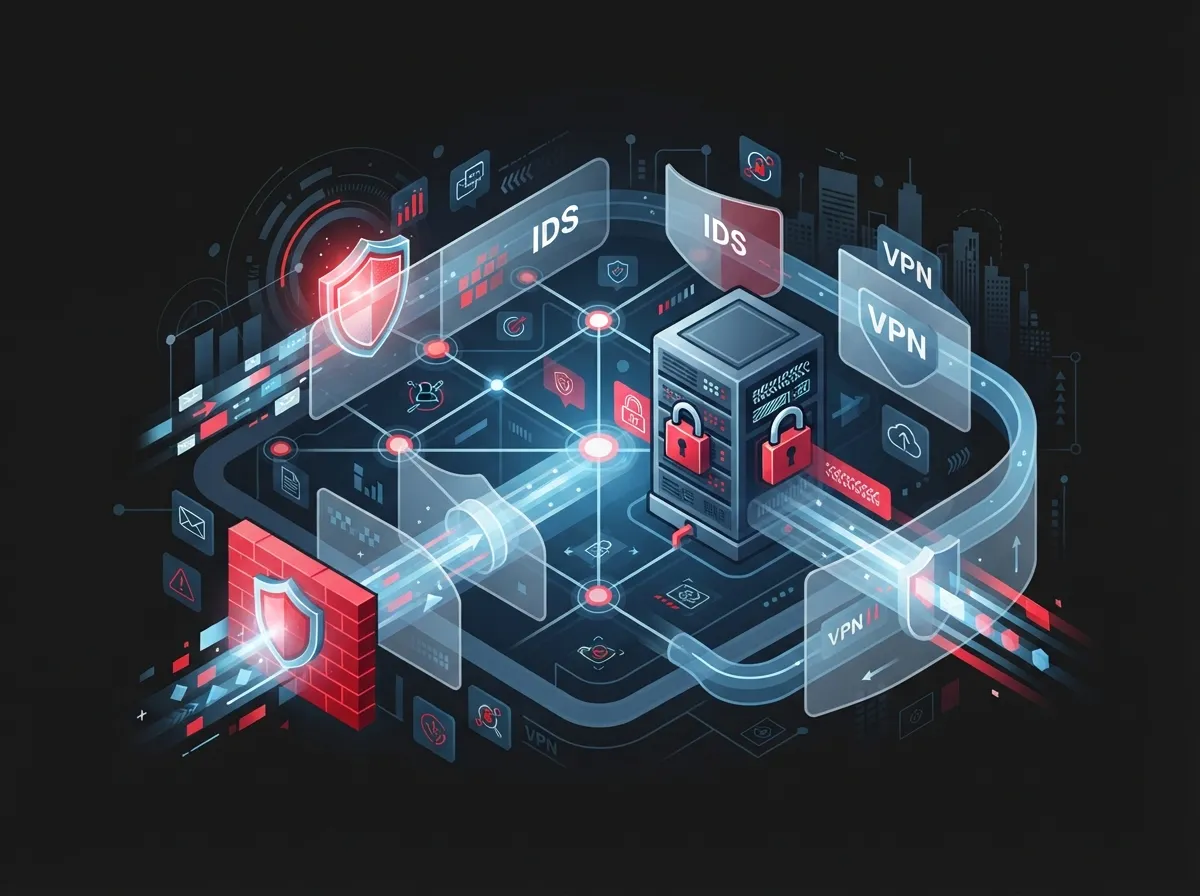
In the telecom world, network security services protect the connections your business depends on. That includes your internet access, private networks between offices, remote access for staff, routers, firewalls, and every connected device.
Think of your network like the roads and doors of a building. Network security services are the locks, cameras, and security guards for those roads. Some are watching traffic all day and night. Others control who can come and go.
Common services include:
- Managed firewalls: A provider sets up, updates, and watches your firewall for you.
- Intrusion detection and prevention: Tools that spot and block suspicious activity.
- DDoS mitigation: Protection that keeps attackers from flooding your internet connection.
- Secure remote access: Safe ways for staff to connect from home or on the road.
- Network monitoring: Around-the-clock eyes on your traffic and devices.
- Segmentation: Splitting your network into zones so one problem stays in one place.
- Incident response: A plan and a team ready when something goes wrong.
The exact mix varies by provider and contract, so always check the actual service description before you sign.

Why Network Security Matters More Than Ever
Attackers do not only go after big companies. They go after whoever is easiest to reach. Verizon’s 2025 report found that credential abuse accounted for 22% of initial access, and vulnerability exploitation for 20%. In plain English, stolen passwords and unpatched devices are two of the most common front doors.
Another eye-opening number: third-party involvement showed up in 30% of breaches, double the prior year’s share. That means a vendor or partner can become your weak link. It is one more reason to ask smart questions about how any provider handles security.
For small business owners, a breach can mean lost days of work and lost customer trust. For IT managers, it can mean sleepless nights. For franchise operators with many sites, one weak location can put the whole brand at risk. A solid network security plan protects all of it.
How to Choose Network Security Services: Step by Step
Ready to get practical? Here is a simple process you can follow, no matter your company size.
- Take inventory of what you have. List your sites, internet circuits, routers, firewalls, VPN gateways, users, and your most important apps.
- Identify what matters most. Which systems would hurt the most if they went down? Phones? Payment systems? Customer data?
- Assess your risks and access needs. Who needs access to what? Apply the idea of least privilege, which means people only get the access they truly need.
- Decide who does what. Clarify who manages policies, patches, alerts, and incident escalation, your team or your provider.
- Compare providers using clear criteria. Use the checklist later in this article.
- Set up monitoring, testing, and regular reviews. Security is not a one-time purchase. It needs ongoing care.
Skipping step one is the most common mistake. You cannot protect what you do not know you have.
Start With Your Network Edge
Your network edge is where your business meets the internet. Routers, firewalls, and VPN gateways live here. According to CISA, these internet-accessible edge devices need special attention because attackers love to target them.
CISA’s edge device guidance highlights a few key habits. Here is how to put them to work:
- Keep an up-to-date asset inventory of every edge device.
- Install updates and patches on time.
- Use secure configurations instead of factory defaults.
- Protect management interfaces so they are not open to the whole internet.
These sound simple, and they are. But they are also the tasks that get forgotten when a busy team is juggling a dozen things. A managed provider can take this off your plate. You can read more about that approach in our guide on managed network services every business should know.
Know the Modern Terms: Zero Trust, SSE, and SASE
You will hear a lot of acronyms when you shop. Let’s make them friendly.
Traditional VPNs create a tunnel into your network. Once someone is inside, they often get broad access. That can be risky if a password is stolen or a VPN is set up wrong.
CISA published joint guidance on June 18, 2024, recommending that organizations consider modern approaches like Zero Trust, Secure Service Edge (SSE), and Secure Access Service Edge (SASE). These approaches aim to improve visibility into network activity and reduce the risks tied to traditional remote access.
| Approach | What It Means in Plain English | Best For |
|---|---|---|
| Traditional VPN | A tunnel that connects remote users to your network | Simple setups with few remote users |
| Zero Trust | Never assume trust; verify every user and device every time | Any business wanting tighter access control |
| SSE | Cloud-delivered security services at the network edge | Teams with many remote or cloud users |
| SASE | Combines networking and security into one cloud service | Multi-location businesses and franchises |
You do not have to adopt all of these at once. The right choice depends on your size, budget, and how your team works. If you have multiple sites, SD-WAN solutions often pair nicely with these security models.
What to Look for in a Provider
Buying a firewall is not the same as buying security. A good provider helps you cover people, process, and technology. Use this checklist when comparing options:
- 24/7 monitoring and support: Threats do not keep business hours.
- Documented response and escalation times: Ask for numbers in writing.
- Geographic coverage: Make sure they can support all of your locations.
- Redundancy and failover: What happens if one circuit or device fails?
- Clear reporting: You should be able to see what is happening on your network.
- Data handling practices: Ask how your data and logs are stored and protected.
- Integration options: Will it work with your current IT and security tools?
- Clear service-level commitments: Validate every claim against the actual contract.
Pay special attention to the contract itself. Marketing pages sound great, but the service agreement is where the truth lives.
Questions to Ask Before You Sign
Here are friendly but firm questions that will tell you a lot about a provider:
- Who is responsible for patching and updating our edge devices?
- How fast will you respond to a critical alert, and who contacts us?
- What is your plan if our main internet circuit goes down?
- How do you handle remote access, and do you support Zero Trust or SASE options?
- What reports will we receive, and how often?
- What is included in the price, and what costs extra?
If a provider cannot answer these clearly, that is useful information too. A trustworthy partner will welcome your questions.
Match Services to Your Business Size
Not every business needs everything. Here is a simple way to think about it.
| Business Type | Smart Starting Services | Grow Into |
|---|---|---|
| Small business (1 site) | Managed firewall, secure Wi-Fi, basic monitoring | Segmentation, secure remote access |
| Mid-sized company | Managed firewall, intrusion prevention, 24/7 monitoring | Zero Trust access, vulnerability management |
| Multi-location or franchise | SD-WAN with built-in security, centralized management | SASE, full incident response |
Small business owners often do best with a bundled, affordable setup. IT managers and enterprise teams usually want deeper control, reporting, and integration. Either way, start with the basics and build from there.
Do Not Forget Your Cabling and Hardware Foundation
Here is something many people overlook: security starts at the physical layer. A messy, undocumented network is hard to protect. Poor cabling and unlabeled equipment make it tough to spot problems.
That is where good structured cabling services help. Clean, organized, documented cabling makes monitoring and troubleshooting much easier. It also supports your phones, cameras, and access control, all of which connect to the same network.
Speaking of which, your cameras and door systems are network devices too. Protecting them matters. Our cloud security vs. traditional network security comparison is a helpful read if you are weighing cloud tools against older on-site setups.
How Much Do Network Security Services Cost?
Honest answer: it depends. Pricing varies based on the number of sites, users, devices, and the level of service you choose. A single-location business with a managed firewall will pay far less than a multi-site company needing 24/7 monitoring and incident response.
Instead of chasing the lowest price, compare what is actually included. Ask whether setup, hardware, monitoring, and support are bundled or billed separately. For a deeper look at budgeting, check out our guide on how to budget for managed network services.
A free audit of your current setup is also a smart move. Many businesses discover they are paying for services they do not need while missing ones they do.
Common Mistakes to Avoid
After years in this industry, a few missteps come up again and again:
- Buying equipment without a plan. A firewall nobody monitors is just a box with blinking lights.
- Leaving default passwords and settings. Attackers know every factory default.
- Ignoring updates. Unpatched devices are a top entry point.
- Skipping the ownership conversation. If nobody owns alerts, nobody responds to them.
- Forgetting third parties. Vendors with access to your network are part of your risk.
The fix for most of these is simple: write down who is responsible for what, then review it regularly.
Why Work With a Single Point of Contact
Juggling an internet provider, a phone vendor, a cabling contractor, and a security company is exhausting. When something breaks, everyone points at everyone else.
That is why many businesses prefer one trusted partner. Ideal Solutions Provider is a Tampa-based telecom and IT partner with over 24 years of experience and relationships with 35+ vetted suppliers. They act as a single point of contact, comparing options across carriers and helping you find the right fit for your needs. Learn more about the benefits in 11 reasons to use one telecom partner.
You can also explore their business network solutions to see how connectivity and protection can work together under one roof.
Your Simple Action Plan
Let’s wrap the process into a quick checklist you can start today:
- Inventory your sites, circuits, devices, and users.
- Secure your edge devices with updates and strong configurations.
- Apply least privilege so people only access what they need.
- Explore Zero Trust, SSE, or SASE if you have remote or multi-site teams.
- Choose a provider with 24/7 monitoring, clear SLAs, and honest reporting.
- Review your setup on a regular schedule and adjust as you grow.
Remember, you do not have to do this alone. Even small steps, like updating your router or reviewing who has remote access, make you safer than you were yesterday.
Ready to Protect Your Network?
Strong network security services give you something priceless: peace of mind. You can focus on serving customers while knowing your connections are watched and protected.
If you would like a friendly, no-pressure review of your current setup, contact us for a free consultation. Prefer to talk it through? Call us and we will help you find the right fit for your business.
Want to see more from our team? Follow along on YouTube for helpful telecom tips, or learn more about the role of an Internet Service Provider in your overall setup. For a deeper understanding of how clean wiring supports a secure network, see this overview of structured cabling.
FAQs
Q: What are network security services for businesses?
A: Network security services protect the connections and devices your business relies on, including internet access, routers, firewalls, and remote access. They often include managed firewalls, threat monitoring, DDoS protection, and incident response. The exact mix depends on your provider and contract.
Q: What is the difference between SASE, SSE, and a VPN?
A: A VPN creates a tunnel that connects users to your network, which can give broad access once they are in. SSE delivers security services from the cloud, while SASE combines those security tools with networking in one service. CISA’s 2024 guidance suggests considering Zero Trust, SSE, and SASE for better visibility and safer remote access.
Q: How can a business secure routers, firewalls, and VPN gateways?
A: Start by keeping an inventory of every edge device, then install updates on time and change default settings. Also protect management interfaces so they are not exposed to the open internet. A managed provider can handle these tasks so nothing slips through the cracks.
Q: What should I look for in a telecom security service-level agreement?
A: Look for 24/7 monitoring, documented response and escalation times, and clear redundancy and failover plans. Make sure reporting, data handling, and coverage for all your locations are spelled out. Always confirm that marketing claims match the actual contract.
Q: How much do managed network security services cost?
A: Costs vary based on the number of sites, users, devices, and the level of support you choose. A single-location business will usually pay much less than a multi-site company needing around-the-clock monitoring. Ask what is bundled versus billed separately so you can compare apples to apples.





