Key Takeaways
-
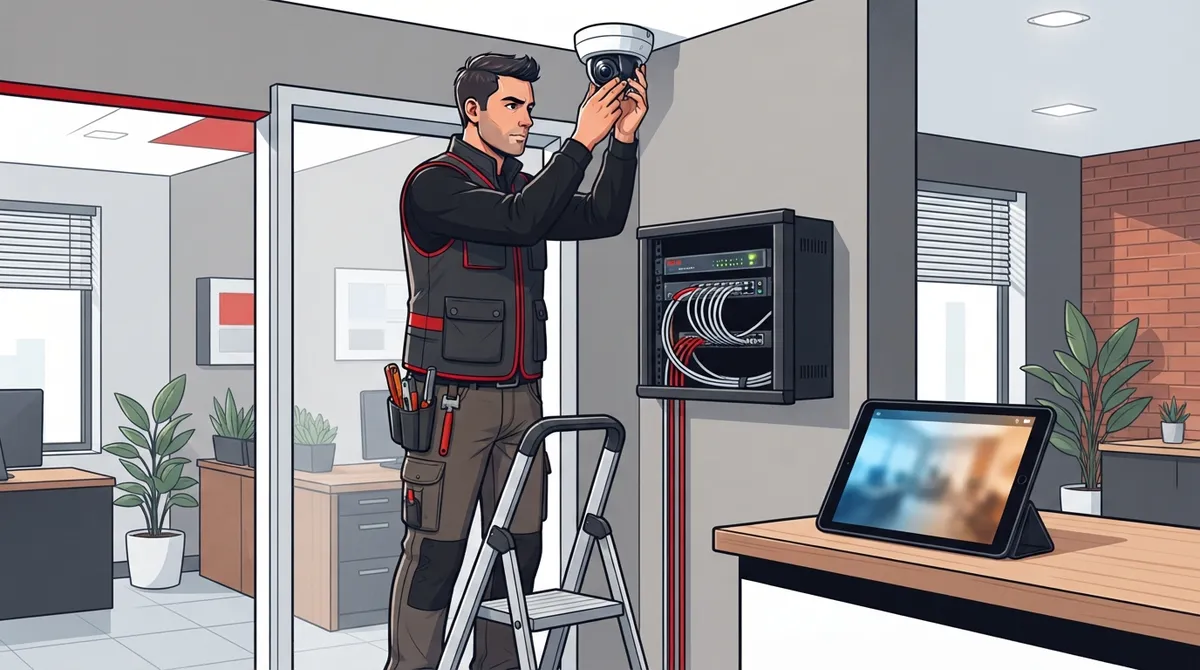
A good installer designs a complete system, not just mounted cameras: Ethernet cabling, PoE power, network settings, recording, remote viewing, and ongoing support.
-
Require a site assessment before any quote, covering entrances, cash points, stock areas, lighting, cable routes, and network capacity.
-
Verify the PoE power budget and switch capacity before install day, since cameras that exceed available power simply won't turn on.
-
Choose between on-site NVR, cloud, or hybrid recording based on site count, bandwidth, and fee tolerance, and check your upload speed before committing to cloud cameras.
-
Secure IP cameras by changing default passwords, applying firmware updates, limiting access, and separating camera traffic from other business systems where practical.
-
Request an itemized quote listing cameras, cabling, switches, storage, licensing, labor, and support, and get licensing, insurance, and warranty terms in writing.
Typing “business security camera installer near me” into a search bar feels simple. Then the results roll in, and suddenly you are comparing camera brands, cloud plans, cable types, and quotes that all look different. Take a deep breath. You are not alone, and this is very fixable.
Here is the secret most people learn late: a good installer does not just hang cameras on walls. They build a small system. That means Ethernet cabling, power, network settings, recording, remote viewing, and support when something goes wrong. Think of it like a team where the camera is only one player.
In this friendly guide, we walk through 15 things to know before you hire. Whether you run a small shop, manage an office, oversee IT, or operate several franchise sites, you will find clear steps, helpful tables, and honest tips. By the end, you will know what to ask, what to avoid, and how to feel confident about your choice in 2026.
Why “Near Me” Really Means “Network-Smart”
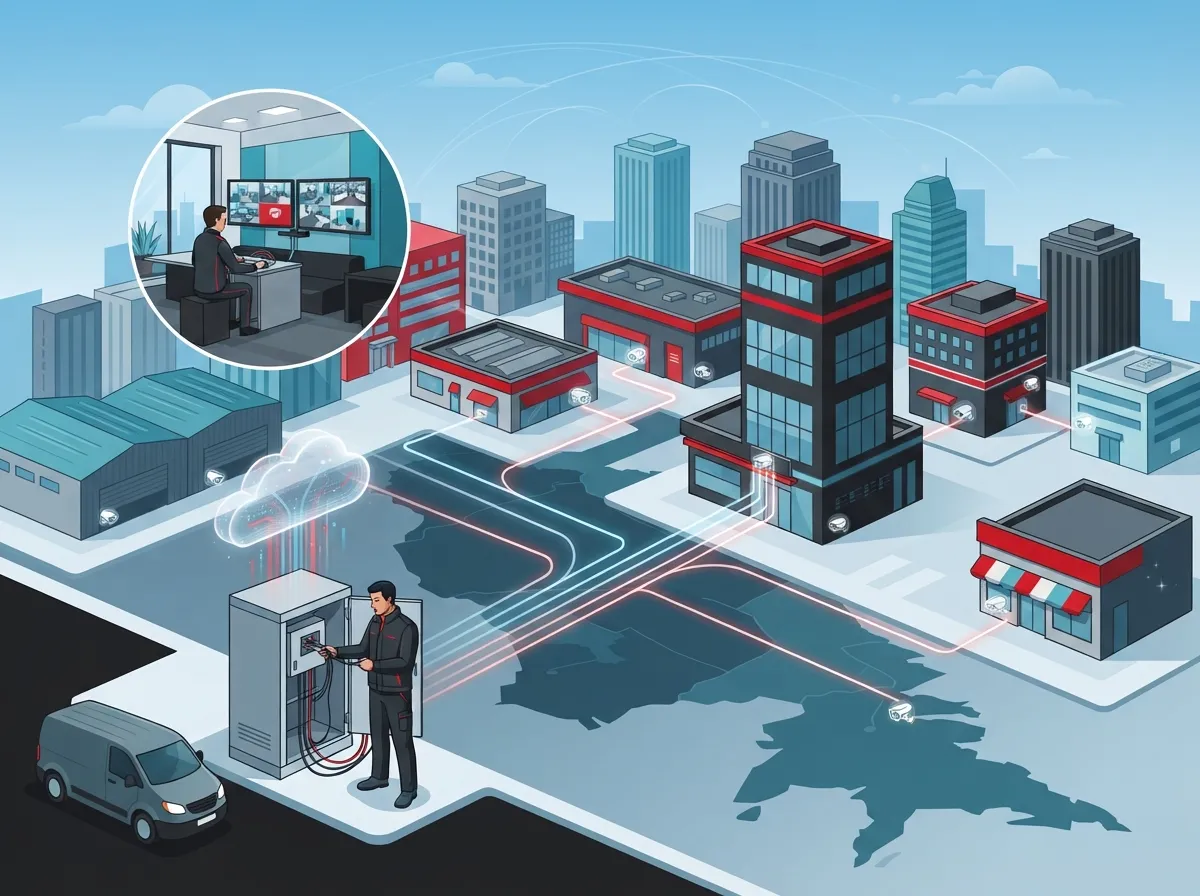
Being close by is nice. It helps with fast site visits and quick service calls. But proximity alone does not make a great installer. The best business security camera installer near me is one who understands your network as well as your doorways.
Modern IP cameras connect over a network, just like your computers and phones. If the network is weak, the cameras suffer. Video freezes, clips go missing, and remote viewing becomes a headache. That is why telecom-minded installers shine. They plan the cabling, switches, and internet capacity alongside the cameras.
If you want to see how this plays out, our guide on why CCTV installation needs network planning first is a helpful read. It shows how a little planning up front saves a lot of stress later.
15 Things to Know Before You Hire
1. A Great Installer Starts With a Site Assessment
Before any quote, a pro should walk your property. They look at entrances, parking areas, stockrooms, and cash points. They check lighting, weather exposure, and cable routes.
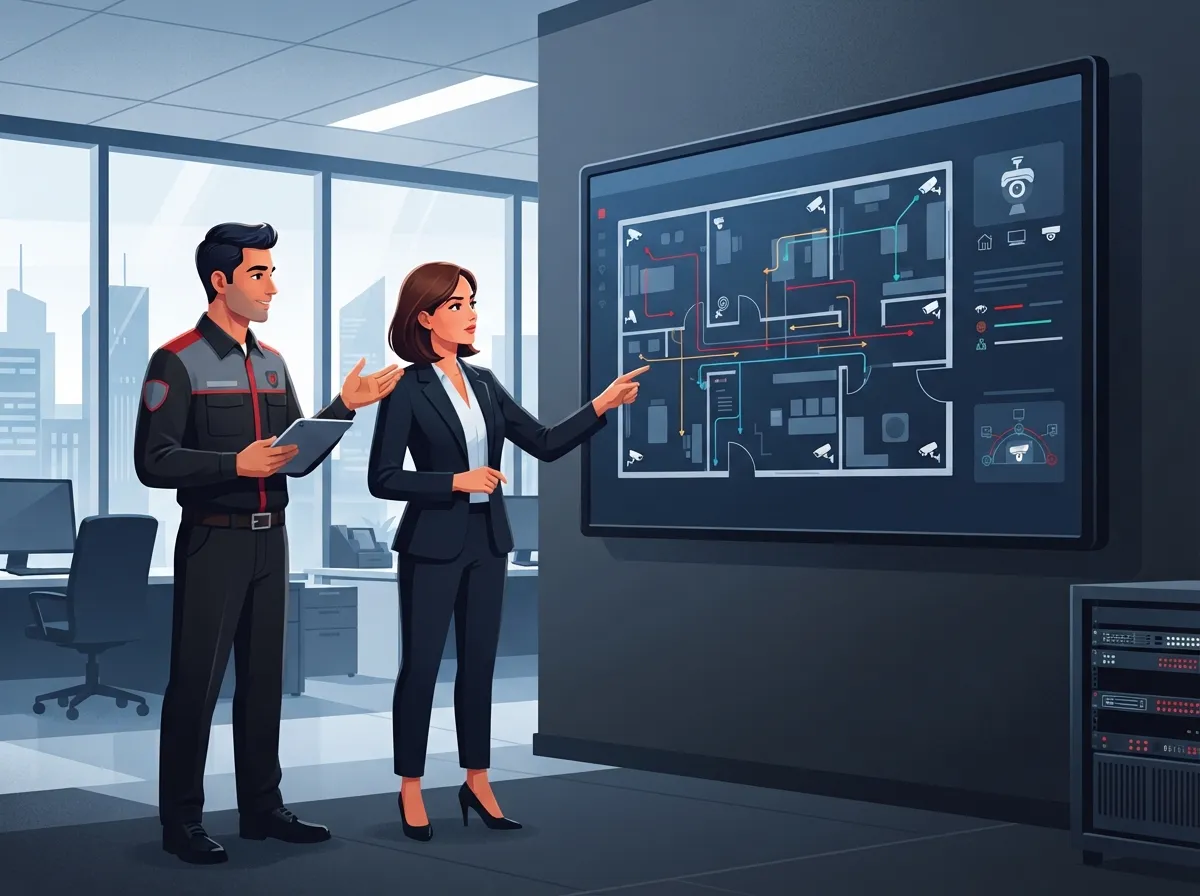
A site assessment should cover camera locations, fields of view, lighting, retention needs, network capacity, storage, and any integration with other systems. If a company quotes you without a visit, be gentle but cautious. A real plan needs real eyes on the space.
2. Camera Count Should Follow Your Risks, Not a Formula
There is no magic number of cameras. A busy retail floor needs different coverage than a quiet law office. Placement should follow your business risks and daily operations.
Ask yourself a few simple questions. Where does money change hands? Where is valuable stock kept? Where do people enter and leave? Our article on 12 ways to know how many cameras your business needs walks through this in a friendly way.
3. The Cabling Is Half the Job
Cameras are only as good as the cable behind them. Most IP cameras connect over Ethernet. Poor cabling leads to dropped video and endless troubleshooting.
A solid installer follows proven wiring practices. If you are curious about the foundation, here is a quick primer on structured cabling. You can also learn more in our guide to security camera cabling for business.
4. PoE Makes Life Easier, If Someone Checks the Budget
Power over Ethernet, or PoE, sends power and data over one cable. That means fewer wires and cleaner installs. It is one of the best parts of modern camera systems.
But PoE has limits. Your installer should verify cable routes, switch capacity, and the total PoE power budget. If the switch cannot power every camera, some will simply fail to turn on. A good pro does the math before install day, not after.
5. Pick Your Recording Style: NVR, Cloud, or Hybrid
This is one of the biggest choices you will make. Each style has trade-offs, and the right one depends on your business.
| Recording Option | Best For | Things to Weigh |
|---|---|---|
| On-site NVR | Single sites that want local control | Can lower recurring fees and reduce reliance on upload bandwidth; you manage the hardware |
| Cloud-hosted video | Multi-site and remote management | Simpler oversight, but usually adds subscriptions and needs steady bandwidth |
| Hybrid | Teams that want both | Local recording plus cloud access; a bit more to plan |
Not sure which fits? Our comparison of cloud vs. on-prem camera setups breaks it down in plain language.
6. Internet Speed Matters More Than You Think
Cloud cameras send video over your internet connection. If your upload speed is thin, your footage can lag or stall. This catches many small businesses by surprise.
Before you sign anything, ask your installer to check your bandwidth. Our guide on internet speeds your cloud cameras actually need helps you set realistic expectations. A good Internet Service Provider plan can make a big difference here.
7. Think About Storage and Retention Early
How long do you need to keep footage? Some businesses keep a few weeks. Others need much longer. Higher resolution and more cameras use more storage.
Decide your retention goal first, then size the storage to match. For ideas, see 13 security camera storage solutions to know in 2026. It saves you from running out of space at the worst moment.
8. Cybersecurity Is Part of the Install
Here is a point many people miss. Every IP camera is a small computer on your network. If it is not secured, it can become an open door for trouble.
Good installers take simple, smart steps. They change default passwords, apply firmware updates, limit who has access, and separate camera traffic from other business systems where practical. Government guidance on securing network-connected devices, including CISA’s edge-device advice published in February 2025, backs up these habits. We cover more in is cloud video security actually safe for business.
9. Privacy and Recording Rules Deserve a Look
Before you record, check the rules where you operate. Requirements can differ by location and setting. Audio recording, employee monitoring, signage, and areas where people expect privacy can all raise questions.
An installer can set up the technology correctly, but legal compliance may need a qualified advisor. Our post on security camera permits for businesses and this one on camera installation mistakes that break compliance can point you in the right direction.
10. Ask About Wired vs. Wireless
Wireless cameras look easy, and sometimes they are the right call. But wired connections are usually steadier for business use. They avoid the interference that can plague busy Wi-Fi networks.
Many businesses ask, “Can I use my existing Ethernet cabling?” Often yes, if it is in good shape and the runs are suitable. A pro can test it. For a fuller picture, read how to choose wired vs. wireless business cameras.
11. Verify Licensing, Insurance, and Warranty
Credentials matter. Service areas, licensing or low-voltage credentials, insurance, warranty, and maintenance terms should all be confirmed directly with the provider. Do not just assume.
Ask for these in writing. A trustworthy installer will happily share them. If someone gets vague, that is your cue to keep looking. Our guide on how to hire the right security camera installer in Tampa offers a handy checklist.
12. Know What a Fair Timeline Looks Like
Install time depends on the number of cameras, building type, and cable routes. A small office may take a day or two. A larger or multi-floor site can take longer.
Ask for a clear schedule up front. We break down typical timelines in how long camera installation takes for business. Knowing this helps you plan around daily operations.
13. Plan for Support After the Install
Installation day is not the finish line. Firmware needs updates. Cameras may need adjusting. Sometimes a lens gets bumped or a cable gets nicked.
Ask what ongoing support looks like. Is there a service plan? Who do you call? Our cloud security camera troubleshooting guide shows what common fixes look like, so you know what to expect.
14. Consider How Cameras Fit With the Rest of Your Systems
Cameras work even better when they play nicely with other tools. Think access control, alerts, and phone systems. A single partner can connect these so you are not juggling five vendors.
If you like the idea of one team handling it all, look at why Tampa Bay businesses need one telecom partner. It is a calmer way to run your tech.
15. Get a Clear, Itemized Quote
Finally, ask for a quote that spells everything out. Cameras, cabling, switches, storage, licenses, labor, and support should each have a line. Hidden extras are where budgets go sideways.
Not sure what is fair? Our post on how to budget for commercial video surveillance in Tampa FL gives you helpful ranges to think about. You may also like 13 commercial camera installation mistakes that waste money.
A Quick Look at Why This Market Keeps Growing
If you feel like everyone is adding cameras, you are right. Fortune Business Insights reports the global video surveillance market was valued at USD 83.71 billion in 2025, with a projection of USD 95.01 billion in 2026. Grand View Research estimates IP video surveillance made up 55.7% of global market revenue in 2025, and the commercial segment represented 37.6%.
These are market-research estimates, not installation prices, and reports can differ by method. Still, the trend is clear. More businesses are choosing network-based cameras, which is why picking an installer who understands networks is so important.
Which Business Type Needs What?
Different teams have different priorities. Here is a simple way to think about it.
| Business Type | Top Priority | Smart Starting Point |
|---|---|---|
| Small business | Affordable, simple setup | Clear itemized quote and basic cloud or NVR option |
| Mid-sized company | Scale and integration | Cloud cameras tied to access control |
| IT manager | Network health and security | VLAN planning, firmware policy, PoE budget |
| Office manager | Easy support | Single point of contact and service plan |
| Franchise operator | Consistency across sites | Standardized cloud setup and cabling |
Running several sites? Take a peek at multi-location cloud surveillance for a friendly overview.
Simple Steps to Find the Right Installer
Here is an easy path you can follow today.
- List your goals. Write down what you want to protect and why.
- Walk your space. Note entrances, blind spots, and lighting.
- Check your internet and cabling. Ask what you already have.
- Request site visits. Meet two or three providers in person.
- Compare itemized quotes. Look at hardware, labor, and support side by side.
- Verify credentials. Confirm licensing, insurance, and warranty terms.
- Plan the rollout. Agree on timing, testing, and training.
If you would like help comparing options, our guide to choosing a security camera installer in 2026 pairs nicely with these steps.
Where Ideal Solutions Provider Fits In
Ideal Solutions Provider is a Tampa-based telecom and IT partner with over 24 years of experience. Because they work across phones, internet, cabling, networking, cloud security cameras, and access control, the whole system gets planned together. That means fewer finger-pointing moments and more peace of mind.
They also compare options across 35+ vetted suppliers, so the recommendation fits your needs rather than a single product line. You can explore their cloud video security services or see how security camera installation in Tampa works from start to finish. Curious about the people behind it? Follow along on YouTube for helpful videos.
Ready to Feel Confident About Your Camera Project?
Choosing a business security camera installer near me does not have to feel scary. When you focus on the network, the cabling, the recording style, and the support, you set yourself up for a system that just works. Ask good questions, expect clear answers, and trust your gut.
When you are ready for friendly, no-pressure guidance, contact our team for a free consultation or call us at 813-388-4935. We would love to help you protect what matters most.
FAQs
Q: What does a business security camera installer do?
A: A good installer does much more than mount cameras. They plan the Ethernet cabling, PoE switching, network setup, recording, and remote viewing so everything works together. Many also offer ongoing support, which is a real comfort.
Q: How do I find a commercial security camera installer near me?
A: Start by looking for a provider that serves your area and understands networks as well as cameras. Ask for a site visit, an itemized quote, and proof of licensing, insurance, and warranty. A local partner who can handle cabling, internet, and cameras together makes life much easier.
Q: Should my business choose an NVR, cloud, or hybrid camera system?
A: An on-site NVR can reduce recurring fees and depend less on upload bandwidth. Cloud video makes remote and multi-site management simpler but usually adds subscriptions and bandwidth needs. A hybrid setup gives you a bit of both, so it is worth discussing with your installer.
Q: How can I secure IP cameras on my business network?
A: Change default passwords, keep firmware updated, and limit who can log in. Where practical, keep camera traffic separate from your other business systems. These simple habits go a long way toward keeping your footage and network safe.
Q: Can business security cameras use existing Ethernet cabling or Wi-Fi?
A: Often yes for Ethernet, as long as the cable is in good condition and the runs are suitable for the cameras. Wired connections tend to be steadier than Wi-Fi for business use. A quick test by your installer will tell you what you can reuse.