Key Takeaways
-
Yes, access control and cameras can integrate, but compatibility depends on exact models, software versions, and licenses, so confirm these with the vendor before purchasing.
-
Integration options include native unified platforms, connectors or APIs, and third-party tools; a shared brand does not guarantee every feature you need.
-
Map each door to a camera that sees the person at the door, not just the hallway, so forced-door and denied-badge events pull up the right video.
-
Test the exact workflows you care about, such as forced doors, held doors, and denied badges, with a live demo or pilot before signing anything.
-
ONVIF and OSDP do not guarantee door-to-camera video linking; ask vendors to prove the specific feature works on your setup.
-
Plan network bandwidth, time sync, and internet backup, and ask what keeps working during an outage, since cloud-managed tools depend on connectivity.
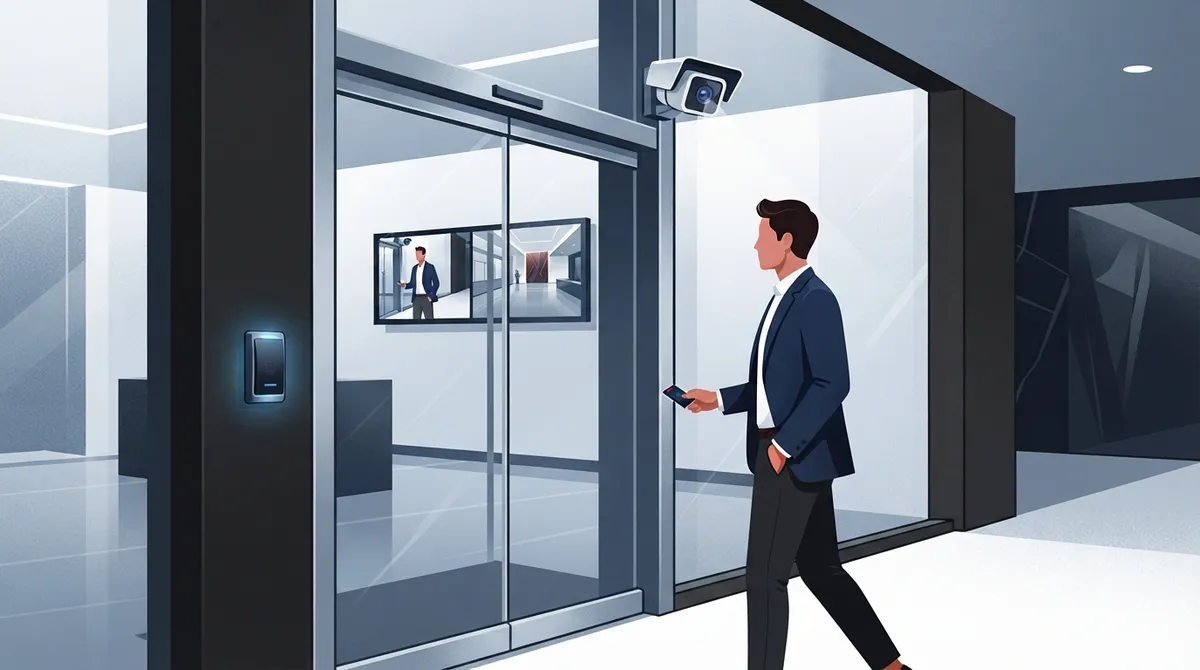
Short answer: yes. If you have been wondering can access control integrate with security cameras, the good news is that business systems can be linked so that door activity and video work as a team. A badge swipe, a forced door, or a door held open can all be tied to a clip from a nearby camera.
That sounds simple, but the details matter. Some systems connect natively. Others need a connector, an API, or a third-party tool. And having two products from the same brand does not promise every feature you want.
This friendly guide walks through 10 practical ways the two systems work together, what to check before you buy, and how to plan the network behind it all. Whether you run a small Tampa shop, manage an office, or oversee several franchise sites, you will leave with a clear checklist. Think of it as a chat with a neighbor who has seen a lot of installs go right and a few go sideways.
The Quick Answer: How the Two Systems Connect
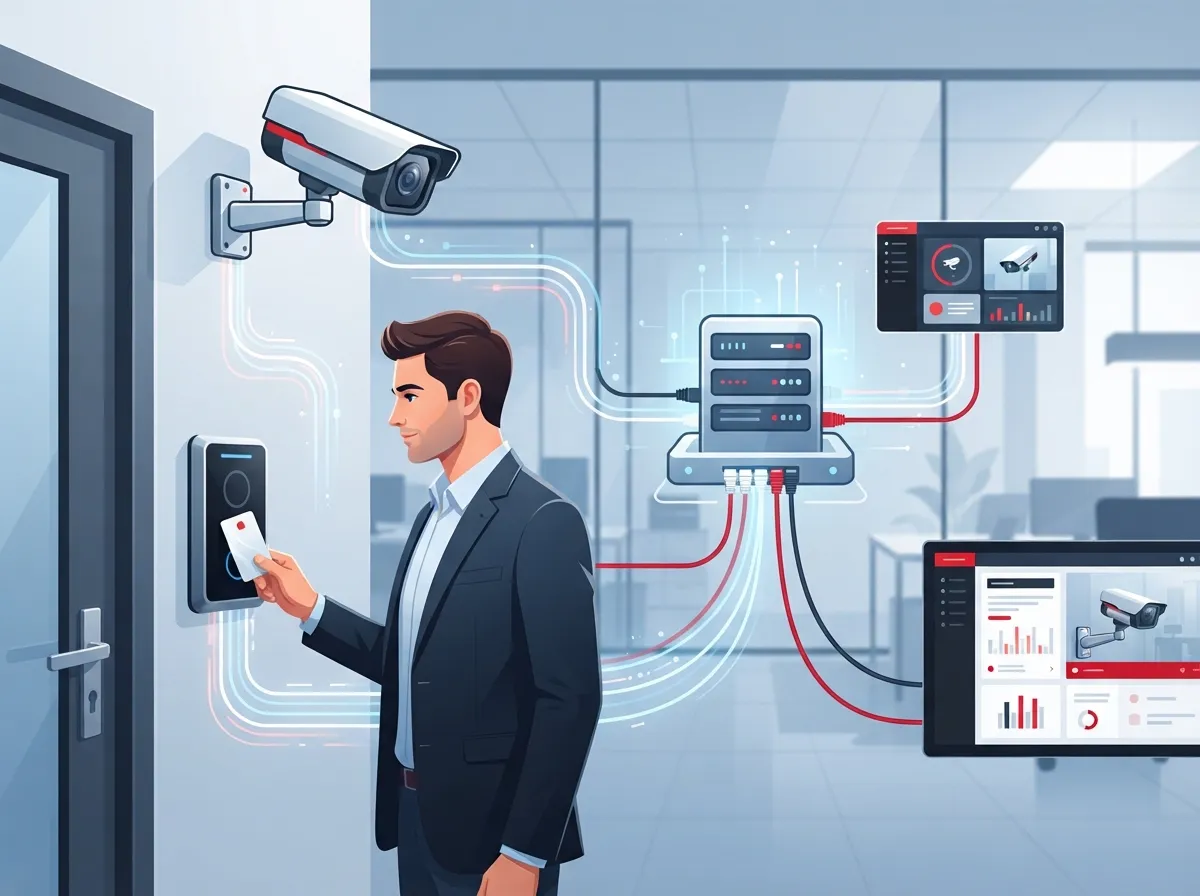
Access control decides who can open which door. Cameras record what happens near that door. When you link them, each door event gets matched to video from the right camera at the right time.
There are three common ways to connect them:
- Native platform: one unified system manages doors and cameras in the same screen.
- Connector or API: a supported link lets one product share events with the other.
- Third-party tools: a separate software layer ties compatible systems together.
Compatibility is product-specific and version-specific. So the smartest first step is to confirm your exact models, software versions, and licenses with the vendor or your integrator before anything is purchased.
10 Ways Access Control and Security Cameras Work Together
1. Video Pops Up When a Door Alarm Triggers
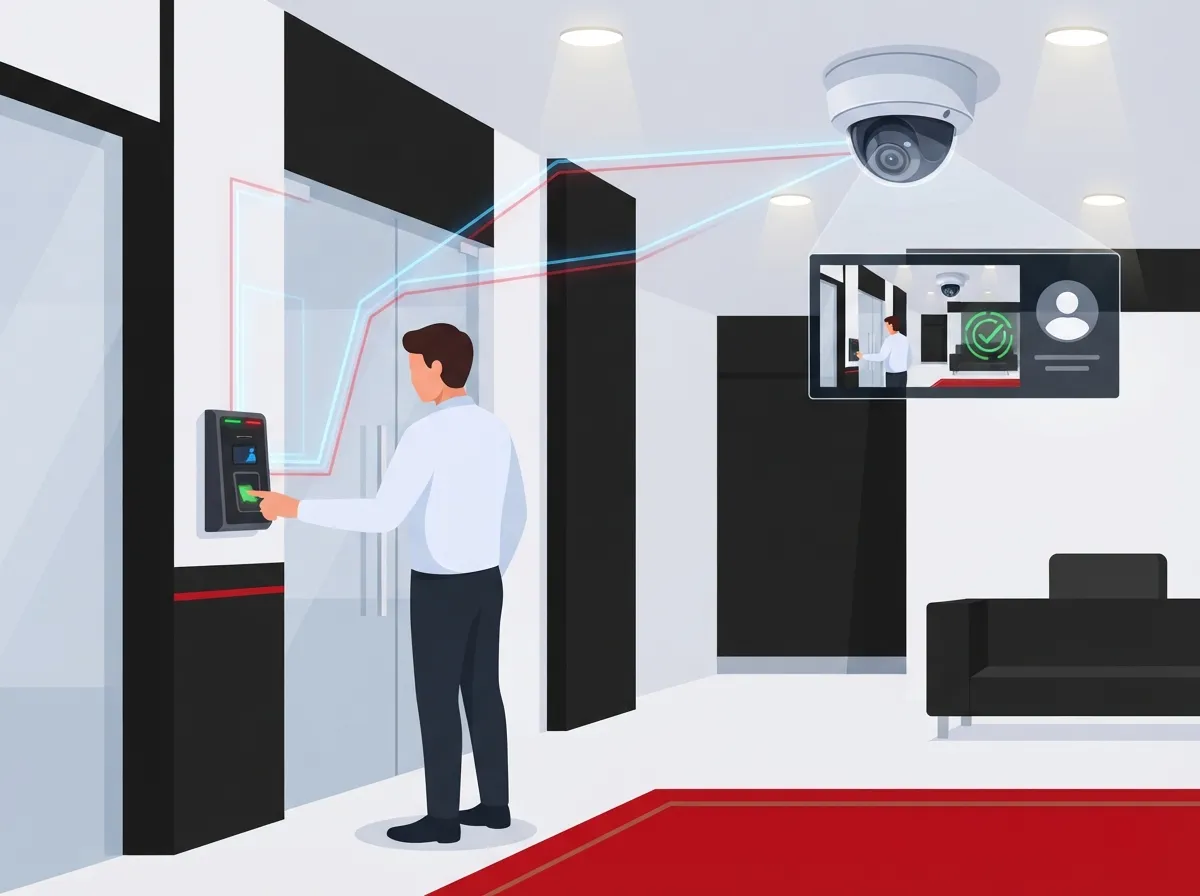
This is the favorite feature for many teams. When a door is forced open or held open too long, the system can open the live feed from the closest camera. Instead of getting a plain alert that says “Door 4 forced,” you see what is happening right now.
For an office manager, that means fewer guessing games. You can tell in seconds if it is a delivery, a propped door, or something that needs a real response.
2. Search Footage by Door and Time
Imagine someone asks, “Who came through the back entrance around 2:15 p.m.?” With a linked system, you can pull the access event and jump straight to the matching video. No scrubbing through hours of footage.
This is where integration saves real time. One vendor-reported claim says integrated systems can cut investigation time by up to 60%, attributed to the Security Industry Association. We could not verify the original study, so treat that number as a marketing claim, not a promise. Still, the time savings in daily work are easy to see.
3. Review Access Logs Beside the Footage
Access logs tell you a badge was used. Video shows what the camera captured at that moment. Side by side, they give a fuller picture.
One important note: video confirms what a camera saw. It does not always prove who someone is or what they meant to do. Good policies still matter.
4. Catch Denied Badge Attempts
A denied badge is a small clue that can matter. Maybe an employee grabbed the wrong card. Maybe a former contractor is trying an old credential. With integration, a denied event can bring up the clip so a manager can review it quickly.
Before you rely on this workflow, test it. Ask the vendor to show you how a denied badge retrieves video on your exact setup. Do not just take a general “yes, we integrate” at face value.
5. Centralized Monitoring in One Screen
Switching between two apps gets old fast. Some platforms put doors, alerts, and live video in one interface. IT managers love this because there is one place to manage users, review events, and check camera health.
If you are leaning toward cloud-managed tools, our guide on cloud access control integration wins shows how connected systems simplify daily work.
6. Alerts That Reach the Right People
Some systems can send alerts by email or app when door events happen. You might route after-hours entries to a manager, or send a propped-door alert to the front desk. The exact alert options depend on your products, so confirm which event types are supported.
7. Mapping Cameras to Doors the Smart Way
Integration only works well if each door is paired with the right camera. Place the camera so it sees the person at the door, not just the hallway. Then map that camera to that door in the software.
A camera pointed the wrong way makes the whole feature feel broken. Good placement matters as much as good software. For more on this, see our tips on choosing Tampa security camera systems that fit your layout.
8. Support for Multiple Locations
Franchise operators and growing companies often need to watch several sites from one place. Cloud-managed platforms can make this easier, since you can review doors and video across locations from one login.
Just remember that cloud tools depend on internet connectivity and vendor service availability. Ask what keeps working if the connection drops. We cover this more below.
9. Stronger Audit Trails for Compliance
Many businesses need to show who entered a space and when. Pairing access logs with video can support those records. Healthcare offices, schools, and financial firms often care about this kind of documentation.
If you work in a regulated field, check your retention rules and privacy duties early. Our post on camera installation mistakes that break compliance is a helpful read.
10. Faster, Calmer Incident Response
When doors and video agree, your team can act with confidence. Instead of panic and phone calls, you have a clear event, a clip, and a plan. Integration improves awareness, but it does not replace trained staff, smart camera placement, or a tested response process.
Standards: What ONVIF and OSDP Actually Do
You will see a lot of acronyms when shopping. Two come up often, and they are easy to mix up.
| Standard | What It Covers | What It Does Not Promise |
|---|---|---|
| ONVIF | Interoperability between compatible network video devices and systems | That a specific door event will automatically pull matching video |
| OSDP | Communication between access control readers and controllers | A general link between access control and cameras |
In plain words, ONVIF helps video devices talk to each other. OSDP helps readers talk to controllers. Neither one, by itself, guarantees the door-to-camera workflow you want. Always ask the vendor to prove the exact feature.
Your Pre-Purchase Checklist
Use this list before you sign anything. It saves headaches later.
- List exact models and software versions for your cameras, controllers, and management platform.
- Ask about licensing. Some integrations need extra licenses or paid connectors.
- Confirm supported event types, such as valid badge, denied badge, forced door, and door held open.
- Map each door to a camera and decide what the camera needs to see.
- Request a live demo or pilot of the workflows that matter most to you.
- Ask about outage behavior so you know what works offline.
If your existing cameras are older, do not assume they will connect. Sometimes a mixed setup works well. Sometimes an upgrade is the better path. An honest audit tells you which one you are facing. Our rundown of security camera upgrade services can help you decide.
Network Planning: The Part Everyone Forgets
Integrated security lives on your network. If the network is weak, even the best software feels slow. Here is what to plan for.
- Bandwidth: video uses a lot more data than door events. Plan capacity for cameras, especially if you stream to the cloud. Our guide on internet speeds your cloud cameras actually need breaks this down.
- Reliable cabling: good structured cabling gives cameras and door controllers a steady path. See security camera cabling for business for practical tips.
- Time sync: door events and video must share the same clock, or your search results will not line up.
- Internet backup: a failover link helps when your main line goes down. Read about automatic internet failover for ideas.
Cloud-managed tools lean on your connection, so it is worth reading why cloud-based security systems fail without fast internet. A solid plan up front prevents most problems.
Storage, Privacy, and Permissions
Linking door logs to video creates a powerful record. That comes with responsibility.
- Retention: decide how long you keep footage and access logs. Storage costs and legal needs both play a role. See security camera storage solutions for options.
- User permissions: not everyone needs to see everything. Limit who can view video and who can pull access reports.
- Cybersecurity: use strong passwords, keep firmware updated, and enable multi-factor sign-in where offered.
- Privacy rules: be clear about where cameras point and who can view footage. Talk to your legal advisor about your obligations.
Clear written policies keep everyone comfortable, from staff to visitors.
Market Context: Why This Is Growing
Businesses are investing in both categories. A 2025 overview from ElectroIQ estimates the global video surveillance system market at about $47.2 billion in 2024, growing toward roughly $63.4 billion by 2030. The same overview puts physical access control at about $15.5 billion in 2024, growing toward roughly $21.4 billion by 2030. These are market estimates, not measures of how many companies integrate the two. Still, they show how many businesses are building out both sides of their security.
Who Benefits Most?
| Business Type | Top Benefit |
|---|---|
| Small business owners | Simple answers to “who came in and when?” without hiring extra staff |
| Mid-sized companies | One view of doors and video across departments |
| IT managers | Fewer systems to babysit and cleaner audit records |
| Office managers | Quick checks on after-hours entry and propped doors |
| Franchise operators | Consistent security and remote review across sites |
If cost is on your mind, our guide on how much cloud access control should really cost gives helpful context.
How Ideal Solutions Provider Can Help
Sorting through compatibility, cabling, and internet planning is a lot to juggle. Ideal Solutions Provider is a Tampa-based telecom and IT partner with over 24 years of experience. We offer cloud security cameras, access control, structured cabling, networking, and business internet under one roof, so you have a single point of contact instead of a pile of vendors.
We compare options across 35+ vetted suppliers and focus on what fits your building and budget. Explore our cloud video security and cloud based access control services to see how the pieces fit together.
Conclusion: Test It Before You Trust It
So, can access control integrate with security cameras? Absolutely. The key is picking compatible products, planning your network, and testing the exact workflows you care about, like pulling footage for a denied badge or a forced door. Skip the guesswork, and you will end up with a system your team actually enjoys using.
Ready to see what an integrated setup could look like for your business? Contact us for a free consultation, or call us to talk it through. We would love to help.
FAQs
Q: Can access control integrate with existing security cameras?
A: Often it can, but it depends on your exact camera models, software versions, and licensing. Ask your vendor or integrator to confirm compatibility and demo the workflow you want before you buy anything. Sometimes a mixed setup works great, and sometimes a small upgrade is the smarter move.
Q: Do access control and cameras have to come from the same manufacturer?
A: Not always. Some integrations are native to one platform, while others use a connector, an API, or third-party software. Just know that even matching brands do not guarantee every feature, so test the specific workflows you care about.
Q: Will a camera automatically show video when a door is forced open or a badge is denied?
A: It can, if your products support those event types and each door is mapped to the right camera. Standards like ONVIF help devices talk, but they do not promise that a specific event pulls matching video. A quick live test is the best way to be sure.
Q: What happens to integrated systems if the internet goes down?
A: It depends on how the system is built. Cloud-managed setups may rely on your connection and the vendor’s service, so ask what keeps working offline, such as local door control or on-site recording. A backup internet line can also help keep things running smoothly.
Q: What privacy issues should I consider when linking access logs to video?
A: Plan how long you keep footage and logs, who is allowed to view them, and where cameras point. Use strong passwords and limited permissions, and check your legal obligations with a qualified advisor. Clear written policies help everyone feel comfortable.