
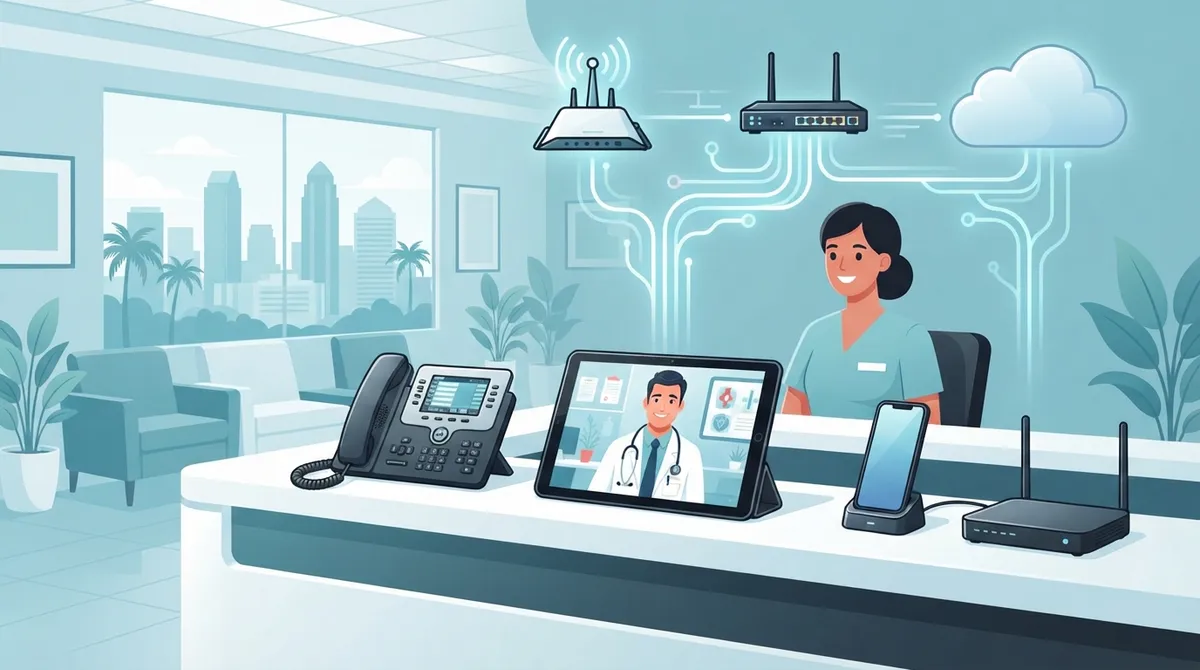
Key Takeaways
-
Healthcare telecom providers should cover business internet, VoIP or hosted PBX, call management, mobile integration, managed network support, and backup connectivity for medical practices.
-
A telecom provider acting only as a conduit for PHI generally does not need a BAA, but vendors handling call recording, voicemail transcription, or telehealth video often do.
-
Video visits and VoIP calls depend on upload speed and Quality of Service (QoS) settings, not just headline download speeds, so ask for both upload and download figures.
-
Verify availability at every clinic address, since service can change from one building to the next, and confirm written uptime, latency, and support-hours commitments in the SLA.
-
Build a continuity plan with backup internet, phone failover to mobile devices or another site, and a cloud phone system that isn't tied to one building.
-
Confirm number portability before signing so you keep patient-facing phone numbers, and review contract length, renewal, and early termination terms.
Running a medical practice in Tampa is already a juggling act. You have patients to see, charts to update, insurance calls to return, and a front desk that can’t afford a dropped call. The last thing you need is a phone or internet problem getting in the way.
That’s where the right healthcare telecom provider in Tampa comes in. A good one keeps your lines clear, your network steady, and your patient information handled with care. A poor fit can mean missed appointments, choppy telehealth visits, and surprise HIPAA headaches.
The good news? Picking the right partner is easier when you know what to ask. In this guide, we’ll walk through what these providers offer, how HIPAA fits in, and what to check before you sign. Whether you run a small clinic, manage an office, or oversee several locations, you’ll leave with a clear plan. Let’s get started!
What Is a Healthcare Telecom Provider in Tampa?
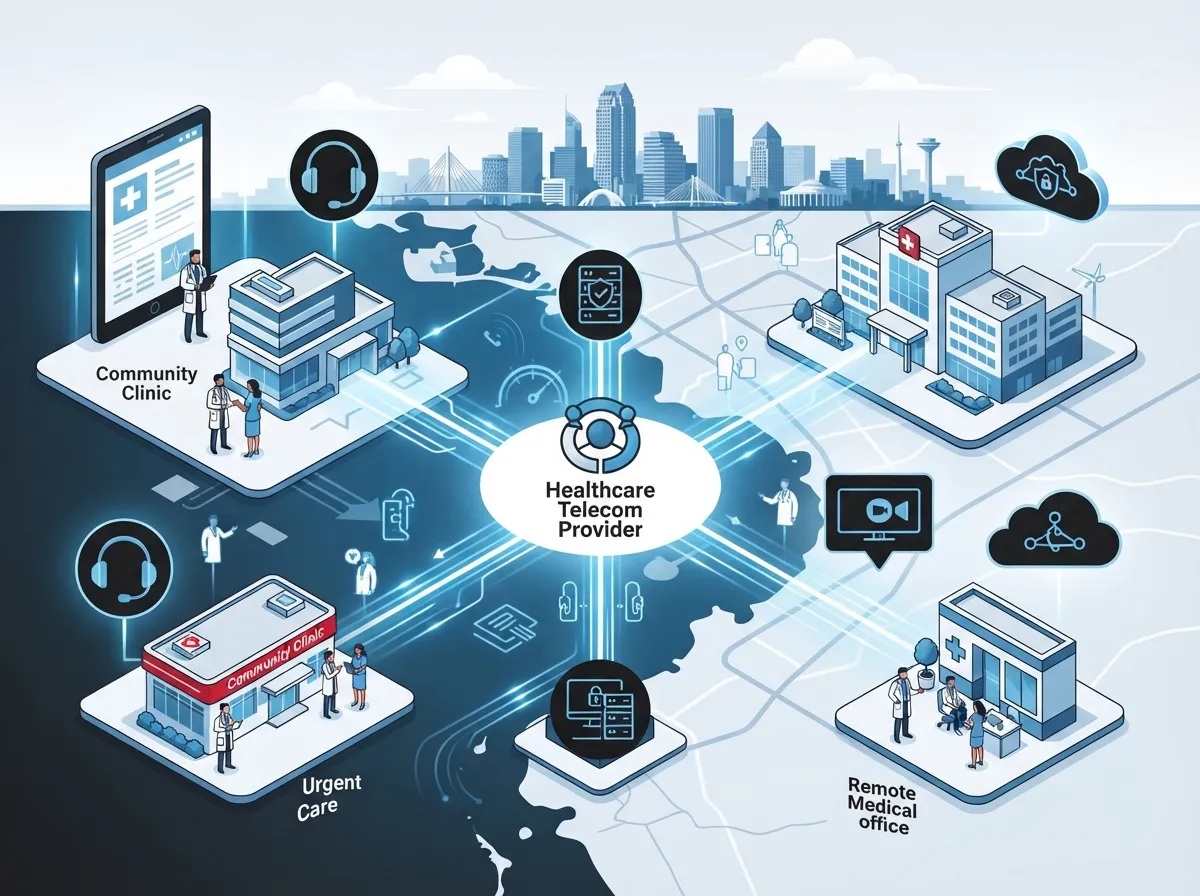
A healthcare telecom provider is a business communications vendor that serves medical practices, clinics, hospitals, and other care organizations. In Tampa, that usually means a company that supplies business internet, VoIP or hosted PBX phones, unified communications, call routing, and network support.
Think of it as the nervous system of your practice. Every patient call, every cloud-based chart, and every telehealth visit travels across it. When it works, nobody notices. When it fails, everyone does.
Many healthcare buyers also need related services that sit right next to telecom, such as structured cabling services, cloud security cameras, and door access control. Having one partner for all of it can save a lot of time.
What Should a Healthcare Telecom Provider Offer a Medical Practice?
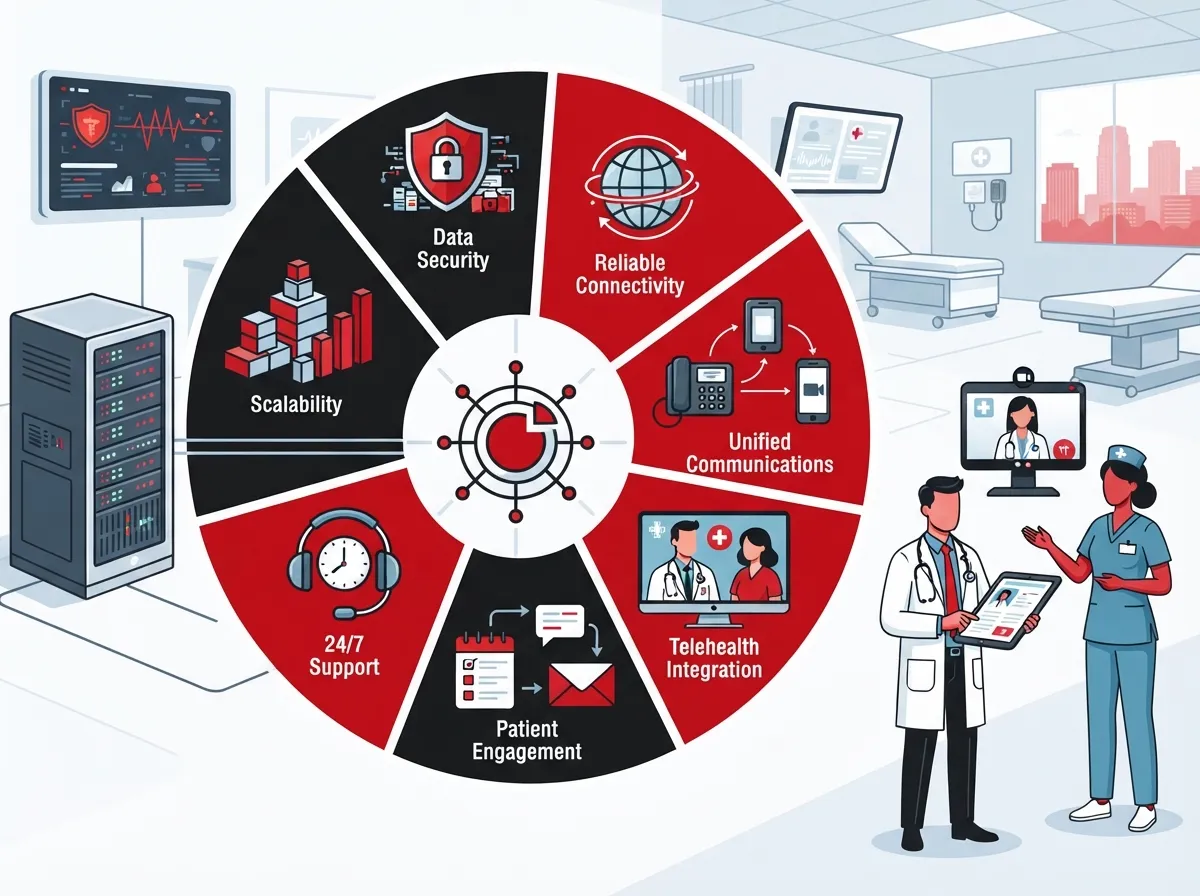
Not every business telecom package fits a medical office. Healthcare has its own rhythms, like busy mornings, after-hours calls, and nonstop patient questions. Here’s what a strong provider should bring to the table.
- Business internet: Fiber or high-capacity broadband with solid upload and download speeds.
- VoIP or hosted PBX phones: Cloud-based calling that scales as your staff grows.
- Call management tools: Call queues, auto attendants, voicemail, and after-hours routing.
- Mobile integration: Let providers take calls on a smartphone without sharing a personal number.
- Managed network services: Monitoring and support so your IT team isn’t stretched thin.
- Continuity options: Backup connectivity and failover plans for outages.
If you’d like a deeper look at phone features, check out 9 VoIP phone system features every business needs in 2026.
Connectivity and Voice Go Hand in Hand
Here’s something many practices learn the hard way: call quality depends on your internet. You can buy the fanciest phone system around, but if your network can’t carry it, calls will sound choppy.
Voice traffic needs enough bandwidth, a well-designed network, and a setting called Quality of Service (QoS). QoS tells your network to treat phone calls as high priority, so a big file download doesn’t turn a patient call into a robot voice.
Telehealth adds even more pressure. Video visits need steady upload speeds, not just fast downloads. If you’re unsure what your clinic needs, our guide on what internet speed you need for VoIP in Tampa is a handy starting point.
Why Fiber Often Makes Sense
Many clinics lean toward fiber because it offers strong, consistent speeds. If you want to compare options, see fiber vs. cable business internet in Tampa. Keep in mind that availability depends on the exact address, so always confirm service at each clinic location.
HIPAA and Your Telecom Provider: What You Need to Know
HIPAA questions can feel scary, but the basics are simple. According to the U.S. Department of Health and Human Services (HHS), your obligations depend on what the vendor does with protected health information (PHI). It’s not just about whether they sell phone service.
When a BAA Is Needed
HHS says a telecommunications provider that acts only as a “conduit” for PHI generally does not need a business associate agreement (BAA). A conduit simply moves information from one place to another, like a regular phone line.
But if a vendor creates, receives, maintains, or transmits electronic PHI on your behalf, it may count as a business associate. In that case, you should get a HIPAA-compliant BAA. You can read more in the HHS guidance on HIPAA and cloud computing.
For example, a call recording service, a voicemail-to-email tool, or a telehealth video platform may touch PHI. Those are the services where you should ask directly about a BAA.
A Quick Reality Check
Signing a BAA is important, but it doesn’t make your practice compliant on its own. You still need your own risk analysis and good internal policies. Also, treat a vendor’s “HIPAA-ready” marketing as a claim to verify, not a guarantee. Ask to see it in the contract and technical documentation.
| Service Type | Handles PHI Beyond Transmission? | BAA Likely Needed? |
|---|---|---|
| Standard phone line or basic internet (conduit only) | No | Generally no |
| Call recording or voicemail transcription | Possibly | Ask the vendor |
| Telehealth video platform | Yes, often | Often yes |
| Cloud storage of patient files | Yes | Yes |
This table is a general guide only. Always confirm with your compliance advisor or legal counsel.
How to Compare Tampa Healthcare Telecom Providers
When you’re comparing providers, it helps to use a checklist. Here’s a simple step-by-step process you can follow.
- Confirm service at every address. Availability can change from one building to the next, so verify each clinic location.
- Check speeds and capacity. Ask for both upload and download numbers, not just a headline speed.
- Review reliability commitments. Look for written uptime and latency terms in the service-level agreement (SLA).
- Ask about support hours. Healthcare doesn’t always keep 9-to-5 hours, so find out who answers at 7 a.m. or on weekends.
- Review failover plans. Ask what happens when the main connection goes down.
- Verify number portability. You want to keep your existing patient-facing phone numbers.
- Read the contract terms. Look at length, renewal, and early termination details.
- Ask about the BAA. Find out whether the vendor will sign one for the specific services that touch PHI.
Not sure how to size up pricing? Our article on how much a VoIP phone system costs for a Tampa business can help you set realistic expectations.
Keeping Your Practice Online: Backup and Failover
Picture this: it’s Monday morning, the waiting room is full, and your internet goes down. Without a plan, your phones go quiet too. For a medical office, that’s more than annoying. It can affect patient care.
A smart continuity plan usually includes a few layers:
- Backup internet: A second connection, such as wireless or a different carrier, that kicks in automatically.
- Phone failover: Calls reroute to staff mobile phones or another location if the main line drops.
- Cloud-based phone service: Because your phone system lives in the cloud, it isn’t tied to one building.
- Clear escalation steps: Everyone knows who to call and what to do.
Cloud systems have a real advantage here. If you want to see how the move works, read 5 steps to switch your business phone to the cloud in Tampa.
Solutions for Multi-Location Clinics
Do you run several offices, urgent care sites, or franchise-style locations? You need phones and networks that act like one team, even when your staff is spread across Tampa Bay.
Look for providers that offer:
- One shared phone system with extension dialing between sites.
- Central management so one admin can make changes for every location.
- Consistent network design, including secure connections between offices.
- Standard cabling across new builds and existing buildings.
For networking approaches, see 11 reliable network solutions for multi-location Tampa businesses. You may also like our post on 12 business telecom solutions for healthcare in Tampa, FL.
Why Cabling, Security, and Access Control Belong in the Conversation
Phones and internet are only part of the picture. Good structured cabling is the hidden foundation underneath it all. If the wiring in your clinic is old or messy, even the best service will struggle.
Healthcare practices also care about who can enter certain areas and what’s happening on their property. Cloud-based security cameras and access control help protect medication rooms, records areas, and staff spaces. Pairing them with your telecom plan keeps everything on one trusted partner. For a closer look, read 5 cloud access control wins for healthcare in 2026.
The Value of a Single Point of Contact
Many practice managers tell us the same thing: juggling a phone company, an internet company, a cabling contractor, and a camera vendor is exhausting. When something breaks, everyone points at someone else.
That’s one reason a single partner can be so helpful. Ideal Solutions Provider is a Tampa-based telecom and IT partner with over 24 years of experience and relationships with 35+ vetted suppliers. Instead of pushing one carrier, they compare options, review your current setup, and recommend what fits your needs. They also handle consultation, installation, and ongoing support, so you have one number to call.
If you’re curious about this approach, read 11 reasons to use one telecom partner in Tampa, FL.
Common Mistakes to Avoid
Even smart practice owners trip up on a few things. Watch out for these:
- Assuming speed equals quality. A fast plan with poor upload or weak QoS can still hurt call quality.
- Skipping the BAA conversation. Ask early, not after you’ve signed.
- Ignoring failover. Plan for outages before they happen.
- Forgetting number portability. Losing your main number is a patient-facing disaster.
- Taking vendor claims at face value. Verify uptime, coverage, and compliance promises in writing.
To avoid expensive missteps, check out 8 VoIP provider mistakes Tampa businesses must avoid.
Ready to Find the Right Fit?
Choosing a healthcare telecom provider in Tampa doesn’t have to be stressful. Start by understanding what your practice truly needs, from reliable internet and clear VoIP calls to backup plans and HIPAA-aware vendor conversations. Then compare options with a checklist, and don’t be shy about asking tough questions.
You deserve a partner who makes communications feel easy, so you can focus on your patients. If you’d like a friendly second opinion on your current setup, contact us for a free consultation or call us at 813-388-4935. We’re happy to help you find a solution that fits.
FAQs
Q: Does a VoIP provider need to sign a HIPAA business associate agreement?
A: It depends on what the provider does with protected health information. HHS says a vendor that creates, receives, maintains, or transmits electronic PHI on your behalf generally qualifies as a business associate and should sign a BAA. A simple conduit that only transmits data usually does not.
Q: Is ordinary telephone service subject to HIPAA business associate requirements?
A: Usually not. HHS explains that a telecommunications provider acting only as a conduit for PHI generally does not need a BAA. But once a vendor handles PHI beyond simple transmission, such as call recording or voicemail transcription, the answer can change.
Q: How can a Tampa medical office improve VoIP call quality and reliability?
A: Start with enough bandwidth and a network designed for voice, including Quality of Service (QoS) settings that prioritize calls. Good cabling and a backup internet connection with phone failover also go a long way toward keeping calls clear and steady.
Q: What backup connectivity should a healthcare office have?
A: A solid plan includes a secondary internet connection that switches on automatically and phone failover that reroutes calls to mobile devices or another location. A cloud-based phone system helps too, since it isn’t tied to a single building.
Q: How do I compare Tampa healthcare telecom providers?
A: Compare service availability at each clinic address, upload and download capacity, uptime commitments, support hours, failover plans, number portability, and contract terms. Also ask whether the vendor will sign a BAA for any service that touches PHI, and verify all claims in writing.





