

Key Takeaways
-
Native integrations with REST APIs, webhooks, and SCIM automation reduce manual work by syncing employee credentials across access control, identity systems, and communication platforms automatically when staff join or leave.
-
Cloud access control can trigger real-time phone calls, SMS alerts, and video pop-ups through SIP-based integrations, enabling faster emergency response and eliminating the need for multiple separate dashboards and logins.
-
Hybrid-cloud architectures with local door controllers and cellular backup ensure doors remain functional during internet outages, making offline resilience a critical requirement to verify before vendor selection.
-
Access control paired with video surveillance using ONVIF standards creates automatic video tagging for badge swipes and failed attempts, reducing investigation time from hours to minutes while supporting compliance audits.
-
Validate vendor integrations are native connectors—not custom API work—and confirm data syncs bidirectionally; verify exact support for your specific hardware, cameras, PBX system, and identity platform to avoid costly compatibility failures.
-
Security integrations require encryption in transit and at rest, least-privilege API permissions, webhook validation, regular credential rotation, and complete audit logs; ask vendors directly if they cannot clearly answer these controls.
Picture this: someone rings your office intercom, the video pops up on your phone, and you unlock the door with one tap. No radio calls. No running to the front desk. That’s the magic of cloud access control third party integration, and it’s changing how Tampa businesses handle security every single day. If you’re an office manager juggling a dozen systems or an IT director tired of apps that don’t talk to each other, this guide is for you.
We’re going to walk through exactly how cloud access control connects with your phones, your video cameras, your employee directory, and more. You’ll learn the real standards behind these connections, the questions to ask vendors, and how to keep your doors working even when the internet hiccups. Let’s get into it.
What Is Cloud Access Control Third Party Integration?
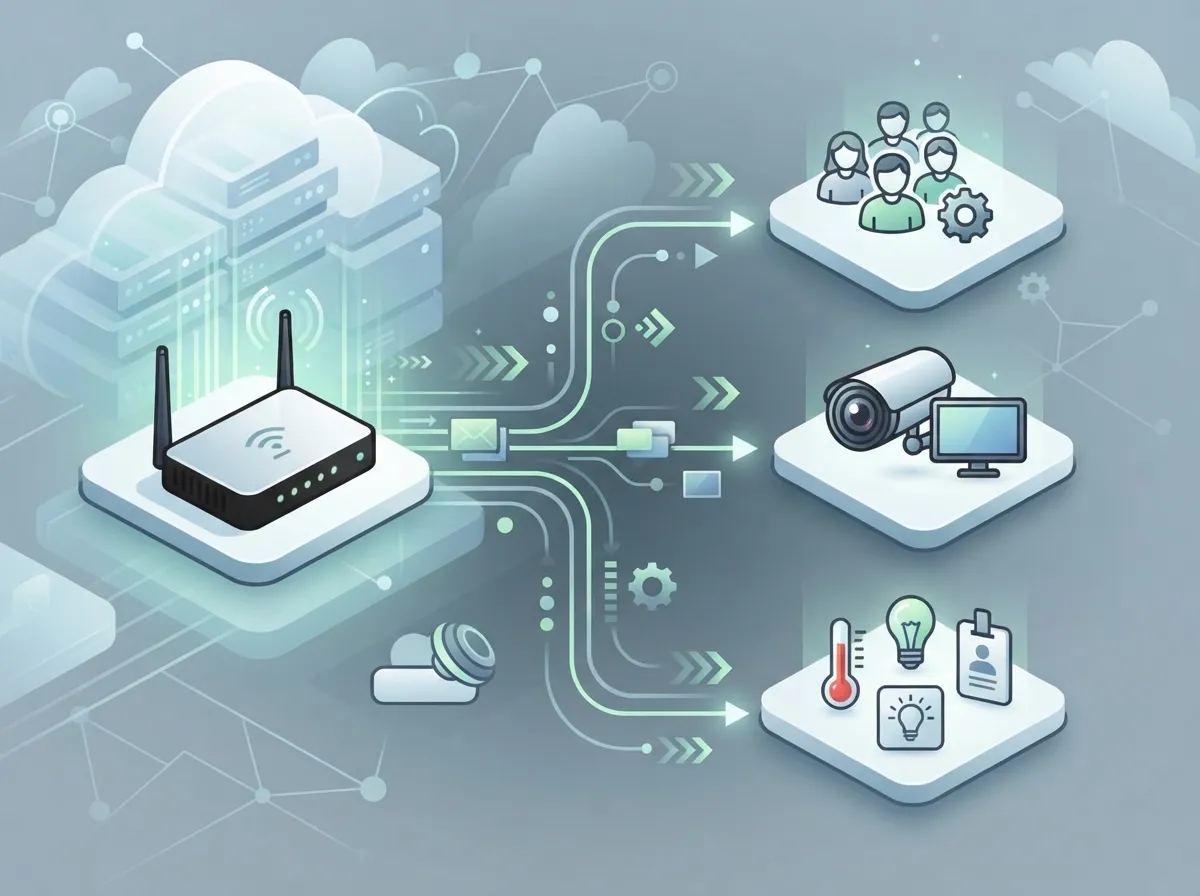
In simple terms, this means linking your cloud-based door and access system with other business tools. Think phones, video cameras, employee ID systems, and alert apps. Instead of managing five separate logins and five separate dashboards, everything works together.
For businesses using cloud-based phone systems and access control side by side, integration means a door event can trigger a phone call, a text alert, or a video pop-up automatically. This isn’t just convenient. It saves time and stops small problems from turning into big ones.
Ideal Solutions Provider has spent over 24 years helping Tampa businesses connect these dots. As a telecom and IT partner working with 35+ vetted suppliers, they see firsthand which integrations actually work and which ones are just marketing talk.
Why This Matters for Your Business
Here’s the honest truth: most businesses don’t need fancy tech for the sake of tech. They need systems that reduce headaches. A well-integrated access control setup does exactly that.
- Fewer logins and dashboards for your team to manage
- Faster response when something unusual happens at a door
- Automatic updates when employees join or leave
- One clear record of who came and went, tied to video proof
- Less manual work for your office manager or IT staff
The Building Blocks: APIs and Standards You Should Know
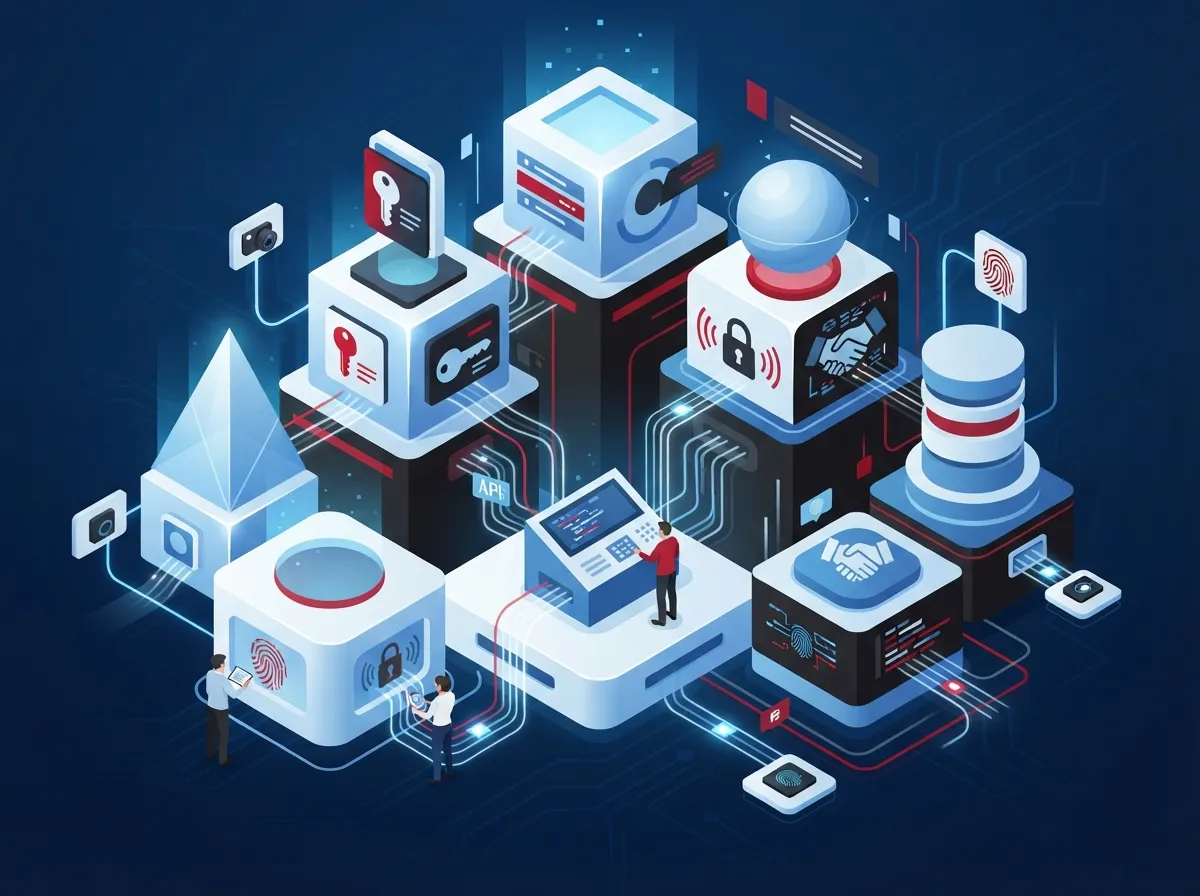
You don’t need to become a programmer to understand this stuff. But knowing a few terms helps you ask smarter questions when shopping for a system.
| Standard or Method | What It Does | Why It Matters |
|---|---|---|
| REST API | Lets two systems send and receive data over the internet | Powers most modern integrations, including custom dashboards |
| Webhooks | Sends instant alerts when something happens, like a door opening | Enables real-time notifications to phones or apps |
| SCIM | Automates adding and removing user accounts | Speeds up onboarding and offboarding employees |
| SAML | Allows single sign-on across systems | Employees use one login for multiple tools |
| SIP | Handles voice communication over the internet | Connects intercoms and door phones to your VoIP system |
| ONVIF | A common language for video devices | Helps cameras from different brands work together |
Cloud Security Alliance guidance on API security stresses that connectivity risk must be assessed at every stage, from design through ongoing monitoring. This isn’t just theory. It’s the backbone of a safe integration.
Connecting Access Control to Your Phone and Communication Systems
This is where things get exciting for telecom-minded businesses. Your access control system doesn’t have to sit in its own silo. It can talk directly to your phone system.
Common Telecom Integration Use Cases
- A visitor presses the intercom button, and the call routes straight to a receptionist’s VoIP phone or mobile app
- An after-hours door alarm triggers an automatic call to a security company or manager
- A delivery arrives, and the system sends an SMS alert to the warehouse team
- A door left open too long routes a call to the contact center for follow-up
- Multiple office locations share one unified alert system through a shared network setup
These aren’t far-off ideas. They’re happening right now with SIP-based intercoms and hosted PBX systems. If your business already runs on a cloud phone system, adding access control integration is often simpler than you’d expect.
Linking Access Control with Your Identity Systems
Nobody likes doing the same task twice. When a new employee starts, you shouldn’t have to create their email account, their phone extension, and their door badge separately.
Integrating access control with identity platforms like Microsoft Entra ID, Okta, Google Workspace, or Active Directory fixes this. Here’s how it typically works:
- HR adds a new employee to the company directory
- The identity system automatically creates their credentials
- Access control syncs and assigns the right door permissions
- When the employee leaves, HR marks them inactive
- Access control instantly revokes their badge and mobile credential
This last step matters more than people realize. A former employee with active door access is a real security risk. Automated deprovisioning closes that gap fast.
Pairing Access Control with Video Surveillance
Have you ever looked at hours of camera footage trying to find one moment? Integration solves that problem. When access control and cloud video security work together, every door event is tagged with a matching video clip.
- A badge swipe pulls up the exact camera footage from that moment
- Failed access attempts get flagged with video proof automatically
- Investigations that used to take hours now take minutes
- Security teams can verify visitors before buzzing them in
- Reports combine access logs and video for compliance audits
This kind of pairing used to require expensive custom builds. Now, many cloud platforms offer it as a built-in feature, though the depth of that feature varies quite a bit by vendor.
What Happens When the Internet Goes Down?
This is the question every smart business owner asks, and it’s the right one. Cloud systems depend on connectivity, but your front door can’t just stop working because the internet blinked.
Good cloud access control platforms use a hybrid design. The cloud software manages things day to day, but local controllers keep doors working even offline. Here’s what a resilient setup should include:
- Local door controllers that store permissions even without internet
- Cellular backup connections for critical sites
- Battery backup on door hardware for power outages
- Clear emergency egress rules that never lock people inside
- Documented recovery steps once connectivity returns
Ask any vendor directly: what happens to my doors if the cloud service or internet goes down? If they can’t answer clearly, that’s a red flag. Reliable high-speed internet for business reduces how often you’ll face this problem, but backup plans still matter.
The Five Layers of a Solid Integration Architecture
It helps to think of cloud access control integration as a stack of layers, each doing its own job.
- Door hardware and controllers — the physical locks, readers, and panels
- Cloud access control platform — the brain managing rules and permissions
- Identity and credential management — where user accounts live and sync
- Communications and video systems — phones, intercoms, and cameras tied in
- Monitoring and reporting tools — logs, alerts, and compliance dashboards
Every layer needs to talk to the next one smoothly. A weak link anywhere, like a camera that doesn’t support ONVIF, can break the whole chain.
Security Checklist Before You Approve Any Integration
Not all integrations are created equal. Before connecting a third-party app or service, walk through this list.
- Does the integration use least-privilege API permissions?
- Is data encrypted both in transit and at rest?
- Are webhooks validated to prevent fake alerts?
- How often are API credentials rotated?
- Is there a clear audit log of every access change?
- Has the vendor completed a third-party risk assessment?
- What are the data retention rules for logs and video?
NIST’s guidance on access control for cloud systems reinforces that these controls aren’t optional extras. They’re the foundation of a trustworthy setup.
Questions to Ask Before Signing With Any Vendor
Vendor brochures love the word “integration.” But not all integrations are built the same way. Some are native and fully supported. Others require custom development that costs extra and takes months.
| Question | Why It Matters |
|---|---|
| Is this a native connector or custom API work? | Native options are usually faster and cheaper to maintain |
| Is data sync one-way or two-way? | Two-way sync keeps both systems accurate at all times |
| What event types are supported? | Some platforms only send basic alerts, not detailed ones |
| Are there API rate limits? | High-traffic sites may hit limits during busy periods |
| Is API access licensed separately? | This affects your total cost significantly |
| Where is data stored? | Data residency matters for compliance in some industries |
Avigilon, for example, states its Alta Access platform supports over 100 integration applications through an open API. That’s impressive on paper, but always confirm the exact integrations you need are included and actively maintained, not just listed in a catalog.
Real Business Examples Worth Knowing
Seeing this in action helps it click. Here are common scenarios businesses run into:
- A medical office links door badges to its healthcare telecom systems, so front desk calls and door alerts share one screen
- A multi-location franchise centralizes access management across every site through one cloud dashboard
- A warehouse ties door sensors to SMS alerts, letting managers know instantly when a loading dock opens after hours
- An office building routes visitor intercom calls to a receptionist’s mobile phone during remote workdays
Omdia’s 2025 Access Control Report notes a clear industry shift toward hybrid-cloud platforms that blend local hardware control with cloud management. This trend supports exactly the kind of flexible setups Tampa businesses are asking for.
Avoiding Vendor Lock-In
Open standards like REST APIs and ONVIF exist partly to protect you from getting stuck with one vendor forever. But open doesn’t always mean compatible.
Before committing, confirm the platform genuinely supports your specific readers, controllers, cameras, PBX system, SIP provider, and network setup. Interoperability on paper doesn’t always match reality in the field. This is where working with a partner who’s tested these combinations firsthand makes a real difference, whether it’s structured cabling compatibility or software connector reliability.
Bringing It All Together With One Trusted Partner
Juggling separate vendors for phones, internet, cameras, and access control is exhausting. Most businesses end up with mismatched systems that barely talk to each other, if at all.
This is exactly the gap Ideal Solutions Provider was built to fill. With over 24 years of experience and partnerships across 35+ vetted suppliers, they act as a single point of contact for the whole puzzle: cloud based access control, VoIP phone systems, business network solutions, and cloud video security. Instead of chasing five different support lines, you get one team that understands how everything fits together.
You can also check out their work and client stories on Facebook, Instagram, or YouTube to see real integration examples in action.
Final Thoughts on Cloud Access Control Integration
Cloud access control third party integration isn’t just a technical upgrade. It’s about making your business run smoother, safer, and with a lot less manual busywork. Whether you’re linking doors to your phone system, syncing employee accounts, or pairing badges with video footage, the goal is always the same: less friction, more control.
The technology is here, and it’s more accessible than most business owners realize. You don’t need a massive IT department to make it work. You just need the right partner who understands both the telecom side and the security side.
Ready to see how integrated access control could work for your business? Reach out to our team for a free consultation, or give us a call today to talk through your specific setup. We’ll walk you through exactly what’s possible, no pressure, no jargon overload.
FAQs
Q: What is cloud access control third party integration for business telecom solutions?
A: It’s the process of connecting your cloud-managed doors and locks with other business tools like phones, video cameras, and employee directories. Think of it as getting all your security and communication systems to finally work as a team instead of separate islands.
Q: Can access control events trigger calls, SMS messages, or contact center workflows?
A: Absolutely, and it’s one of the coolest parts of modern integration. A door alarm or intercom press can automatically ring a phone, send a text, or route straight to your contact center, so nothing slips through the cracks.
Q: What happens to doors and intercoms if the internet or cloud service goes down?
A: A well-designed system keeps working locally even without internet, thanks to smart door controllers and backup power. That said, always ask your vendor exactly how their system behaves during an outage before you sign anything.
Q: How does cloud access control integrate with Microsoft Entra ID, Okta, or Active Directory?
A: These integrations automate the boring stuff, like creating door access when someone joins and instantly removing it when they leave. It saves your HR and IT teams a ton of manual work and closes security gaps fast.
Q: How secure are third party integrations with cloud access control systems?
A: They can be very secure when set up correctly, using encrypted connections, limited permissions, and regular credential rotation. The key is choosing a partner who takes security seriously and can explain their safeguards in plain language.





