
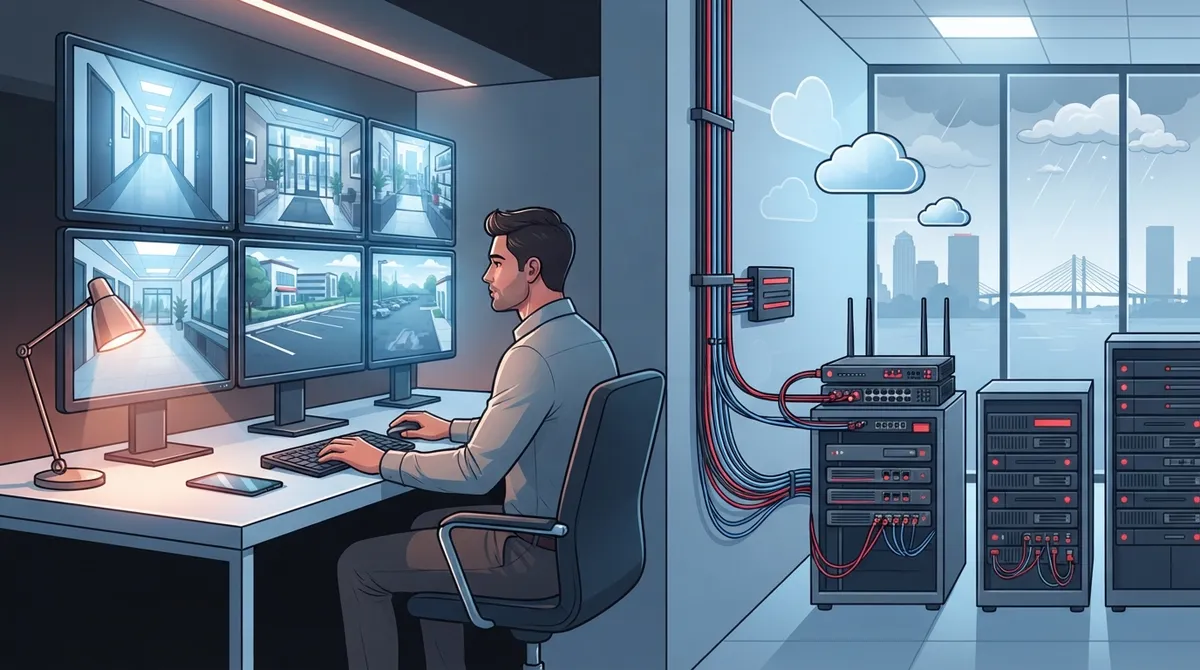
Key Takeaways
-
Cloud CCTV costs $2,500-$15,000 upfront plus $10-$40 per camera monthly; ensure your business internet upload speed can handle multiple camera streams before installation.
-
Multi-location businesses gain huge efficiency by monitoring all sites from one dashboard instead of logging into separate systems at each location.
-
Hybrid systems with local SD card backup automatically upload footage to the cloud when internet returns, protecting against outages during Florida storms.
-
Most deployments follow a specific sequence: site survey, risk assessment, network review, installation, cybersecurity setup, and staff training to avoid installing cameras before confirming network capability.
-
Pair cloud CCTV with a telecom partner handling both connectivity and camera systems to avoid bandwidth competition and ensure seamless integration with phones and Wi-Fi.
-
Florida businesses must avoid cameras in private areas, obtain all-party consent for audio recording, post signage for facial recognition, and document retention policies to comply with state privacy laws.
If you own or manage a Tampa business, you’ve probably thought about upgrading your security cameras. Maybe your old DVR system keeps freezing. Maybe you want to check on your shop from your phone while you’re at the beach. Whatever brought you here, welcome! You’re about to learn everything you need to know about cloud based CCTV Tampa businesses are switching to, and how it stacks up against the old-school way of doing things.
Think of this as a friendly chat over coffee, not a technical lecture. We’ll walk through the real differences between cloud video systems and traditional DVR setups, what they cost, and how to pick the right one for your Tampa business. By the end, you’ll feel confident making this decision, whether you run a single storefront or oversee cameras at a dozen locations across the state.
What Is Cloud Based CCTV, Really?
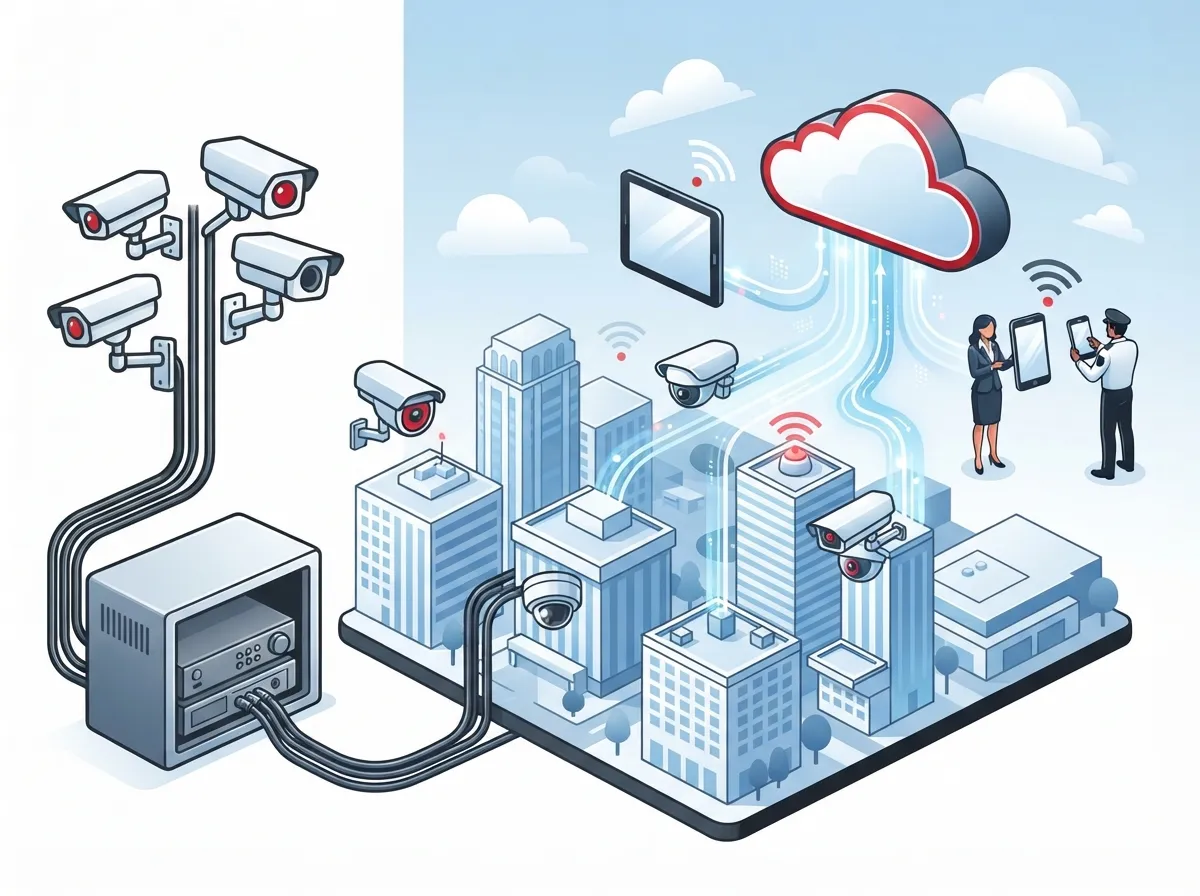
Cloud based CCTV (also called cloud video surveillance) connects your business cameras to an online platform instead of a physical recording box sitting in a closet. Your footage lives in the cloud, so you can watch live video or pull up recordings from your phone, tablet, or laptop, anywhere you have internet access.
This matters a lot for Tampa business owners juggling multiple responsibilities. You don’t need to be standing in your office to check if a delivery arrived or if the back door got locked. It’s like having eyes on your business no matter where your day takes you.
Cloud platforms typically let authorized team members view footage, adjust camera settings, and review activity logs from a web browser or app. This is a big shift from older systems where you had to be physically near the recorder to see anything useful.
Cloud CCTV vs. Traditional DVR/NVR: The Real Comparison
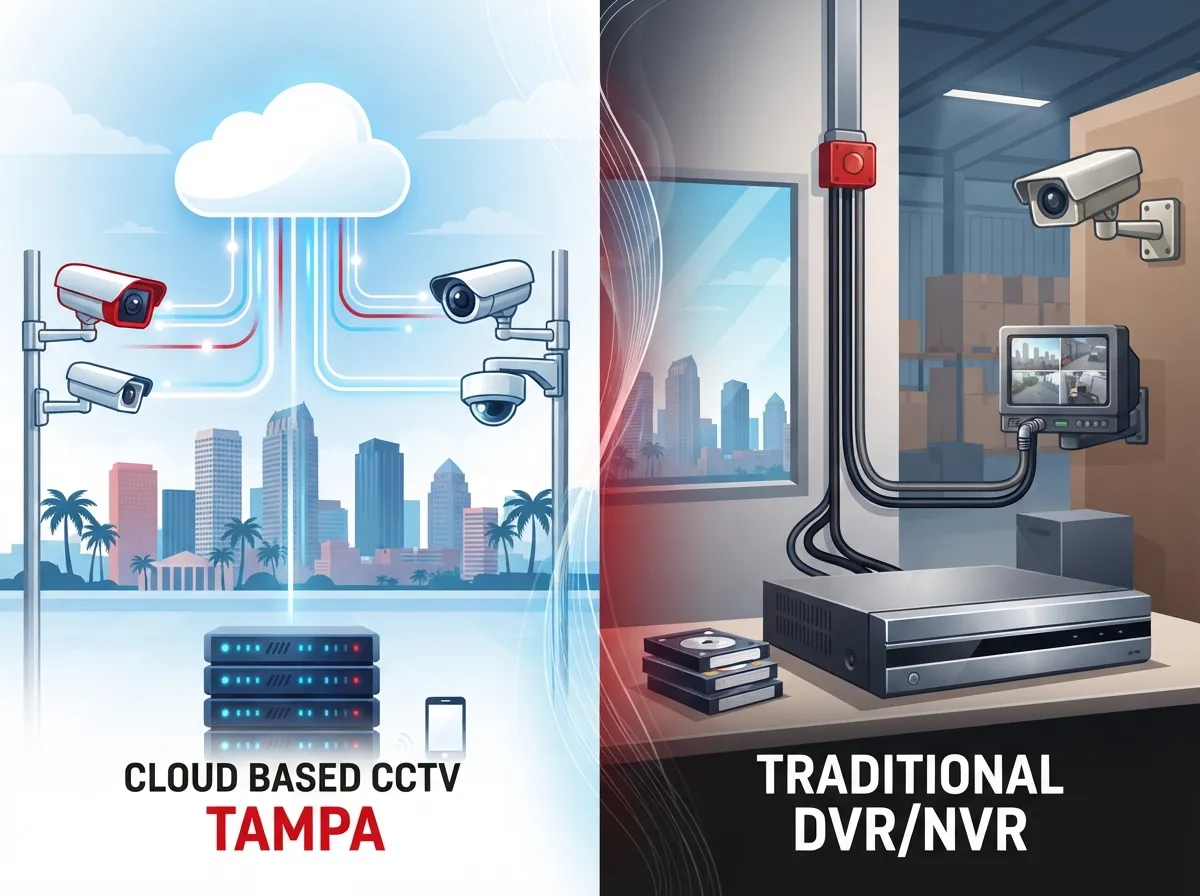
Let’s break down how these two approaches actually differ, because this is where most business owners get confused.
| Feature | Cloud Based CCTV | Traditional DVR/NVR |
|---|---|---|
| Remote Access | View from anywhere with internet | Limited or requires extra setup |
| Storage Location | Off-site cloud servers | On-site physical box |
| Multi-Site Monitoring | Single dashboard for all locations | Separate systems per site |
| Maintenance | Managed by provider, fewer on-site repairs | Owner handles hardware failures |
| Internet Dependency | High, needs reliable connection | Low, works without internet |
| Scalability | Easy to add cameras or sites | Often requires new hardware |
| Upfront Cost | Lower hardware cost, ongoing fees | Higher hardware cost, no monthly fee |
Neither option is automatically “better” for every business. A single-location shop with spotty internet might do fine with a hybrid setup. A franchise operator with five Tampa Bay locations almost always benefits more from centralized cloud monitoring.
How Much Does Cloud Based CCTV Cost in Tampa?
Let’s talk numbers, because that’s usually the first question on everyone’s mind.
According to Tampa-area installers, a typical small business surveillance project runs about $2,500 to $15,000. The final price depends on how many cameras you need, what resolution you want, and whether you’re adding cloud storage or local storage too.
On top of installation, expect to pay ongoing cloud platform fees. These typically range from $10 to $40 per camera per month. That fee usually covers video storage, remote access, and AI-powered features like motion detection.
Here’s a simple breakdown of what affects your final cost:
- Number of cameras – More cameras mean more hardware and higher monthly fees
- Camera resolution – Higher-definition footage takes up more storage space
- Retention period – Keeping footage for 30 days costs more than keeping it for 14 days
- Analytics features – License plate recognition or people counting add to the price
- Number of locations – Multi-site dashboards may carry additional licensing costs
One Tampa cloud video provider, for example, includes 14 days of secure off-site storage in its standard plans. Always ask your provider exactly what’s included before you sign anything.
Why Internet Quality Makes or Breaks Your Cloud Camera System
Here’s something a lot of business owners don’t think about until it’s too late: cloud CCTV lives and dies by your internet connection. If your upload speed is weak, your cameras might lag, drop frames, or stop recording altogether.
Before installing any cloud camera system, a good telecom partner should check a few things:
- Your current upload bandwidth and whether it can handle multiple camera streams
- Network latency and whether your Wi-Fi or wired setup needs improvements
- Power availability at each camera location
- Whether you need a secondary internet connection or cellular failover for backup
This is exactly why pairing your camera project with a solid business high-speed internet service in Tampa makes so much sense. You don’t want your brand-new security system crawling because your internet can’t keep up. If you’re unsure whether your current setup can handle it, it might help to first review why your business internet might be running slow before adding more devices to the network.
What Happens When the Internet Goes Down?
This is one of the most common worries we hear, and it’s a fair one. Florida storms happen, and outages happen. So what protects your footage when your connection drops?
Many modern systems use a hybrid approach. Cameras record locally on an SD card or edge storage device during an outage, then automatically upload the footage to the cloud once your connection comes back. This gives you the best of both worlds: local backup plus cloud convenience.
A secondary internet line or cellular failover connection also helps keep your remote access alive during a primary outage. This is something worth discussing with your provider during the planning stage, especially if your business can’t afford any gaps in coverage.
Common Features Tampa Businesses Actually Use
Cloud CCTV platforms have come a long way from simple “record and store” systems. Here are features that show up often in commercial deployments:
- Motion and intrusion alerts sent straight to your phone
- People and vehicle detection to cut down on false alarms
- License-plate recognition for parking lots and gated properties
- Searchable video so you don’t have to scrub through hours of footage
- Night vision and wide-angle or pan-tilt-zoom cameras
- Multi-site dashboards for franchise or multi-location businesses
- Integration with access control, intercoms, and visitor management
Not every plan includes every feature, so it’s smart to ask your provider exactly what’s bundled versus what costs extra.
Multi-Location Monitoring: A Big Win for Franchise Operators
If you run more than one location in Tampa Bay, or across the state, cloud CCTV solves a headache that traditional DVR systems never could. Instead of logging into five separate systems to check five different stores, you get one dashboard showing every camera at every site.
This is huge for franchise operators and mid-sized enterprises trying to keep an eye on operations without hiring a full-time security team. It also simplifies training, because staff at every location use the same interface.
A telecom partner who understands both networking and camera systems can make this rollout smooth. That’s really the sweet spot for a provider like Ideal Solutions Provider, since combining connectivity, cabling, and camera platforms under one roof avoids the mess of juggling separate vendors for each piece.
Privacy and Legal Considerations for Florida Businesses
Before you install cameras everywhere, it helps to understand a few Florida-specific rules.
Florida Statutes section 163.31802 generally limits how local governments can force lawful businesses to fund certain security-camera standards meant to support government services. That said, this statute doesn’t remove your other obligations under privacy, employment, contractual, or insurance rules.
A few practical guidelines to keep in mind:
- Never place cameras where people expect privacy, like restrooms or changing areas
- Be extra careful with audio recording, since Florida generally requires all-party consent for recording oral conversations
- Post clear signage if you’re recording audio or using facial recognition
- Document your retention policy and who has access to footage
- Talk to legal counsel before enabling advanced features like license-plate recognition
These aren’t meant to scare you away from upgrading your security. They’re just good practices that protect your business from unnecessary risk.
Security Controls That Protect Your Footage
Your camera footage is sensitive information. A break-in caught on tape, an employee dispute, or a customer incident, all of that needs to stay protected. Here’s what a trustworthy cloud CCTV setup should include:
- Unique login credentials for every user, never shared passwords
- Role-based permissions so only the right people see the right footage
- Multifactor authentication for extra login protection
- Encrypted video storage and transmission
- Regular software updates from the provider
- Audit logs showing who accessed what footage and when
- A clear process for exporting footage when needed for legal or insurance purposes
Ask any provider you’re considering where your data is stored and who can access it. These are reasonable questions, and a good provider will answer them without hesitation.
Steps to Deploy Cloud CCTV at Your Tampa Business
Ready to get started? Here’s a realistic step-by-step process most Tampa deployments follow:
- Site survey – A technician walks your property to identify blind spots and coverage needs
- Risk assessment – Determine which areas need the most attention, like entrances, registers, and loading docks
- Camera and retention design – Decide on camera count, resolution, and how long you’ll keep footage
- Network and power review – Confirm your internet and electrical setup can support the new system
- Installation – Cameras get mounted and connected, often alongside structured cabling services if new wiring is needed
- Cybersecurity configuration – Set up user permissions, encryption, and access controls
- Testing – Confirm every camera streams properly and alerts work as expected
- Staff training – Teach your team how to use the dashboard and respond to alerts
- Ongoing monitoring – Schedule regular maintenance checks and software updates
Following these steps in order helps avoid the common mistake of installing cameras first and figuring out the network later. It really should happen the other way around.
Cloud CCTV Fits Into Your Bigger Telecom Picture
Here’s something worth remembering: your security cameras don’t exist in a vacuum. They share your network with your phones, your Wi-Fi, and every other connected device in your building.
That’s why it often makes more sense to work with one provider who understands your whole telecom picture rather than hiring a standalone camera installer. A knowledgeable partner can coordinate your cloud-based phone system, your internet service, your structured cabling, and your camera platform so everything works together instead of competing for bandwidth.
This is also where cloud access control systems often come into play. Many Tampa businesses pair cameras with door access control so they get a complete security picture, not just video footage after something already happened.
Questions to Ask Before You Sign a Contract
Before committing to any cloud CCTV provider, walk through this checklist:
- How many days of footage retention are included in the base plan?
- What happens to my footage if I cancel my subscription?
- Is there a backup option if my internet goes down?
- Can I add cameras or locations later without a big renegotiation?
- Who has access to my footage on the provider’s side?
- What’s the total monthly cost per camera, including all add-on features?
A trustworthy provider will answer these clearly and won’t rush you into signing before you understand the full picture.
Wrapping It All Up
Choosing between cloud based CCTV and a traditional DVR system really comes down to how you run your business. If you value remote access, multi-site monitoring, and less on-site hardware to manage, cloud video security is likely your best fit. If you’re in an area with unreliable internet and want a simpler, self-contained setup, a hybrid system might serve you better.
Either way, you deserve a partner who treats your security like it matters, because it does. Your business, your team, and your customers all benefit when you get this right the first time. With over 24 years of experience and partnerships across 35+ vetted suppliers, our team has helped businesses throughout Tampa Bay design camera systems that actually fit their needs and their budget.
Ready to talk through your options? Reach out to our team today for a free consultation, or give us a call and let’s figure out the smartest way to protect your business. You can also follow along on Facebook, Instagram, or YouTube for more tips on business telecom and security solutions.
FAQs
Q: What is cloud based CCTV and how does it work for a Tampa business?
A: Cloud based CCTV connects your security cameras to an online platform instead of a local recording box. You get to watch live video or review recordings from your phone or laptop, anywhere you have internet. It’s a great fit for Tampa businesses that want to keep an eye on things even when they’re not on-site.
Q: How much does a cloud based commercial camera system cost in Tampa?
A: Most small business projects run about $2,500 to $15,000 depending on camera count and features. On top of that, expect monthly cloud fees of roughly $10 to $40 per camera. The exact cost depends on your retention period, resolution, and how many extra features you want.
Q: What internet speed do cloud security cameras need?
A: There’s no one-size-fits-all number here, it really depends on how many cameras you have and their resolution. A good provider will calculate your upload bandwidth needs based on your specific camera setup. That’s why a proper site survey matters before installation day.
Q: What happens to cloud camera recordings when the internet goes down?
A: Many systems record locally during an outage and upload footage once your connection returns. This hybrid approach protects your footage from gaps. Adding a backup internet connection or cellular failover can also help keep remote access alive during an outage.
Q: Can a Tampa business monitor multiple locations from one dashboard?
A: Yes, and this is one of the best perks of cloud CCTV for franchise operators and growing businesses. Instead of logging into separate systems at every site, you can view all your locations from a single dashboard. It makes life so much easier when you’re managing more than one storefront.





