

Key Takeaways
-
Network infrastructure and cabling are more critical than camera quality; ensure adequate bandwidth, updated wiring, and cellular failover before investing in cameras, especially for Tampa's hurricane season.
-
True video monitoring combines real-time AI or human-assisted detection with rapid escalation procedures, not just passive recording—this active response capability is what prevents losses rather than just documenting them.
-
Integrate video systems with access control, VoIP phones, and existing networks into one connected platform managed by a single provider to avoid coordination headaches and ensure consistent coverage across multiple locations.
-
Cloud-based systems work best for multi-location Tampa businesses offering remote centralized management, while on-premises setups suit single-site operations with limited connectivity; hybrid approaches balance both needs.
-
Pair AI analytics with human verification to significantly reduce false alarms and prevent alert fatigue that causes teams to ignore genuine security threats.
-
Establish a comprehensive video policy upfront covering footage access, retention periods, privacy compliance, and law enforcement procedures to protect your business from legal issues later.
If you run a business in Tampa, you already know how unpredictable things can be. One minute your parking lot is quiet, and the next you have a break-in, a slip-and-fall, or a delivery dispute you need to sort out fast. That’s where video monitoring services tampa businesses trust really earn their keep. But here’s the thing nobody tells you: a camera bolted to a wall is not the same as a true monitoring system. You need reliable internet, smart software, and a network built to keep working even when the weather gets rough.
Grab a coffee and let’s walk through this together. Whether you’re a small shop owner, an IT manager juggling multiple locations, or a franchise operator trying to keep every site consistent, this guide will help you build a video monitoring setup that actually works. We’ll cover the tech, the costs, the common mistakes, and the questions you should ask before signing anything. No fluff, just friendly, practical advice.
What Video Monitoring Services Really Include
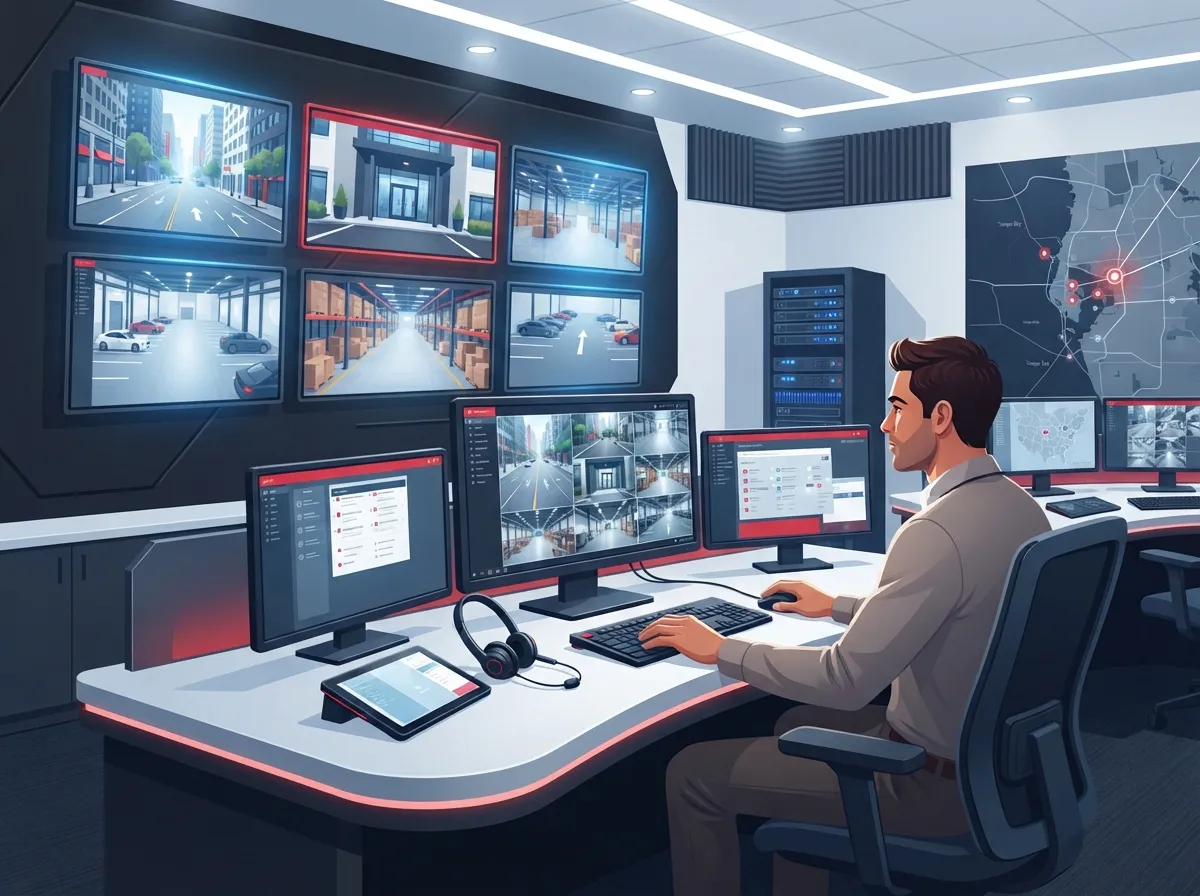
Video monitoring is more than just a camera recording footage to a hard drive somewhere. Real business video monitoring in Tampa combines IP cameras, video management software, secure networking, and either human or AI-assisted monitoring that can spot trouble and act on it. Think of it as recording plus a brain that watches for you.
The big difference between basic surveillance and true monitoring comes down to response. With recording-only setups, you find out about a problem after it happens, usually when you go looking for footage. With monitored systems, trained staff or smart software can flag unusual activity in real time and start an escalation process right away. That could mean an alert to your phone, a call to local authorities, or a notification to your security team.
According to Omdia’s research, the global video surveillance market grew 4.3% to roughly $27 billion in 2025, driven largely by AI demand. That growth tells us businesses everywhere are shifting away from passive recording toward smarter, more active monitoring systems.

Why Your Network Matters More Than Your Cameras
Here’s a secret a lot of camera salespeople won’t tell you: the fanciest camera in the world is useless without a solid network behind it. Video monitoring depends on Internet Service Provider connections, structured cabling, and secure IP networking to actually work.
Before you even think about camera brands, ask yourself these questions:
- Do we have enough bandwidth to handle multiple HD or 4K camera streams at once?
- Is our cabling up to date, or are we still running on outdated wiring that can’t keep up?
- What happens to our cameras if the internet goes down during a Tampa storm?
- Is our network secure enough to prevent hackers from accessing camera feeds?
- Can our system scale if we open new locations?
If any of those questions make you nervous, you’re not alone. This is exactly why structured cabling supports VoIP and cameras so well when it’s done right. Good cabling and networking form the backbone that makes everything else possible.
Many Tampa businesses now also add cellular failover, so cameras stay connected even if the main internet line drops. This matters a lot during hurricane season, when power and connectivity can get shaky fast.
How to Choose the Right Video Monitoring Setup: A Step-by-Step Approach
Ready to actually build your system? Here’s a simple process that works whether you have one office or twenty locations across Florida.
- Assess your space and risks. Walk your property and note entry points, blind spots, parking areas, and high-value zones like storage rooms or cash registers.
- Check your existing network. Look at your current internet speed, cabling age, and whether your setup can handle added camera traffic. If you’re unsure, a provider can run a full audit.
- Decide between cloud, on-premises, or hybrid storage. Cloud systems make it easy to manage multiple sites remotely, while on-premises setups can offer more local control when connectivity is limited.
- Choose weather-rated outdoor equipment. Tampa heat, humidity, and heavy rain are tough on gear that isn’t built for it.
- Add power protection and cellular backup. A UPS keeps things running during short outages, and cellular failover keeps cameras online during longer ones.
- Set up monitoring and escalation procedures. Decide who gets alerted, how fast, and what steps happen next.
- Integrate with access control and other systems. Cameras work even better when paired with door access, intercoms, and your business phone system.
- Write a video policy. Document who can view footage, how long it’s kept, and how requests from employees or law enforcement are handled.
This process takes a little time upfront, but it saves major headaches later. Businesses that skip steps often end up with gaps in coverage or systems that fail exactly when they’re needed most.
Cloud vs. On-Premises vs. Hybrid: Which Fits Your Business?
This is one of the most common questions we hear, and honestly, there’s no one-size-fits-all answer. It depends on your budget, your locations, and how much control you want over your data.
| System Type | Best For | Key Benefit | Consideration |
|---|---|---|---|
| Cloud-Based | Multi-location franchises, growing businesses | Remote viewing, centralized management, automatic updates | Needs strong, stable internet |
| On-Premises | Single-site businesses with limited connectivity | Local control, predictable access | Harder to scale across locations |
| Hybrid | Mid-sized enterprises balancing both needs | Local backup with cloud flexibility | Slightly more complex to manage |
If you’re managing several Tampa Bay locations, cloud tends to win out because it lets you check on every site from one dashboard. For a deeper look at how these systems work, check out this guide on how to choose cloud security cameras for Tampa commercial buildings.
AI Analytics: Helpful Tool, Not a Magic Fix
AI-powered cameras can spot people, vehicles, loitering, or unusual movement. That’s genuinely useful. But it’s not perfect, and it shouldn’t replace human judgment entirely.
Ask any vendor these questions before you buy in:
- How is the AI trained, and on what kind of data?
- How often does it produce false alarms?
- Is there human verification before an alert gets escalated?
- Can the system be adjusted for our specific business type?
Pairing AI detection with human review tends to cut down on false alarms significantly, which saves your team time and keeps everyone from tuning out real alerts.
Common Tampa Business Applications
Video monitoring looks different depending on your industry. Here’s how it typically plays out across common Tampa business types:
- Retail stores use cameras for loss prevention, customer safety, and dispute resolution.
- Warehouses rely on wide coverage, thermal imaging, and perimeter alerts to protect inventory.
- Offices combine video with access control for a complete building security picture.
- Construction sites often use mobile security towers and license-plate capture to deter theft.
- Hotels and multifamily properties need coverage across lobbies, parking, and common areas.
- Healthcare facilities must balance monitoring with strict privacy requirements.
No matter which category fits your business, the underlying technology needs are similar: solid connectivity, proper cabling, and a system designed to handle Tampa’s climate. If you want to see how cameras add real value beyond just watching, take a look at what security cameras really do for your business.
Costs and What Affects Them
Pricing for video monitoring varies a lot based on camera count, storage length, monitoring hours, and whether you need AI analytics or multi-site management. There’s no universal number we can hand you here, and honestly, any provider who quotes a price without seeing your space first probably isn’t being fully honest with you.
What we can tell you is what drives cost up or down:
- Number of cameras and resolution quality
- Cloud storage duration (30 days versus 90 days makes a real difference)
- Whether monitoring is 24/7 or business hours only
- Integration with access control or existing networks
- Installation complexity and cabling needs
Market forecasts suggest the global video surveillance market could reach $97.72 billion in 2026, with IP-based systems making up over 61% of that market. That growth reflects how much businesses are investing in networked, software-driven monitoring rather than old-school analog setups.
Questions to Ask Before Choosing a Provider
Not all providers are created equal, and picking the wrong one can leave you with gaps in coverage or surprise fees. Before signing a contract, ask:
- What are your monitoring hours, and what’s your escalation process?
- How long is footage retained, and can that be adjusted?
- Who owns the equipment if we switch providers later?
- What cybersecurity protections are in place for our video data?
- Is cellular failover included or an add-on?
- Can this system integrate with our existing phone and network setup?
- What’s the total monthly cost, including storage and support?
Getting clear answers upfront saves you from unpleasant surprises down the road. A trustworthy provider will walk you through every line item without hesitation.
Building One Connected System Instead of Separate Pieces
Here’s something we genuinely believe in: video monitoring works best when it’s part of a bigger, connected setup. Pairing cameras with access control, your VoIP phones, and your network infrastructure creates one smooth system instead of a pile of separate tools that don’t talk to each other.
This is exactly the kind of coordinated approach Ideal Solutions Provider specializes in. With over 24 years of experience and partnerships with 35 plus vetted suppliers, the team acts as a single point of contact for cameras, internet, cabling, and phones, so you’re not stuck managing five different vendors and five different bills. If you’ve ever felt the headache of coordinating multiple providers, you know how valuable that single-contact model can be.
For businesses growing across multiple Tampa Bay locations, this matters even more. Franchise operators especially benefit from scalable systems that stay consistent site to site. Check out these reliable network solutions for multi-location Tampa businesses for more on keeping everything unified.
Privacy and Policy: Don’t Skip This Step
Cameras raise real privacy questions, and it’s smart to handle them upfront rather than after an incident. A solid video policy should cover:
- Who can view live or recorded footage
- How long recordings are kept before deletion
- When and how footage can be exported as evidence
- How employee, customer, and contractor privacy is respected
- How law enforcement requests are handled
We always recommend reviewing your policy with legal counsel familiar with Florida privacy and employment law. It’s a small step that protects your business from bigger problems later.
Keeping Your System Running Through Tampa Weather
Tampa throws a lot at outdoor equipment: heat, humidity, glare, and seasonal storms. A well-designed system accounts for all of it. That means weather-rated cameras, UPS battery backup for critical components, and tested cellular failover so you’re never left blind during a power outage.
If your current setup struggles every time there’s a storm warning, it might be time for an upgrade. Learn more about how to keep security cameras working during internet outages, since this is one of the most common pain points local businesses face.
Final Thoughts and Your Next Step
Building a strong video monitoring system in Tampa isn’t about buying the most expensive cameras on the market. It’s about making sure your network, cabling, storage, and monitoring procedures all work together as one dependable system. Take it step by step, ask the right questions, and don’t be afraid to get a professional audit if you’re unsure where your current setup stands.
If you’d like a friendly, no-pressure walkthrough of your options, our team would love to help. You can reach out to our team for a free consultation or simply give us a call to talk through what your business actually needs. You can also follow along with tips and updates on Facebook, Instagram, or YouTube. Whatever you decide, we’re rooting for your business to stay safe, connected, and worry-free.
FAQs
Q: What does 24/7 video monitoring for a Tampa business include?
A: It typically means cameras are actively watched around the clock, either by trained staff or AI-assisted software, with a clear plan for what happens when something unusual happens. Instead of just recording footage for later, someone (or something smart) is watching in real time and ready to alert you or authorities if needed. It’s a huge step up from a system that only records and hopes you check it later.
Q: How much do commercial video monitoring services cost in Tampa?
A: Honestly, it depends on how many cameras you need, how long you want to store footage, and whether you want 24/7 monitoring or just business hours coverage. We always recommend getting a real quote based on a walkthrough of your space rather than trusting a generic number online. Reach out and we’ll happily give you an honest, no-pressure estimate.
Q: Can Tampa business security cameras work with an existing internet, VoIP, or structured-cabling network?
A: Yes, and honestly, that’s the best way to do it. Cameras that share your existing network infrastructure tend to work more smoothly and cost less to maintain than standalone systems. Just make sure your bandwidth and cabling can handle the extra traffic without slowing everything else down.
Q: How can a business reduce false alarms with AI video analytics and human verification?
A: The trick is pairing smart AI detection with a human double-check before anything gets escalated. AI is great at spotting movement or unusual activity, but it can occasionally flag something harmless as a threat. Having a real person verify the alert first cuts down on wasted time and keeps your team from ignoring alerts out of alarm fatigue.
Q: How long should a Tampa business retain security-camera footage?
A: There’s no single right answer here since it depends on your industry, insurance requirements, and any compliance rules you follow. Many businesses keep footage anywhere from 30 to 90 days, though some industries need longer retention. It’s worth chatting with your provider and possibly legal counsel to land on a retention period that actually fits your needs.





