
Key Takeaways
-
Facial recognition is legally classified as biometric data in most regions, requiring a lawful basis and formal privacy impact assessments before deployment—not optional compliance steps.
-
U.S. facial recognition rules vary significantly by state; businesses operating across state lines need region-specific compliance strategies, particularly in Virginia, Colorado, and Connecticut where consent is required.
-
Distinguish between face detection (low-risk, just identifies presence) and facial recognition (high-risk, uniquely identifies individuals), as only the latter triggers strict biometric data regulations.
-
Define your exact use case before purchasing—such as employee access control or visitor screening—to avoid legal complications from unplanned surveillance applications.
-
Cloud storage security depends entirely on provider practices; verify encryption standards, automatic deletion policies, role-based access controls, and audit logging before signing contracts.
-
Ensure your network infrastructure supports continuous video upload with redundant internet connections and proper cabling, as outdated networks cause missed alerts and dropped footage.
If you’ve been shopping for business security cameras lately, you’ve probably noticed a new buzzword everywhere: facial recognition. It sounds like something out of a spy movie, but it’s quickly becoming a real option for Tampa businesses, franchise operators, and offices across the country. The big question isn’t just “does it work?” It’s “should my business use it, and how do I do it safely?” That’s exactly what we’re going to walk through together, in plain, friendly language.
A cloud security camera with facial recognition combines two powerful ideas: video that lives safely online instead of on a dusty hard drive in a back closet, and smart software that can recognize faces. For business owners, IT managers, and office administrators, this technology promises faster alerts, smoother access control, and better visibility across multiple locations. But it also comes with real privacy and legal responsibilities you can’t afford to ignore. Let’s break it all down together, step by step, so you feel confident and informed.
What Is a Cloud Security Camera With Facial Recognition?
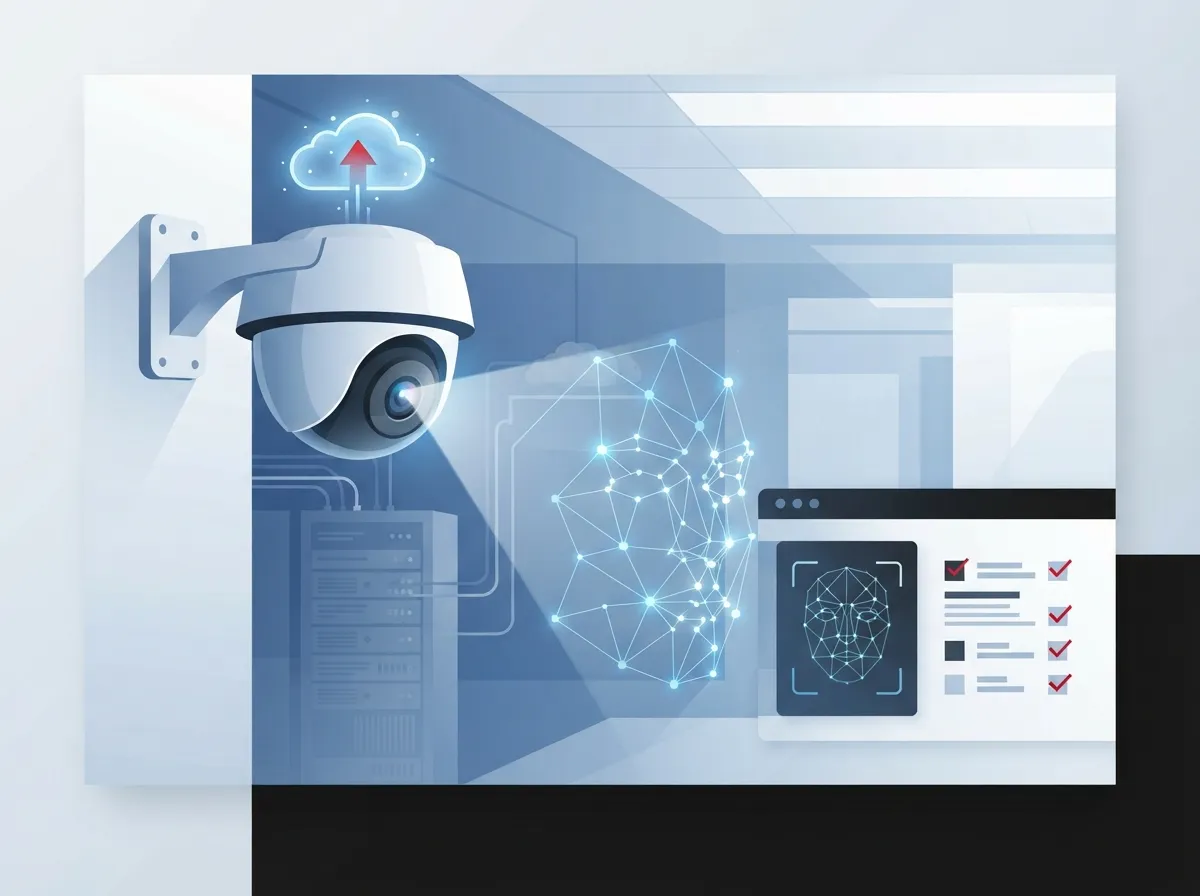
A cloud security camera with facial recognition is a video system that sends footage to a secure online platform instead of a local recorder. From there, the software can detect faces, and in more advanced systems, try to match those faces to a known list of people. Think employees, approved visitors, or even a watchlist of banned individuals.
This is different from your grandma’s old CCTV setup bolted to the wall. Cloud systems let you check in on your business from your phone, share access with your team, and pull footage instantly instead of digging through old tapes. Many businesses already use similar cloud tools for their cloud-based phone systems, so the shift to cloud cameras feels natural.
Face Detection vs. Facial Recognition: Know the Difference
This distinction matters more than people realize, so let’s make it simple:
- Face detection just notices that a face is present in the frame. It doesn’t know who that person is.
- Facial recognition tries to match that face to a specific identity, like an employee badge photo or a stored profile.
- Recognition requires a stored database of faces to compare against.
- Detection is generally lower-risk from a privacy standpoint.
- Recognition is treated as biometric data processing under many privacy laws.
Once a system moves from detection to recognition, you’re stepping into a more serious legal category. That’s not meant to scare you, just to help you plan properly.
How Facial Recognition Works in Business Security Cameras
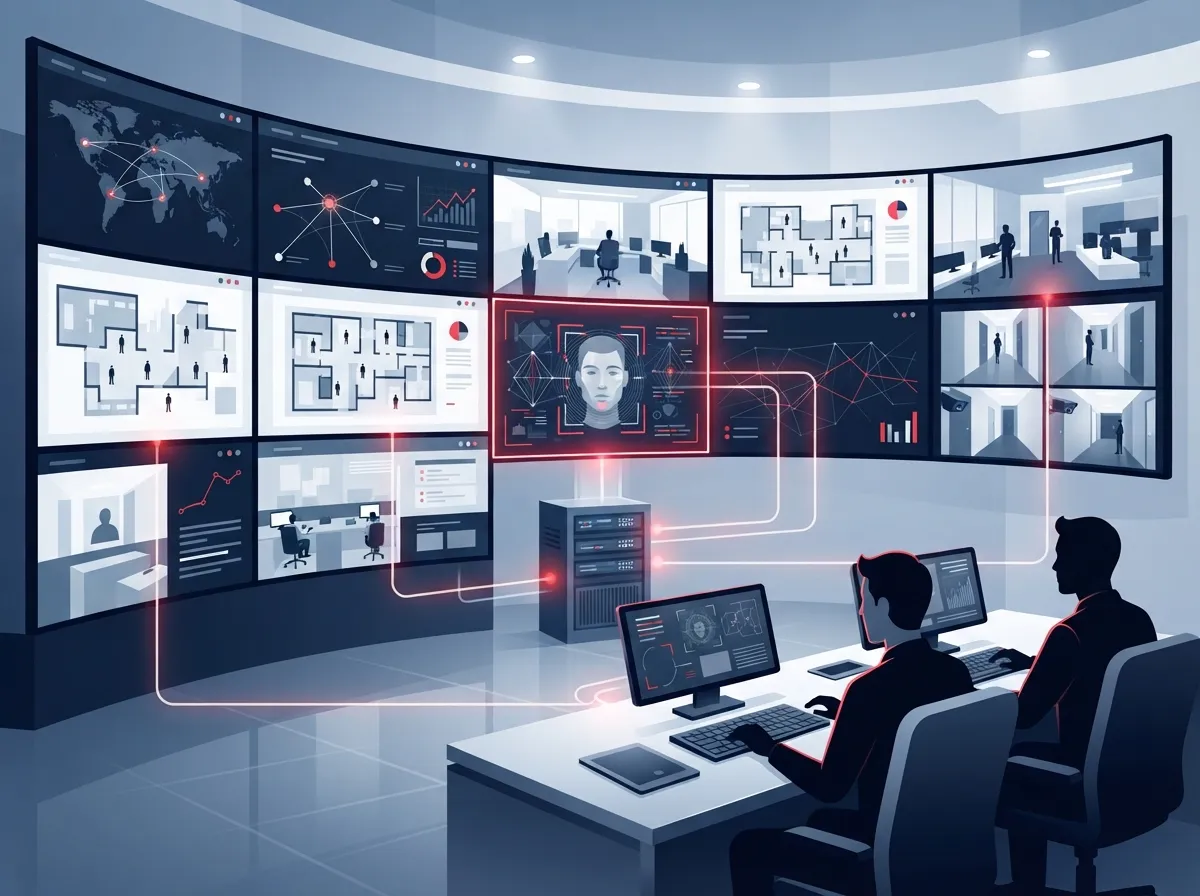
Here’s a simple, step-by-step look at how this technology actually functions behind the scenes:
- The camera captures a video frame containing a face.
- Software analyzes facial features, like the distance between eyes or shape of the jaw.
- This data is converted into a mathematical template, not a photo.
- The template is compared against a stored database of known faces.
- If there’s a match, the system sends an alert or logs the event.
- If there’s no match, the system may flag the person as unknown or unrecognized.
This process happens in seconds, which is what makes it so appealing for busy offices, warehouses, and multi-location franchises. It’s also why regulators pay close attention, since this process uniquely identifies real people.
Why Businesses Are Interested in This Technology
Let’s talk about the good stuff first, because there are genuine benefits driving this trend.
Common Business Use Cases
- Verifying employee identity at secure entry points
- Speeding up visitor check-in at front desks
- Spotting known troublemakers or banned individuals
- Reviewing incidents after a theft or safety issue
- Gathering basic traffic or occupancy analytics
Notice that each use case is specific. That’s intentional, and it’s actually a best practice. Defining your exact use case before deployment helps you avoid using the technology in ways you didn’t plan for, which can create legal headaches later.
Benefits for Different Business Types
Small business owners often like facial recognition for simple access control at a single location. Mid-sized enterprises and franchise operators, on the other hand, appreciate how cloud platforms let them monitor multiple sites from one dashboard. If you’re already using cloud-based access control systems, adding facial recognition cameras can feel like a natural next step.
Privacy and Legal Considerations You Cannot Skip
This is the part that trips up a lot of businesses, so let’s slow down and get it right. Facial recognition isn’t treated like regular video footage under many privacy frameworks. Once software processes a face to uniquely identify someone, it usually becomes biometric data, which carries extra legal weight.
Rules in the EU and UK
Under EU and UK-style privacy rules, biometric data used for identification is considered “special category data.” This typically means businesses need a specific lawful basis to use it, not just a general privacy policy. The UK’s Information Commissioner’s Office explicitly includes facial recognition technology within its video surveillance guidance, so it’s treated as part of broader CCTV compliance planning, not a separate category businesses can ignore.
Organizations operating in these regions often need to complete a Data Protection Impact Assessment, sometimes called a DPIA, whenever surveillance is likely to create high risk for individuals. This isn’t optional paperwork. It’s a structured way to think through risks before you turn the cameras on.
Rules in Australia
In Australia, facial recognition data used for verification or identification is generally treated as sensitive information under the Privacy Act framework. Collection usually must be reasonably necessary for your business purpose, and often requires consent. This means you can’t just install cameras and start scanning faces without a clear, justified reason.
Rules in the United States
Here’s where things get tricky for multi-location businesses. The U.S. Government Accountability Office has noted there’s no single federal law that expressly regulates commercial use of facial recognition. Instead, you get a patchwork of state and local rules.
Several states already require consent before collecting biometric data in at least some contexts, including Virginia, Colorado, and Connecticut, according to reporting from Reuters. If your franchise operates across state lines, this means your compliance checklist might look different in each location. That’s exactly the kind of complexity where working with an experienced telecommunications provider pays off, since they can help you navigate vendor options built with compliance in mind.
Quick Compliance Comparison Table
| Region | Legal Treatment | Key Requirement |
|---|---|---|
| EU/UK | Special category (biometric) data | Lawful basis + DPIA for high-risk processing |
| Australia | Sensitive information | Reasonably necessary + often consent-based |
| United States | Varies by state | Consent required in several states (e.g., VA, CO, CT) |
Cloud Storage: Where Does the Facial Data Actually Live?
Good question, and one every IT manager should ask before signing a contract. Cloud security cameras typically store footage on secure, encrypted servers instead of a local device. This makes remote access easier, but it also means your data is only as safe as your provider’s security practices.
Here’s what to look for when evaluating cloud storage for facial recognition systems:
- Encryption both in transit and at rest
- Clear data retention policies with automatic deletion schedules
- Role-based access so only approved staff can view sensitive footage
- Audit logs showing who accessed footage and when
- Options to store data within specific regions for compliance purposes
If you’re unsure how long footage should be kept, it’s worth reading up on how long footage is stored in cloud video security systems before choosing a provider.
How to Choose a Facial Recognition Camera System for Your Business
Ready to actually pick a system? Here’s a simple, numbered process to follow:
- Define your exact use case, such as employee access or visitor screening.
- Determine whether you legally need consent in your operating region.
- Choose a provider offering clear data retention and deletion controls.
- Confirm the system integrates with your existing network and cabling.
- Ask about encryption standards for stored and transmitted video.
- Request a demo to test accuracy and false-match rates.
- Review contract terms for data ownership and breach notification.
- Plan for staff training on proper system use and privacy policies.
Notice that legal review comes before technical shopping. That order matters. Too many businesses buy first and ask questions later, which creates unnecessary risk.
Questions to Ask Your Provider
- Where is our facial data physically stored?
- Who has access to the biometric database?
- Can we delete individual records on request?
- Do you support region-specific compliance requirements?
- What happens to our data if we cancel service?
A trustworthy provider should answer these clearly without hesitation. If they can’t, that’s a red flag worth taking seriously.
Integrating Facial Recognition With Your Broader Telecom Network
Here’s something people often overlook: facial recognition cameras don’t operate in a vacuum. They rely on strong, reliable internet and network infrastructure to function properly. Slow connections can cause delays, missed alerts, or dropped footage, which defeats the entire purpose of the system.
This is where solid business internet and properly planned structured cabling come into play. If your office network is outdated or overloaded, adding cloud cameras with facial recognition can slow everything down, including your phones and daily operations.
Network Readiness Checklist
- Bandwidth sufficient for continuous video upload
- Redundant internet connections for critical locations
- Properly rated cabling to support camera placement
- Network segmentation to isolate camera traffic
- Backup power for cameras and network equipment
For businesses managing multiple franchise locations, this becomes even more important. Scalable access control systems for multi-location businesses and cameras need to work together smoothly across every site, not just one flagship location.
Comparing Facial Recognition to Traditional Access Methods
Let’s put this in perspective with a quick comparison table, since context always helps decision-making.
| Method | Speed | Privacy Complexity | Best For |
|---|---|---|---|
| Key cards / fobs | Fast | Low | Standard office access |
| PIN codes | Moderate | Low | Shared or temporary access |
| Facial recognition | Very fast | High | High-security or high-traffic entry points |
| Mobile credentials | Fast | Moderate | Flexible, tech-forward teams |
Facial recognition shines in speed and convenience, but it demands the most careful planning. It’s not automatically the “best” option for every business, just the right fit for certain situations.
Common Mistakes Businesses Make With Facial Recognition Cameras
Let’s learn from others’ missteps so you don’t repeat them. Here are frequent errors we see:
- Deploying facial recognition without a documented lawful basis
- Skipping a privacy impact assessment for high-risk areas
- Storing biometric data indefinitely without deletion policies
- Failing to inform employees or visitors that recognition is in use
- Choosing a cheap provider with unclear data security practices
Avoiding these mistakes isn’t complicated, it just requires planning ahead instead of rushing installation. A knowledgeable telecom partner can help you sidestep these pitfalls entirely.
Why Work With a Single Telecom and Security Partner
Here’s the honest truth: juggling separate vendors for cameras, networking, internet, and phones is exhausting. It’s also risky, because when something breaks, everyone points fingers at everyone else. That’s exactly why many Tampa businesses choose to work with Ideal Solutions Provider, a single point of contact managing everything from cloud video security systems to networking and VoIP phones.
With over 24 years of experience and partnerships across 35+ vetted suppliers, the team compares options side by side instead of pushing one brand. That means you get an honest recommendation based on your business, not a sales quota. You can also follow their updates and installation stories on Facebook, Instagram, and YouTube to see real installations in action.
Bringing It All Together
Cloud security cameras with facial recognition offer real, practical benefits for businesses that want faster access control, sharper incident response, and centralized monitoring across locations. But this technology carries genuine legal weight, especially around biometric data, consent, and retention rules that vary by region. The businesses that succeed with facial recognition are the ones that plan carefully, choose transparent providers, and build the technology into a solid network foundation, not as an afterthought.
If you’re weighing whether facial recognition makes sense for your Tampa business, or you simply need dependable network infrastructure to support any camera system, our team is happy to walk you through your options. Contact us for a free consultation, or call us today to talk through what fits your business best.
FAQs
Q: What is a cloud security camera with facial recognition?
A: It’s a video camera system that stores footage online and uses software to detect and sometimes identify faces. Businesses use it for access control, alerts, and visitor management, all managed through a cloud dashboard instead of a bulky local recorder.
Q: Is facial recognition legal for business CCTV use?
A: It depends on where you operate. In places like the EU and UK, it’s treated as biometric data requiring a lawful basis and often a formal privacy assessment, while U.S. rules vary state by state, so it’s smart to check local requirements before installing.
Q: Do cloud security cameras store facial data in the cloud?
A: Yes, most systems store both video and facial recognition templates on secure cloud servers. That’s great for remote access, but it also means you’ll want to ask providers about encryption, retention policies, and who can access that data.
Q: What is the difference between face detection and facial recognition?
A: Face detection simply notices a face is present in the video, nothing more. Facial recognition goes further by matching that face to a known identity, which is why it carries stricter privacy rules in many regions.
Q: How do businesses choose the right facial recognition camera system?
A: Start by defining exactly why you need it, whether that’s employee access or visitor screening. Then check legal requirements in your area, confirm your network can support it, and choose a provider that’s transparent about data storage and deletion practices.





