
Key Takeaways
-
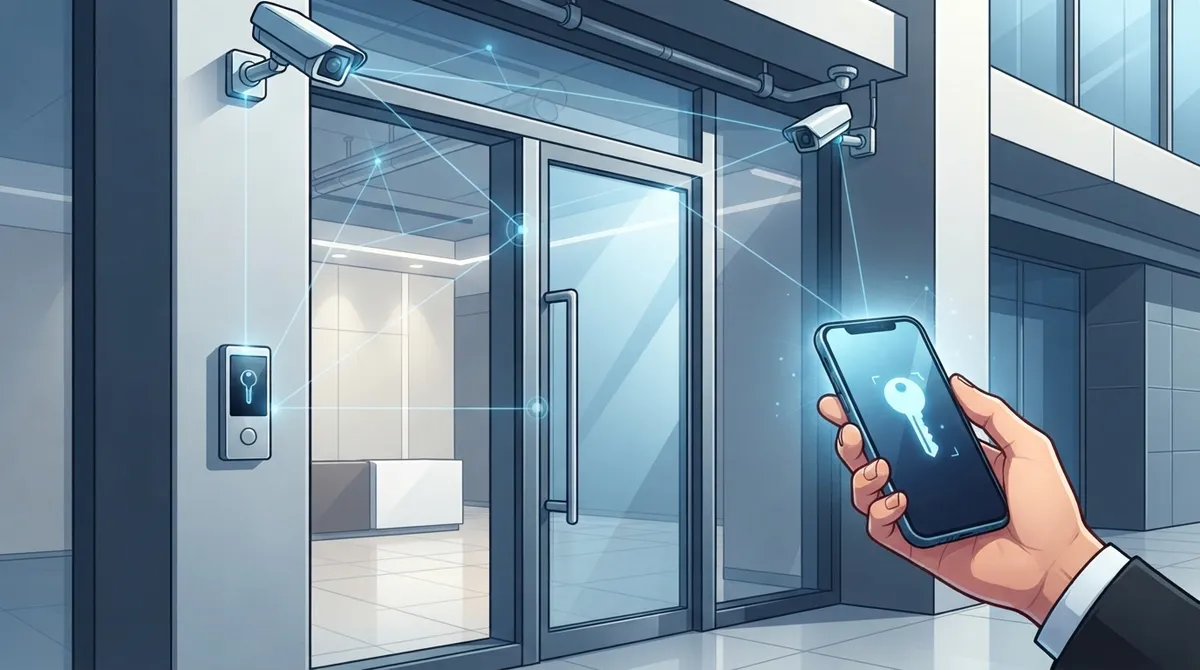
Replace manual key management with cloud-based access control to eliminate costly rekeying; businesses save up to 30% on operational costs by reducing keycard replacements and manual entry management.
-
Mobile credentials (smartphone-based access) have become the default choice for new St. Petersburg installations, offering instant employee onboarding and eliminating physical key loss issues.
-
Hire a licensed low-voltage contractor familiar with Pinellas County permitting requirements and experienced in integrating access control with existing phones, internet, and security cameras for seamless operation.
-
Implement Role-Based Access Control (RBAC) for most business environments; it’s simple to manage, scales with team growth, and works better than discretionary or mandatory models for typical companies.
-
Integrate access control with structured cabling, security cameras, and phone systems on the same reliable network to eliminate dropped connections and enable automated alerts when doors are accessed after hours.
-
Prioritize high-security areas (main entrances, server rooms, sensitive records) with advanced access control while using basic keycard access for standard spaces like break rooms to balance security and simplicity.
Picture this: it’s Monday morning, and your office manager is once again rekeying the front door because someone lost a keycard over the weekend. Sound familiar? If you run a business in St. Petersburg, you already know that keeping your building secure shouldn’t feel like a part-time job. That’s where commercial access control St Petersburg systems come in, and trust us, once you make the switch, you’ll wonder why you waited so long.
We’ve talked to countless business owners across Pinellas County who felt stuck juggling old-school locks, lost keys, and security headaches. The good news? Modern access control has come a long way, and it’s more affordable and easier to manage than most people think. Whether you’re running a busy medical office near Johns Hopkins All Children’s Hospital or a growing tech company in the Innovation District, there’s a smart, cloud-based solution waiting for you. Let’s walk through exactly how to set one up, step by step, in a way that actually makes sense.
Why St. Petersburg Businesses Are Upgrading Access Control
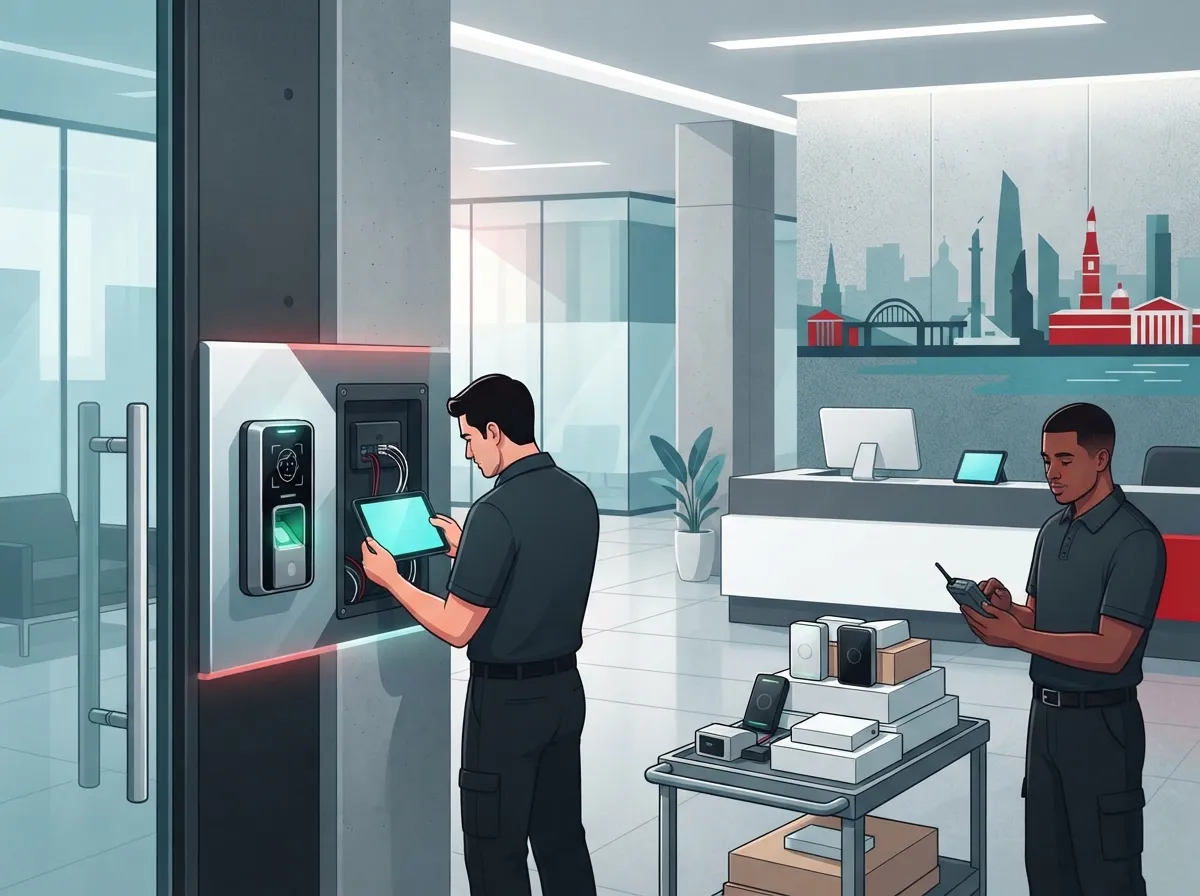
Old lock-and-key systems are becoming a real liability for businesses. Keys get copied, lost, or handed to the wrong person, and before you know it, you’ve got a security gap nobody noticed. Commercial access control fixes that problem by replacing physical keys with keycards, mobile credentials, or even biometric scans.
Local providers serve everything from downtown corporate offices to multi-tenant buildings in the Gateway area. Business owners love that these systems save time, boost safety, and give real peace of mind. In fact, office access control systems can save businesses up to 30% on operational costs by cutting down on keycard replacements and manual entry management.
- No more rekeying locks after an employee leaves
- Instant control over who can enter which doors
- Real-time alerts if something looks off
- Detailed entry logs for audits and compliance
- Easy integration with your existing security cameras and phone systems
Step 1: Understand Your Access Control Options
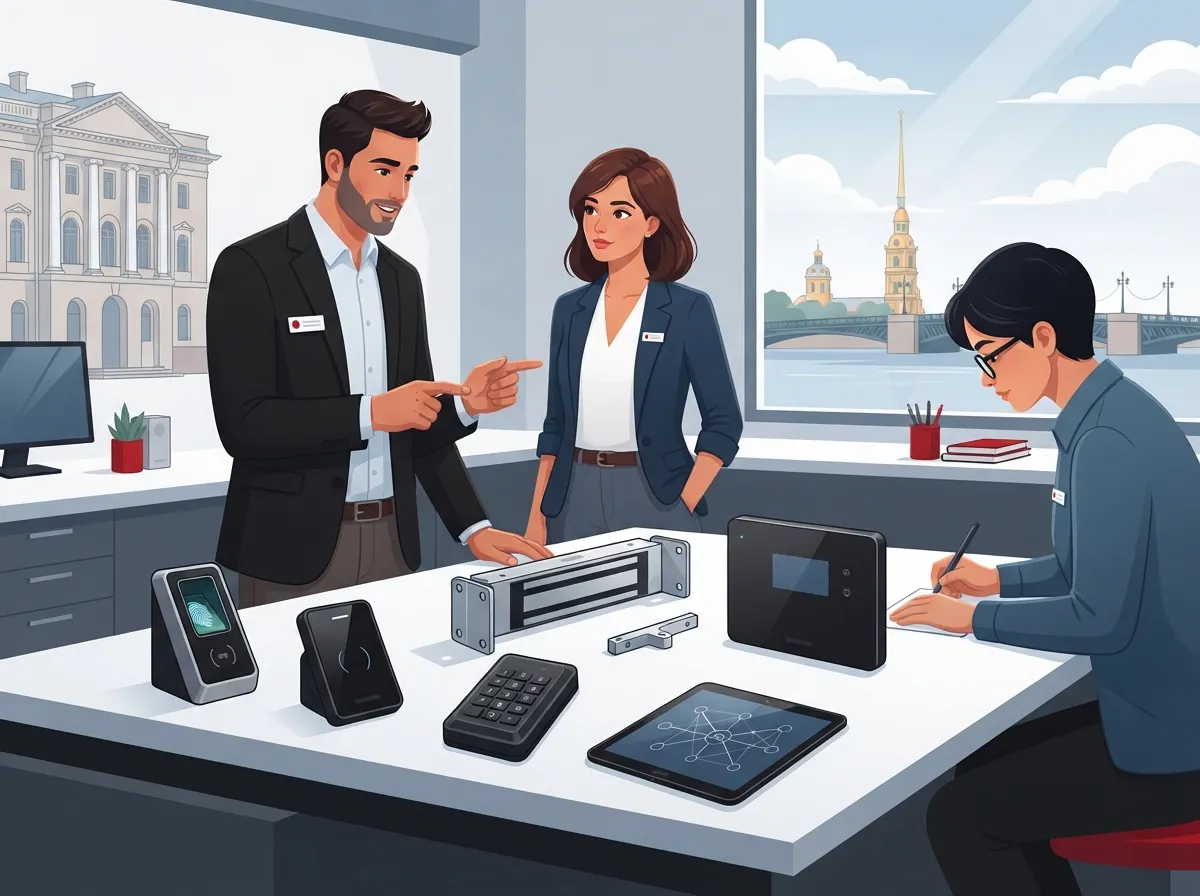
Before you install anything, it helps to know what’s actually out there. Access control isn’t one-size-fits-all, and St. Petersburg businesses have several solid choices depending on their size and needs.
Common Credential Types
Most systems in the area rely on a mix of these technologies to keep buildings secure:
- Keycards and proximity cards for simple tap-and-go entry
- RFID fobs for durable, low-maintenance access
- Mobile credentials that turn your smartphone into a digital key
- Biometric authentication like fingerprint or facial recognition for high-security areas
Mobile credentials have really taken off lately. Many new installations in the region now default to smartphone-based entry, which makes sense since almost everyone already carries their phone everywhere. If you want to dig deeper into how mobile access stacks up against traditional systems, check out this comparison of mobile vs. traditional access control options for Tampa Bay area businesses.
Access Control Models
There are also different ways to structure who gets access to what. Here’s a quick breakdown:
| Model | How It Works | Best For |
|---|---|---|
| Discretionary (DAC) | Owner sets permissions individually | Small offices with a single decision-maker |
| Role-Based (RBAC) | Access tied to job roles or departments | Most businesses, including mid-sized companies |
| Mandatory (MAC) | Strict, centrally controlled permissions | Medical practices, government offices |
Role-Based Access Control, or RBAC, tends to be the most popular pick for everyday business environments. It’s simple to manage and scales nicely as your team grows.
Step 2: Choose a Licensed Low-Voltage Contractor
This step matters more than people realize. You want someone who knows Pinellas County permitting requirements inside and out, so your installation is compliant and doesn’t cause headaches down the road. Licensed low-voltage contractors in St. Petersburg handle everything from wiring to final testing, and many also bundle access control with structured cabling, phone systems, and security cameras for a unified setup.
Here’s what to look for when picking your contractor:
- Verify their low-voltage contractor license is active and valid in Florida
- Ask about experience with cloud-based access control platforms
- Confirm they can integrate access control with your existing phone and internet systems
- Request references from similar businesses, like medical offices or multi-tenant buildings
- Get a clear, written quote that includes hardware, labor, and ongoing support
A good contractor won’t just install hardware and disappear. They’ll walk you through the entire system, answer your questions, and make sure your team knows how to use it confidently.
Step 3: Plan Your Door-by-Door Strategy
Not every door needs the same level of security. Take a walk through your building and think about which entry points need extra protection versus which ones are more low-key.
High-Priority Areas
These spots usually deserve tighter access control:
- Main entrances and lobby doors
- Server rooms or IT closets
- Areas with sensitive records, like HR or medical files
- Loading docks and storage areas
- Executive offices or finance departments
Standard Areas
Common spaces like break rooms, conference rooms, and shared workspaces usually work fine with basic keycard or mobile credential access. This keeps things simple without overcomplicating your setup.
Step 4: Set Up Cloud-Based Management
Here’s where things get really convenient. Cloud-based access control platforms let you manage every door in your building from a single dashboard, whether you’re sitting at your desk or halfway across the country. You can track entry logs, generate reports, and even lock down the whole building remotely if there’s ever an emergency.
This is especially handy for franchise operators managing multiple locations across Tampa Bay. Instead of driving to each site to check on security, you get a bird’s-eye view of everything from your laptop or phone. If you’re curious how this pairs with your broader network setup, take a look at these scalable access control systems for multi-location businesses.
Cloud platforms also make onboarding new employees a breeze. Instead of cutting a new key or programming a physical card, you just add their credential to the system in seconds.
Step 5: Integrate With Your Existing Telecom Infrastructure
This is the part a lot of businesses overlook, and it’s a shame because it’s where the real magic happens. Access control works best when it’s part of a bigger, connected system that includes your phones, internet, and security cameras.
Think about it this way: if your cloud-based phone system and access control run on the same reliable network, everything just works together smoothly. A dropped call or a slow internet connection shouldn’t be the reason your front door doesn’t unlock on time.
Here’s how integration typically pays off:
- Security cameras can trigger alerts when a door is accessed after hours
- Your Internet Service Provider connection needs to be strong enough to support cloud-based dashboards without lag
- Structured cabling ties everything together, from cameras to card readers to phone lines
- One vendor managing all systems means fewer finger-pointing conversations when something goes wrong
Good structured cabling is honestly the unsung hero here. Without solid cabling behind the walls, even the fanciest access control hardware won’t perform reliably.
Cost Considerations for St. Petersburg Businesses
We get asked about pricing all the time, and honestly, it varies quite a bit depending on your building size and how many doors you need to secure. Here’s a general idea of what impacts cost:
| Factor | Impact on Cost |
|---|---|
| Number of doors | More doors mean more hardware and labor |
| Credential type | Biometric systems cost more than keycards |
| Cloud subscription | Monthly fees for dashboard access and support |
| Integration needs | Bundling with cameras or phones can add cost upfront but saves long-term |
| Building age | Older buildings may need extra wiring work |
The good news is that most contractors offer flexible packages, so small businesses aren’t stuck paying enterprise-level prices. It’s worth asking for a free consultation to get a realistic number for your specific space.
Common Mistakes to Avoid
We’ve seen a few missteps trip up otherwise smart business owners. Here’s what to watch for:
- Choosing a system that can’t scale as your business grows
- Skipping integration with existing phone and internet infrastructure
- Ignoring Pinellas County permit requirements, which can delay your project
- Not training staff on how to use mobile credentials properly
- Picking the cheapest option without checking long-term support quality
Who Benefits Most From Access Control Upgrades
Almost any business can benefit, but a few groups see especially strong results:
- Medical practices needing HIPAA-conscious entry logging
- Multi-tenant buildings that need separate access zones per tenant
- Franchise operators managing several locations at once
- IT managers who want centralized control over vendor access
- Office managers tired of managing physical keys and lockouts
If any of these sound like your situation, it’s probably time to explore how to choose access control systems that actually fit your day-to-day operations.
Bringing It All Together With One Trusted Partner
Here’s the honest truth: managing separate vendors for phones, internet, cameras, and access control is exhausting. That’s exactly why Ideal Solutions Provider exists. With over 24 years of experience and partnerships with 35+ vetted suppliers, they act as a single point of contact for businesses across Tampa Bay and nationwide, handling everything from consultation to installation and ongoing support.
Instead of juggling five different companies (and five different customer service lines), you get one team that understands how your access control, cabling, networking, and phone systems all fit together. That’s a huge relief for busy office managers and IT professionals who already have enough on their plates.
You can also follow their latest projects and tips on Facebook, check out installation walkthroughs on YouTube, or see behind-the-scenes photos on Instagram.
Final Thoughts on Commercial Access Control in St. Petersburg
Upgrading to a modern commercial access control St Petersburg system doesn’t have to be complicated or stressful. With the right partner, a little planning, and a clear understanding of your building’s needs, you can go from worried about lost keys to feeling completely confident in your building’s security.
Ready to stop stressing over keys and start managing your building with a few taps on your phone? Contact us today for a free consultation, or simply call us to talk through your options with a friendly, knowledgeable team who genuinely wants to help your business thrive.
FAQs
Q: What are the best commercial access control systems for St. Petersburg businesses?
A: Honestly, it depends on your building, but most businesses do great with cloud-based systems that support mobile credentials and keycards. They’re flexible, easy to manage, and grow right along with your business. A quick consultation can help you figure out exactly what fits your space.
Q: How do mobile credentials work in St. Petersburg access control systems?
A: Mobile credentials let employees use their smartphones to unlock doors instead of carrying a physical card. It’s as simple as tapping your phone near a reader, and you never have to worry about losing a key again. Plus, adding or removing access takes just seconds through the cloud dashboard.
Q: Which licensed low-voltage contractors install access control in St. Petersburg, FL?
A: You’ll want a contractor who’s properly licensed in Florida and familiar with Pinellas County permitting rules. Look for one experienced in bundling access control with cabling, cameras, and phone systems for a smooth, unified setup. Ideal Solutions Provider can connect you with vetted, trusted installers in the area.
Q: What is the cost of commercial access control installation in St. Petersburg?
A: Costs vary based on the number of doors, credential types, and whether you’re integrating cameras or phone systems too. Smaller offices typically spend less than large multi-tenant buildings, but most providers offer flexible packages. It’s best to request a free consultation to get a number tailored to your space.
Q: How does access control integrate with business phone systems in telecom solutions?
A: When your access control, phones, and internet all run on the same reliable network, everything works together seamlessly. This means fewer dropped connections and faster response times if something needs attention. Bundling these systems with one provider also makes troubleshooting so much easier.





