
Key Takeaways
-
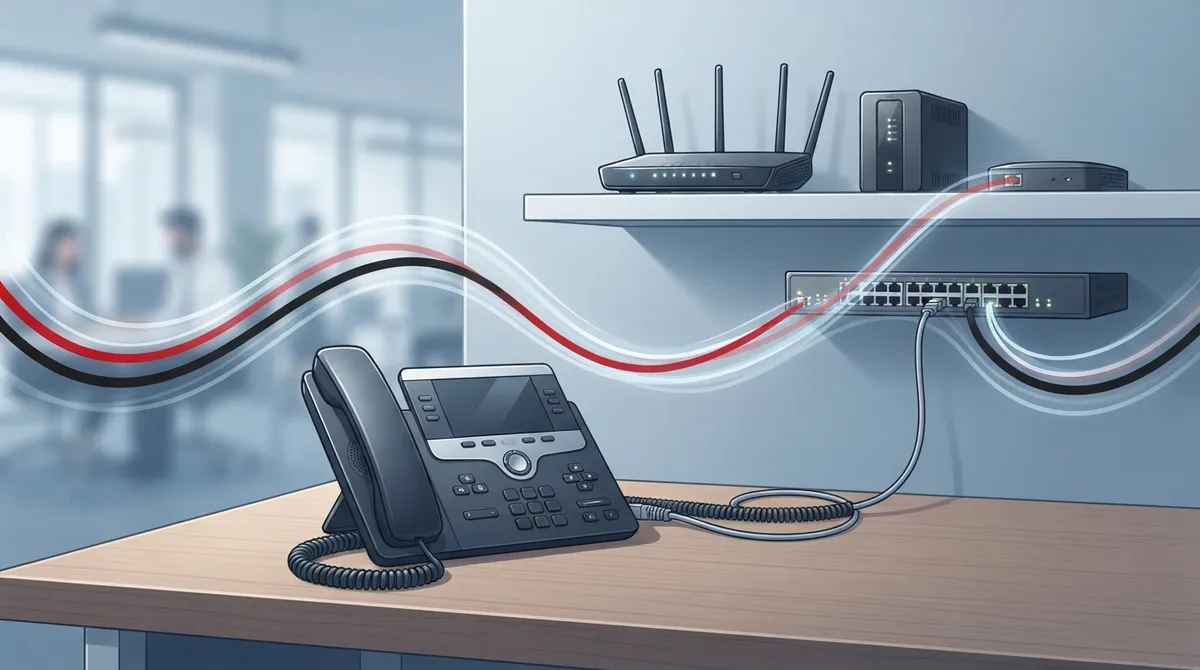
VoIP reliability depends on the whole system: internet service, local network, power, and provider. Blaming the provider alone misses the usual culprits like congestion, weak Wi-Fi, and outages.
-
Target latency under 150 ms, jitter under 30 ms, and packet loss under 1%, and test these during peak hours, not just quiet mornings.
-
Plan bandwidth for peak simultaneous calls rather than total headcount, starting with about 80 to 100 Kbps per concurrent call in each direction.
-
VoIP may fail during power or internet outages by default, so add battery backup for your router, modem, and key phones, plus a second connection or cellular failover.
-
Turn on QoS to prioritize voice traffic and use wired connections for desk phones where possible, since these are affordable steps that improve call consistency.
-
Register each phone's 911 location and keep it updated, especially for remote or mobile use, and confirm your provider's emergency calling procedures with your team.
If you have ever sat through a choppy call or watched a phone line go silent during a storm, you know how much a business phone system matters. So when someone suggests switching to internet-based calling, one question comes up fast: is VoIP reliable for business? It is a fair question, and it deserves an honest answer.
Here is the short version. Yes, VoIP can be very reliable. But it is not magic. Its reliability depends on your internet connection, your office network, your power setup, and the provider behind it all. When those pieces are built with voice in mind, VoIP performs beautifully. When they are not, calls can suffer.
In this guide, we will walk through what makes VoIP dependable, what can go wrong, and how to protect your business. Whether you run a small shop, manage an office, or oversee several locations, you will find simple, practical steps you can use right away.

The Short Answer: Is VoIP Reliable for Business?
VoIP is reliable for business when the whole communications setup is designed and monitored for voice traffic. That includes your internet service, your local network, your power, and your phone provider. No single piece does all the work.
This matters because many people blame the “VoIP provider” when calls go wrong. In reality, congestion, weak Wi-Fi, outdated routers, and internet outages are often the real culprits. A great provider cannot fix a crowded network or a dead internet line.
Think of it like a delivery truck. Even the best driver is stuck if the road is closed. VoIP works the same way. The road (your network) has to be ready for the traffic (your calls).
If you want a deeper look at the basics, our guide on key differences between VoIP and traditional phone systems is a helpful companion read.
What Actually Makes VoIP Reliable?
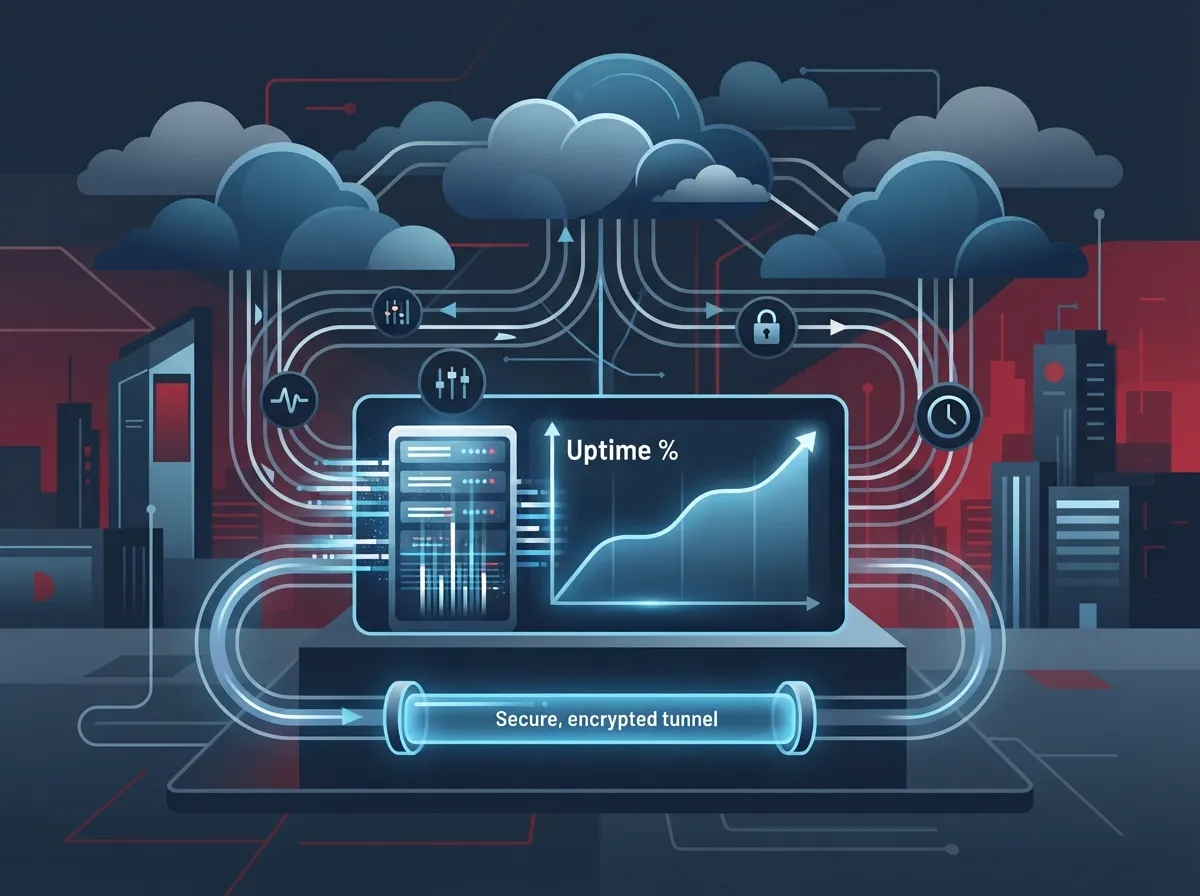
Reliable VoIP comes down to four building blocks. If one is weak, the whole experience can wobble.
- A solid internet connection: Business-grade service with enough bandwidth and stable performance.
- A healthy local network: Good routers, switches, cabling, and well-placed Wi-Fi.
- Reliable power: Phones, routers, and modems all need electricity to work.
- A quality provider: Strong infrastructure, clear support, and honest service commitments.
Most businesses focus only on the last item. The smartest ones plan for all four. That is where a trusted partner can really help, because the pieces have to work together.
Call Quality Targets Worth Knowing
Voice calls are sensitive to three things: latency, jitter, and packet loss. Latency is the delay in your voice reaching the other person. Jitter is uneven timing between voice packets. Packet loss is when bits of the conversation never arrive.
Industry guidance often uses these planning targets for good call quality. They are practical guidelines, not guarantees, and your provider may have its own requirements.
| Measurement | Common Planning Target | What It Feels Like When It Is Off |
|---|---|---|
| Latency | Under 150 ms | Awkward pauses and people talking over each other |
| Jitter | Under 30 ms | Choppy or robotic-sounding audio |
| Packet loss | Under 1% | Dropped words or short gaps in speech |
The best time to test these numbers is before you switch, and again during peak hours. A network that looks fine at 7 a.m. can feel very different at 2 p.m. when everyone is online.
How Much Bandwidth Does Business VoIP Need?
Here is a mistake we see often. Businesses count their employees and assume they need bandwidth for every person. In truth, you plan for simultaneous calls, not total headcount.
A commonly cited estimate is about 80 to 100 Kbps per concurrent call in each direction. Your actual number can shift based on the codec, encryption, and network overhead, so treat it as a starting point.
Let’s say your office has 40 employees, but at most 12 are on calls at the same time. You would plan around those 12 calls, then add room for everything else your team does online. That way, voice does not have to fight with video meetings, cloud backups, and software updates.
If you are not sure how much speed you need, our post on what internet speed you need for VoIP in Tampa breaks it down in plain language.
Common Reasons VoIP Calls Go Wrong
Most VoIP problems are fixable. Knowing the usual suspects helps you spot trouble early.
- Network congestion. Too many devices and apps competing for the same bandwidth.
- Weak or crowded Wi-Fi. Wireless phones and laptops can struggle in busy office spaces.
- Outdated or low-quality routers. Consumer-grade gear often cannot handle voice priority.
- Poor cabling. Aging or damaged wiring can cause hidden performance problems.
- Internet outages. If the connection drops, calls drop too.
- Power loss. No electricity means no phones, router, or modem.
Notice how few of these have anything to do with the phone service itself. That is why a full network review is so valuable. If cabling is a concern, our guide on signs your Tampa business needs structured cabling can help you spot red flags.
Simple Ways to Make VoIP More Reliable
The good news is that you have a lot of control here. A few smart choices can make a big difference in everyday call quality.
Prioritize Voice Traffic With QoS
Quality of Service, or QoS, tells your network to treat voice calls as top priority. When your team uploads a big file mid-call, QoS keeps the conversation smooth. It is one of the most effective and affordable upgrades you can make.
Use Wired Connections Where You Can
Desk phones connected by cable are usually steadier than Wi-Fi. Wi-Fi is wonderful for mobility, but a wired line is hard to beat for consistency. Good structured cabling gives your whole network a strong foundation.
Choose Business-Grade Networking Gear
Routers and switches built for business handle voice traffic far better than home equipment. They also give you tools for monitoring and managing performance.
Monitor and Test Regularly
Do not wait for complaints. Watch call quality over time and test your network under peak load. Catching a small issue early beats fixing a big one later. For help with ongoing oversight, see how managed VoIP services can take that work off your plate.
Planning for Outages: Your Backup Plan Matters
Here is where honesty really counts. No uptime promise can remove the need for resilience planning. Internet connections fail sometimes. Power goes out. It is part of life in Florida, especially during storm season.
Uptime promises are worth understanding, too. A 99.9% uptime SLA works out to roughly 8.76 hours of downtime per year, or about 43.8 minutes in a 30-day month. That is simple math, not a measured industry-wide reliability rate. For a busy business, even a short outage can hurt.
Here are the most common ways to build in resilience:
- A second internet connection from a separate provider, so one outage does not take you down.
- Cellular failover that automatically switches to a mobile connection when the main line fails.
- Backup power for your router, modem, and key phones.
- Call forwarding or rerouting to mobile phones or another office location.
The key is to confirm exactly how failover works and to test it from time to time. A backup plan you have never tried is just a hope. If you manage several sites, our post on SD-WAN services shows how smart traffic routing can add another layer of protection.
Does VoIP Work During a Power or Internet Outage?
Not by default. VoIP equipment and service may stop working during a power outage or broadband failure unless you have backup power and an alternate connection ready. The FCC specifically warns that some VoIP services may not work during power outages, and providers may not supply backup power.
That sounds scary, but it is manageable. A small battery backup for your network gear, plus call forwarding to cell phones, keeps many businesses connected through short outages. Longer outages call for a second connection or cellular failover.
The takeaway: ask your provider what happens when things go dark, and plan around the answer.
VoIP and 911: What Businesses Must Know
Emergency calling deserves special attention. In the United States, interconnected VoIP providers must provide 911 service and meet applicable E911 requirements under FCC rules. That is reassuring, but it does not end your responsibility.
Keep these points in mind:
- Register each phone’s location and keep it current, especially if you move equipment or add desks.
- Be careful with mobile or remote use. Phones used away from the registered address can affect location delivery.
- Remember outages. Power loss or broadband failure can interrupt emergency calling.
- Confirm your provider’s 911 capabilities and procedures, then share them with your team.
If you have remote or hybrid employees, give them clear steps for updating their location and a backup way to reach emergency services, such as a mobile phone.
VoIP Compared With Traditional Phone Lines
Traditional lines have a long track record, but they come with limits. VoIP brings flexibility and features, while asking more of your network. Here is a quick side-by-side look.
| Factor | VoIP | Traditional Phone Lines |
|---|---|---|
| Depends on internet | Yes | No (uses copper phone lines) |
| Power needs | Needs backup plan during outages | Often works through some power events, depending on setup |
| Features | Mobile apps, auto attendant, video, easy scaling | More limited |
| Adding or moving lines | Quick and flexible | Slower and costlier |
| Best results require | Strong network and planning | Less network planning |
Neither choice is automatically “better.” The right fit depends on your needs, your locations, and how much you value flexibility. Our comparison of VoIP vs. POTS for Tampa small businesses goes into more detail.
What to Look for in a VoIP Provider
Choosing a provider is a big decision, and glossy promises are easy to make. Look for substance instead.
- Clear uptime commitments in writing, with details on how they are measured.
- Strong 911 and E911 support with straightforward setup steps.
- Failover and redundancy options that match your risk level.
- Responsive, local-friendly support you can reach when something goes wrong.
- Network assessment help before you deploy, not just after problems appear.
Also ask who handles the pieces outside the phone service. Your Internet Service Provider, your cabling, and your network gear all affect results. Juggling several vendors can leave you stuck in finger-pointing when issues pop up. That is one reason many businesses prefer a single point of contact. For more guidance, read how to choose VoIP features that help your business grow.
A Simple Pre-Launch Checklist
Before you move to VoIP, run through this quick checklist. It takes a little time now and saves a lot of headaches later.
- Test your network for latency, jitter, and packet loss, including at peak hours.
- Count your peak simultaneous calls and plan bandwidth with room to spare.
- Turn on QoS so voice traffic gets priority.
- Check your cabling and Wi-Fi for weak spots.
- Set up backup power for your router, modem, and key phones.
- Plan failover with a second connection or cellular backup.
- Register 911 locations and write down emergency procedures.
- Test everything before your team goes live.
Following these steps puts you well ahead of many businesses that rush the switch and fix problems later.
Who Benefits Most From Reliable VoIP?
VoIP works across all kinds of organizations, but the priorities can differ. Small business owners often want affordable, simple service without managing many vendors. Office managers care about smooth day-to-day operations and fast support. IT managers want visibility, security, and one partner for cabling, networking, and phones. Franchise operators and multi-site companies need consistency across every location.
Whatever your role, the formula is the same: design the whole system for voice, plan for outages, and keep an eye on performance. If you want to see how everything connects, our overview of an all-in-one telecom solutions provider in Tampa shows why a single partner can simplify things.
The Bottom Line: Reliable When Built Right
So, is VoIP reliable for business? Yes, when you treat it as a full system instead of just a phone plan. Strong internet, a voice-ready network, backup power, tested failover, and a dependable provider all work together to keep your calls clear and your lines open.
At Ideal Solutions Provider, we have spent over 24 years helping businesses build exactly that kind of setup. As a Tampa-based telecom and IT partner with 35+ vetted suppliers, we handle everything from consultation and installation to ongoing support, so you are not left piecing it together alone. We also offer free consultations to review your current setup and spot ways to improve reliability and save money.
Ready to see how your phone system measures up? Contact us today for a friendly, no-pressure review, or call us to talk through your options. Your team deserves phones that simply work.
FAQs
Q: Is VoIP reliable enough for a small business?
A: Yes, it can be, as long as your internet, network, and power are set up with voice in mind. Small businesses do best when they test their network first, use QoS to prioritize calls, and plan a simple backup like call forwarding to mobile phones.
Q: What latency, jitter, and packet loss are acceptable for VoIP calls?
A: Common planning targets are latency under 150 ms, jitter under 30 ms, and packet loss below 1%. These are helpful guidelines rather than guarantees, so check your provider’s specific requirements and test during busy hours.
Q: Does VoIP work during an internet or power outage?
A: Not on its own. VoIP service may stop working if the power or broadband goes out, and the FCC notes that providers may not supply backup power. Backup power, a second internet connection or cellular failover, and call forwarding can keep you connected.
Q: How does 911 work with business VoIP?
A: In the U.S., interconnected VoIP providers must offer 911 service and meet applicable E911 rules. You should register each phone’s location, keep it updated, and confirm your provider’s emergency procedures, especially for remote or mobile use.
Q: How much bandwidth does business VoIP need?
A: Plan for your peak number of simultaneous calls, not your total employee count. A commonly cited estimate is about 80 to 100 Kbps per concurrent call in each direction, though the codec and network overhead can change the real number.





