
Key Takeaways
-
Nine times out of ten, network slowdowns come from cabling in walls and ceilings, not from routers or phones, so cabling quality directly affects VoIP, Wi-Fi, cameras, and access control.
-
Ask every contractor which standards they follow (ANSI/TIA-568, ANSI/TIA-569, ISO/IEC 11801) and how they will prove compliance, and confirm current editions and local codes before work begins.
-
Require closeout documentation: test reports for installed copper or fiber, matching cable labels, as-built drawings, written warranty terms, and a record of any exceptions and remediation.
-
Compare bids on identical scope and exclusions, since a low price often hides missing items; clarify who owns the layout design and which cable, jacks, and panels are included.
-
Choose cable by need: Cat6 suits most office desks and PoE devices, Cat6A fits high-density or future-ready builds with Wi-Fi access points, and fiber is best for backbone links over long distances.
-
Treat credentials like BICSI installer or RCDD as helpful signals, but verify project references, insurance, safety practices, and testing procedures before choosing a partner.
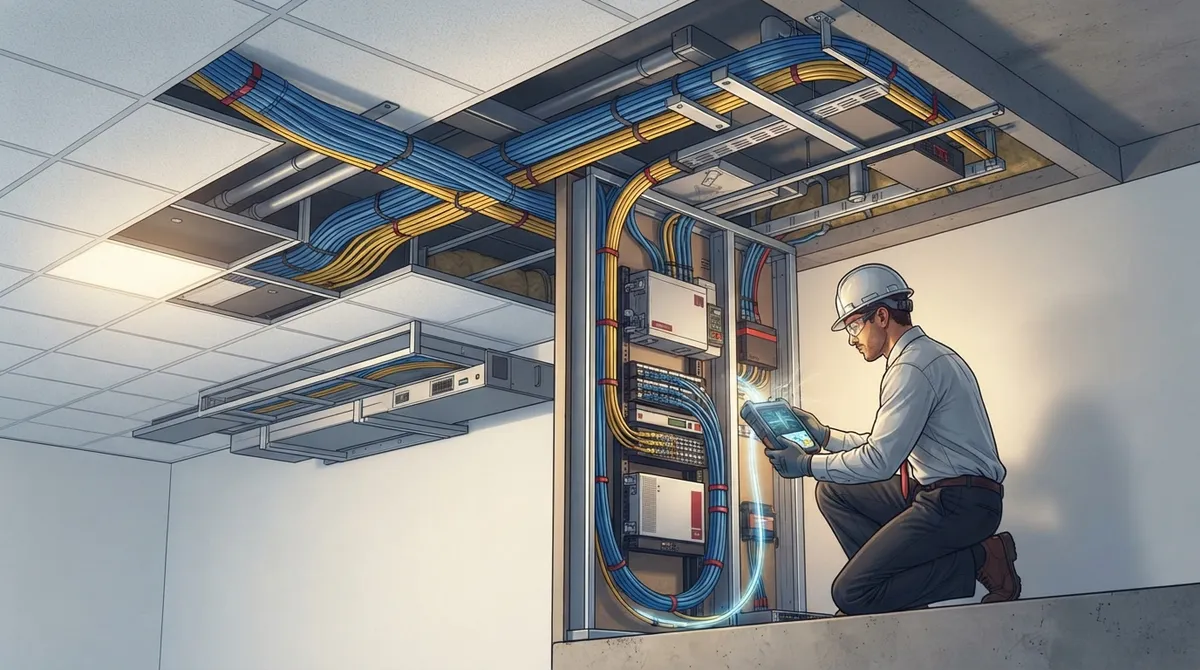
Picture this: your team is on a video call, the VoIP phones are ringing, and the security cameras are streaming. Then everything slows to a crawl. Nine times out of ten, the culprit is not your fancy equipment. It is the cabling hiding in the walls and ceilings.
That is where a data cabling contractor comes in. These pros plan, install, test, and document the physical wiring that carries your voice, data, and video traffic. Think of them as the road builders of your business network. The best routers and phones in the world cannot beat a bumpy road.
In this friendly guide, we will walk through what a data cabling contractor really does, the standards they follow, how to compare cable types, and how to pick the right partner. Whether you run a small Tampa office, manage IT for a growing company, or oversee multiple franchise locations, you will walk away with clear, practical steps. Let’s dig in!
What Does a Data Cabling Contractor Actually Do?
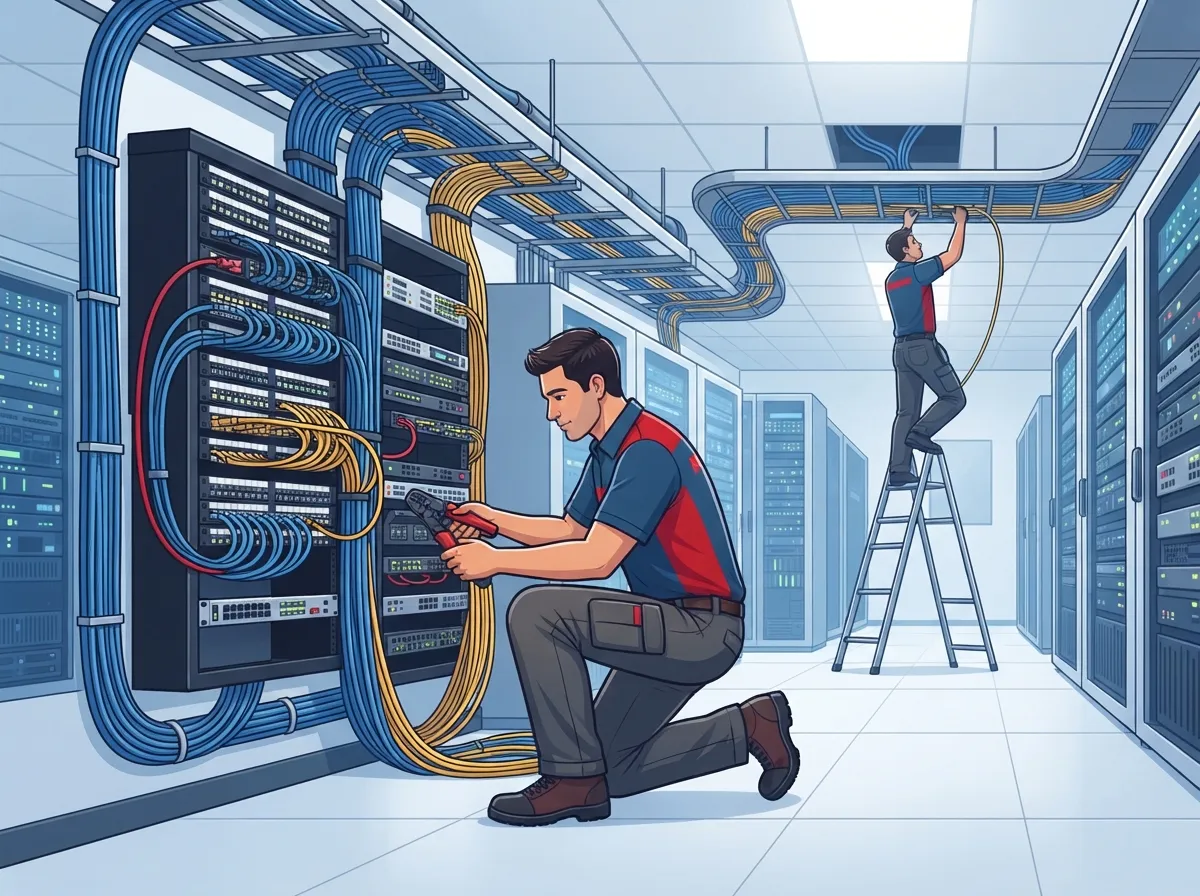
A data cabling contractor plans and installs the physical communications infrastructure that connects your network gear and devices. That includes copper and fiber cabling, pathways, racks, patch panels, terminations, testing, labeling, and closeout paperwork.
In plain English, they make sure every desk, phone, Wi-Fi access point, camera, and door reader has a reliable wired connection back to your network equipment. A good contractor does far more than just pull cable from point A to point B.
Typical Services You Can Expect
- Site surveys and written scopes of work
- Copper cabling for office LANs, voice, and Power over Ethernet (PoE) devices
- Fiber optic backbone links between floors or buildings
- Telecommunications rooms, racks, and patch panel setup
- Cable testing and certification
- Clear labeling and as-built documentation
- Moves, adds, and changes after your first install
If you want a deeper look at the full menu of work, check out what data cabling services include for businesses.
Why Does Structured Cabling Matter?
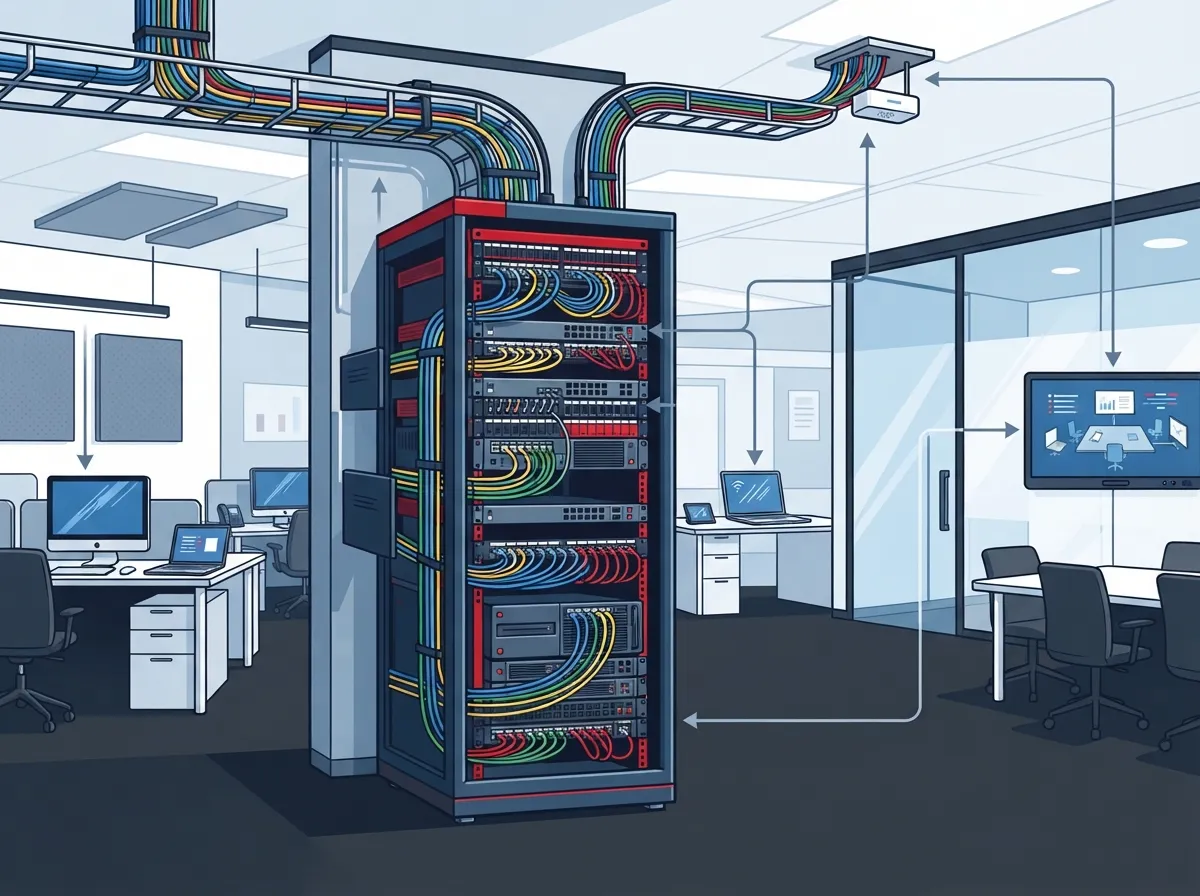
You may hear the term structured cabling when you shop for a data cabling contractor. It simply means the wiring is organized into standard, predictable parts instead of random point-to-point runs.
A structured design usually includes these subsystems:
- Work-area outlets: the wall jacks where your devices plug in.
- Horizontal cabling: the runs from each outlet back to the telecom room.
- Telecommunications rooms: the closets with racks, patch panels, and switches.
- Backbone cabling: the links between floors, rooms, or buildings.
- Equipment spaces: where major gear like servers and core switches live.
Why does this matter to you? Because a standards-based design makes moves, adds, and changes simple. Hiring a new team member? Moving a desk? With organized cabling, that is a quick patch, not a messy rewire. If you are curious about the basics, our guide on what structured cabling is for your business network breaks it down nicely.
The market is booming for a reason. Grand View Research estimated the global structured cabling market at US$13.7 billion in 2025, while Fortune Business Insights put it at US$15.13 billion. Estimates differ by firm, but the direction is clear: businesses are investing in solid wiring. Grand View also reported that LAN applications made up 80.0% of market revenue in 2025, which shows how central office networks are to the story.
Cat6, Cat6A, or Fiber: Which Cable Fits?
This is one of the most common questions we hear. The right choice depends on bandwidth needs, distance, environment, PoE demands, and your growth plans.
| Cable Type | Best For | Key Strengths | Things to Consider |
|---|---|---|---|
| Cat5e | Basic office LANs and voice | Lower cost, widely supported | Limited headroom for future growth |
| Cat6 | Most modern office desks and PoE devices | Strong performance for everyday business use | Distance and speed limits at higher rates |
| Cat6A | High-density offices, Wi-Fi access points, future-ready builds | Better performance for demanding links | Thicker cable, higher material cost |
| Fiber optic | Backbone links, long distances, high capacity | Great for distance and bandwidth | Needs proper termination and testing |
Want a closer comparison? These two reads help: how to choose between Cat6 and Cat6A for your office and copper vs. fiber for low voltage cabling.
What Standards Should a Data Cabling Contractor Follow?
Standards are the rulebook that keeps your installation consistent and dependable. Here are the big ones to know:
- ANSI/TIA-568 family: covers commercial cabling performance and installation.
- ANSI/TIA-569: covers pathways and spaces.
- ISO/IEC 11801: covers generic cabling for customer premises.
Requirements can vary by project and jurisdiction. A good contractor will confirm the current editions, local building and fire codes, and any owner specifications before work begins. You do not need to memorize the standards. You just need to ask, “Which standards will you follow, and how will you prove it?” A confident contractor will answer without blinking.
How Do You Know the Work Was Done Right?
Here is a secret many buyers learn the hard way: pulling cable is only half the job. A quality installation includes testing and documented results. Cables can look perfect and still fail under load.
Before you sign off, ask for these closeout items:
- Test reports appropriate to the installed media, copper or fiber.
- Cable and outlet labeling that matches the documentation.
- As-built drawings showing where everything actually ended up.
- Warranty details in writing.
- A record of exceptions and any remediation that was needed.
Good paperwork saves you headaches for years. When something breaks at 4:55 on a Friday, labeled cables and clear drawings turn a two-hour hunt into a ten-minute fix. We cover this in more depth in how to build structured cabling documentation that works, and our tips on network cable labeling are worth a peek too.
Which Credentials Should You Look For?
Credentials are helpful clues about workforce skill. BICSI, a respected information and communications technology association, lists installation credentials covering foundational skills, copper, optical fiber, and technician-level work. It also offers the RCDD credential for ICT design.
That said, credentials are only one piece of the puzzle. They do not replace:
- Project references from similar facilities
- Proof of insurance
- Safety practices
- Verification of testing and closeout procedures
Think of credentials like a driver’s license. It is great to see one, but you still want to know how the person actually drives.
How Do You Choose the Right Data Cabling Contractor?
Choosing a contractor does not have to feel overwhelming. Use this simple checklist when you compare bids:
- Compare scope and exclusions. Make sure each bid covers the same work. A low price often hides missing items.
- Clarify design responsibility. Who designs the layout, you or the contractor?
- Check product specifications. Ask which cable, jacks, and panels are included.
- Review testing methods. Confirm what gets tested and how results are delivered.
- Discuss schedule and after-hours work. Many offices cannot afford downtime during business hours.
- Ask about similar experience. A medical office, warehouse, and law firm all have different needs.
- Confirm warranty terms. Get them in writing.
- Check coordination skills. Can they work smoothly with your IT team, electricians, general contractors, and building management?
A site survey and written scope are your best friends here. They reduce surprise change orders and keep disruption low. For more red flags to dodge, read 5 mistakes to avoid when hiring cabling installers and 13 signs you found the right cabling contractor.
How Much Does Commercial Data Cabling Cost?
Honest answer: it depends. Pricing varies with the number of drops, cable category, building layout, ceiling and wall types, fiber needs, testing requirements, and after-hours scheduling. A single open office floor costs very differently than a multi-story building with tight pathways.
Here are the main cost drivers to discuss with any contractor:
- Number of cable runs and outlets
- Copper category and fiber count
- Distance and difficulty of routes
- Racks, patch panels, and cable management
- Testing and documentation depth
- Work hours and project timeline
Our breakdown of 10 factors that shape network cabling installation cost and our guide to cabling installation pricing in 2026 will help you build a realistic budget.
When Should You Upgrade Your Cabling?
Cabling is not a set-it-and-forget-it item forever. Watch for these friendly warning signs:
- Your Wi-Fi access points or PoE devices keep struggling.
- You are running older cable that cannot handle new speeds.
- Cables are tangled, unlabeled, or nobody knows what goes where.
- You are moving offices, expanding, or adding cameras and access control.
- Network problems keep returning even after equipment upgrades.
If two or more of these sound familiar, it may be time for an audit. Our post on 9 signs your Tampa business needs structured cabling goes deeper, and when to upgrade office cabling offers a clear step-by-step plan.
Why Cabling Connects Everything Else
Here is where cabling gets exciting. The same wiring supports your VoIP phones, Wi-Fi, cloud security cameras, and cloud access control readers. A weak cabling foundation can make every one of those systems feel flaky.
That is why many Tampa businesses prefer one partner who understands the full picture. Ideal Solutions Provider is a Tampa-based telecom and IT partner with over 24 years of experience. We handle structured cabling alongside phones, internet, networking, cameras, and access control, so you have a single point of contact instead of juggling vendors. You can learn more about our structured cabling services and how they fit into the bigger picture.
If you are weighing options, you might also enjoy how to find a reliable structured cabling contractor in Tampa.
How Long Does a Cabling Project Take?
Timelines depend on size, access, and complexity. A small office might wrap up in a few days, while a multi-floor build can stretch longer. Many contractors can schedule work after hours or on weekends to protect your daily operations.
To keep things smooth:
- Approve a written scope and schedule up front.
- Confirm who handles ceiling access, permits, and building rules.
- Plan telecom room readiness before cable arrives.
- Schedule a walkthrough and test review at the end.
For a Tampa-specific view, see how long structured cabling installation takes for a commercial building.
Your Next Step Toward a Rock-Solid Network
A data cabling contractor builds the foundation your whole business runs on. Look for standards-based design, tested and documented results, qualified installers, and a clear scope that fits your building and your growth plans. Do those things, and your network will thank you for years.
Ready to talk it through? Contact us for a friendly consultation, or call us today. We would love to help you build cabling that just works. You can also follow along on YouTube and Facebook for more practical tips.
FAQs
Q: What does a data cabling contractor do for a business?
A: A data cabling contractor plans and installs the physical wiring that connects your network gear, phones, Wi-Fi access points, and other devices. They also handle testing, labeling, and documentation so your network stays reliable and easy to manage.
Q: Does a data cabling contractor test every cable run?
A: A quality contractor should test installed cabling and give you documented results for the media they installed, copper or fiber. Ask for test reports, labeling, and as-built drawings at closeout so you have proof the work meets the plan.
Q: What certifications should a cabling contractor have?
A: BICSI credentials, such as installer, technician, and RCDD design certifications, are helpful signs of skill. Pair them with project references, insurance, safety practices, and clear testing procedures for a full picture.
Q: Can cabling work be done after hours?
A: Yes, many contractors schedule installs after hours or on weekends to avoid disrupting your team. Share your schedule needs early so the contractor can build a timeline that keeps your business running smoothly.
Q: When should a business upgrade its cabling?
A: Consider an upgrade if your network struggles with Wi-Fi, PoE devices, or video, if your cabling is old or unlabeled, or if you are expanding or moving. A cabling audit can show whether you need a small fix or a bigger refresh.





