
Key Takeaways
-
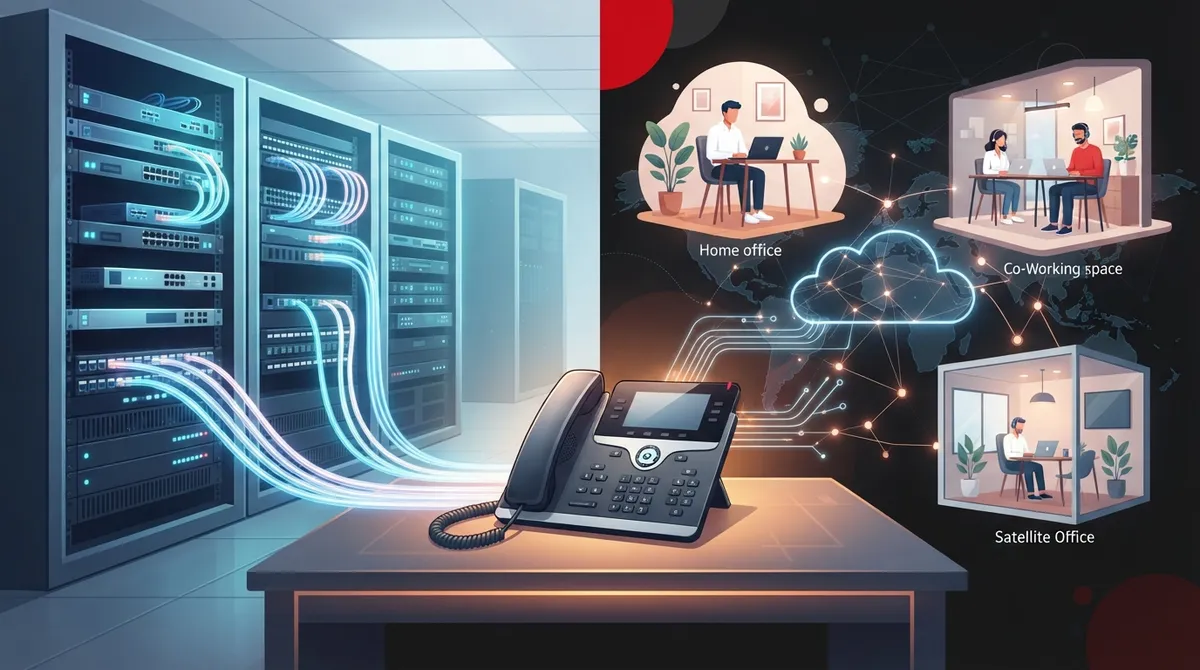
Cloud VoIP systems typically cost $20-$35 per user monthly with desk phones at $80-$300 each, but always request full written quotes including taxes, installation, and contract fees to avoid hidden costs.
-
Before switching to cloud phone systems, verify your internet bandwidth can handle all users simultaneously and check your network infrastructure (routers, switches, cabling) to prevent call quality issues.
-
Choose cloud systems for growing/distributed teams needing easy scaling, on-premises for tight control and custom integrations, or hybrid systems for gradual upgrades while leveraging existing equipment.
-
Ensure accurate service addresses are registered for 911 calls with your provider, especially for remote workers, and maintain a backup communication method since cloud phones require both internet and power to function.
-
Critical features to evaluate include auto-attendant, call routing/queues, voicemail-to-email, business texting, call recording, video conferencing, and app integrations matched to your daily workflow.
-
Partner with a single telecom provider who handles phones, internet, cabling, and support to eliminate vendor finger-pointing and ensure consistent systems across multiple Tampa Bay locations.
Picking a business phone system can feel like choosing a new car. There are lots of shiny options, a pile of jargon, and a salesperson who swears theirs is the best. If you run a company in Tampa, you probably just want calls to work, costs to make sense, and someone to answer when something breaks.
The good news? You have more choices than ever in 2026. Cloud calling, on-site systems, and hybrid setups all have a place. The trick is matching the right one to your team, your building, and your budget.
This friendly guide walks you through the main phone systems Tampa businesses can choose from. You will learn what each type does, what features matter, what it may cost, and which questions to ask before you sign anything. Let’s make this simple.
What Do We Mean by Phone Systems in Tampa?
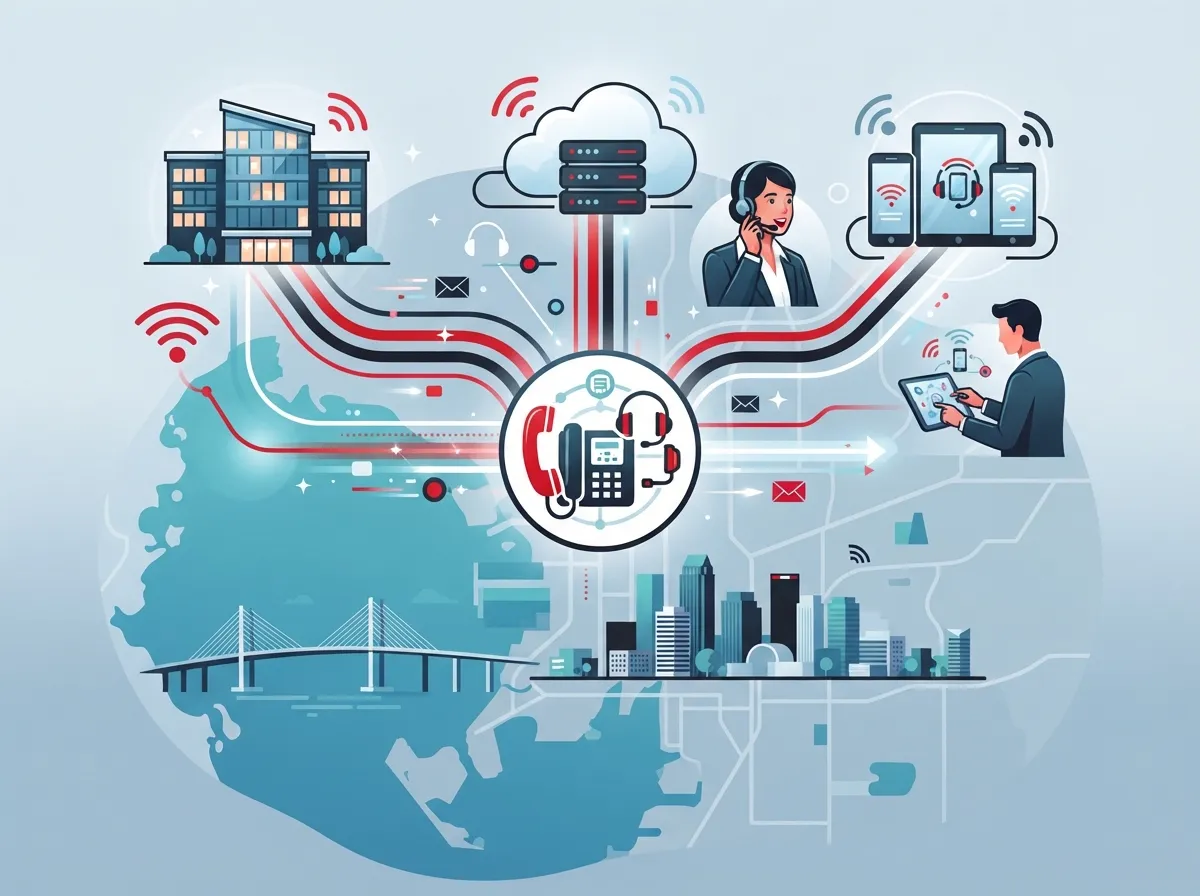
When people search for phone systems Tampa, they usually want a business phone solution for a company in the Tampa Bay area. That can mean a few different things:
- Cloud VoIP or hosted PBX: Calls travel over the internet, and a provider runs most of the equipment in a secure data center.
- On-premises IP-PBX: The phone “brain” sits in your office, and you own and manage it.
- Hybrid systems: A mix of both, often used when a company wants to keep some existing gear.
- SIP trunking: Internet-based phone lines that connect to an existing on-site system.
- UCaaS: Unified communications that bundle calling, texting, video meetings, and app integrations in one platform.
Think of it like a menu. Some businesses want a full meal. Others just want a side dish. Your needs decide what goes on the plate.
Cloud, On-Premises, or Hybrid: Which Is Right for You?
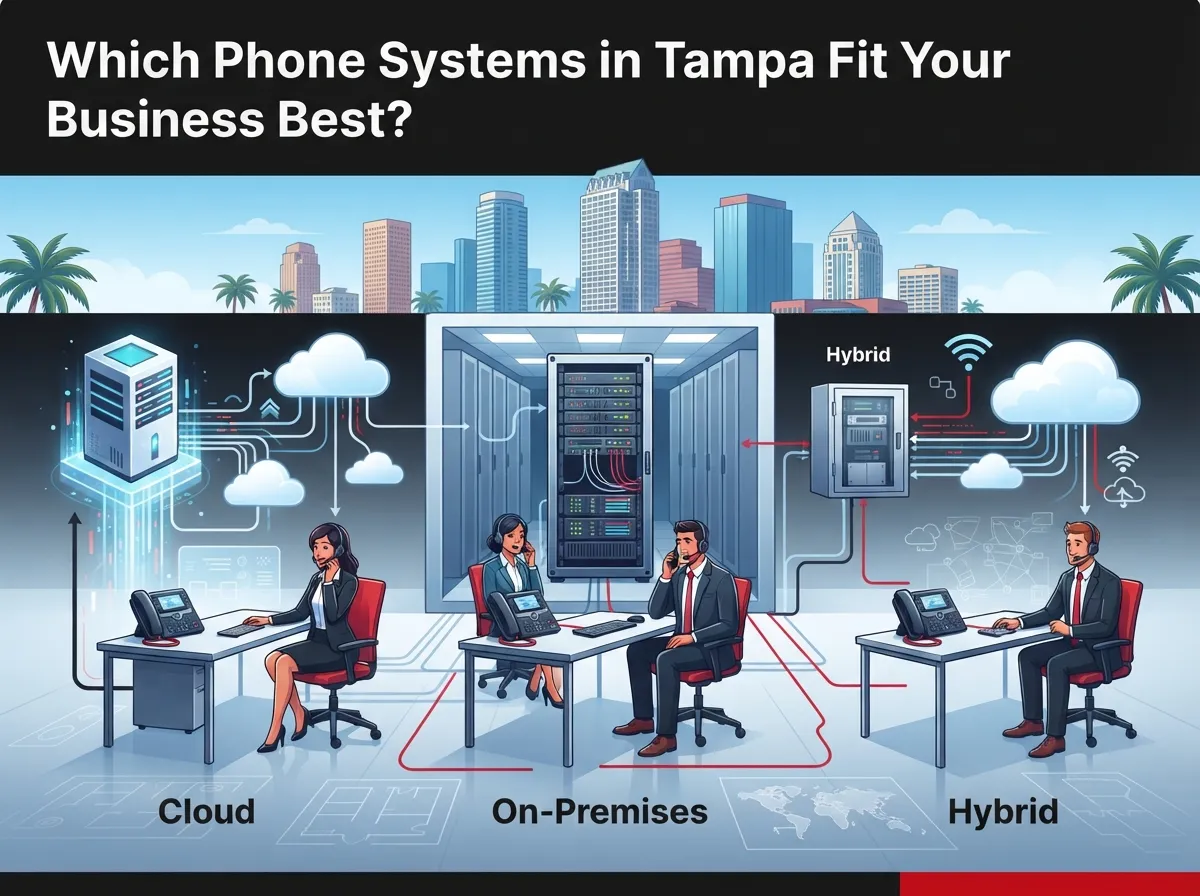
This is the big question. The honest answer is that it depends on your goals, not only your company size. Here is a quick side-by-side look.
| Feature | Cloud (Hosted) | On-Premises | Hybrid |
|---|---|---|---|
| Where the equipment lives | Provider’s data center | Your office | Both locations |
| Upfront cost | Usually lower | Usually higher | Moderate |
| Control over hardware | Less | Most | Shared |
| Scaling up or down | Often simple | May need new gear | Flexible |
| Remote and mobile use | Built in | May need add-ons | Possible |
| Best for | Growing or distributed teams | Custom integrations | Gradual upgrades |
Cloud systems are popular with small and growing teams because they are easier to manage and scale. On-site systems can shine when you need tight control or already own good equipment. If you want a deeper comparison, check out Hosted VoIP vs. Traditional Phone: Which Is Right for You?
What Features Should You Look For?
Features vary by provider and plan, so always confirm what is included. Here are the ones most Tampa businesses find helpful:
- Auto attendant: A friendly digital receptionist that routes callers to the right person.
- Call queues and routing: Keeps callers from getting lost, especially during busy times.
- Voicemail to email or text: Handy when you are out of the office.
- Business texting (SMS): Many customers prefer a quick text over a phone call.
- Call recording and analytics: Great for training and quality checks.
- Conferencing and video: Useful for remote and hybrid teams.
- App integrations: Connect to the tools you already use every day.
Want the full rundown? Our guide to 9 VoIP Phone System Features Every Business Needs in 2026 breaks it down nicely.
How Much Do Phone Systems Cost in Tampa?
Let’s talk money, because everyone wants to know. Prices change by plan, contract, and equipment, so treat the numbers below as rough market estimates rather than firm quotes.
| Cost Item | Typical Range (Estimate) | Notes |
|---|---|---|
| Hosted VoIP service | About $20 to $35 per user per month | Local provider comparisons often land here |
| Entry-level national plans | About $10 to $20 per user per month | Fewer features; check taxes and terms |
| Desk phones | About $80 to $300 each | Many apps work without a desk phone |
| Installation and setup | Varies | Often a one-time fee |
One Tampa provider advertises plans starting around $18 per user per month. They also give an example of roughly $220 monthly service plus about $1,200 one-time for phones and installation for a 10-person office. That is one provider’s advertised example, not a market-wide rule, so always ask for a full written quote.
Also remember hidden extras like taxes, number porting, and contract fees. Our post on How Much Does a VoIP Phone System Cost for a Business in Tampa? digs into the details.
Is Your Internet Ready for a New Phone System?
Here is something many people forget. A cloud phone system is only as good as the internet behind it. If your connection is slow or shaky, calls can sound choppy, and nobody enjoys that.
Before you switch, check these basics:
- Test your speed: Make sure you have enough upload and download bandwidth for all your users at once.
- Look at your network gear: Old routers and switches can cause trouble.
- Check your cabling: Solid wiring keeps phones and computers happy.
- Plan for backup: A second connection or a failover plan can save the day.
Not sure how much speed you need? Read What Internet Speed Do I Need for VoIP in Tampa? And if your wiring is a tangle, our team can help with structured cabling services that give your network a clean, solid foundation. You can also learn more about the basics of structured cabling to see why it matters.
What About 911 and Power Outages?
This is a big one, and it deserves a calm, clear look. Tampa gets its share of storms, so planning ahead is smart.
How 911 Works with Cloud Phones
With VoIP, your 911 call depends on an accurate address on file. If you have remote workers or mobile users, that address must be updated when their location changes. Ask your provider exactly how emergency calling works and how location updates are handled.
Planning for Outages
A cloud phone system needs both internet and power at your site. If either goes down, your desk phones may stop working. Many systems let calls forward to mobile phones or ring through an app, which keeps your business reachable. It is also wise to keep a backup way to reach emergency services, such as a charged cell phone.
Some providers advertise very high uptime, like 99.999%. That works out to roughly 5.3 minutes of downtime in a year if it holds all year long. It is a vendor claim, so read the service level agreement closely to see what is covered and what is excluded.
How to Choose the Right Provider: A Simple Checklist
Comparing options does not need to be scary. Use this friendly checklist to keep things clear:
- Write down your needs. Count your users, locations, and must-have features.
- Ask about total cost. Include licenses, phones, installation, taxes, and any contract fees.
- Check support hours. Find out who you call when something goes wrong, and how fast they respond.
- Confirm number portability. You should be able to keep your existing business numbers.
- Review security. Ask about encryption, access controls, and fraud protection.
- Verify uptime and SLA terms. Get the promises in writing.
- Look at integrations. Make sure the system works with your key business tools.
Keeping your numbers is easier than most people think. Here is a helpful read: How to Keep Your Phone Number When Switching to VoIP in Tampa.
Which Type of Business Needs What?
Every business is a little different. Here are a few common situations:
- Small offices: Often like cloud systems for simple setup and predictable monthly costs.
- Growing mid-sized companies: May want a platform that scales easily and ties in video, texting, and analytics.
- IT managers: Usually care about security, integrations, and having one partner to call.
- Office managers: Want easy changes, like adding a new hire, without waiting days.
- Franchise operators: Need consistent systems across many locations, in Tampa Bay and beyond.
For a closer look at your options, explore How to Choose the Right Phone System for Small Business or Which Cloud-Based Phone System Is Best for Tampa Businesses?
Common Mistakes to Avoid
A little caution goes a long way. Watch out for these slip-ups:
- Choosing a system before checking your internet and network.
- Focusing only on the monthly price and ignoring setup and contract fees.
- Skipping the conversation about 911 and outage plans.
- Forgetting to ask about number porting timelines.
- Buying features you will never use.
Learn from others’ bumps in the road with 15 Cloud Phone System Mistakes Tampa Small Businesses Make.
Why Work with a Single Telecom Partner?
Phones are just one piece of the puzzle. Most businesses also need internet, cabling, networking, security cameras, and access control. Juggling many vendors can be exhausting, and it often leads to finger-pointing when something goes wrong.
That is where a one-stop partner helps. Ideal Solutions Provider is a Tampa-based telecom and IT partner with more than 24 years of experience. We compare options across 35+ vetted suppliers and act as your single point of contact, from the first consultation through installation and ongoing support. Our cloud based phone systems service is built to make switching feel easy, not overwhelming.
We also serve businesses well beyond Tampa, so if you have more than one location, we can help keep things consistent. Want to see how we work? Visit us on YouTube or say hello on Facebook.
Ready to Pick the Right Phone System?
The best phone systems Tampa businesses use are the ones that fit their real needs. Start by knowing your team size, your features, and your budget. Check your internet and cabling. Ask smart questions about cost, support, security, and 911. Then pick a partner who treats you like a person, not a sales number.
You do not have to figure it all out alone. We offer free consultations to review your current setup and spot ways to save. Contact us today, or call us to chat about the right phone system for your business. We would love to help.
FAQs
Q: What is the best business phone system for a small business in Tampa?
A: For many small businesses, a cloud-based VoIP system is a great fit because it is simple to set up and easy to grow. The best choice really depends on your team size, features, and budget, so a quick consultation can point you in the right direction.
Q: How much do business VoIP phone systems cost in Tampa?
A: Hosted VoIP often runs around $20 to $35 per user per month, with desk phones costing about $80 to $300 each. These are market estimates, so always ask for a full written quote that includes taxes, installation, and contract fees.
Q: Can I keep my existing business phone numbers when I switch?
A: In most cases, yes! Number porting lets you move your current numbers to a new provider. Just confirm the timeline and any fees before you start so there are no surprises.
Q: How reliable is VoIP during a Tampa power outage or internet disruption?
A: Cloud phones need both power and internet at your location, so an outage can interrupt desk phones. Many systems can forward calls to mobile phones or apps, and a backup connection or power plan adds extra peace of mind.
Q: How does 911 work with a cloud-based business phone system?
A: VoIP 911 relies on an accurate service address registered with your provider, which is especially important for remote or mobile users. Ask your provider how location updates work, and keep a backup way to reach emergency services.





