

Key Takeaways
-
Consolidating multiple telecom vendors into a single managed provider eliminates coordination headaches, reduces bill complexity, and provides one clear escalation path when issues arise.
-
Always request a location-level serviceability check before signing any agreement, as business fiber availability varies by building despite provider coverage claims, with Tampa fiber availability around 20.7%.
-
Review the Service-Level Agreement (SLA) carefully for uptime guarantees, repair times, credits for missed promises, and exclusions rather than relying on advertised speeds or monthly pricing alone.
-
Plan backup internet connectivity from a different carrier or technology with automatic failover to maintain operations during outages, but verify the backup route uses independent infrastructure.
-
Conduct a telecom audit of current services before shopping to identify unused lines, overlapping contracts, and overpayments that could fund your new managed solution.
-
Get custom quotes covering total cost including installation, equipment, taxes, and early termination fees rather than comparing only monthly rates, which vary significantly by address and services.
Picture this: it’s a busy Monday morning in Tampa. Your phones go quiet, the internet crawls, and your team is staring at spinning wheels. Sound familiar? If you juggle one vendor for internet, another for phones, and a third for cabling, you know how messy it gets. That’s exactly why so many local owners look into managed telecom in Tampa.
Managed telecom simply means handing off the planning, setup, monitoring, and support of your business communications to a partner. Instead of chasing five different help desks, you get one team that keeps things running. The good news? You don’t need to be a tech wizard to pick the right one. This friendly guide walks you through seven clear steps, plus a few tables and checklists to make your decision easier. Let’s dive in!
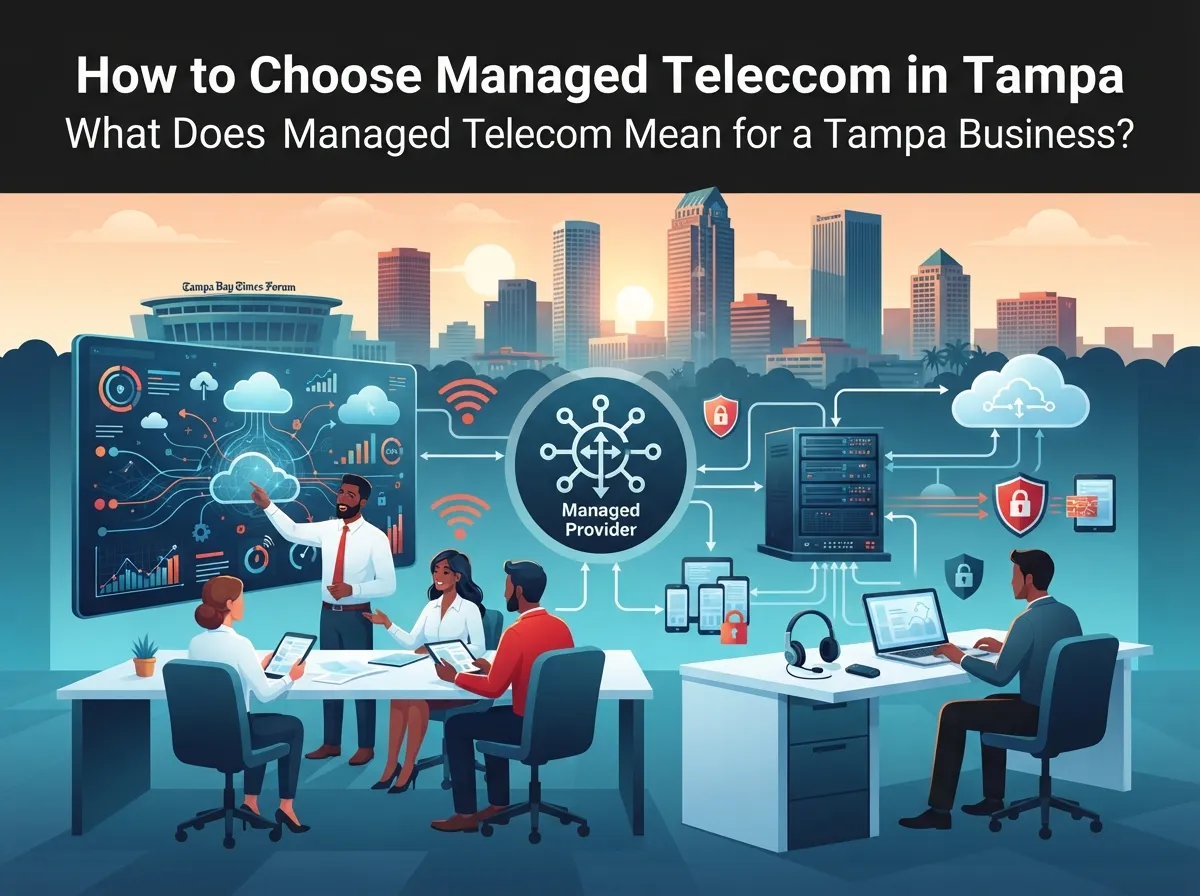
What Does Managed Telecom Mean for a Tampa Business?
In plain English, managed telecom means outsourcing some or all of your communications and connectivity. Your provider handles business internet, voice or VoIP, unified communications, network management, and ongoing support. The exact scope changes from one provider to the next, so always ask what is and isn’t included.
Common services in a managed telecom setup include:
- Hosted or cloud phone systems and SIP trunking
- Dedicated internet access, fiber, and broadband
- SD-WAN and multi-location connectivity
- Managed Wi-Fi and network monitoring
- Ongoing support and repair coordination
Some Tampa-area providers also add related services like structured cabling, cloud security cameras, and access control. These are separate pieces, so confirm what your agreement covers. If you want a deeper look at how this works in practice, read our guide on how to get the most from managed telecom services in Tampa.

Why Managed Telecom Makes Sense for Tampa Businesses
Let’s be honest. Most of us didn’t start a business to become telecom experts. We started it to serve customers, grow a team, and do great work. A managed approach gives you your time back.
Here’s who benefits most:
- Small business owners who want affordable phones and internet without managing many vendors.
- Office managers who need reliable phone setups and fast support.
- IT managers who want one point of contact for cabling, cameras, and telecom upgrades.
- Franchise operators who need the same setup across several Tampa Bay locations.
- Mid-sized companies that are growing fast and need a network that can keep up.
One partner means one bill, one escalation path, and fewer finger-pointing moments when something breaks. That alone is worth a lot.
Step 1: Take Stock of What You Have Today
Before you shop, look at what you already pay for. Many businesses are surprised by what they find. Old lines nobody uses, overlapping contracts, and plans that no longer fit are all common.
Grab your latest bills and make a simple list:
- Every phone line, internet circuit, and cloud service you pay for
- Contract end dates and renewal terms
- Monthly costs for each service
- Known problems, such as dropped calls or slow speeds
- The number of users and locations you support
A quick telecom audit often uncovers savings. Our walkthrough of 11 telecom audit steps that cut business costs can help you get started. You can also see whether you’re overpaying for telecom services without even knowing it.
Step 2: Know Your Must-Haves
Now think about what your team truly needs day to day. A dental office needs different things than a warehouse or a law firm. Write down your priorities before you talk to any provider.
Consider questions like these:
- Do you need a cloud phone system for remote or hybrid staff?
- How many people use video calls at the same time?
- Do you have multiple Tampa Bay locations to connect?
- Do you need cameras or door access tied into the same network?
- How much downtime can your business handle?
If phones are on your list, it helps to understand the options. We break them down in what a cloud-based phone system is and whether you need one. For internet needs, see how to choose the right internet speed for your Tampa business.
Step 3: Check What’s Actually Available at Your Address
Here’s a tip many people miss. Business internet availability depends on your exact address. A provider might say they cover Tampa, but that doesn’t mean fiber or a dedicated circuit reaches your office door.
Third-party estimates based on FCC Broadband Data Collection data suggest business fiber availability in Tampa sits around 20.7%. That’s a helpful ballpark, but it’s not a promise for your building. Always ask for a location-level serviceability check and verify against current FCC records.
When you request a check, ask for quotes on these options:
- Dedicated fiber internet
- Business cable or broadband
- Fixed wireless or 5G as a backup
- Any construction or installation fees
- Realistic install timelines
Want to compare options side by side? Our guides on fiber vs. cable business internet in Tampa and dedicated vs. shared fiber can help you decide.
Step 4: Compare Providers the Smart Way
Tampa has plenty of options. Some providers focus on IT, some on voice, and some bundle telecom with cabling, security, and more. Their offerings differ, so you’ll want to compare them using the same checklist.
Many businesses use a telecom partner that works with many carriers instead of a single one. That way you can compare plans without being locked into one network. Ideal Solutions Provider, for example, is a Tampa-based partner with over 24 years of experience and relationships with 35+ vetted suppliers. They act as a single point of contact and compare options across carriers rather than pushing one brand.
Not sure whether to use a broker or go direct? Check out telecom broker vs. direct provider: what Tampa businesses should know.
A Simple Comparison Table
Use a table like this to line up each provider you talk to:
| What to Compare | Why It Matters | What to Ask |
|---|---|---|
| Services included | Scope varies widely | What is covered and what costs extra? |
| Carrier relationships | More options mean better pricing and backup | Which carriers can you quote at my address? |
| Support model | Affects how fast problems get fixed | Who do I call, and when are they available? |
| Contract terms | Long terms can lock you in | What are the term length and exit fees? |
| Equipment ownership | Impacts cost if you switch | Do I own or lease the hardware? |
Step 5: Read the Service-Level Terms Closely
A service-level agreement, or SLA, spells out what your provider promises. It’s easy to skip, but it’s one of the most important parts of the deal. Don’t just look at advertised speed or the monthly price.
Look closely at these points:
- Uptime commitment: What percentage is guaranteed, and how is it measured?
- Repair times: How fast will someone respond, and how fast will it be fixed?
- Credits: What do you get if they miss the promise?
- Latency and voice quality: Are there targets for call clarity?
- Exclusions: What events don’t count against the guarantee?
Remember that marketing claims aren’t guarantees. Ask for the terms in writing, and have someone you trust review them. If you’re weighing a phone partner too, our post on how to choose a business VoIP solutions provider in Tampa adds helpful questions.
Step 6: Plan for Backup and Resilience
Tampa businesses know that storms, construction, and everyday outages can knock out service. A smart managed telecom plan includes a backup plan. The goal is simple: keep working even when something fails.
Good resilience planning can include:
- A second internet connection from a different carrier or technology
- Automatic failover so your network switches on its own
- Backup power for key equipment
- Phone features that reroute calls to mobile devices
- Written recovery steps your team can follow
One caution: a second circuit is only truly redundant if its route and underlying infrastructure are independent. Two lines that share the same pole or conduit can fail together. Ask your provider how the paths differ.
Cameras and access control also need steady connectivity. Learn more in how to keep security cameras working during internet outages.
Step 7: Understand the Full Cost Before You Sign
Pricing for managed telecom varies by address, services, and contract length. There’s no single Tampa price you can count on, and be careful with any figure that sounds too good to be true. The best way to know your cost is to get a custom quote.
Think about total cost, not just the monthly line item:
- Installation and activation fees
- Equipment purchase or lease costs
- Number porting and setup charges
- Taxes, surcharges, and regulatory fees
- Early termination penalties
- Cost of future moves, adds, and changes
For a better sense of budgeting, see how to budget for managed network services in Tampa or explore 15 ways to reduce business telecom costs in Tampa.
Managed Telecom vs. Managed IT: What’s the Difference?
These two get mixed up a lot, so here’s a quick breakdown. They overlap, but they’re not the same thing.
| Area | Managed Telecom | Managed IT |
|---|---|---|
| Main focus | Voice, internet, and connectivity | Computers, servers, software, and users |
| Typical services | VoIP, SIP trunking, fiber, SD-WAN | Help desk, patching, backups, endpoint security |
| Who uses it | Any business that relies on phones and internet | Businesses needing day-to-day tech support |
| Overlap | Network monitoring, Wi-Fi, security | Network monitoring, Wi-Fi, security |
Some businesses use both, and some partners offer a mix. Just be sure each responsibility has a clear owner. For a closer look, see in-house IT vs. a network solutions provider.
Don’t Forget Cabling, Cameras, and Access Control
Your phones and internet are only as good as the wiring behind them. Poor cabling can cause slow speeds, dropped calls, and endless headaches. That’s why a lot of Tampa businesses fold structured cabling into their telecom plan from the start.
The same goes for security. Cloud cameras and access control run over your network, so they work best when everything is planned together. A single partner can design the whole picture. Learn more about professional structured cabling services for Tampa businesses and cloud access control for Tampa offices.
Having one team handle it all means fewer surprises. It also helps franchise owners roll out the same setup across several sites, as covered in reliable network solutions for multi-location Tampa businesses.
Common Mistakes to Avoid
Even smart owners trip up on a few things. Here are the big ones to dodge:
- Choosing based only on the lowest monthly price
- Assuming citywide coverage means coverage at your address
- Skipping the SLA and support details
- Ignoring backup connectivity until an outage hits
- Signing long contracts without understanding exit costs
- Forgetting to plan how you’ll keep your phone numbers
That last one is easy to overlook. Get tips in how to keep your phone number when switching to VoIP in Tampa. You can also avoid common slipups by reading 8 VoIP provider mistakes Tampa businesses must avoid.
Quick Checklist Before You Decide
Before you sign anything, run through this short list. If you can say yes to most of these, you’re in good shape:
- I know exactly what services are included.
- I confirmed availability at my specific address.
- I compared at least two or three options.
- I read the SLA, including repair times and credits.
- I have a backup connection plan.
- I understand the full cost and contract terms.
- I know who to call when something goes wrong.
For a broader view of choosing a partner, our guide on how to choose a managed service provider for your business telecom is a great next read.
Ready to Simplify Your Business Communications?
Choosing managed telecom in Tampa doesn’t have to feel overwhelming. Take stock of what you have, know your must-haves, check your address, compare providers, read the fine print, plan for backup, and understand the full cost. Do those seven things and you’ll be miles ahead of most buyers.
The real win is peace of mind. When one trusted partner handles your phones, internet, cabling, and security, you can get back to running your business. If you’d like friendly, no-pressure help, contact us for a free consultation or call us to talk through your setup. We’d love to help you find a plan that actually fits.
FAQs
Q: What does managed telecom include for a Tampa business?
A: It usually covers business internet, voice or VoIP, unified communications, network monitoring, and ongoing support. Some providers also add cabling, security cameras, and access control, so always ask what’s in your agreement.
Q: Is fiber internet available at my Tampa business address?
A: It depends on your exact location, since availability changes from building to building. Ask your provider for a location-level serviceability check and compare it with current FCC data to be sure.
Q: What is the difference between managed telecom and managed IT?
A: Managed telecom focuses on phones, internet, and connectivity, while managed IT focuses on computers, servers, software, and user support. They overlap in areas like networking and security, so make sure each task has a clear owner.
Q: How can a Tampa business add internet failover or backup?
A: You can add a second connection from a different carrier or technology, such as fixed wireless or 5G, with automatic failover. Just confirm the backup route is truly independent so one outage doesn’t take down both lines.
Q: How much do managed telecom services cost in Tampa?
A: Costs vary based on your address, services, contract length, and equipment. The best way to get a real number is a custom quote that includes installation, equipment, taxes, and any early termination fees.





