
Key Takeaways
-
Cloud access control mobile eliminates manual security overhead by removing physical key cards; access can be instantly revoked with a button click and new employees gain immediate access without waiting for badge production.
-
Mobile credentials use BLE, NFC, or QR code technologies that integrate with existing cloud phone systems and networks, allowing seamless onboarding where door access, phone systems, and computer access all activate simultaneously.
-
Most modern systems maintain cached permission copies locally on door controllers, enabling continued operation during internet outages, though you should confirm backup duration and reconnection speed with your provider before selection.
-
Enterprise-grade security features like multi-factor authentication, encryption, audit logs, and role-based permissions make cloud mobile access control often more secure than traditional locks, aligning with NSA and CISA 2024 security guidance.
-
Deployment of wireless locks jumped from 39% to 42% of organizations in just two years, with fully mobile systems growing from 5% to 17%, indicating rapid market acceptance and proven ROI for businesses of all sizes.
-
Franchise operators and multi-location businesses benefit from centralized dashboard control to set consistent policies, grant temporary access, pull comparative reports, and push updates across all sites simultaneously from one location.
Picture this: your office manager is on vacation, a contractor needs building access at 6 a.m., and the key cards are locked in a drawer nobody can find. Sound familiar? This is exactly the kind of headache that cloud access control mobile solutions were built to solve. Instead of juggling plastic cards and spare keys, your team simply taps their smartphone to unlock a door. It’s simple, it’s fast, and honestly, it just makes sense in 2026.
At Ideal Solutions Provider, we’ve watched Tampa businesses move away from clunky old lock-and-key systems toward smarter, cloud-based options. This shift isn’t just a trend. It’s a real response to hybrid work, multiple office locations, and the need to manage security from anywhere. In this guide, we’ll break down what cloud access control mobile actually means, how it works, and why it might be the missing piece in your business security setup.
What Is Cloud Access Control Mobile, Really?
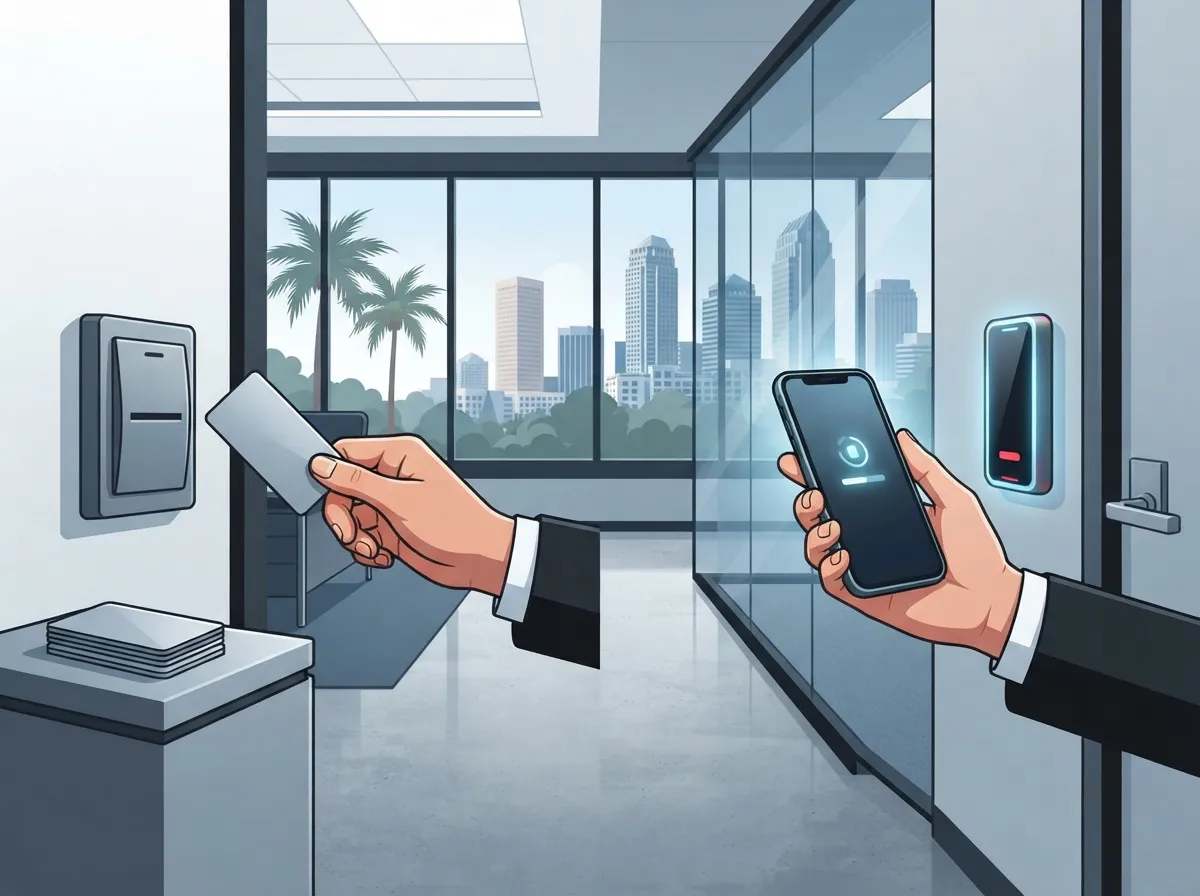
Cloud access control mobile is a way to manage building security using the internet instead of on-site hardware alone. Your smartphone becomes your key. Administrators manage everything through a web portal, from anywhere, at any time.
This matters for growing companies because it removes a ton of manual work. No more printing badges. No more chasing down former employees to get their key cards back. You just tap a button and their access disappears.
For businesses already working with cloud-based phone systems and cloud video security, adding mobile access control is a natural next step. It all lives in the same connected, cloud-first world.
How Mobile Credentials Actually Work
Mobile credentials use a few different technologies to unlock doors. Understanding these helps you pick the right fit for your office.
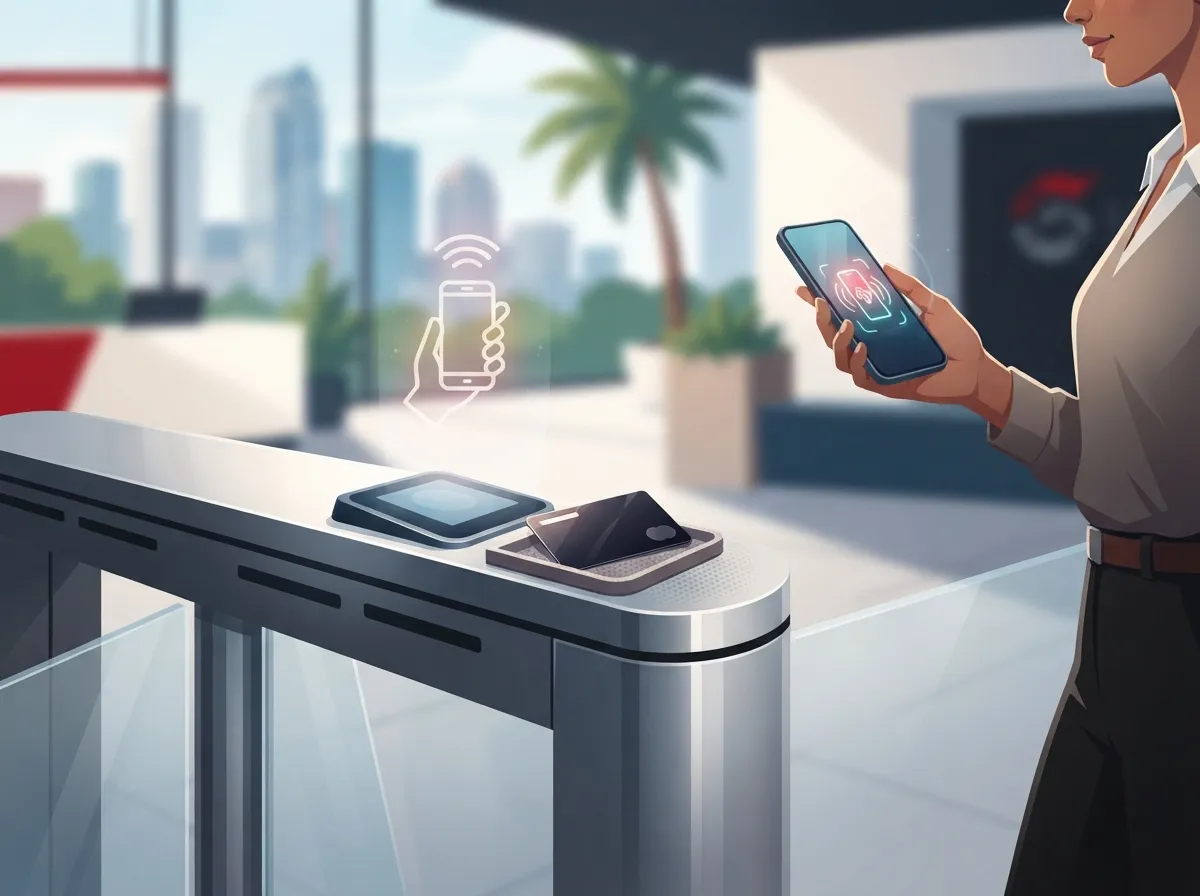
- Bluetooth Low Energy (BLE) lets employees wave their phone near a reader, sometimes without even pulling it out of their pocket
- Near-field communication (NFC) requires a quick tap, similar to how you pay with your phone at a store
- QR codes work great for temporary visitor passes or one-time contractor access
- Some systems combine two or more of these methods for extra flexibility
According to the ASSA ABLOY Wireless Access Control Report 2025, 42% of surveyed organizations had deployed wireless locks, up from 39% just two years earlier. Even more telling, 17% reported their access systems were fully mobile, compared to only 5% in 2023. That’s a big jump in a short time.
Why Small Businesses Are Making the Switch
If you run a small Tampa business, you might think mobile access control sounds like something only big corporations need. That’s not true anymore. Prices have come down, and the setup is simpler than most owners expect.
Here’s what small business owners tell us they love most:
- No more replacing lost or stolen key cards, which can cost time and money
- Employees already carry their phones everywhere, so there’s nothing extra to remember
- Owners can lock or unlock doors remotely, even from home or while traveling
- New hires get access instantly, without waiting for a physical badge to be made
- Former employees lose access the moment you remove them from the system
This kind of convenience pairs nicely with other upgrades like high-speed internet for business, since a strong connection keeps your access control running smoothly.
What Mid-Sized and Growing Companies Should Know
Mid-sized businesses often have more complex needs. You might have multiple departments, shift workers, or restricted areas that only certain employees can enter. Cloud access control mobile handles this with role-based permissions.
You can set rules like “sales team can enter the front office only” or “IT staff can access the server room after hours.” These rules update instantly across every door, every location, all from one dashboard.
| Business Type | Common Access Need | Mobile Credential Benefit |
|---|---|---|
| Small Business | Simple front door and back office control | Easy remote lock/unlock, no lost cards |
| Mid-Sized Enterprise | Role-based access across departments | Custom permissions by team or schedule |
| Franchise Operator | Consistent access across multiple sites | Centralized management for all locations |
| IT Manager | Integration with existing security tools | API support and directory sync |
Integrating Access Control With Your Telecom Setup
Here’s where things get really interesting. Cloud access control doesn’t have to live in its own little bubble. It can connect with your phone systems, your network, and even your employee directory.
This means when someone joins your company, their access to doors, phones, and computer systems can all be set up at once. When they leave, everything shuts off together too. That’s a huge time saver for IT managers juggling multiple systems.
Many platforms also work well with:
- Single sign-on (SSO) and identity management tools
- Secure Wi-Fi and SD-WAN solutions for reliable connectivity
- Visitor management systems for guests and deliveries
- Cloud video security cameras, so you can see who’s using each credential
- Mobile device management (MDM) software already used by your IT team
If your business already relies on cloud-based security cameras, pairing them with mobile access control creates a much fuller security picture. You’ll see exactly who entered, when, and where.
Security Concerns You Shouldn’t Ignore
We get it. Handing over building security to an app on someone’s phone can feel a little scary at first. But the security behind these systems is often stronger than old-school locks and cards.
Here’s what a solid provider should offer:
- Multi-factor authentication for anyone managing the system as an administrator
- Encryption for data both while it’s moving and while it’s stored
- Detailed audit logs showing every door open, every credential used
- Instant credential revocation the moment someone is removed from your team
- Role-based permissions so employees only access what they truly need
- Monitoring tools that flag unusual access patterns automatically
The National Security Agency and CISA released guidance in 2024 recommending phishing-resistant multi-factor authentication, least-privilege access, and continuous review of permissions for cloud identity systems. These same principles apply directly to cloud access control mobile setups. It’s smart to ask any provider how they meet these standards before signing a contract.
What Happens If the Internet Goes Down?
This is one of the most common questions we hear, and it’s a fair one. Nobody wants employees locked out because the Wi-Fi hiccupped for five minutes.
Most modern systems store a cached copy of permissions locally on the door controller. That means doors can keep working even during a short outage. But not every system behaves the same way, so this is something you absolutely should confirm before choosing a vendor.
Questions worth asking your provider:
- How long can the system operate without an internet connection?
- What happens to new credential changes made during an outage?
- Is there a backup power option for door controllers?
- How quickly does the system reconnect once internet service returns?
This is part of why working with an experienced telecom expert matters. They can help you compare providers side by side, rather than guessing based on marketing claims.
Cost Considerations for Cloud Access Control Mobile
Pricing varies quite a bit depending on your building size, number of doors, and how many users need credentials. Most providers charge a mix of upfront hardware costs plus a monthly or annual subscription fee.
| Cost Factor | What It Covers |
|---|---|
| Door Readers/Controllers | Hardware installed at each entry point |
| Software Subscription | Cloud dashboard, updates, and support |
| Installation | Professional setup and cabling work |
| Mobile Credential Licenses | Per-user fees for app-based access |
| Integration Services | Connecting with existing phone and network systems |
The good news is that structured cabling done right the first time reduces future costs significantly. If your building already has solid structured cabling in place, adding mobile access control becomes a much simpler project.
Franchise and Multi-Location Considerations
If you’re managing several franchise locations, consistency matters. You want the same security standards at every site, without having to visit each one in person.
Cloud access control mobile makes this incredibly manageable. From one central dashboard, you can:
- Set identical access policies across every location
- Grant temporary access to regional managers or maintenance staff
- Pull reports comparing activity between different sites
- Push software updates to all locations simultaneously
- Quickly respond to security incidents no matter where they happen
This kind of centralized control pairs beautifully with scalable networking solutions, especially for franchise operators expanding into new markets across Tampa Bay and beyond.
Choosing the Right Provider
Not every provider offers the same level of support, and that difference really shows up after installation. Look for a partner who understands both the security side and the telecom side of your business.
Here’s a quick checklist to guide your decision:
- Does the system support both iOS and Android devices equally well?
- Can it integrate with your current phone system and network setup?
- What certifications or compliance reports can they provide?
- Is there a clear service-level agreement (SLA) for support response times?
- Do they offer ongoing maintenance, not just installation?
Ideal Solutions Provider has spent over 24 years helping Tampa businesses navigate exactly these kinds of decisions. With partnerships across 35+ vetted suppliers, we act as your single point of contact, comparing options so you don’t have to sort through confusing sales pitches on your own.
You can also follow along with real client stories and behind-the-scenes tips on our Facebook page or check out setup walkthroughs on our YouTube channel.
Getting Started With Mobile Access Control
Making the switch doesn’t have to be overwhelming. Most businesses go through a similar process, and knowing the steps ahead of time makes everything feel a lot less intimidating.
- Schedule a consultation to review your current security setup
- Identify which doors and areas need mobile credential access
- Choose between BLE, NFC, or QR-based credentials based on your needs
- Confirm integration requirements with your phone system and network
- Plan for professional installation and any necessary cabling upgrades
- Train your team on how to use mobile credentials day to day
- Set up ongoing monitoring and support with your provider
Interestingly, according to that same ASSA ABLOY report, the percentage of organizations considering mobile access “unsuitable” dropped from 31% in 2023 to just 19% in 2025. Businesses are clearly warming up to this technology, and for good reason.
A Quick Word on Employee Experience
Beyond the security benefits, there’s something to be said for how much employees actually enjoy this upgrade. Nobody misses fumbling for a key card while carrying coffee and a laptop bag. A quick tap or wave, and they’re in.
Office managers especially appreciate not having to manage a drawer full of spare cards anymore. It’s one less thing on an already long to-do list, and that kind of small relief adds up over time.
For more on how this fits into a broader connected office strategy, take a look at Mobile vs. Traditional Access Control and see how it compares to older systems many businesses are still using today.
Bringing It All Together
Cloud access control mobile isn’t just a fancy upgrade. It’s a practical solution to real problems that Tampa businesses face every single day. Lost cards, slow offboarding, multiple locations, and remote management all become so much simpler once you make the switch.
Whether you’re a small business owner ready to ditch the key card drawer, an IT manager looking for smarter integrations, or a franchise operator managing several locations at once, this technology can genuinely make your life easier. And when it’s paired with reliable internet service and a solid network foundation, it works even better.
Ready to see how mobile access control could fit into your business? Contact us today for a free consultation, or feel free to call us to talk through your options with a real person who actually understands telecom and security. We’re here to help you find the right fit, without the sales pressure.
FAQs
Q: What is mobile cloud access control for businesses?
A: It’s a way to manage your building’s doors using smartphones instead of key cards, all controlled through the cloud. You can grant or remove access from anywhere, which is a lifesaver for busy owners and managers juggling a million things at once.
Q: Is cloud-based mobile access control secure for remote and hybrid workplaces?
A: Yes, when set up correctly, it’s actually quite secure, often more so than traditional keys. Look for features like multi-factor authentication, encryption, and instant credential revocation, and you’ll feel confident your hybrid team is protected.
Q: What happens if the internet or cloud service goes down?
A: Most quality systems store permissions locally, so doors keep working even during a short outage. Still, it’s worth asking your provider exactly how long that backup lasts, just so there are no surprises.
Q: How can a company revoke an employee’s mobile building access immediately?
A: You simply log into your cloud dashboard and remove their credential with a few clicks. It updates instantly across every door, so there’s no need to track down a physical badge ever again.
Q: How much does cloud access control with mobile credentials cost?
A: Costs vary based on the number of doors, users, and any integrations you need, but most setups include hardware, installation, and a monthly subscription. We’re always happy to walk you through real numbers based on your specific building and team size.





