

Key Takeaways
-
Cloud cameras require strong upload bandwidth and proper network infrastructure to function effectively; skipping this foundation will cause performance issues regardless of camera quality.
-
Tampa businesses should verify current internet upload speeds and network capacity before installing cloud systems, as continuous video uploads can significantly impact overall network performance.
-
Outdoor cameras in Tampa must have weather-resistant housings, corrosion protection for salt air, surge protection for lightning, and backup power plans to handle local climate conditions.
-
Cloud camera platforms often integrate with existing camera brands and can work alongside access control, networking, and phone systems for improved security and operational efficiency.
-
Most Tampa cloud camera providers include 14 days of storage in base plans, but retention periods vary significantly; always get clear written details on storage duration, pricing, and data access policies before committing.
-
Multi-location businesses and franchises benefit most from cloud systems due to single-dashboard management, easier scaling, and automatic software updates compared to traditional DVR systems requiring separate management per site.
If you own or manage a business in Tampa, you’ve probably noticed something. More shops, offices, and warehouses now use cloud cameras instead of old-school DVR boxes. There’s a good reason for that shift. Cloud cameras give you peace of mind, remote access, and fewer headaches than clunky old systems. Whether you run a small shop in Ybor City or manage several locations across Tampa Bay, this guide will walk you through everything you need to know about cloud cameras Tampa Florida businesses are choosing right now.
We’ll keep things simple and friendly here. No confusing tech talk, just real answers. By the end, you’ll know how these systems work, what they cost, and how they fit with your other telecom tools like internet, networking, and access control. Let’s dig in together.
What Are Cloud Cameras, Really?
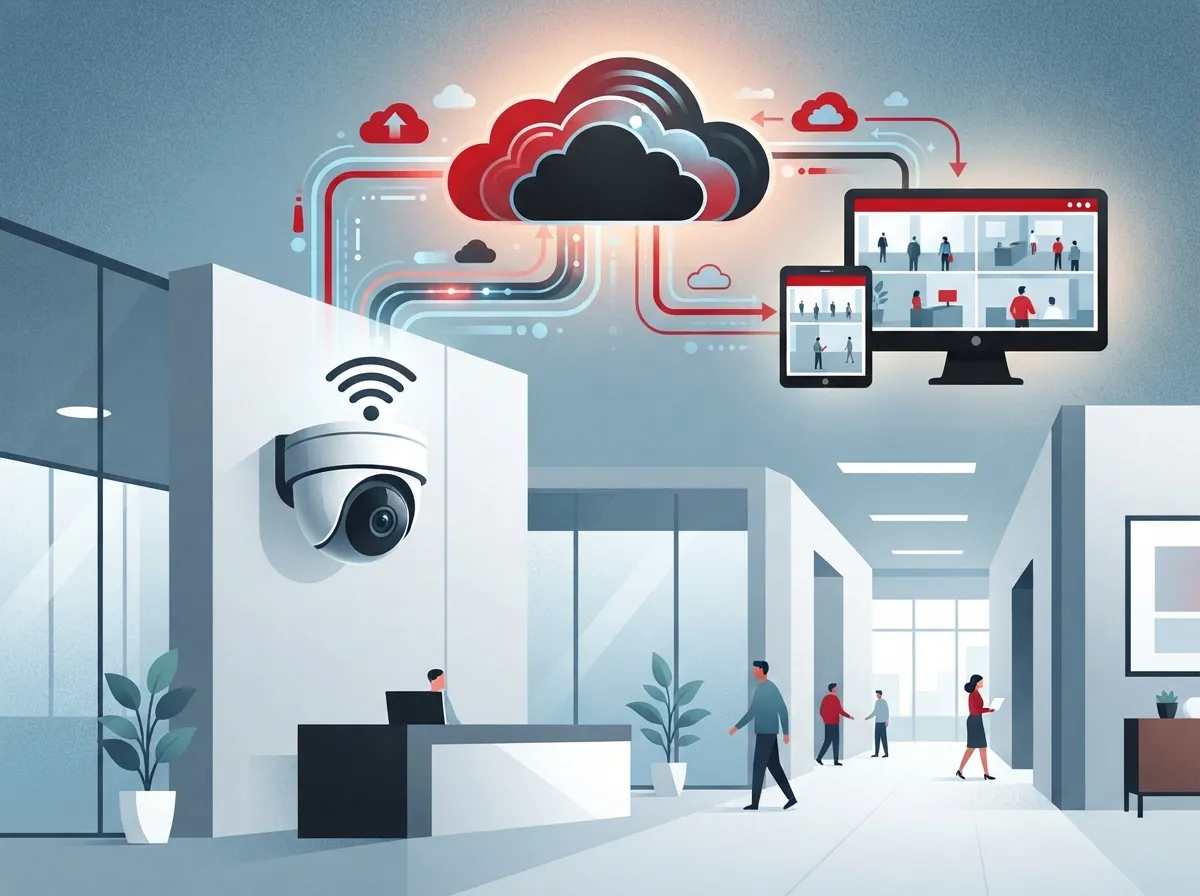
Cloud cameras are security cameras connected to the internet. They send video to a cloud video management system, or VMS for short. This means you can watch live footage, search old recordings, and get alerts right from your phone or computer. No need to be standing in front of a clunky monitor in a back office.
Most modern systems use what’s called a hybrid-cloud setup. Here’s what that means in plain terms. The camera itself does some of the work right on the device. It might store some video locally for a short time. Meanwhile, the cloud handles the big stuff: managing all your cameras, sending alerts, running smart analytics, and storing footage safely off-site. This combo gives you the best of both worlds. You get quick local processing and dependable cloud backup.
How This Fits Into Your Bigger Telecom Picture
Here’s something a lot of business owners don’t realize at first. Cloud cameras don’t work alone. They need strong high-speed business internet to upload video smoothly. They also need solid networking and, in many cases, structured cabling to connect everything properly.
Think of it like building a house. The cameras are the windows and doors people notice. But the cabling, internet, and network are the foundation holding it all up. Skip the foundation, and even the best cameras will struggle.

Why Tampa Businesses Love Cloud Video Security
Let’s talk about the real benefits. These aren’t just fancy features. They solve everyday headaches for Tampa business owners.
- Remote access from anywhere – Check on your business while you’re at lunch, on vacation, or handling a problem at another location.
- Real-time alerts – Get a notification the moment something unusual happens, like motion after hours.
- Multi-site management – Franchise owners and multi-location businesses can watch every site from one dashboard.
- Less on-site hardware – No bulky DVR box taking up closet space or breaking down at the worst time.
- Easier scaling – Add more cameras or locations without starting from scratch.
Tampa commercial security providers describe cloud platforms that scale from a single storefront to thousands of sites. That’s a big deal if you’re planning to grow. You won’t outgrow your system in a year or two.
A Quick Word on Florida Weather
Living in Tampa means dealing with heat, humidity, and the occasional hurricane. Outdoor cameras need to handle all of that without blinking. Here’s what to look for:
- Weather-resistant housings rated for outdoor use
- Corrosion protection, since salt air is common near the coast
- Surge protection for lightning-heavy summer storms
- Sturdy mounting that won’t shake loose in high winds
- A backup plan for power or internet outages
A good installer will walk through these details with you before mounting a single camera. This is exactly the kind of planning our team handles when we design systems for Tampa clients.
Cloud Cameras vs. Traditional DVR Systems
So how do cloud cameras stack up against the old DVR or NVR boxes many businesses still use? Here’s a simple breakdown.
| Feature | Cloud Cameras | Traditional DVR/NVR |
|---|---|---|
| Remote viewing | Yes, from any device | Limited, often needs extra setup |
| Storage location | Cloud, sometimes plus local | On-site hard drive only |
| Multi-site management | One dashboard for all sites | Separate system per site |
| Software updates | Automatic, handled by provider | Manual, often skipped |
| Upfront hardware cost | Lower to moderate | Can be higher for large drives |
| Ongoing cost | Monthly subscription | Mostly one-time, but risk of failure |
Neither option is automatically wrong. Some businesses still prefer local storage for certain reasons. But most Tampa businesses today lean toward cloud systems because of the flexibility and remote access. It just fits how people run businesses now, checking things from a phone between meetings.
Bandwidth: The Part Nobody Talks About Enough
Here’s something people often forget. Cloud cameras need solid upload bandwidth, not just download speed. Continuous video uploads can eat up a lot of upstream data, especially with several high-resolution cameras running at once.
Before installing a cloud camera system, a good telecom provider will check a few things:
- Your current upload bandwidth and whether it’s enough
- Network reliability and any dead zones
- Power-over-Ethernet (PoE) switching to power cameras through the network cable
- Backup internet connectivity in case your main line drops
- Network segmentation to keep cameras separate from other business systems
If your current internet plan struggles with video calls or slow uploads, adding several cameras could make things worse. This is why pairing your camera project with a review of your business internet service makes so much sense. You don’t want your security system to be the reason your Wi-Fi slows to a crawl.
Can You Keep Your Existing Cameras?
Good news here. Many cloud platforms work with cameras you already own, depending on the brand and model. One Tampa-focused provider even states its cloud VMS is compatible with thousands of camera types from major manufacturers. That said, compatibility should always be double-checked for your specific setup.
A proper assessment looks at:
- Camera resolution and image quality
- Current network capacity
- Storage needs based on camera count and retention period
- Firmware updates and manufacturer support
- Availability of PoE for power and data
- Cybersecurity requirements for connected devices
Sometimes a full replacement makes sense. Other times, you can keep most of your gear and just add the cloud layer on top. A quick consultation usually clears this up fast.
What About Storage and Footage Retention?
This is one of the most common questions we hear. How long does footage actually stick around? The honest answer is that it depends on your provider and plan. One Tampa telecom and technology provider advertises 14 days of included cloud storage as part of its base offering. Other plans offer more or less, depending on camera count, video resolution, and how long you want footage kept.
Before signing any contract, ask your provider these specific questions:
- How many days of footage are included in the base price?
- What happens if you need longer retention for an investigation?
- Is footage encrypted during upload and while stored?
- Who has access to exported video, and how is that tracked?
- What happens to your footage if you cancel service?
Getting clear answers upfront saves a lot of frustration later. Vague promises about “plenty of storage” aren’t good enough when you actually need to pull up footage from three weeks ago.
Integrating Cameras With the Rest of Your Business Systems
Cloud cameras become even more useful when they connect to other tools you already use. Here’s how that typically works for Tampa businesses.
Access Control Integration
Pairing cameras with cloud-based access control systems means you can see exactly who badged into a door and watch the matching video clip. This is huge for resolving disputes or investigating incidents without guesswork.
Network and Phone System Integration
Since cameras run on your network, they should be planned alongside your business network solutions and even your cloud phone system. When everything sits on one well-managed network, troubleshooting is easier and performance stays consistent.
Cellular and Backup Connectivity
For businesses that can’t afford downtime, cellular backup or a secondary internet connection keeps cameras running even if your main line goes down. This matters a lot during Florida storm season when outages happen more often than anyone likes.
What Does It Cost to Install Cloud Cameras in Tampa?
There’s no single price that fits every business. Costs depend on:
- Number of cameras needed
- Camera resolution and features like night vision or AI analytics
- Length of video retention required
- Whether new cabling or network upgrades are needed
- Ongoing subscription fees for cloud storage and management
A small retail shop with four cameras will pay far less than a warehouse with twenty cameras and multiple entry points. The best way to get an accurate number is a walk-through with a provider who can look at your space and your goals.
Legal and Compliance Notes for Florida Businesses
Florida Statutes Section 163.31802 generally stops local governments from forcing lawful businesses to pay for security-camera standards meant to boost local-government services. That said, this doesn’t cover everything. Businesses should still check their lease terms, industry rules, and any facility-specific requirements that might apply.
Cameras also aren’t a replacement for a full security plan. Good planning includes proper camera placement, adequate lighting, visible signage, strict user permissions, strong passwords, encrypted storage, regular firmware updates, and clear rules about who can access exported footage. Video is a powerful tool, but it works best as part of a bigger strategy.
Choosing the Right Cloud Camera Partner in Tampa
Not every provider offers the same level of service. Here’s what to look for when comparing options:
- Clear answers about storage retention and pricing, not vague promises
- Experience installing cameras alongside networking and cabling, not just cameras alone
- A single point of contact instead of juggling multiple vendors
- Support for multi-site management if you have more than one location
- Willingness to explain outage behavior and backup plans honestly
This is where working with an experienced telecom partner really pays off. At Ideal Solutions Provider, we’ve spent over 24 years helping Tampa businesses build systems that actually work together, cameras, internet, cabling, networking, and access control, instead of a pile of disconnected gadgets from different vendors. We compare options across 35+ vetted suppliers, so you get honest recommendations instead of a one-size-fits-all pitch.
You can also check out real examples of our work and client stories on our YouTube channel or follow project updates on Facebook and Instagram.
A Simple Planning Checklist
Before you commit to any cloud camera system, walk through this short list:
- List every location you need covered, indoors and outdoors
- Check your current internet upload speed and reliability
- Decide how many days of footage you actually need stored
- Ask about integration with access control and existing network gear
- Get a clear, written quote covering install, hardware, and monthly fees
Taking these steps first saves you from surprises down the road. It also helps your provider design something that fits your business instead of a generic package.
Bringing It All Together
Cloud cameras have become a smart choice for Tampa businesses that want flexibility, remote access, and room to grow. They work best when paired with reliable high-speed internet, sturdy structured cabling, and a network built to handle the extra traffic. Whether you’re a small shop owner, an IT manager juggling vendors, or a franchise operator managing several Tampa Bay locations, the right cloud camera setup can genuinely make your day-to-day life easier.
If you’re ready to see what a properly planned cloud camera system looks like for your business, our team would love to help. Reach out to our team for a free consultation, or give us a call to talk through your options today. We’re here to make this process simple, friendly, and stress-free, just like it should be.
FAQs
Q: What are cloud cameras and how do they work for a Tampa business?
A: Cloud cameras are internet-connected security cameras that send video to a cloud platform instead of just a local box. You can watch live footage, search recordings, and get alerts right from your phone, which is a game changer for busy owners who can’t always be on-site.
Q: How much internet bandwidth do business cloud security cameras need?
A: It really depends on how many cameras you have and their resolution, but continuous uploads can use up quite a bit of upstream bandwidth. We always recommend checking your current upload speed before adding several high-resolution cameras, so your network doesn’t get overwhelmed.
Q: Are cloud cameras better than a local DVR or NVR for businesses?
A: For most Tampa businesses, yes, cloud cameras offer more flexibility with remote viewing and multi-site management. That said, some businesses still have good reasons to keep local storage, so it’s worth talking through your specific needs with a trusted provider.
Q: Can an existing CCTV camera system be migrated to the cloud?
A: In many cases, yes! Cloud platforms often work with cameras you already own, depending on the brand and features. A quick assessment of your current setup will tell you whether you can add cloud capability or if an upgrade makes more sense.
Q: How long is business security-camera footage stored in the cloud?
A: Storage length varies by provider and plan, with some Tampa providers offering around 14 days included in their base package. If you need longer retention, just ask upfront so there are no surprises when you actually need old footage.





