
Key Takeaways
-
For most permanent commercial locations, wired PoE cameras are the stronger default choice because one Ethernet cable delivers both power and video data, enabling stable 24/7 recording and predictable performance without internet dependency.
-
Wireless cameras still need power outlets (battery models require regular charging), and their performance depends heavily on Wi-Fi strength, building materials, and network congestion—making them best suited for temporary sites, leased buildings, or hard-to-cable areas.
-
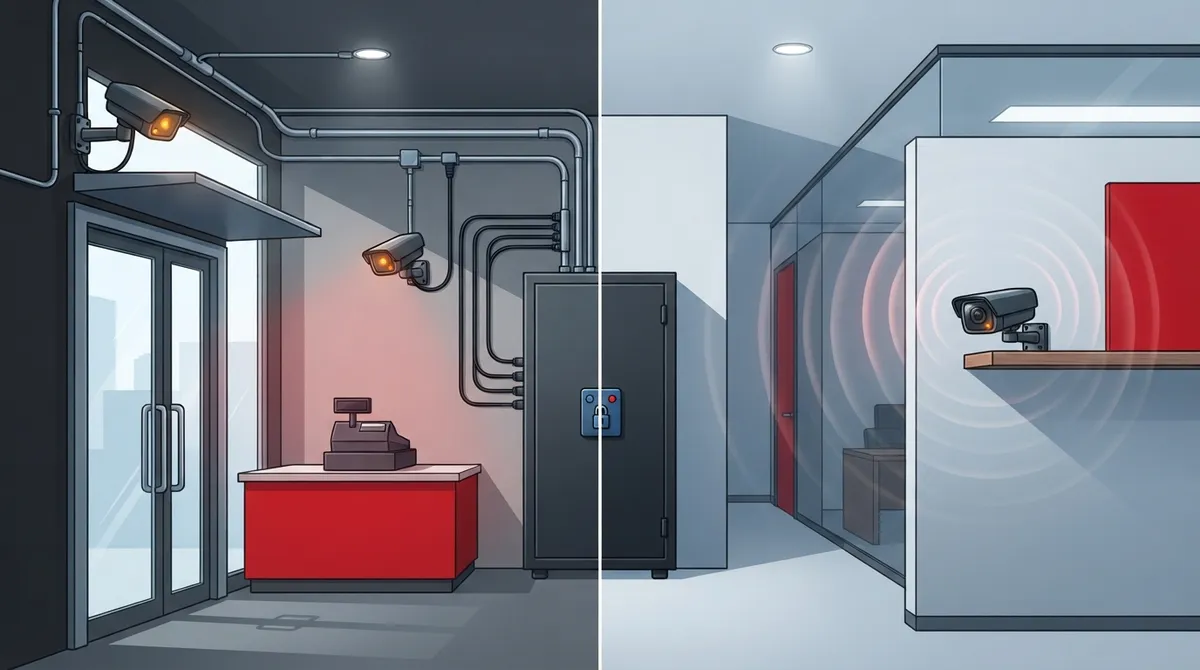
A hybrid approach combining wired PoE cameras for critical areas (entrances, cash registers) with wireless cameras for flexible spots gives you a rock-solid security backbone while maintaining flexibility to add cameras without extensive cabling work.
-
Both wired and wireless systems require proper security measures including segmented VLANs, unique credentials, firmware updates, and business-grade access points—wired does not automatically mean secure.
If you’re setting up security cameras for your Tampa business, you’ve probably hit this question fast: should you go wired or wireless? It’s a great question, and honestly, there’s no one-size-fits-all answer. The right choice depends on your building, your budget, and how you plan to use your cameras.
Here’s the good news. You don’t have to figure this out alone. Whether you run a small retail shop, manage a growing office, or oversee IT for a multi-location franchise, understanding the basics will help you make a smart decision. In this guide, we’ll break down wired PoE cameras, wireless cameras, and the hybrid approach many businesses end up loving. We’ll also share real numbers and practical tips so you feel confident moving forward.
Wired vs. Wireless Cameras: The Quick Answer
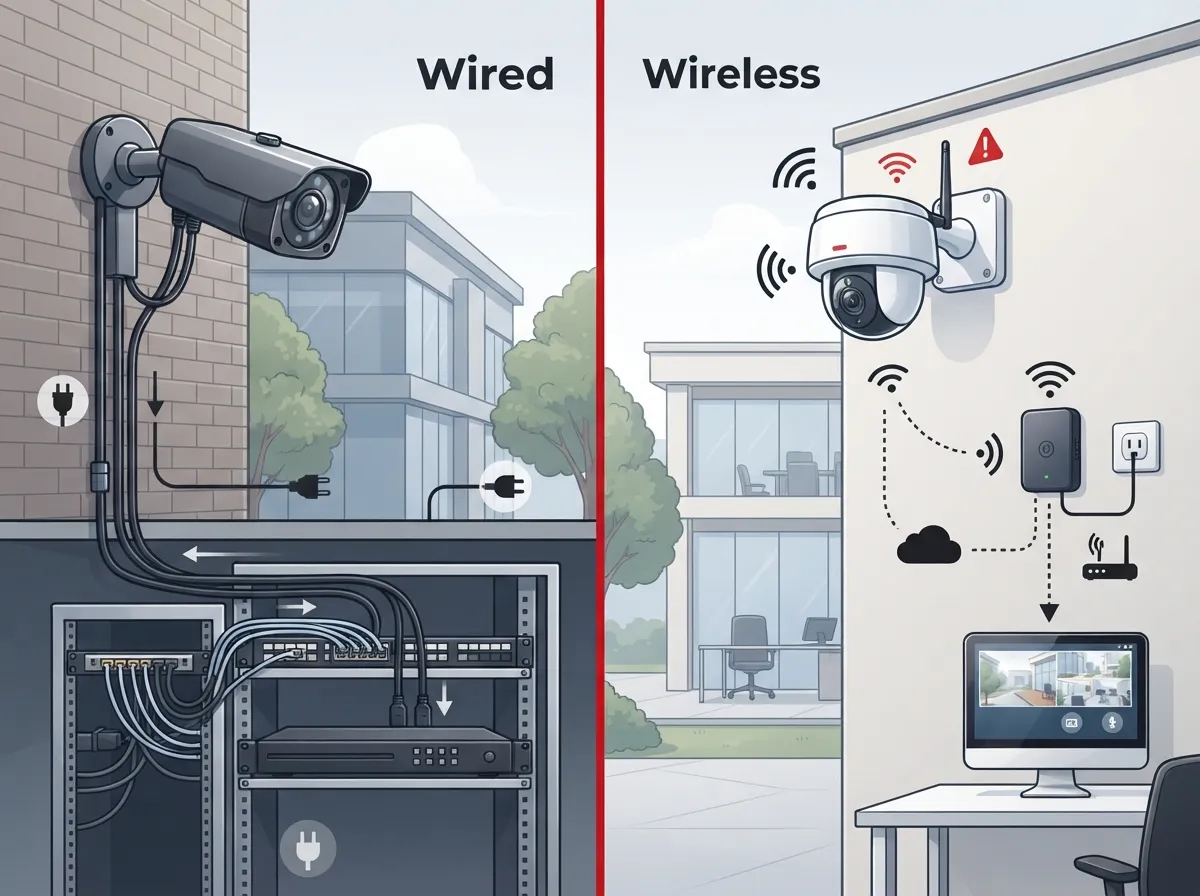
For most permanent commercial spaces, wired IP cameras using Power over Ethernet (PoE) are the stronger default choice. One Ethernet cable carries both power and video data, giving you a stable connection and predictable performance. This matters a lot when you’re recording 24/7 or covering entrances, cash registers, or warehouse floors.
Wireless cameras still have their place, though. They shine in leased buildings, historic properties, temporary job sites, or spots where running cable would be a real headache. Many businesses actually use both types together. This is called a hybrid setup, and it’s often the smartest way to go.
What Are Wired Security Cameras, Really?
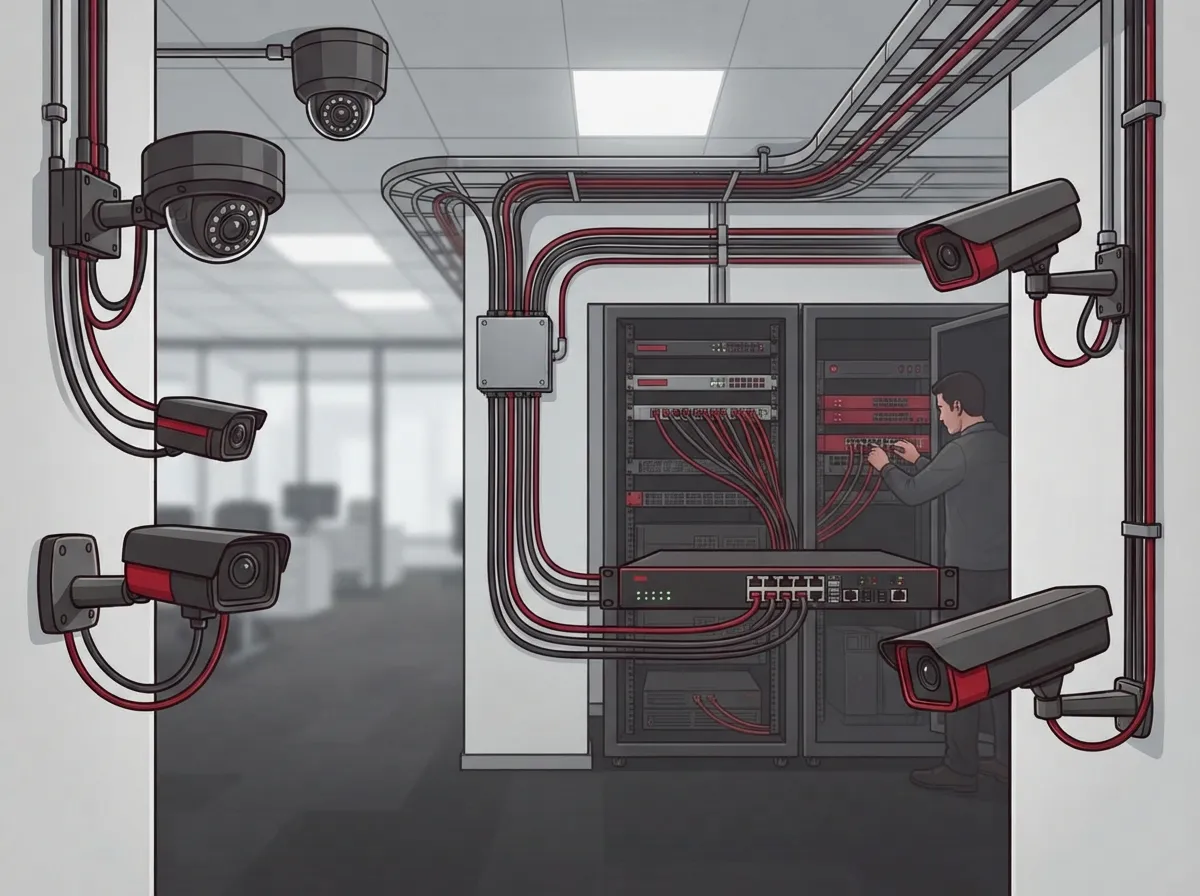
Wired cameras connect to your network using an Ethernet cable. Most modern systems use PoE, which stands for Power over Ethernet. That one cable does double duty: it powers the camera and sends video data back to your recorder or cloud storage.
This setup has some clear technical advantages worth knowing:
- IEEE 802.3af PoE delivers up to 15.4 watts from the power source, with about 12.95 watts actually reaching the camera
- Newer 802.3at PoE+ standards push up to 30 watts, enough for cameras with heaters, pan-tilt-zoom motors, or infrared lighting
- Standard copper Ethernet cable runs about 100 meters (328 feet) before you need an extender or extra switch
- Business-grade PoE switches often support a total power budget, such as 140 watts spread across all connected ports
This means one wired camera rarely overloads your system, and you can plan your structured cabling layout with confidence.
What Are Wireless Security Cameras, Really?
Wireless cameras send video over Wi-Fi instead of through a cable. But here’s something a lot of business owners don’t realize: wireless doesn’t always mean wire-free. Most wireless cameras still need a nearby power outlet. Battery-powered models exist, but they require regular charging or battery swaps, which adds ongoing maintenance work.
Wireless cameras depend heavily on your network environment. Their performance is shaped by things like:
- Access point coverage and placement throughout the building
- Building materials like concrete, metal shelving, or brick walls that block signals
- Interference from other electronics and HVAC equipment
- General Wi-Fi congestion, especially during busy hours
- Internet service reliability, if you’re relying on cloud recording
Comparing Wired and Wireless Cameras Side by Side
Sometimes it helps to see everything laid out together. Here’s a simple breakdown of how these two options stack up for a typical business.
| Factor | Wired (PoE) Cameras | Wireless Cameras |
|---|---|---|
| Power Source | Single Ethernet cable | Outlet or battery |
| Connection Stability | Very stable, minimal interference | Depends on Wi-Fi strength and congestion |
| Best For | Permanent locations, 24/7 recording, high camera counts | Temporary sites, leased buildings, hard-to-cable areas |
| Installation Effort | Higher upfront labor, cabling required | Faster setup, no cable runs needed |
| Recording During Internet Outage | Can keep recording locally | Often needs internet for cloud upload |
| Max Cable Distance | About 100 meters before extender needed | Not applicable, but limited by Wi-Fi range |
How Much Bandwidth Do Business Cameras Actually Use?
This is a question we hear a lot, especially from office managers worried about slowing down everyday operations. Here are some real numbers to consider:
- A single 4K camera commonly needs roughly 8 to 12 Mbps of continuous bandwidth, though this varies by frame rate and compression settings
- Four continuously streaming 2K wireless cameras can use approximately 15 to 20 Mbps of shared Wi-Fi capacity
- Adding more cameras multiplies this demand quickly, which can strain a standard office network
- Cloud-based systems add extra upload demand on top of your regular internet traffic
If you’re already stretching your office Wi-Fi thin, adding a handful of wireless cameras could cause buffering or dropped frames. This is one reason many IT managers pair camera upgrades with a broader look at their high-speed internet setup before installation day.
Where Wired Cameras Make the Most Sense
Wired PoE cameras are usually the right call when the stakes are high or the location is permanent. Think about these scenarios:
- Front entrances and cash-handling areas, where missed footage could create liability issues
- Warehouses and production zones that need continuous, dependable coverage
- Large facilities with many cameras, where a wireless network would get overloaded fast
- Locations where compliance rules require reliable, uninterrupted recording
Because wired systems can often keep recording locally during an internet outage, they’re a safer bet for businesses that can’t afford gaps in coverage. This local reliability is a big reason security experts recommend wired setups for critical fixed viewpoints.
Where Wireless Cameras Make the Most Sense
Wireless cameras aren’t second-best. They’re simply built for different situations. Consider wireless when:
- You’re leasing the building and can’t run permanent cable through walls
- The location is temporary, like a construction site or pop-up event space
- The property is historic and cabling would damage original structures
- You need a camera up and running quickly, without waiting on cabling work
Franchise operators managing multiple sites often find wireless cameras useful for locations that are still being built out or renovated, while permanent stores get the wired treatment once construction wraps up.
Why a Hybrid System Often Wins
Here’s a secret many successful businesses already know: you don’t have to pick just one. A hybrid approach lets you use wired PoE cameras for your most critical viewpoints, like entrances and registers, while using wireless or cellular cameras for flexible or hard-to-reach spots.
This gives you the best of both worlds. Your core security backbone stays rock solid, while you keep the flexibility to add cameras wherever they’re needed, without ripping open walls every time your floor plan changes.
Keeping Your Camera Network Secure
Here’s something important that trips up a lot of businesses: wired does not automatically mean secure. Both wired and wireless systems need real security measures, including:
- Placing cameras on a segmented VLAN, separate from your regular business network
- Using unique, strong credentials for every camera and device
- Keeping firmware updated across all cameras and recorders
- Restricting cameras from unnecessary internet access
- Choosing business-grade access points instead of a basic consumer router
Skipping these steps leaves your system vulnerable, whether you went wired or wireless. If you’re unsure where to start, it helps to work with a team that understands both the camera side and the underlying network side of things.
What to Compare Before You Buy
Don’t just compare camera prices side by side. The full cost of a system includes a lot more than the hardware itself. Make sure you’re accounting for:
- Cabling and installation labor
- PoE switches and any needed network upgrades
- Access points, if going wireless
- NVR or cloud storage plans and licensing fees
- Backup power options
- Ongoing maintenance and remote-monitoring needs
It’s also smart to ask any vendor about ONVIF compatibility. This ensures your cameras, recorder, video management software, and analytics tools can all actually talk to each other. This one detail can save you from a frustrating mismatch down the road.
Bringing It All Together for Your Business
So, should you get wired or wireless cameras? For most permanent commercial locations, wired PoE cameras give you the strongest foundation. They’re stable, they support high-resolution recording, and they scale well as your business grows. Wireless cameras fill in the gaps beautifully, especially for temporary or hard-to-cable spots.
At Ideal Solutions Provider, we’ve spent over 24 years helping Tampa businesses and companies nationwide design telecom and security setups that actually fit how they operate. We’re not tied to one brand or one approach. With partnerships across 35+ vetted suppliers, we help you compare real options and build a camera system, along with your cloud video security and network infrastructure, around what your business truly needs.
We also know cameras don’t operate in a vacuum. They rely on solid structured cabling, dependable business network solutions, and strong internet service to work the way you expect. If your current setup feels shaky, or if you’re planning a new build and want it done right the first time, we’re happy to walk through your options together.
Curious how a hybrid camera setup could work for your building? Contact our team today for a free consultation, or give us a call to talk through your specific space and goals. You can also check out real installations and client stories on our YouTube channel or follow along on Facebook and Instagram for more tips like these.
FAQs
Q: Are wired or wireless security cameras better for a business?
A: For most permanent business locations, wired PoE cameras are the better bet because they offer stable power and connectivity for round-the-clock recording. Wireless cameras are wonderful for temporary spots or leased buildings where cabling isn’t practical. Many businesses actually enjoy the best of both worlds with a hybrid setup!
Q: Do wireless security cameras still need power cables?
A: Yes, most wireless cameras still need a nearby electrical outlet since they only skip the video cable, not the power cable. Battery-powered models exist, but they need regular charging or battery swaps to keep working. So “wireless” really just means wire-free for data, not necessarily for power.
Q: How reliable are Wi-Fi cameras for 24/7 commercial surveillance?
A: Wi-Fi cameras can absolutely work well for continuous recording if you invest in business-grade access points and a properly designed network. That said, they’re more sensitive to congestion, building materials, and internet outages than wired systems. For mission-critical areas, wired cameras tend to offer more peace of mind.
Q: Should business security cameras be on a separate network or VLAN?
A: Yes, and this applies to both wired and wireless cameras! Placing cameras on a segmented VLAN keeps them isolated from your main business network, which adds an important layer of security. This simple step helps prevent a camera vulnerability from becoming a bigger network problem.
Q: Can I use a hybrid wired and wireless camera system?
A: Absolutely, and it’s often the smartest choice for growing businesses. You can use wired PoE cameras for critical spots like entrances and registers, then add wireless cameras for flexible or hard-to-reach areas. This gives you a strong, dependable core with room to expand as your needs change.





