
Key Takeaways
-
Start with a risk-based site survey before choosing cameras—walk your property and identify all entrances, exits, cash registers, blind spots, and high-value areas to create an accurate blueprint instead of guessing a camera count.
-
Match camera resolution to the job: use 4 MP minimum for entrances and cash registers (facial identification), 2 MP for hallways, and specialty cameras for parking lots and loading docks with low-light or distance requirements.
-
Calculate your network bandwidth needs upfront—a 1080p camera uses 2-8 Mbps depending on codec, while 4K uses 4-32 Mbps; multiply by camera count and separate video traffic on its own VLAN to avoid sluggish business internet.
-
Use the storage formula: bitrate × camera count × recording time × retention period, then add 20-30% extra capacity for growth and overhead; for example, 20 cameras at 4 MP need roughly 1.2-2.4 TB for 30-day retention.
-
Plan for 20-30% spare capacity across network, storage, and recording devices to prevent slowdowns during peak usage and allow room to add cameras or doors later without a full system redesign.
-
Choose your architecture early—cloud systems need strong internet but minimal hardware, on-premises require local storage and maintenance, while hybrid setups balance local critical footage with cloud-based alerts for growing businesses.
So you’re staring at your business, wondering how many cameras, doors, and gigabytes of storage will actually keep the place safe. You’re not alone. This is one of the most common questions we hear from Tampa business owners, and honestly, there’s no one-size-fits-all answer. A cozy retail shop needs something very different than a warehouse with a loading dock or a multi-location franchise spread across the state.
The good news? Sizing a business security system isn’t guesswork. It’s math mixed with a little strategy. Once you understand the pieces (cameras, bandwidth, storage, access points, and network capacity), the puzzle starts to make sense. Grab a coffee, and let’s walk through exactly how to figure out the right size system for your business, whether you’re a small shop owner or an IT manager overseeing several sites.
1. Start With a Site Survey, Not a Camera Count
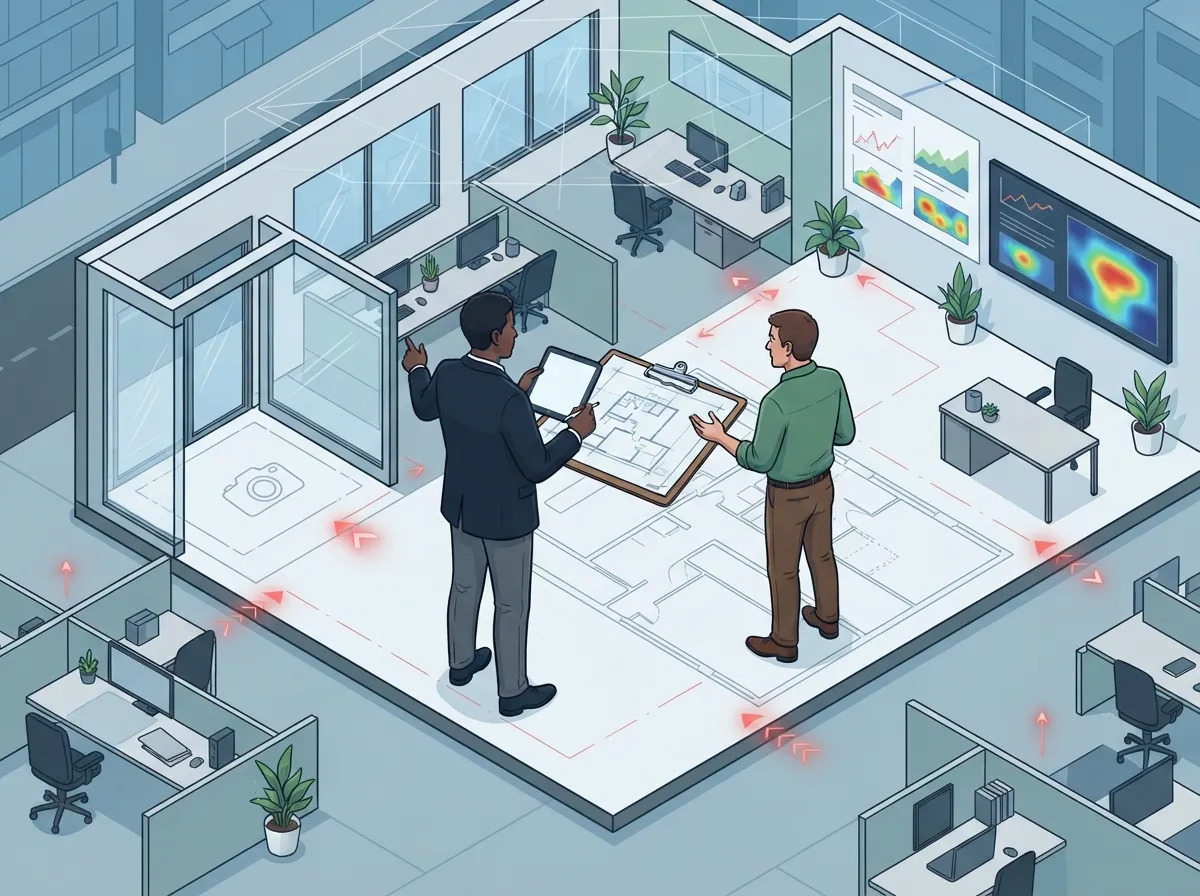
The biggest mistake business owners make is picking a number of cameras before they even walk the property. Real sizing starts with a risk-based site survey. Walk your space and note every entrance, exit, cash register, server room, loading dock, parking lot, and blind spot.
Think about what actually needs protecting. A daycare cares about different areas than a distribution center. This survey becomes your blueprint for everything else: camera placement, access control doors, and even how much internet bandwidth you’ll need. If you want a deeper look at this process, our article on 10 factors that decide how many security cameras you need breaks it down further.
2. Match Camera Resolution to the Job, Not Just the Room
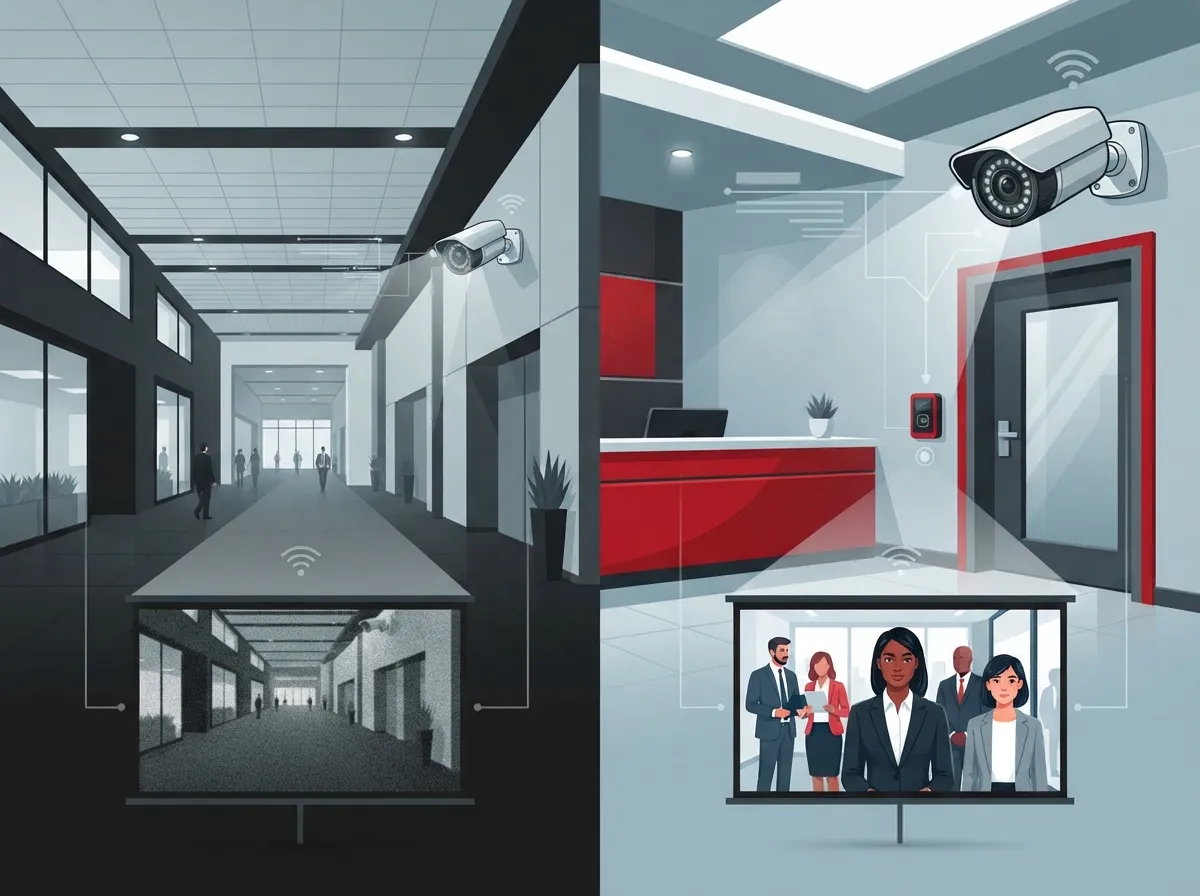
Not every camera needs to be top-of-the-line. Wide-angle cameras work great for general awareness in hallways or open floor space. But entrances, cash registers, and other identification zones usually need at least 4 MP resolution to capture clear faces and details.
General activity areas can often get by with 2 MP. Parking lots and loading docks may need specialty cameras built for low light or long distances. The goal is matching the right camera to the right task, not slapping the same model everywhere.
Quick Resolution Guide by Area
| Area | Recommended Resolution | Why It Matters |
|---|---|---|
| Entrances & Exits | 4 MP or higher | Facial identification, liability protection |
| Cash Registers/POS | 4 MP or higher | Clear transaction and theft evidence |
| Hallways & Lobbies | 2 MP | General activity monitoring |
| Parking Lots | 4 MP+, wide dynamic range | License plate capture, low-light performance |
| Loading Docks | 4 MP+, weatherproof | Inventory and vehicle tracking |
3. Calculate Camera Count From Coverage, Not Guesswork
Once you know your risk zones and required resolution, you can figure out how many cameras you actually need. This isn’t about picking a round number. It’s about calculating field of view and overlap so there are no blind spots.
Here’s a simple approach:
- List every entrance and exit that needs a dedicated camera.
- Add cameras for corridors, stairwells, and critical rooms like server closets.
- Include exterior coverage for parking, dock areas, and building perimeters.
- Add extra units for high-value asset areas like inventory rooms or safes.
- Verify each camera’s view works in different lighting, day and night.
A professional installer should walk through this with you and check for obstructions like shelving, trees, or glare from windows.
4. Don’t Forget Network Capacity
This is where a lot of DIY security plans fall apart. Cameras don’t run on magic. They need bandwidth, and lots of it, depending on resolution and camera count. Your network needs to handle the total camera bitrate, switch-port capacity, uplink bandwidth, PoE power for camera devices, and recorder throughput, all while your team still uses the internet for calls and daily work.
As a general guide, a 1080p camera using H.265 compression typically needs about 2-4 Mbps, while H.264 can require 4-8 Mbps. Step up to 4K, and you’re looking at roughly 4-8 Mbps with H.265 or 16-32 Mbps with H.264. Multiply that by your camera count, and you’ll see why bandwidth planning matters so much.
It’s smart to put video traffic on its own network segment or VLAN, separate from voice and regular business data. This keeps your cloud-based phone system running smoothly even when cameras are streaming heavily. If your current setup feels sluggish, check out our guide on why your business internet might be slow and how to fix it.
5. Size Your Storage With a Simple Formula
Storage is often the most confusing part of sizing a security system. But it comes down to one formula:
Storage = camera bitrate × number of cameras × recording time × retention period
Here’s a real-world example. A 4 MP camera using H.265 compression might use around 2-4 GB of storage per day. If you have 20 of those cameras running continuously, you’re looking at roughly 40-80 GB per day, or about 1.2-2.4 TB for a full 30-day retention period, before adding reserve space for RAID and system overhead.
Another commonly used formula for calculating daily storage per camera is:
GB per camera per day = bitrate in Mbps × 86,400 seconds ÷ 8 ÷ 1,000
Multiply that number by your camera count and the number of retention days, then add extra room for metadata, failed drives, and future growth. As a real-world benchmark, 16 cameras running 1080p at 15 frames per second with H.265 compression and 30-day retention often need approximately 8-10 TB of storage.
Storage Planning Checklist
- Know your camera resolution and codec (H.265 saves significant space over H.264)
- Decide your frame rate (15-20 fps is standard for most business needs)
- Choose your recording mode (continuous vs. motion-triggered)
- Set your retention period (30, 60, or 90 days, depending on your industry)
- Add 20-30% extra capacity for growth and system overhead
Want to learn more about how long footage should stick around? Check out 6 key facts about cloud video security footage storage.
6. Factor in Access Control Doors and Credentials
Video isn’t the only piece of the puzzle. Many businesses also need access control to manage who comes and goes. Sizing this part means counting every controlled door, reader, lock, and request-to-exit device you’ll need.
Ask yourself these questions:
- How many exterior and interior doors need restricted access?
- How many employees or visitors need credentials?
- Do certain doors need different schedules (like after-hours restrictions)?
- Which doors need backup power or offline operation during outages?
A single office might only need two or three controlled doors. A multi-location franchise could need dozens across several sites, all managed from one cloud-based access control dashboard. If you’re expanding to multiple sites, our piece on scalable access control for multi-location businesses is worth a read.
7. Choose the Right Architecture: Cloud, On-Premises, or Hybrid
How you store and manage your footage changes your sizing needs significantly. Cloud systems reduce the need for local recording hardware but depend heavily on strong, reliable internet from your Internet Service Provider. On-premises systems need local recorders, storage drives, and battery backup, plus ongoing maintenance.
Hybrid setups offer a nice middle ground. Critical footage stays local for fast access, while remote monitoring and alerts run through the cloud. This is a popular choice for growing companies that want flexibility without fully committing to one model.
Cloud vs. On-Premises vs. Hybrid at a Glance
| Architecture | Best For | Key Requirement |
|---|---|---|
| Cloud | Small to mid-size businesses wanting remote access | Strong, reliable upstream internet |
| On-Premises | Businesses needing full local control | NVR/servers, storage, UPS backup |
| Hybrid | Growing or multi-location businesses | Local storage + cloud connectivity |
Curious which setup fits your business best? Our guide on 6 key differences between cloud video security and DVR systems can help you decide.
8. Build in Headroom for Growth
Here’s a tip most people overlook: don’t design your system to run at full capacity right out of the gate. Industry guidance commonly recommends keeping about 20-30% spare capacity across your network, storage, and recording devices.
This headroom protects you from slowdowns during high-traffic moments and gives you room to add cameras or doors later without a full system overhaul. It’s a small planning step that saves a lot of future headaches, especially for franchise operators planning to add locations.
9. Get a Professional Assessment Before You Buy Anything
At this point, you’ve got the framework. But turning all these calculations into a real, working system takes experience. This is exactly where a trusted telecom and security partner earns their keep.
Ideal Solutions Provider has spent over 24 years helping Tampa businesses (and companies nationwide) size their security and telecom systems the right way. With partnerships across 35+ vetted suppliers, our team compares your options, checks your existing network infrastructure, and designs a system that fits your actual risk, not a cookie-cutter package. We also make sure your structured cabling and network can actually support the cameras and access points you need, since a beautiful camera system means nothing if your structured cabling can’t keep up.
Whether you’re a small business owner juggling your first camera system or an IT manager overseeing a nationwide rollout, getting professional input before you buy saves money and prevents costly redesigns down the road.
Bringing It All Together
Figuring out what size security system you need isn’t about picking a number out of thin air. It’s about understanding your risk points, matching resolution to purpose, calculating real bandwidth and storage needs, and building in room to grow. When you approach it this way, you end up with a system that actually protects your business instead of just checking a box.
Every business is different, and that’s exactly why a personalized assessment matters so much. If you’re ready to stop guessing and start planning a security system that truly fits your business, our team would love to help. Reach out to our team for a free consultation, or give us a call to talk through your specific needs today. You can also follow our latest tips and project updates on Facebook, Instagram, and YouTube.
FAQs
Q: How many security cameras does my business need?
A: It really depends on your layout and risk points, not just square footage. Start by listing every entrance, cash register, and blind spot, then calculate coverage from there. A quick site survey with a professional will give you a much more accurate number than a guess.
Q: How do I calculate security camera storage for 30, 60, or 90 days?
A: The basic formula is bitrate times camera count times recording time times retention days, converted to gigabytes. For example, twenty 4 MP cameras might need around 1.2-2.4 TB for 30 days of storage. Always add extra space for system overhead and future growth.
Q: What internet speed do business security cameras need?
A: It varies based on resolution and camera count, but expect each 1080p camera to use roughly 2-8 Mbps, and each 4K camera to use 4-32 Mbps. The more cameras you run, the more bandwidth you’ll need, so it’s smart to plan your network with room to spare.
Q: Should my business use cloud, on-premises, or hybrid video surveillance?
A: Cloud is great if you want remote access without managing hardware, while on-premises gives you full local control. Hybrid setups blend both, keeping critical footage local while still allowing cloud-based alerts and remote viewing. The right choice depends on your internet reliability and how hands-on you want to be.
Q: How many access-control doors does my business need?
A: Count every door that needs restricted entry, whether it’s your main entrance, a server room, or a supply closet. Small offices might only need two or three controlled doors, while larger facilities or multi-location businesses often need many more. A professional assessment helps you avoid missing any critical access points.





