
Key Takeaways
-
Start with a professional site survey and written coverage plan to identify blind spots, poor camera angles, and low-light areas before buying any equipment.
-
Test existing cabling before reusing it, since loose connectors and aging cable often cause camera failures, and a phased migration can save money if the wiring is sound.
-
Plan PoE switch power budgets and network bandwidth in advance, including future cameras, so video traffic does not slow phones, cloud apps, or guest Wi-Fi.
-
Plan storage around how many days of footage you must keep, whether insurance or regulations require longer retention, and whether a hybrid local-plus-cloud setup fits your needs.
-
Secure remote access with unique passwords, multi-factor sign-in, role-based permissions, no exposed public ports, and regular firmware updates.
-
Choose a partner who provides an itemized, site-specific quote with documented coverage, warranty terms, recurring fee explanations, and staff training.
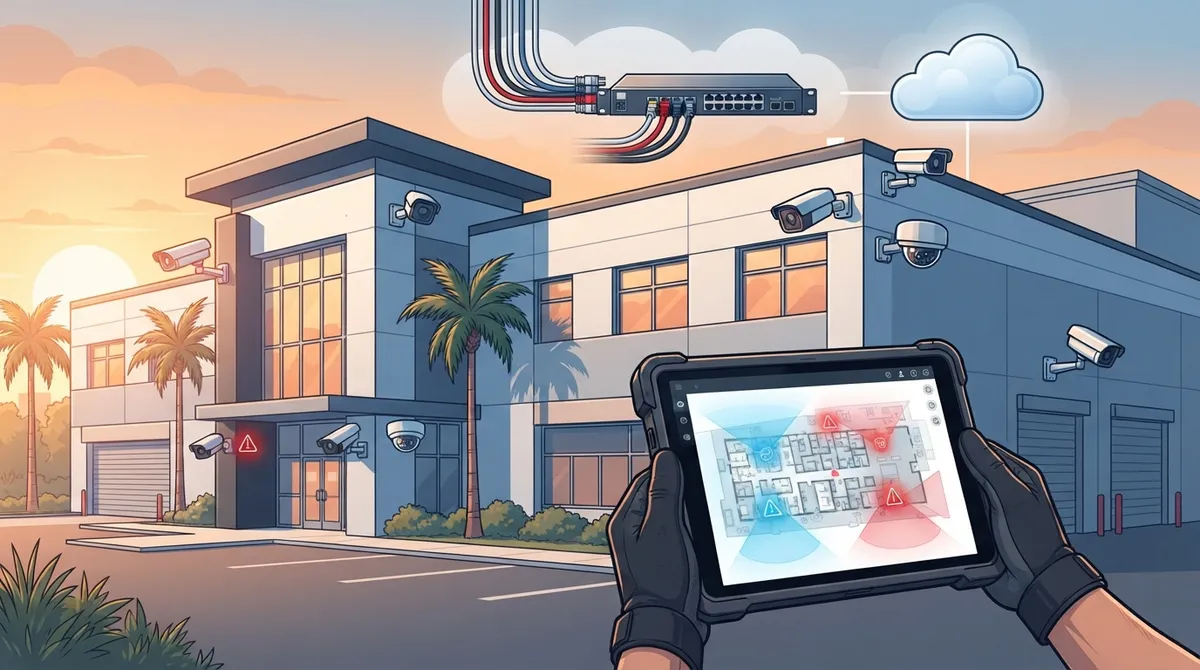
Is your business still running on blurry, outdated cameras that nobody checks until something goes wrong? You are not alone. Many Tampa businesses installed their first cameras years ago and have not looked at them since. That is a risky habit, because old systems can leave coverage gaps, fail without warning, and make it hard to find footage when you need it most.
The good news is that a smart upgrade is easier than you might think. The best security camera upgrade services Tampa businesses can hire go far beyond swapping out a few lenses. They look at your cabling, your network, your storage, and your goals, then build a plan that fits your site.
In this friendly guide, we walk through 11 services and steps that make up a strong upgrade. Whether you run a small shop, manage an office, oversee IT, or operate several franchise locations, you will find clear, practical ideas you can use right away.
1. A Site Survey and Coverage Review
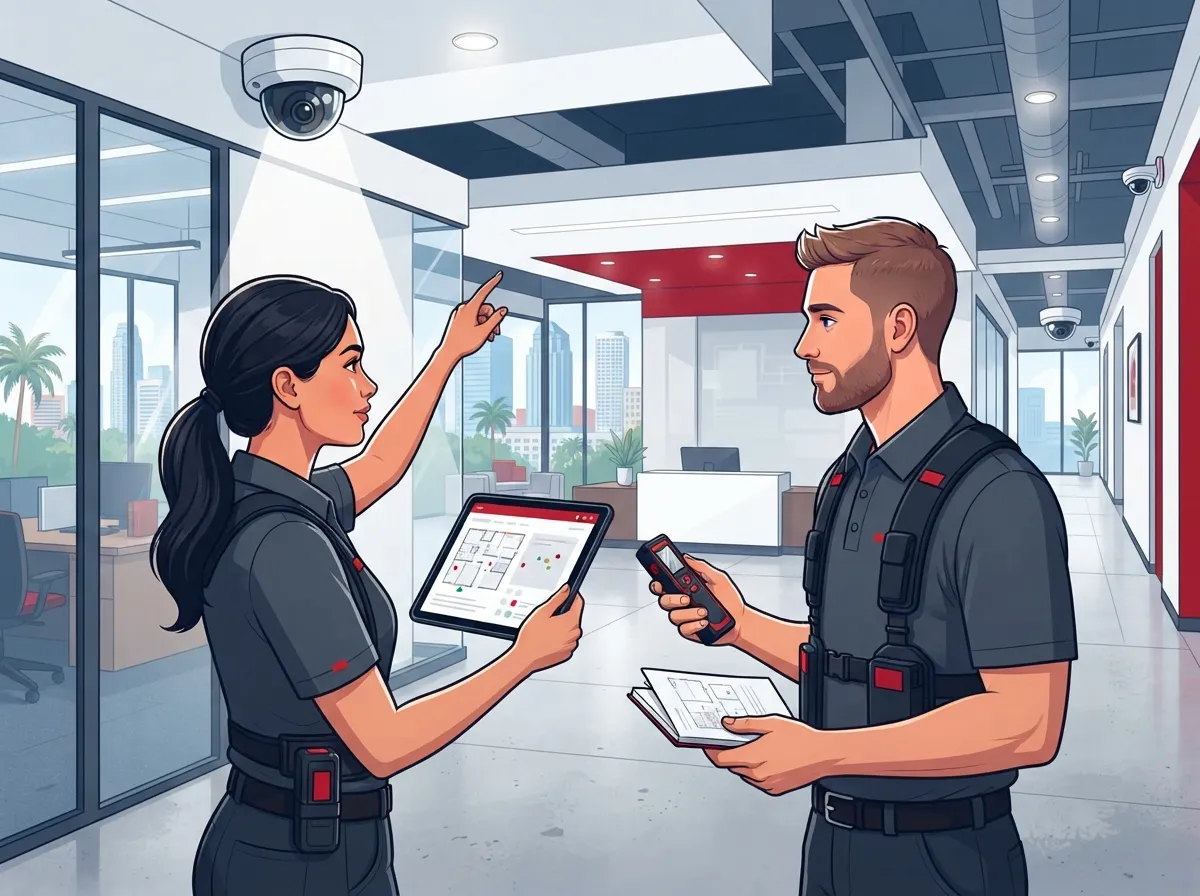
Every good upgrade starts with a walk-through. A site survey shows what your cameras see today and, more importantly, what they miss. Think of it like a health check for your building.
During a survey, a technician looks at entrances, parking areas, loading docks, cash counters, server rooms, and blind spots. They also note lighting, glare, and weather exposure. The result should be a written coverage plan, not just a verbal guess.
- Entry and exit points that need clear faces and license plate views
- Dark corners and back lots that need better low-light performance
- Areas where old cameras are aimed at the wrong spot
- Spots where new cameras could cut your total camera count
If you have been wondering how many cameras your building really needs, our guide on 10 factors that decide how many security cameras you need is a helpful companion read.
2. Choosing Between CCTV/DVR and IP/NVR Systems
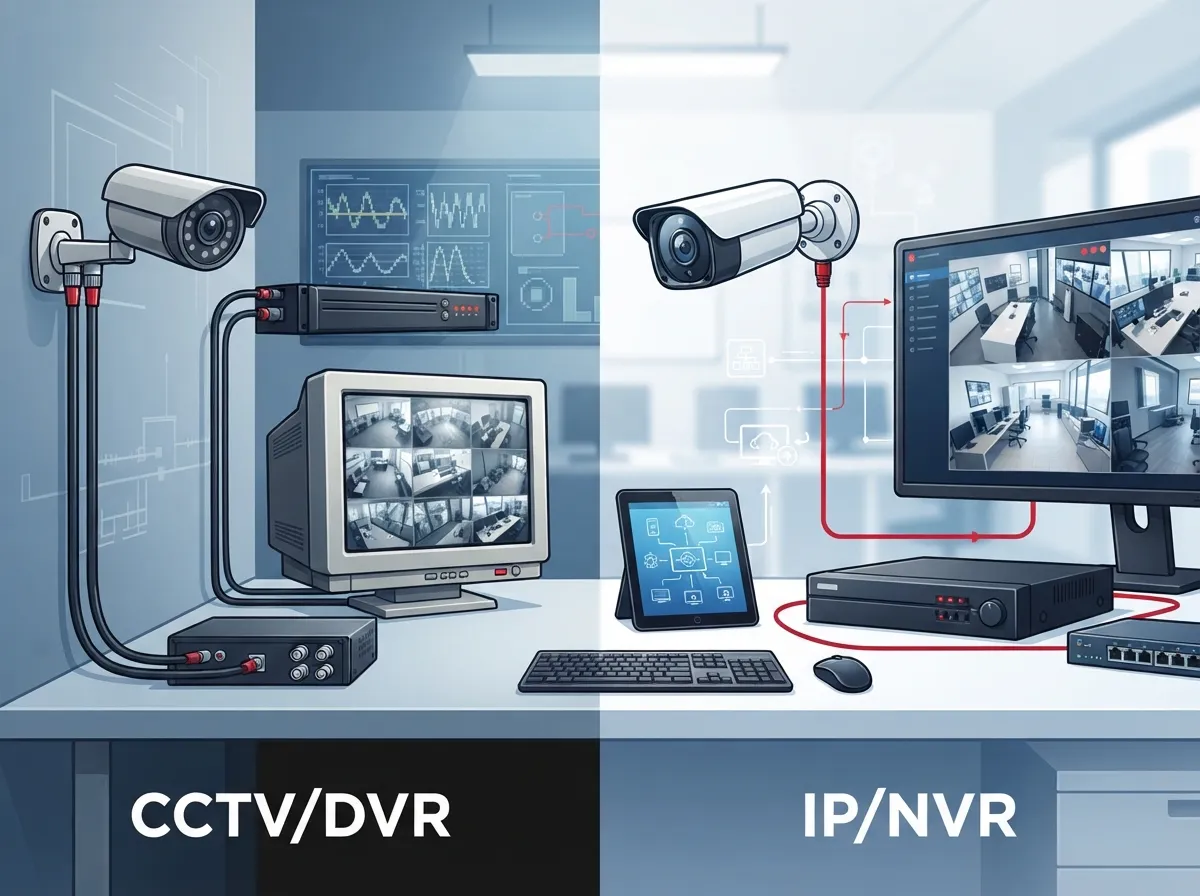
One of the first big choices is the type of system. Older analog CCTV with a DVR sends video over coaxial cable. Modern IP cameras with an NVR send digital video over your network, usually on standard Ethernet cable.
Many Tampa providers install both kinds, so the right pick depends on your building, your budget, and your goals. IP systems often give sharper images and more flexible features. Analog systems may still make sense in a short-term, phased plan.
| Feature | Analog CCTV / DVR | IP Camera / NVR |
|---|---|---|
| Cabling | Coaxial plus separate power | Ethernet, often with PoE power |
| Image detail | Varies by analog format | Wide range of high-definition options |
| Network use | Minimal | Relies on your business network |
| Remote viewing | Possible with add-ons | Built into most modern systems |
| Best fit | Phased or budget-limited upgrades | Long-term growth and multi-site viewing |
Want a deeper look at the cloud side of this choice? Check out 6 key differences between cloud video security and DVR systems.
3. Structured Cabling Updates
Cameras are only as reliable as the cables behind them. Many failed camera systems are actually cabling problems in disguise, like loose connectors, damaged runs, or cable that is too old for modern video.
A strong upgrade service checks your existing wiring and tells you what can be reused and what should be replaced. Good structured cabling keeps your cameras, phones, and computers running smoothly on the same clean foundation.
A phased migration can save money by keeping usable cable in place. Just remember that compatibility and image quality should be tested before you reuse any part of the old system.
To learn more about how cabling supports your whole setup, read 13 ways structured cabling supports VoIP and cameras.
4. PoE Switch Planning and Power Setup
PoE, or Power over Ethernet, lets one cable carry both data and power to a camera. It is tidy, it cuts installation time, and it makes future changes simpler.
But PoE switches have limits. Each switch can only supply so much total power. If you add cameras without checking, you may run short and see random reboots or dropped feeds.
- Count your planned cameras, including any you may add later.
- Check the power draw of each camera, especially PTZ and heated models.
- Match the total to your switch’s power budget, with room to grow.
- Plan backup power so cameras stay up during short outages.
A careful provider documents all of this so your IT team is never left guessing.
5. Network Configuration and Bandwidth Planning
IP cameras share your business network, so video traffic can affect everything else. A single high-resolution stream may be fine, but dozens of them can slow down phones, cloud apps, and guest Wi-Fi if the network is not ready.
Smart upgrade services plan for this ahead of time. They look at bandwidth, set up separate network segments (often called VLANs), and make sure video does not crowd out your daily work.
- Segment cameras from your main office network for better safety
- Reserve bandwidth so voice calls stay clear
- Test upload speeds before turning on cloud or remote viewing
- Document IP addresses so troubleshooting is faster
If your internet feels slow already, start with our tips on why business internet is slow in Tampa and how to fix it. And for a closer look at network health, see 7 signs your Tampa business network needs an upgrade.
6. Camera Selection for Real-World Conditions
Not every camera belongs everywhere. The right model depends on where it lives and what it needs to catch. A front-desk camera needs clear faces. A parking lot camera needs strong night performance and wide coverage.
Common options include:
- Dome cameras for indoor spaces and a low-profile look
- Bullet cameras for visible outdoor deterrence
- PTZ cameras for large areas that need pan, tilt, and zoom
- Thermal cameras for specialty perimeter needs
- Low-light models for dim warehouses and lots
Tampa’s heat, humidity, and heavy rain matter here. Look for proper weather ratings, sealed connections, and corrosion-resistant mounts, especially near the water. For brand ideas, see 5 best security camera brands for Tampa businesses in 2026.
7. Recording, Storage, and Retention Planning
Better cameras make bigger video files, so storage planning is a must. Your needs depend on resolution, frame rate, number of cameras, and how long you must keep footage.
Ask these questions before you buy:
- How many days of video do we need to keep?
- Do any rules or insurance terms require longer retention?
- Should we store video locally, in the cloud, or both?
- What happens to footage if a recorder fails?
Many businesses choose a hybrid setup, with a local recorder for speed and cloud backup for safety. To learn more, read 6 key facts about cloud video security footage storage in Tampa.
8. Cloud Video Security Migration
If managing recorders and servers feels like a headache, cloud video security may be a great fit. Cloud systems store footage off-site, update automatically, and let you view cameras from almost anywhere.
This approach is especially helpful for franchise operators and multi-site companies who want one dashboard for every location. It also reduces the number of boxes your team has to maintain.
Cloud systems do depend on a healthy internet connection, so planning is key. Our article on how to choose cloud security cameras for Tampa commercial buildings walks through what to look for, and how to keep security cameras working during internet outages covers the backup plans worth having.
9. Secure Remote Access Setup
Checking your cameras from your phone is one of the best perks of an upgrade. But remote access done poorly can open the door to hackers. A trustworthy installer sets it up safely from day one.
- Strong, unique passwords for every user and device
- Multi-factor sign-in where available
- Role-based permissions so staff only see what they need
- No open ports left exposed to the public internet
- Regular firmware updates on cameras and recorders
Ask any vendor how they handle cybersecurity and firmware updates. A clear, confident answer is a good sign. For a practical walkthrough, see how to set up remote business video monitoring in Tampa, or learn whether you can monitor your Tampa business security cameras from your phone.
10. Integration With Access Control and Alarms
Cameras become far more useful when they work with your other security tools. Imagine a door badge swipe that automatically links to a video clip of who walked in. That saves time and cuts down on guesswork.
Many upgrades now include integration with access control, alarms, and even your phone system. This is where working with a telecom and IT partner really shines, because the cabling, network, and security pieces all connect.
If you are considering adding door control, explore 7 reasons Tampa businesses love cloud access control in 2026 or our guide on how to choose access control systems for Tampa businesses.
11. Testing, Training, and Ongoing Support
An upgrade is not finished when the last camera is mounted. The final steps matter just as much. A good provider tests every camera, checks recording and playback, and confirms alerts work as expected.
Your team should also get simple training, such as how to find footage, export clips, and add or remove users. Then comes ongoing support, so small issues do not turn into big outages.
| What to Ask For | Why It Matters |
|---|---|
| Documented coverage plan | Shows exactly what each camera is meant to see |
| Itemized equipment and labor quote | Makes costs clear and easy to compare |
| Licensing and insurance proof | Protects your business during installation |
| Warranty and response times | Sets expectations if something breaks |
| Explanation of recurring fees | Avoids surprises with cloud or monitoring plans |
| Staff training | Helps your team use the system with confidence |
How to Choose the Right Upgrade Partner
Picking the right provider is just as important as picking the right camera. Look for someone who listens first, explains clearly, and treats your site like it is unique, because it is.
A few friendly tips:
- Ask for a site visit before any quote is given.
- Request references from similar businesses in the Tampa Bay area.
- Choose a partner who can handle cameras, cabling, and networking together.
- Compare quotes line by line, not just by the bottom number.
Using a single point of contact can make life much easier, especially for busy office managers and IT teams. Ideal Solutions Provider has more than 24 years of experience and works with 35+ vetted suppliers, so you get a recommendation based on your needs, not a sales quota. You can also read how to hire the right security camera installer in Tampa for a handy checklist, and see what security cameras really do for your business to remind yourself why this upgrade is worth it.
One more note on cost: prices vary a lot by building size, camera type, cabling needs, and storage choices, so a site-specific quote is the only reliable way to know your number. For budgeting ideas, see how to budget for commercial video surveillance in Tampa FL.
Ready to Upgrade With Confidence?
A strong camera upgrade is really a team effort between cameras, cabling, network, storage, and support. When all those pieces fit together, you get clearer video, fewer headaches, and real peace of mind for your staff and customers.
If you are ready to take the next step, contact us for a free consultation, or call us to talk through your site. We would be glad to help you build a system that fits your business. You can also see our work and tips on YouTube, and learn about our cloud video security options anytime.
FAQs
Q: What does a commercial security camera upgrade include in Tampa?
A: A full upgrade usually includes a site survey, camera and recorder selection, cabling and PoE work, network setup, remote access, testing, staff training, and ongoing support. It is much more than swapping old cameras for new ones, and the best providers document every step.
Q: Can I upgrade from analog CCTV to IP cameras without replacing all my cabling?
A: Sometimes, yes! A phased migration can keep usable cable in place, but compatibility and image quality should always be tested first. A site survey will tell you what can stay and what should be replaced.
Q: How much does it cost to upgrade business security cameras in Tampa?
A: Costs depend on your building size, camera types, cabling needs, storage, and any monthly cloud fees. Because every site is different, the best way to get an honest number is an itemized, site-specific quote.
Q: How do PoE switches and bandwidth affect IP security cameras?
A: PoE switches power your cameras through the network cable, but each switch has a limited power budget. Video also uses network bandwidth, so planning ahead keeps your phones and internet running smoothly alongside your cameras.
Q: Can business security cameras work with access control or alarms?
A: Yes, and it is a great combo. Many modern systems link door badge activity or alarm events to video clips, which makes finding and reviewing incidents much faster.





