

Key Takeaways
-
Cloud security cameras store footage in encrypted cloud servers instead of vulnerable on-site boxes, allowing remote access via mobile app and eliminating the risk of stolen hardware or failed equipment.
-
St. Petersburg businesses should use PoE IP cameras installed by Florida-licensed low voltage contractors, paired with reliable fiber internet and proper structured cabling to ensure uninterrupted recording and multi-location management.
-
Cloud camera systems with end-to-end encryption, multi-factor authentication, role-based access controls, and audit logs provide essential security features that protect footage from unauthorized access.
-
Timestamped cloud footage significantly speeds up insurance claims, settles employee disputes fairly, and provides clear evidence for liability protection without lengthy paperwork delays.
-
Choosing a single telecom provider that handles cloud cameras, VoIP phones, internet, and structured cabling eliminates vendor juggling and ensures all systems integrate properly for optimal performance.
-
Avoid common mistakes like selecting cameras based solely on price, neglecting proper cabling infrastructure, or failing to test remote access before emergencies occur.
Running a business in St. Petersburg means keeping an eye on a lot of moving parts. Your storefront, your warehouse, your parking lot, your team. That’s a lot to watch, and honestly, nobody can be everywhere at once. That’s exactly why so many local business owners are switching to cloud security cameras St Petersburg companies actually recommend for 2026. Not the clunky old systems with tapes and bulky recorders, but smart, connected cameras that live on the cloud and let you check in from your phone whenever you want.
We put together this list because picking the right system can feel overwhelming. There are dozens of features, brands, and buzzwords flying around. So let’s slow down and walk through 13 things that actually matter when you’re choosing cloud security cameras for your St. Petersburg business. Grab a coffee, and let’s get into it together.
1. Understanding What Cloud Security Cameras Actually Do
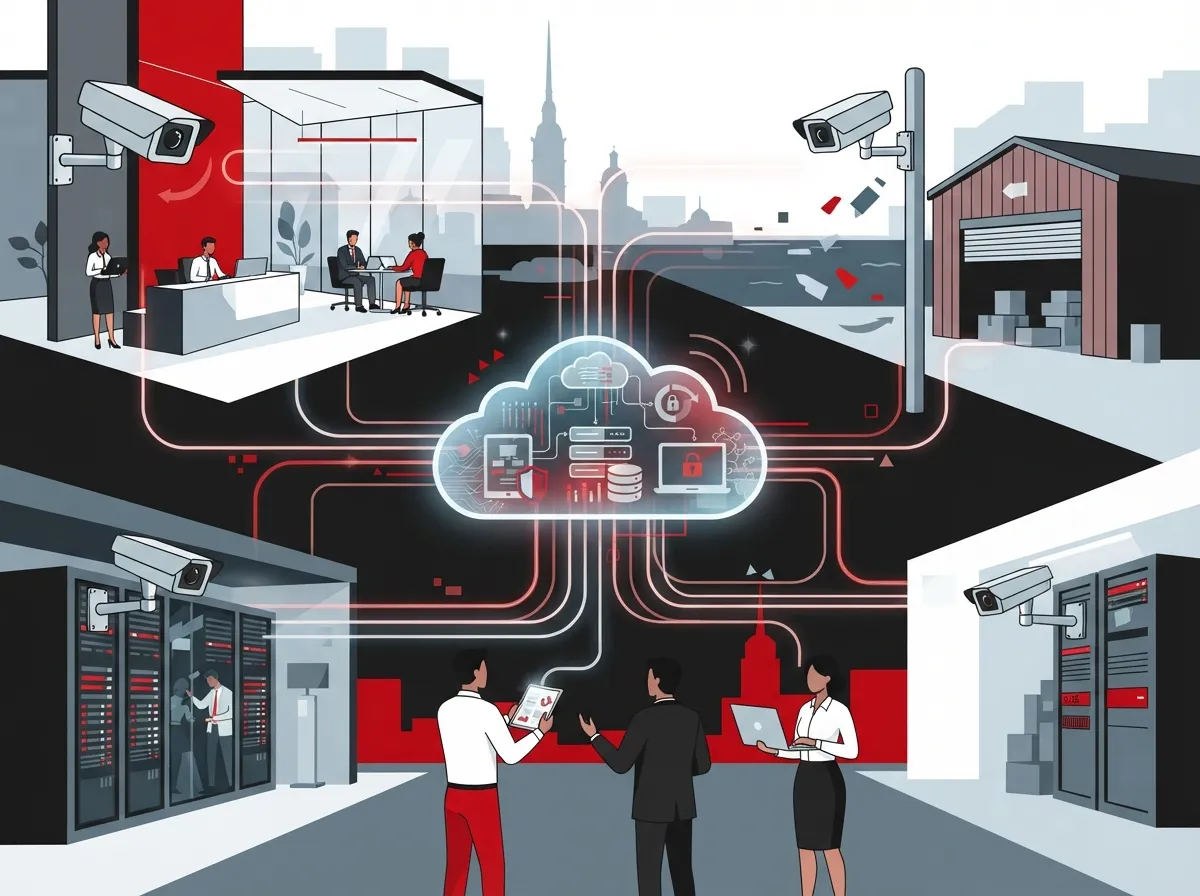
Cloud security cameras record video and send it straight to secure online storage instead of a box sitting in your back office. This is called Video Surveillance as a Service, or VSaaS for short. It skips the need for a clunky on-site server that can break down or get stolen right along with your footage.
Think of it like this. Your old camera system was like a filing cabinet in your closet. Cloud cameras are like a safety deposit box at the bank, except you can open it from your phone at 2am if you need to. That peace of mind matters a lot when you’re juggling a dozen other business tasks.
2. Why St. Petersburg Businesses Are Making the Switch
St. Petersburg has grown fast over the past few years, and so has the number of businesses that need better security. More foot traffic, more deliveries, more late-night activity near Central Avenue and the waterfront districts. Local providers have noticed too.
Companies like Surveillance Technology have served St. Pete area businesses with camera and access control systems for over 20 years. That kind of staying power tells you something. Business owners here have trusted cloud-based monitoring for a long time, and it keeps getting better.
Common Reasons Owners Upgrade
- Old DVR systems keep failing or running out of storage space
- They want to check on multiple locations from one app
- Insurance companies are asking for better documentation after incidents
- They need proof for liability claims or employee disputes
- Break-ins or package theft pushed them to finally make the change
3. The Real Benefits of Cloud-Based Video Surveillance
Let’s talk about why this technology is worth your time and budget. Cloud cameras give you options that old-school systems simply cannot match.
| Feature | Traditional DVR System | Cloud Security Cameras |
|---|---|---|
| Remote Viewing | Limited or clunky | Full mobile access anywhere |
| Storage Location | On-site box (can be stolen) | Encrypted cloud servers |
| Software Updates | Manual, often skipped | Automatic updates |
| Multi-Location Management | Separate systems per site | Single dashboard for all sites |
| Scalability | Requires new hardware | Add cameras as you grow |
One thing that stands out here is how a single dashboard can pull in footage from Tampa, St. Petersburg, Clearwater, and Sarasota all at once. If you run more than one location, this alone can save you hours every week.
4. Security and Encryption You Should Expect
Nobody wants their camera footage floating around unprotected. A good cloud system should use end-to-end encryption, both while footage travels to the cloud and while it sits in storage. This keeps your video safe from prying eyes.
You should also expect Multi-Factor Authentication, or MFA, for anyone logging into your system remotely. This adds an extra layer of protection so a stolen password alone can’t open the door to your footage.
Security Features Worth Asking About
- End-to-end encryption for footage in transit and storage
- Multi-Factor Authentication for remote logins
- Role-based access so only the right people see certain footage
- Audit logs that track who viewed what and when
- Automatic firmware updates to patch security holes
5. Local Providers and Licensed Contractors
It matters a lot who installs your system. In Florida, low voltage contractors need proper licensing to do this work correctly and safely. Providers like TSS USA hold a Florida low voltage contractor license and specialize in commercial PoE IP camera systems for the Pinellas and St. Pete areas.
Working with a licensed team means your wiring, your cameras, and your network setup all meet code. It also means you have someone accountable if something goes wrong down the road.
6. PoE Cameras vs. Older Analog Systems
Most modern commercial installs in St. Petersburg use Power over Ethernet, or PoE, IP cameras. These run video and power through a single cable, which makes installation cleaner and more reliable than older analog setups.
Analog systems still exist and can work fine for very small setups on a tight budget. But if you’re planning to grow or want sharper video quality, PoE is almost always the smarter long-term choice. This ties in closely with your building’s structured cabling that supports both VoIP phones and cameras, since good cabling is the backbone of any reliable camera network.
7. Integrating Cameras with Your Business Telecom Network
Here’s something a lot of business owners don’t think about right away. Your security cameras don’t exist in a bubble. They rely on your internet connection, your network setup, and sometimes even your phone system for alerts.
If your internet keeps dropping or your bandwidth is maxed out, your cameras may lag or stop recording at the worst possible time. That’s why pairing cloud cameras with dedicated fiber internet makes such a big difference. A stable connection keeps your footage flowing without interruption.
What Your Network Needs to Support Cloud Cameras
- Reliable, high-speed internet with enough upload bandwidth
- Proper network cabling to handle multiple camera feeds
- A secure router and firewall setup
- Backup internet options in case your main line goes down
8. Cloud Access Control: The Natural Next Step
Once you have cloud cameras running smoothly, a lot of St. Pete businesses add cloud-based access control. This lets you manage who can enter your building using a phone app instead of old-fashioned keys.
Combining cameras with access control gives you a much clearer picture of your building’s activity. You’ll know exactly who came in, when they arrived, and what happened while they were there. It’s a simple upgrade that pays off fast.
9. How Cloud Cameras Help with Insurance Claims
Nobody likes dealing with insurance paperwork, but clear video footage makes the whole process smoother. If something happens on your property, having timestamped, high-quality footage stored safely in the cloud can speed up your claim and support your case.
Many businesses also use footage to settle employee disputes fairly or prove that safety protocols were followed. It’s not just about catching bad actors. It’s about protecting your business and your team.
10. Hybrid Storage vs. Fully Cloud-Native Systems
Not every business needs the exact same setup. Some prefer hybrid storage, which keeps a local copy of footage plus a cloud backup. Others go fully cloud-native, storing everything online with no local hardware at all.
| Storage Type | Best For | Main Advantage |
|---|---|---|
| Hybrid Storage | Businesses wanting extra redundancy | Local backup if internet drops |
| Fully Cloud-Native | Multi-location businesses | No on-site hardware to maintain |
Talking through your options with a knowledgeable partner helps you land on the right fit. This is exactly the kind of decision where cloud video security experts can walk you through the pros and cons based on your building layout and budget.
11. What to Look for in a Provider
Choosing the right company to install and support your cameras matters just as much as the equipment itself. Here’s a simple checklist to keep handy while you shop around.
- Ask if they hold proper Florida low voltage licensing
- Check how long they’ve served the St. Petersburg or Tampa Bay area
- Confirm they offer 24/7 remote access and mobile app support
- Ask about encryption standards and multi-factor authentication
- Find out if they can integrate cameras with your phone and internet systems
- Look for a single point of contact instead of multiple vendors
This last point is huge. Juggling separate companies for your internet, phones, and cameras eats up time you don’t have. That’s why many business owners now rely on one telecom partner to handle everything under one roof.
12. Common Mistakes to Avoid
Even good-hearted business owners make missteps when setting up their first cloud camera system. Let’s cover the ones we see most often so you can skip them entirely.
- Choosing the cheapest cameras without checking storage limits
- Skipping proper structured cabling, leading to weak signal or dropped feeds
- Forgetting to test remote access before an emergency happens
- Not asking about long-term support or maintenance plans
- Overlooking how cameras interact with your existing internet bandwidth
Getting a structured cabling setup right from the start saves you headaches later. It’s one of those behind-the-scenes details that makes everything else run smoothly.
13. Building a Complete Business Communications Plan
Cloud security cameras work best as part of a bigger picture. Your phones, your internet, your cabling, and your cameras should all work together instead of feeling like separate puzzle pieces you’re constantly troubleshooting.
Ideal Solutions Provider has spent over 24 years helping Tampa Bay businesses put these pieces together the right way. With partnerships across 35+ vetted suppliers, they act as one point of contact for cloud cameras, VoIP phones, structured cabling, and everything in between. That means less time on the phone with different vendors and more time running your business.
A Simple Framework to Get Started
- Audit your current setup to see what’s working and what isn’t
- Identify weak spots in coverage, internet speed, or cabling
- Choose a cloud camera system that fits your building size and budget
- Pair it with strong network infrastructure and reliable internet
- Add access control if you need tighter control over building entry
- Schedule regular check-ins to keep everything updated and secure
If you’re curious how platforms like Verkada, known as one of the largest cloud-based B2B physical security platforms, fit into this picture, a knowledgeable telecom partner can walk you through which systems match your goals best.
Bringing It All Together
Choosing cloud security cameras for your St. Petersburg business doesn’t have to feel like a giant, confusing project. Break it down into these 13 steps, ask the right questions, and lean on people who do this work every single day. Your business, your team, and your peace of mind are worth the extra care.
Whether you’re a small shop just getting started or a growing franchise managing several locations, the right cloud camera setup can genuinely change how confident you feel about your building’s safety. And remember, this works even better when it’s paired with solid internet, smart cabling, and a phone system that keeps up with you.
Ready to see what a tailored cloud security setup could look like for your business? Reach out to our team for a free consultation, or simply give us a call to talk through your options. We’re happy to walk you through it, no pressure, just good honest advice. You can also follow along on Facebook, check out real client stories on Instagram, or watch setup walkthroughs on YouTube.
FAQs
Q: What are the benefits of VSaaS for St. Petersburg businesses?
A: VSaaS, or Video Surveillance as a Service, saves you from managing bulky on-site servers and lets you check footage from your phone anytime. It’s a huge relief for busy owners who don’t have time to babysit hardware. Plus, your footage stays encrypted and safe in the cloud instead of sitting in a box that could be stolen.
Q: How do cloud security cameras integrate with other Business Telecom Solutions in Florida?
A: Cloud cameras work hand in hand with your internet, network cabling, and even your phone system. When these pieces are set up together, everything runs smoother and alerts reach you faster. That’s why so many folks choose a single provider to handle it all instead of juggling separate vendors.
Q: Which licensed contractors install commercial PoE IP camera systems in St. Petersburg, FL?
A: Florida requires low voltage contractors to hold a proper license, so always ask before hiring anyone. Providers like TSS USA carry this licensing and specialize in commercial camera installs for the St. Pete and Pinellas Park areas. It’s always worth double checking credentials before letting someone wire up your building.
Q: Can cloud security cameras be monitored remotely from mobile devices in St. Petersburg?
A: Absolutely, that’s actually one of the best parts of going cloud-based. You can pull up live or recorded footage from your phone whether you’re at home, on vacation, or checking on a second location across town. It genuinely gives you peace of mind wherever you happen to be.
Q: How do cloud-managed cameras help with insurance claims for local businesses?
A: Clear, timestamped footage makes insurance claims move a lot faster because you have real proof of what happened. It also helps settle employee disputes or liability questions without a lot of back and forth. Honestly, it’s one of those things you’re grateful to have the moment you actually need it.





