
Key Takeaways
-
Structured cabling designs split data centers into zones (Main, Intermediate, Horizontal, Zone, and Equipment Distribution Areas) to simplify troubleshooting, port management, and future upgrades significantly.
-
Fiber optic cabling dominates the market at 48.3% and handles more data over longer distances than copper; use OM3/OM4/OM5 multimode for shorter links and OS2 single-mode for long-distance or high-speed runs.
-
Build spare capacity into your cabling system now by reserving extra pathway space, installing spare fiber cores, and leaving open patch panel ports to avoid expensive rework within 2-3 years.
-
Test and certify every cable run before going live using continuity checks, polarity testing, insertion loss measurements, and OTDR traces to prevent costly downtime from termination errors.
-
CAT 6A copper cabling supports 10GBASE-T speeds up to 100 meters and holds 22.1% of the market; it's ideal for short server-to-switch connections in smaller server rooms and equipment closets.
-
Use MPO/MTP connectors for 100G, 400G, and 800G networks; 800G parallel-optics designs typically require 16-fiber MPO configurations for SR8 and DR8 applications.
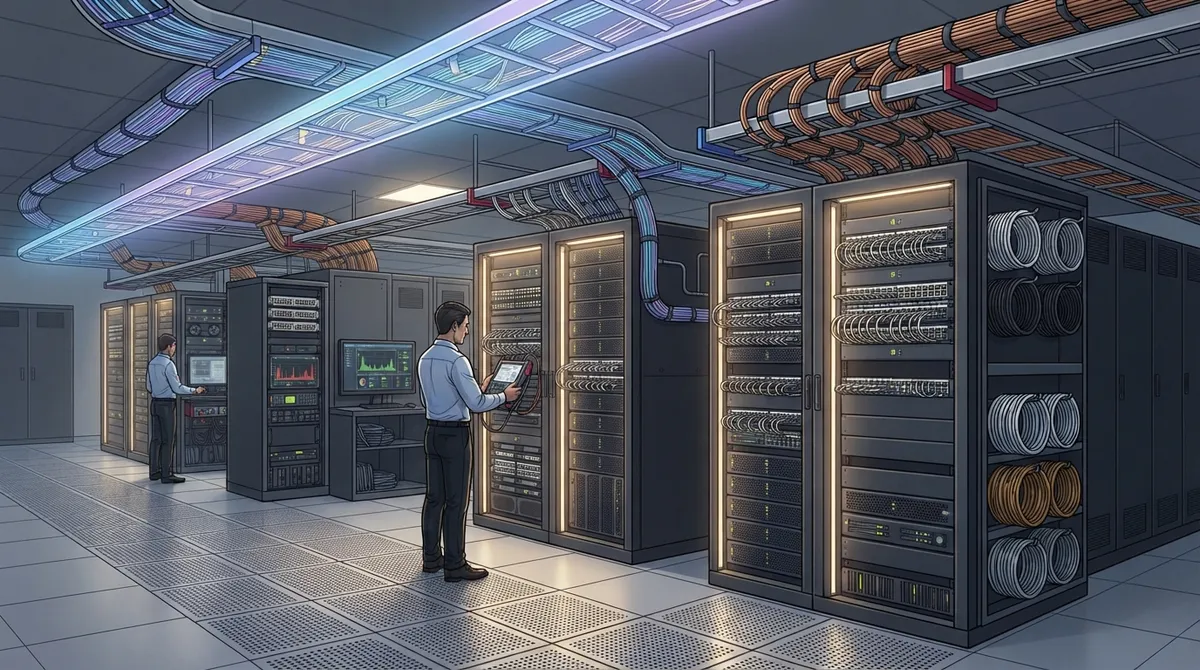
If your business runs servers, switches, or a growing network closet, you already know the truth: messy cabling causes real problems. Slow speeds. Random outages. Techs who can’t find the right cable in a tangled rack. The good news? You don’t have to live like this. Smart data center cabling solutions can fix these headaches for good, whether you run a small server room in Tampa or a multi-site data hall for a growing company.
This guide breaks down 13 practical cabling solutions that keep your network fast, safe, and ready to grow. We’ll cover fiber, copper, testing, labeling, and smart planning tips. Whether you’re an IT manager comparing options, an office manager tired of network hiccups, or a franchise operator scaling across locations, you’ll find something useful here. Let’s dig in.
1. Structured Cabling Design Built in Zones
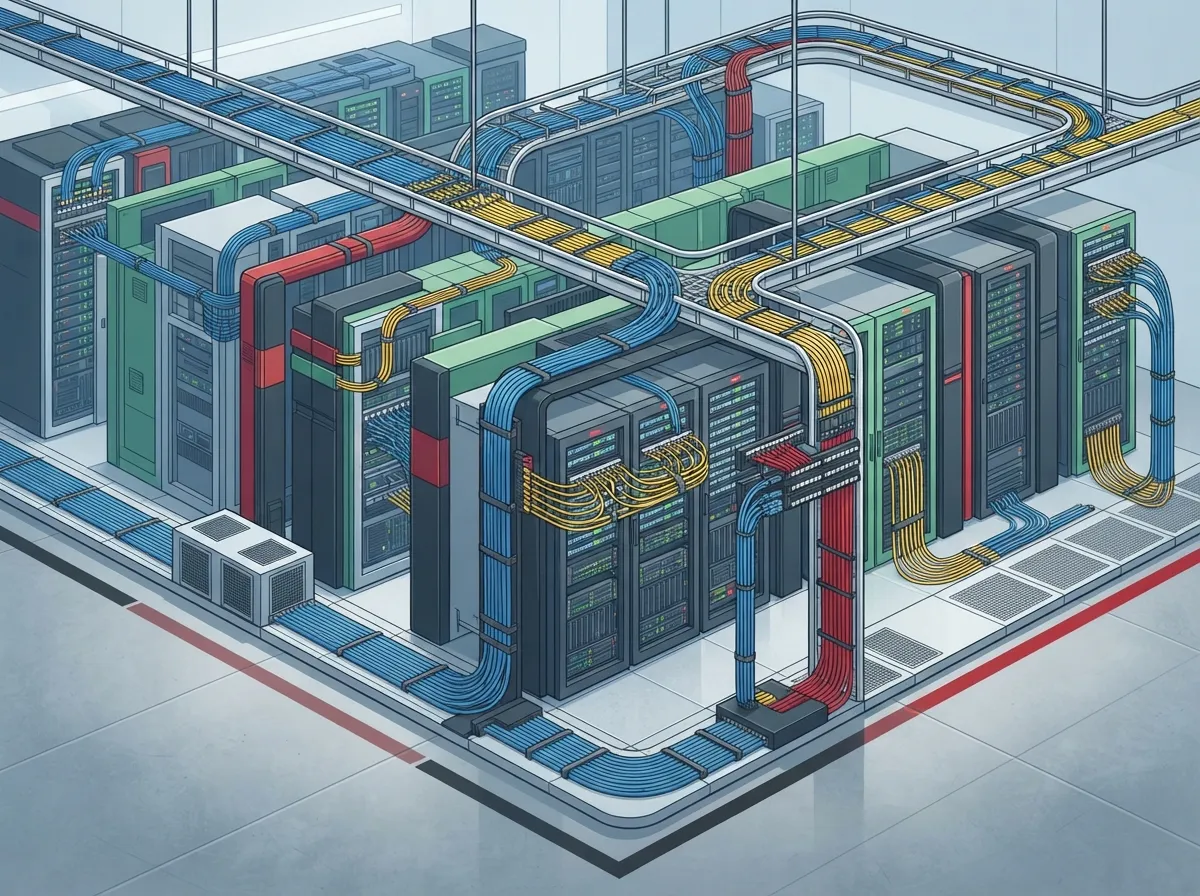
Good structured cabling starts with a smart layout, not just a pile of wires. Professional designs split your space into zones: Main Distribution Area, Intermediate Distribution Area, Horizontal Distribution Area, Zone Distribution Area, and Equipment Distribution Area.
This might sound technical, but think of it like organizing a warehouse into clear sections. Each zone has a job. This setup makes troubleshooting faster, ports easier to manage, and future upgrades much simpler. Our team at Ideal Solutions Provider often starts every structured cabling project with this kind of zone-based planning.
2. Fiber Optic Backbone Cabling
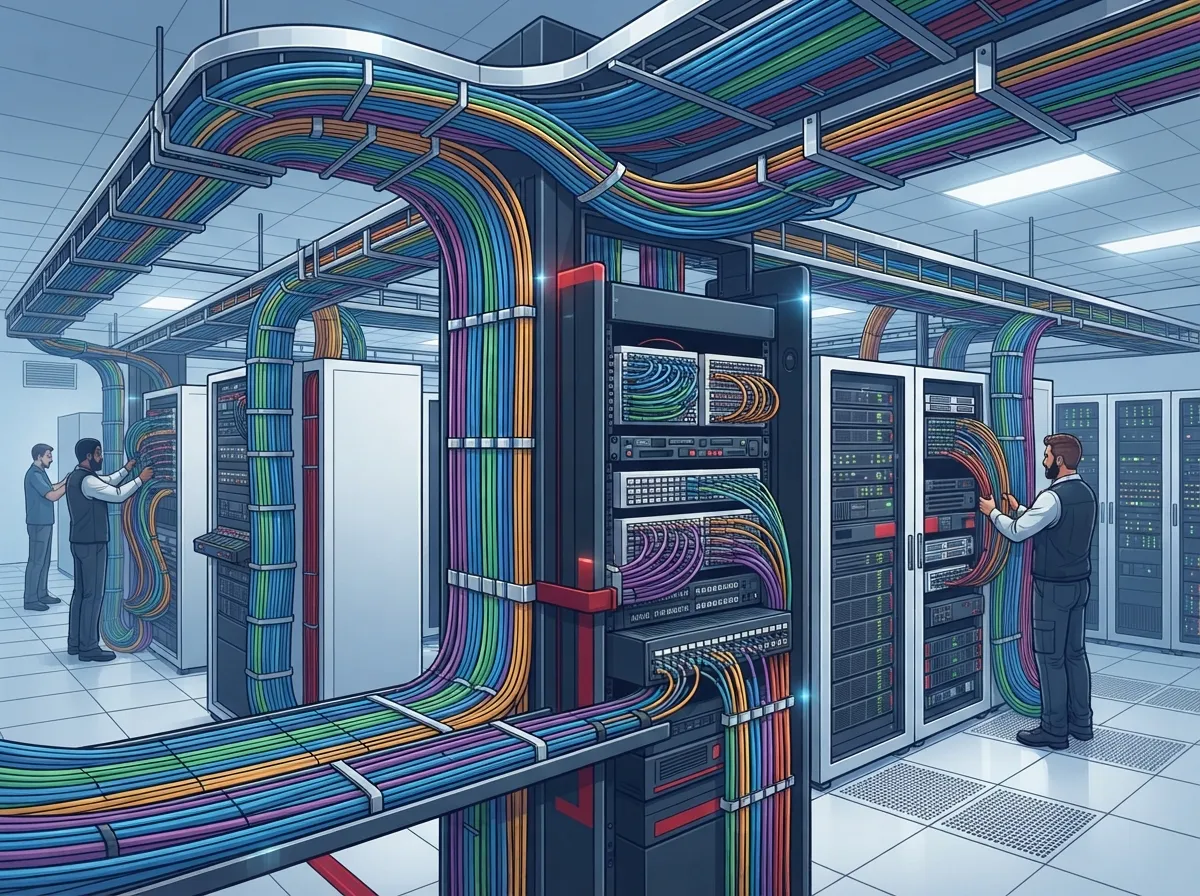
For long runs, high speeds, or connecting different rooms or buildings, fiber is the clear winner. It handles more data over longer distances than copper ever could.
Most data centers today lean on OM3, OM4, or OM5 multimode fiber for shorter links, and OS2 single-mode fiber for longer or higher-speed runs. A recent 2025 market estimate from MarketIntelo pegs fiber optic cabling at roughly 48.3% of the entire data center cabling market, with copper trailing at 31.7%. That gap keeps growing as businesses demand more bandwidth.
3. CAT 6A Copper for Rack-Level Connections
Fiber isn’t always the answer. For short server-to-switch runs, Category 6A copper cabling still gets the job done well. It supports 10GBASE-T speeds up to 100 meters under the right conditions.
According to that same 2025 MarketIntelo report, CAT 6A leads all copper categories with 22.1% of total market share. It’s affordable, reliable, and easy to maintain, which makes it a favorite for smaller server rooms and equipment closets. Many Tampa businesses pair CAT 6A with their CAT6 cabling installation for a complete, budget-friendly network.
4. Direct Attach Copper (DAC) for Short Equipment Links
When two pieces of equipment sit close together, like adjacent servers in the same rack, DAC cables offer a fast, low-cost connection. They skip the need for separate transceivers, which saves money on short runs.
DAC works best when distance isn’t an issue. Think same-rack or adjacent-rack connections only.
5. Active Optical Cable (AOC) and Active Electrical Cable (AEC)
AOC and AEC cables sit between DAC and full fiber trunking. They handle slightly longer distances than DAC while staying simple to install. These are great choices for high-speed equipment connections that don’t need to pass through a patch panel.
- AOC uses optical technology for longer reach with less signal loss
- AEC uses electrical signaling but with active components for better performance
- Both options reduce cable bulk compared to traditional fiber trunks
6. MPO/MTP Trunk Cabling for High-Density Ports
As data centers move toward 100G, 200G, 400G, and even 800G Ethernet, connector choice matters more than ever. MPO/MTP-style multifiber connectors let you pack many fiber strands into one small connector, perfect for parallel-optics applications.
Interestingly, 800G parallel-optics setups often use eight transmit and eight receive fibers, which makes 16-fiber MPO configurations especially relevant for SR8 and DR8 designs. If your business is planning ahead for these speeds, trunk cabling with MPO connectors is worth serious consideration.
7. LC Duplex Fiber Connections
Not every connection needs a big trunk cable. LC duplex connectors remain the standard choice for many single-mode and duplex fiber links. They’re compact, reliable, and widely supported across most networking equipment.
LC connections work well for switch-to-switch links, storage connections, and other point-to-point fiber runs where simplicity matters more than raw port density.
8. Choosing Between OM4 and OS2 Fiber
This is one of the most common questions we hear. Here’s a simple table to help clarify the differences:
| Feature | OM4 Multimode | OS2 Single-Mode |
|---|---|---|
| Typical Distance | Up to about 100-150 meters (speed dependent) | Hundreds of meters to several kilometers |
| Best Use Case | Short in-building runs, rack-to-rack links | Long backbone runs, campus links, future-proofing |
| Cost Per Port | Lower transceiver cost | Higher transceiver cost, lower fiber cost per run |
| Common Speeds Supported | 10G, 40G, 100G short-reach | 100G, 400G, 800G long-reach |
If your business plans to grow, OS2 single-mode often makes more sense long-term. It supports higher speeds over longer distances and future-proofs your investment. Our fiber optic cabling services team can help you decide which fits your specific building layout and growth plans.
9. Spare Capacity Planning
One mistake we see often: businesses design cabling for today’s needs only. That’s a costly error. Smart planning means building in room to grow.
Here’s what good spare capacity planning looks like:
- Reserve extra pathway space in trays, conduits, and racks
- Install spare fiber cores beyond your current port count
- Leave extra patch panel ports open for future devices
- Document current usage so you know exactly how much room remains
- Plan cable runs with future high-speed upgrades in mind
This approach saves you from tearing out walls or ceilings again in two years. It’s cheaper to over-build slightly now than to redo everything later.
10. Testing and Certification
You wouldn’t buy a car without a test drive, right? Same logic applies to cabling. Every cable run should be tested before it goes live.
Testing typically includes:
- Continuity checks to confirm proper connections
- Polarity testing for fiber links
- Insertion loss measurements
- Return loss testing where applicable
- OLTS results and OTDR traces for fiber, when required by project specs
Factory-terminated and pretested cable assemblies can speed up installation while reducing field errors. This matters even more for large, high-density deployments where a single bad termination can cause hours of troubleshooting.
11. Cable Management and Airflow
Cable management isn’t just about looking neat. It directly affects reliability. Overfilled trays create bend stress, block airflow, and make future maintenance a nightmare.
Good cable management includes overhead pathways, ladder racks, vertical and horizontal managers, proper slack storage, and strain relief. Clear labeling matters too. If a tech can’t find the right cable during an emergency, downtime grows longer than it needs to.
12. Standards, Codes, and Documentation
Every cabling project should follow applicable standards, including ANSI/TIA and ISO/IEC guidelines, along with local electrical and fire codes. Plenum-rated jackets, proper grounding, and bonding all matter for safety and compliance.
Documentation is just as important. Every connection should live in a cabling database or infrastructure-management system. This makes future changes faster and reduces guesswork during troubleshooting. Businesses that skip this step often regret it during their first big network upgrade.
13. Working With a Single Telecom Partner
Here’s the thing: cabling doesn’t exist in a vacuum. It supports your phone systems, your security cameras, your internet connections, and your day-to-day operations. Managing separate vendors for each piece gets confusing fast.
Working with one trusted telecom partner means one point of contact for consultation, installation, testing, and support. This is especially valuable for franchise operators managing multiple locations, or growing companies juggling network upgrades alongside phone and security projects. According to a 2025 MarketIntelo market estimate, the global data center cabling market sits around $14.2 billion, with projected growth to about $25.8 billion by 2034. Businesses that plan smart now will be ready for that growth curve.
Why Professional Installation Matters
DIY cabling might seem like a money-saver upfront. But mistakes in bend radius, connector termination, or pathway planning can cause expensive problems down the road. A professional installer follows proper standards, tests every connection, and documents the entire system for future reference.
Ideal Solutions Provider has spent over 24 years helping Tampa businesses and companies nationwide build reliable network infrastructure. With partnerships across 35+ vetted suppliers, our team compares options honestly instead of pushing one-size-fits-all packages. We’ve found that 9 out of 10 businesses we audit are overpaying, underperforming, or both when it comes to their telecom setup. You can follow our latest project updates and tips on Facebook, Instagram, or YouTube.
Common Mistakes to Avoid
Before wrapping up, here are a few pitfalls worth watching for:
- Choosing the cheapest cable without checking speed and distance needs
- Skipping spare capacity planning to save a small amount upfront
- Ignoring proper labeling, which slows down future troubleshooting
- Overlooking fire and building codes during installation
- Failing to test and certify every cable run before going live
Avoiding these mistakes now saves you time, money, and stress later. Whether you’re upgrading a small server closet or planning a full data center buildout, careful planning pays off.
Wrapping Up
Reliable data center cabling solutions aren’t just about wires. They’re about building a foundation that keeps your business running smoothly today and ready for tomorrow’s growth. From fiber backbone design to smart spare capacity planning, every choice matters.
If you’re ready to stop guessing and start building a network that actually works for your business, our team would love to help. Contact us today for a free consultation, or call us to talk through your specific cabling needs. We’re here to make your network stronger, one connection at a time.
FAQs
Q: What is data center cabling and how does structured cabling work?
A: Data center cabling is the physical wiring system that connects your servers, switches, and network equipment together. Structured cabling organizes this into clear zones, so everything is easier to manage, troubleshoot, and upgrade later. Think of it as giving your network a tidy, organized home instead of a messy junk drawer!
Q: Should I use OM4 multimode fiber or OS2 single-mode fiber?
A: It really depends on your distance needs and future plans. OM4 works great for shorter runs within a building, while OS2 single-mode handles longer distances and higher speeds like 400G and beyond. If you’re planning to grow, OS2 often gives you more room to scale without redoing your cabling.
Q: What cabling do I need for 100G, 400G, or 800G networks?
A: Higher speeds usually call for single-mode fiber and MPO/MTP-style connectors, especially for parallel-optics setups. 800G designs often use 16-fiber MPO configurations. Our team can help you pick the right combination based on your specific speed and distance goals, so you’re not overpaying for capacity you don’t need yet.
Q: How much spare capacity should I plan for in my cabling system?
A: A good rule of thumb is to plan for more than your current needs, not just what you use today. This means reserving pathway space, adding spare fiber cores, and leaving extra patch panel ports open. It costs a little more upfront but saves you from expensive rework down the road, trust us on this one!
Q: How can I minimize downtime during a cabling upgrade?
A: Careful planning is the secret here. Working with an experienced installer who tests connections in phases, documents everything, and schedules work during low-traffic hours makes a huge difference. We’ve helped plenty of businesses upgrade their networks with barely a hiccup in daily operations.





