

Key Takeaways
-
Upload speed matters as much as download speed for cloud backups, large file transfers, and video calls, so compare both numbers and ask whether advertised speeds are maximum, typical, or committed.
-
Availability is address-specific: check the FCC National Broadband Map for reported providers, then verify serviceability, construction costs, and installation timelines directly with each provider.
-
Shared business broadband is best-effort and speeds can vary, while Dedicated Internet Access offers a separately provisioned circuit with committed bandwidth, typically at higher cost.
-
Review the SLA before signing for uptime commitments, repair-time guarantees, exclusions, and how service credits are calculated and requested.
-
A backup connection only helps if failover is configured, tested, and uses separate infrastructure, since two lines in the same trench can fail together.
-
Compare total cost, including installation fees, equipment, contract length, post-promotion price changes, and early termination terms, not just the monthly price.
Let’s be honest: nobody wakes up excited to shop for business internet. But when your video call freezes, your card reader stalls, or your cloud backup crawls for hours, you feel it fast. Choosing the right business high speed internet plan is one of the most important choices you’ll make for your company in 2026.
The good news is that you have more options than ever. The FCC reported in May 2025 that about 110 million U.S. homes and small businesses, or 95%, had access to fixed broadband of at least 100 Mbps download and 20 Mbps upload. But national numbers don’t tell you what is available at your address. That is where a little know-how goes a long way.
Whether you run a small shop, manage an office, oversee IT, or operate multiple franchise locations, these 14 tips will help you pick, price, and protect your connection with confidence.

1. Start With What Your Business Actually Does Online
Before you compare plans, make a quick list of what your team does all day. Cloud apps, video meetings, point-of-sale systems, hosted voice, file transfers, and remote access all put different demands on your connection.
Business high speed internet is not just about a big download number. It is about supporting your applications, your users, and your tolerance for downtime. A dental office with cloud imaging has very different needs than a coffee shop with a card reader.
- Count your users and devices. Laptops, phones, printers, cameras, and tablets all share the line.
- List your critical apps. Note which ones would stop your business if they went offline.
- Note peak times. A busy Monday morning is a better test than a quiet Friday night.
2. Know the Main Connection Types
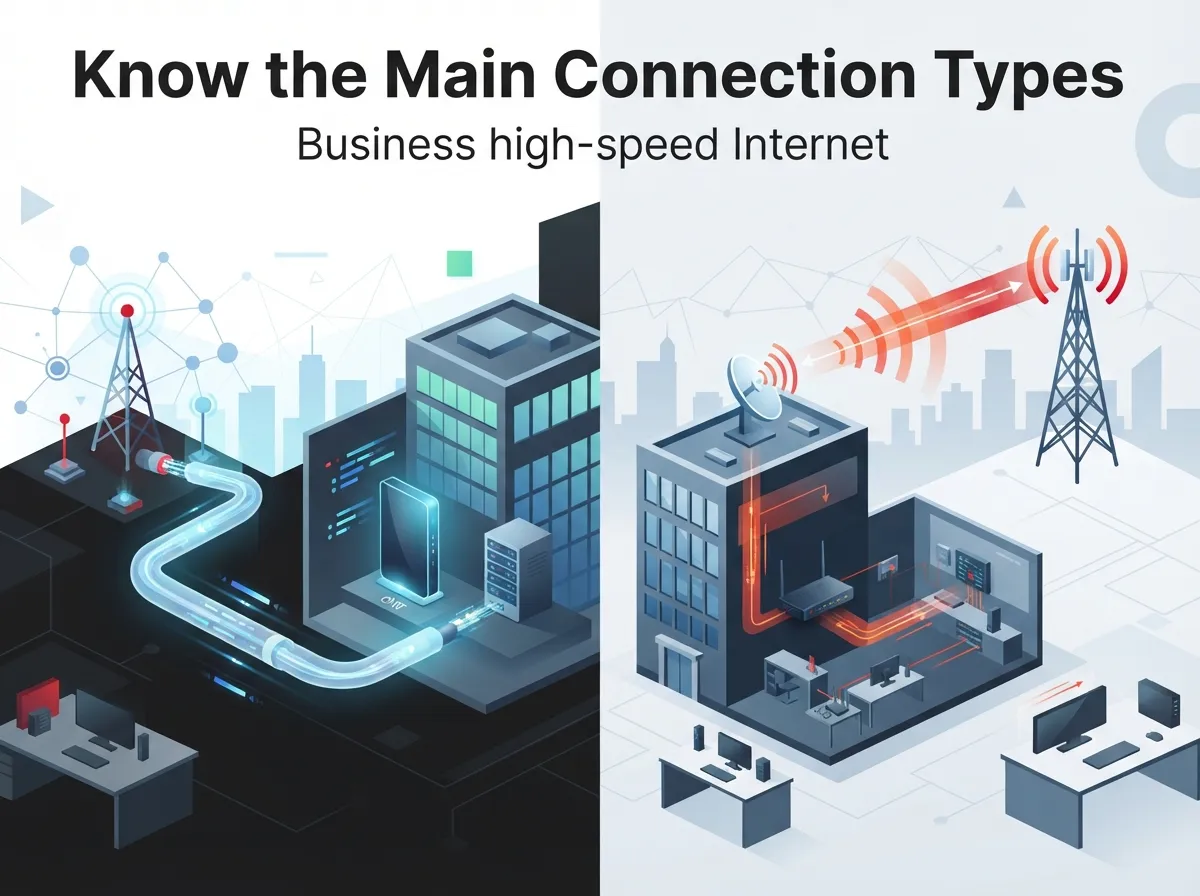
Most business connections fall into four groups: fiber, cable, DSL, and fixed wireless (including 5G). Each has strengths and trade-offs, so it helps to see them side by side.
| Connection Type | Typical Strength | Common Watch-Out |
|---|---|---|
| Fiber | Can offer symmetrical upload and download speeds | Not available at every address; construction costs may apply |
| Cable | Often fast downloads and wide availability | Uploads are usually slower than downloads |
| DSL | Reaches some areas other options do not | Speeds depend heavily on distance and line quality |
| Fixed Wireless / 5G | Can be deployed quickly | Performance varies with signal conditions and congestion |
Fiber is growing quickly. A CostQuest analysis reported that fiber connections rose from 21.1 million broadband serviceable locations in June 2021 to 38.4 million in June 2025. If you want to learn more about this option, our guide on 7 fiber internet business benefits you can’t ignore in 2026 is a great next read.
3. Don’t Ignore Upload Speed
Many people shop by download speed alone. That is understandable, but it can be a costly mistake. Upload capacity matters for cloud backups, large file transfers, hosted services, and frequent video calls.
If your team sends a lot of data out, such as design files, medical images, or security footage, compare both numbers. Also ask whether the advertised rate is a maximum, a typical speed, or a committed bandwidth level. Those three things are not the same.
4. Use the 100/20 Benchmark as a Starting Point Only
The FCC’s 100 Mbps download and 20 Mbps upload benchmark is a handy reference for comparing reported availability. It is not a universal recommendation, and it does not guarantee real-world results.
Think of it as a yardstick, not a finish line. A ten-person office running cloud phones and video meetings may need more. A tiny office with light needs may do fine. The right number depends on your workload.
5. Understand Shared Broadband vs. Dedicated Internet Access
This one trips up a lot of business owners. Shared business broadband is generally a best-effort service, meaning speeds can vary when many customers are online. Dedicated Internet Access (DIA) is a separately provisioned business circuit that typically costs more.
DIA may include committed bandwidth and contract terms for service levels. Always confirm the details in writing. If this topic is new to you, check out dedicated internet access pricing and what to expect in 2026 for a helpful breakdown.
6. Read the SLA Carefully
An SLA, or service level agreement, is the part of your contract that spells out what the provider promises. It sounds boring, but it can save you real money and stress when something goes wrong.
Before you sign, ask these questions:
- What uptime or availability is promised, and how is it measured?
- What are the repair-time commitments?
- What exclusions apply?
- How are service credits calculated and requested?
Not every business plan includes an uptime guarantee. If it matters to you, ask for it in writing.
7. Check Availability at Your Exact Address
Availability is address-specific. Two businesses on the same street can have different options. The FCC National Broadband Map is a good place to see reported providers and technologies near you.
But reported does not always mean ready to install. Verify serviceability, construction costs, installation timelines, and quoted speeds directly with providers. If you are in the Tampa Bay area, how to find business internet providers by address walks you through the process step by step.
8. Ask About Static IPs and Other Business Features
Business plans often offer more than raw speed. Depending on the provider and plan, you may see static IP addresses, managed Wi-Fi, business support lines, security options, and backup connectivity.
- Static IP: Helpful for hosting, remote access, and some security tools.
- Managed Wi-Fi: Takes the guesswork out of coverage and guest access.
- Priority support: Faster help when something breaks.
These extras vary a lot, so check them against your real needs instead of paying for features you will never use.
9. Plan for Backup Internet
Even the best connection can go down. A resilient setup often pairs a primary wired connection with a secondary one, such as fixed wireless or another carrier’s service.
Here is the catch: a backup only helps if failover is set up and tested, and if the backup path does not share the same vulnerable infrastructure. Two lines in the same trench can fail together. Our tips on automatic internet failover for business in 2026 can help you set this up the right way.
10. Make Sure Your Cabling Can Keep Up
Here is something many owners miss. You can buy a fast plan and still get slow results if the wiring inside your building is outdated or messy. Your connection is only as good as the path it travels.
Good structured cabling helps your network deliver the speed you pay for. If you are curious about what is possible, read about gigabit cabling capabilities for your business. And if things already feel slow, see why your business internet might be so slow and how to fix it.
11. Think About Your Cloud Tools Too
Cloud phones, cloud cameras, and cloud access control all depend on a steady connection. If your internet stumbles, these tools can stumble with it.
That is why it helps to plan everything together. Take a look at the internet speeds your cloud cameras actually need and what internet speed you need for VoIP before you pick a plan.
12. Consider SD-WAN for Multiple Locations
If you run several offices or franchise sites, managing separate connections can get messy fast. SD-WAN can help connect locations, route traffic smartly, and make use of more than one type of connection.
It is not for everyone, but it is worth a look as you grow. Learn more in what SD-WAN services are and whether your business needs them.
13. Compare Quotes, Terms, and Total Cost
The monthly price is only one piece. Look at installation fees, equipment costs, contract length, price changes after promotions, and early termination terms.
Make a simple checklist so you can compare apples to apples:
- Speeds (upload and download) and whether they are maximum or committed
- Installation timeline and any construction charges
- Contract term and renewal rules
- Support hours and SLA details
For extra help, our article on what to look for in a business internet provider covers the questions worth asking.
14. Work With One Partner Who Compares the Market for You
Shopping across many carriers is time-consuming. Every provider will tell you their plan is the best, and it is hard to know who to believe.
That is where Ideal Solutions Provider comes in. With over 24 years of experience and partnerships with 35+ vetted suppliers, we compare options at your address, review your current setup, and help you pick a fit based on your needs. You can explore our business high speed internet services to see how we help. Many Tampa businesses also find it useful to read about the best business high speed internet services in Tampa FL.
A Quick Look at the Bigger Picture
The broadband landscape is shifting. The FCC noted that nearly 7 million additional locations gained access to fixed service offering at least 1 Gbps download and 100 Mbps upload between its June and December 2024 data collections. At the same time, a CostQuest analysis showed fixed coaxial connections declined from 79.3 million to 74.5 million between June 2021 and June 2025, as fiber grew.
What does that mean for you? Options are improving, and it pays to review your plan every so often. An Internet Service Provider that was the best choice a few years ago may not be today.
Your Next Step
Choosing business high speed internet does not need to feel overwhelming. Start with your real needs, compare connection types, check your address, read the SLA, and plan for backup. Keep your cabling and cloud tools in mind, and you will be in great shape.
Want a friendly second opinion? Contact us for a free consultation, or call us to talk it through. We will help you find a connection that keeps your business moving. You can also follow along on Facebook for helpful telecom tips.
FAQs
Q: How much internet speed does my business need?
A: It depends on your users, apps, and how much you upload and download. The FCC’s 100/20 Mbps benchmark is a handy starting point, but a team with video calls, cloud backups, and hosted voice may need more. Ask for address-specific quotes and compare both upload and download speeds.
Q: Is fiber internet better than cable for business?
A: Fiber can offer symmetrical upload and download speeds, while cable often has faster downloads than uploads. Fiber isn’t available everywhere, so check your address first. The best pick is the one that fits your workload, budget, and location.
Q: What is the difference between business broadband and Dedicated Internet Access?
A: Shared business broadband is generally best-effort, so speeds can vary. Dedicated Internet Access is a separately provisioned circuit that typically costs more and may include committed bandwidth and contract terms. Always confirm the SLA details in writing.
Q: How can I set up backup internet for my business?
A: A common setup pairs your main wired connection with a second one, like fixed wireless or another carrier. The backup only helps if failover is configured and tested, and if it doesn’t share the same vulnerable infrastructure. A quick test now can save you a big headache later.
Q: How can I check which business internet providers serve my address?
A: The FCC National Broadband Map shows reported providers and technologies near you. Since reported availability isn’t a guarantee, confirm serviceability, installation timelines, and costs directly with each provider. A telecom partner can also do this comparison for you.





