
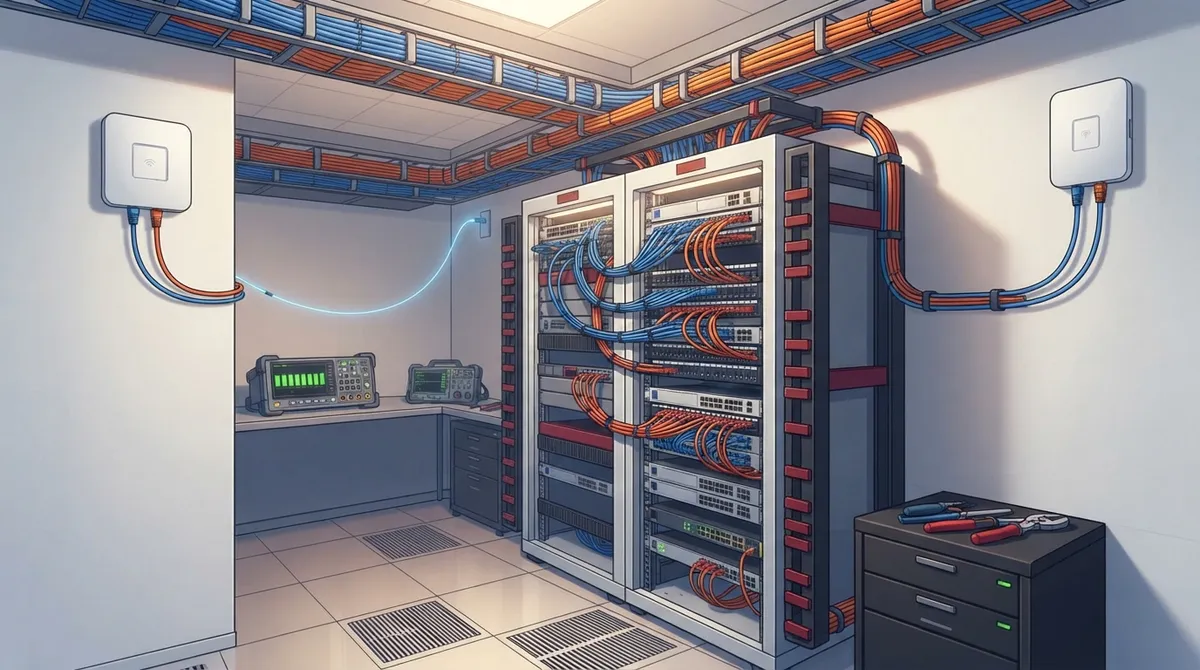
Key Takeaways
-
Cat 6A is the standard choice for new office installations, supporting 10 Gigabit Ethernet across the full 100-meter channel length without signal degradation, providing future-proofing without major cost increase.
-
Plan at least two Category 6A-or-higher cable runs for each wireless access point per updated ANSI/TIA-568.1-E-1 standards; skipping this is one of the most common mistakes businesses make.
-
Structured cabling must respect the 100-meter hard limit for copper (90 meters permanent cable plus 10 meters patch cord); exceeding this requires additional equipment rooms or a fiber backbone.
-
All cabling installations must be tested and certified with documented results showing insertion loss, return loss, crosstalk, and alien crosstalk measurements; certification proves performance standards are met.
-
Match cable types to actual device needs and building layout through a proper site walkthrough before installation; use fiber for backbones and long distances while copper works for horizontal desk runs.
-
Use components that match cable performance ratings throughout the system—mixing Cat 6A cable with older Cat 5e jacks defeats the purpose and requires working with experienced contractors familiar with industry standards.
Picking network cable feels a bit like picking paint colors. Everyone has an opinion, and most of those opinions are wrong for your building. Here’s the good news: you don’t need to become a cabling expert overnight. You just need to know what questions to ask and what red flags to watch for. Grab a coffee, and let’s walk through this together like friends figuring out a home project.
Whether you’re a small business owner juggling a dozen tasks, an IT manager who wants vetted vendors, or a franchise operator planning cabling across five locations, this guide breaks things down in plain language. No jargon overload, just real talk about what makes structured cabling actually work for your team.

1. It Matches Your Devices, Not Just a Trendy Cable Name
The best structured cabling system isn’t the one with the fanciest label on the box. It’s the one that fits your phones, cameras, access points, and computers. A cable rated for blazing speeds does nothing for you if your devices don’t need it. Think of it like buying running shoes for a marathon when you only walk to the mailbox. Nice shoes, wrong job.
Good cabling design starts with a simple question: what devices will plug in, and where? Once you know that, everything else falls into place. This is exactly why a proper site walkthrough matters before anyone touches a spool of cable.

2. It Uses Cat 6A for Most New Horizontal Runs
If you’re building out a new office, Cat 6A is usually the smart default. It supports 10 Gigabit Ethernet across the full 100-meter channel length, which covers almost every office layout. That means your network won’t choke even as you add more devices over the next several years.
Cat 6 can technically handle 10 Gigabit speeds too, but only over shorter distances, often around 55 meters under the right conditions. Cat 6A gives you breathing room and future-proofing without a huge price jump. For a deeper look at how these two options stack up, check out this breakdown of key differences between CAT5e and CAT6 cabling.
3. It Knows When Fiber Beats Copper
Copper is great for desks and workstations, but fiber shines for backbones and long stretches. If you’re connecting separate buildings, running cable outdoors, or dealing with electrical interference, fiber is often the better call. It handles longer distances and shrugs off interference that would slow copper down.
A smart cabling plan often blends both: copper for the horizontal runs to desks and fiber for the backbone connecting equipment rooms. Curious how this works in practice? This guide on fiber optic cabling for commercial buildings walks through common setups.
4. It Respects the 100-Meter Rule
Structured cabling has a hard limit for copper: 100 meters total, made up of 90 meters of permanent cable plus up to 10 meters of patch cords. Go past that, and signal quality drops fast. This isn’t a suggestion, it’s baked into the standards that govern commercial cabling.
If your building is large or spread out, this limit might mean you need extra equipment rooms or a fiber backbone to bridge the distance. A good installer maps this out before drilling a single hole.
5. It Plans for Wireless Access Points, Not Just Desks
Here’s something a lot of people forget: wireless access points need wired connections too. The updated ANSI/TIA-568.1-E-1 standard, published in March 2023, calls for at least two Category 6A-or-higher cable runs to each wireless access point when using twisted-pair cabling. Extra runs are recommended for reliability and future growth.
Skipping this step is one of the most common mistakes we see. Businesses plan cabling for desks and forget the ceiling-mounted access points that keep everyone connected on Wi-Fi.
Quick List: What to Ask Before Cabling Wireless Access Points
- How many access points does the space actually need?
- Are at least two Cat 6A runs planned for each one?
- Is there room in the ceiling or wall cavity for extra cable?
- Will future access points be easy to add without major rework?
6. It Comes With a Real Design, Not a Guess
The best structured cabling system starts on paper, not in the walls. A proper design accounts for building layout, device locations, expected growth, and power needs for devices like phones and cameras. Skipping this step often leads to costly rework later.
If you’re planning a new office buildout, it helps to plan network cabling installation early, ideally before drywall goes up.
7. It Uses Components That Actually Match Each Other
Mixing and matching cheap parts with premium cable is a recipe for headaches. Connectors, patch panels, and jacks all need to be rated for the same performance level as your cable. A Cat 6A cable paired with old Cat 5e jacks won’t give you Cat 6A performance. It’s like putting bicycle tires on a sports car.
Standards-compliant components matter more than most people realize. This is one reason working with an experienced commercial network cabling contractor pays off.
8. It Gets Tested and Certified, Not Just Installed
Installing cable is only half the job. The best structured cabling system gets tested afterward, with results documented and handed over to you. Copper testing checks things like insertion loss, return loss, and crosstalk. Cat 6A testing also checks for something called alien crosstalk, which is interference between bundled cables.
Fiber links need their own optical testing too. Skipping certification is like buying a used car without a mechanic’s inspection. You might get lucky, or you might not.
Why Certification Matters
According to Fluke Networks, cabling certification has become more important than ever as networks carry more critical traffic, from VoIP calls to security camera feeds. A certified installation gives you proof the cable performs as promised, not just a hopeful handshake.
9. It Plans for PoE Devices From Day One
Power over Ethernet, or PoE, lets devices like phones, cameras, and access points draw power right through the network cable. Sounds convenient, and it is, but it also adds a layer of planning. Cable bundle size, temperature, and connector quality all affect how well PoE performs.
If you’re bundling a lot of cables together in a tight space, heat can build up and reduce performance. A thoughtful design spreads things out and accounts for higher-power devices like PTZ cameras or Wi-Fi 6 access points.
10. It Follows Recognized Industry Standards
The best structured cabling system doesn’t reinvent the wheel. It follows established standards like ANSI/TIA-568, which covers commercial building telecommunications cabling. The most recent updates, including ANSI/TIA-568.2-E published in 2024, refine performance criteria for balanced twisted-pair cabling.
Following these standards isn’t just a box to check. It ensures your cabling works with equipment from different manufacturers and holds up over time. You can read more about the standard itself at the TIA standards update page.
| Cable Type | Max 10 Gb/s Distance | Best Use Case |
|---|---|---|
| Cat 6 | Up to 55 m (conditions apply) | Budget-friendly, shorter runs |
| Cat 6A | Up to 100 m (full channel) | New installs, PoE devices, Wi-Fi access points |
| Cat 8 | Up to 30 m (25/40GBASE-T) | Data center or short high-speed links only |
| Fiber | Varies by type, much longer | Backbones, outdoor runs, interference zones |
11. It’s Scaled to Fit Growth, Not Just Today’s Headcount
If you’re a franchise operator opening new locations, or a growing mid-sized company adding staff, your cabling needs to handle more than today’s headcount. Adding extra cable runs now costs far less than ripping open walls later.
This is especially true for businesses planning scalable systems across multiple locations. A cabling plan built for growth saves money and headaches down the road.
12. It’s Installed by People Who Do This Every Day
DIY cabling projects can work for very small setups, but most businesses benefit from professional installation. Trained technicians know how to route cable properly, avoid interference sources, and label everything clearly. That labeling matters more than you’d think when something needs troubleshooting six months later.
If you’re weighing your options, this comparison of DIY versus professional structured cabling lays out the tradeoffs clearly.
13. It Supports Your Phone System and Security Cameras Together
Modern offices run VoIP phones, security cameras, and access control systems all on the same network cabling. The best structured cabling system supports all of these without conflict or bottlenecks. This is one reason cabling and telecom planning go hand in hand.
Learn more about how structured cabling supports VoIP and cameras together on one unified network.
Numbered Steps: A Simple Cabling Project Checklist
- Walk the space and count devices, including future ones.
- Choose cable types based on distance and speed needs.
- Plan extra runs for wireless access points.
- Select matching, standards-rated components.
- Hire an experienced installer familiar with local codes.
- Require field testing and certification documentation.
- Label everything clearly for future troubleshooting.
- Store test results and diagrams for easy reference.
14. It Comes With Documentation You Can Actually Use
Ever inherited a messy filing cabinet from a previous employee? Undocumented cabling is the network version of that. The best structured cabling system comes with labeled diagrams, test results, and a clear map of what goes where.
This matters most when something breaks and you need answers fast, not a guessing game involving a flashlight and crossed fingers.
15. It Comes From a Partner Who Actually Listens
At the end of the day, the best structured cabling system is the one designed around your actual business, not a one-size-fits-all package. That means working with someone who asks questions, walks your space, and explains your options in plain English.
This is exactly the approach we take at Ideal Solutions Provider. With over 24 years of experience and partnerships with 35+ vetted suppliers, our team handles everything from the initial consultation to installation and ongoing support. Many businesses we talk to are surprised how simple it becomes once someone takes the guesswork off their plate. You can see more of our work and client stories on Facebook, Instagram, and YouTube.
Structured cabling might sound technical, but it’s really about building a solid foundation for everything your business does online, from phone calls to security footage. If you’d like a second opinion on your current setup, or you’re planning a new office and want it done right the first time, reach out to our team for a friendly, no-pressure consultation. You can also give us a call to talk through your specific needs today.
FAQs
Q: What is the best cabling for a new business network: Cat 6 or Cat 6A?
A: For most new installs, Cat 6A is the friendlier long-term choice. It supports 10 Gigabit speeds across the full 100-meter channel, while Cat 6 only manages that speed over shorter distances. Think of Cat 6A as the option that won’t need replacing anytime soon.
Q: Does Cat 6A support 10-gigabit Ethernet over 100 meters?
A: Yes, Cat 6A is built to handle 10GBASE-T across the full standard channel length of 100 meters. That’s one reason it’s become such a popular default for new commercial cabling projects.
Q: Should a business use fiber or copper cabling for its network backbone?
A: Fiber is usually the better pick for backbones, especially over long distances or between buildings. It handles distance and interference far better than copper, making it a smart choice for connecting equipment rooms.
Q: How many network cables should be installed for each wireless access point?
A: Current standards recommend at least two Category 6A-or-higher cable runs per wireless access point when using twisted-pair cabling. Adding a few extra runs gives you room for future upgrades without extra construction later.
Q: How is structured cabling tested and certified after installation?
A: After installation, technicians use specialized testers to check things like insertion loss, return loss, and crosstalk for copper, plus optical testing for fiber. You should always receive documented results as proof your cabling meets performance standards.





