

Key Takeaways
-
Get an itemized quote covering setup fees, hardware, taxes, seat minimums, and add-ons, since advertised per-user prices often understate the real monthly bill.
-
Test your internet speed and network quality before switching, because a virtual phone system is only as reliable as the connection behind it.
-
Confirm number porting timelines and local 813 or 656 availability in writing before signing, and ask how 911 address registration works for remote staff.
-
Plan for outages with failover options such as call forwarding to mobile and backup internet or power, since Tampa Bay storms can disrupt service.
Picture this: it’s a busy Monday morning in Tampa. Your team is ready to go, but half your calls are dropping, a customer can’t reach anyone, and your new phone bill looks nothing like the quote. Sound familiar? You’re not alone, and the good news is that most of these headaches are easy to avoid.
A virtual phone system Tampa businesses rely on is usually a hosted VoIP or cloud PBX service. Your calls travel over the internet instead of old-school phone lines. It’s flexible, friendly on the budget, and great for office, remote, and hybrid teams. But picking the wrong setup, or rushing the switch, can turn a smart move into a stressful one.
In this guide, we’ll walk through 15 common mistakes Tampa business owners, office managers, and IT teams make with virtual phone systems. We’ll keep it simple, share what to do instead, and help you feel confident about your next step. Let’s dive in!
What Is a Virtual Phone System for a Tampa Business?
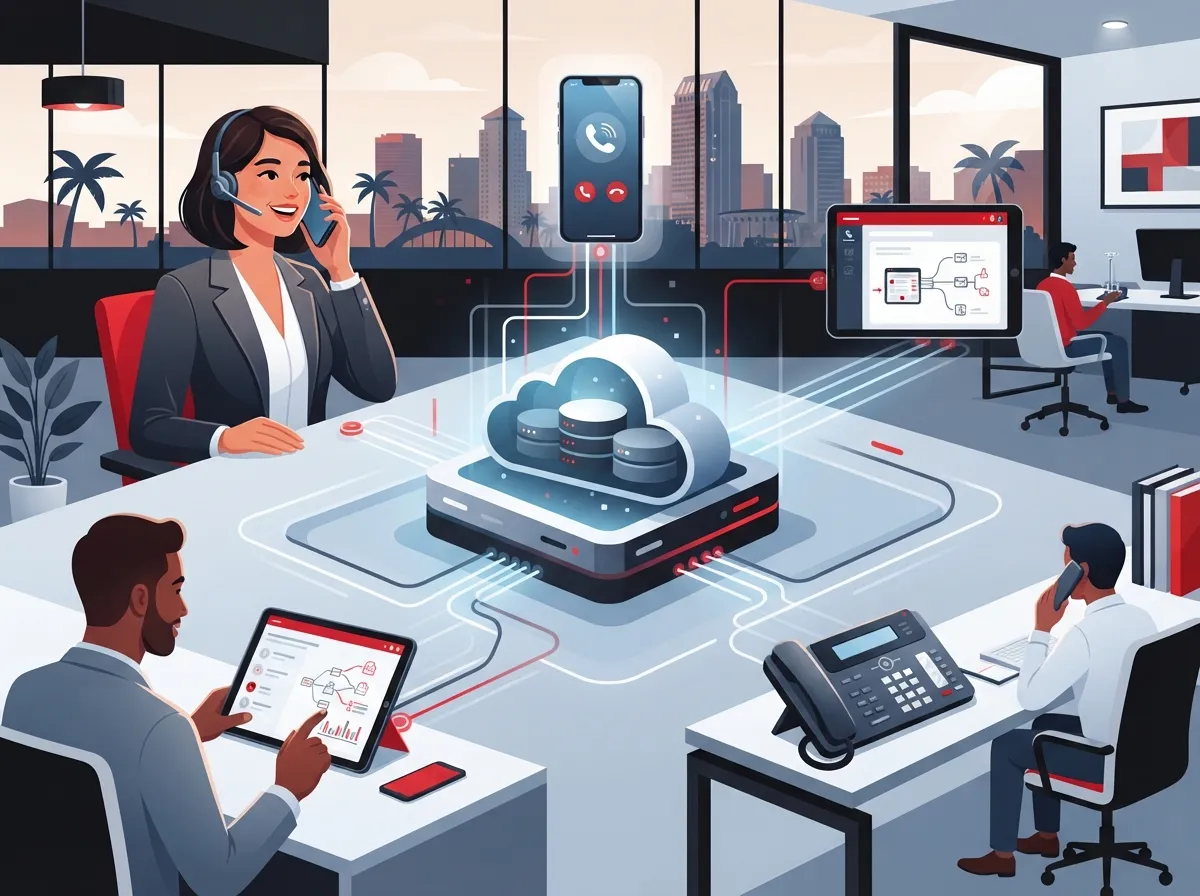
A virtual phone system is a cloud-based service that manages your business calls through a provider’s platform. Instead of a big box of equipment in a closet, your calls run through the internet. You can answer them on desk phones, computers, or mobile apps.
Common features include:
- Auto-attendants (the friendly voice that greets callers)
- Extensions and ring groups
- Call forwarding and smart routing
- Voicemail-to-email or transcription
- Business texting and call recording
- Mobile and desktop apps
Feature availability varies by provider and plan, so always confirm what’s included. If you want a deeper primer, check out What Is a Cloud-Based Phone System and Do You Need One?

The 15 Mistakes (and How to Dodge Them)
1. Choosing Based on the Advertised Price Alone
That shiny $15 or $22.95 per user price looks great. But it’s often not the whole story. Minimum seat counts, annual contracts, taxes, setup fees, hardware, and add-ons can change your total bill a lot.
Always ask for an itemized quote. For a real-world look at budgeting, see How Much Does a VoIP Phone System Cost for a Business in Tampa?
2. Ignoring Your Internet Quality
Here’s the thing: a virtual phone system is only as good as the internet behind it. Weak bandwidth or spotty Wi-Fi means choppy calls. Before you switch, test your connection and check your network setup.
Not sure how much speed you need? Read What Internet Speed Do I Need for VoIP in Tampa?
3. Skipping a Backup Plan for Outages
Storms happen in Tampa Bay. Power and internet can go down. If your phones are critical, ask about failover options, call forwarding to mobile, and backup internet or power. A little planning now saves a big scramble later.
4. Forgetting About Number Porting
Your phone number is part of your brand. Customers know it by heart. Before you sign, confirm the provider can port your existing number and ask for a realistic timeline. Number availability and porting times vary, so get it in writing.
Our guide on How to Keep Your Phone Number When Switching to VoIP in Tampa walks you through it.
5. Overlooking Local 813 and 656 Numbers
Tampa uses area code 813, plus the 656 overlay. Both serve the same general area. A local number builds trust with customers, even if some of your team works remotely. Ask your provider which local numbers are available.
6. Not Asking About Emergency Calling
This one is easy to miss. With a virtual system, 911 calls rely on the address you register. If staff work from different places, you need a plan for keeping those addresses updated. Ask your provider exactly how emergency calling and address management work.
7. Buying More (or Less) Than You Need
Too many features means you pay for things nobody uses. Too few means you outgrow the system in six months. Make a short list of must-haves, like call queues, texting, or recording, and choose a plan that fits. Our article How to Choose the Right Phone System for Small Business can help.
8. Skipping the Hardware Conversation
Do you need desk phones, headsets, or just apps? Hardware can add real cost. One Tampa-area vendor estimates roughly $1,200 one-time for phones and installation for a 10-user office. That’s one vendor’s estimate, not a rule, but it shows why hardware belongs in your budget.
9. Not Checking Support Availability
When your phones go quiet, who do you call? Find out the support hours, response times, and whether you’ll talk to a real person. This matters even more for office managers who can’t afford downtime.
10. Locking Into a Long Contract Too Fast
Some providers push annual or multi-year contracts. That can be fine if the service is great, but it’s tough if it isn’t. Ask about trial periods, early termination terms, and what happens when you add or remove users.
11. Forgetting About Security
Your calls, voicemails, and recordings are business data. Ask about access controls, user permissions, and how recordings and messages are stored and retained. If you need broader guidance, see How to Choose a Data Security Service for Business Telecom.
12. Ignoring Your Cabling and Network
Even cloud phones need solid wiring and a healthy network. Old, messy cabling can quietly hurt call quality. A clean setup using structured cabling keeps everything running smoothly. Learn more in 13 Ways Structured Cabling Supports VoIP & Cameras.
13. Not Planning for Multiple Locations
Franchise operators and growing companies often have more than one site. A good virtual system lets you share extensions and route calls across locations. Confirm the provider can handle your number of locations before you commit. This is a big topic for multi-site owners, so see 11 Reliable Network Solutions for Multi-Location Tampa Businesses.
14. Rushing the Rollout Without Training
A great system feels clunky if nobody knows how to use it. Plan a short training session. Show staff how to transfer calls, check voicemail, and use the mobile app. Happy teams mean happy customers!
15. Going It Alone With Too Many Vendors
Phones, internet, cabling, and security often come from different companies. When something breaks, everyone points fingers. Working with one partner makes life simpler. Here’s why: 11 Reasons to Use One Telecom Partner in Tampa FL.
Quick Cost Snapshot: What Tampa-Area Providers Advertise
Prices vary a lot. Here are provider-advertised examples found in Tampa-area search results. These are not market-wide averages, so treat them as rough starting points and always verify current terms.
| Plan Level | Typical Advertised Range (per user/month) | Things to Check |
|---|---|---|
| Basic | $15 to $30 | Minimum users, contract length, feature limits |
| Professional | $30 to $40 | Call recording, integrations, analytics |
| Enterprise | $40 to $50+ | Seat minimums, support level, multi-site tools |
One Tampa-area provider lists tiers at $22.95, $29.95, and $39.95 per user, with minimums of 5, 5, and 10 users. Another estimates about $220 per month for a 10-user office. Again, these are single-vendor examples. Taxes, setup, hardware, and add-ons can change your final number.
A Simple Checklist Before You Choose a Provider
Use this step-by-step list to keep your decision calm and clear:
- List your must-have features and number of users.
- Test your internet speed and Wi-Fi or Ethernet quality.
- Ask for an itemized quote that includes hardware, setup, and taxes.
- Confirm number porting and local 813 or 656 availability.
- Ask how emergency calling and address updates work.
- Review support hours and contract terms.
- Plan your backup internet or failover options.
- Schedule staff training before go-live.
If you want to see the full process from start to finish, 5 Steps to Switch Your Business Phone to the Cloud in Tampa is a handy companion read.
Who Benefits Most From a Virtual Phone System?
Different teams get different perks, and that’s the beauty of it:
- Small business owners: Affordable, flexible, and no big equipment to manage.
- Mid-sized companies: Easy growth and centralized call routing.
- IT managers: Less hardware to maintain and simple admin dashboards.
- Office managers: Fewer headaches with setup, changes, and support.
- Franchise operators: One system that connects all your Tampa Bay and nationwide locations.
Curious how cloud compares to the old way? Take a look at 6 Key Differences Between VoIP and Traditional Phone Systems.
How Ideal Solutions Provider Can Help
Choosing a virtual phone system doesn’t have to feel overwhelming. Ideal Solutions Provider is a Tampa-based telecom and IT partner with over 24 years of experience. We compare options across 35+ vetted suppliers, so you get honest, side-by-side recommendations instead of a one-size-fits-all pitch.
We also handle the extras that make a phone system work well, like internet, cabling, and networking. That means one friendly point of contact from consultation to installation and ongoing support. You can even follow our tips and updates on YouTube.
Ready to Skip the Mistakes?
A virtual phone system Tampa businesses can count on starts with good planning, honest pricing, and a partner who has your back. Avoid these 15 mistakes, and you’ll be well on your way to clear calls and happier customers.
Ready to talk it through? Contact us for a free consultation or call us at 813-388-4935. We’ll review your current setup and help you find the right fit.
FAQs
Q: What is a virtual phone system for a business in Tampa?
A: It’s a hosted VoIP or cloud PBX service that manages your business calls over the internet. You can answer calls on desk phones, computers, or mobile apps, and many providers offer local 813 or 656 numbers. It’s a flexible choice for office, remote, and hybrid teams.
Q: How much does a Tampa business virtual phone system cost per user?
A: Tampa-area providers advertise a wide range, often from about $15 to $30 per user per month for basic plans, with higher tiers around $40 to $50 or more. These are provider-advertised prices, not market averages, so ask for an itemized quote that includes setup, hardware, and taxes.
Q: Can I keep my existing Tampa business phone number?
A: In most cases, yes! Many providers can port your current number to the new system. Timelines vary, so confirm the process and expected dates with your provider before you switch.
Q: What do I need to run a virtual phone system smoothly?
A: You need a reliable internet connection, a healthy local network, and decent Wi-Fi or Ethernet. It also helps to have a backup plan for power or internet outages. A quick network check before you switch can prevent most call-quality problems.
Q: How does emergency calling work with a virtual phone system?
A: Emergency calls depend on the address registered with your provider, so it’s important to keep those addresses current, especially for remote staff. Ask your provider exactly how 911 routing and address management work before you sign up.





