
Key Takeaways
-
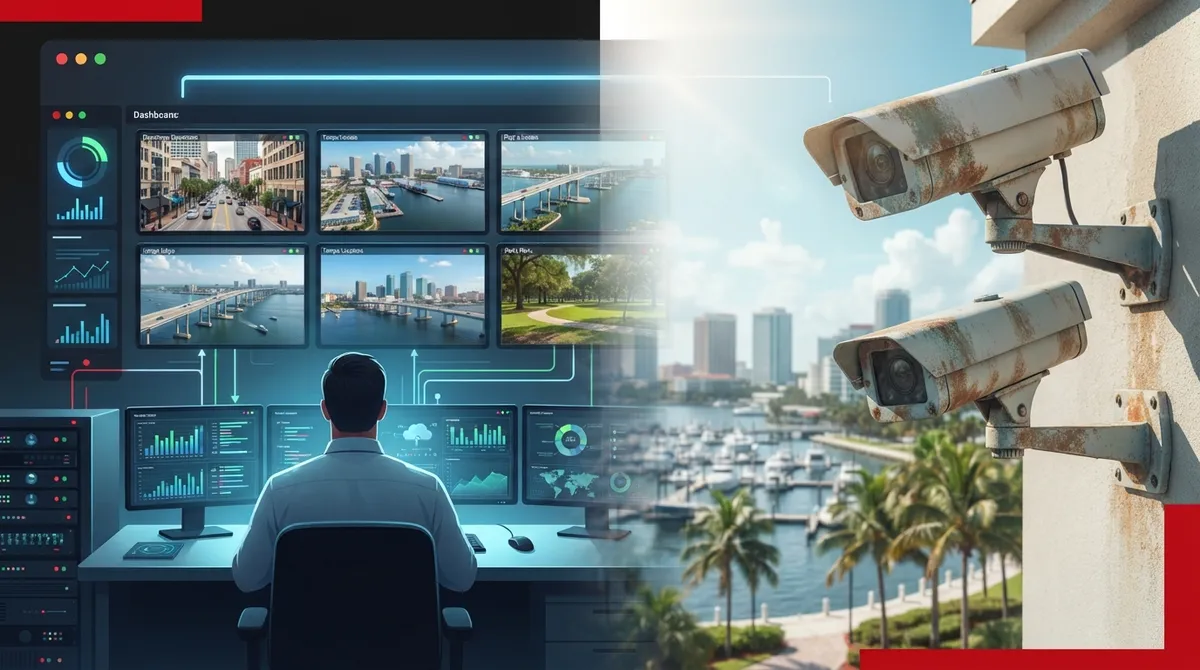
Cloud-based systems enable centralized management across multiple Tampa locations from one dashboard, with automatic updates and lower upfront costs than traditional systems, making them ideal for franchise operators and remote business access.
-
Hybrid storage combining local NVR with cloud backup provides redundancy critical for Florida's storm season, ensuring footage survives internet outages or hardware failures without depending on a single storage method.
-
Integrate cameras with access control, alarms, and VoIP through one provider to eliminate vendor coordination delays, simplify troubleshooting, and gain real-time alerts with automatic footage attachment when security events occur.
-
Weather-resistant outdoor systems with sealed connections, surge protection, and backup batteries are essential for Tampa's heat, humidity, and coastal salt air to prevent early equipment failure and corrosion.
Running a business in Tampa means dealing with heat, humidity, sudden storms, and a lot of foot traffic through your doors. Keeping an eye on your property shouldn’t feel complicated. Yet so many business owners get stuck juggling separate vendors for cameras, internet, and networking, then wonder why nothing talks to each other.
The good news? Tampa video surveillance solutions have come a long way. Today’s systems connect smoothly with your internet, your network, and even your phone system. Whether you run a small shop, manage a growing office, or oversee several franchise locations, there’s a setup built for you. Let’s walk through six smart approaches Tampa businesses are using right now, plus the details that matter most before you sign a contract.
1. Cloud-Based Video Surveillance for Easy Remote Access
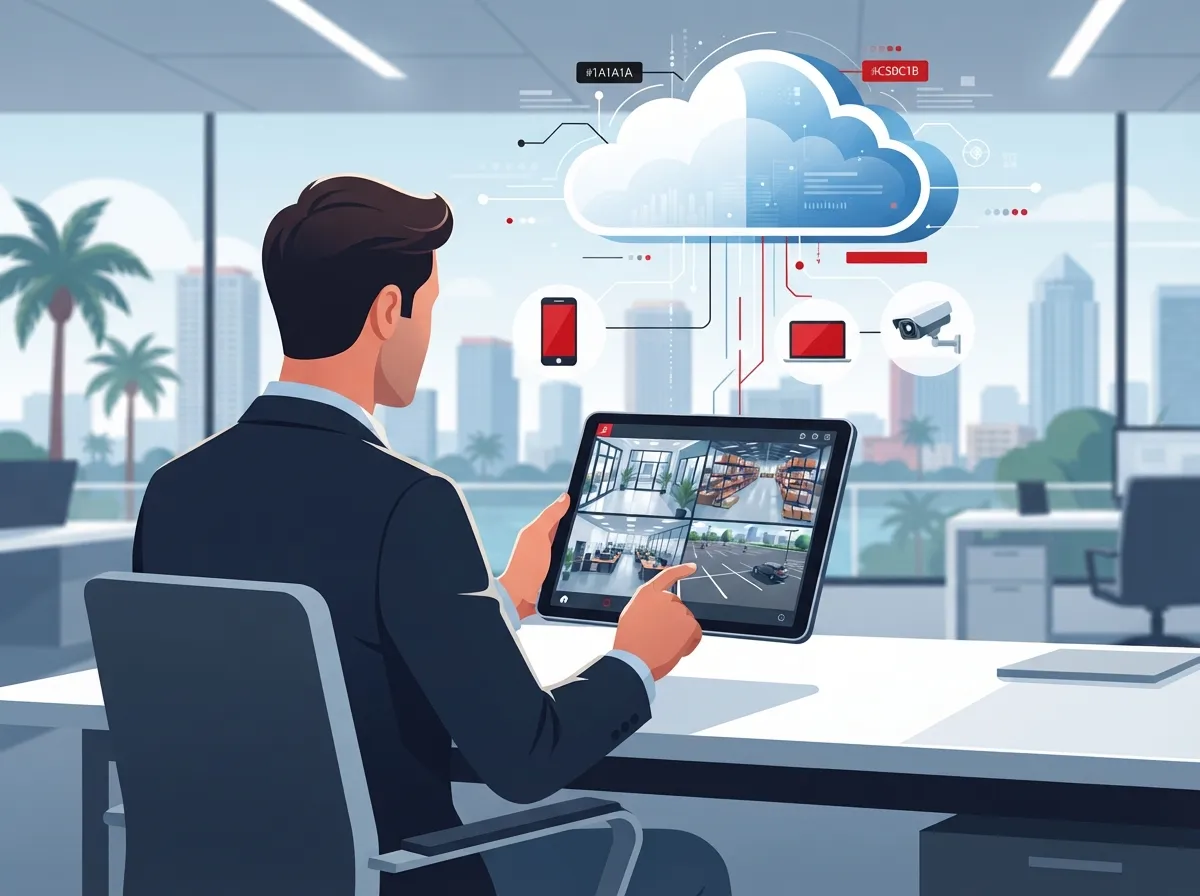
Cloud video surveillance stores your footage off-site with a trusted provider. You can pull up live feeds or recordings from your phone, tablet, or laptop, anywhere you have signal. This setup works great if you manage multiple locations or just want peace of mind while you’re away from the office.
Cloud systems also make scaling simple. Adding a new camera or a whole new location usually takes a few clicks instead of a new server closet. Franchise operators especially love this because every site can be managed from one dashboard.
- Centralized management across multiple Tampa Bay locations
- Automatic software updates handled by the provider
- Lower upfront hardware costs compared to traditional systems
- Easy footage sharing for incident reviews or police reports
If you want to dig deeper into how this compares to older setups, check out this guide on key differences between cloud video security and DVR systems.
2. On-Premises NVR Storage for Local Control
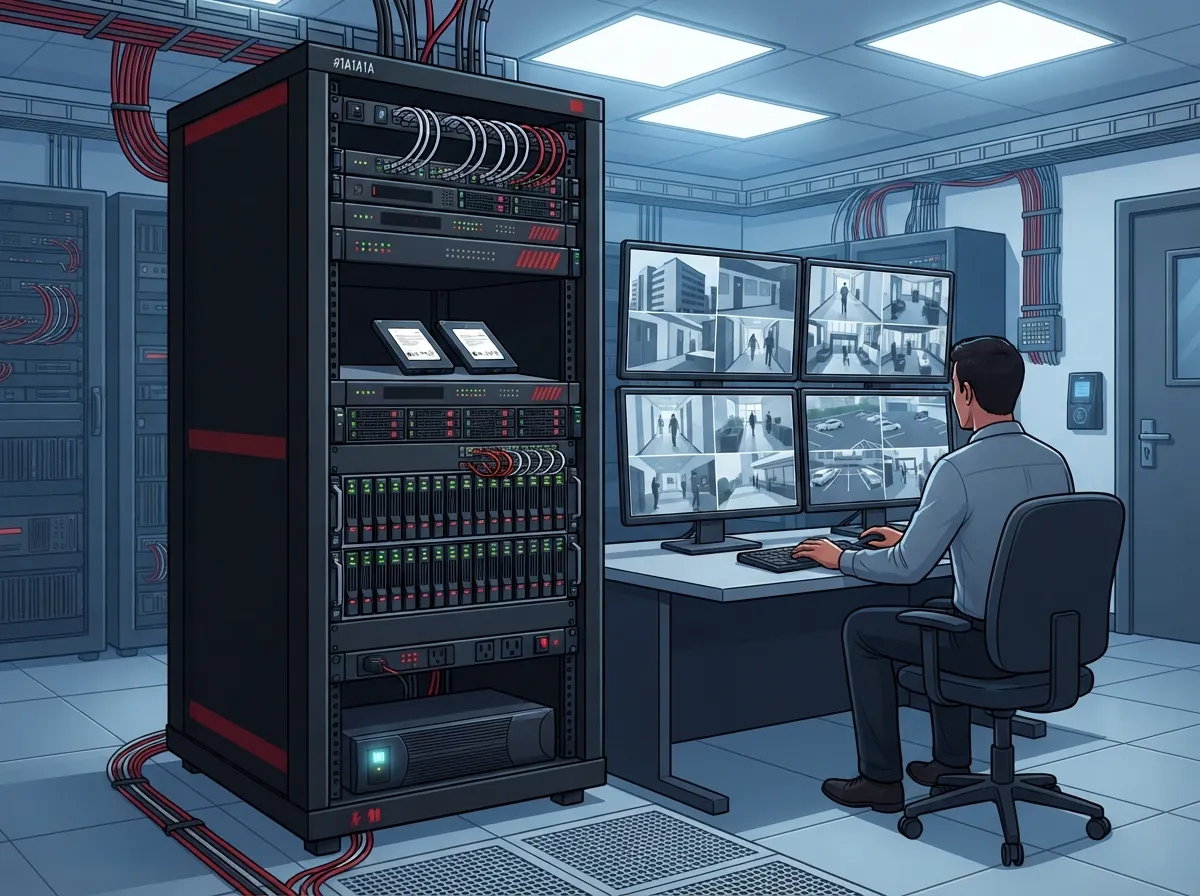
Some businesses prefer keeping footage stored locally on a network video recorder, or NVR. This approach can reduce how much internet bandwidth you use for constant uploads. It also appeals to businesses with strict data control preferences or spotty internet in certain areas.
On-premises systems still use IP cameras connected through your network. You just store the recordings on a physical device at your location instead of sending everything to the cloud. Many Tampa businesses pair this with occasional cloud backups for extra safety.
When On-Premises Makes Sense
This option tends to work well for warehouses, manufacturing sites, and any business without dedicated IT staff watching bandwidth closely. It’s also a solid fit if you already have professional structured cabling in place and want to make the most of it.
3. Hybrid Systems That Combine Local and Cloud Storage
Hybrid video surveillance gives you the best of both worlds. Footage records locally for fast access, while a copy also backs up to the cloud. If your internet goes down or your NVR fails, you still have a safety net.
This is a favorite among mid-sized businesses that need reliability without fully depending on one storage method. It also helps during Florida’s storm season, when power or internet outages can happen without warning.
- Cameras capture footage and send it to a local NVR
- The NVR uploads key clips or full footage to secure cloud storage
- Staff can pull recent clips locally or access older footage remotely
- Alerts trigger notifications through both systems for redundancy
4. IP Camera Networks Built on PoE Infrastructure
Most new Tampa business camera systems use IP cameras powered through Power over Ethernet, or PoE. This means a single cable delivers both power and data, cutting down on extra wiring and electrical work.
PoE setups depend heavily on your network’s cabling quality and switch capacity. A shaky network means shaky video. That’s why it’s smart to have your cabling and switches checked before installation. Learn more about how structured cabling supports both VoIP and security cameras in one unified system.
| Camera Type | Best For | Key Consideration |
|---|---|---|
| IP/PoE Cameras | New builds, offices, retail | Requires solid network cabling |
| Analog/HD-over-Coax | Older buildings with existing wiring | Limited remote features |
| Thermal Cameras | Perimeter fencing, low-light areas | Higher upfront cost |
| PTZ Cameras | Parking lots, large open spaces | Needs active monitoring for best use |
5. Weather-Resistant Outdoor Systems for Florida Conditions
Tampa’s heat, humidity, and coastal air are tough on outdoor equipment. Cameras and enclosures need proper weatherproof ratings to survive rain, glare, and salty air without failing early.
Look for sealed connections, surge protection, and backup power options for outdoor units. A good installer will also plan camera placement to reduce glare from direct sunlight and headlights.
- Weatherproof housings rated for humidity and rain exposure
- Surge protectors to guard against lightning-related power spikes
- Backup battery options for short power outages during storms
- Regular maintenance checks to catch corrosion or seal issues early
According to Omdia’s market research, the global video surveillance market hit roughly $27 billion in 2025, growing over 4% year over year, largely driven by AI-enabled features. Tampa businesses are part of this growth as they upgrade older analog systems to smarter, more resilient equipment.
6. Integrated Systems Connecting Cameras, Access Control, and Networking
The biggest shift in Tampa video surveillance solutions is integration. Cameras no longer sit alone. They connect with access control, alarms, and even your phone system to give you a complete picture of what’s happening on-site.
Imagine getting an alert on your phone the moment someone badges into a restricted area, with camera footage attached automatically. That’s the power of combining cloud video security with cloud-based access control under one provider.
Why One Provider Beats Juggling Several
When one team handles your cameras, internet, cabling, and phones, troubleshooting gets faster. There’s no finger-pointing between vendors when something goes wrong. This is exactly the model Ideal Solutions Provider built its business around, serving as a single point of contact across 35+ vetted suppliers for Tampa businesses and companies nationwide.
IT managers especially appreciate this setup. Instead of coordinating with five different companies, you get one team that understands your entire network, from business network setup to camera placement to VoIP integration.
What to Check Before Choosing a Tampa Video Surveillance Provider
Before signing any contract, ask a few important questions. This protects your investment and avoids headaches down the road.
- Do they carry proper licensing and insurance for commercial installs?
- Can they show experience with businesses similar to yours in size and industry?
- What’s included in their warranty and ongoing support plan?
- How is footage stored, and for how long, based on your retention needs?
- Can the system integrate with your existing cloud-based phone system and network?
- Do they separate camera traffic from other devices using network segmentation?
Bandwidth matters too. If you’re running multiple 4K cameras with cloud backup, you’ll need solid high-speed internet for business to keep everything running smoothly without slowing down other operations.
Privacy and Compliance Considerations
Video surveillance isn’t just about picking cameras. You also need to think about privacy notices, employee awareness, and data retention rules. Florida businesses in healthcare, education, or finance may face extra compliance requirements.
Always get legal guidance for anything involving audio recording or facial recognition features. Rules around video and audio recording aren’t always the same, so don’t assume one covers the other. A knowledgeable telecom partner can help you navigate access permissions and audit logs too.
Bringing It All Together for Your Business
Choosing the right Tampa video surveillance solution comes down to your specific needs. Small business owners might want a simple cloud system with easy mobile access. Mid-sized enterprises may need hybrid storage with tighter network security. Franchise operators often benefit most from centralized, scalable cloud platforms across every location.
Whatever your situation, the smartest move is working with a partner who understands the full picture, cameras, cabling, internet, and networking together. You can follow updates and project examples on Facebook, browse installation photos on Instagram, or watch real client walkthroughs on YouTube to see these systems in action.
Good structured cabling and a reliable Internet Service Provider connection form the backbone of any dependable camera system. Skip either one, and even the best cameras will struggle to perform.
Ready to Upgrade Your Business Security?
Tampa businesses deserve video surveillance that actually works when they need it most. Whether you’re starting fresh or replacing an outdated system, the right combination of cameras, cabling, and cloud storage makes all the difference.
Ready to see what a customized surveillance plan looks like for your business? Reach out to our team for a free consultation, or give us a call today to talk through your options with someone who actually listens.
FAQs
Q: How much does commercial video surveillance installation cost in Tampa?
A: Costs vary quite a bit based on camera count, features, and whether you choose cloud or on-premises storage. It’s best to get a personalized quote after a site assessment, since factors like cabling needs and camera resolution all play a role.
Q: Should my Tampa business choose cloud-based or on-premises video surveillance?
A: It really depends on your goals. Cloud is great for remote access and multi-location management, while on-premises gives you more local control and can ease bandwidth concerns. Many businesses land on a hybrid setup for the best of both worlds.
Q: How much internet bandwidth does a business surveillance camera system need?
A: This depends on camera resolution, the number of cameras, and how much footage streams to the cloud versus staying local. A telecom partner can run the numbers for your specific setup so you’re not left guessing.
Q: Can a telecom provider integrate security cameras with access control, alarms, Wi-Fi, and VoIP?
A: Yes, and honestly, this is where things get exciting. Integrated systems let you connect cameras with door access, alarms, and even your phone system, so everything works together instead of living in separate silos.
Q: What cameras work best for Tampa’s heat, humidity, storms, and coastal corrosion?
A: Look for outdoor cameras with weatherproof housings, sealed connections, and surge protection built in. A little extra investment upfront saves you from replacing corroded or storm-damaged equipment down the road.





