
Key Takeaways
-
Protect your identity layer first with backup plans for admin accounts and encryption keys, as perfect data backups become useless if your team cannot log in during a crisis to restore them.
-
Set specific Recovery Time Objectives (RTO) and Recovery Point Objectives (RPO) for each system—emergency calling needs minutes, while billing systems can wait hours—to clarify success criteria during outages.
-
Store geographically separated backups in different cities or regions and keep immutable offline copies to protect against both regional outages and ransomware attacks that target backup files.
-
Implement Zero-Trust principles by requiring multifactor authentication, limiting access to only what each person needs, and monitoring for unusual activity continuously across all cloud systems.
-
Test your disaster recovery plan at least twice yearly through tabletop exercises simulating identity provider loss and cloud region failures, as untested plans are just guesses that fail under pressure.
-
Clarify shared responsibility with every vendor before signing contracts—confirm their uptime commitments, backup retention, data ownership, and proof of recent recovery tests to avoid dangerous gaps.
Picture this: a storm knocks out power to your data center, or someone clicks the wrong link and ransomware locks up your systems. Now imagine your office doors, your phones, and your security cameras all stop working at the same time. That’s the real risk businesses face when cloud access control disaster recovery isn’t planned ahead of time. The good news? With the right steps, you can keep your doors, phones, and network running even when the worst happens.
At Ideal Solutions Provider, we’ve spent over 24 years helping Tampa businesses and companies nationwide build telecom systems that don’t fall apart during a crisis. This guide breaks down exactly what cloud access control disaster recovery means for your VoIP phones, your cloud access control systems, and everything in between. Whether you run a small shop or manage IT for a multi-location franchise, these 9 musts will help you sleep better at night.
What Is Cloud Access Control Disaster Recovery, Really?
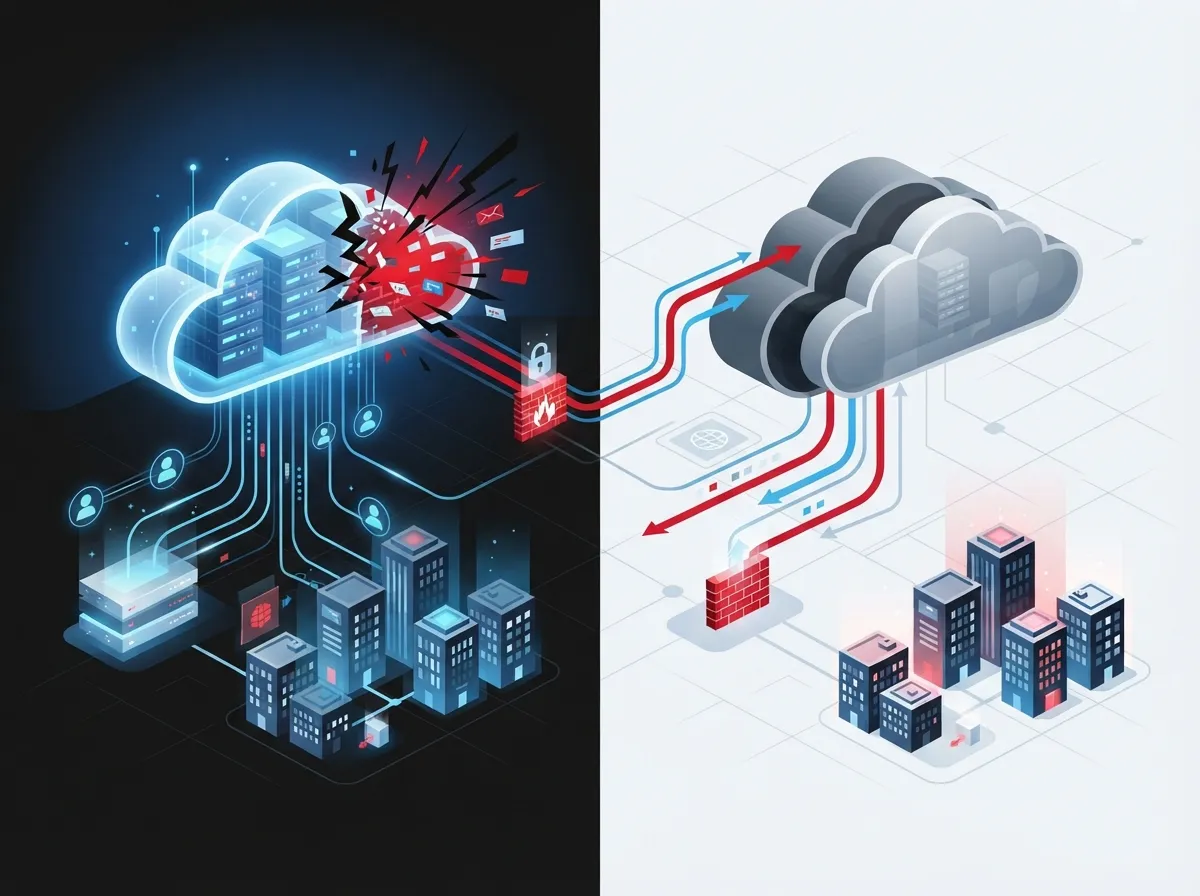
Cloud access control disaster recovery is simply a plan. It protects your logins, permissions, and cloud systems so you can get back up and running fast after an outage or attack. Think of it as a safety net for your VoIP phones, door access systems, security cameras, and network tools.
For business telecom providers, this touches a lot of moving parts. It includes:
- VoIP and UCaaS (unified communications) platforms
- SIP trunks that carry your phone calls
- Contact center software and call recordings
- Messaging and customer portals
- Network management tools and DNS services
- Identity systems that control who can log in
If any one of these pieces fails without a backup plan, your whole business can grind to a halt. That’s why disaster recovery needs to cover the full picture, not just one system.
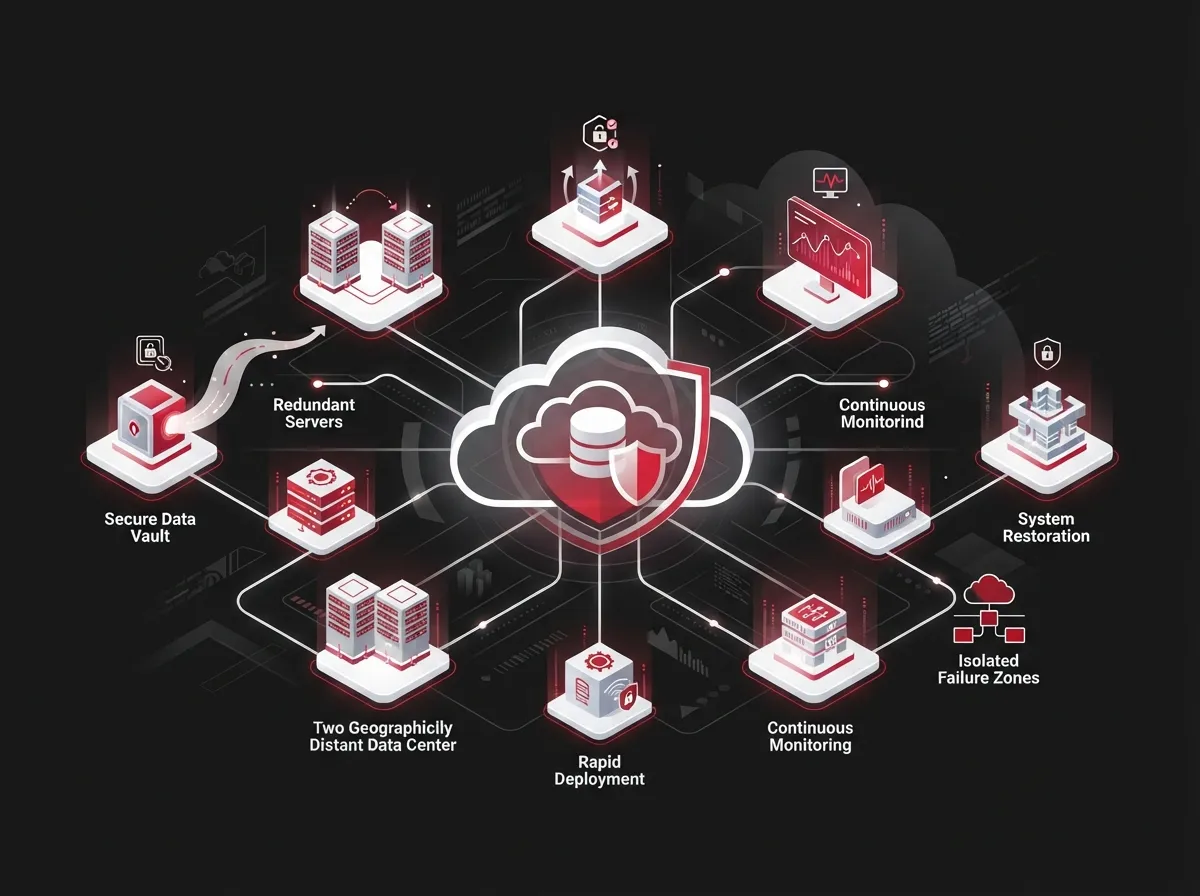
9 Cloud Access Control Disaster Recovery Musts for Business Telecom
1. Protect the Identity Layer First
Here’s something a lot of businesses miss. You can have perfect backups of your data, but if nobody can log in to restore them, those backups are useless. Your identity provider (the system that checks usernames and passwords) needs its own backup plan.
This means protecting your admin accounts, encryption keys, and the tools that manage your cloud systems. Without this step, your team could be locked out of everything during the exact moment you need access most.
2. Follow Zero-Trust Principles
Zero trust sounds fancy, but it’s a simple idea: never assume anyone or anything is automatically safe. Verify every user, every device, and every request, every single time.
The National Institute of Standards and Technology (NIST) published guidance in September 2023 (NIST SP 800-207A) describing how zero-trust models work across multiple clouds and locations. For telecom systems, this means requiring multifactor authentication, limiting access to only what each person needs, and watching for unusual activity around the clock.
3. Match Access Controls to Your Cloud Service Model
Not all cloud services work the same way. NIST’s earlier guidance from July 2020 (NIST SP 800-210) explains that access controls should be designed differently depending on whether you use Infrastructure as a Service, Platform as a Service, or Software as a Service.
Each model splits responsibility differently between you and your provider. Knowing where your job ends and your vendor’s job begins helps avoid dangerous gaps.
4. Set Clear Recovery Time and Recovery Point Goals
Every system in your business doesn’t need to come back online at the same speed. Voice routing and emergency calling might need to be restored in minutes. Billing systems can often wait longer.
Write down a recovery time objective (how fast you need each system back) and a recovery point objective (how much data loss is acceptable) for each service. This helps your team, and any outside partner, know exactly what “success” looks like during a crisis.
| System | Typical Priority | Why It Matters |
|---|---|---|
| Emergency calling (911) | Highest | Life safety depends on it |
| Voice routing / main lines | High | Customers can’t reach you otherwise |
| Contact center queues | High | Lost calls mean lost revenue |
| Door access control | High | Building security and safety |
| Messaging platforms | Medium | Internal coordination still needed |
| Billing systems | Lower | Can often wait a day or two |
5. Use Geographically Separated Backups
Never keep all your backups in one place. If a storm, fire, or regional outage hits your primary data center, a backup stored in the same building won’t help you at all.
Smart businesses use backups stored in a different city or region. Some also keep offline or “immutable” copies (backups that can’t be changed or deleted) to protect against ransomware attacks that try to corrupt your backup files too.
6. Lock Down Privileged Access Management
Your IT admins and system managers hold the keys to everything. That makes their accounts a top target for attackers, and a critical point of failure during outages.
A solid privileged access management setup includes:
- Centralized storage for admin credentials
- Role-based permissions so people only see what they need
- Approval workflows for sensitive changes
- Recorded sessions for accountability
- Automatic password and key rotation
- A separate “break-glass” emergency account for true crisis moments
One real-world telecom case involved a company onboarding 25 databases and deploying disaster recovery components across an Azure data center, covering both Windows and Unix systems. Automatic rotation of passwords and SSH keys kept credentials fresh and reduced risk.
7. Test Your Recovery Plan Regularly
A disaster recovery plan that’s never been tested is really just a guess. Regular testing shows you what actually works and what falls apart under pressure.
- Schedule tabletop exercises that simulate losing your identity provider
- Practice restoring cloud configurations, IAM policies, and certificates
- Test recovery of SIP trunks and voice routing rules
- Confirm monitoring and logging tools come back online correctly
- Verify customer-facing portals function after restoration
- Document what worked and what needs fixing
- Repeat the process at least once or twice a year
Skipping this step is one of the most common mistakes we see when reviewing a company’s setup. If you want a second pair of eyes on your plan, our team can walk through it with you during a free consultation.
8. Clarify Shared Responsibility With Every Vendor
Your carrier, cloud provider, UCaaS vendor, and security camera company all have different roles in keeping your systems running. It’s easy to assume “someone else” is handling backups, only to find out nobody was.
Before signing any contract, ask each vendor about:
- Uptime and availability commitments
- Data ownership and backup retention periods
- Geographic location of stored data
- How they notify you during an incident
- Whether you can move your data if you switch providers
- Proof of recent recovery test results
Working with a single point of contact, like Ideal Solutions Provider, can simplify this. Instead of chasing down answers from five different vendors, you get one team managing the relationships and holding providers accountable.
9. Consider Multi-Cloud or Hybrid-Cloud Redundancy
Putting all your telecom services with one provider in one region creates a single point of failure. Many growing businesses now spread critical services across more than one cloud region or provider.
This doesn’t mean every business needs a complex multi-cloud setup. But for mid-sized enterprises and franchise operators running multiple locations, redundancy across regions can mean the difference between a short hiccup and days of downtime.
Comparing Recovery Approaches for Telecom Systems
| Approach | Best For | Key Benefit |
|---|---|---|
| Single cloud region | Small businesses with tight budgets | Lower cost, simpler management |
| Multi-region backup | Growing businesses needing more uptime | Protection against regional outages |
| Hybrid cloud (on-site + cloud) | Businesses with compliance needs | Local control plus cloud flexibility |
| Multi-cloud (two+ providers) | Franchises, enterprises with high stakes | Reduces vendor lock-in and outage risk |
Common Mistakes That Undermine Disaster Recovery Plans
Even well-meaning businesses make errors that weaken their recovery plans. Watch out for these:
- Backing up data but forgetting to back up admin access itself
- Never actually testing the recovery process end-to-end
- Assuming the cloud provider handles everything automatically
- Storing backups in the same physical region as your main systems
- Skipping multifactor authentication on privileged accounts
- Not documenting recovery time goals for each individual service
Fixing these gaps doesn’t have to be overwhelming. Many businesses start small, tackling one or two items each quarter, and build up a stronger plan over time.
Why This Matters for Different Types of Businesses
A small Tampa retail shop and a nationwide franchise chain have very different needs, but both benefit from planning ahead. Small business owners often just need reliable VoIP phone service and internet that won’t leave them stranded during a storm. IT managers at larger companies need documented recovery steps they can hand off to their team or an outside partner.
Franchise operators managing several locations face an extra layer of complexity. A recovery plan needs to work consistently across every site, not just the main office. That’s where scalable access control systems designed for multi-location businesses really pay off.
Building Your Disaster Recovery Checklist
Ready to get started? Here’s a simple sequence to follow:
- List every telecom and access control system your business depends on
- Assign a recovery time goal to each one
- Identify who owns backups for each system, you or your vendor
- Set up geographically separated, encrypted backups
- Create a break-glass emergency admin account
- Schedule your first tabletop recovery test
- Review and update the plan every six months
This process works whether you’re managing a single office or coordinating cabling, networking, and security across a dozen franchise locations. Our team has also written about how structured cabling supports VoIP and cameras, which ties directly into keeping your physical network resilient too.
How Ideal Solutions Provider Helps With Telecom Resilience
We know reviewing 35+ different suppliers and comparing disaster recovery features can feel like a full-time job. That’s exactly why businesses lean on us. We act as your single point of contact, auditing your current setup, comparing options, and building a plan that fits your actual needs instead of a one-size-fits-all package.
In fact, when we audit a company’s current telecom setup, we often find that 9 out of 10 are overpaying, underperforming, or both. A solid disaster recovery review is usually part of uncovering those gaps. You can also follow our Facebook page or check out our YouTube channel for more tips on keeping your business connected.
Good structured cabling and a reliable Internet Service Provider relationship form the foundation of any resilient telecom setup. Without a strong physical and network base, even the best cloud disaster recovery plan can struggle.
Ready to Strengthen Your Disaster Recovery Plan?
Disasters don’t send a warning text before they hit. But with the right cloud access control disaster recovery plan, your phones, doors, and network can stay up and running when it matters most. You don’t have to figure this out alone, and you definitely don’t need to become an IT expert overnight.
Our friendly team at Ideal Solutions Provider is ready to review your current setup, spot the gaps, and build a plan that actually fits your business. Contact us today for a free consultation, or give us a call to start the conversation. We’d love to help you feel confident, no matter what comes your way.
FAQs
Q: What is cloud access control disaster recovery for business telecom systems?
A: It’s a plan that protects your logins, permissions, and cloud-hosted phone, network, and security systems so you can recover quickly after an outage or attack. Think of it as insurance for everything that keeps your business talking, connecting, and staying secure. Without it, one bad day could shut down your phones, doors, and cameras all at once.
Q: How do I protect VoIP, SIP trunking, and UCaaS platforms during a cloud outage?
A: Start by backing up your call routing rules, SIP configurations, and admin access separately from your main system. Choose a provider with geographically separated data centers so one regional outage doesn’t take everything down. Regular testing helps you catch gaps before a real emergency hits, so your team isn’t scrambling in the moment.
Q: How does zero trust improve cloud disaster recovery for telecom providers?
A: Zero trust means checking every user and device every time, instead of assuming anyone inside your network is automatically safe. This limits damage if an attacker gets partial access during a crisis. It’s a friendly reminder that trust should be earned continuously, not given out once and forgotten.
Q: What are the right RTO and RPO targets for voice, contact center, and messaging services?
A: It really depends on your business, but emergency calling and main voice lines usually need the fastest recovery, often within minutes. Contact center queues come next since lost calls mean lost revenue. Messaging and billing systems can typically wait a bit longer, giving your team room to prioritize.
Q: How often should cloud telecom disaster recovery plans and backups be tested?
A: We recommend testing at least twice a year, though quarterly is even better if your business relies heavily on uptime. Include tabletop exercises that simulate losing your identity provider or main cloud region. Regular testing turns a paper plan into something your team can actually execute under pressure.





