

Key Takeaways
-
Professional camera installation involves comprehensive network integration including structured cabling, PoE setup, and cybersecurity hardening—not just mounting hardware, making it critical for protecting your business network from bandwidth issues and hacker access.
-
Improperly installed camera systems create common problems like network slowdowns, cybersecurity vulnerabilities, and blind spots; professional installers conduct site assessments and design systems with VLANs, firewalls, and proper bandwidth allocation from day one.
-
Modern IP-based camera systems require expertise in both security and networking; choose ONVIF-compliant equipment for vendor flexibility and ensure integration with access control, alarms, and intercoms for a unified security infrastructure.
-
Cloud-based video security platforms enable remote access and multi-location management, while hybrid setups balance on-premises control with cloud flexibility; the choice depends on your compliance needs, connectivity, and growth plans.
-
Complete professional installation includes site assessment, network design, mounting, cybersecurity configuration, documentation, staff training, and ongoing maintenance—treating cameras as business infrastructure rather than standalone gadgets.
-
Document your camera system's footage retention policies, storage locations, and network details before issues arise; regular system health checks including firmware updates and cable inspections prevent costly failures when you need footage for insurance or legal claims.
Ever walked into your office and wondered if that old security camera even works anymore? You’re not alone. Many Tampa business owners are stuck with outdated systems that don’t talk to the network, don’t record clearly, and definitely don’t help when something actually goes wrong. That’s where professional camera installation services come in, and honestly, it’s a bigger job than just screwing a camera to a wall.
Good commercial camera installation touches your whole telecom setup. It needs the right cabling, a strong network, smart storage choices, and tight cybersecurity. Think of it less like buying a gadget and more like building a piece of infrastructure that protects your people, your property, and your peace of mind. In this friendly guide, we’ll walk through nine clear signs that tell you it’s time to call in the pros, plus everything you need to know to make a smart decision for your business.
Whether you run a small shop, manage a growing company, or oversee IT for a multi-location franchise, this one’s for you. Let’s dig in!
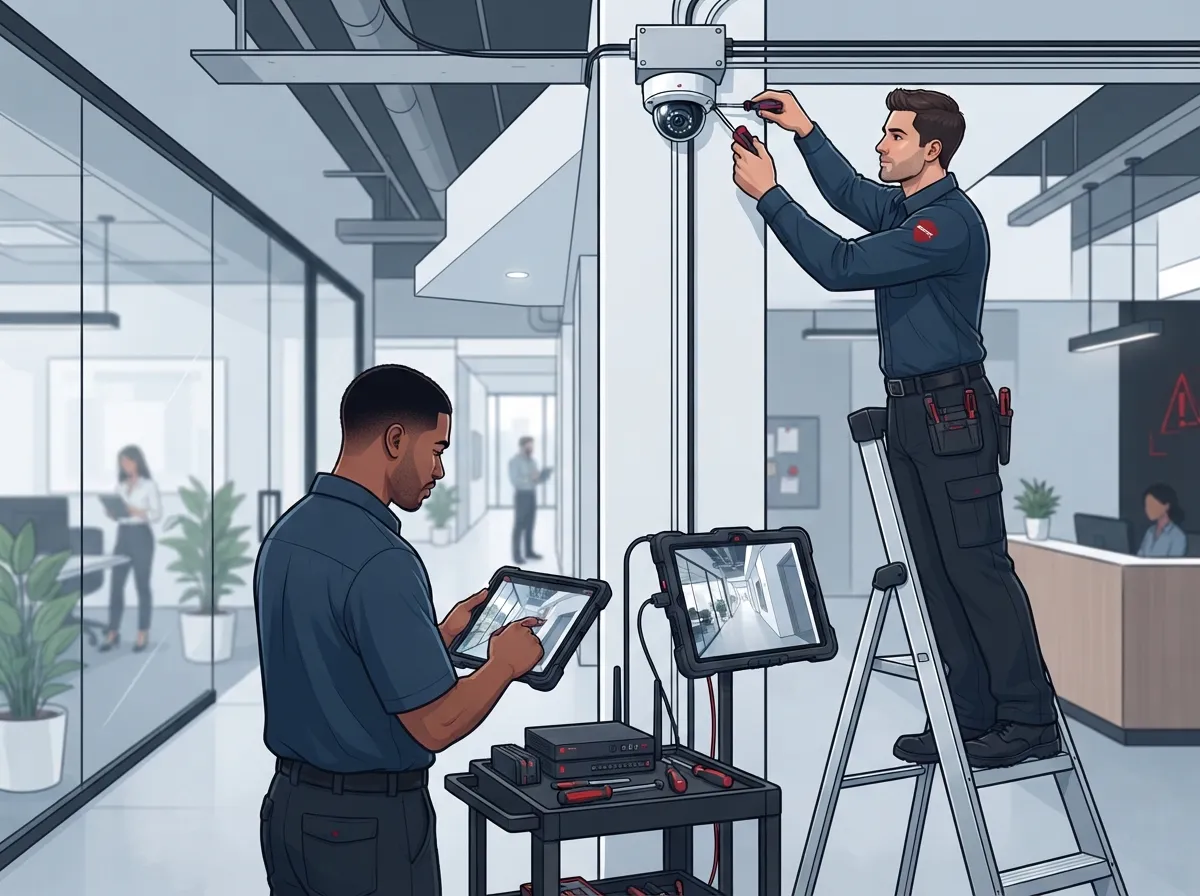
Why Professional Camera Installation Matters More Than Ever
Security cameras aren\’t what they used to be. Today’s systems are IP-based, meaning they send video over your network instead of a separate wire straight to a recorder. That’s a big shift, and it means your camera system now lives inside your business network, right alongside your phones, computers, and internet connection.
Because of this shift, the global video surveillance market is booming. Grand View Research pegged it at roughly USD 83.48 billion in 2025, with growth expected to hit USD 204.68 billion by 2033. Other firms like Fortune Business Insights and MarketsandMarkets show similar upward trends, even if their exact numbers differ. The takeaway? Businesses everywhere are investing in smarter, network-connected security, and Tampa companies shouldn’t get left behind.
At Ideal Solutions Provider, we’ve spent over 24 years helping Tampa businesses build reliable telecom foundations, and cameras are a natural extension of that work. A poorly installed camera system can create network slowdowns, security gaps, and headaches down the road. A properly installed one becomes just another smooth-running part of your business.
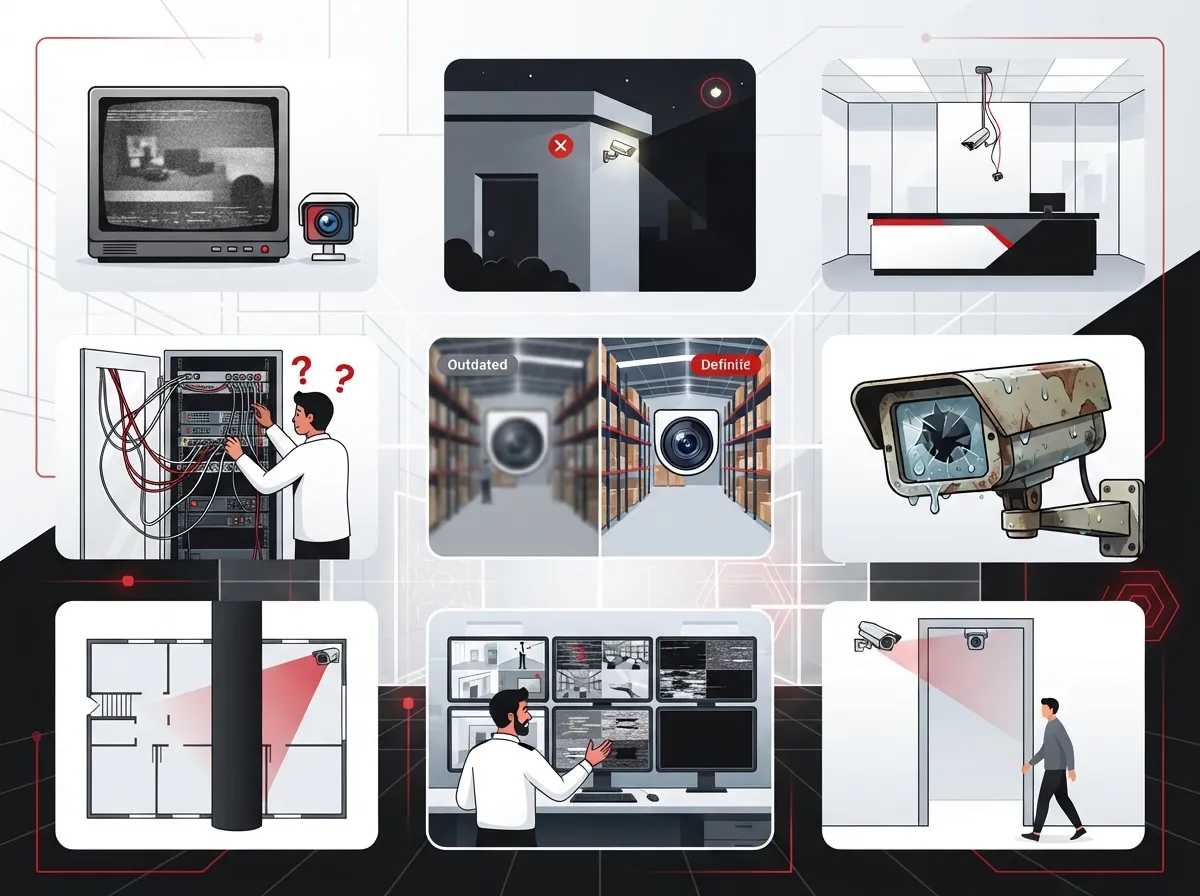
9 Signs You Need Professional Camera Installation Services
1. Your Current Cameras Don’t Talk to Your Network
If your cameras still rely on old-school DVR boxes and coaxial cables, you’re missing out on remote access, cloud backup, and easy scaling. Modern systems use Power over Ethernet (PoE), which sends both power and data through one cable. This means less clutter and easier structured cabling planning across your building.
2. You Have Blind Spots You Can’t Explain
Maybe there’s a hallway nobody thought to cover, or a loading dock that’s always in shadow. A professional installer walks your site first, checking lighting, angles, and traffic flow before mounting a single camera. Adding more cameras randomly doesn’t fix blind spots. Smart placement does.
3. Your Business Network Feels Slower Since Adding Cameras
Cameras use bandwidth, sometimes a lot of it, especially with high-resolution video streaming constantly. Without proper planning like VLAN segmentation and bandwidth allocation, your cameras can choke your internet connection. This is one of the most common problems we see when businesses skip the planning stage. If your setup wasn’t designed by someone who understands networking, it’s probably time for an upgrade. Check out our guide on improving business network performance in Tampa for more context.
4. You’re Worried About Cybersecurity Risks
Here’s something a lot of people don’t think about: security cameras can actually be a way for hackers to get into your network. ONVIF, a leading standards organization for security equipment, recommends avoiding unnecessary internet exposure, using firewalls, changing default passwords, and segmenting camera traffic with VLANs. A professional installer builds these protections in from day one instead of leaving your business exposed.
5. You Need Remote Access But Don’t Have It
Whether you’re checking on your Tampa office from a beach vacation or monitoring a warehouse from across the country, remote viewing should be simple. Cloud-based video security platforms make this easy, letting you check live feeds or pull up recordings from your phone. If you’re still stuck walking over to a physical recorder to review footage, it’s time for a change.
6. Your Business Is Growing or Adding Locations
Franchise operators and multi-location businesses need systems that scale without a headache. A one-off camera installation might work for a single office, but it won’t cut it once you’re managing five or ten sites. Professional installers design systems with future growth built in, so adding a new location doesn’t mean starting from scratch.
7. You Want Cameras to Work With Access Control and Alarms
Modern security setups don’t operate in silos anymore. Cameras, door access systems, alarms, and even intercoms can all connect and share information. This kind of integration gives you a fuller picture of what’s happening at your business, and it usually requires a provider who understands both security and networking equally well.
8. Nobody’s Sure How Long Footage Gets Stored
Retention policies matter, especially if you ever need footage for insurance claims or legal issues. A professional setup includes clear documentation on how long video stays available, whether it’s stored on-site, in the cloud, or both. Without this, you might discover important footage was deleted right when you needed it most.
9. You’ve Never Had a System Health Check
Cameras need maintenance just like any other tech in your building. Firmware updates, cable checks, and storage reviews all keep systems running smoothly. If nobody’s touched your setup since installation day, you’re likely due for a checkup, and possibly an upgrade.
What a Complete Professional Installation Actually Includes
A trustworthy provider doesn’t just show up and mount hardware. Here’s what a full-service installation usually covers:
- Site assessment covering lighting, mounting locations, and blind spots
- System design based on your risk level and business goals
- Structured cabling and PoE network setup
- Camera mounting, configuration, and testing
- Cybersecurity hardening, including VLANs and firewall rules
- Documentation like network diagrams and IP address schedules
- Staff training on how to use the system
- Ongoing maintenance and firmware updates
This isn’t just camera work. It’s really an extension of your business network setup, and it should be treated that way from the very beginning.
Choosing the Right Camera Type for Your Business
Not every business needs the same camera. Here’s a quick breakdown to help you understand your options:
| Business Type | Recommended Camera | Why It Works |
|---|---|---|
| Office Buildings | Fixed dome cameras | Discreet, wide coverage, good for hallways and entrances |
| Warehouses | PTZ (pan-tilt-zoom) | Covers large open spaces, adjustable views |
| Retail Stores | Fisheye or panoramic | Wide-angle coverage for aisles and checkout areas |
| Parking Lots | License-plate cameras | Captures vehicle details clearly, even at night |
| Construction Sites | Rugged, weatherproof bullet cameras | Handles outdoor conditions and vandal risks |
Cloud, On-Premises, or Hybrid: Which Fits Your Business?
This is one of the biggest decisions you’ll make. Cloud-managed video reduces the need for on-site recorders and makes multi-location access simple. On-premises systems give you more control over data location and bandwidth use. Hybrid setups blend both, offering flexibility for businesses with unique compliance needs.
According to Global Market Insights, video surveillance services, including installation and managed monitoring, were valued at about USD 21.4 billion in 2025, with growth projected to nearly USD 56.4 billion by 2035. That growth reflects just how many businesses are shifting toward managed and cloud-based options.
If you’re not sure which path fits your business, our team can walk you through the pros and cons based on your connectivity, compliance needs, and budget. We’ve helped Tampa businesses weigh these choices for years, and honestly, there’s no one-size-fits-all answer.
Why Interoperability (ONVIF) Matters
If your business uses equipment from different brands, you’ll want systems that actually work together. ONVIF is an industry standard that helps cameras, recorders, and software communicate smoothly. It even supports standardized video export, including MP4 support, H.264 compatibility, and digital signatures for evidence integrity. NIST has referenced ONVIF’s export approach as a recommended standard, which speaks to its credibility. Choosing ONVIF-compliant equipment gives you flexibility down the road instead of being stuck with one vendor forever.
Steps to Get Your Camera System Installed the Right Way
- Schedule a site walkthrough with a qualified telecom and security provider
- Discuss your goals, budget, and any compliance requirements
- Review camera types, storage options, and network needs together
- Approve a design that includes cabling, PoE switches, and cybersecurity measures
- Have the system installed, tested, and documented
- Get trained on how to access and manage your footage
- Set a maintenance schedule for firmware updates and system checks
This process might sound like a lot, but a good provider makes it simple. That’s exactly the kind of hands-on support we aim to give every client, whether you’re a small Tampa shop or a nationwide franchise.
Legal and Privacy Considerations Worth Knowing
Before installing cameras, it’s smart to think through privacy rules. Recording audio, monitoring employees, or using facial recognition all come with legal considerations that vary by state and industry. If you’re unsure, a quick chat with a legal advisor alongside your installer can save you trouble later. Most professional installers will flag these concerns during the design phase, but it never hurts to double-check.
How Ideal Solutions Provider Helps Tampa Businesses
We’ve been in the telecom and IT world for over 24 years, and we’ve seen firsthand how camera systems, phone systems, and networks all need to work together. As a single point of contact, we partner with 35+ vetted suppliers to bring you camera solutions that fit your business, not the other way around. We handle everything from the first site visit to ongoing support, so you’re never left guessing who to call when something needs attention.
Curious how our cloud video security services compare to older systems? Take a look at our thoughts on what security cameras really do for your business, or explore how structured cabling supports both VoIP and cameras in one connected system.
Bringing It All Together
Professional camera installation services aren’t just about mounting hardware on a wall. They’re about building a secure, scalable, and smart system that protects your business today and grows with you tomorrow. From cabling and network design to cybersecurity and cloud storage, every piece matters.
If any of these nine signs sounded familiar, it might be time for a fresh look at your setup. We’d love to walk through your options with you. Reach out to our team today for a free consultation, or give us a call to talk through your business’s security needs. You can also follow along with tips and updates on our Facebook, Instagram, and YouTube pages. Your business deserves a security system that works as hard as you do, and we’re here to help make that happen.
FAQs
Q: What does professional camera installation include?
A: A great installation covers site assessment, network design, cabling, camera setup, cybersecurity hardening, testing, and ongoing maintenance. It’s not just about mounting cameras, it’s about building a system that fits smoothly into your existing business network.
Q: How many security cameras does my business actually need?
A: It really depends on your building size, layout, and risk areas. A professional installer will walk your space and figure out where coverage matters most, so you’re not overspending on cameras you don’t need or leaving important spots uncovered.
Q: Can security cameras work with my existing business network, or do I need new cabling?
A: Many businesses can use their current network, but it depends on bandwidth and cable quality. Sometimes new structured cabling makes sense, especially if you’re adding several cameras or upgrading to higher-resolution equipment.
Q: How do I protect my camera system from hackers?
A: Good cybersecurity practices include changing default passwords, using VLANs to separate camera traffic, applying firmware updates regularly, and limiting internet exposure. A professional installer builds these protections in from the start, so you’re not left vulnerable.
Q: Should I choose cloud storage or on-premises storage for my footage?
A: Cloud storage makes remote access and multi-location management easier, while on-premises storage gives you more control over your data. Many businesses land somewhere in between with a hybrid setup, and we’re happy to help you figure out which fits your needs best.





