

Key Takeaways
-
Conduct a thorough audit of your current phone setup, including line counts, contract dates, and hardware inventory, to identify cost savings and understand what can be reused before switching to cloud.
-
Verify your internet infrastructure meets requirements of at least 100 Kbps per concurrent call with business-grade reliability, and upgrade network cabling if outdated, as this is critical for call quality.
-
Cloud phone systems in Tampa cost $24.95–$50 per user/month and deliver more features than traditional landlines, with no expensive on-site hardware maintenance required.
-
Choose a cloud provider based on your business size and needs (Essential tier for small businesses, Professional UCaaS for mid-sized, full platform for enterprise), not price alone.
-
Work with a local Tampa telecom partner who offers in-person site assessments, multiple carrier options, and hands-on training to ensure smooth migration and ongoing support.
-
Number porting takes 7–14 business days and allows you to keep existing business numbers, making the transition seamless when managed by an experienced provider.
If you’ve been wondering how to switch your business phone system to the cloud in Tampa, you’re not alone. Dozens of Tampa businesses are making this move every month — and for good reason. Cloud phone systems are more flexible, more affordable, and packed with features that traditional landlines simply can’t match.
The good news? The process is simpler than most business owners expect. Whether you run a small shop on Bayshore Boulevard or manage multiple office locations across Tampa Bay, switching to a cloud-based phone system follows a clear, step-by-step path. This guide walks you through exactly what to expect, what to look out for, and how to make the transition as smooth as possible.
Let’s dive in!
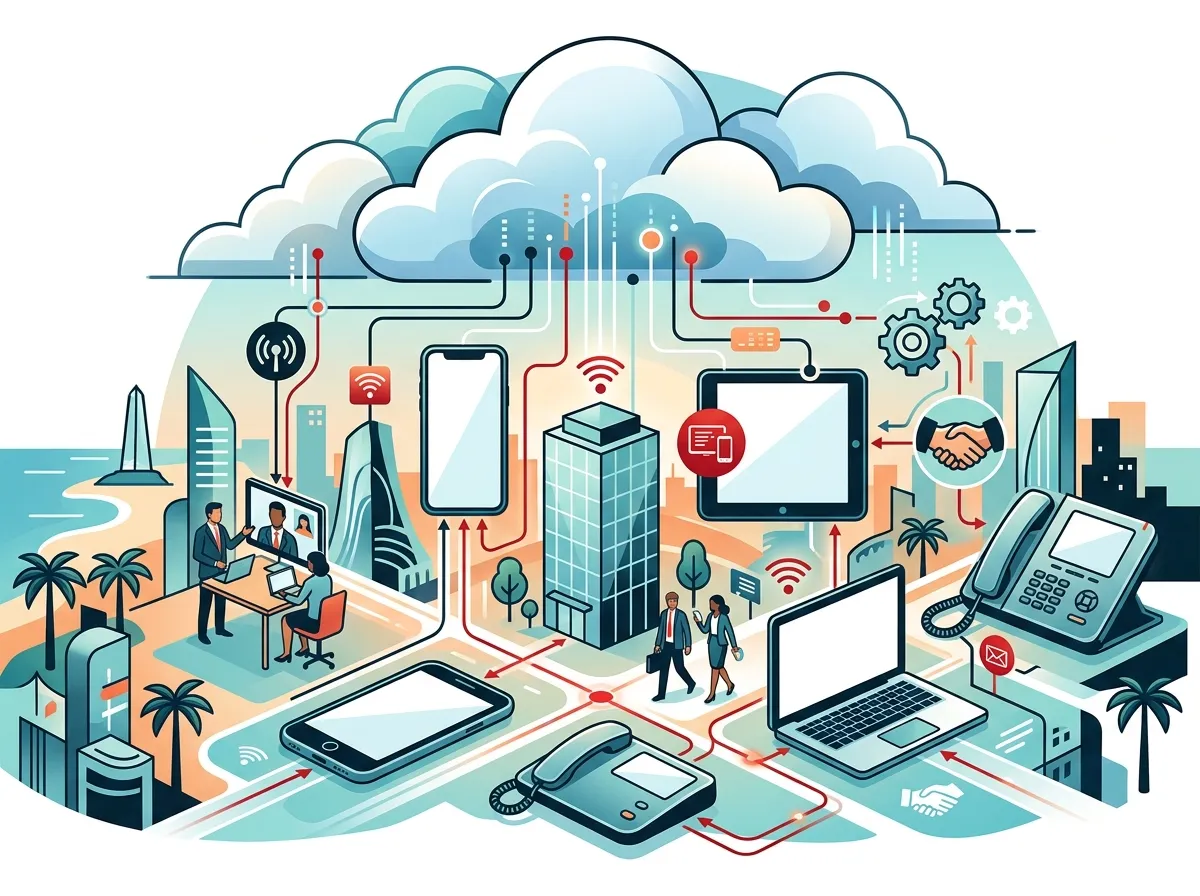
What Is a Cloud Business Phone System?
A cloud phone system uses your internet connection to make and receive calls — instead of old copper phone lines. These systems are often called cloud-based phone systems, hosted PBX, VoIP, or UCaaS platforms. The key difference is that all the hardware and software lives in a secure off-site data center, not in your office.
This means no bulky on-site PBX equipment to maintain. Your phone system is managed through a simple online dashboard. You can add users, update call routing, and access call recordings from anywhere.
For a deeper look at how this compares to what you have now, check out this breakdown of 6 Key Differences Between VoIP and Traditional Phone Systems.

Why Tampa Businesses Are Making the Switch
Tampa’s business community is growing fast. From Ybor City to Westshore, companies are embracing flexible work models and remote teams. Cloud phone systems are a natural fit for this shift.
- Lower costs: Cloud plans in Tampa typically run $24.95–$50 per user/month, often including setup, porting, and unlimited North American calling
- No big hardware investment: Say goodbye to expensive PBX equipment and the maintenance bills that come with it
- Work from anywhere: Employees can use their business number from any device, anywhere
- Easy scaling: Adding a new team member or location takes minutes, not weeks
- Built-in features: Auto-attendants, call routing, voicemail-to-email, call recording, video meetings, and business texting come standard
- Disaster resilience: Cloud systems stay up even when your office loses power — critical in Tampa during hurricane season
Curious about what specific features matter most? Read about which cloud-based phone system is best for Tampa businesses.

Tampa Cloud Phone System Cost Comparison
Here’s a quick snapshot of what businesses typically pay for different phone system setups in 2026:
| Phone System Type | Monthly Cost (Per Line/User) | Hardware Required | Remote Work Ready |
|---|---|---|---|
| Traditional Landline | $20–$50 per line | Yes (extensive) | No |
| On-Premises PBX | $30–$60+ per user | Yes (on-site PBX) | Limited |
| Cloud VoIP (Essential) | $24.95–$30 per user | Minimal | Yes |
| Cloud UCaaS (Professional) | $40–$50 per user | Minimal | Yes (voice + video + messaging) |
As you can see, cloud systems are competitive on price — and they deliver far more functionality. You can also learn more about how much a VoIP phone system costs for a Tampa business before you commit to anything.
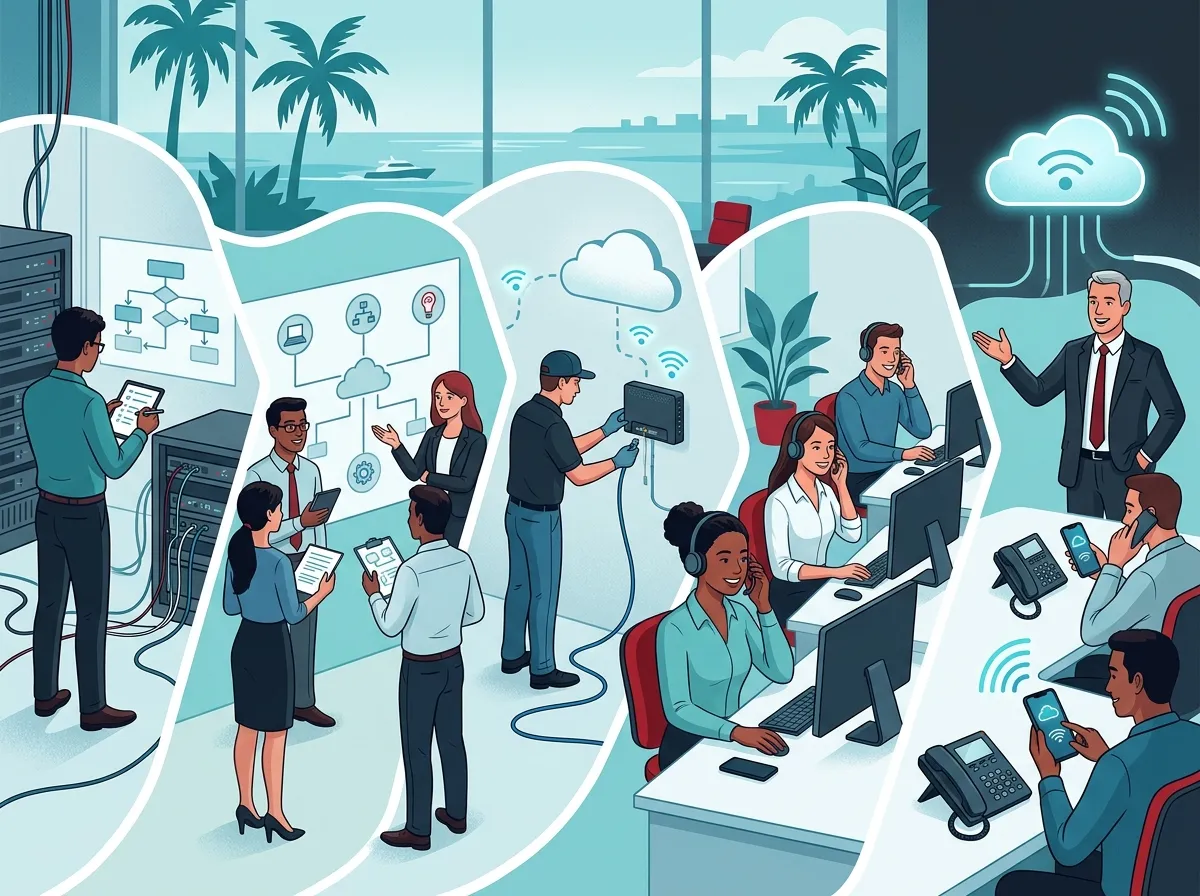
5 Steps to Switch Your Business Phone System to the Cloud
Step 1: Audit Your Current Phone Setup
Before anything else, take stock of what you have right now. How many phone lines do you use? What hardware is in place? Are you locked into a service contract?
This audit helps you understand your starting point and avoid paying for things you no longer need. Many Tampa businesses discover they’re already overpaying for underperforming systems — a problem that a good telecom partner can spot quickly.
- Count all active phone lines and extensions
- Check contract end dates with your current provider
- List the features you use daily (hold music, call routing, voicemail, etc.)
- Identify any phones or hardware that could be reused
If you want expert eyes on your current setup, reach out to our team for a free telecom audit. You might be surprised at what you find.
Step 2: Check Your Internet and Network Infrastructure
This step is critical. Cloud phone systems rely entirely on your internet connection. Poor bandwidth or outdated cabling can cause call quality issues like jitter, dropped calls, or echo — and nobody wants that on a client call.
Here’s what you need to evaluate:
- Internet speed: Plan for at least 100 Kbps of bandwidth per concurrent call, though faster is always better
- Internet reliability: A stable, business-grade connection is a must — consumer-grade internet often isn’t enough
- Network cabling: Outdated or improperly installed cabling can choke your network performance
- Router/firewall quality: Your networking gear needs to prioritize voice traffic (QoS settings)
If your cabling is old or your office hasn’t been rewired in years, now is a great time to upgrade. Proper structured cabling is the backbone of any reliable cloud phone setup. You can also explore professional structured cabling services to get your office network ready before the switch.
Your internet service matters just as much. Consider upgrading to a faster or more reliable plan. Check out these high-speed internet tips for businesses that save money — they apply directly to VoIP readiness.
Step 3: Choose the Right Cloud Phone Provider
Not all cloud phone providers are created equal. The right choice depends on your business size, budget, and the features you need. This is where working with an independent telecom partner pays off — they compare options across dozens of providers to find the best fit for you.
| Business Type | Recommended Tier | Key Features to Look For | Estimated Cost/User/Month |
|---|---|---|---|
| Small Business (1–10 users) | Essential Cloud VoIP | Auto-attendant, voicemail-to-email, mobile app | $24.95–$30 |
| Mid-Sized Business (11–50 users) | Professional UCaaS | Call recording, analytics, video meetings | $35–$50 |
| Enterprise / Multi-Location | Full UCaaS Platform | CRM integration, advanced routing, multi-site management | $45–$60+ |
| Franchise / Chain | Scalable Cloud PBX | Centralized management, per-location customization | Custom pricing |
When evaluating providers, don’t just look at price. Think about reliability, customer support, and whether they offer local installation in Tampa. Read this helpful guide on how to choose cloud-based phone system providers in Tampa FL for a detailed checklist.
Also, be aware of common pitfalls. Our guide on 5 Hosted PBX mistakes Tampa small businesses must avoid covers the traps that catch people off guard.
Step 4: Port Your Numbers and Configure the System
One of the biggest worries business owners have is losing their existing phone numbers. The good news is you almost certainly don’t have to. Number porting allows you to move your current business numbers to the new cloud platform — keeping your phone identity intact.
Here’s a typical number porting and setup timeline:
- Submit porting request: Your new provider contacts your old carrier to begin the transfer (typically takes 7–14 business days)
- Configure the system: Set up your call flows, auto-attendants, voicemail, and user extensions in the admin portal
- Test everything: Make internal and external test calls before going live
- Go live: Cut over to the new system — this is usually seamless with proper planning
During this phase, your telecom partner should be managing the details so you don’t have to. If you’re curious what the full installation process looks like, this article explains how cloud phone system installation works for Tampa businesses.
Step 5: Train Your Team and Go Live
The best phone system in the world won’t help if your team doesn’t know how to use it. Training is a step that’s easy to rush — but it’s well worth the time investment.
Here’s what a solid training plan looks like:
- Admin training: Teach your office manager or IT lead how to manage users, update call routing, and pull reports
- End-user training: Walk employees through making calls, transferring, voicemail, and using the mobile app
- Feature walkthroughs: Demo the features that matter most to your team — video meetings, business texting, call recording
- Documentation: Provide a simple reference guide for common tasks
Many local Tampa providers offer hands-on training during the setup phase. This is a big advantage of working with a provider that has boots on the ground — not just a remote support team. Ideal Solutions Provider has been helping Tampa businesses make this exact transition for over 24 years, handling everything from consultation through ongoing support.
Key Features to Expect from Your New Cloud Phone System
Once your system is live, here’s what you can look forward to:
- Auto-attendant (virtual receptionist)
- Call forwarding and routing rules
- Voicemail-to-email transcription
- Call recording and analytics
- Mobile app for calls and messaging on any device
- Video conferencing integration
- Business SMS/texting
- Multi-location management from a single portal
UCaaS platforms take it a step further by bundling voice, messaging, and video into one unified platform — perfect for hybrid and remote teams. You can explore business network solutions that support these platforms for the best performance.
Common Cloud Phone Migration Mistakes to Avoid
| Mistake | Why It Hurts | How to Avoid It |
|---|---|---|
| Skipping the internet readiness check | Poor call quality, dropped calls | Test bandwidth and upgrade if needed before going live |
| Choosing based on price alone | Missing features or poor support | Compare features and support quality, not just monthly cost |
| Forgetting to train staff | Low adoption, frustrated employees | Schedule training before and after go-live |
| Not porting numbers correctly | Losing existing business numbers | Work with an experienced provider who manages porting |
| Ignoring network infrastructure | Bottlenecks that hurt voice quality | Upgrade cabling and networking before migration |
For a complete list, our blog post on 15 cloud phone system mistakes Tampa small businesses make is a must-read before you start.
What to Look for in a Local Tampa Telecom Partner
Working with a local provider — rather than a national call center — makes a real difference. Look for a partner who can offer:
- In-person site assessments and installations
- Access to multiple carriers and platforms (not just one option)
- Ongoing support after the switch is complete
- Experience with businesses similar to yours in size and industry
- Transparent pricing with no hidden fees
If you want to see how local versus national providers stack up, this comparison of local vs. cloud VoIP providers in Tampa breaks it down clearly. You can also follow along with real customer examples on Ideal Solutions Provider’s Facebook page or watch demos on their YouTube channel.
Understanding what to look for in a provider starts with knowing your options. This guide on how to choose a business VoIP solutions provider in Tampa is a great starting point for comparing your choices side by side.
Ready to Make the Move?
Switching your business phone system to the cloud in Tampa doesn’t have to be stressful. With the right plan, the right partner, and a little preparation, you can be up and running on a modern cloud phone system faster than you think — and start enjoying the cost savings, flexibility, and features that come with it.
Whether you need help auditing your current setup, finding the right business internet service, or selecting the perfect cloud phone platform, the right partner handles it all in one place. You also want to make sure your network is fully ready — check out the latest tips and updates on Instagram for real-world advice from telecom pros in the field.
Don’t wait for your old phone system to fail before making the switch. Take the first step today and get in touch with our Tampa telecom experts for a free consultation — or give us a call at 813-388-4935 to talk through your options right now. Your future phone system is already waiting for you in the cloud.
FAQs
Q: How long does it take to switch a business phone system to the cloud in Tampa?
A: Most cloud phone migrations take anywhere from 1 to 4 weeks from start to finish, depending on the size of your business and how many numbers need to be ported. Number porting alone typically takes 7–14 business days, so it’s a good idea to plan ahead and avoid switching during your busiest season!
Q: Can I keep my existing business phone numbers when switching to a cloud system?
A: Absolutely — and this is one of the best parts! Number porting lets you bring your existing business phone numbers to your new cloud platform, so your clients won’t notice a thing. Your telecom provider handles the porting process directly with your old carrier, making it a smooth handoff.
Q: What internet speed do I need for a cloud business phone system?
A: A good rule of thumb is at least 100 Kbps of dedicated bandwidth per concurrent call, but most business-grade internet plans in Tampa will comfortably handle cloud VoIP. The bigger factor is reliability — a stable, consistent connection matters more than raw speed alone, so business-grade internet is strongly recommended.
Q: Can I reuse my existing desk phones when moving to a cloud VoIP system?
A: In many cases, yes! Many modern desk phones are SIP-compatible and can work with cloud VoIP platforms without needing to be replaced. Your telecom provider can check your existing hardware during the audit phase and let you know which phones are compatible and which ones might need an upgrade.
Q: Do I need a local telecom provider to install a cloud phone system in Tampa?
A: While it’s technically possible to set up some cloud phone systems remotely, working with a local Tampa telecom provider makes a big difference. You get hands-on installation, faster troubleshooting, and someone who can physically check your cabling and network — which is often where call quality problems hide.





